Business Process Symbols: Flowcharts, Documents, and Decision Shapes
 Studied by 0 people
 Call Kai
 Learn
Learn Practice Test
 Spaced Repetition
 Match
Match Flashcards
 Knowt Play
1/9

There's no tags or description
Looks like no tags are added yet.
Name | Mastery | Learn | Test | Matching | Spaced |
|---|
No study sessions yet.
10 Terms
Document-The document shape represents a physical or digital document. For example, a purchase order, email, report, or invoice.

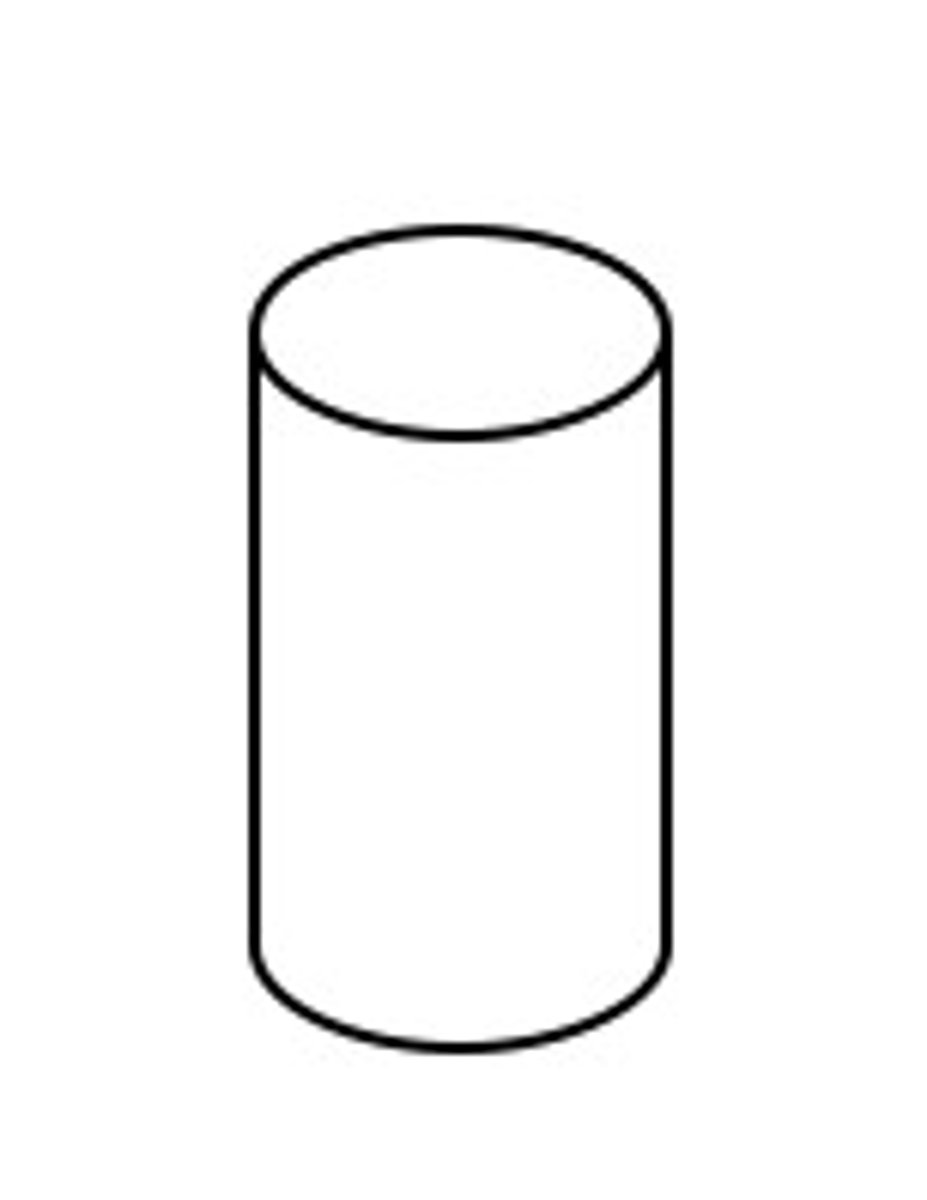
Database-The database shape represents data storage. Data is input into the database and data is retrieved for use in business processes.
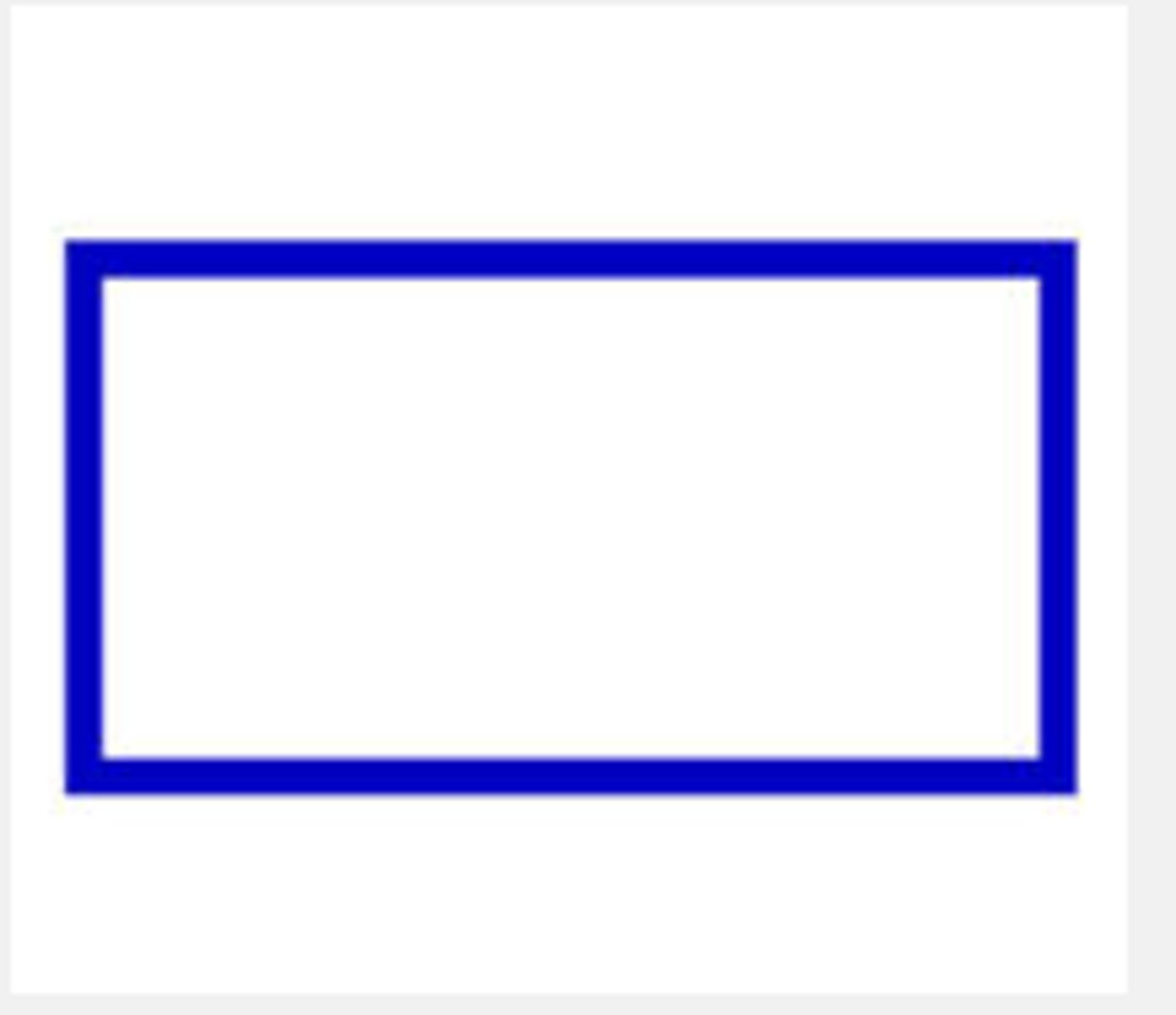
Data Input-The manual input shape depicts data that is manually input into a system, such as a user keying in invoice details from an invoice received in hardcopy from the vendor.

Manual Processing / Operation-This symbol is used when the documents prepared or used are completely manual. For example, if the forklift driver is writing on a picking ticket to update the quantity of materials that they pulled from the warehouse.

Computer Processing (Automated)-This symbol is used when a computer is used to process a business function. For example, the system performs a credit check against the customer's outstanding balance per the AR subsidiary ledger and the customer's credit limit included in the customer master file.
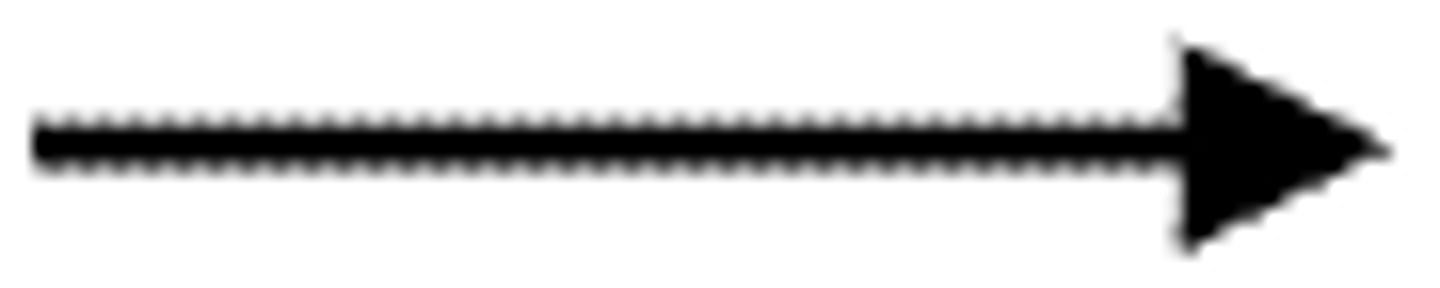
Flowline-Flowline - this is how we connect the shapes to show the flow of transaction documents.
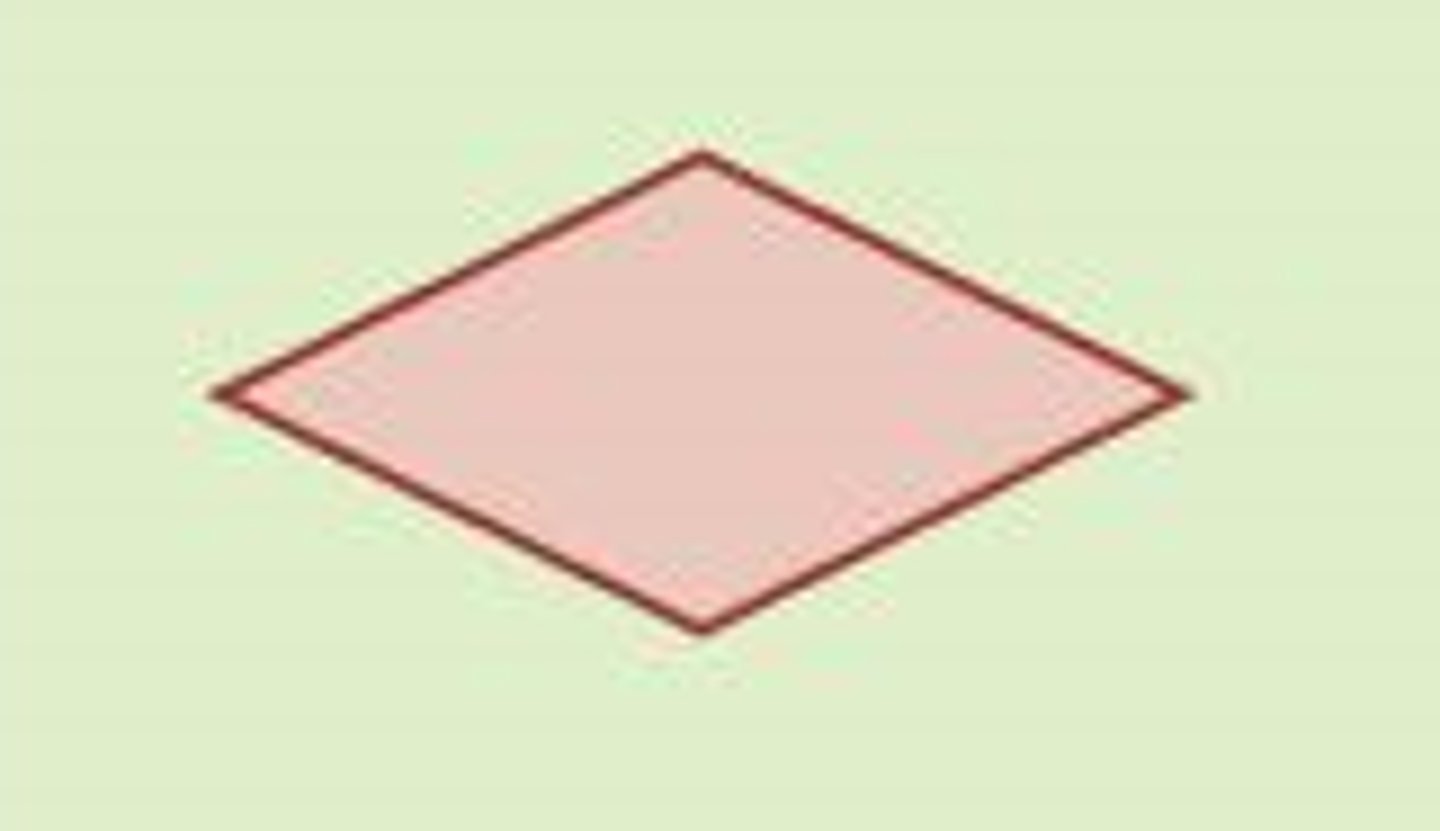
Decision-This shape is used when a decision is made either by a human reviewing electronic output or by the computer system performing an automatic process.
Connector-This shape is used to connect processes between swimming lanes or pages.

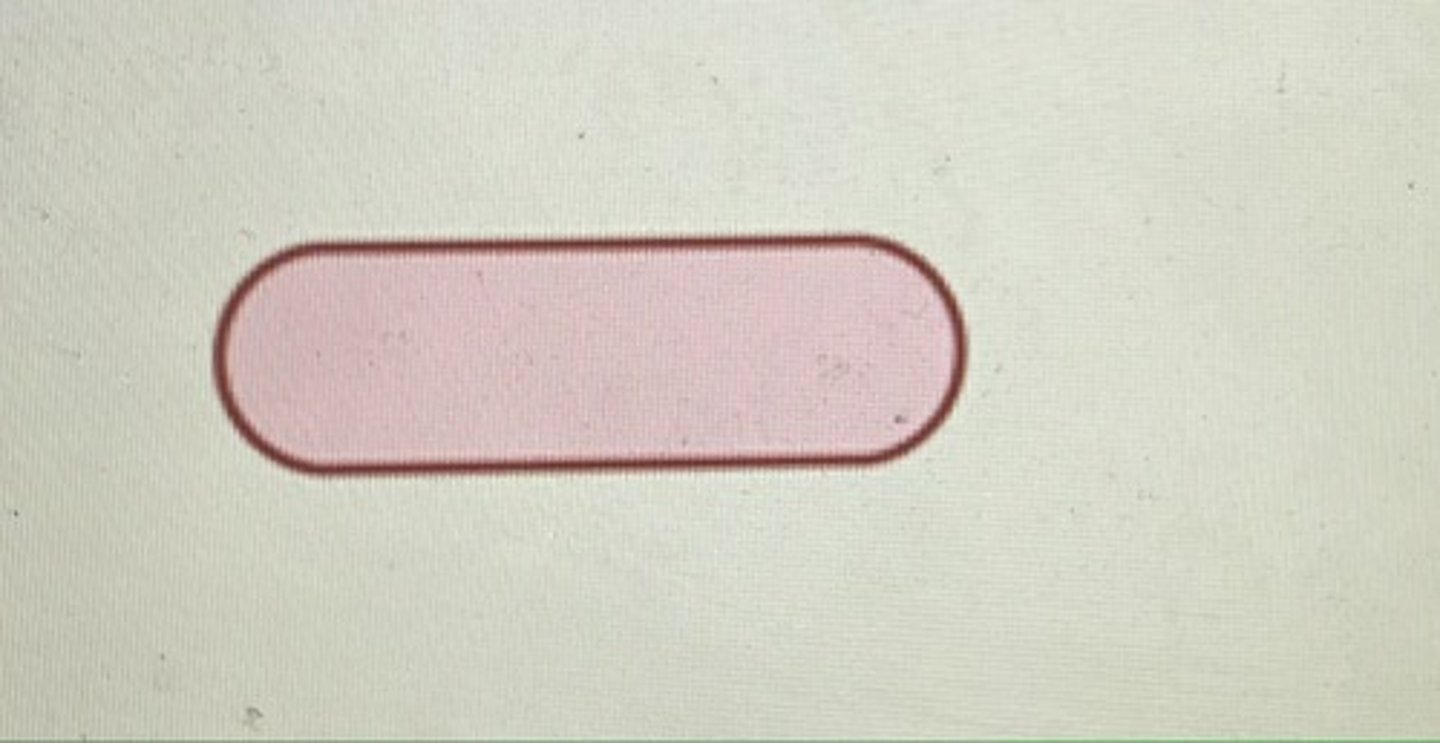
Terminal-This shape is used to show an external party to the process.
For example, a vendor who is sending a document to the entity or a document is sent to the shipping group.
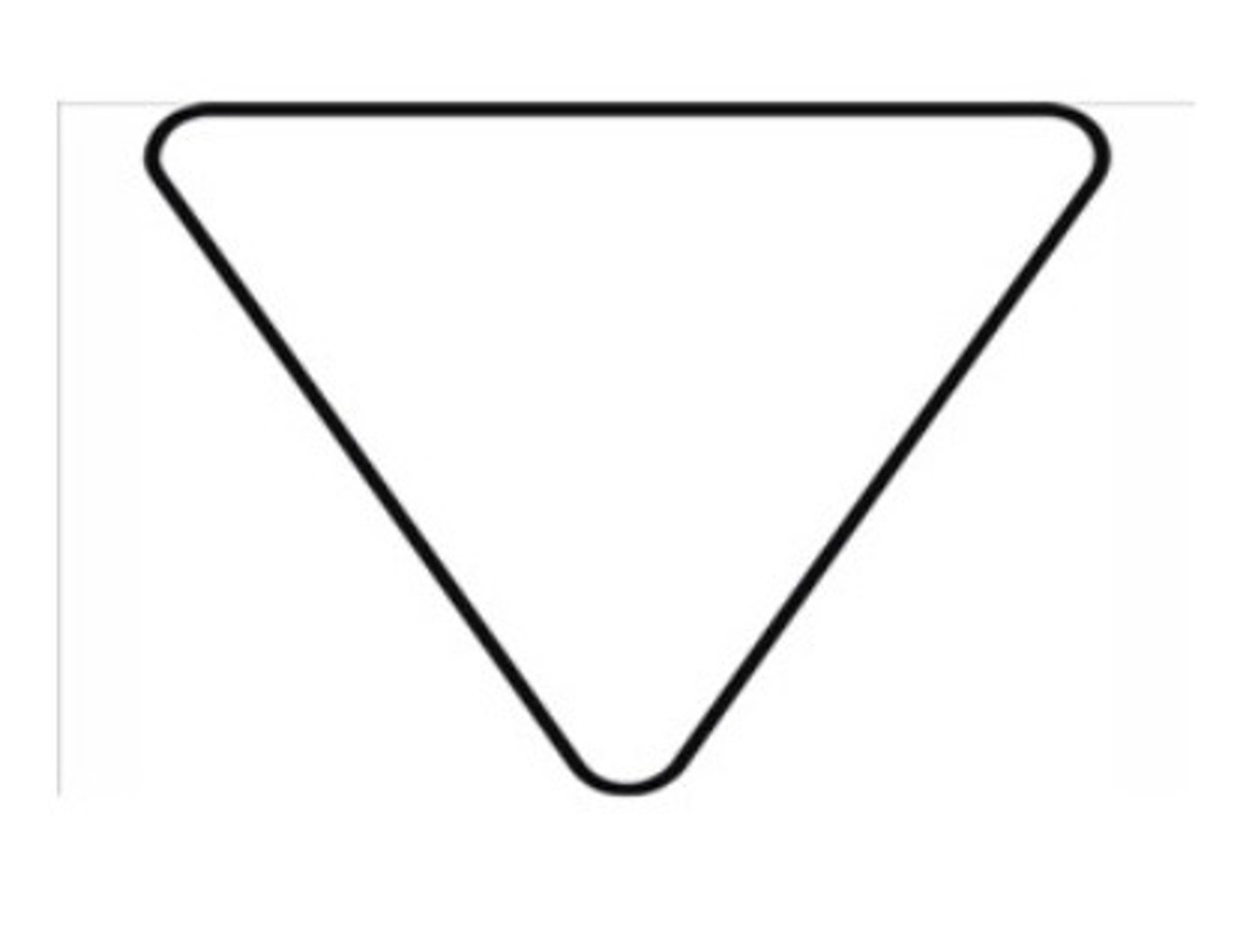
Hardcopy File-This shape is used when a hardcopy file is required.
For example, a clerk could file a hard copy invoice in a drawer.
 Note
Note  Flashcards (38)