Chapter 39: Common Exposure & Processing Errors
 Call Kai
 Learn
Learn Practice Test
 Spaced Repetition
 Match
Match Flashcards
 Knowt Play
1/39

There's no tags or description
Looks like no tags are added yet.
Name | Mastery | Learn | Test | Matching | Spaced | Call with Kai |
|---|
No analytics yet
Send a link to your students to track their progress
40 Terms
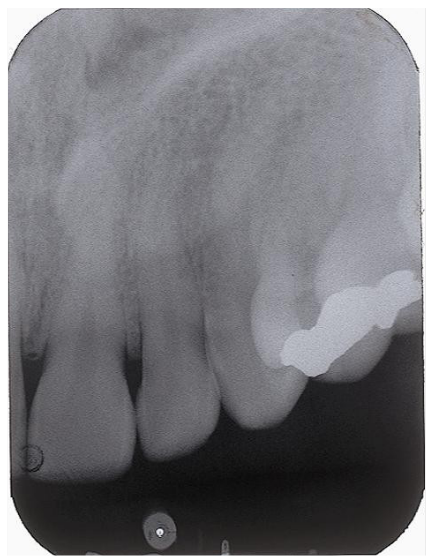
Distortion
Bend or curve on the palate and canine area
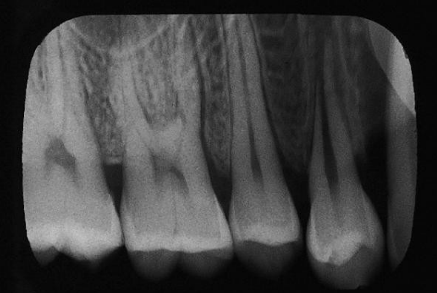
Elongation
Image appears stretched from insufficient vertical angulation
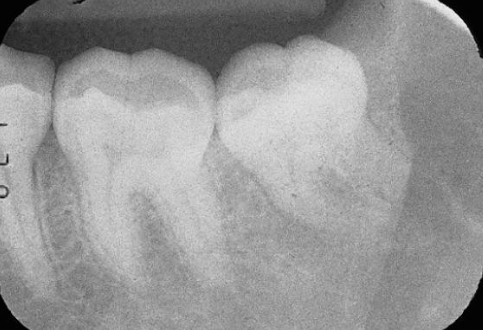
Foreshortening
Image appears shortened due to excessive vertical angulation
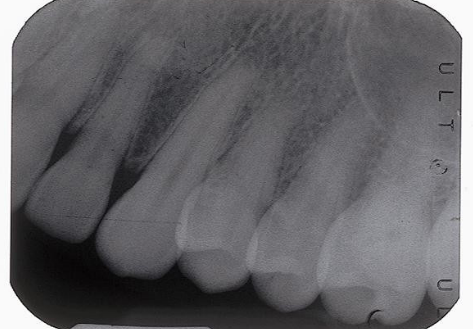
Overlapping
The cone is angled towards the mesial or distal, causing incorrect horizontal angulation and the adjacent teeth appear fused or overlapped
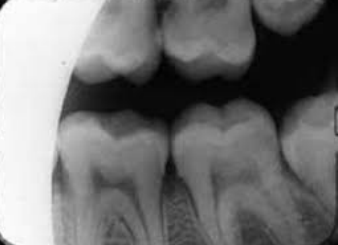
Cone Cutting
Only part of the film is exposed because the x-ray beam missed part of the film
Clear Film/Absence of Image
No image on the film; film may not have been exposed
What do you do to prevent clear film/the absence of image? (3)
Check that the machine was on, film was placed in developer before fixer, and the water bath temperature is correct
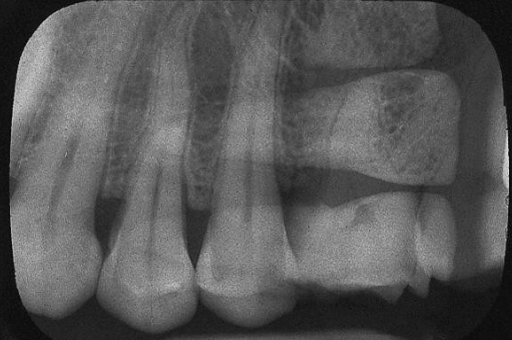
Double Exposure
Film is exposed twice causing two images to be seen
What can you do to prevent double exposure? (1)
Keep exposed and unexposed films separate from each other
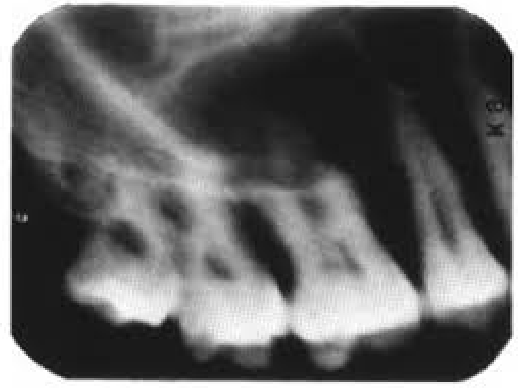
Blurred Image
Movement of the patient’s head, tubehead, or x-ray film in the patient’s mouth
What can you do to prevent a blurred image?
Make sure that the patient and film hold still and that the tubehead doesn’t drift
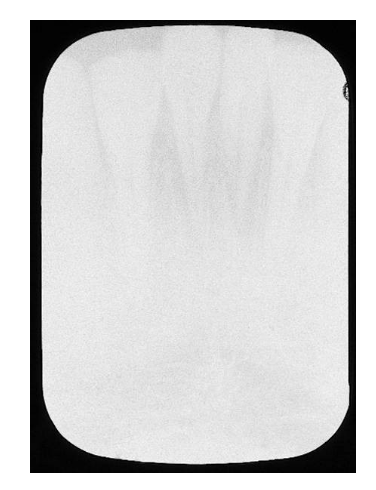
Underexposed Film
Light with a thin image
What should you do to prevent underexposed or overexposed film?
Check the mAs, kVs, and exposure times
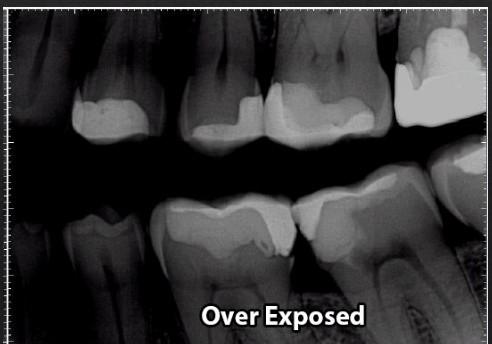
Overexposed Film
Dark image and is too dark
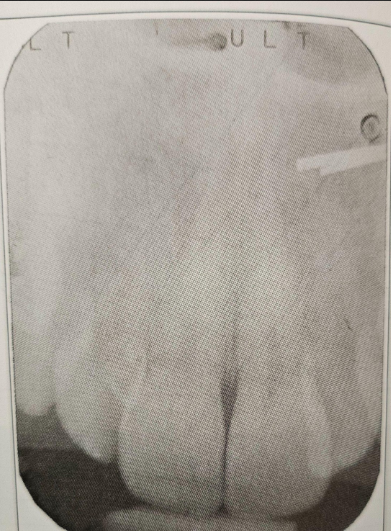
Film Artifact
Image found on x-ray other than normal anatomy/pathology
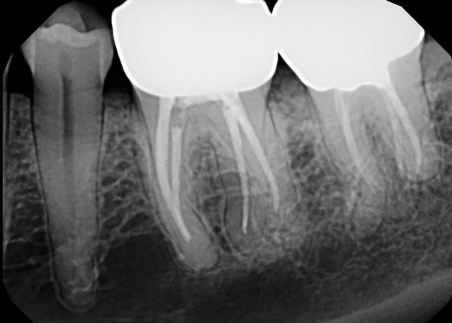
Radiopaque Film Images
Structures that are dense and resist passages of x-rays
How do radiopaque film images appear?
Light or white
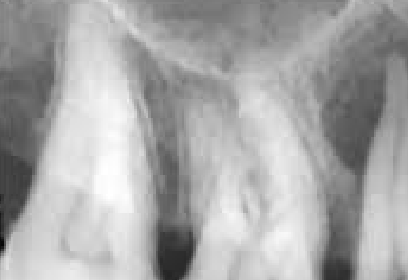
Radiolucent Film Images
Area that is less dense and permits x-ray beam to pass through
How do radiolucent film images appear?
As dark areas on an x-ray
What do radiolucent film images represent?
A void or lesion
Backward Film
Film is placed in the mouth backwards or reversed
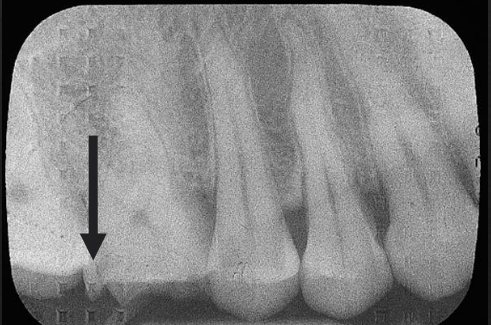
What is the herringbone pattern?
A tire track pattern on the foil that is seen on the sides of the processed x-ray when the film is backwards or reversed
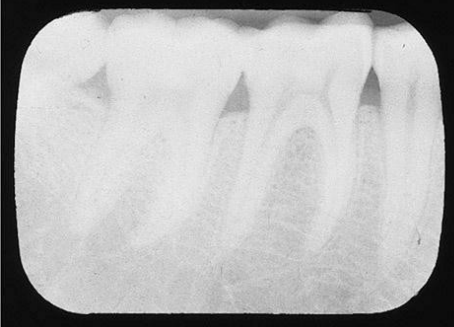
Light Film
Underprocessed
What causes light film? (4)
Developing time too short, temperature too low, solution too weak, or incomplete fixing process
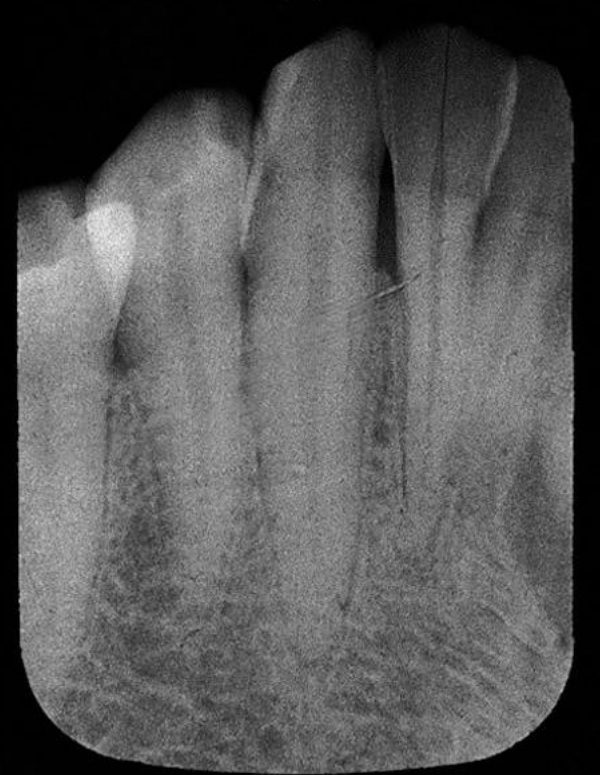
Dark Film
Overdeveloped
What causes dark film? (3)
Temperature too high, solution too strong, or left in solution too long
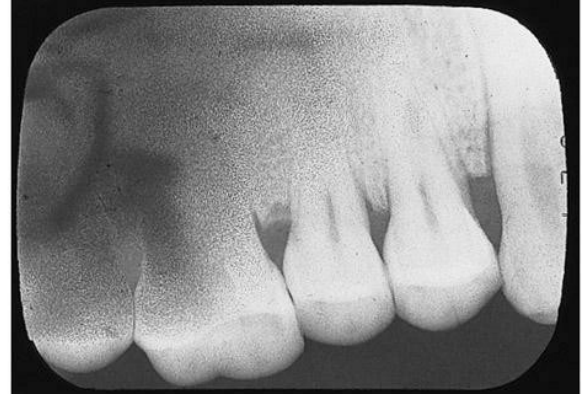
Fogged Film
Gray appearance with lost image detail or contrast
What is fogged film caused by? (3)
Improper storage conditions, outdated films, or light leaks
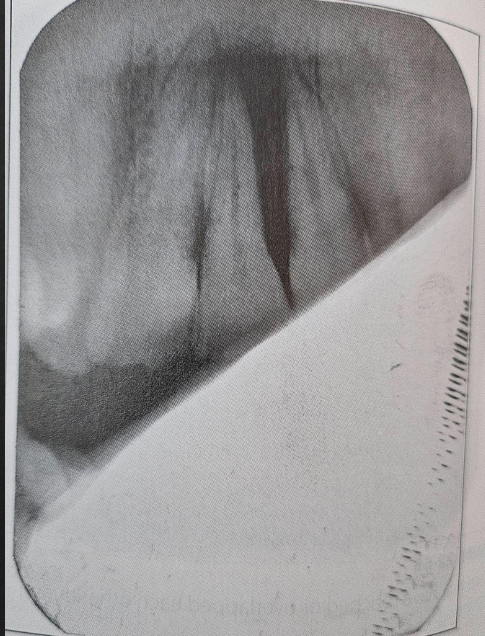
What is a partial image caused by?
Result of image placement in the processing tanks when solutions are low
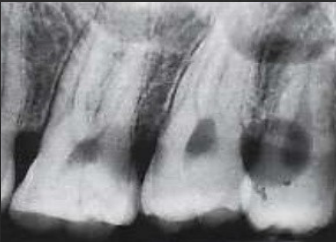
What is spotted film caused by? (2)
Films aren’t handled carefully or area around the processing tanks aren’t clean
What are the types of spotted film errors? (5)
Water spots, fixer spots, developer spots, yellow-brown spots, and static electricity
Water Spots
When water touches unprocessed film and leaves a clear area
Fixer Spots
White spots on the film from contact with fixer
Developer Spots
Dark spots caused by contact with developer
Yellow-Brown Spots
Yellow-brownish stains caused by improper or insufficient washing or rinsing of the film
Static Electricity
Black branching lines on the film
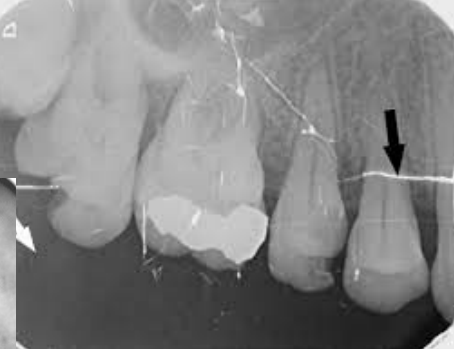
Torn/Scratched Film
White area or mark caused by the emulsion being torn/scratched when the film is roughly handled
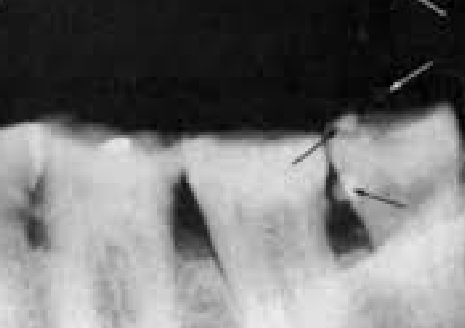
Air Bubbles on the Film
Round white spots caused by the film not being agitated when placed in the processing solutions
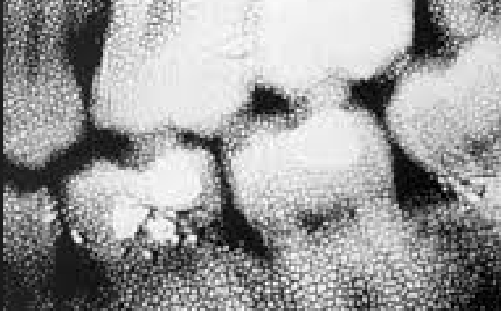
Reticulation
Film looks dry with tiny cracks from exposure to a high temperature then low temperature causing the emulsion to swell then shrink
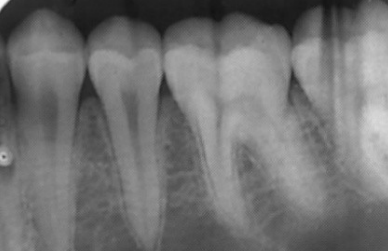
Streaks
Unclean rollers when using automatic processers causing film to pick up debris

