Firewalls - CompTIA Security+ SY0-701 - 4.5
 Call Kai
 Learn
Learn Practice Test
 Spaced Repetition
 Match
Match Flashcards
 Knowt Play
1/5

There's no tags or description
Looks like no tags are added yet.
Name | Mastery | Learn | Test | Matching | Spaced | Call with Kai |
|---|
No analytics yet
Send a link to your students to track their progress
6 Terms
Network based Firewalls
• Filter traffic by port number or application
- Traditional vs. NGFW
• Encrypt traffic
- VPN between sites
• Most firewalls can be layer 3 devices (routers)
- Often sits on the ingress/egress of the network
- Network Address Translation (NAT)
- Dynamic routing
Next Generation Firewall (NGFW)
The OSI Application Layer (Layer 7) - All data in every packet
• Can be called different names
- Application layer gateway
- Stateful multilayer inspection, deep packet inspection
• Broad security controls
- Allow or disallow application features
- Identify attacks and malware
- Examine encrypted data
- Prevent access to URLs or URL categories
Ports and protocols
• Make forwarding decisions based on protocol
(TCP or UDP) and port number
- Traditional port-based firewalls
- Add to an NGFW for additional security
policy options
• Based on destination protocol and port
- Web server: tcp/80, tcp/443
- SSH server: tcp/22
- Microsoft RDP: tcp/3389
- DNS query: udp/53
- NTP: udp/123
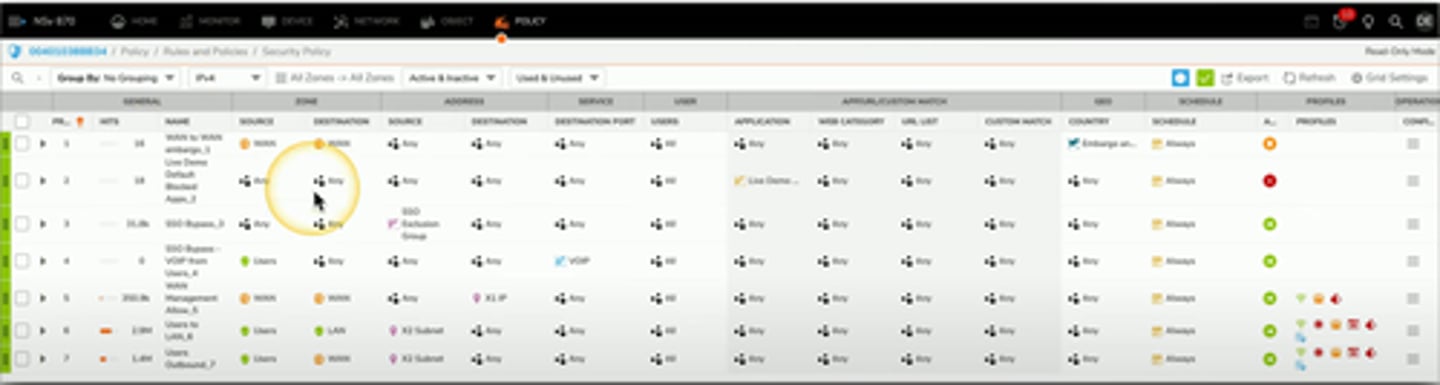
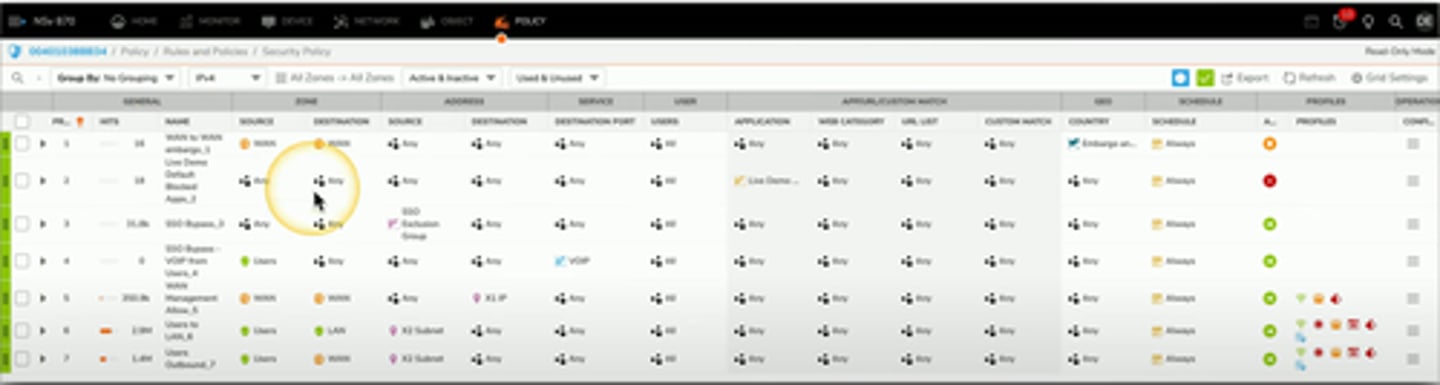
Firewall Rules
A logical path
- Usually top-to-bottom
Can be very general or very specific
- Specific rules are usually at the top
Implicit deny
- Most firewalls include a deny at the bottom
- Even if you didn't put one
Access Control List (ACLs)
- Allow or disallow traffic
- Groupings of categories (Source IP, Destination IP, port number, Time of Day, Application, etc.)
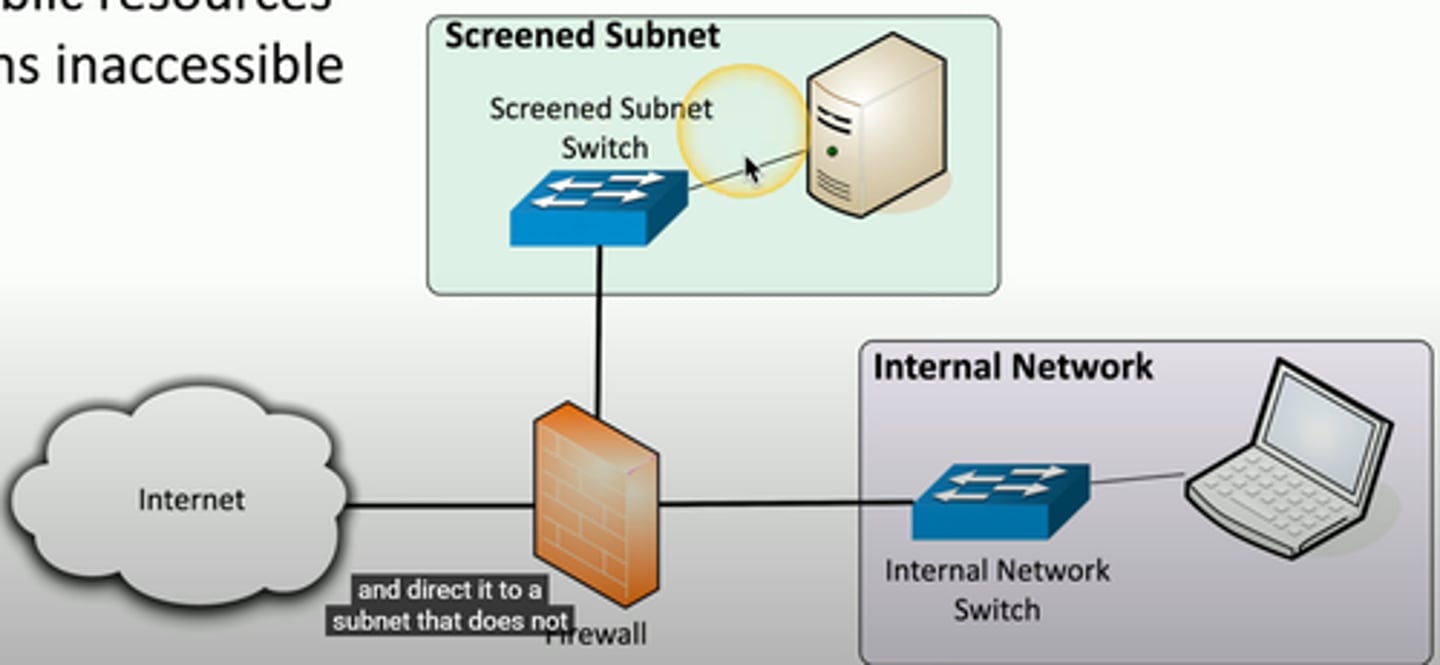
Screened Subnet
An additonal layer of security between you and the internet
- Public access to public resources
- Private data remains inaccessible
IPS rules
Intrusion Prevention System
- usually integrated into a NGFW
Different ways to find malicious traffic
- Look at the traffic as it passes by
Signature based
- Look for a perfect match
Anomaly based
- Build a baseline of what's normal
- Unusual patterns are flagged

