CompTIA A+ 220-1201 (2.8 - Network Tools)
 Studied by 0 people
 Call Kai
 Learn
Learn Practice Test
 Spaced Repetition
 Match
Match Flashcards
 Knowt Play
1/9

Earn XP
Description and Tags
Name | Mastery | Learn | Test | Matching | Spaced |
|---|
No study sessions yet.
10 Terms
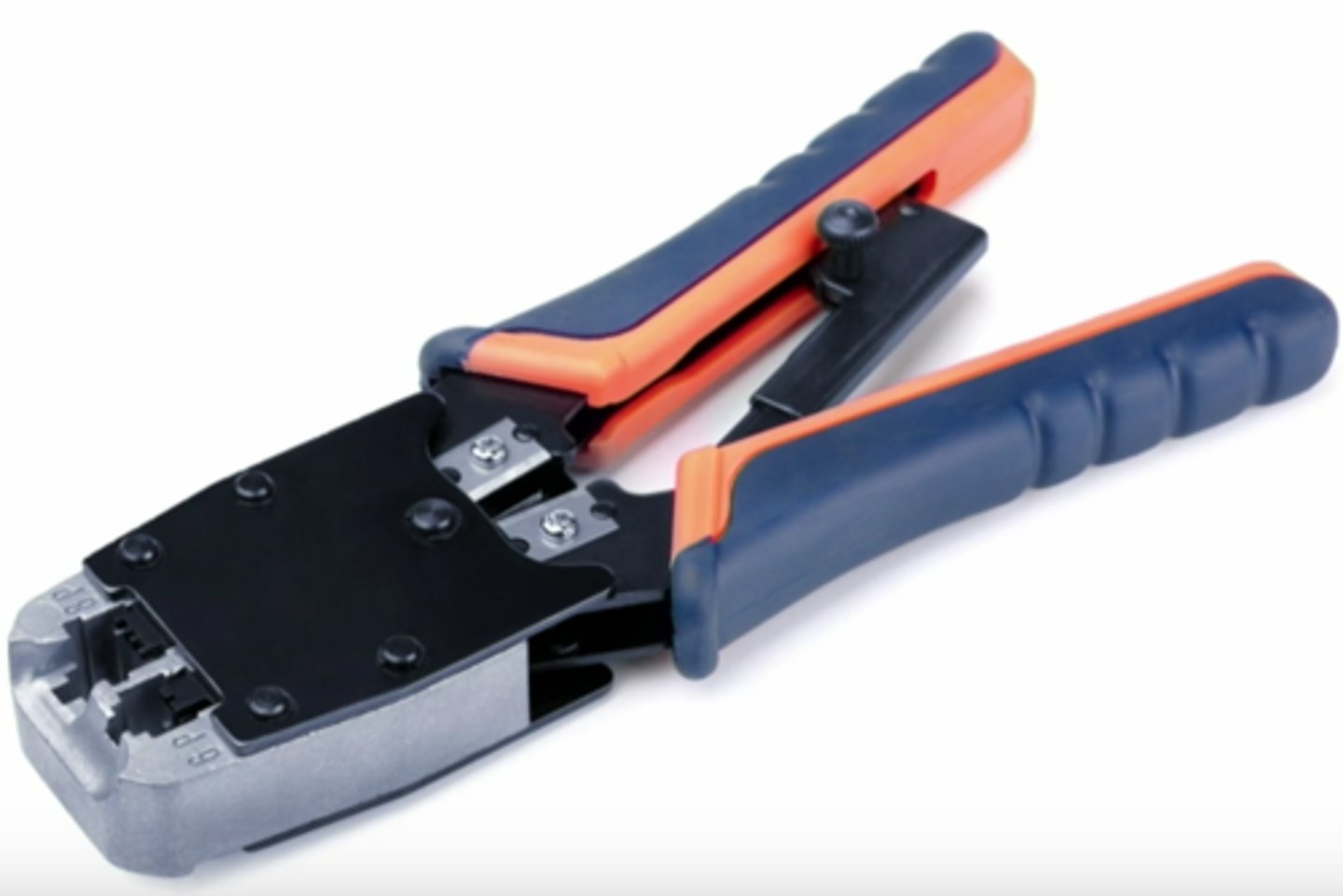
Cable crimper
• "Pinch" the connector onto a wire
- Coaxial, twisted pair, fiber
• Connect the modular connector to
the Ethernet cable
- The final step of the process
• Metal prongs are pushed through the insulation
- The plug is also permanently pressed
onto the cable sheath
Crimping best practices
• Get a good crimper
- And a good pair of electrician's scissors / cable snips
- And a good wire stripper
• Make sure you use the correct modular connectors
- Differences between wire types
• Practice, practice, practice
- It won't take long to become proficient
WiFi analyzer
Wireless networks are
incredibly easy to monitor
- Everyone "hears" everything
• Purpose-built hardware or
mobile device add-on
- Specializes in 802.11 analysis
• Identify errors and interference
- Validate antenna location and installation
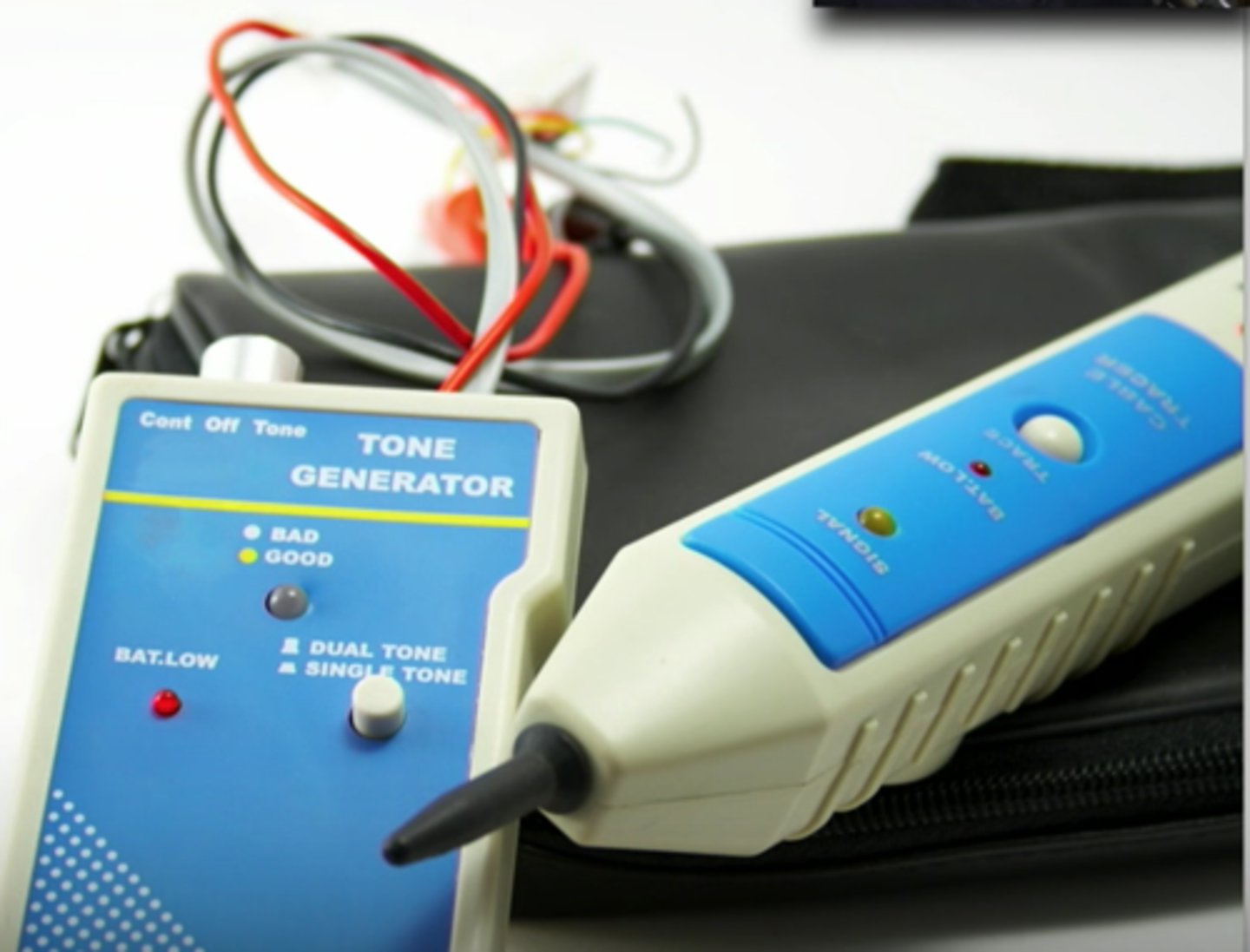
Tone generator
Where does that wire go?
- Follow the tone
• Tone generator
- Puts an analog sound on the wire
• Inductive probe
- Doesn't need to touch the copper
- Hear through a small speaker
Using the tone generator and probe
• Easy wire tracing
- Even in complex environments
• Connect the tone generator to the wire
- Modular jack, coax, punch down connectors
• Use the probe to locate the sound
- The two-tone sound is easy to find
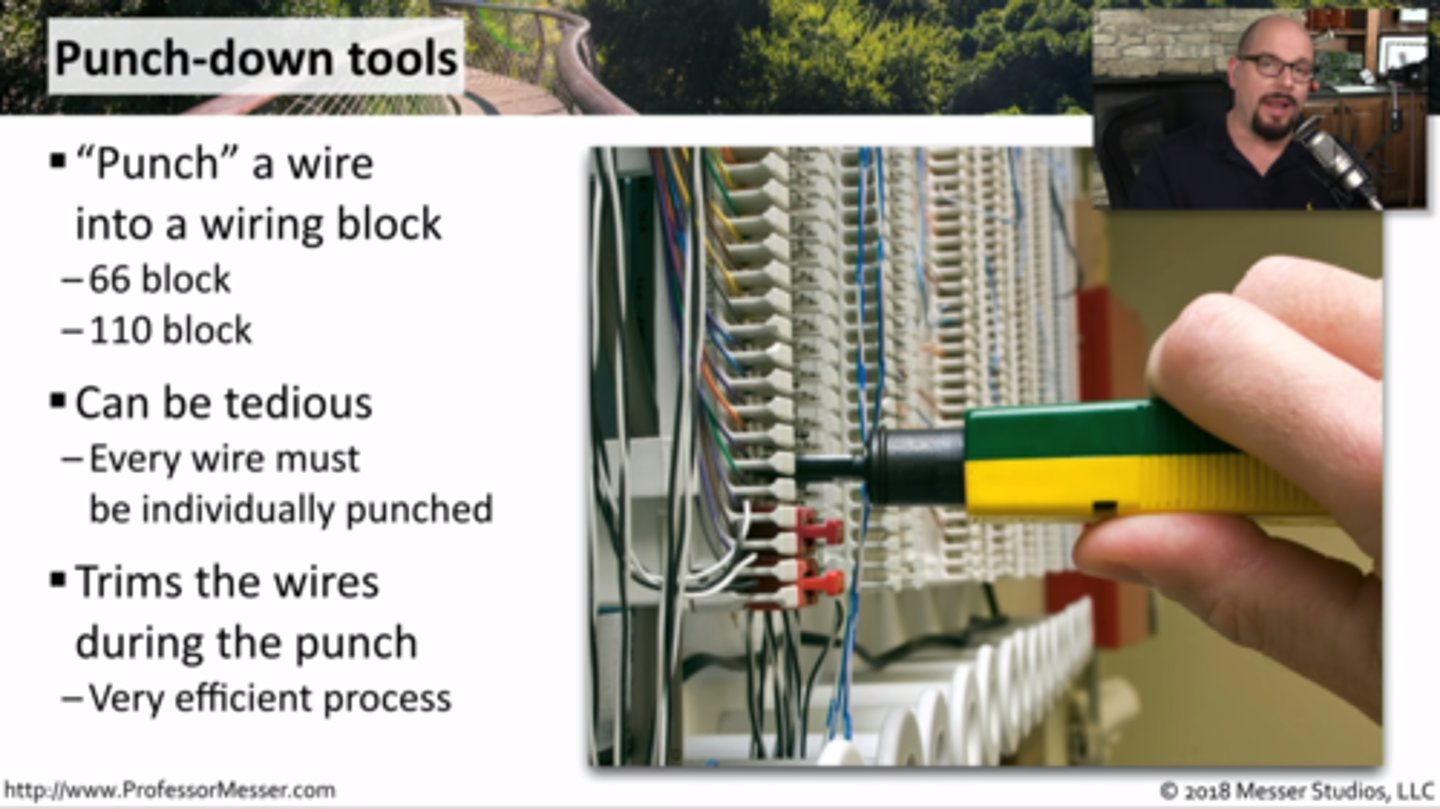
Punch-down tool
• "Punch" a wire into a wiring block
- 66 block, 110 block, and others
• Can be tedious
- Every wire must
be individually punched
• Trims the wires during the punch
- Very efficient process
Punch-down best-practices
• Organization is key
- Lots of wires,
- Cable management
• Maintain your twists
- Your Category 6A cable will thank you later
• Document everything
- Written documentation, tags, graffiti
Cable testers
• Relatively simple
- Continuity test
• Can identify missing pins
- Or crossed wires
• Not usually used for frequency testing
- Crosstalk, signal loss, etc.

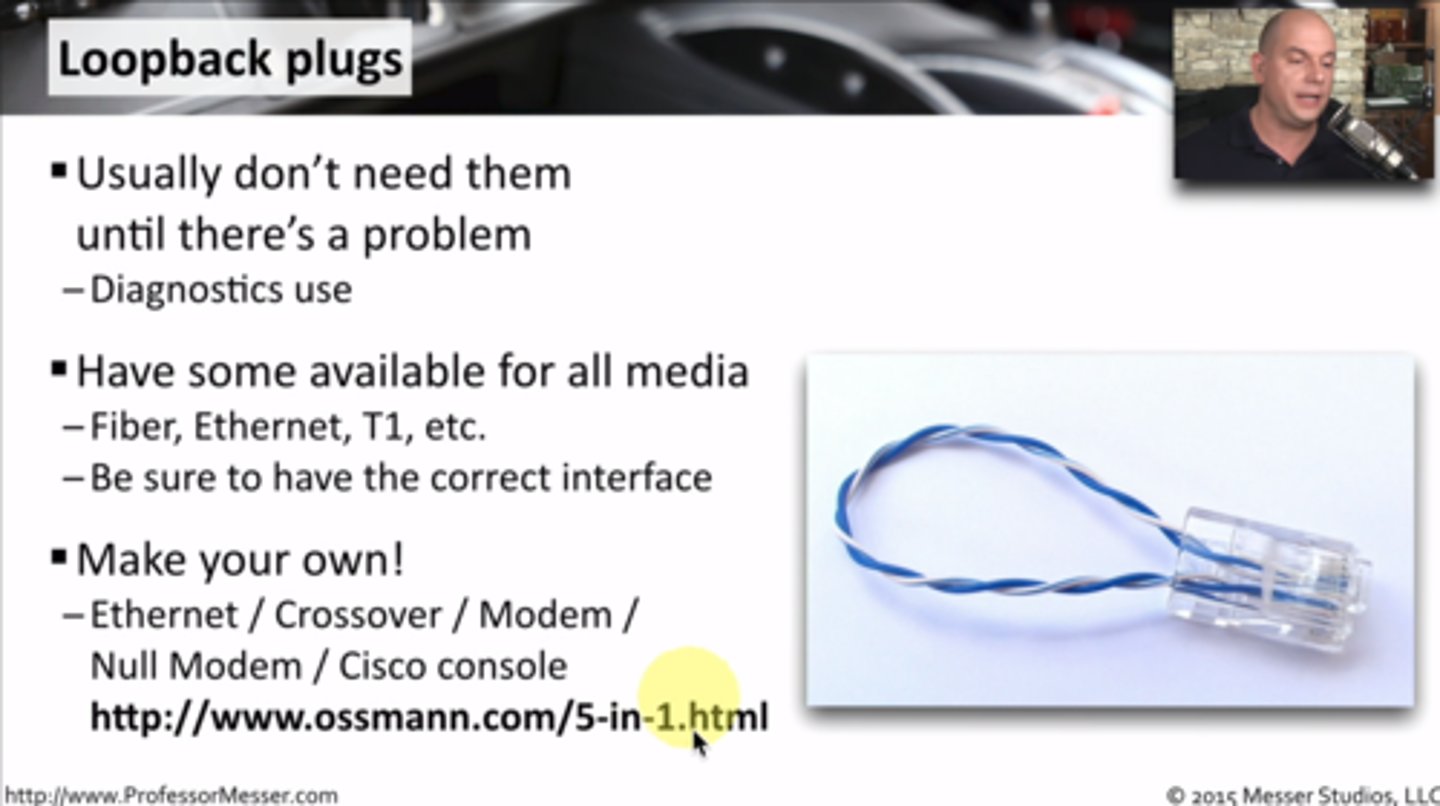
Loopback plugs
Useful for testing physical ports
- Or fooling your applications
• Serial / RS-232 (9 pin or 25 pin)
• Network connections
- Ethernet, T1, Fiber
• These are not cross-over cables
Taps and Port Mirrors
• Intercept network traffic
- Send a copy to a packet capture device
• Physical taps
- Disconnect the link, put a tap in the middle
- Can be an active or passive tap
• Port mirror
- Port redirection, SPAN (Switched Port ANalyzer)
- Software-based tap
- Limited functionality, but can work well in a pinch
 Note
Note  Flashcards (60)