Adobe Illustrator Tools
 Studied by 0 people
 Call Kai
 Learn
Learn Practice Test
 Spaced Repetition
 Match
Match Flashcards
 Knowt Play
1/96

There's no tags or description
Looks like no tags are added yet.
Name | Mastery | Learn | Test | Matching | Spaced | Call with Kai |
|---|
No analytics yet
Send a link to your students to track their progress
97 Terms
Brushes panel
Use to add styles to stroked paths, create and edit existing brushes.
Color guide
Breaks down shades, tints, and color harmonies.
Color panel
Controls your fill or stroke color through sliders, hexadecimal codes, or RGB/CMYK.
Direct Selection tool (A)
Selects points or path segments within objects.
Eraser tool (Shift + E)
Erases any area of the object over which you drag.
Eye Dropper tool (I)
Samples and applies color, type, and appearance attributes, including effects, from objects.
Fill and Stroke panel
Shows the current state of fill and stroke in an object.
Free Transform tool (E)
Scales, rotates or skews a selection.
Gradient tool (G)
Adjusts the beginning and ending points and angle of gradients within objects.
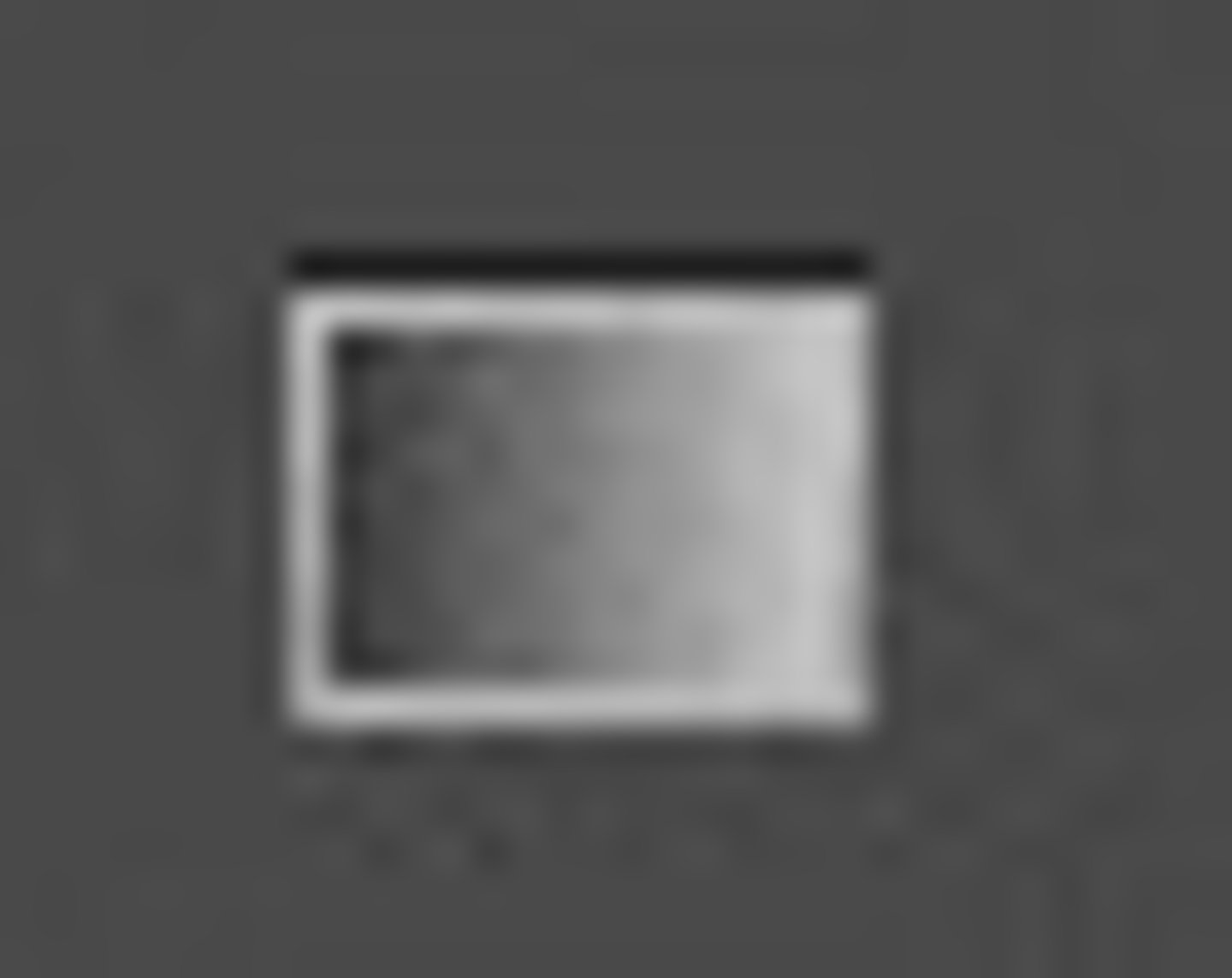
Hand tool (H)
Moves the view within the window.
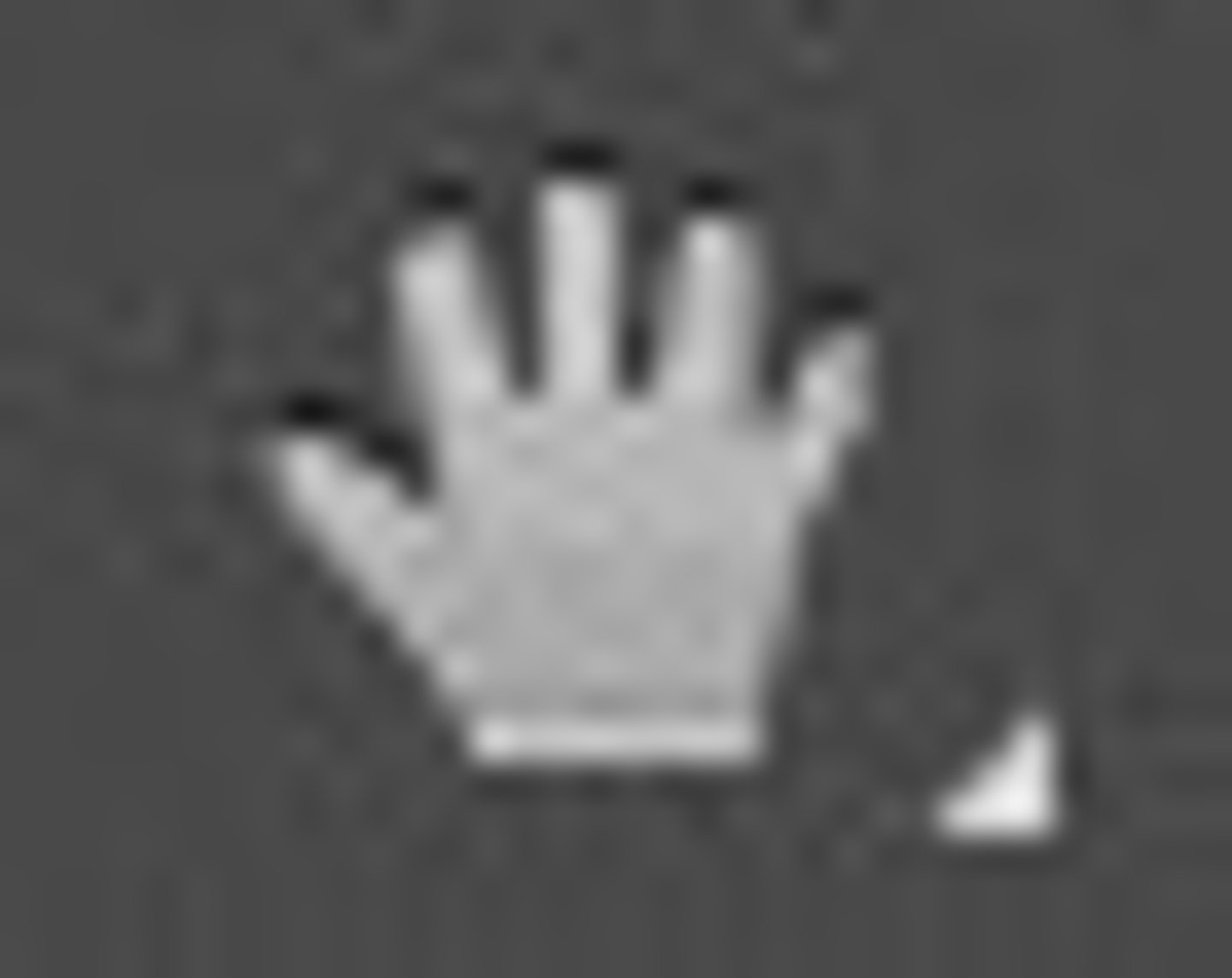
Lasso tool (Q)
Selects points or path segments within objects.
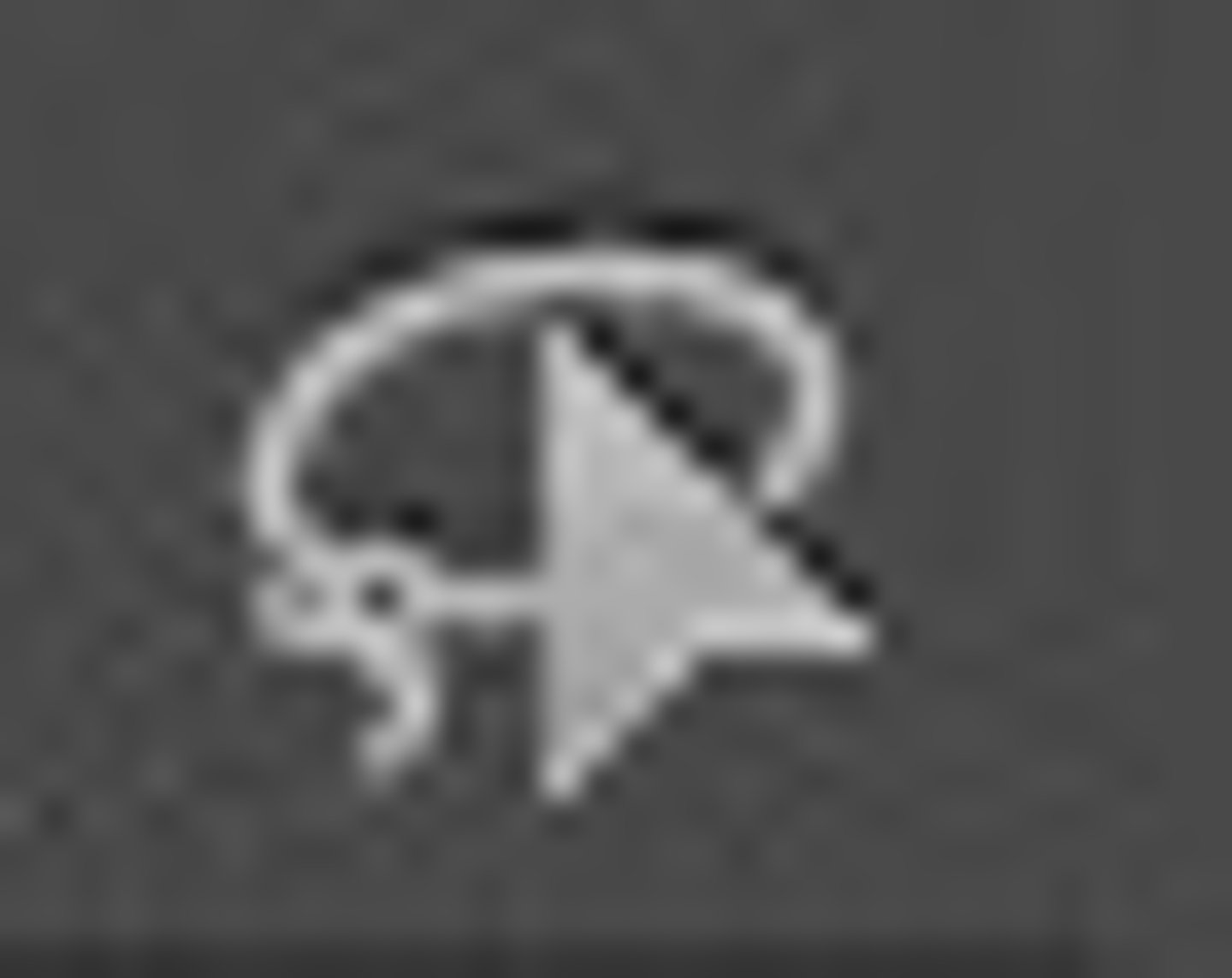
Layers panel
Creates, edits and deletes sheets within your document.

Line Segment tool (\)
Draws individual paths.
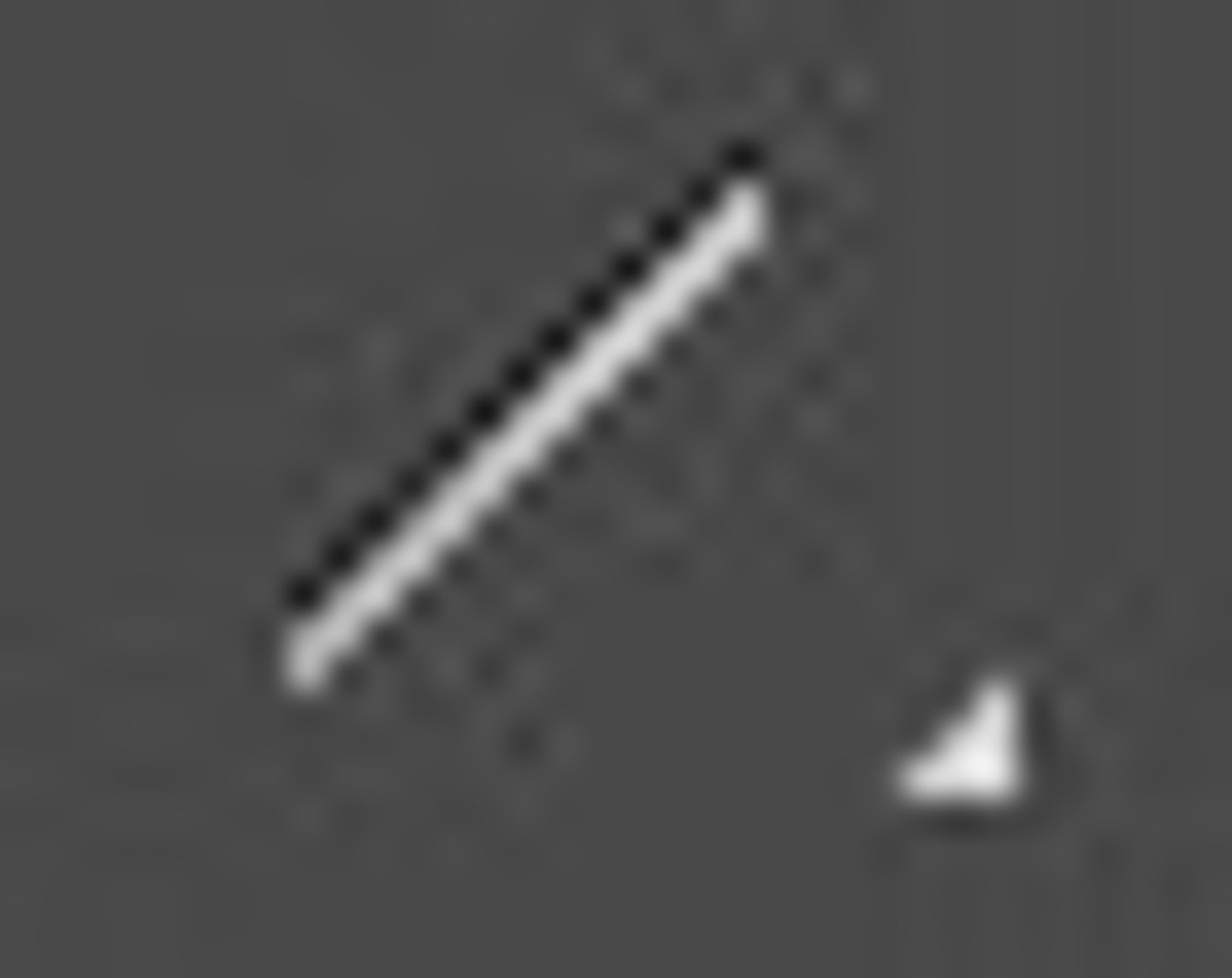
Magic Wand tool (Y)
Selects objects with similar attributes.
Paintbrush tool (B)
Draws freehand and calligraphic lines, as well as art, patterns, and bristle strokes.
Pathfinder panel
Unites, merges, divides and subtracts overlapping objects.
Pen tool (P)
Draws straight and curved lines to create objects.
Pencil tool (N)
Draws and edits freehand lines.
Rectangle tool (M)
Draws squares and rectangles.
Rotate tool (R)
Moves objects in a circular pattern around a fixed point.
Scale tool (S)
Resizes objects around a fixed point.
Shape Builder Tool
The Shape Builder tool merges simple shapes to create custom, complex shapes.
Stroke Panel
The panel that lets you set thickness and styles of strokes
Swap Stroke and Fill
Lets you swap stroke and fill back and forth to change them, as you can only change the one on top.
Swatches Panel
Contains saved color, gradient, and pattern swatches.
Transparency Panel
Lets you select the opacity or blend mode of objects and create or edit opacity masks.

Type tool (T)
Creates individual and containers of type.
Zoom tool (Z)
Increases and decreases the view magnification in the illustration window.
Convert Anchor Point Tool
The Convert Anchor Point tool (Shift+C) changes smooth points to corner points and vice versa.
Ellipse tool (L)
Draws circles and ovals.
Selection Tool
V

Blob Brush Tool
used to paint shapes of solid color based on the defined brush size and the area you drag with a single mouse click
Shift+B

Width tool (Shift + W)
Makes a line change a variable width.

Perspective Grid Tool
Creates perspective grids lines of a specified size with a specified number of dividers.
Shift+P
Mesh Tool
Creates and edits meshes and mesh envelopes
U
Blend tool (W)
A tool used to blend the space between two objects.
Symbol Sprayer tool (Shift + S)
Interactively sprays instances of a mark or character.
Column/Graph tool (J)
Creates proportional column graphs by comparing one or more sets of values.
Artboard tool (Shift + O)
Gateway to working with multiple artboards
Slice tool (Shift + K)
creates slices
Group Selection tool
Selects paths in a group.

Add Anchor Point tool (+)
Adding points to an existing path.
Delete Anchor Point tool (-)
Deletes unnecessary points without causing a break in the path.
Anchor Point tool
A tool used to edit anchor points using directional handles and Bezier curves.
Shift+C
Type Area tool
.

Type on a Path
Attaches text to an open or closed path.
Vertical Type Tool
Tool that creates vertical text (top to bottom)
Vertical Area Type Tool
changes closed paths to vertical type containers and lets you enter and edit type within them.

Vertical Type on a Path Tool
changes paths to vertical type paths and lets you enter and edit type on them.
Touch Type Tool
allows you to visually edit certain character formatting options for individual characters in text
(Shift+T)
Arc Tool
Creates curved lines

Spiral Tool
Creates spiral lines
Rectangular Grid Tool
draws rectangular grids
Polar Grid Tool
draws circular chart grids
Rounded Rectangle Tool
draws squares and rectangles with rounded corners

Elipse tool
l
Polygon Tool
make a custom shape with any number of sides
Star Tool
draws stars
Flare Tool
creates lens-flare or solar-flare like effects
Shaper Tool
recognizes natural gestures and produces live shapes from those gestures
(Shift+N)
Smooth Tool
smooths Bezier paths

Path Eraser Tool
erases paths and anchor points from the object
Join Tool
.
Scissors tool (C)
Cuts paths at specified points.
Knife tool
Cuts a selected object into two sections.
Reflect tool (O)
Flips an object over an imaginary axis.
Shear tool
Skew objects around a fixed point.

Reshape Tool
adjusts selected anchor points while keeping the overall detail of the path intact.
Warp Tool
A tool used to warp an object by conforming to the movement of the cursor.
(Shift+R)
Twirl Tool
causes paths to mix and swirl

Pucker Tool
A tool used to indent parts of an object.
Bloat Tool
inflates an object by moving control points away from the cursor

Scallop Tool
A tool used to incorporate scallop-like shapes into an object.
Crystallize Tool
A tool used to add jagged, crystal-like features to an object.
Wrinkle Tool
A tool used to wrinkle the edges of an object.
Puppet Warp Tool
adds natural motion to rasterized images including still images, shapes and rasterized text
Live Paint Bucket tool (K)
Fills overlapping selected shapes and line segments.
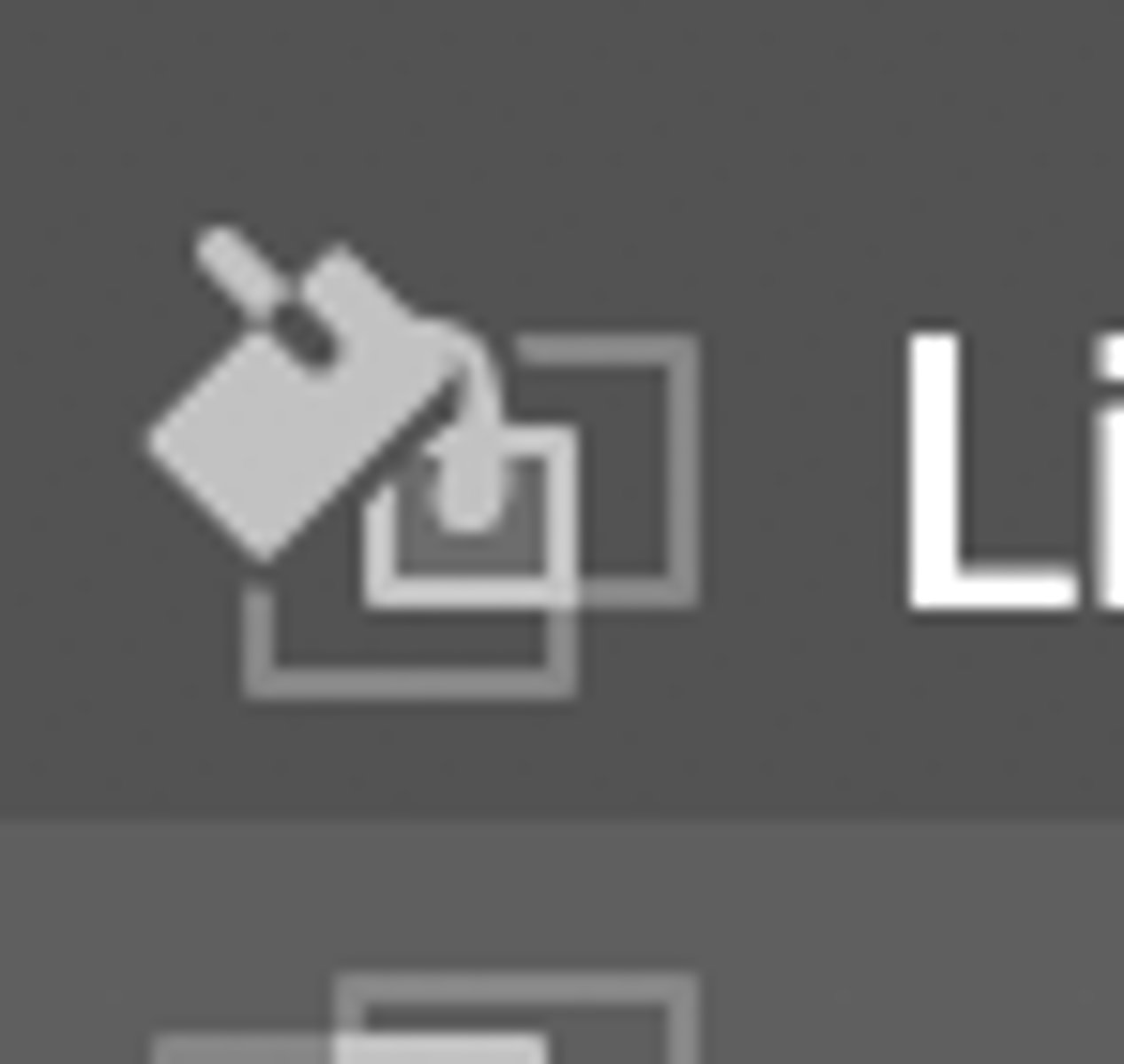
Live Paint Selection tool (Shift+L)
Tool used to select multiple regions in a Live Paint group.
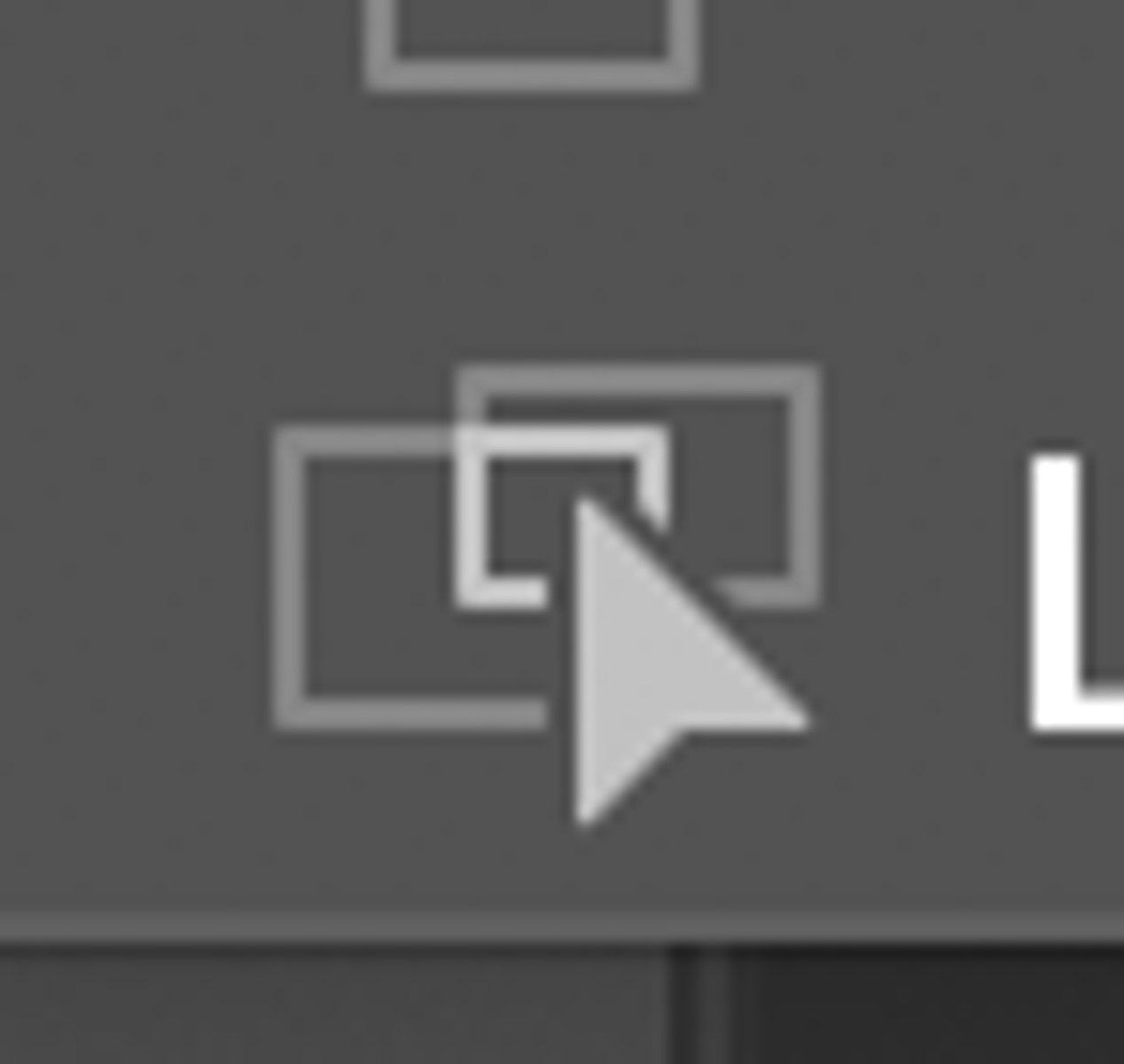
Perspective Selection Tool
allows you to bring objects, text, and symbols in perspective, move objects in perspective, move objects in perpendicular to its current direction
(Shift+V)
Measure Tool
.
Symbol Shifter Tool
.
Symbol Scruncher Tool
.
Symbol Sizer Tool
.
Symbol Spinner Tool
.
Symbol Stainer Tool
.
Symbol Screener Tool
.

Symbol Styler Tool
.
Stacked Column Graph Tool
.
Bar Graph Tool
.
Stacked Bar Graph Tool
.
Line Graph Tool
.
Area Graph Tool
.
Scatter Graph Tool
.
Pie Graph Tool
.
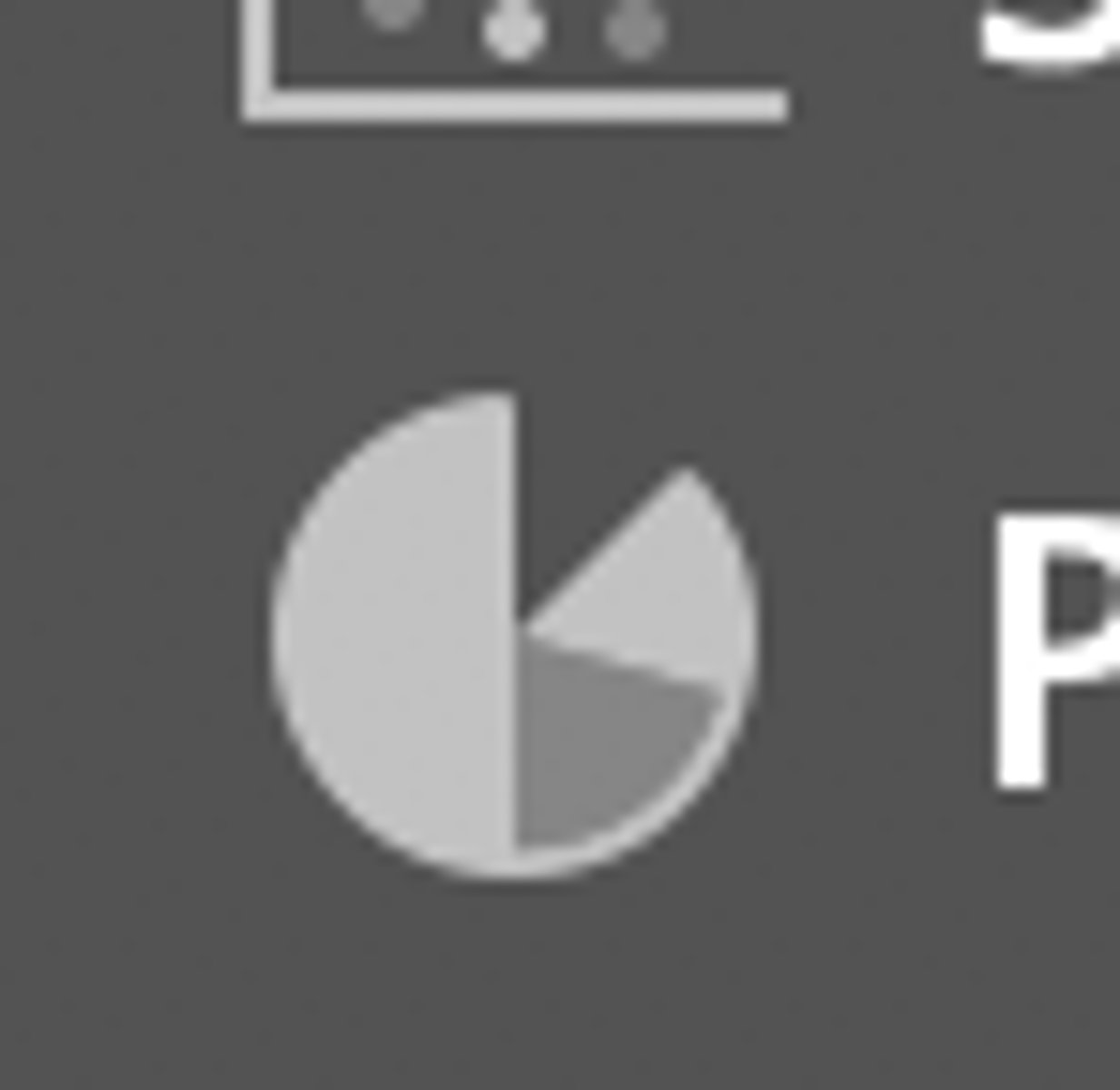
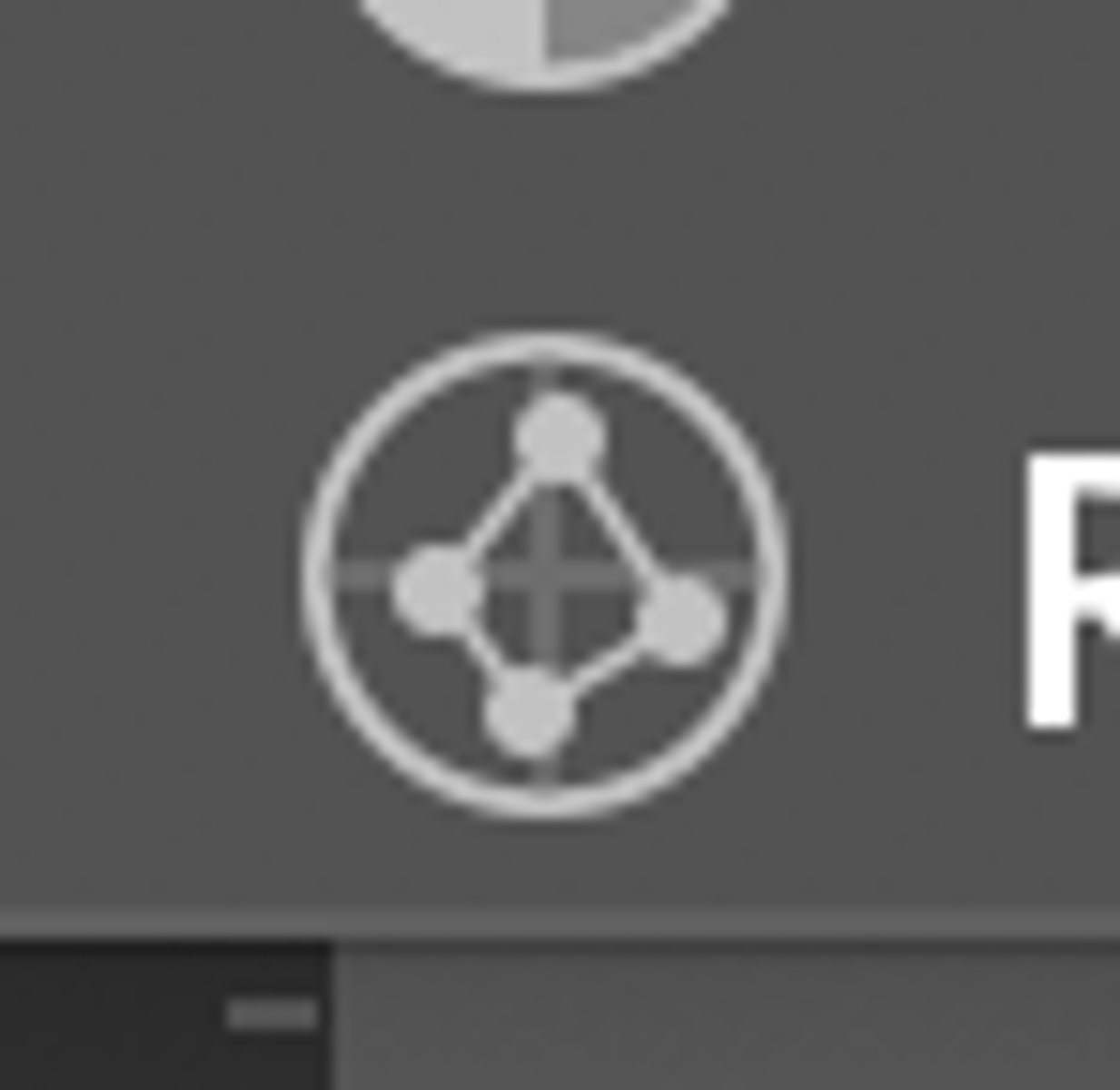
Radar Graph Tool
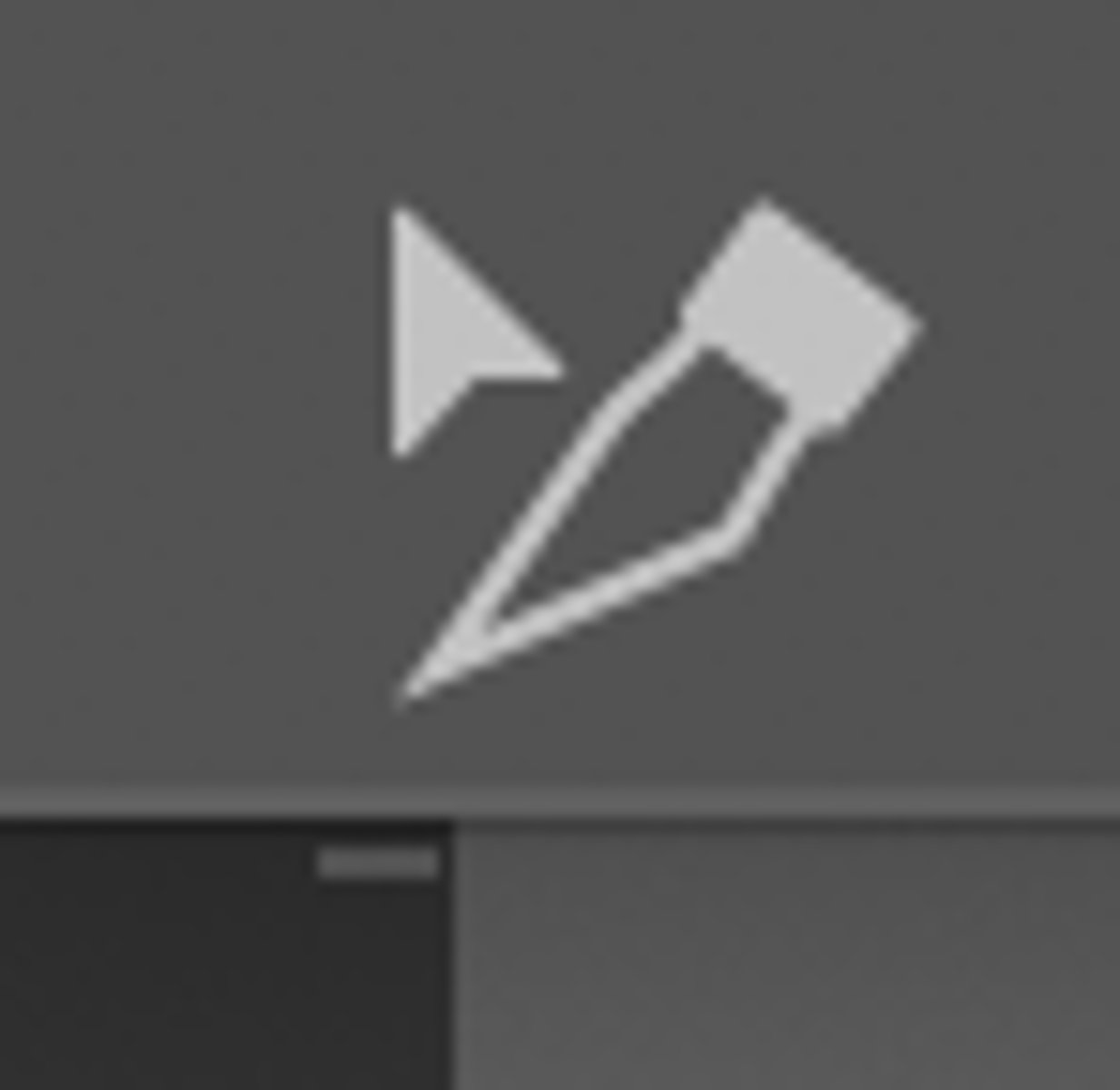
Slice Selection Tool
.
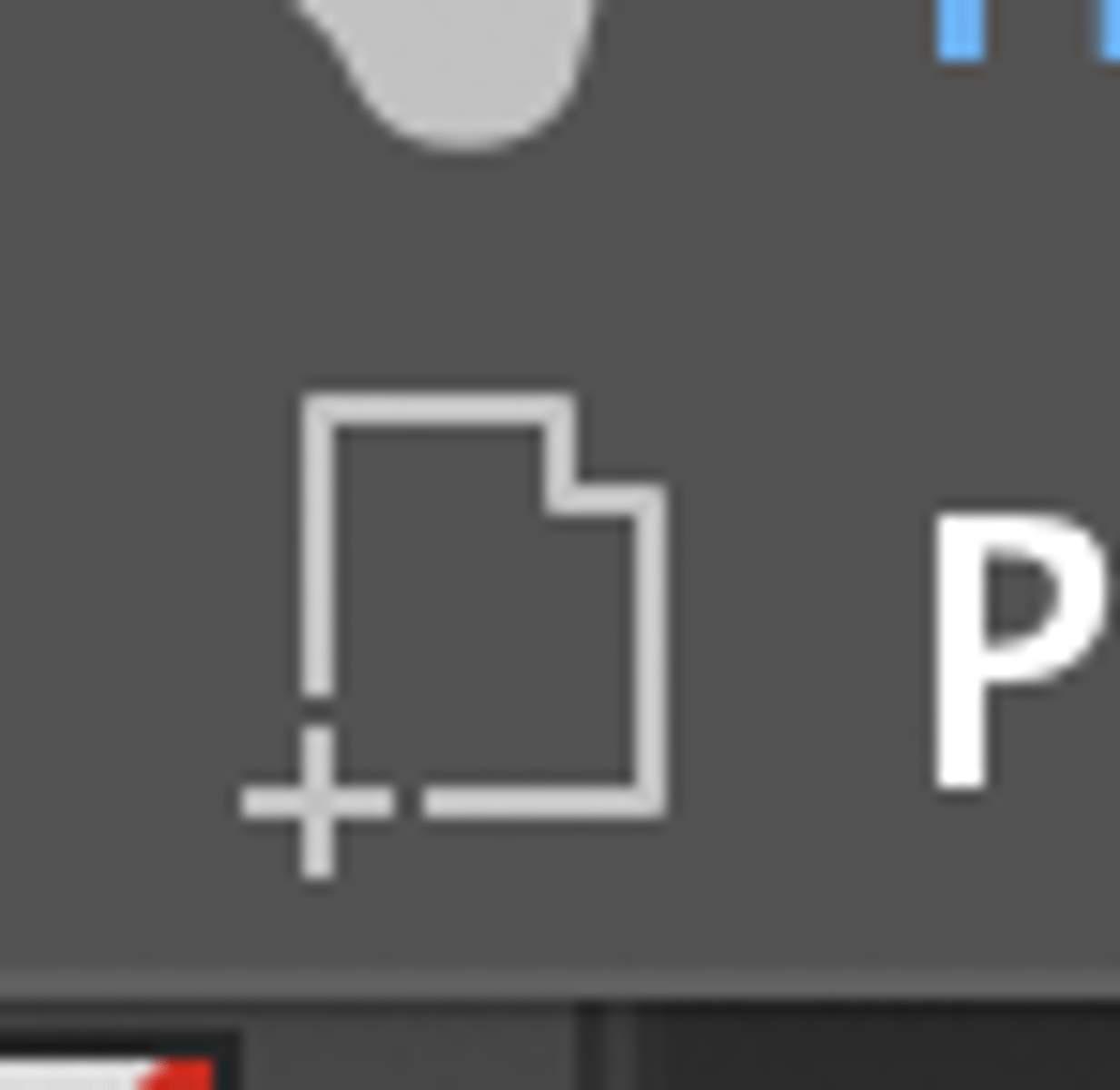
Print Tilting Tool
.
 Note
Note  Flashcards (114)