Switching Issues - CompTIA Network+ N10-009 - 5.3
 Call Kai
 Learn
Learn Practice Test
 Spaced Repetition
 Match
Match Flashcards
 Knowt Play
1/6

There's no tags or description
Looks like no tags are added yet.
Name | Mastery | Learn | Test | Matching | Spaced | Call with Kai |
|---|
No analytics yet
Send a link to your students to track their progress
7 Terms
Switching Loops
• A fear of every network administrator
- Spanning Tree Protocol is often configured
• Switches communicate by MAC address
- Every device has it's own address
- Every packet is directed
• Broadcasts and multicasts are sent to all
- Broadcast repeated to all switch ports
• Nothing at the MAC address level to identify loops
- IP has TTL (Time to Live)
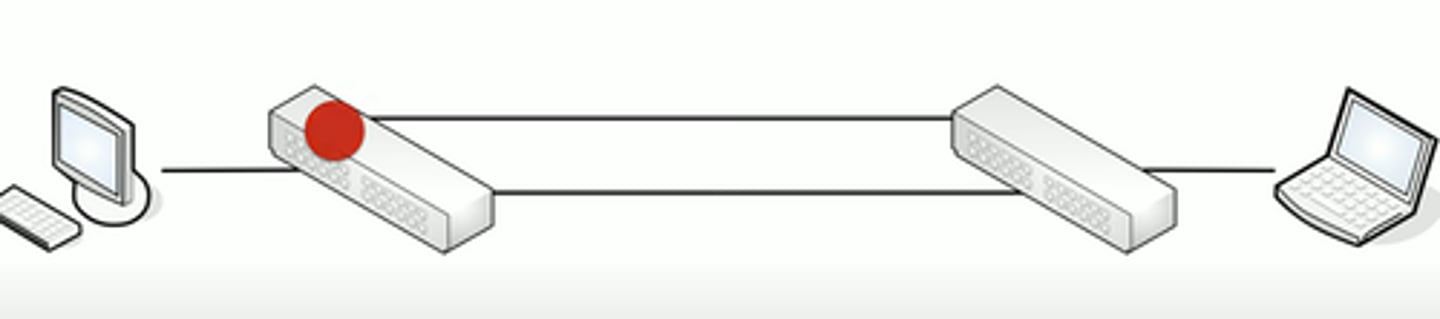
Spanning Tree Protocol (STP)
Bridges are alwasy talking to each other
- Uses MAC-layer multicasts (01:80:C2:00:00:00)
- Bridge Protocol Data Unit (BPDU)
- Sends configuration and any topology changes
Default "hello" interval is 2 seconds
- Miss 3 of those, and the link is considered down
- This would is a break in the link of the network, and the network topology would redesign itself to aid in not creating any loops
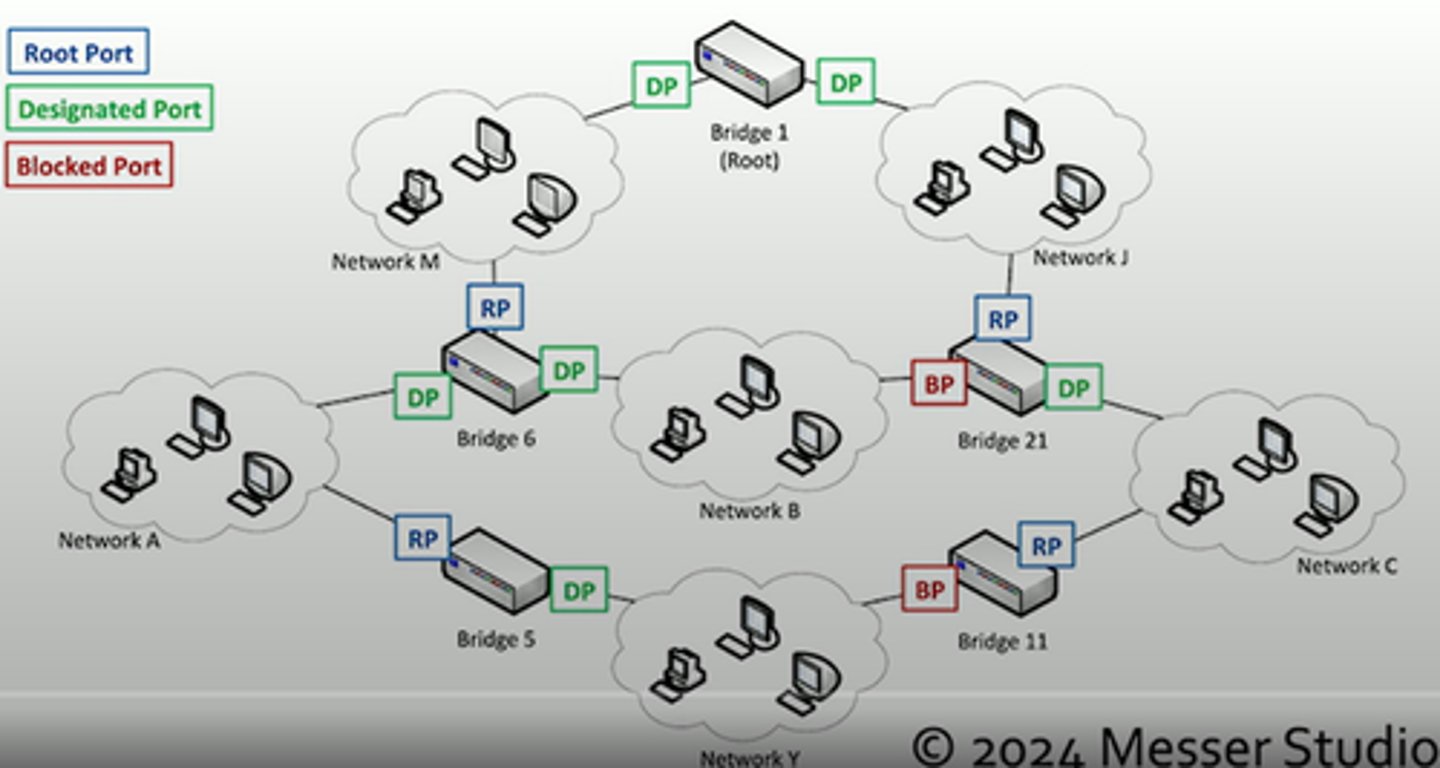
Root brifge selection
When starting, the bridges elect a root bridge
- All other bridges choose the best connection to the root
All bridges/switches are assigned a brifge ID between 0 and 61440
- Lowest ID is the root
- If there's a tie, the lowest MAC address number wins
Each bridge assigns a port to role to each interface
- Root, designated, or blocked
STP Port States
• Blocking - Not forwarding to prevent a loop
• Listening - Not forwarding and cleaning the MAC table
• Learning - Not forwarding and adding to the MAC table
• Forwarding - Data passes through and is fully operational
• Disabled - Administrator has turned off the port
VLAN assignment
Network link is active and IP address is assigned
- No access to resources or limited functionality
Every switch interface is configured as an access port or a trunk port
- Each access port is assigned to a VLAN
Confirm the specific switch interface
- Check the VLAN assignment
This is also a common issue
- Another quick fix
ACLs Break Perfectly Good Networks
Clients are working
- DHCP assigning correct IP address
- Routing tables look correct
Packets are still dropping
Everything could be configured perfectly
- ACL's would still break the traffic flow
Always include an ACL check when troubleshooting
- Save lots of time
ACL Best Practices
More granular rules should be first
- Very similar to a firewall
- The ACL stops evaluating after a match
- Broader rules at the top would prevent more specific rules from firing
Best practice: Before editing an ACL, disable on an interface
- Adding an access list without any rules will filter all traffic
- ** ACLs deny all by default **

