CE 2 Midterm
 Call Kai
 Learn
Learn Practice Test
 Spaced Repetition
 Match
Match Flashcards
 Knowt Play
1/50

There's no tags or description
Looks like no tags are added yet.
Name | Mastery | Learn | Test | Matching | Spaced | Call with Kai |
|---|
No analytics yet
Send a link to your students to track their progress
51 Terms
Sum of elementssum_x = sum(x)Average valuemean_x = mean(x)Maximum valuemax_x = max(x)
Minimum valuemin_x = min(x)
Number of elementslen_x = length(x)Single Input/Output Function
function [outputNumber] = myFirstFunction(inputNumber) What is the correct syntax for defining a function in MATLAB?
function [output1, output2] = functionName(input1, input2)
% Function body
output1 = ...;
output2 = ...;
end
Write a function that takes two inputs and returns division, subtraction, and addition
function [out1, out2, out3] = threeOutputs(in1, in2)
    out1 = in1 / in2;
    out2 = in1 - in2;
    out3 = in1 + in2;
end
What will this function return for different inputs?
function z = functionxyz(x, y)
if x == 0
z = 0;
elseif y == 0
z = 1;
else
z = 2;
end
end
If x = 0: returns 0 (regardless of y)
If x ≠ 0 and y = 0: returns 1
If x ≠ 0 and y ≠ 0: returns 2
Create a function that calculates the area of a rectangle
function area = AreaRECT(l, w)
    area = l * w;
endIdentify the data types in this code:
b = double(a);
row_array = [1,2,2; 3,2,2];
mycharacter = {'a'};
mystring = "myname";
a = 2;
myboolean = true;
double(a) - Double precision number
row_array - 2x3 Matrix/Array
mycharacter - Cell array
mystring - String
a = 2 - Double (default numeric type)
myboolean - Logical/Boolean
How do you calculate the number of seconds in 6.78 days?
day = 24; % hours per day
hr = 60; % minutes per hour
min = 60; % seconds per minute
days = 6.78;
seconds = days*day*hr * min;
Convert 2125 lbf/in² to N/mm² (given: 25.4 mm = 1 in, 4.448 N = 1 lbf)
mm = 25.4;
N = 4.448;
in = 1;
lbf = 1;
result = 2125 (in/mm)^2 (N/lbf);
Write code to perform addition, subtraction, multiplication, and division with a=8, b=5
a = 8;
b = 5;

add = a + b;    % 13
sub = a - b;    % 3
mul = a * b;    % 40
dv = a / b; % 1.6What are the 4 key rules for writing functions?
Function name MUST match filename
Never assign values to input variables inside function
All outputs must be calculated from inputs
End the function with
endkeyword
How do you call a function that returns three outputs?
[var1, var2, var3] = functionName(input1, input2);Logic Operators for And, OR, NOT, Equals, Not Equals
&&, I I, ~, ==, ~=
How to call function
[a,b] = myFunc(x,y)
Boolean Variables
1 = true, 0 = false
Script
File containing sequence of commands
Pseudo Code
Outline logic in English before MATLAB code
Write a function that returns:
0ifx == 01ify == 02otherwise
if x == 0
    z = 0;
elseif y == 0
    z = 1;
else
    z = 2;
endCommand Window
The interactive area where you can enter individual commands and see immediate results. Great for testing, but work isn't saved. Users can enter commands and run scripts.
Workspace
A window that lists all the variables currently stored in memory, showing their names, values, and classes (types).
Editor
Where you write and edit Scripts and Functions. This is where your code is saved as a .m file.
Current Folder
Shows the files in the directory you are currently working in. Your functions must be saved here to be called.
Double
The default for numbers (x = 5.5)
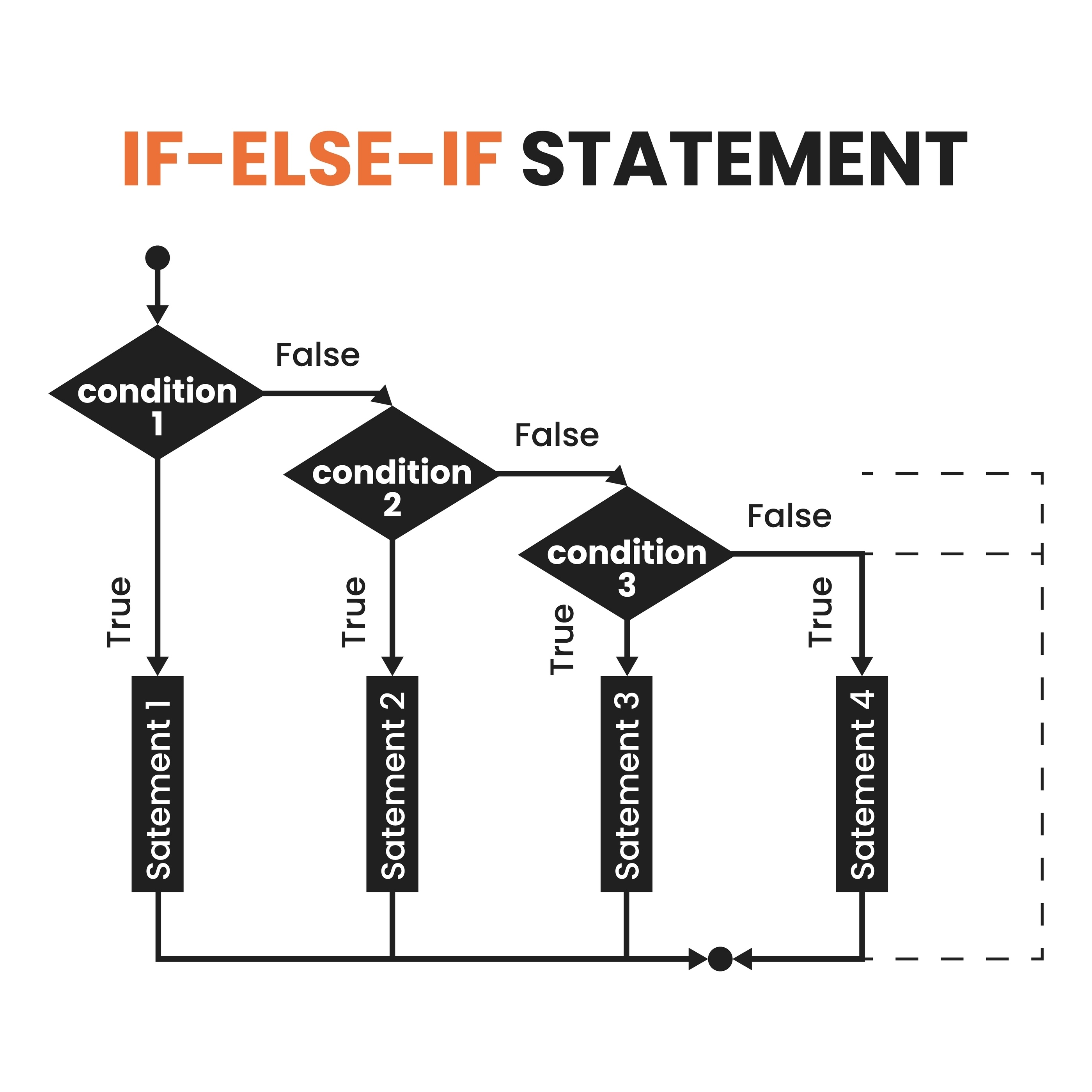
Branching (If/Else)
allows the code to choose a path.
Characters
Only letters, numbers, and underscores (_) No spaces, no hyphens, no $ or %
std(x)
Standard Deviation
sqrt(x)
Square root
Row Vector
v = [1, 2, 3] or v = [1 2 3] (commas or spaces)
Column Vector
v = [1; 2; 3] (semicolons)
Matrix
M = [1, 2; 3, 4] (A 2x2 square)
a function that returns a letter grade based on numerical score using elseif
function grade = calculateGrade(score)
    if score >= 90
        grade = 'A';
    elseif score >= 80
        grade = 'B';
    elseif score >= 70
        grade = 'C';
    elseif score >= 60
        grade = 'D';
    else
        grade = 'F';
    end
enda function that gives advice based on temperature using elseif
function advice = temperatureAdvisory(temp)
    if temp > 100
        advice = 'Extreme heat - stay indoors';
    elseif temp > 80
        advice = 'Hot - stay hydrated';
    elseif temp > 60
        advice = 'Pleasant weather';
    elseif temp > 32
        advice = 'Cool - wear a jacket';
    else
        advice = 'Freezing - stay warm';
    end
endWrite an if statement that checks if a number is between 1 and 10 (inclusive)
if x >= 1 && x <= 10
    disp('x is between 1 and 10');
enda function that checks if someone is eligible to vote (age ≥ 18 and citizen = true)
function eligible = canVote(age, isCitizen)
    if age >= 18 && isCitizen == true
        eligible = true;
    else
        eligible = false;
    end
endfunction that classifies a number as positive, negative, or zero using elseif
function classification = classifyNumber(x)
    if x > 0
        classification = 'Positive';
    elseif x < 0
        classification = 'Negative';
    else
        classification = 'Zero';
    end
endWhile-Loop
Loop as long as a condition is true
While Loop Example
n = 1;
nFactorial = 1;
while nFactorial < 1e100 % Conditional Statement
n = n + 1;
nFactorial = nFactorial * n;
end
For Loop
Loop a specific number of times
For Loop Example
for i = 2:3:20 % Loop indexing variable
A(i) = A(i) * x
x = x+1
end
If else example (Size)
if x > 10 % 1st Conditional Statement
disp(“It is size large”)
elseif x >= 5 % 2nd Conditional Statement
disp(“The size is medium”)
else
disp(“The size is small”)
end
Plot(x,y)
will create a line on the figure connecting points, where all of the coordinates come from x and y
xlabel(‘string’) ylabel(‘ string’)
These will label your axes with the string you put in the parentheses
hold on
Stops your current figure from being overwritten
Will plot new lines and scatter plots in different colors so you can distinguish
them
N=length(array)
for i = 1:N
Will counts through all of the indices in array above from 1 to N
Matrices
Multidimensional arrays, Matrices are the 2-dimensional version of arrays. We store numbers in them
[numRows, numCols] = size(x)
This will tell you how many rows and columns are in any matrix

