CompTIA A+ 220-1201 (3.5 - Cooling)
 Studied by 0 people
 Call with Kai
 Learn
Learn Practice Test
 Spaced Repetition
 Match
Match Flashcards
 Knowt Play
1/8

Earn XP
Description and Tags
Name | Mastery | Learn | Test | Matching | Spaced | Call with Kai |
|---|
No study sessions yet.
9 Terms
Case fans
• Cool air is pulled through a personal computer
- Always check for good airflow
• Motherboard layout becomes important
• Component location is key
- Devices, wiring, power
• Many different sizes and styles
- And volume levels
On-board fans
• Designed to cool an entire adapter card
• Can be bulky
- May take additional adapter card space
• Usually seen on high-end graphics cards
Fan specifications
• Standard sizes
- 80 mm, 120 mm, 200 mm, etc.
• Different speeds
- Variable speed
• Different noise levels
- Not all fans sound the same
Heat sink and fans
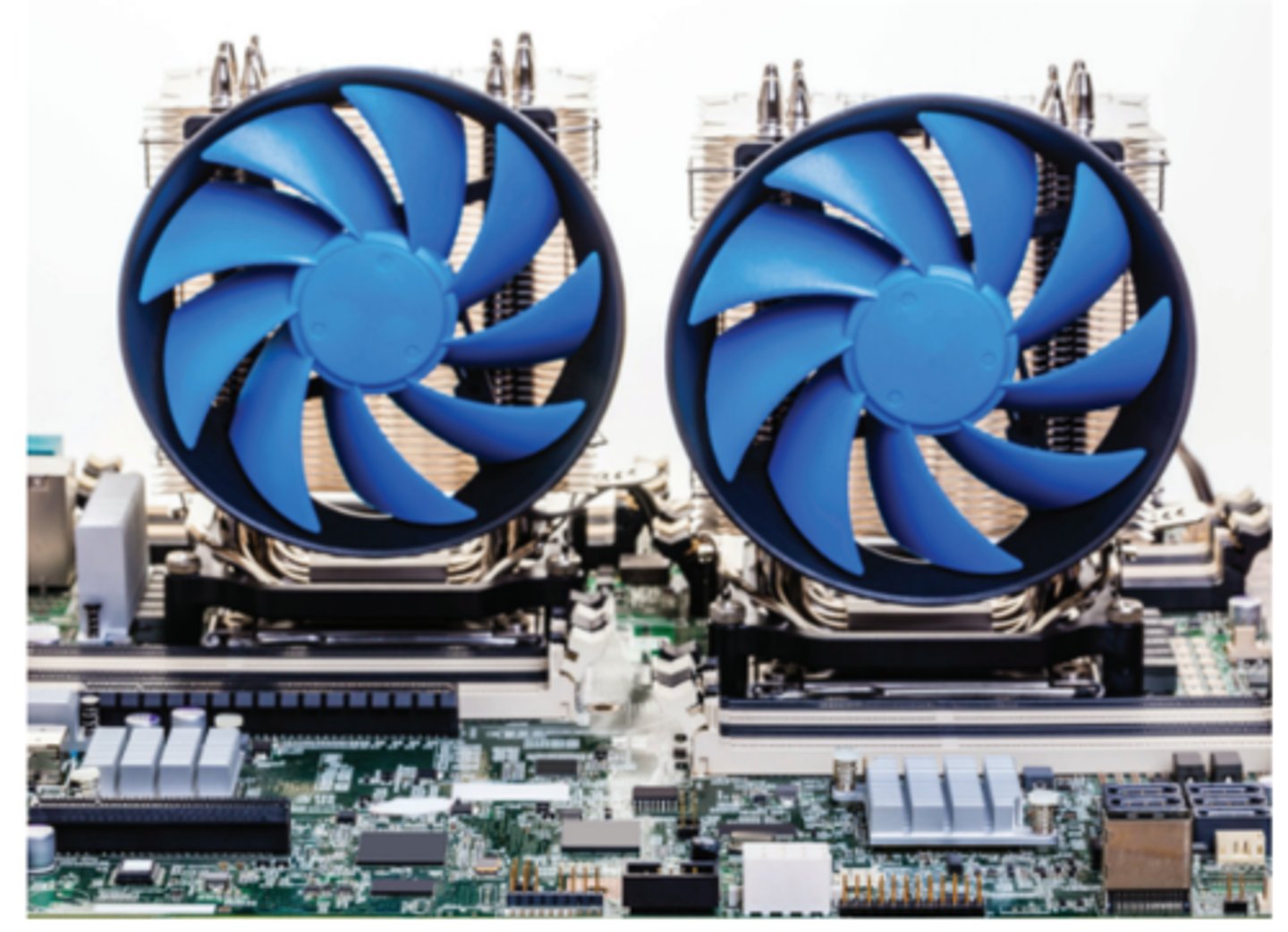
Fanless / passive cooling
• No fans, no noise - Silent operation
• Specialized functions
- Video servers, TV set top box,
satellite receiver, media server
• Functions are very controlled
- Carefully measured thermal tests
• Low-power components - Heat sinks
Heat sink
Dissipate heat through thermal conduction
- Copper or aluminum alloy
• Fins/grid increase surface area
- Heat is then transferred to the cooler air
• They get HOT - don't touch them!
• Thermal paste creates a good contact between the chip and the heat sink
Thermal paste
• Thermal grease, conductive grease
- Thermally conductive adhesive
• Place between the heat sink and the component
- Improves thermal conductivity
- Moves the heat away from the component
• A little bit goes a long way
- Pea-sized application
Thermal pad
• Conduct heat without the mess - Cut to size and install
• Easy to use - Won't leak and damage components
• Almost as effective as thermal paste
- But still very good
• Not reusable - Remove and replace
Liquid cooling
• Coolant is circulated through a computer
- Not a new concept
- Automobiles, mainframe computers
• High-end systems
• Gaming, graphics
• Overclocking
 Note
Note  Flashcards (46)