S.2 Dion Training - Network+ (N10-009)
 Call Kai
 Learn
Learn Practice Test
 Spaced Repetition
 Match
Match Flashcards
 Knowt Play
1/43

Earn XP
Description and Tags
Section 2 of Dion Training Flash Cards
Name | Mastery | Learn | Test | Matching | Spaced | Call with Kai |
|---|
No analytics yet
Send a link to your students to track their progress
44 Terms
Clients
Devices that users use to access the network.
Laptops, Tablets, Cell Phone, etc.
Servers
A system that provides services, data, or resources to clients on a network.
Hubs
A basic Layer 1 device that broadcasts all data to every connected device.
Switches
A Layer 2 device that forwards frames using MAC addresses.
Wireless Access Points (WAPs)
Allows wireless devices to join a wired network using radio frequency signals.
Routers
Layer 3 device that forwards packets between networks using IP addresses.
Firewalls
Filters network traffic based on security rules to allow or block connections.
Load Balancers
Distribute traffic across multiple servers to improve performance and reliability.
Proxy Servers
Intermediary that forwards client requests and can provide filtering, caching, or anonymity.
Intrusion Prevention Systems (IPS)
Monitors traffic and actively blocks malicious activity in real time.
Intrusion Detection Systems (IDS)
Monitors traffic and alerts on suspicious or malicious activity.
Controllers
Centralized systems that manage and configure multiple network devices (often WAPs).
Network-attached Storage (NAS) Devices
Storage devices that provide file‑level access over the network.
Storage Area Networks (SANs)
High‑speed network that provides block‑level storage to servers.
Media
The physical or wireless method used to transmit data (copper, fiber, radio waves).
Wide Area Network (WAN) Links
Connections that link networks over long distances (leased lines, MPLS, fiber, etc.).
Client/Server Model
A network model where clients request services and servers provide them.
Peer‑to‑Peer (P2P) Model
A network model where devices share resources directly without a central server.
PAN (Personal Area Network)
A small network for devices close to one person (Bluetooth, wearables).
LAN (Local Area Network)
A network covering a small geographic area like a home or office.
CAN (Campus Area Network)
A network connecting multiple LANs within a campus or corporate area.
MAN (Metropolitan Area Network)
A network spanning a city or large campus.
WAN (Wide Area Network)
A network covering large geographic distances, connecting multiple sites.
Physical Topology
The actual physical layout of cables and devices.
Logical Topology
How data flows through the network, regardless of physical layout.
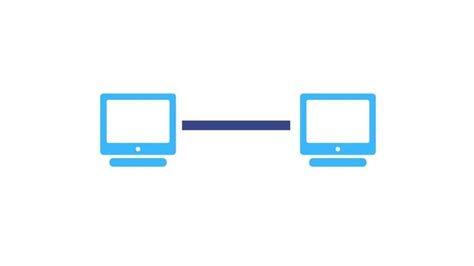
Point‑to‑Point Topology
A direct connection between two devices.
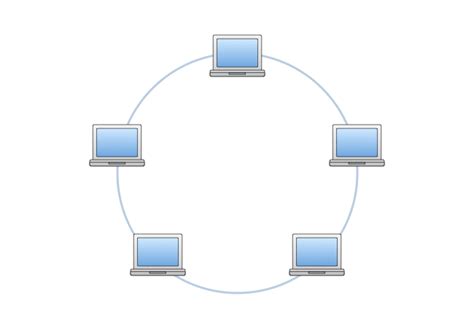
Ring Topology
Devices connected in a circular path; data travels in a loop.
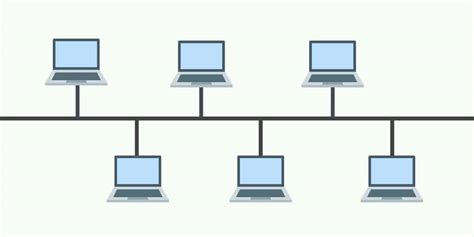
Bus Topology
All devices share a single communication line.
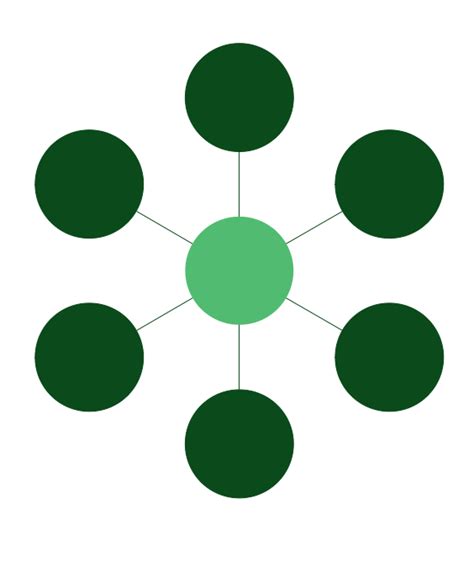
Star Topology
All devices connect to a central device (usually a switch).
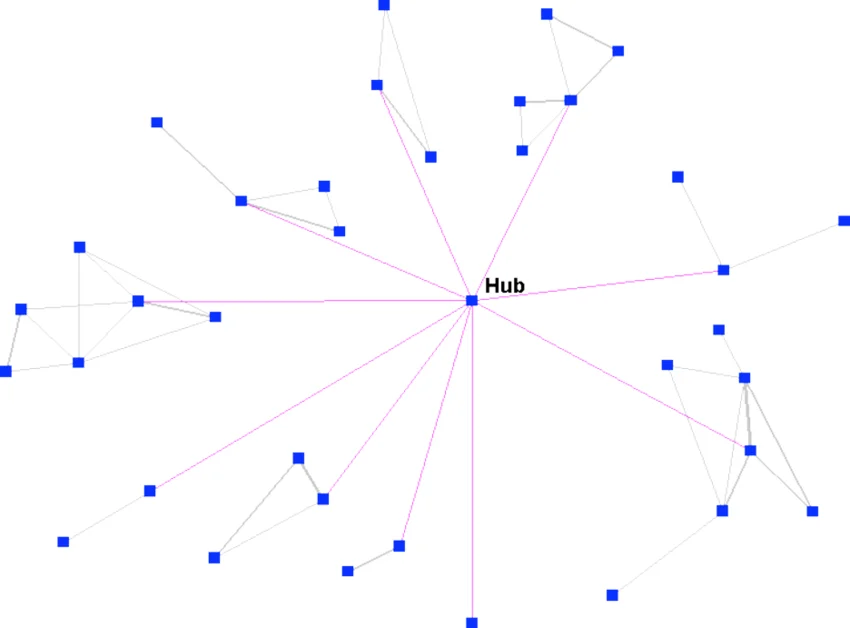
Hub‑and‑Spoke Topology
A WAN design where branch sites connect to a central site.
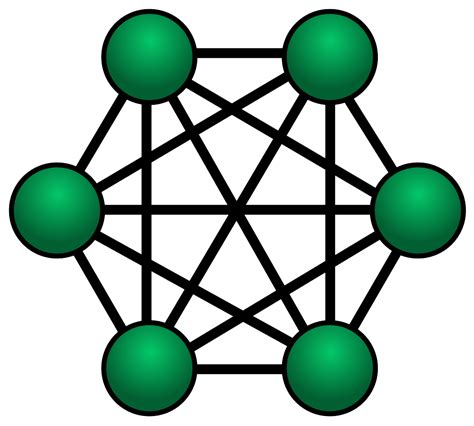
Mesh Topology
Devices interconnect with multiple redundant paths.
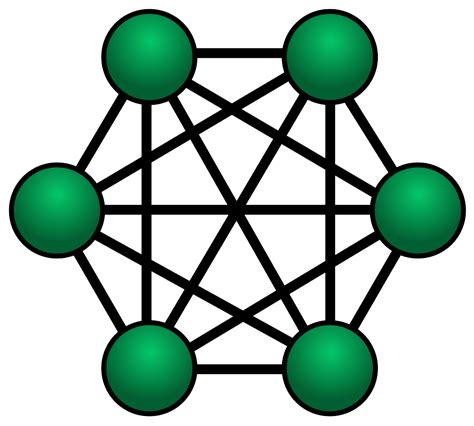
Full Mesh
Every device connects to every other device.
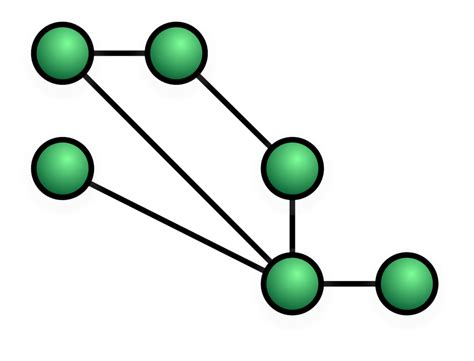
Partial Mesh
Some devices have multiple connections, but not all.
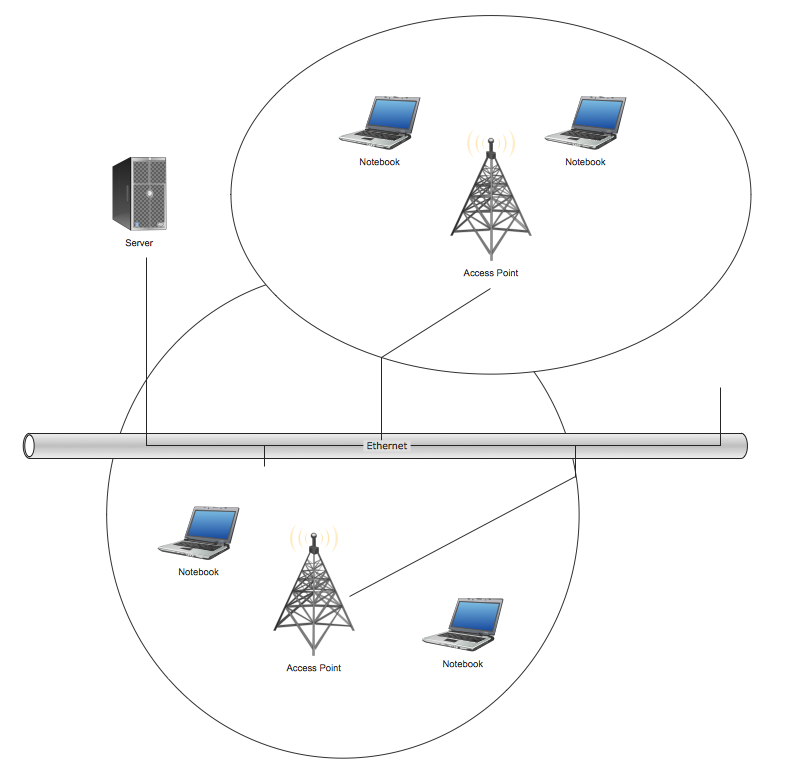
Infrastructure Mode
Wireless devices communicate through a WAP.
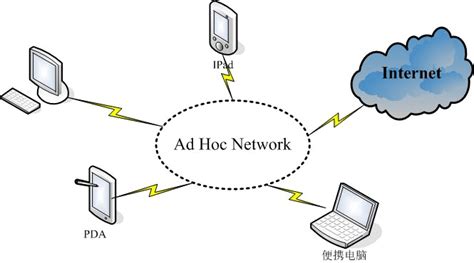
Ad Hoc Mode
Wireless devices communicate directly without a WAP.
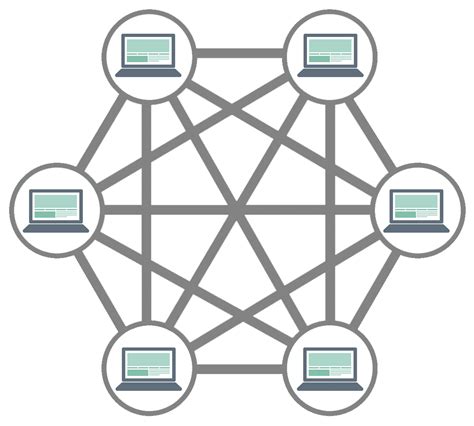
Wireless Mesh
Multiple wireless nodes interconnect to extend coverage.
Datacenter
A facility that houses servers, storage, and networking equipment.
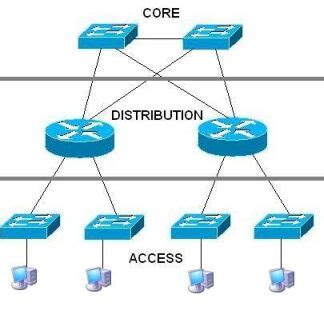
Core Layer (Three‑Tiered Hierarchy)
High‑speed backbone that moves large amounts of traffic.
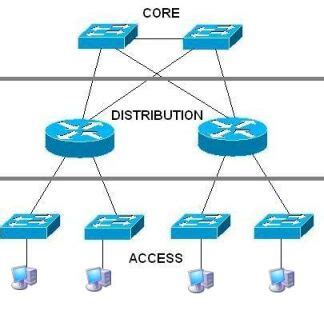
Distribution/Aggregation Layer (Three‑Tiered Hierarchy)
Applies policies, routing, and connects access to core.
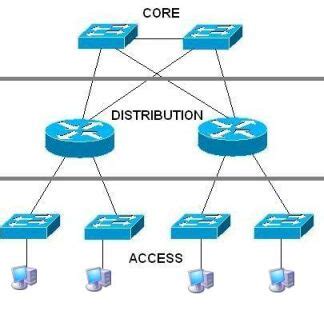
Access/Edge Layer (Three‑Tiered Hierarchy)
Where end devices connect to the network.
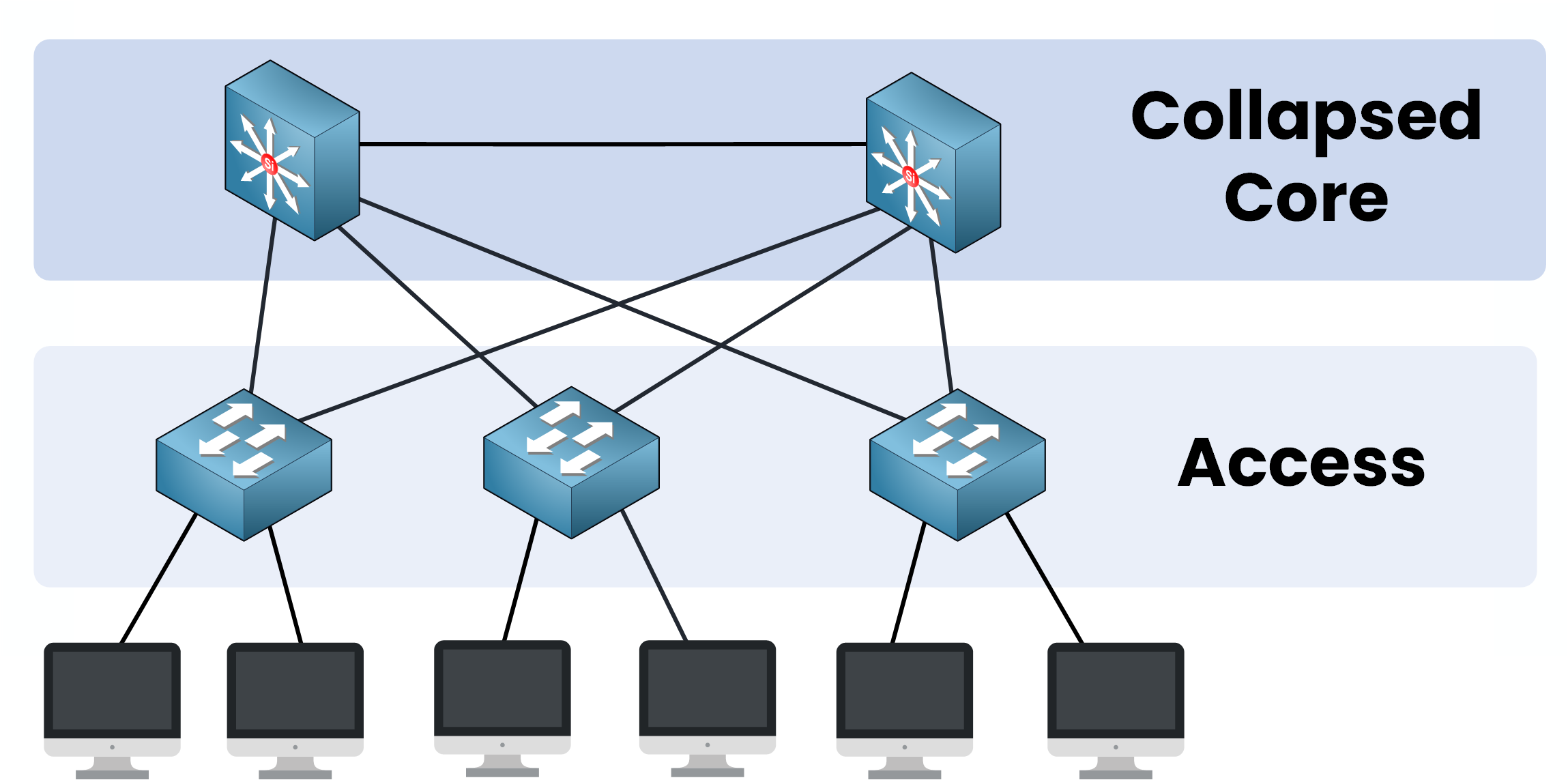
Collapsed Core
A two‑tier design combining the core and distribution layers.
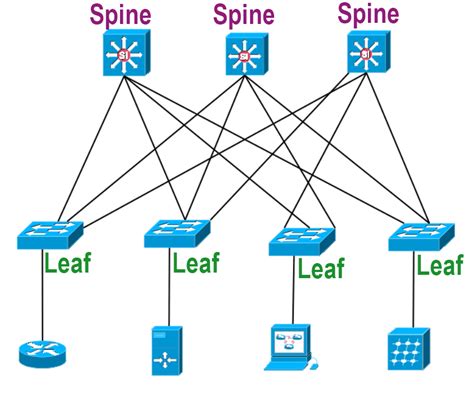
Spine and Leaf Architecture
A modern datacenter design where every leaf switch connects to every spine switch.
North‑South Traffic
Traffic moving between clients and servers (in/out of the datacenter).
East‑West Traffic
Traffic moving between servers inside the datacenter.

