1.2.2 Secondary Storage
 Studied by 0 people
 Call Kai
 Learn
Learn Practice Test
 Spaced Repetition
 Match
Match Flashcards
 Knowt Play
1/31

There's no tags or description
Looks like no tags are added yet.
Name | Mastery | Learn | Test | Matching | Spaced | Call with Kai |
|---|
No analytics yet
Send a link to your students to track their progress
32 Terms
Secondary storage
It's non-volatile (holds data even when system is turned off) and much bigger than primary.
Used for long term storage of data and files
The OS, system software and application software are all installed here, plus files and folders.
This type of storage cannot be read directly by the CPU.
Examples are Hard Disk, USB Flash Drive, SSD, CD
Why is secondary storage needed
Long term storage of files e.g. operating system/applications
Even when the system is switched off / it is non-volatile.
Secondary storage considerations
Capacity/size
Speed
Portability
Durability
Reliability
Cost
Remember this...
Computer Science Pupils Do Really Care
Secondary storage scenario example - Digital camera
Portable device
Lightweight
…e.g. device needs to be carried
Small physical size
…e.g. can fit in a small camera
Durable
...No moving parts
…e.g. device is moved so may be dropped // won’t be damaged when moving around
Reliable
…e.g. needs to work when out in the ‘field’
Sufficient/large capacity
...Videos are large file size // store more videos
Fast access/read/write speed
…e.g. the device will retrieve the videos without delay
Efficient power consumption
…e.g. run on battery // longer battery life
Optical
Secondary storage that uses laser light to read/burn data onto a medium such as CD, DVD or Blu-Ray disc
Magnetic
Secondary storage type stores data by magnetising areas of the surface
It includes hard disk drives and tape drives
Solid state
Secondary storage type with no moving parts
It uses semiconductor technology, and works by trapping electrons inside a gate.
Includes SSDs, flash memory, memory sticks and SD cards
Capacity
The amount of data that can be stored in a storage device or on storage media.
If you create lots of data you need this characteristic to be high
Read/Write Speed
How fast data can be read from or written to a storage device.
This characteristic is important if your application creates or uses a lot of data quickly such as a video camera
Portablility
How easy it is to carry around a storage device or its media.
You need this characteristic for secondary storage in smartphones, laptops and tablets
Durability
How well it survives knocks and drops.
A device that is carried around a lot needs this characteristic to be good
Reliability
How long a device will last without losing data...
...under normal use
Cost per byte
How expensive a device is for each byte stored
Some devices are faster and more durable but that makes the cost higher e.g. SSDs
Volatile
Loses its contents when switched off, this describes main memory aka RAM.
Because data in RAM is not permanent, we need secondary storage.
Non-volatile
Retains its contents when switched off, like all secondary storage so we can save data and install programs permanently
Magnetic storage benefits
Cheaper for larger amounts of storage space (cheaper per GB)
Greater longevity (reliability) for read/write functions.
Could be better option if increased read and write speed is not a priority
Magnetic storage drawbacks
Lots of mechanical parts so durability an issue...
...not very portable for this reason
Can be noisy when reading/writing data
Read and write speeds lower than solid state (although faster than optical)
Optical storage benefits
Cheap per byte // cheap to manufacture
Takes up little space physically...
...so is very portable
Useful for archiving data
Optical storage drawbacks
Less storage capacity compared to other types
Easily damaged / scratched,
Requires a disk reader
Slow write speeds compared to other types
Some types can only be written to once e.g. DVD-R
Magnetic storage uses
Storage of vast quantities of data
Back-ups/archiving
Optical uses
Backup and archiving of data
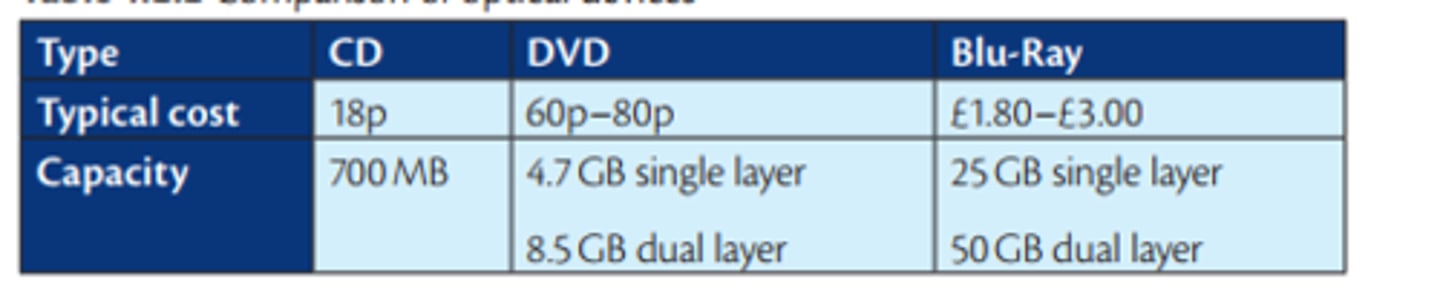
Optical media comparison
Solid state drive benefits over HDD
•Don't need to "get up to speed" (platters/disks) to work properly/no latency
•Lower/less power consumption/more energy efficient
•Runs cooler
•Runs quieter
•Data access is faster
•Occupies less physical space/more compact
•Lighter, so more suitable for a portable computer/laptop
•No moving parts so more reliable/durable in a portable computer/laptop
Solid state drawbacks
More expensive per GB
Generally less storage capacity in comparison to HDD
Memory cells can degrade over time...
...leading to reduced lifespan
Solid state uses
Smart phones/tablets/camera/USB drives
Operating systems and other applications are installed on them for fast read speeds
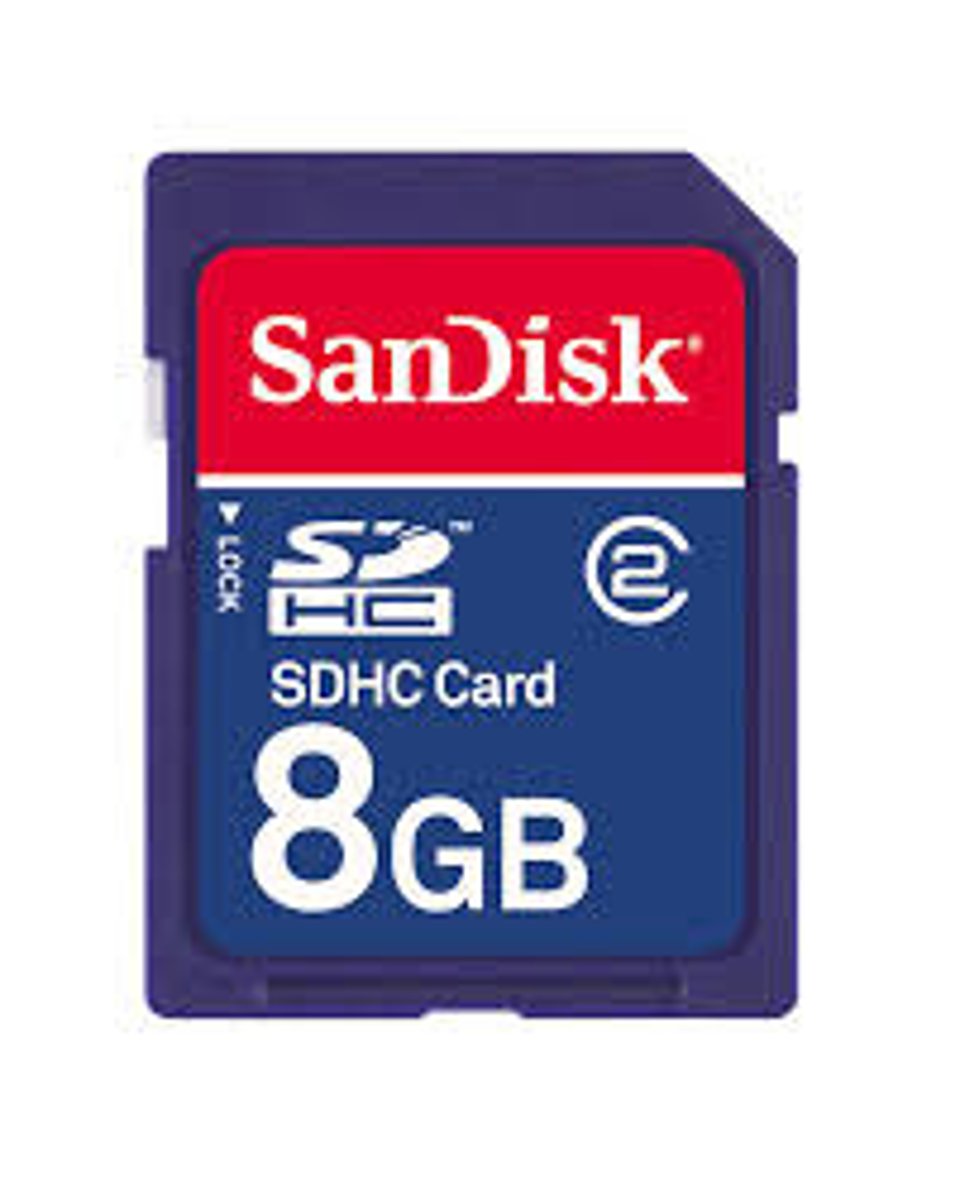
Memory card
A solid state storage device with a flat shape that is used in cameras and phones, also known as a flash card or SD card
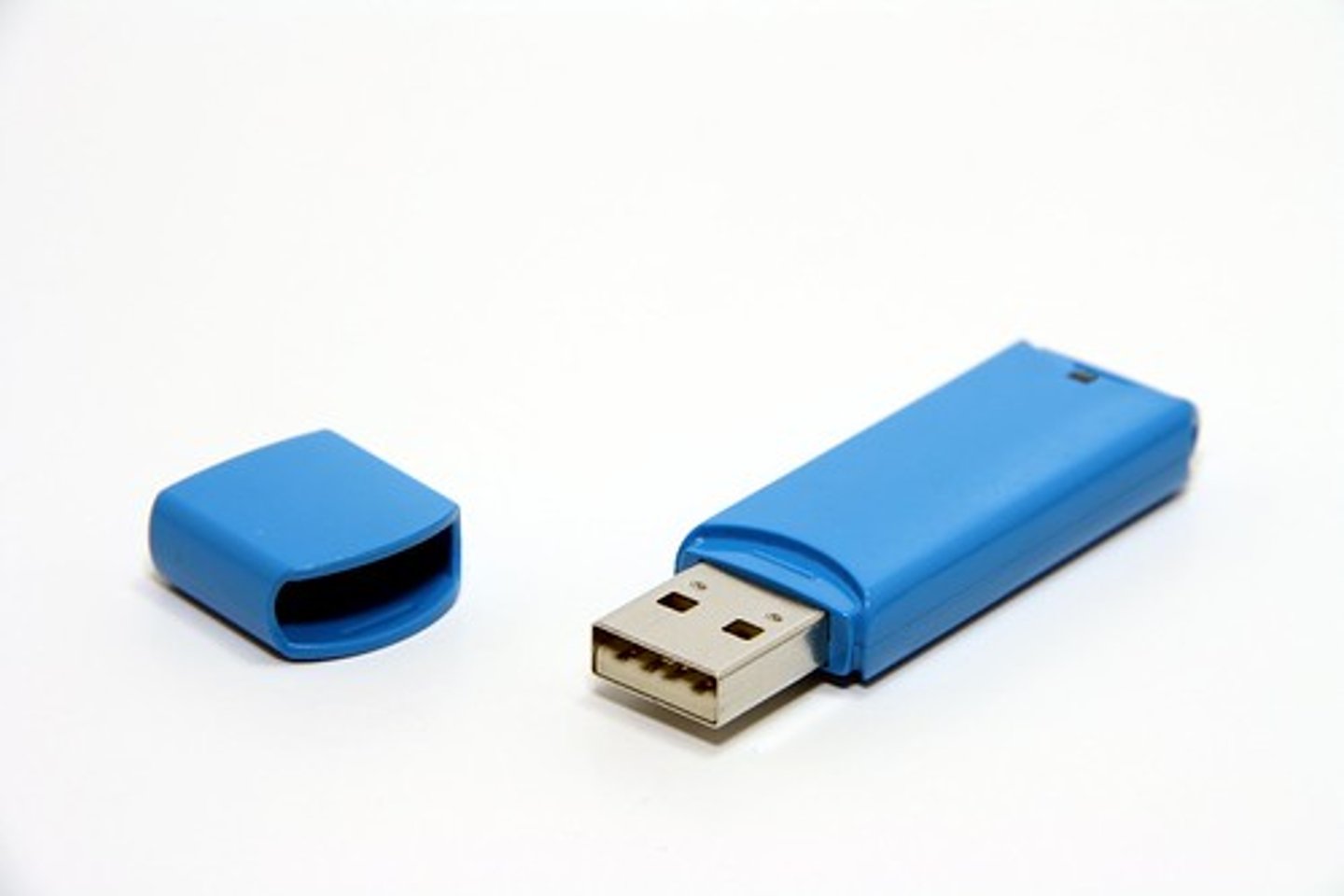
Memory Stick
A solid state storage removable storage device which is very portable, comes in capacities from 1GB up to 512GB
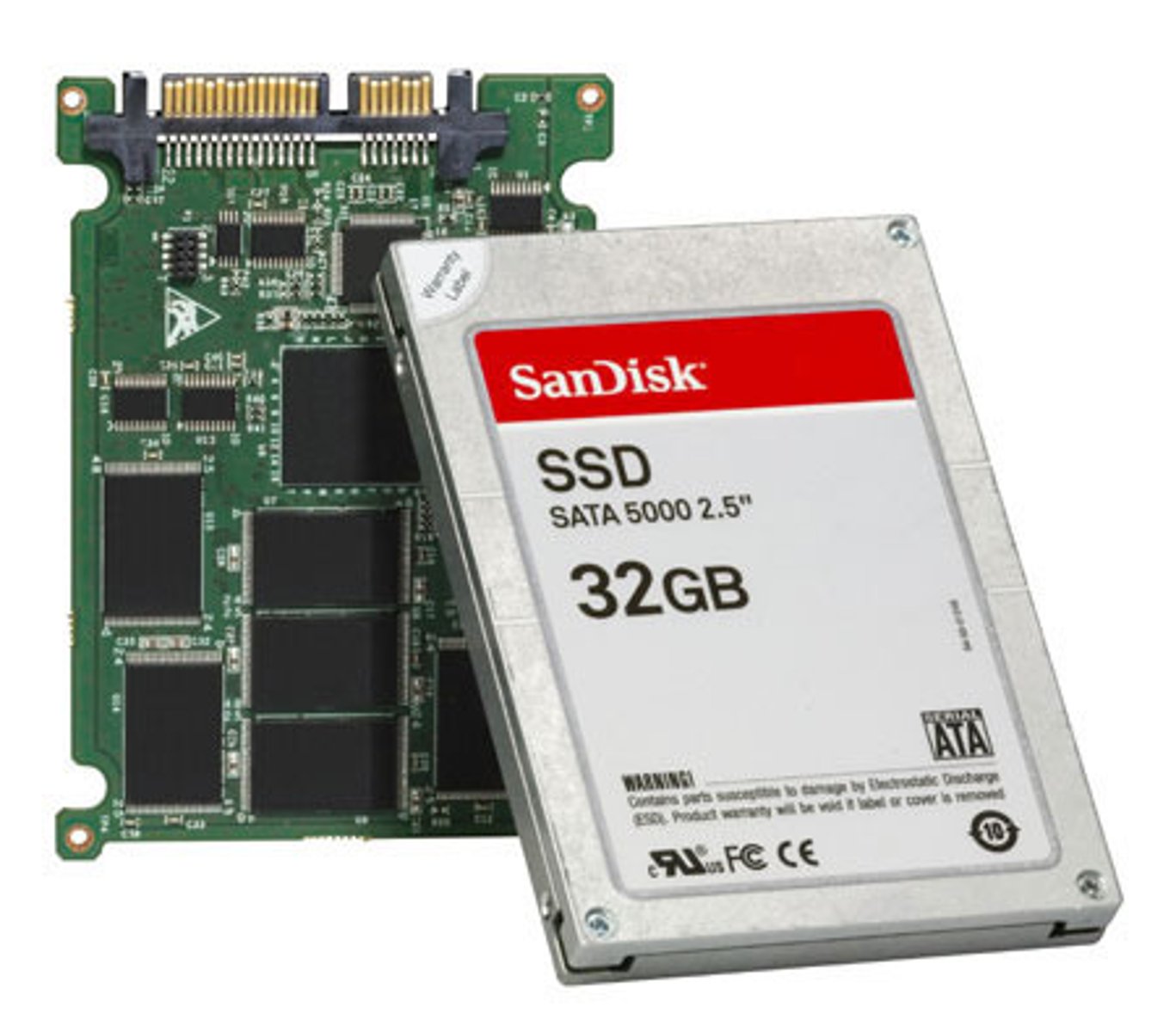
Solid State Drive
No moving parts means this high capacity, fast, durable, low power and reliable secondary storage device is good for laptops but it's expensive
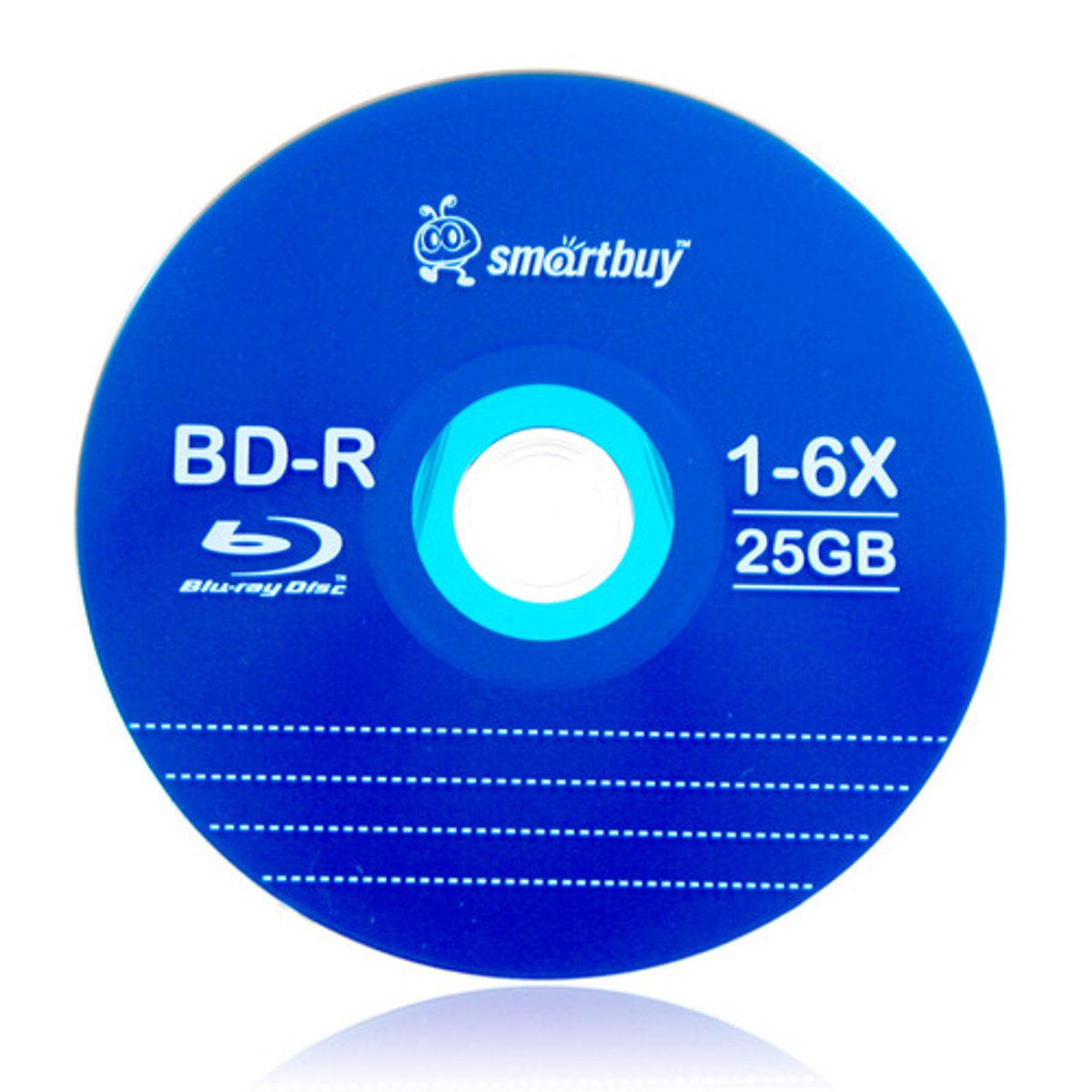
Blu-Ray Disc
An optical storage component with a capacity of 25GB, a blue laser reads them, they are more expensive than DVDs but still cheap to make.
DVD
Optical storage, a laser reads and writes the 4.7GB capacity optical disks which are cheap and portable, but a bit more expensive than CDs.

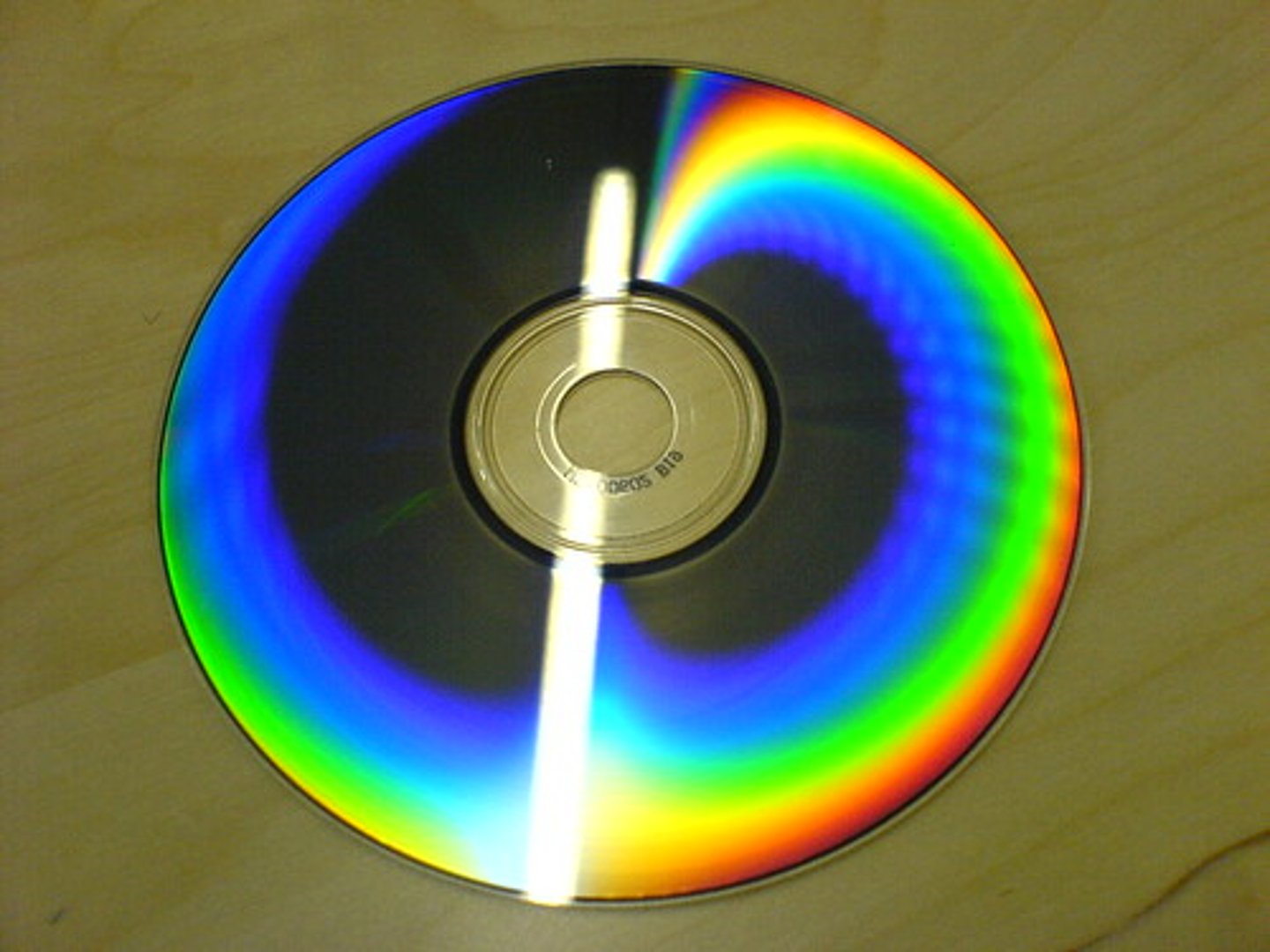
CD
Optical storage, a laser reads and writes the 700MB capacity optical disks. Disks are cheap and portable.
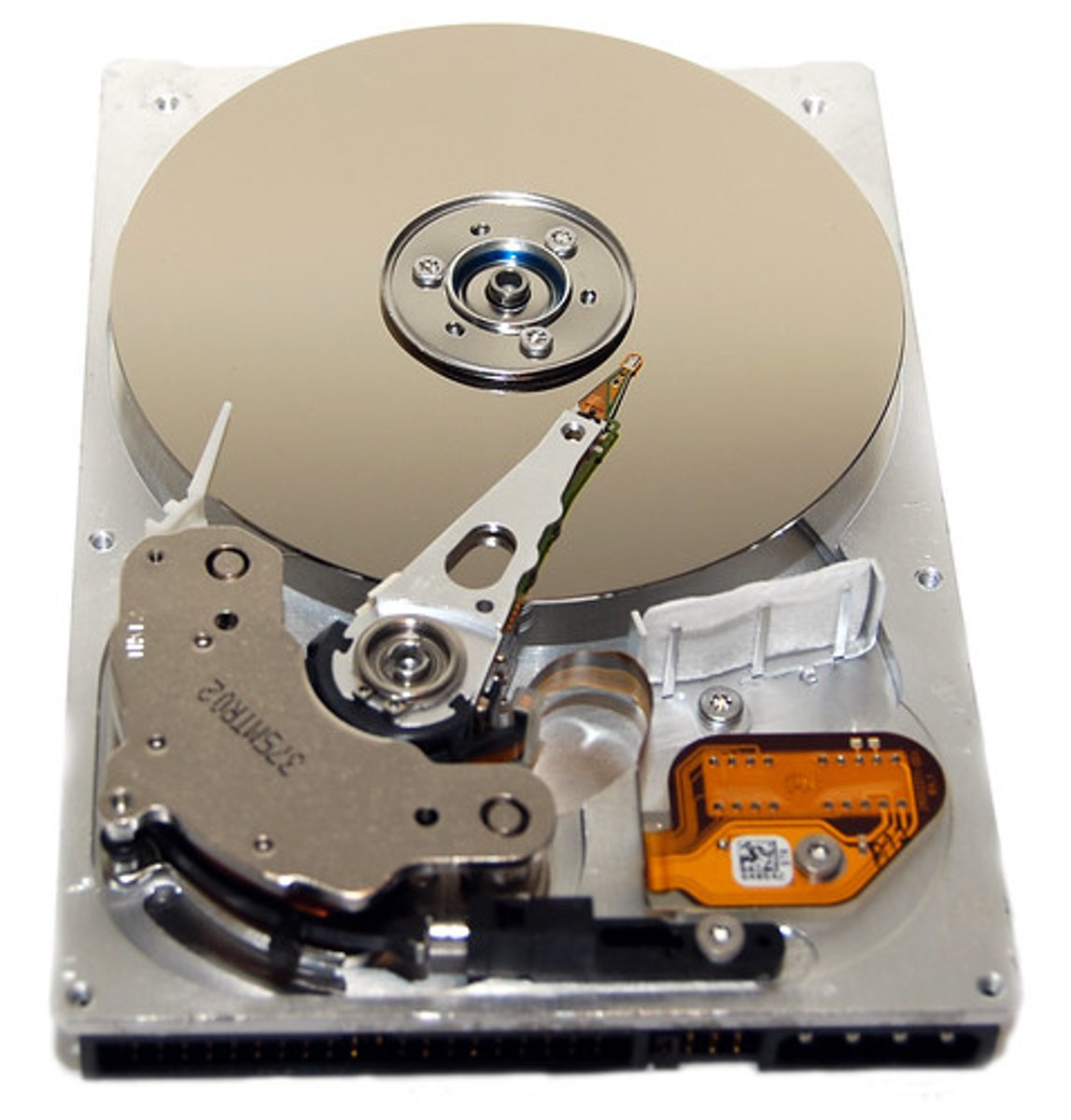
Hard Disk Drive
High capacity magnetic secondary storage device. It has spinning platters so it wears out, making it less reliable and portable than SSD.
 Note
Note  Flashcards (23)