1.1.3 Input, Output and Storage
 Studied by 0 people
 Call Kai
 Learn
Learn Practice Test
 Spaced Repetition
 Match
Match Flashcards
 Knowt Play
1/26

There's no tags or description
Looks like no tags are added yet.
Name | Mastery | Learn | Test | Matching | Spaced | Call with Kai |
|---|
No analytics yet
Send a link to your students to track their progress
27 Terms
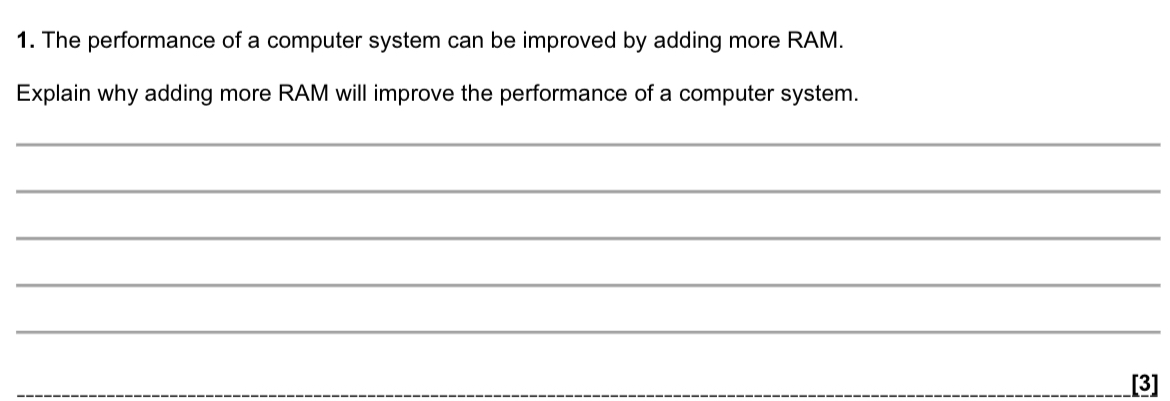
Adding more RAM improves performance because:
It allows more programs, instructions, and temporary data to be stored in main memory at the same time, so more tasks can run smoothly without slowing down.
It reduces the need for virtual memory, meaning the computer does not have to rely on the hard drive/secondary storage as much.
RAM is much faster than secondary storage, and data in virtual memory has to be swapped in and out of RAM first. Reducing this swapping lowers the risk of disk thrashing and speeds up loading, access, boot-up, and overall system performance.
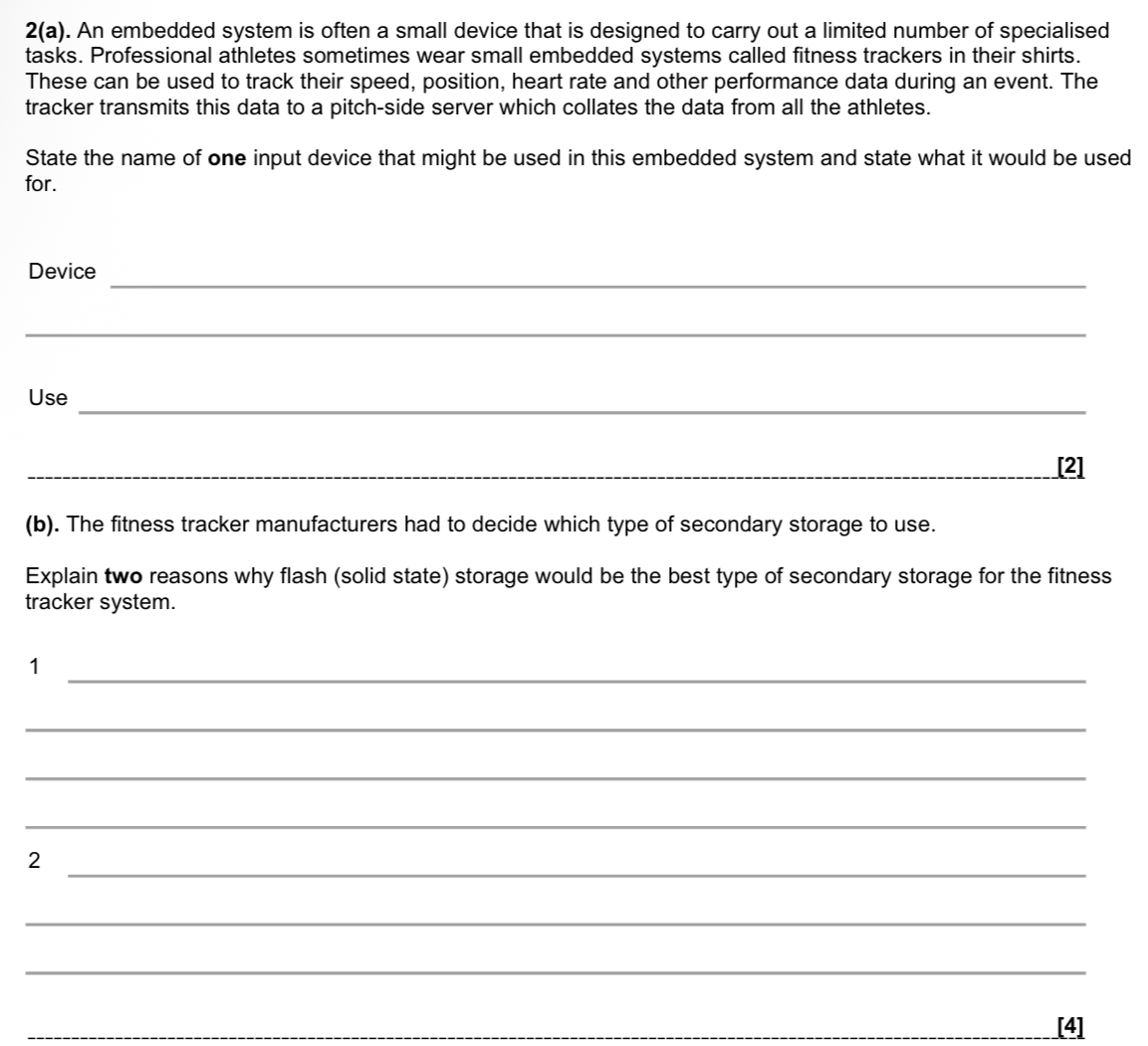
(a)
Device: Heart rate sensor
Use: To detect and measure the athlete’s heart rate (electrical activity of the heart) during the event and send the data to the pitch-side server for performance monitoring.
(b)
1. Flash storage has no moving parts, so it is durable and resistant to damage.
Because the athlete is constantly running, turning and possibly colliding with others, the tracker must withstand movement and impact. Solid-state storage is less likely to be damaged during an event.
2. Flash storage is small and uses low power.
Its small physical size means it can fit inside a lightweight tracker worn in a shirt without affecting the athlete’s performance. Its low power consumption means the device will last for the whole event without needing recharging.
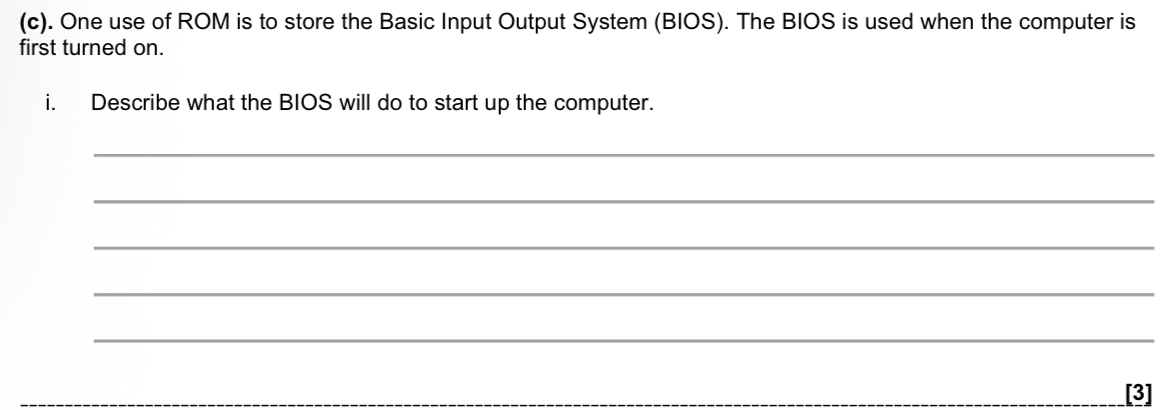
When the computer is turned on, the BIOS:
Checks the system – performs a POST (Power-On Self-Test) to initialise and test hardware (CPU, RAM, keyboard, drives, etc.) and reports any errors.
Chooses the boot device – loads stored settings/configuration (CMOS/NVRAM) and determines which drive contains the operating system.
Charges ahead and boots – loads the bootstrap/operating system (kernel) from the selected drive into main memory (RAM), starting the computer.
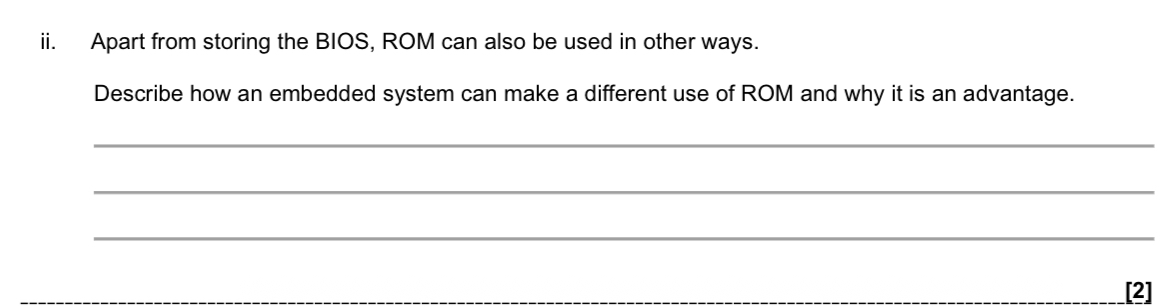
An embedded system can use ROM to store its firmware or operating instructions (the program that controls how the device works), rather than just the BIOS.
This is an advantage because the data in ROM cannot be overwritten or accidentally changed, so the instructions are secure and reliable. It also means the program is available immediately when the device is powered on, so there is no need to load it from another storage device, making startup faster and reducing the need for additional memory.

RAM stores:
Programs/instructions currently running
Data currently in use
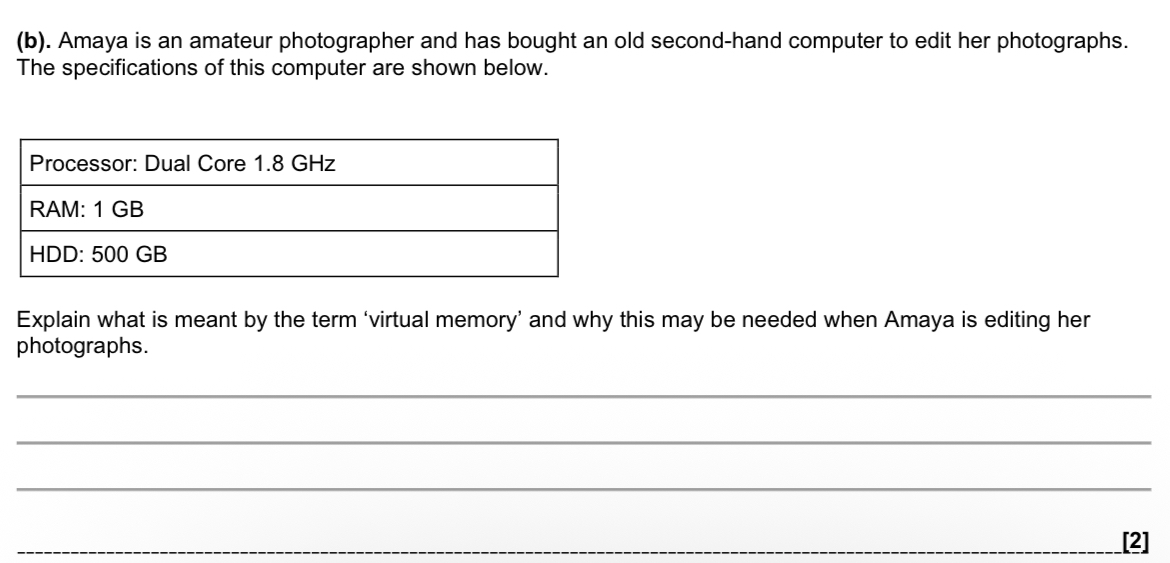
Virtual memory is when part of the secondary storage (hard drive) is used as if it were RAM when the actual RAM is insufficient.
Amaya’s computer only has 1 GB of RAM, which is quite small. When she edits photographs, she is likely to open large image files and possibly large editing software programs. These may exceed the available RAM, so the operating system uses part of the HDD as virtual memory to store extra data and instructions temporarily
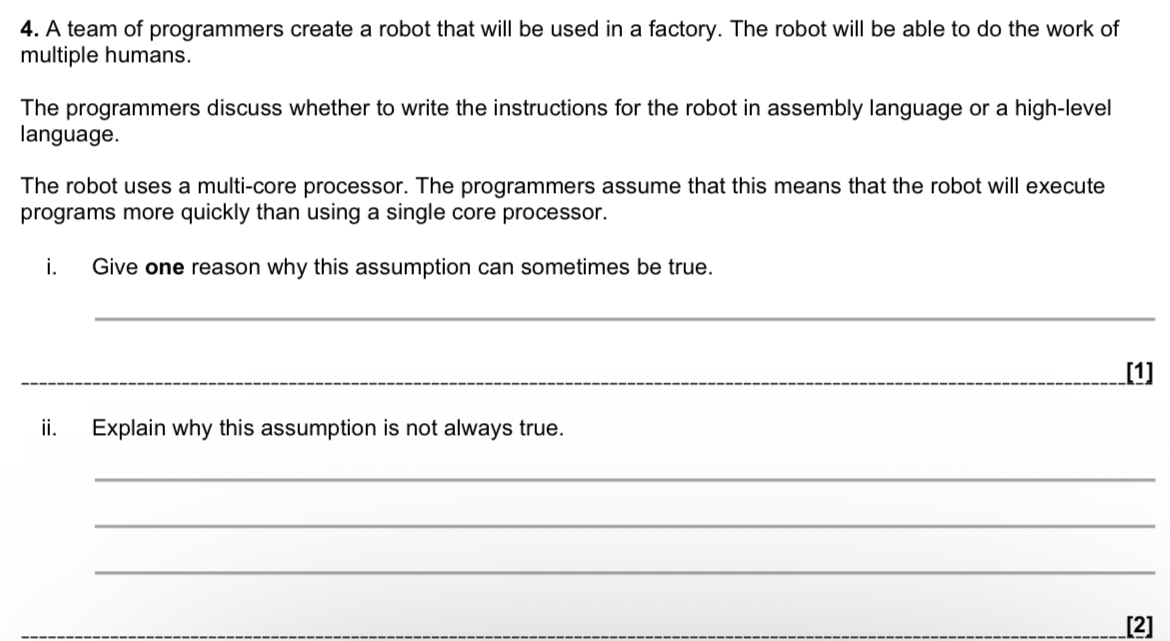
i) One reason why the assumption can sometimes be true:
A multi-core processor can execute multiple instructions / FDE cycles at the same time, meaning some instructions in a program can run in parallel, which can reduce overall execution time.
ii) Why this assumption is not always true:
Not all instructions can be run in parallel. Some instructions are dependent on the results of previous instructions, so they must wait before executing.
In addition, other factors affect processing speed, such as clock speed, cache size, and bottlenecks, and the program/operating system must be specifically written to use multiple cores. If the software is not designed for multi-core processing, the extra cores may not improve performance.
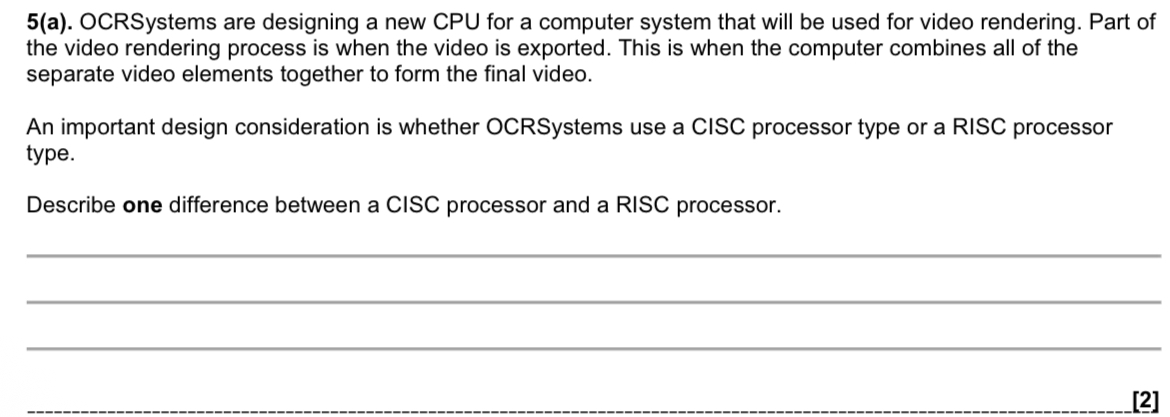
One key difference is in the instruction set and execution style:
A CISC (Complex Instruction Set Computer) processor has a larger, more complex instruction set, and its instructions can take multiple clock cycles to execute. This makes the circuitry more complex and harder to pipeline.
In contrast, a RISC (Reduced Instruction Set Computer) processor has a smaller, simpler instruction set, where most instructions execute in a single clock cycle, making it easier to pipeline and requiring simpler circuitry.
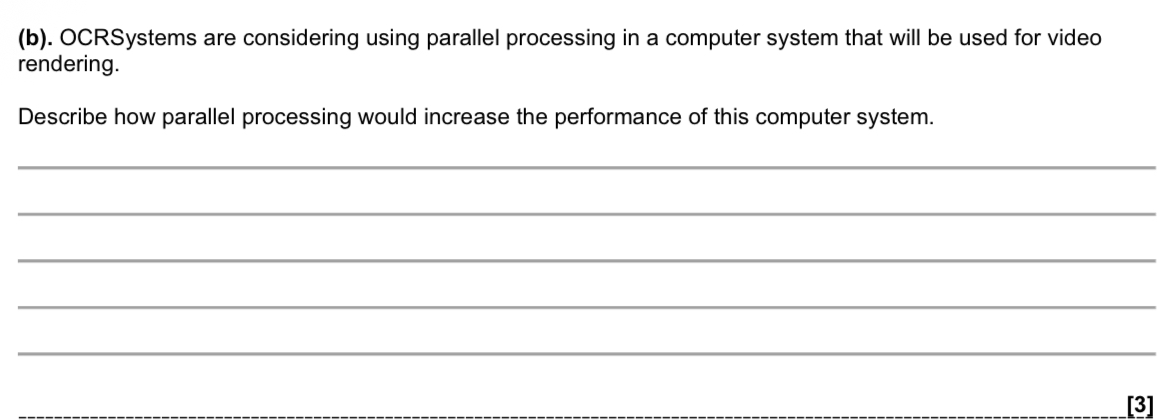
Parallel processing means using multiple CPUs or multiple cores at the same time so that more than one instruction (FDE cycle) is carried out simultaneously instead of one after another.
For video rendering, this would increase performance because:
The rendering task can be split into smaller parts (such as different frames, scenes, or sections of a frame).
Different cores/CPUs can process these parts at the same time, rather than waiting for one core to finish before starting the next part.
This reduces the overall rendering time, meaning the video is completed faster and the system performs more efficiently.
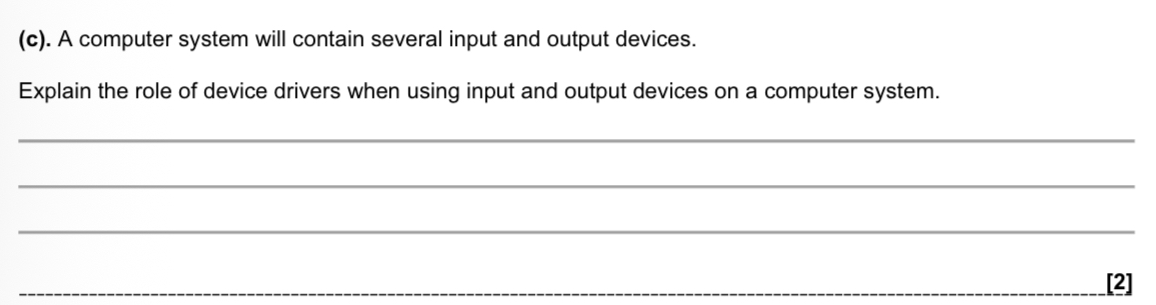
Device drivers are special pieces of software that allow a hardware/input or output device (such as a printer, keyboard or mouse) to communicate with the operating system.
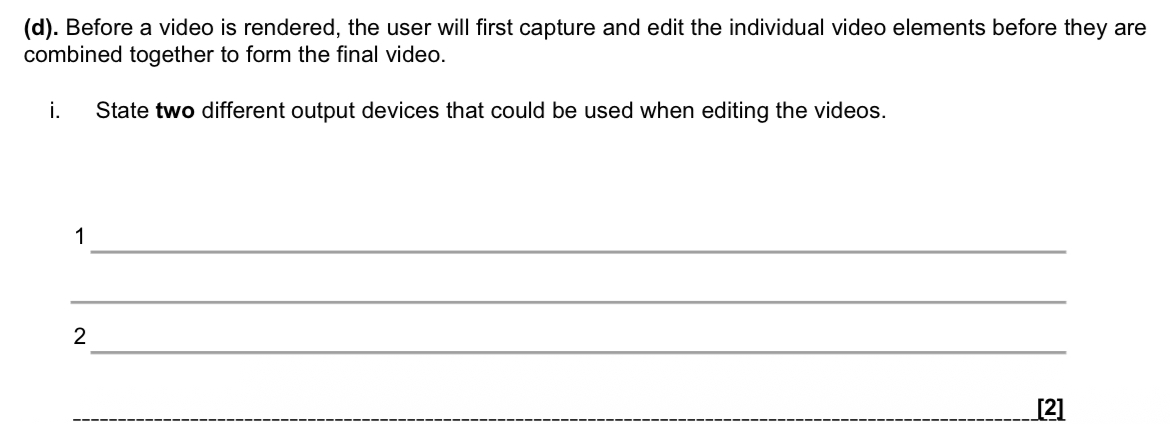
Monitors
Speakers/ headphones
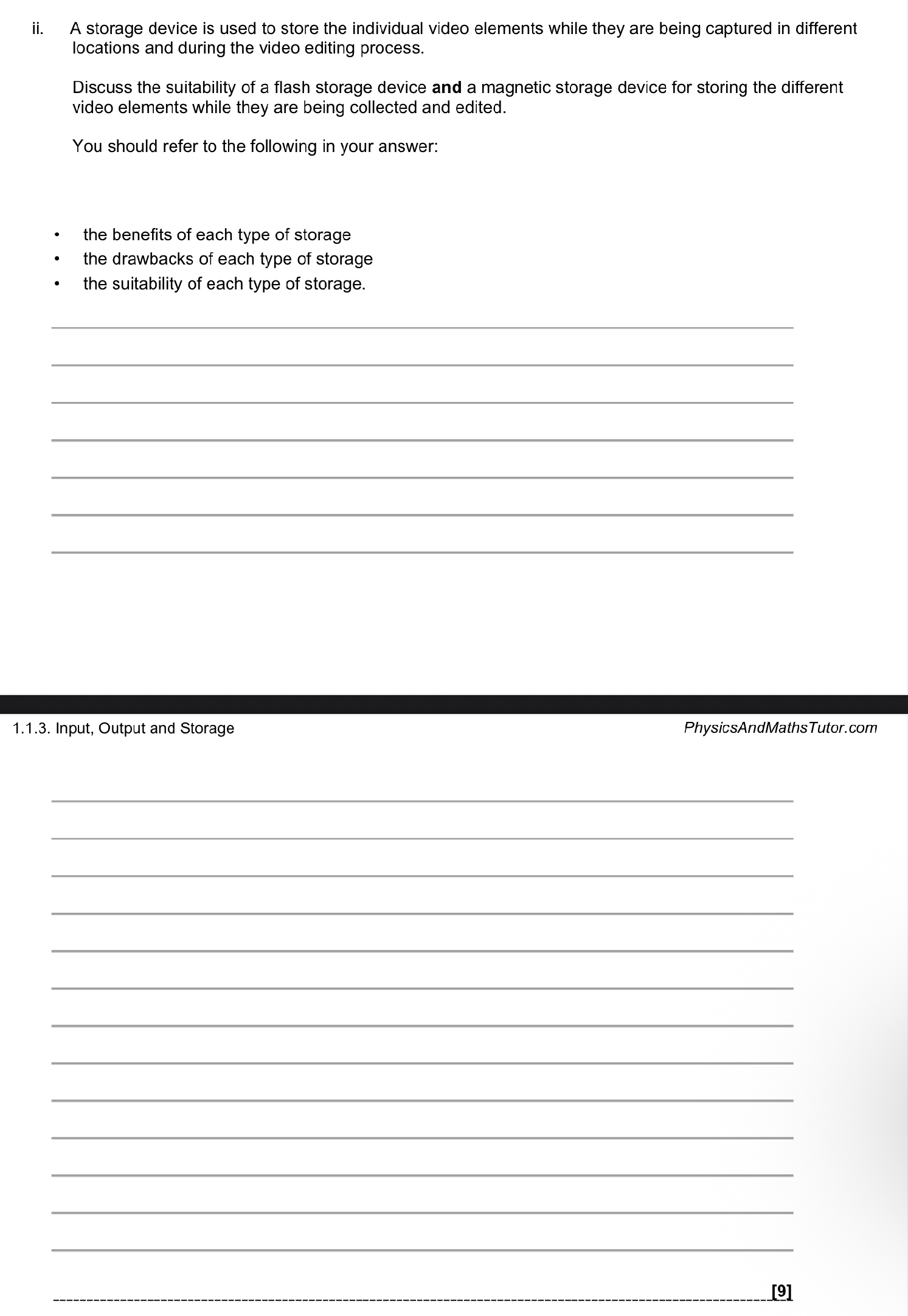
When capturing and editing video in different locations, both flash storage (such as SSDs and memory cards) and magnetic storage (such as HDDs) have important benefits and drawbacks. Magnetic storage has a lower cost per GB, which is particularly important because video files are very large, especially when recorded in HD or 4K. Magnetic drives are also available in very high capacities, making them suitable for storing large amounts of raw footage. However, they have slower read and write speeds, meaning it can take longer to transfer clips into editing software or scrub through footage. They also contain moving parts, making them less durable and more likely to be damaged if dropped while being transported between filming locations. In addition, magnetic drives generally use more power. Therefore, magnetic storage is most suitable for long-term storage or archiving completed video projects due to its large capacity and lower cost, but it is less suitable for active editing where speed and reliability are essential.
In contrast, flash storage offers much faster read and write speeds, allowing footage to load quickly into editing software and providing smoother playback during the editing process. Because flash devices have no moving parts, they are more durable and better suited to being transported between different filming sites. They also consume less power, which is beneficial when using battery-powered equipment on location. However, flash storage has a higher cost per GB, and large-capacity devices can be expensive, making them less cost-effective for storing vast amounts of raw footage long term. Overall, flash storage is more suitable while video elements are being collected and actively edited due to its speed, durability, and efficiency, whereas magnetic storage is more suitable for long-term storage and archiving because of its lower cost and higher capacities.
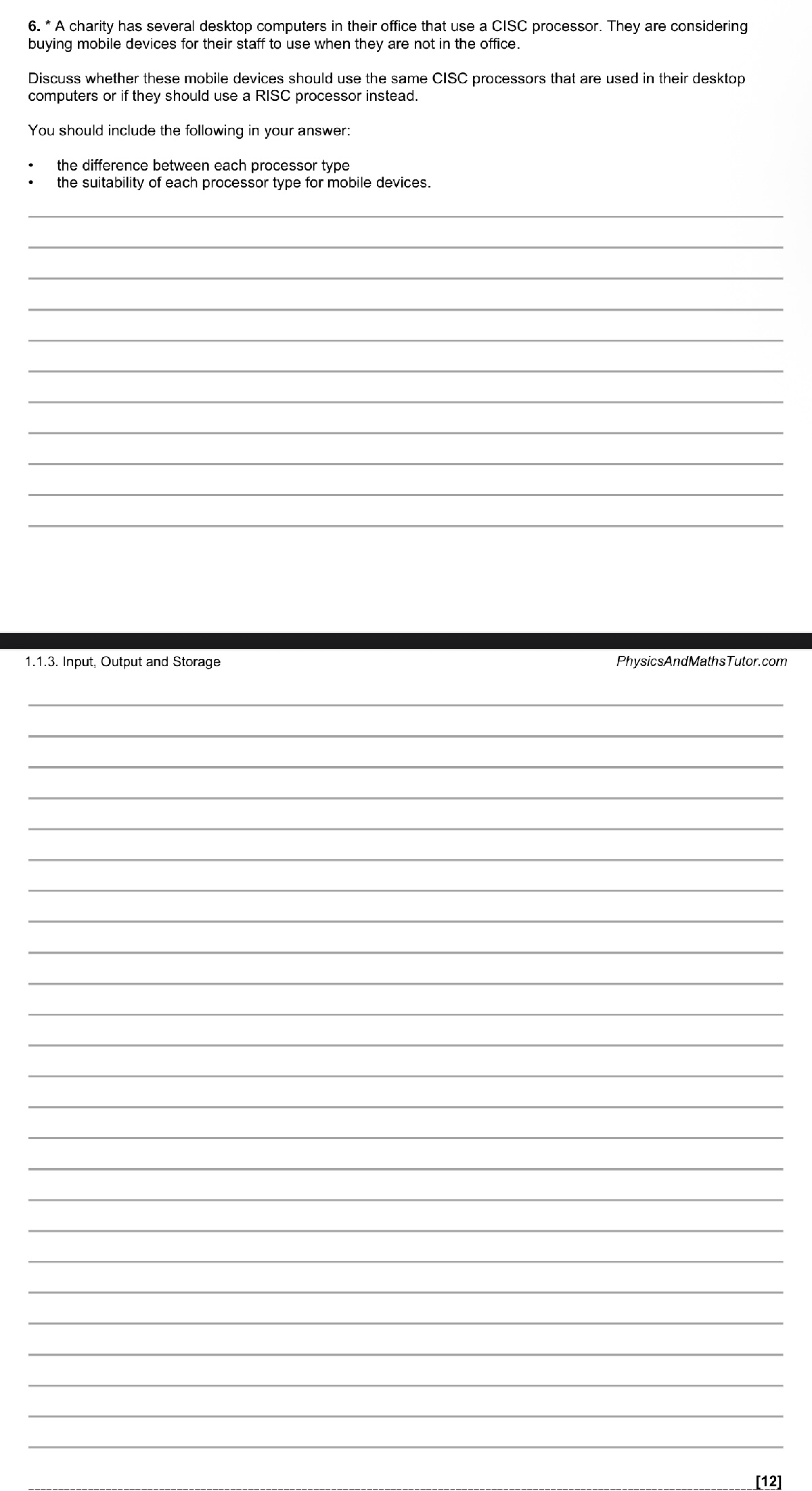
Mobile devices should not automatically use the same CISC processors as the charity’s desktop computers. A balanced decision requires understanding the differences between CISC and RISC processors and considering how suitable each is for mobile use.
CISC (Complex Instruction Set Computer) processors have a large and complex instruction set. Individual instructions can carry out multi-step operations within a single command, and some instructions may take several clock cycles to complete. This means the hardware is more complicated and uses more transistors. However, because the processor itself handles complex tasks, programs may require fewer lines of code and compilers are generally simpler. In contrast, RISC (Reduced Instruction Set Computer) processors use a smaller, simpler instruction set. Most instructions are designed to execute in a single clock cycle, and complex tasks are completed by combining multiple simple instructions. RISC processors use fewer transistors and have simpler circuitry, but programs may contain more instructions and require more complex compilers.
When considering suitability for mobile devices, factors such as battery life, heat generation, size, weight, and cost are very important. If the charity chose CISC processors for mobile devices, one advantage would be compatibility. The devices could run the same software as the desktop computers without modification, reducing the need for new software or emulators. However, CISC processors are generally less power efficient and generate more heat, which means they may require additional cooling and larger batteries. This could make the devices heavier, bulkier, more expensive, and result in shorter battery life, which is not ideal for staff working away from the office.
RISC processors, on the other hand, are typically more power efficient and produce less heat. This allows mobile devices to be lighter, smaller, and to have longer battery life. They are also often cheaper to manufacture. The main disadvantage is that software designed for CISC processors may not run directly on RISC systems. The charity may need to purchase compatible software, rewrite programs, or use emulators or translators, which could increase initial costs and development time.
Overall, although CISC processors would provide better compatibility with existing desktop systems, they would likely increase cost, reduce battery life, and make mobile devices less portable. RISC processors are more suitable for mobile devices because they offer better power efficiency, longer battery life, and improved portability. Any compatibility issues could be managed through software solutions. Therefore, the charity should choose RISC processors for their mobile devices, as they better meet the needs of staff working outside the office.
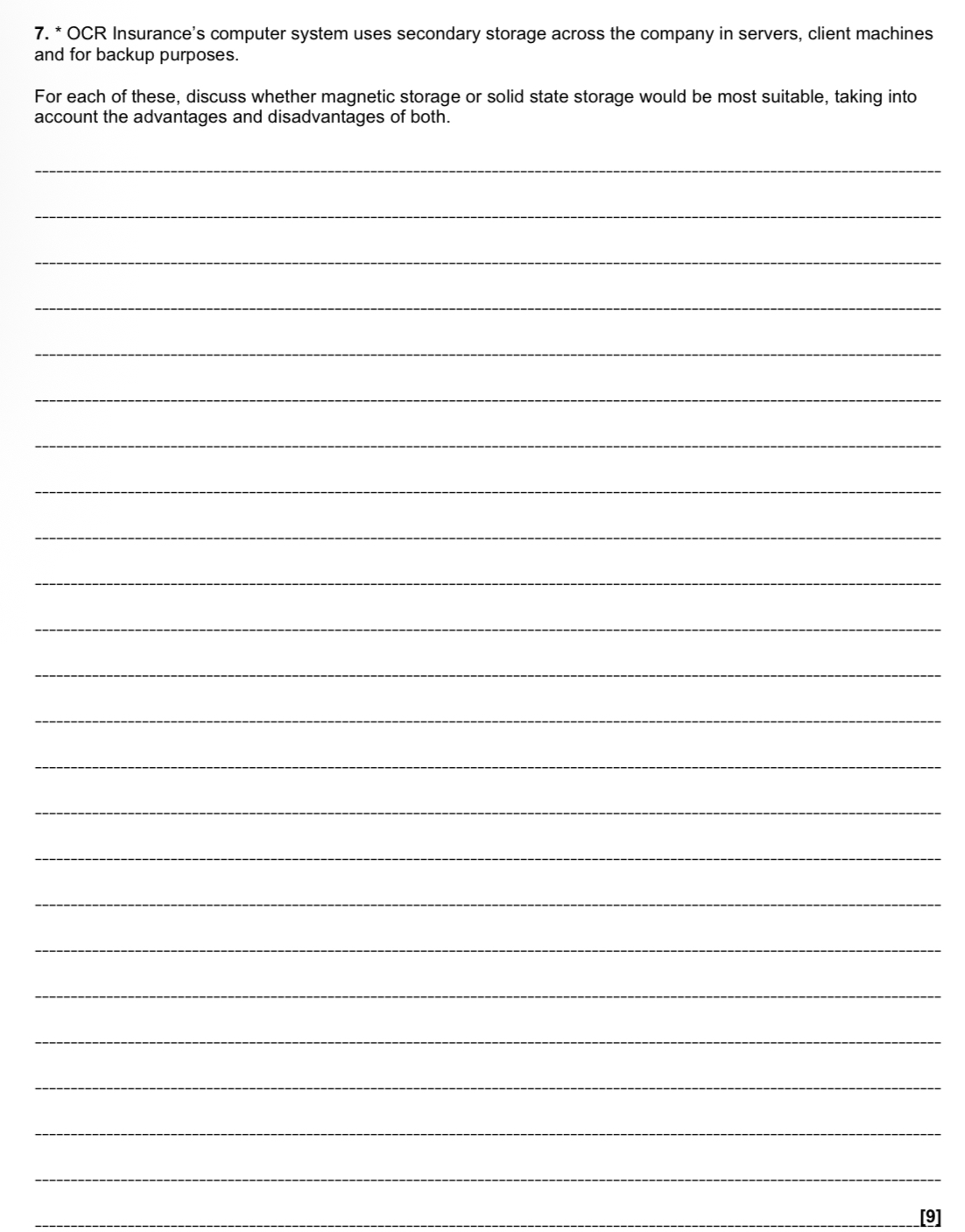
OCR Insurance uses secondary storage in servers, client machines and for backups, so the most suitable solution depends on how the storage will be used. Magnetic storage, such as hard disk drives and magnetic tape, stores data by altering the magnetic field on a spinning disk or tape. A read/write head detects different magnetic orientations to represent binary 0s and 1s. Solid state storage, such as SSDs, stores data using semiconductors (typically NAND flash memory) and has no moving parts. Each has advantages and disadvantages that make them suitable for different purposes within the company.
For servers, large amounts of customer data must be stored and accessed frequently by multiple client machines. Magnetic hard drives are suitable because they offer very large capacity at a lower cost per gigabyte, making them cost-effective for storing extensive databases and records. They are also reliable for continuous use. However, solid state drives provide much faster read and write speeds, meaning quicker access to customer records and improved system responsiveness. This is particularly important in a busy insurance office where delays could reduce productivity. A disadvantage of SSDs is their higher cost and limited write lifespan, which could be a concern in a data-heavy server environment. Therefore, the most suitable solution for servers would be a combination: SSDs for the operating system and frequently accessed data to maximise speed, and magnetic drives for storing large volumes of data economically.
For client machines, staff need quick access to programs and customer files throughout the day. Solid state drives are more suitable here because their faster access speeds reduce boot times and allow applications to load quickly, improving overall efficiency. Since SSDs have no moving parts, they are also less likely to fail due to mechanical damage, which is particularly beneficial for mobile insurance workers using laptops. Magnetic drives are cheaper and provide large storage capacity, but they are slower and more vulnerable to physical damage because of their moving components. Overall, SSDs are the better choice for client machines due to their speed, durability and reliability in daily use.
For backup systems, the main requirements are high capacity, reliability and low cost rather than fast access. Backups involve copying large amounts of data at regular intervals, but the data is not constantly accessed. Magnetic storage, especially magnetic tape, is well suited to this purpose because it provides very large storage capacity at a relatively low cost per gigabyte and is reliable for long-term archiving. Although SSDs are fast, they are more expensive and have limited write cycles, making them less practical and cost-effective for large-scale backups. Magnetic tape may be too slow for everyday data access, but for backup and archival purposes this is not a significant disadvantage.
In conclusion, both magnetic and solid state storage are suitable within OCR Insurance, but for different roles. A hybrid approach for servers, SSDs for client machines, and magnetic storage for backups would provide the best balance of performance, reliability and cost-effectiveness.
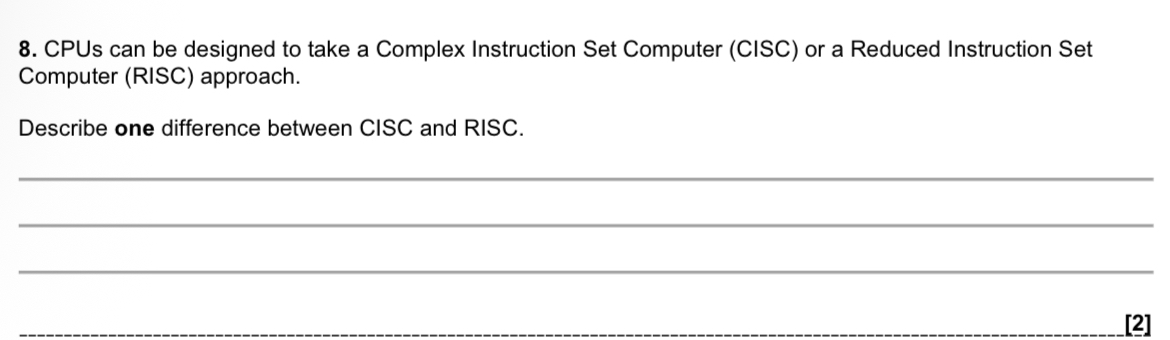
One difference is that CISC instructions can take multiple clock cycles to execute, whereas RISC instructions are typically designed to execute in a single clock cycle.
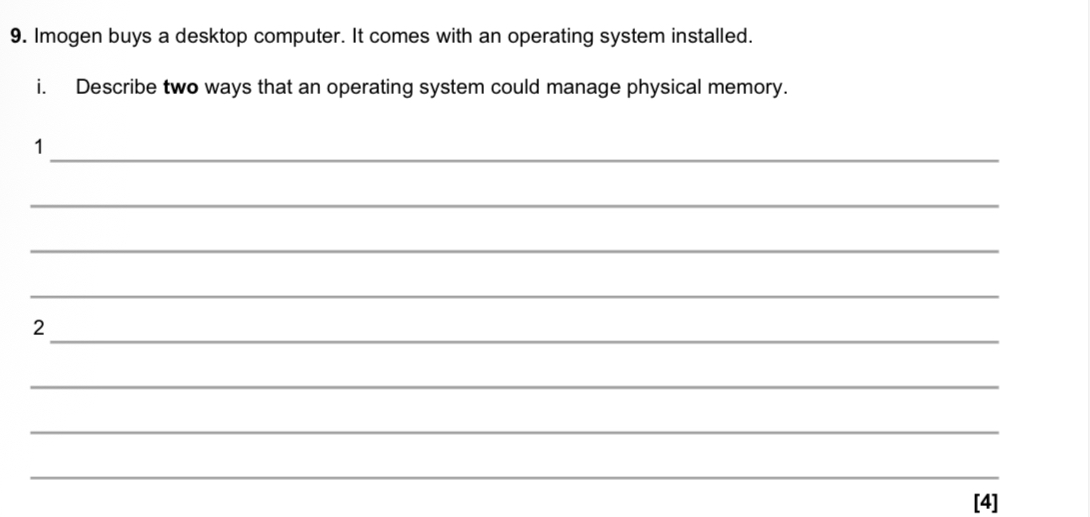
1. Paging
The operating system can manage physical memory using paging, where memory is divided into equal-sized (fixed-size) blocks called pages (and frames). Programs are split into pages and loaded into any available frame in RAM, allowing efficient use of memory and reducing fragmentation.
2. Segmentation
The operating system can also use segmentation, where memory is divided into logical, variable-sized blocks based on parts of a program (such as code, data, or stack). Each segment can be stored separately in memory according to its size, allowing memory to be organised logically rather than into fixed sizes.
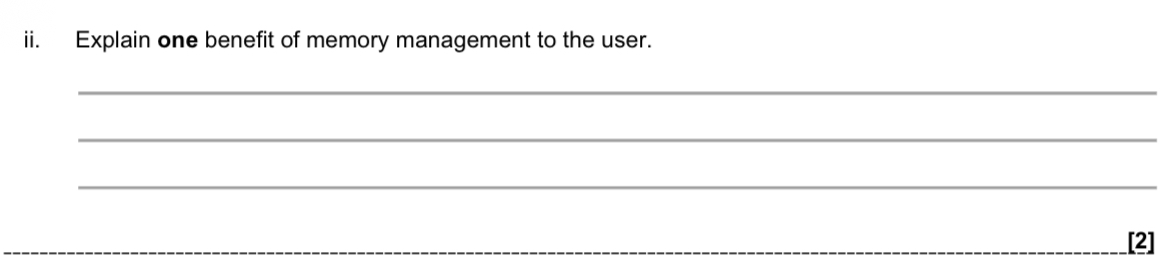
One benefit of memory management is security. It prevents one program from accessing memory that has been allocated to another program, protecting data and reducing the risk of crashes or malicious interference.

Virtual memory allows a program to run even when physical memory (RAM) is full by temporarily moving currently unneeded pages from RAM to secondary storage (such as the hard drive/SSD).
This creates space in RAM so the program can continue to run.
When those pages are needed again, they are moved back into RAM from secondary storage.
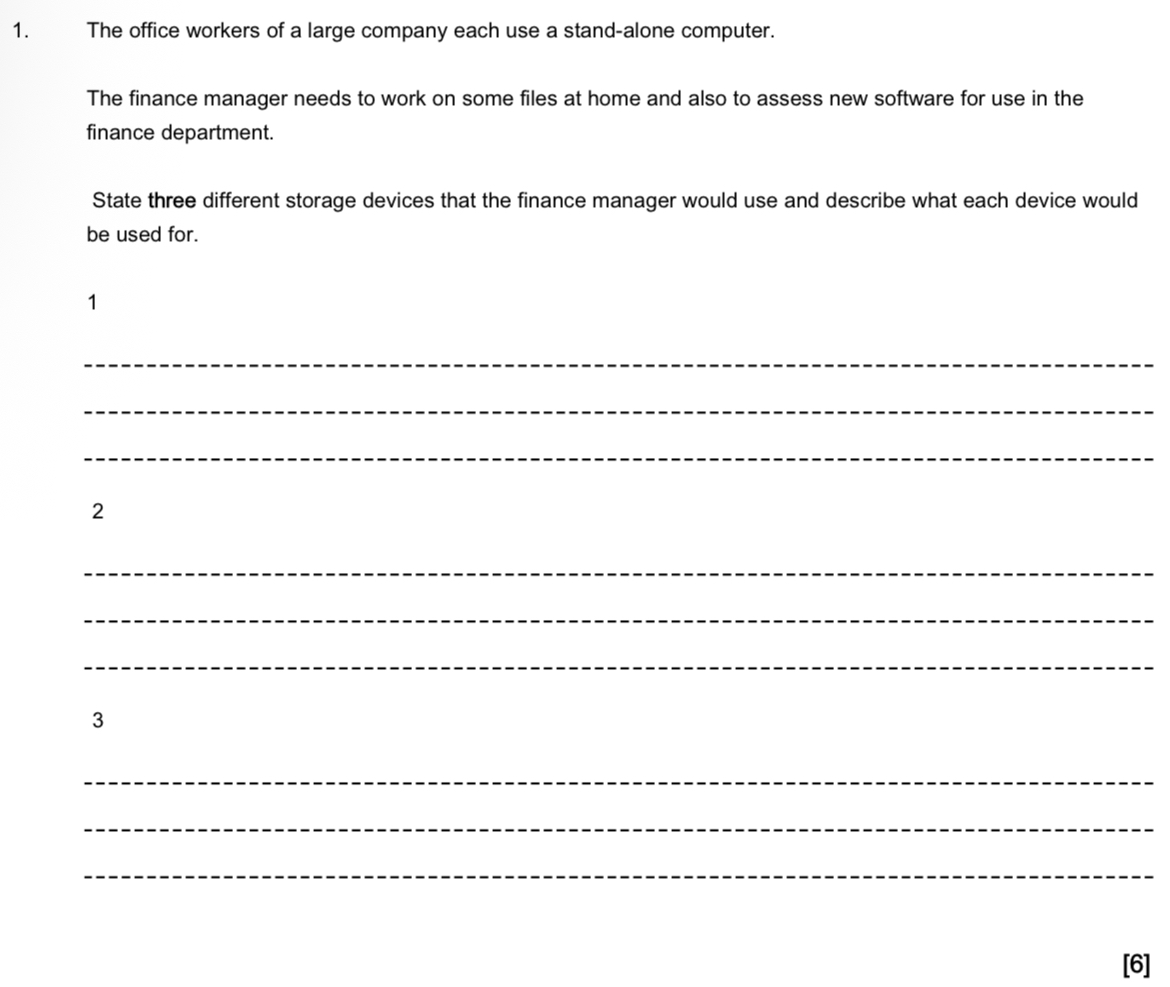
1. Hard drive (internal HDD/SSD)
Used to store the finance manager’s working files and installed finance software on the office computer.
2. Memory stick (solid-state device)
Used to transport documents and spreadsheets securely between the office and home computer.
3. CD/DVD (reader/writer or optical disk)
Used to install and assess new finance software, and to create backup copies of important financial data.
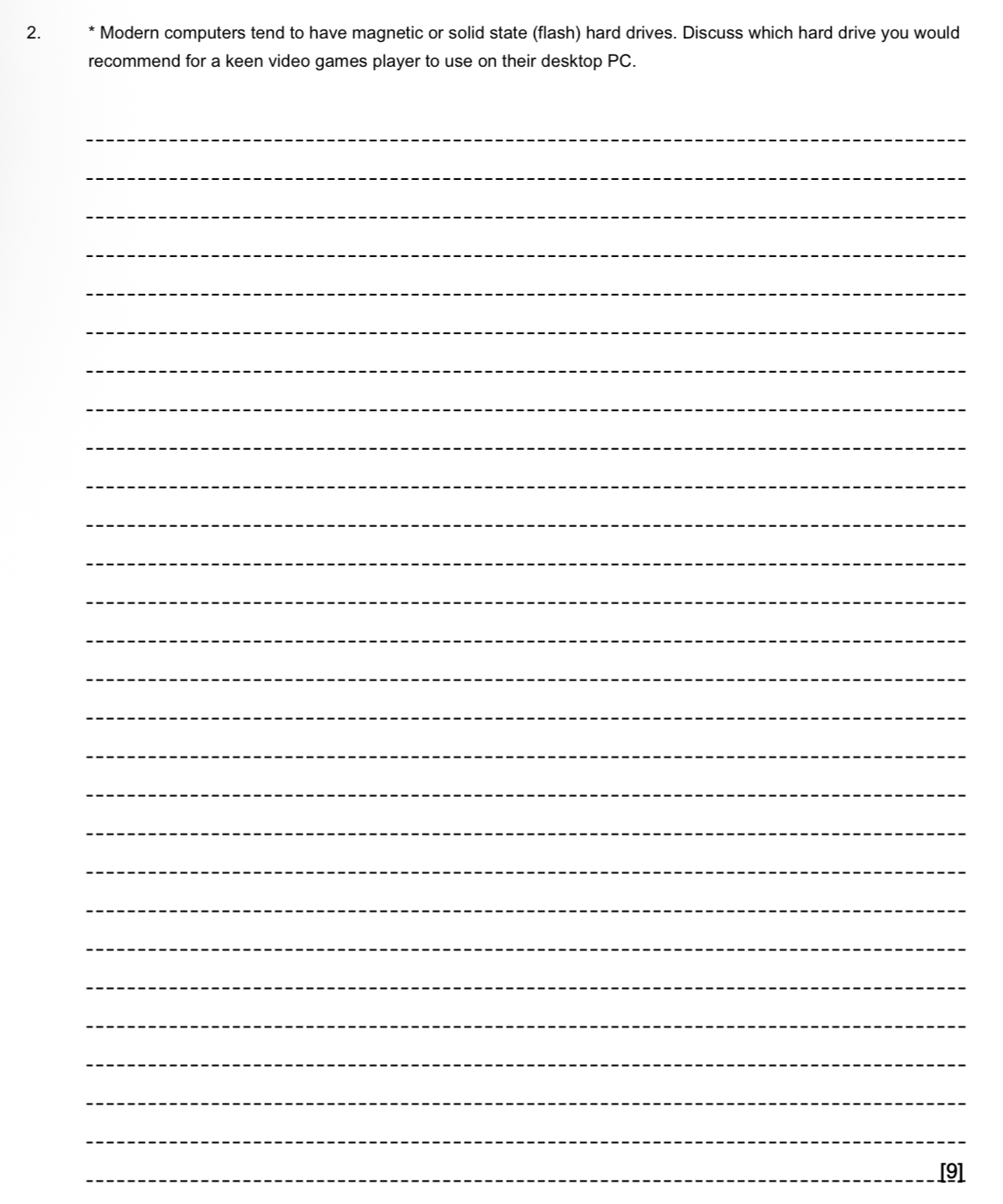
For a keen video games player using a desktop PC, I would recommend a solid state (flash) drive (SSD) as the main drive, possibly combined with a magnetic hard disk drive (HDD) for additional storage.
Magnetic hard drives store data by reading and writing magnetic patterns on spinning platters. A mechanical arm moves across the disk to access data. Because parts are physically moving at high speeds, access times are slower and drives can produce noise and heat. However, HDDs are cheaper per gigabyte and are available in very large capacities.
In contrast, solid state drives use flash memory chips to store data electronically. There are no moving parts. Data is erased and overwritten by applying electrical charges. As a result, SSDs have much faster read and write speeds, lower latency, and operate silently. They also use less power and are not affected by movement or vibration.
For a serious gamer, performance is extremely important. Modern games contain large maps, high-resolution textures, and detailed audio, meaning huge amounts of data must be loaded quickly. An SSD dramatically reduces loading times, speeds up game updates, and improves overall system responsiveness. Faster read speeds can also reduce in-game stutter caused by slow data streaming. Since competitive games are fast-paced, quick loading and smooth performance provide a better gaming experience.
While HDDs offer greater storage capacity for a lower cost, their slower speeds may lead to long loading screens and slower installation times. However, games often require hundreds of gigabytes of storage, so capacity is still important. A large SSD can be expensive compared to an HDD of the same size.
Considering these factors, the best solution for a keen gamer would be a large SSD as the primary drive for the operating system and frequently played games, possibly supported by a high-capacity HDD for storing less frequently used games or media files. This “best of both worlds” approach balances speed, capacity, and cost.
Overall, because gamers prioritise high performance, fast load times, and smooth gameplay, a solid state drive is the most suitable main hard drive for a gaming desktop PC.
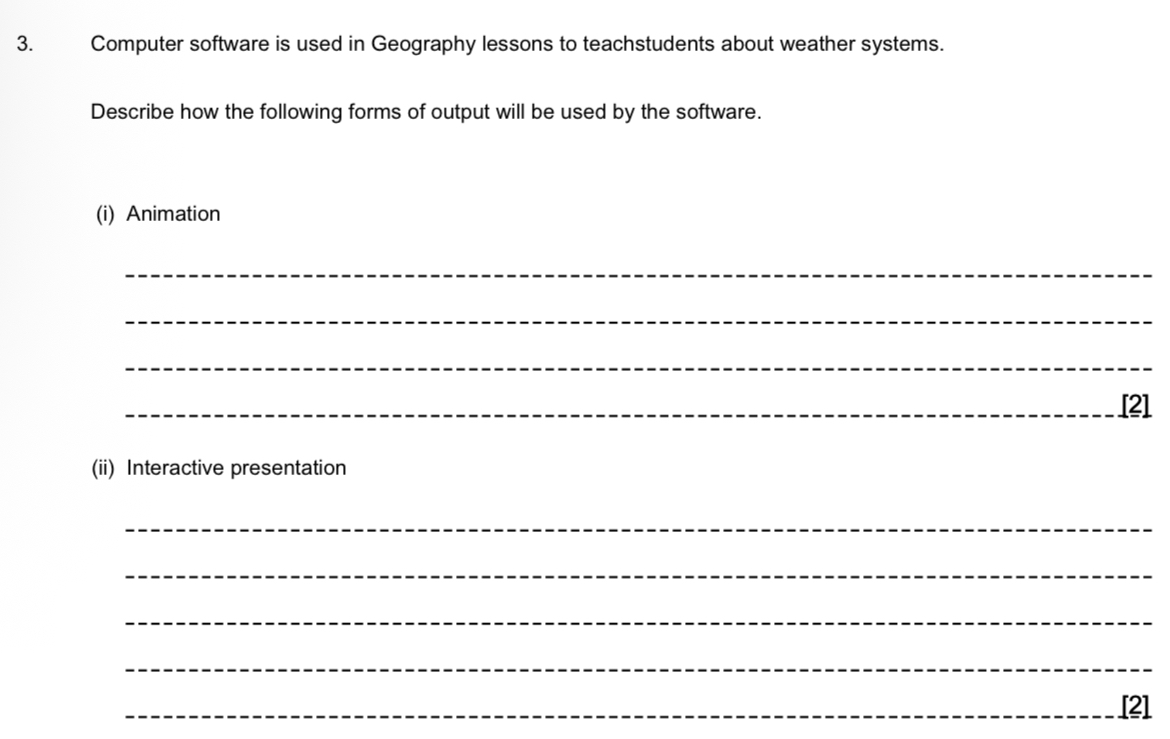
(i) Animation
Animation would show moving images on the screen, for example clouds moving or a storm developing. This helps illustrate how weather systems change and develop over time, which would be difficult to demonstrate using still images.
(ii) Interactive presentation
In an interactive presentation, the next stage or image shown depends on the student’s input. For example, the software may ask a question about a weather system and, depending on the student’s answer, move to a different screen or provide feedback before progressing to the next stage.
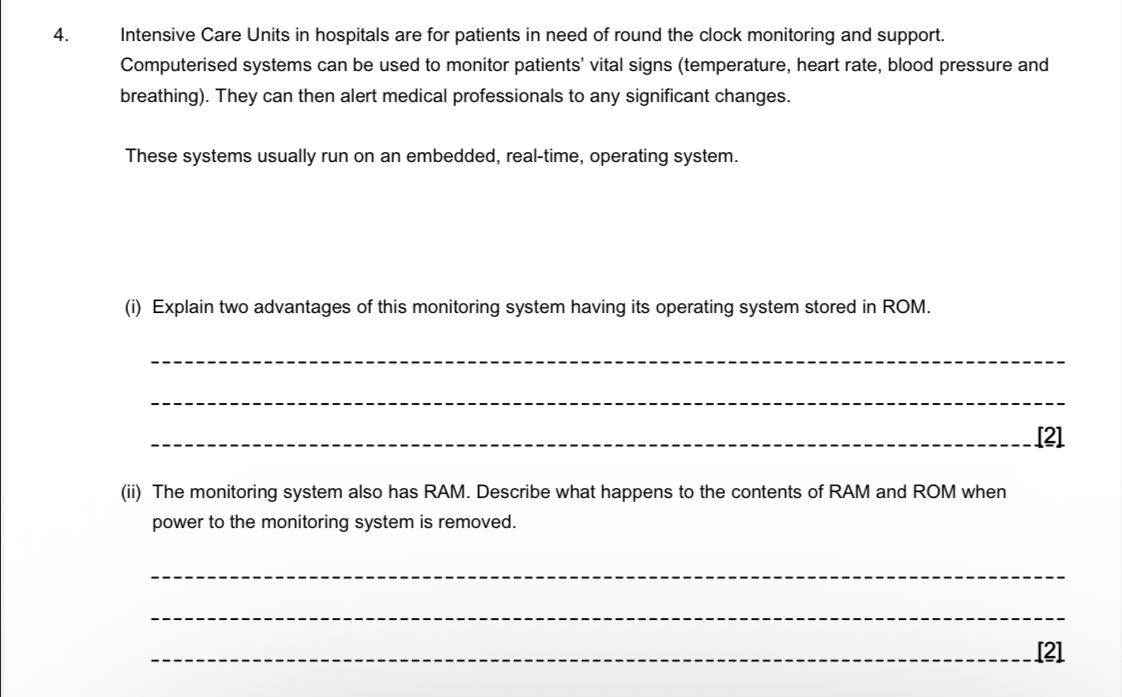
(i) Two advantages of storing the operating system in ROM
Fast start-up: ROM allows the system to boot up immediately, which is crucial in an emergency situation in an ICU where monitoring must begin without delay.
Cannot be altered: ROM is read-only, so the operating system cannot be accidentally deleted or maliciously changed. This makes the system more secure and reliable, which is essential for a safety-critical medical monitoring system.
(ii) What happens when power is removed
The contents of RAM are wiped (lost) because RAM is volatile memory.
The contents of ROM remain unchanged because ROM is non-volatile memory.
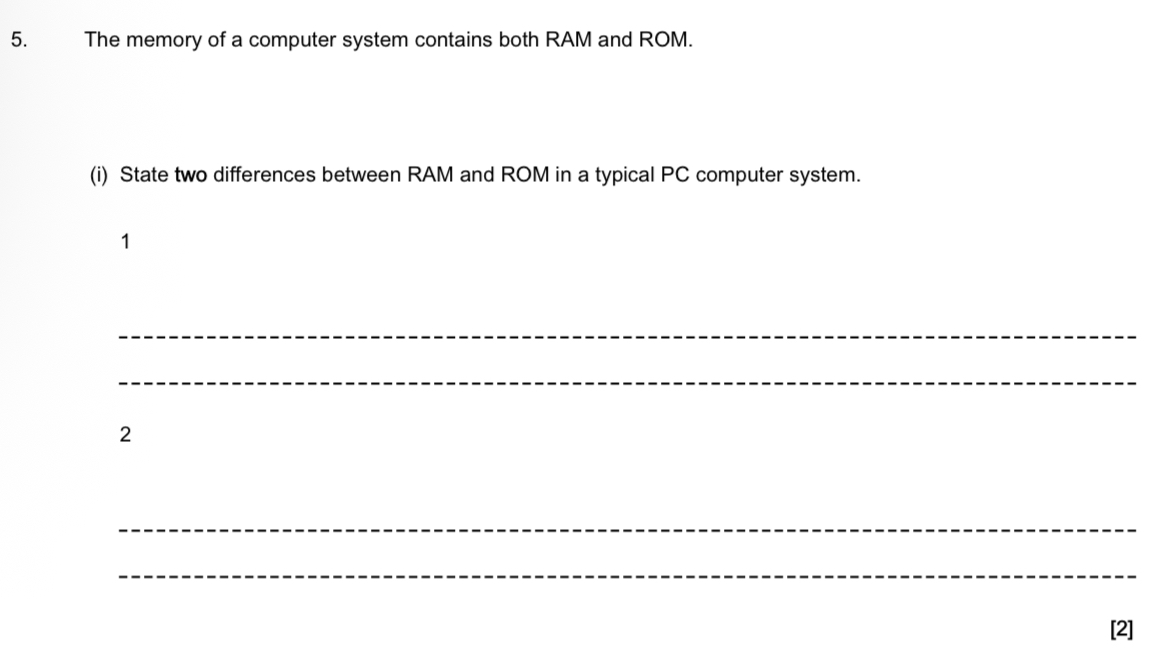
RAM is volatile while ROM is non-volatile — RAM loses its contents when the power is turned off, but ROM keeps its data even without power.
RAM can be edited and is usually larger, whereas ROM cannot be altered and is smaller — RAM stores programs and data currently in use, while ROM stores permanent instructions (such as start-up instructions).
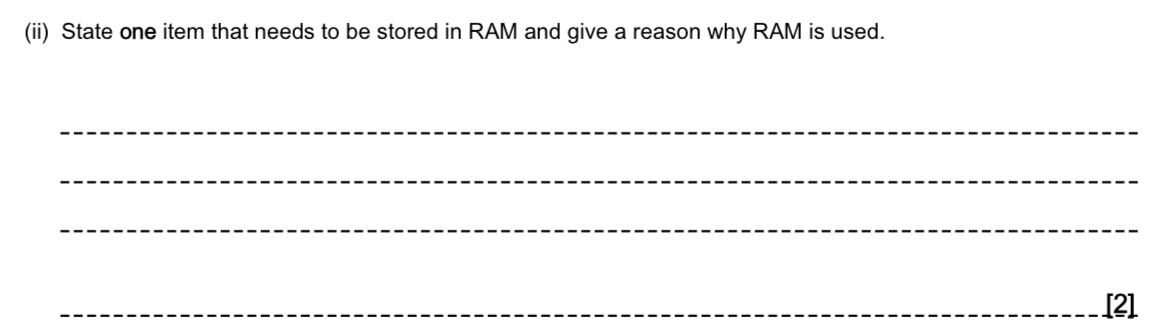
Item stored in RAM:
The operating system (OS) currently in use (or a program/user file currently being used).
Reason why RAM is used:
It must be stored in RAM because the computer needs fast, direct access to it while it is running, and RAM operates much faster than secondary storage. It also allows the contents to be temporarily changed or replaced while in use.
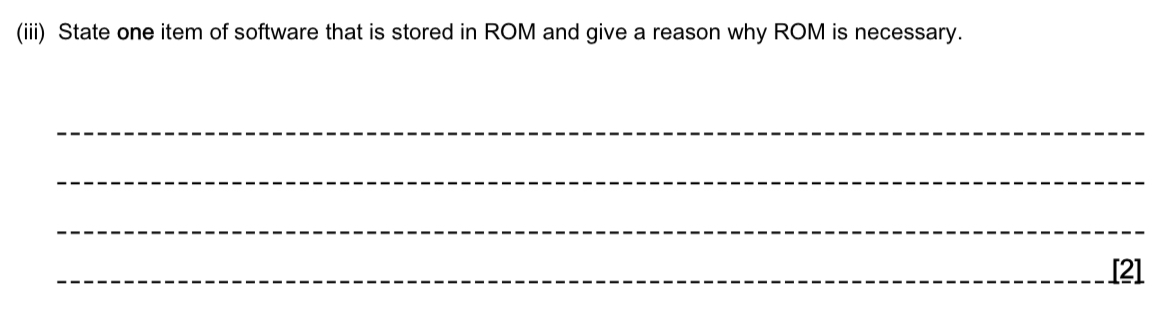
Item of software stored in ROM:
The BIOS (Boot program).
Reason why ROM is necessary:
ROM is non-volatile, so the BIOS is available immediately when the computer is switched on. It is also read-only, so the boot program cannot be accidentally deleted or altered
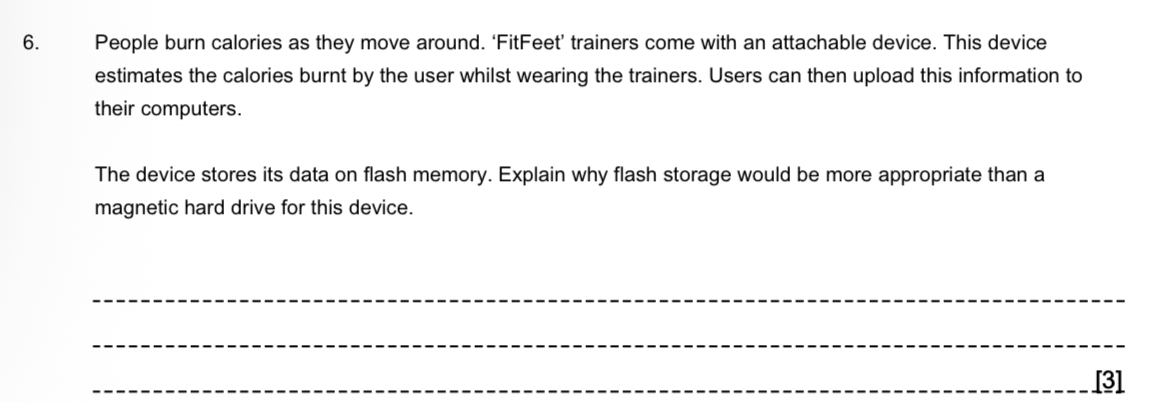
Flash storage is more appropriate than a magnetic hard drive for the FitFeet device because:
The device will experience lots of sudden movement while the user is walking or running. Magnetic hard drives have moving parts (spinning platters and a read/write head) that can be damaged if jolted, as the head could hit the platter. Flash memory has no moving parts, so it is not affected by shocks or vibration.
The device needs to be small and lightweight to attach to trainers. Hard drives require space for their moving mechanical components, whereas flash memory is compact and takes up much less space.
The device only stores a small amount of data (calorie information), so the large storage capacity of a magnetic hard drive is unnecessary. Flash storage provides sufficient capacity for this purpose.
Therefore, flash memory is more durable, compact, and better suited to a small, portable device that undergoes constant movement.
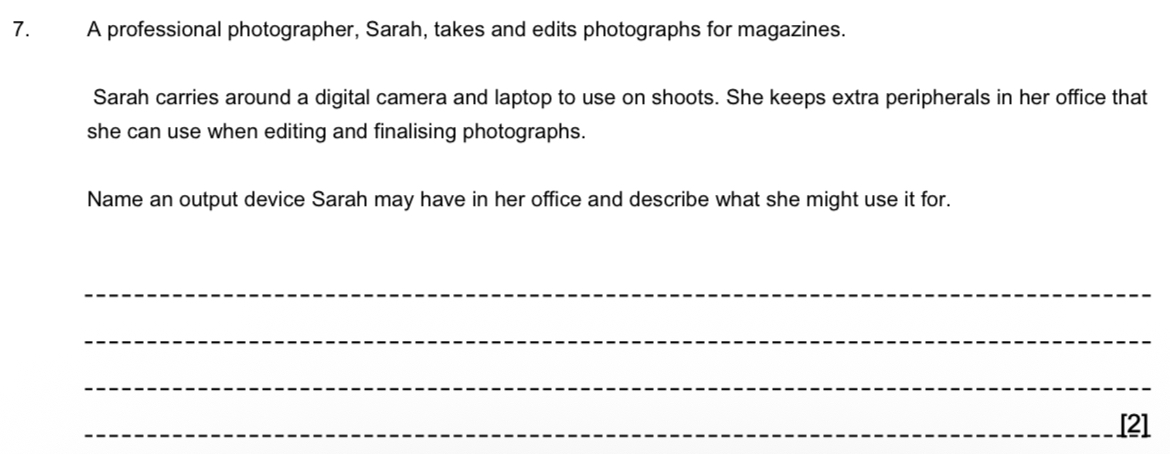
An output device Sarah may have in her office is a printer. She could use it to print hard copies of her photographs or any relevant documentation so she can check the final quality before sending them to magazines.
OR
Alternatively, she may use a larger, high-quality monitor. This would make editing easier by giving her a bigger and clearer display than her laptop screen, helping her see fine details and colour accurately.
 Note
Note  Flashcards (24)