T.L
 View linked note
 Call Kai
 Learn
Learn Practice Test
 Spaced Repetition
 Match
Match Flashcards
 Knowt Play
1/34

There's no tags or description
Looks like no tags are added yet.
Name | Mastery | Learn | Test | Matching | Spaced | Call with Kai | Chat |
|---|
No analytics yet
Send a link to your students to track their progress
35 Terms

Tablets/Drawing Pads
Devices for digital art and illustration used by artists and designers.
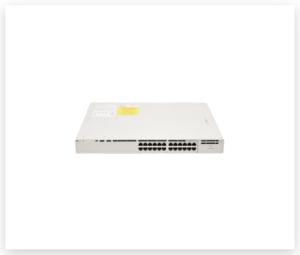
Routers and Switches
Networking devices that manage data flow; routers connect networks, switches manage devices within a network.
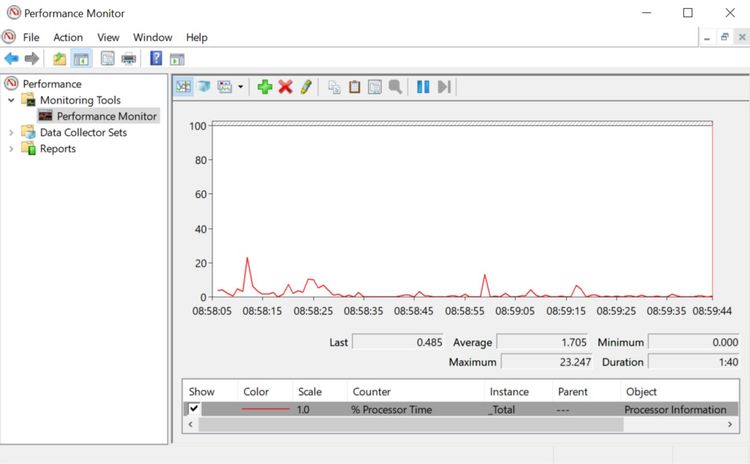
Diagnostic Software
Programs used to identify and fix computer issues, helping troubleshoot hardware and software problems.

Multimeter
Tool used to measure electrical properties such as voltage, current, and resistance.

Application Software
Programs designed for specific tasks, like writing or data analysis (e.g., Word, Excel, Photoshop).
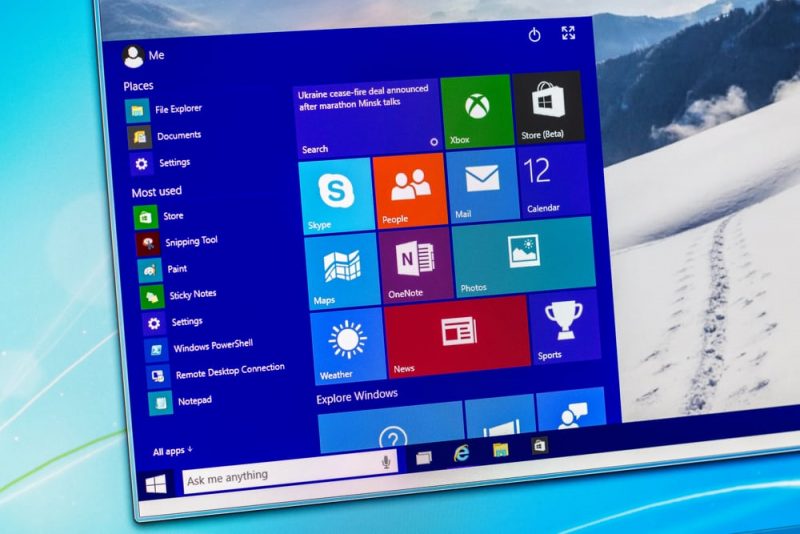
Operating System (OS)
Core software that manages the computer and provides a platform for other software to run.
Device Drivers
Software that allows the OS to communicate with hardware, enabling devices to function properly.
Graphic Design Software
Tools specifically for creating and editing images (e.g., Photoshop).
Video Conferencing (Zoom)
Software for online meetings that enables real-time audio and video communication.

Spreadsheet (Excel)
Software for organizing and analyzing data, often used for financial calculations.
Antivirus Software
Programs that protect against malware by scanning and removing malicious software.
System Software
Software that manages computer operations and hardware resources, including operating systems and utility programs.
Digital Rights & Responsibilities
Freedoms and duties when using digital technology, including access to information and ethical use.
Digital Footprint
The record of your online activity affecting your online reputation and privacy.
Digital Access
The equal opportunity to use technology and the internet, ensuring participation in digital society.
Digital Security
Protecting personal information online by using strong passwords and being cautious of scams.
Digital Communication
Interacting respectfully online, including avoiding cyberbullying and clear communication.
Digital Literacy
The ability to use technology safely and effectively, evaluating sources and creating content.
R.A. 10175 (Cybercrime Prevention Act)
Legislation addressing online crimes, penalizing cyber offenses like hacking and online fraud.
R.A. 8792 (E-Commerce Act)
Legalizes online transactions and documents, supporting e-commerce.
Child Online Safety Act
Law protecting children from online threats and preventing exploitation.
R.A. 10627 (Anti-Bullying Act)
Prevents bullying in schools, requiring anti-bullying policies to include cyberbullying.
R.A. 10173 (Data Privacy Act)
Protects personal data and privacy, ensuring responsible data handling by organizations.
R.A. 10844 (DICT Act)
Created the DICT to develop ICT in the Philippines, establishing it as the main agency for ICT development.
Repetition
Design principle where a website uses the same font and button style for consistency.
Value
Design principle where darker shades are used in the foreground and lighter shades in the background to create depth.
Color
Design principle involving the use of bright colors to draw attention to key elements.
Balance
Design principle ensuring equal content distribution on both sides of a page layout.
Contrast
Design principle using contrasting colors for readability, like black text on a white background.
Unity
Design principle creating a cohesive look, where colors complement each other within a space.
Fix Misaligned Audio/Video
Editing technique to adjust audio track synchronization with video content.
Use Transitions
Editing technique for smoothly connecting scenes, such as using fades.
Use Timing
Editing technique that highlights crucial moments with well-timed cuts.
Use Audio Mixing
Editing technique that adjusts sound levels for clarity during dialogue.
Use Visual Effects
Editing technique to enhance video quality, such as adding color grades.