FE Chemical Ch55 Computer Software
 Call Kai
 Learn
Learn Practice Test
 Spaced Repetition
 Match
Match Flashcards
 Knowt Play
1/38

There's no tags or description
Looks like no tags are added yet.
Name | Mastery | Learn | Test | Matching | Spaced | Call with Kai | Chat |
|---|
No analytics yet
Send a link to your students to track their progress
39 Terms
Alphanumeric data
characters that can be displayed or printed, including numerals and symbols ($,%,&,etc.) but excluding control characters (tab, carriage return, form feed, etc.)
Coding
manner in which alphanumeric data and control characters are represented by sequences of bits
American Standard Code for Information Interchange (ASCII)
seven-bit code permitting 128 (2^7) different combinations
Extended Binary Coded Decimal Interchange (EBCDIC)
widespread use in IBM mainframe computers, allowing a maximum of 256 (2^8) different characters
Hexadecimal
or “packed” format, used to simplify working with EDCDIC data. Each byte is converted into two strings of four bits each. The two strings are then converted to hexadecimal. Largest possible EBCDIC character is coded FF in hexadecimal.
program
sequence of computer instructions that performs some function
algorithm
procedure consisting of a finite set of well-defined steps. each step in the algorithm usually is implemented by one or more instructions (e.g. READ, GOTO, OPEN, ETC.) entered by the programmer.
source code statements
the original “human-readable” instructions
declaration
defines a variable, specified the type of data a variable can contain (e.g. INTEGER, REAL, etc.) and reserves space for the variable in the program’s memory.
assignments
give values to variables (e.g. X=2)
commands
instruct the program to take a specific action, such as END, PRINT, or INPUT
Functions
specific operations (e.g. calculating the SUM of several values) that are grouped into a unit that can be called within the program.
software
if the executable program is kept on disk or tape
firmware
if the program is places in ROM (read-only memory) or EPROM (erasable programmable read-only memory)
hardware
computer mechanism itself
flowchart
step-by-step drawing representing a specific procedure or algorithm
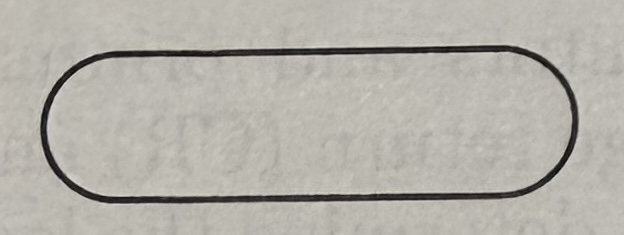
terminal symbol: begins and ends a flowchart
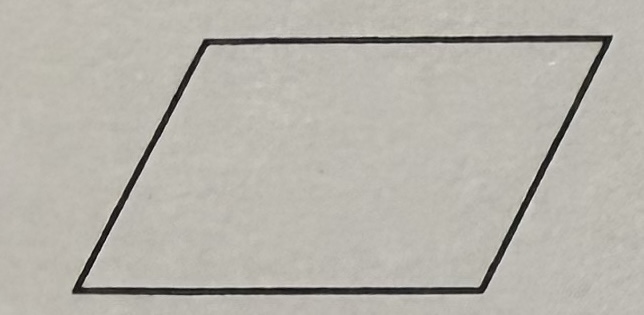
input/output symbol: defines an I/O operation, including those to and from keyboard, printer, memory, and permanent data storage
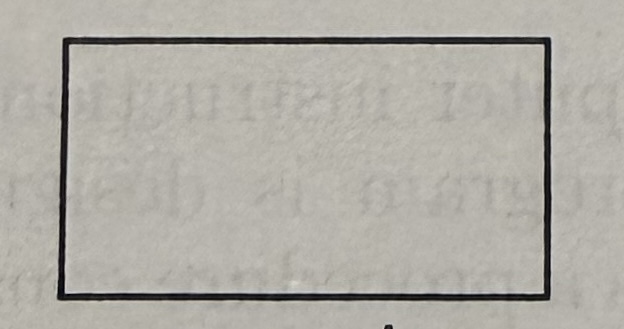
processing symbol: refer to calculations or data manipulation
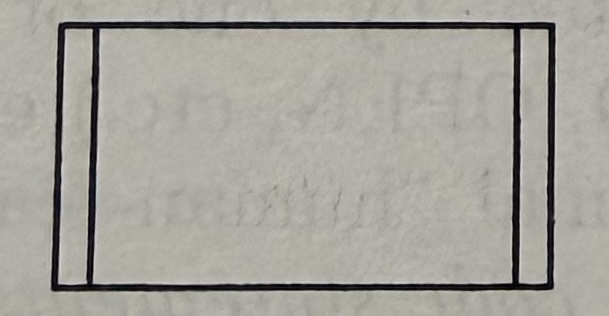
predefined process symbol: refer to calculations or data manipulation
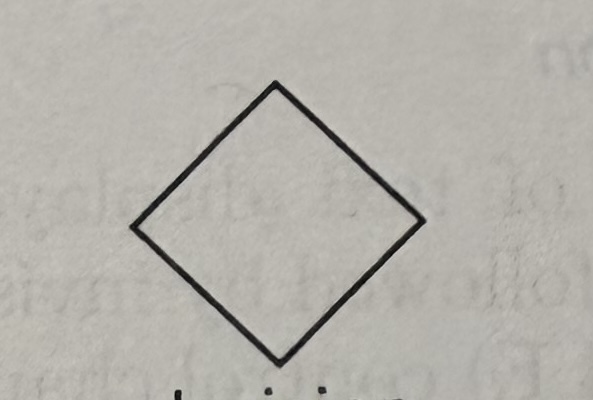
decision symbol: indicates a point where a decision must be made or two items are compared
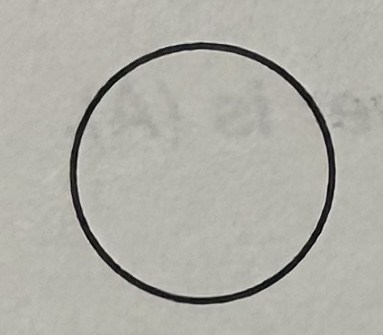
connector symbol: indicates that the flowchart continues elsewhere
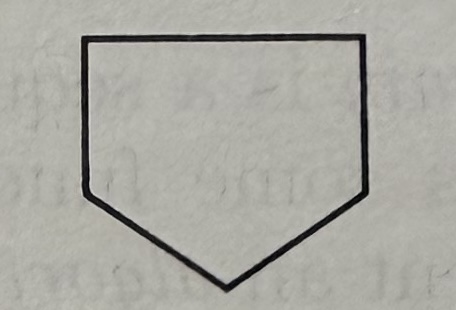
off-page symbol: indicates that the flowchart continues on the following page
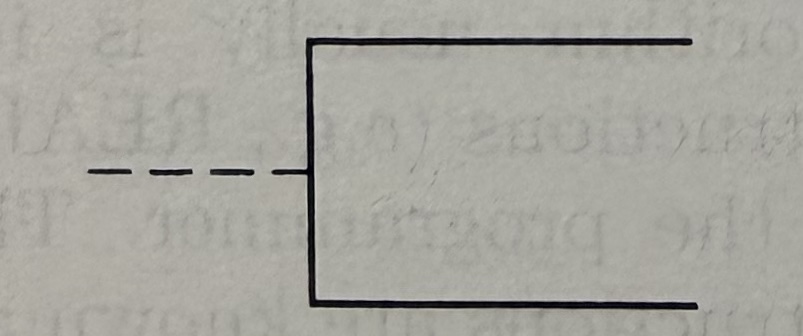
annotation symbol: comments added
machine laguage instructions
intrinsically compatible and understood by the computer’s central processing unit (CPU). They are the CPU’s native language