Workplace Success Strategies- Microsoft Excel Exam Review
 Call Kai
 Learn
Learn Practice Test
 Spaced Repetition
 Match
Match Flashcards
1/44

There's no tags or description
Looks like no tags are added yet.
Name | Mastery | Learn | Test | Matching | Spaced | Call with Kai | Chat |
|---|
No analytics yet
Send a link to your students to track their progress
45 Terms
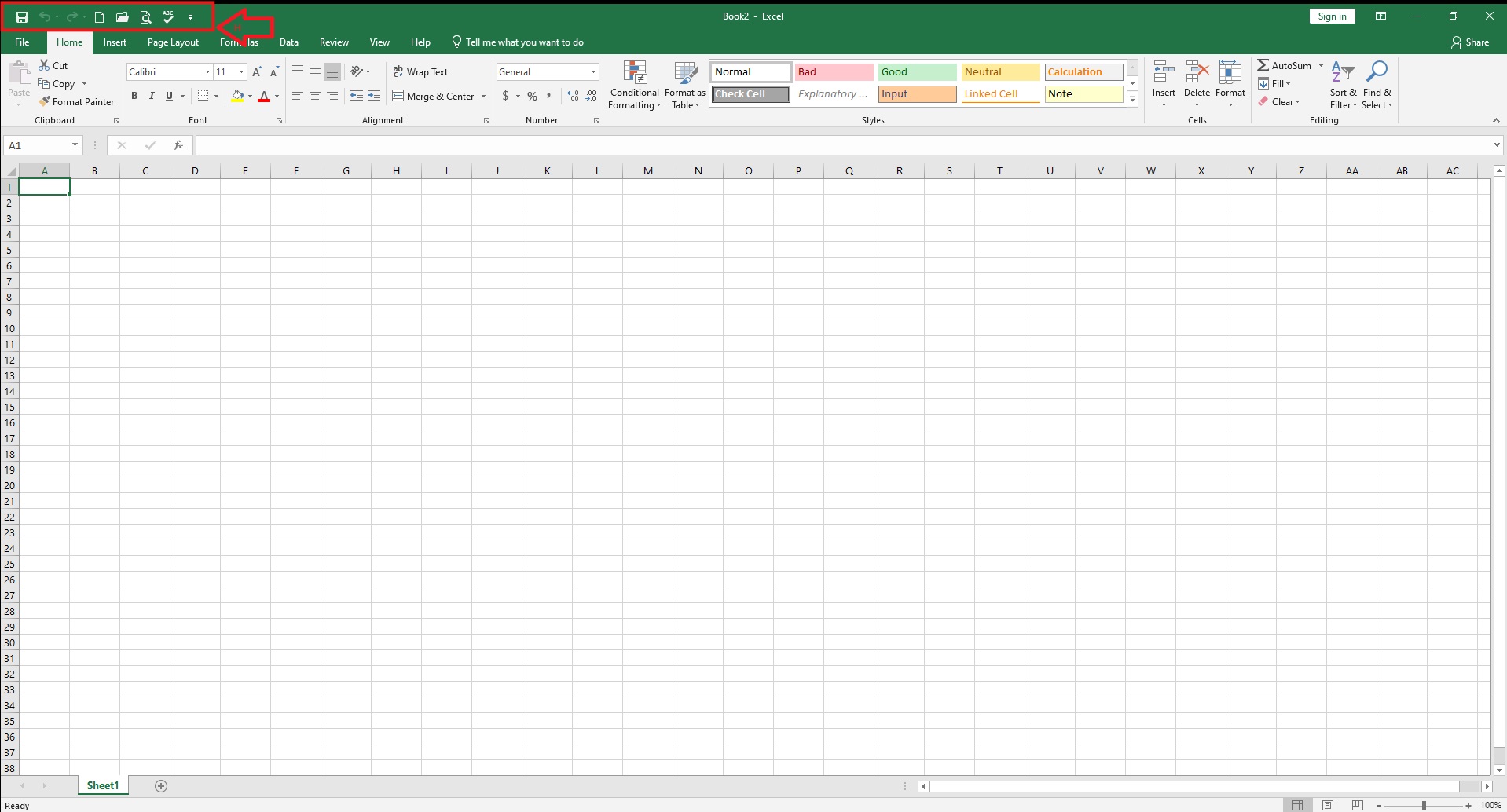
Quick Access Toolbar
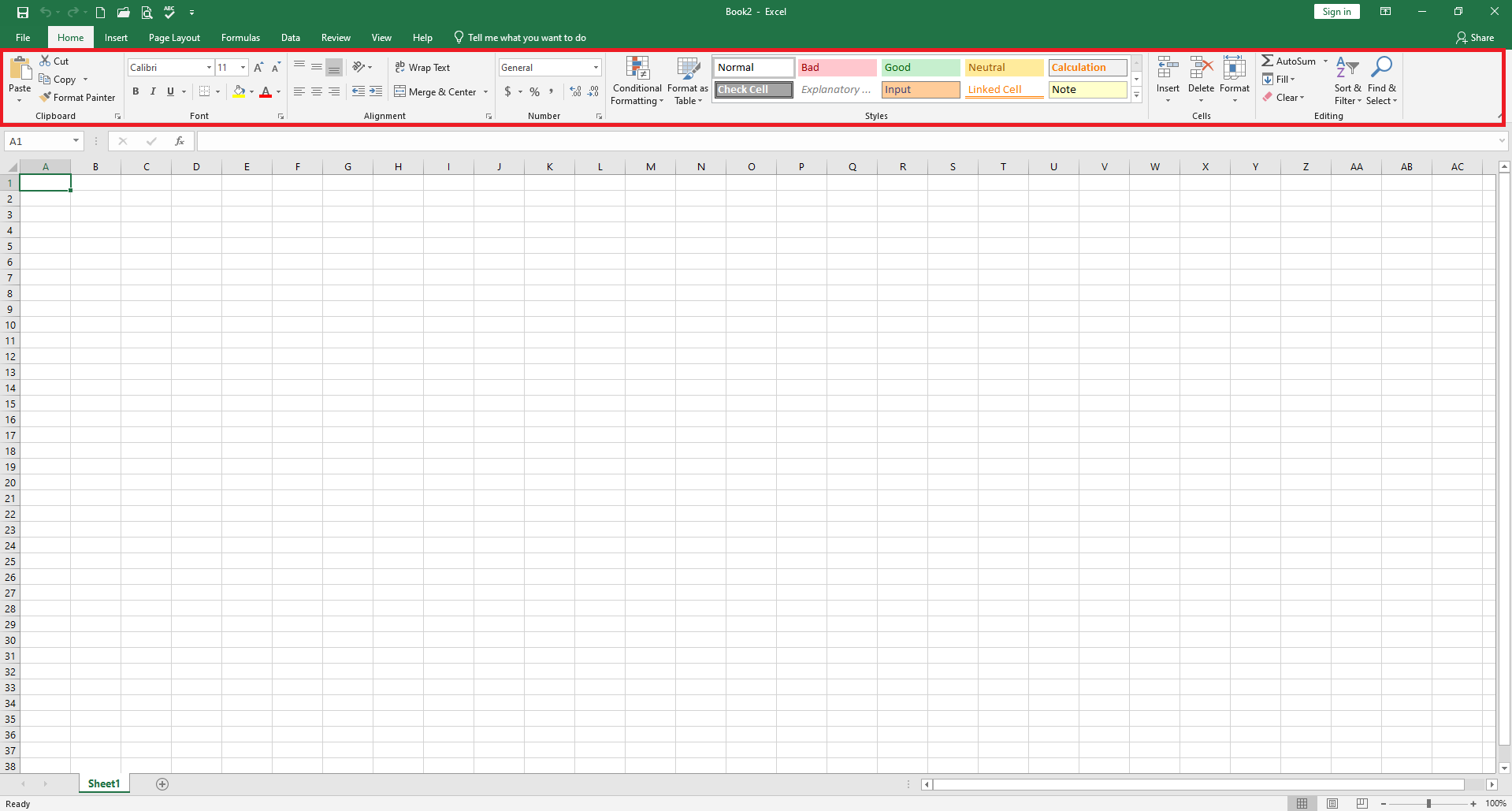
The Ribbon
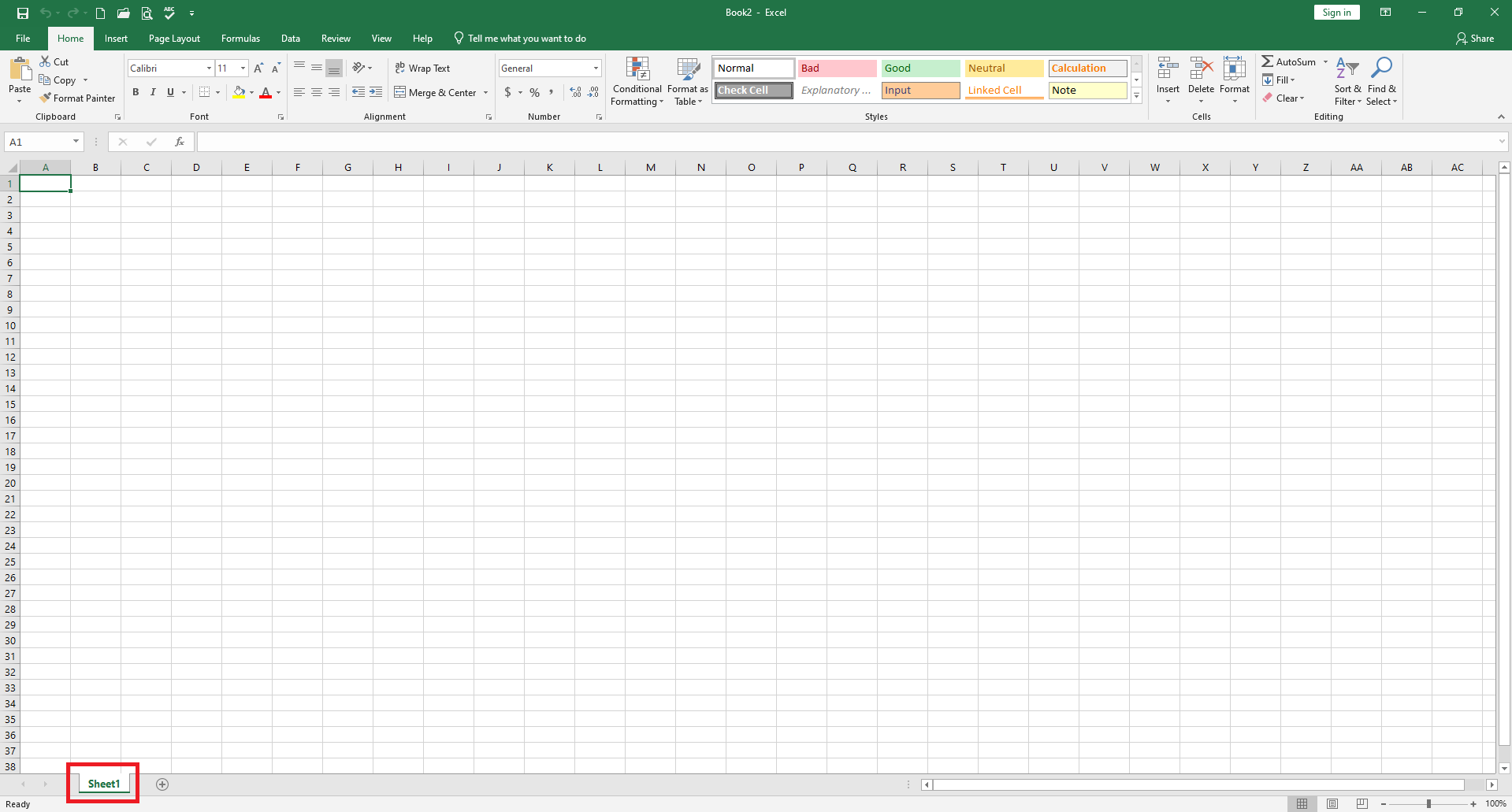
The Sheet Tab
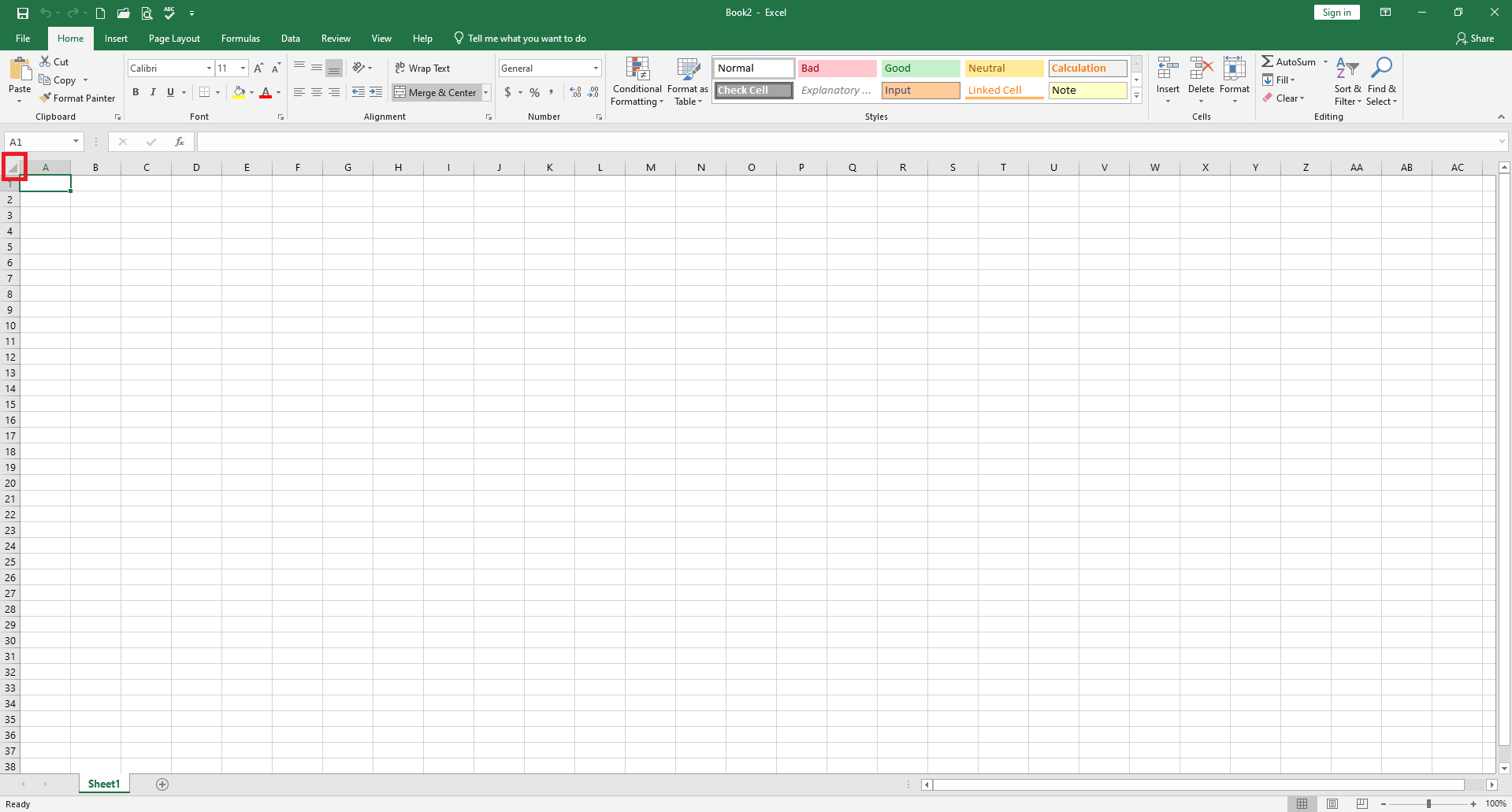
Select Whole Worksheet
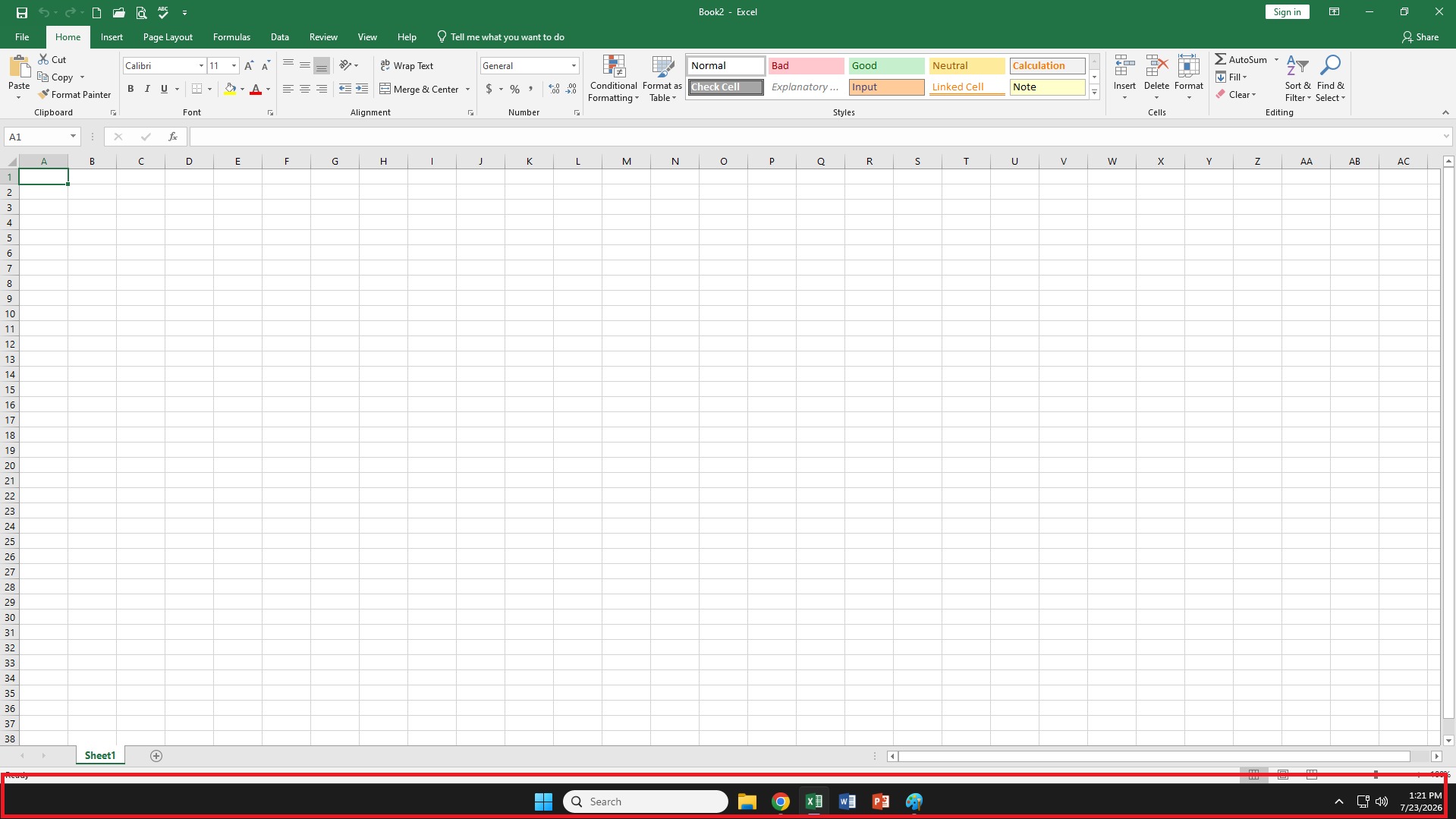
Windows Taskbar
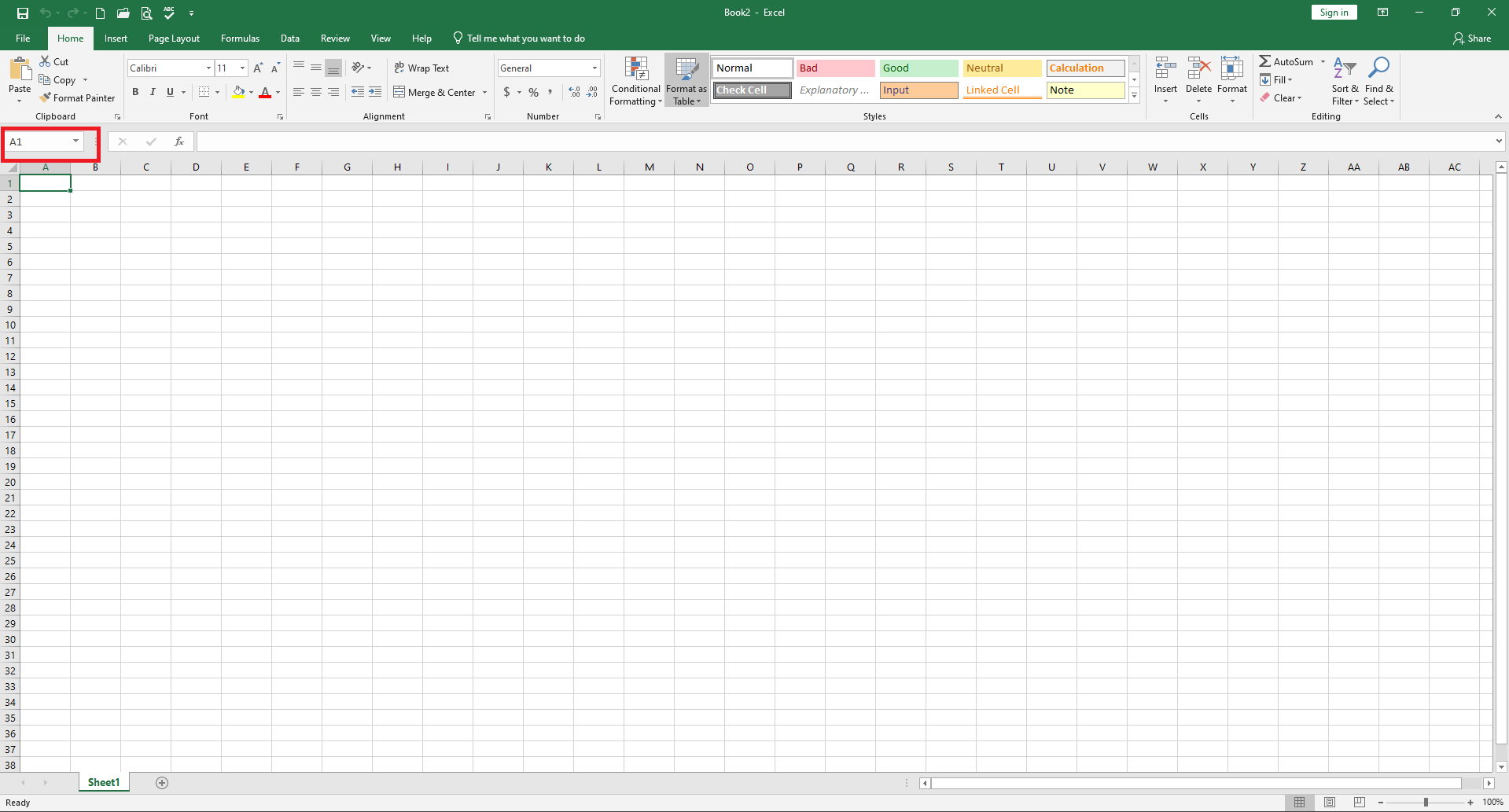
Cell Name Box
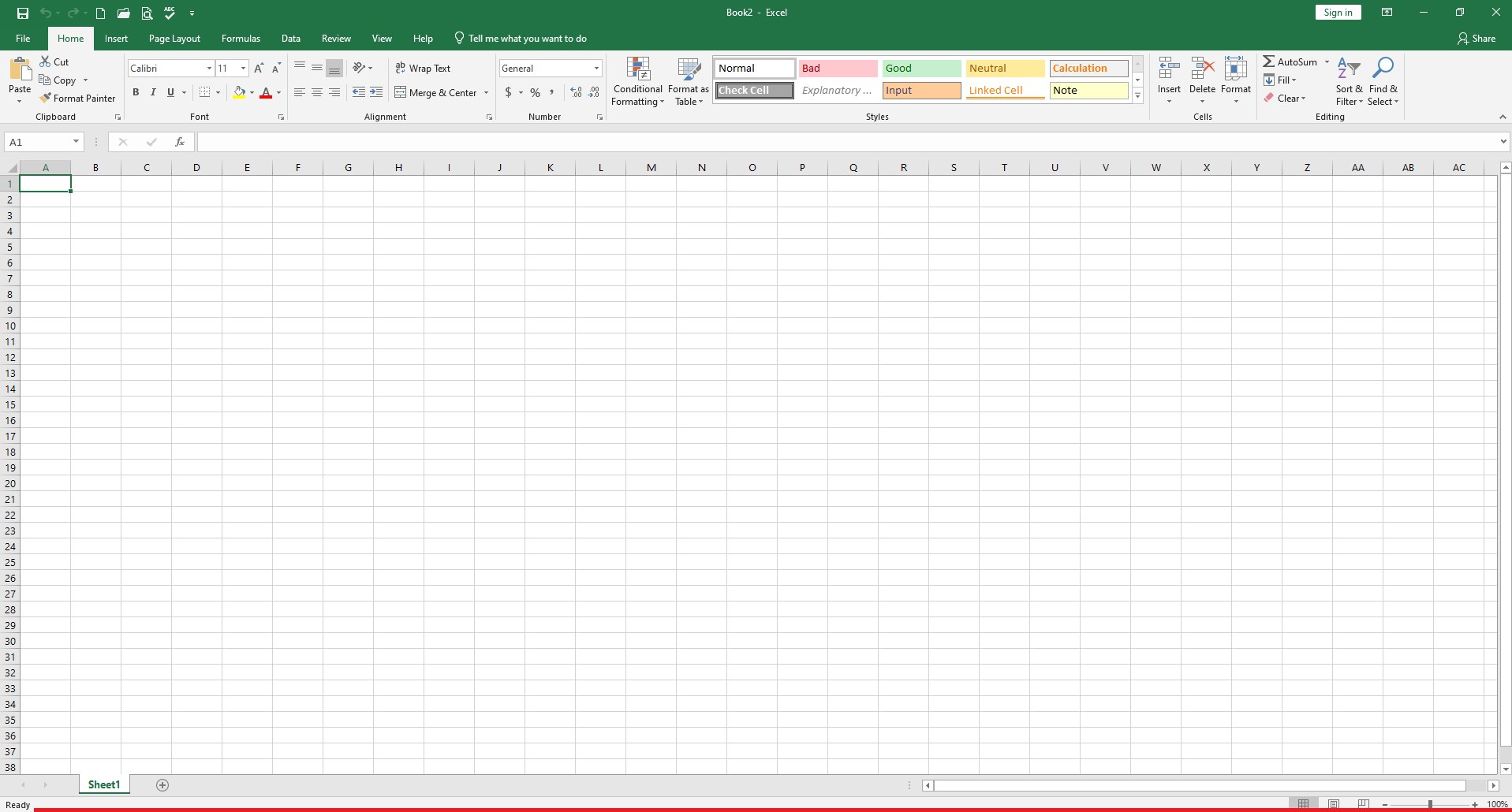
Status Bar
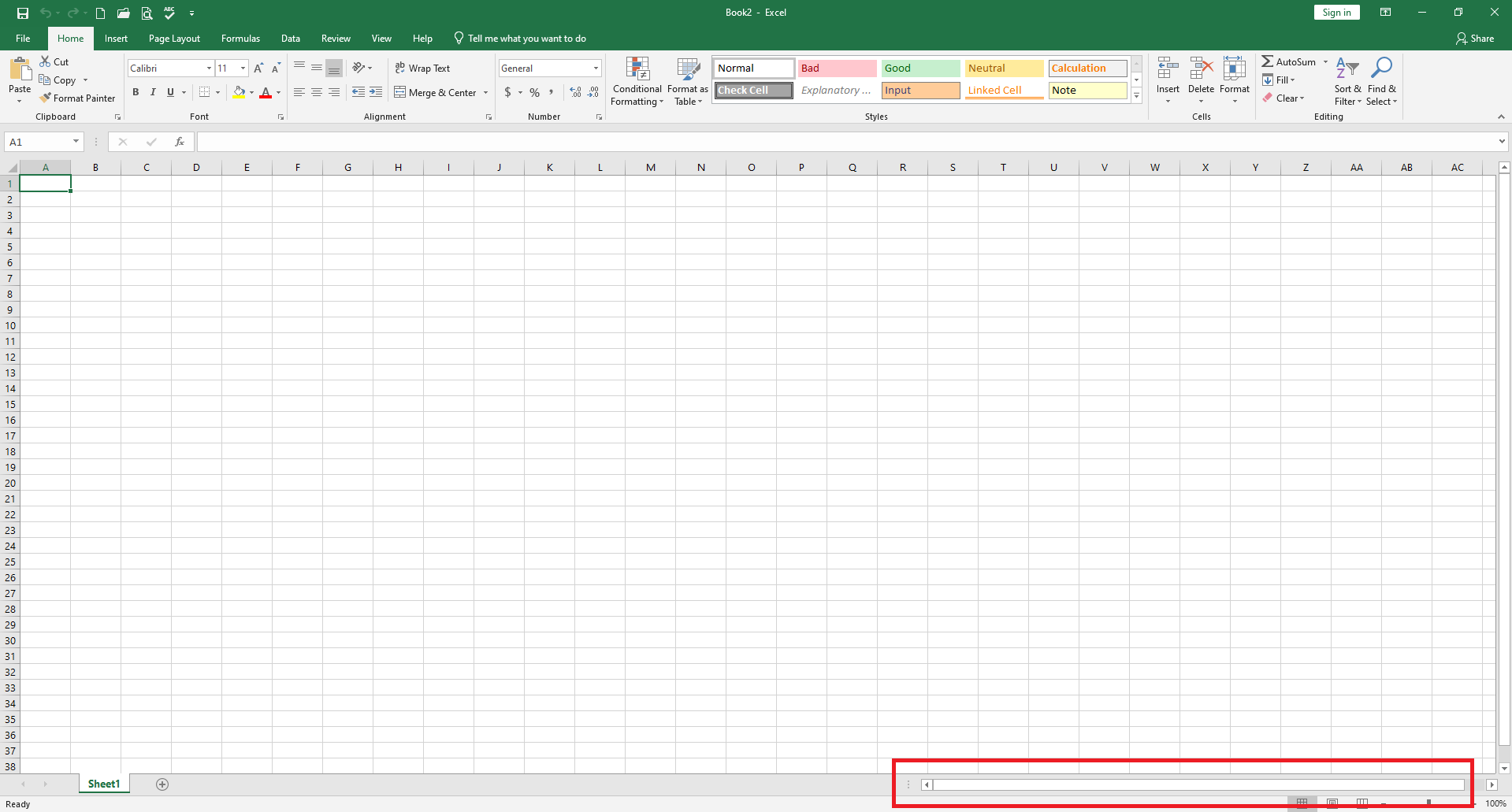
Horizontal Scroll Bar
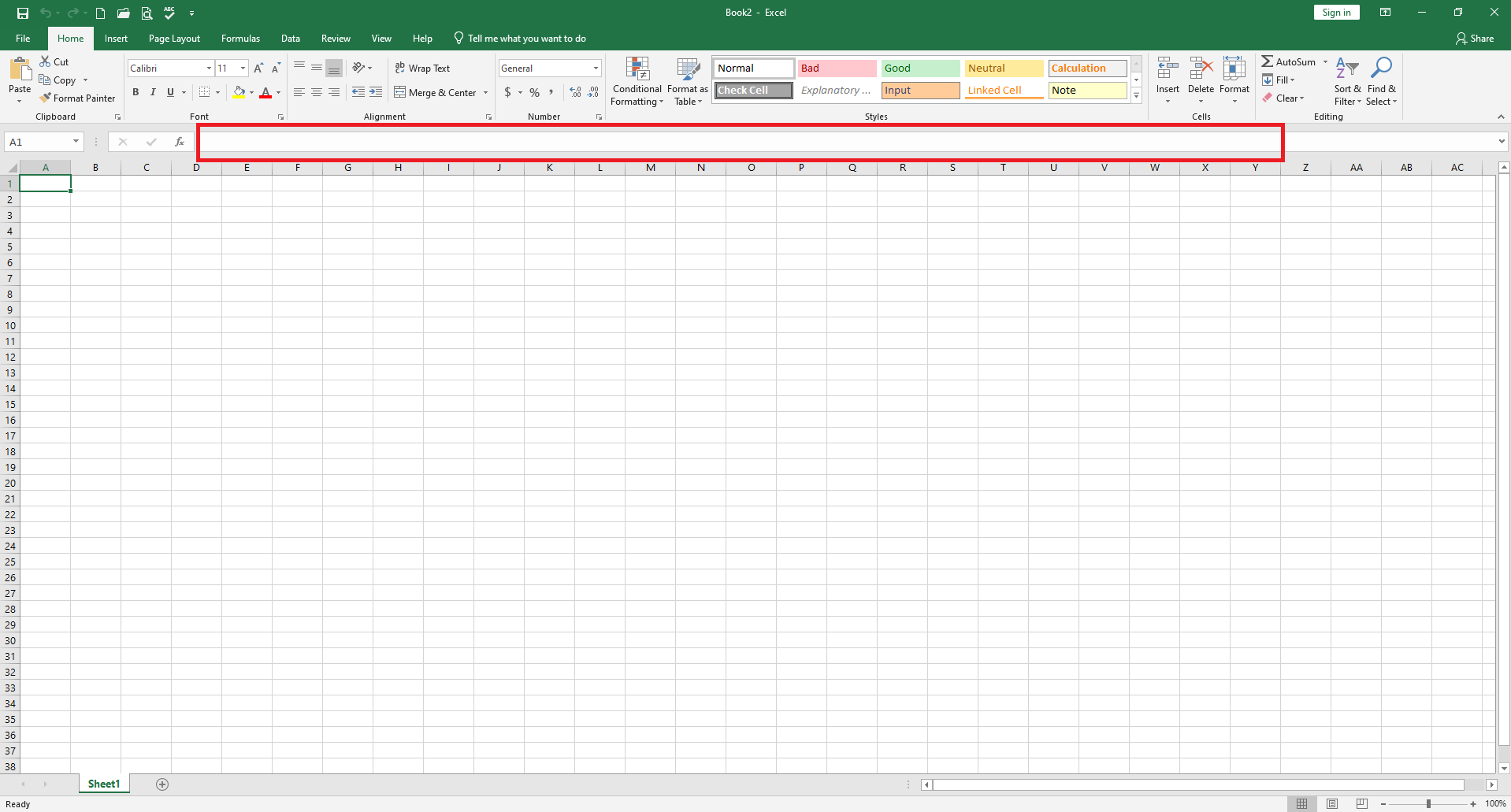
Formula Bar
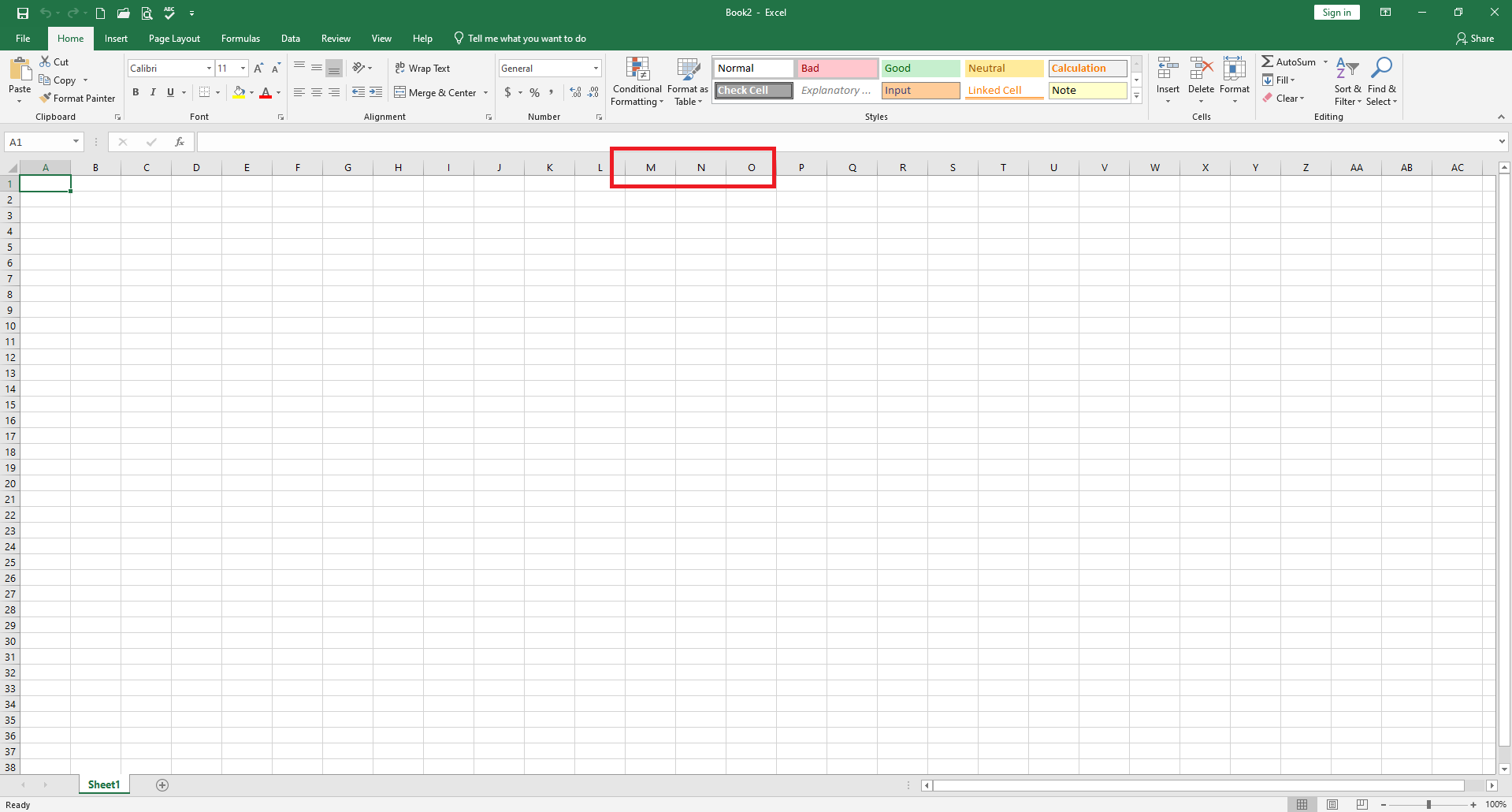
Columns
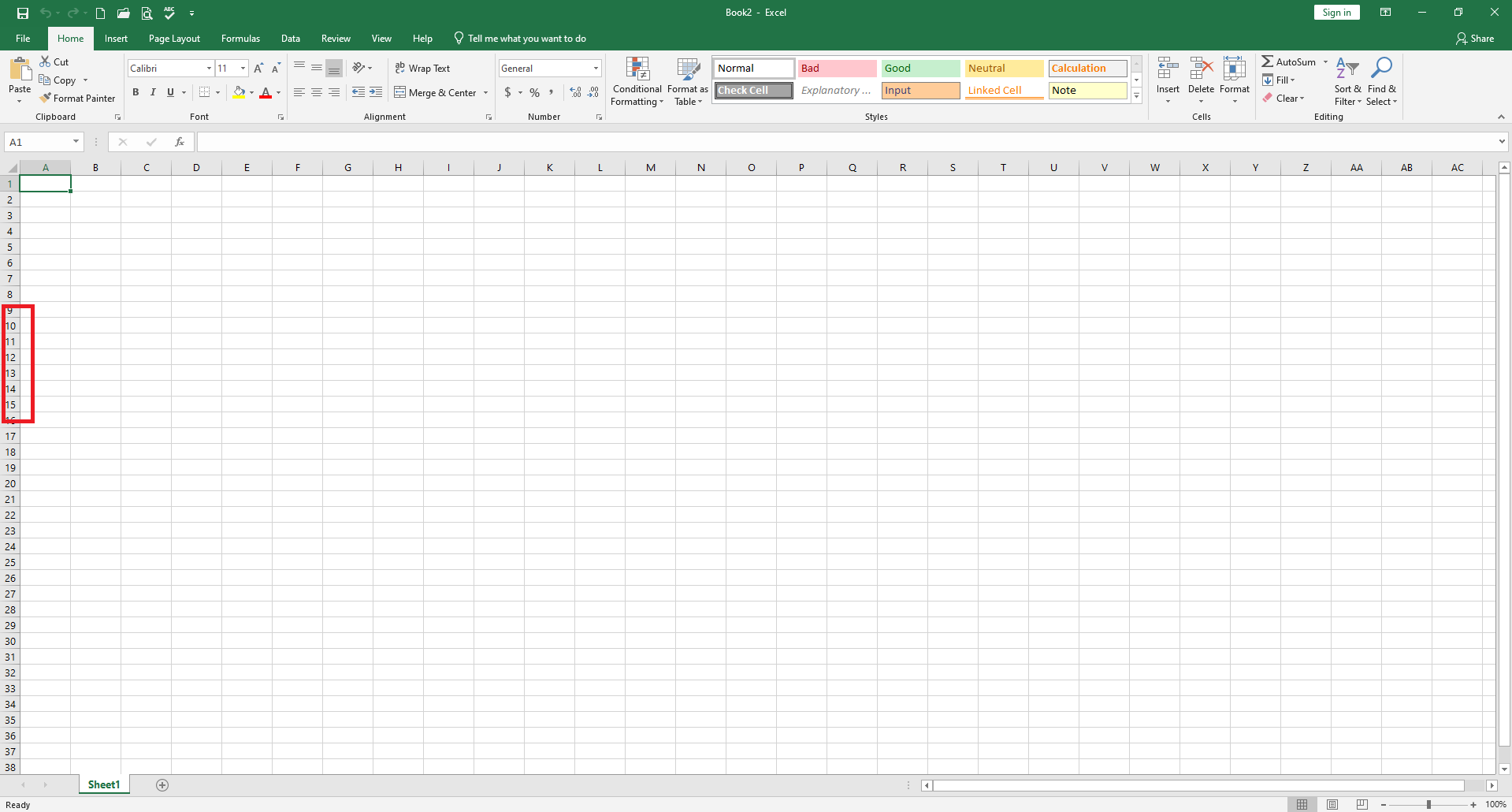
Rows
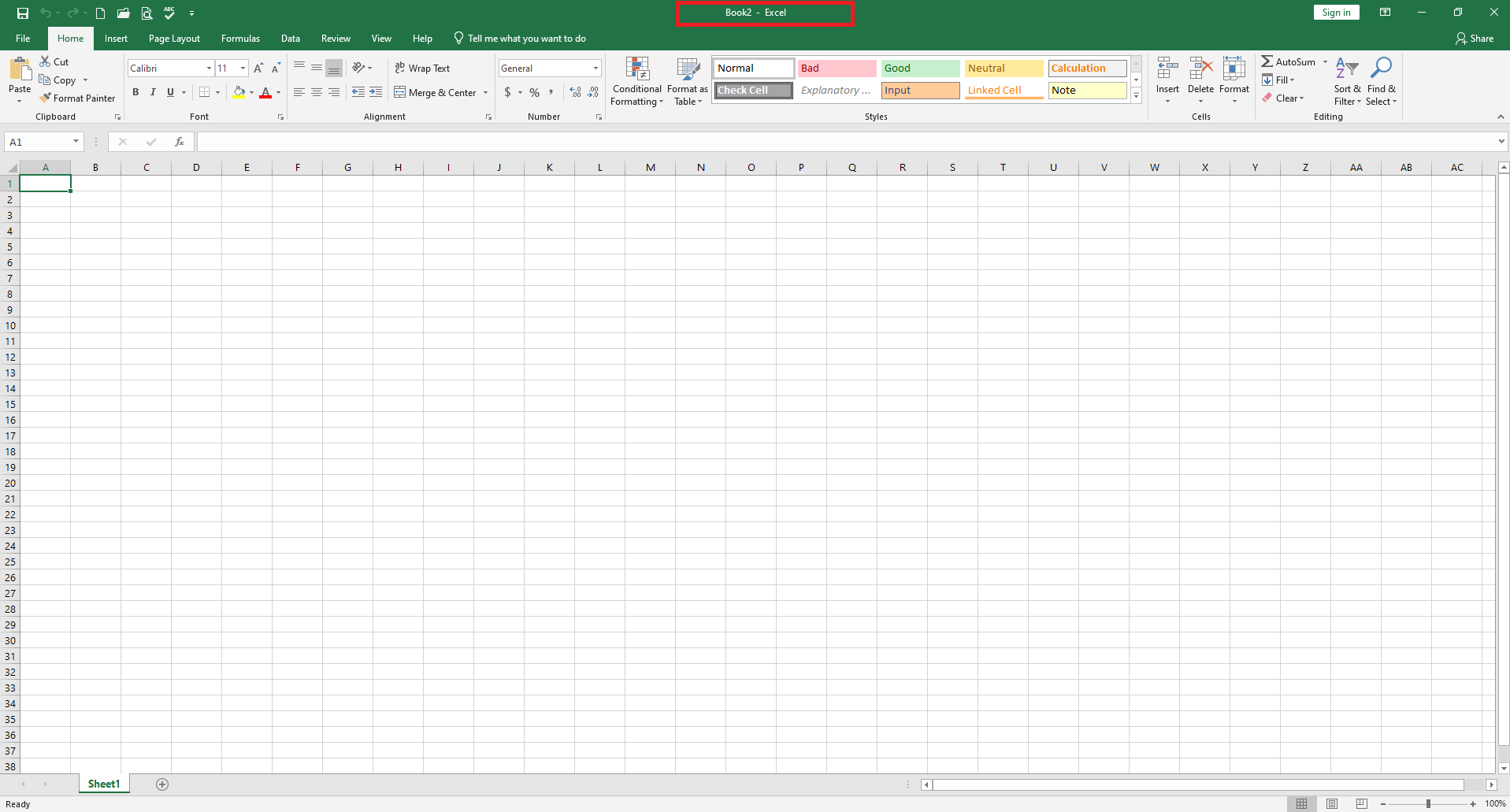
Title Bar
Know two ways to delete text or values from a cell you are currently writing in.
a. Backspace key deletes the character to the left of the insertion point.
b. Undo button will delete all the contents in the cell.
c. Esc key deletes the contents of the cell.
Know how to delete the contents from a range of selected cells.
The delete key. (NOT the backspace key, nor the Delete command button).
Know how you could immediately restore text that was accidentally deleted.
Click the Undo button on the Quick Access Toolbar.
Know which side of the cell text and values will align to by default.
a. Text aligns to the left of the cell.
b. Values align to the right of the cell.
Know two ways to add a new worksheet.
a. Click the New Sheet button (+) to the right of the worksheet tabs.
b. On the Home tab (in the Cells group), click the Insert button drop-down arrow, then choose Insert Sheet.
Know four ways you can open a previously saved workbook.
a. Select File from the Ribbon, then click Open.
b. Click the Open button on the Quick Access Toolbar.
c. Press Ctrl + O.
d. Open File Explorer from the Windows Taskbar.
(In all cases, you must choose where the file is saved and select the file)
Is it possible to have more than one worksheet in a workbook at the same time?
YES!
Is it possible to have more than one workbook open at the same time in Excel?
YES!
Understand the difference between workbooks and worksheets.
a. Worksheet is a single spreadsheet within a workbook.
b. Workbook is a file made up of worksheets.
Know what the following movement keyboard commands do: Tab
Tab: Moves the cell indicator to the next cell to the right.
Know what the following movement keyboard commands do: Enter
Enter: Moves the cell indicator down one cell.
Know three ways to preview a worksheet you want to print.
a. Click the Print Preview and Print button on the Quick Access Toolbar.
b. Select File from the Ribbon, then click Print.
c. Press Ctrl + P.
Know the six different ways you could align text or values within a cell.
Left, Center, Right, Top, Bottom, and Middle
Know the first step you must take to successfully copy and paste a cell’s contents to another cell in the same worksheet.
Select the cell or range of cells you want copied.
Know the difference between cut and paste and copy and paste.
When the contents of a cell is copied and pasted, it remains in its original place and is duplicated in the new location.
Cut and paste removes the cell from its original location and moves it to the new column.
Know the quickest way to select an entire column.
Click on the column label (letter).
Know two ways to give a worksheet tab a new name.
a. Right click on the tab I Rename I Type the new name.
b. Double click on the worksheet tab I Type the new name.
Know three ways to change the width of a column.
a. Double click on the line between the column letters to Autofit.
b. Click the line between the column letters and drag to the desired width.
c. Select the column I right click I Column width I enter size you want.
d. Select the column I click the Format button on the Home ribbon I click Column Width I enter the size you want.
Know where Excel will insert a new row.
Above the currently selected row.
Know what the fill handle does.
a. Continues a series like numbers, dates, months, days of week, or a pattern.
b. Copies the contents of a cell into adjacent cells.
Know the difference between 1. the Clear command, 2. the Delete command button on the Home tab of the Ribbon, and 3. the Delete key.
a. The Clear command button on the Home tab allows you to remove the contents of cells, the formatting of cells, or both.
b. The Delete command button on the Home tab physically removes the selected columns, rows, or cells.
c. The Delete key is similar to the Clear command; it removes the contents of the selected cell(s).
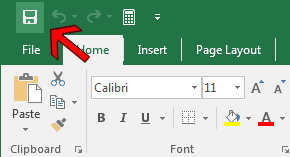
Save

Undo

Quick Print

Print Preview & Print

Open

New Workbook

Ribbon Display Options
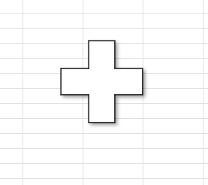
Used to select cells
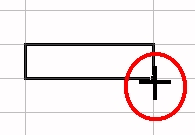
Fill handle

Used to adjust the width of a column

Used to adjust the row height

Move or drag and drop symbol (moves the contents of the selected cell(s) to a different cell(s)