Карточки Technology and computers | Quizlet
 Studied by 0 people
 Call with Kai
 Learn
Learn Practice Test
 Spaced Repetition
 Match
Match Flashcards
 Knowt Play
1/16

There's no tags or description
Looks like no tags are added yet.
Name | Mastery | Learn | Test | Matching | Spaced | Call with Kai |
|---|
No study sessions yet.
17 Terms
app (n)
software than can run on a computer or cell phone, usually with a specific function.
Example: I use the Wechat _________ the most in China.

install (v)
to download a computer program onto your computer or cell phone.
Example: I have ____________ (ed) the program on my computer.

access (n or v)
permission to use something
Example: All students have free ______________ to online resources.

network (n or v)
a large number of computers that have a connection with each other and that work together.
Example: The school have a library _____________ where you can find books you need online.

laptop (n)
a small computer that you can carry with you.

configure (v)
to install (set up) a technical specification on a computer
Example: You need to _____________ the computer before using it.
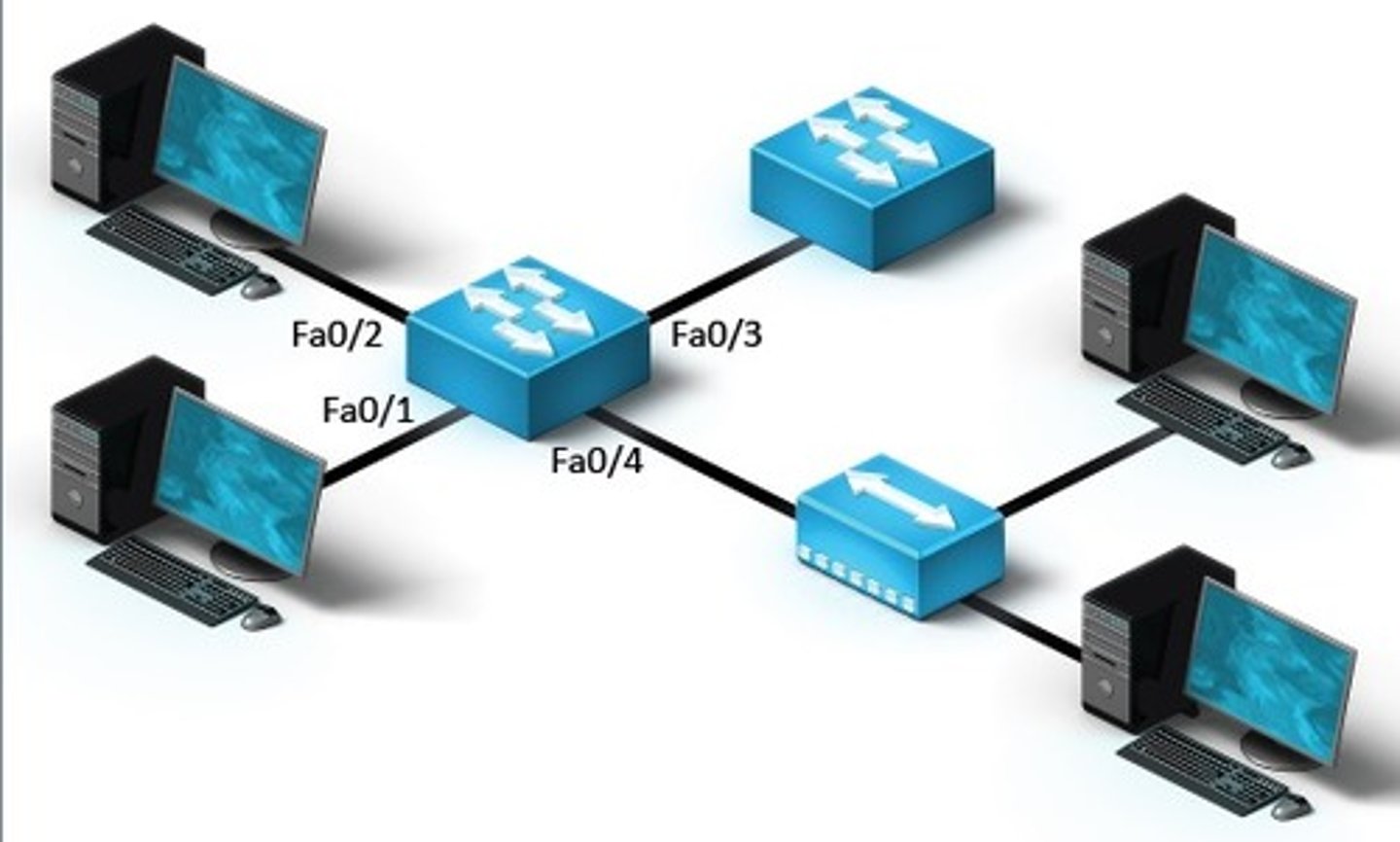
wireless or wifi (adj)
that can connect to the Internet without needing an Internet access point
Example: You can connect to ______________ in most cafes.

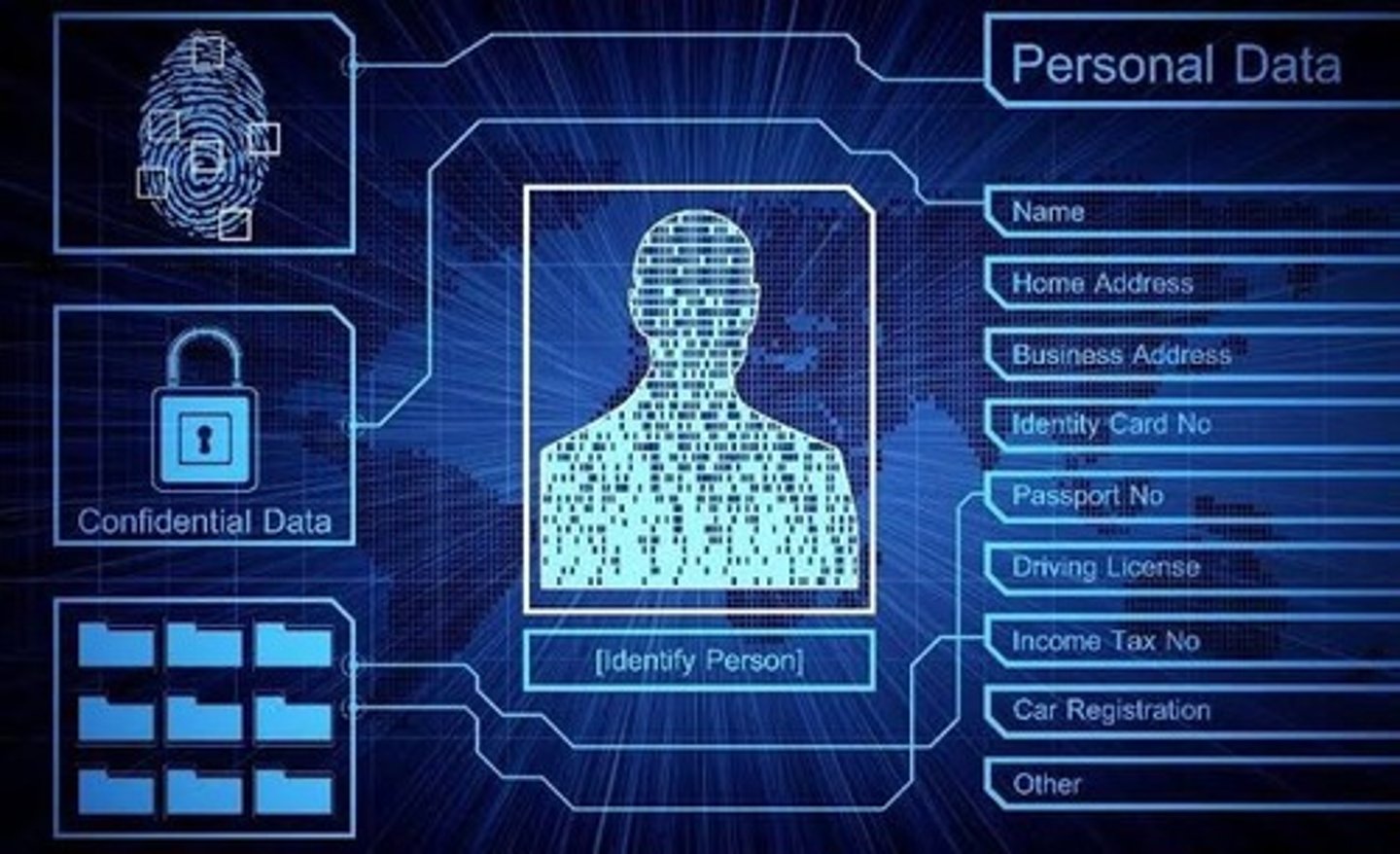
data (n)
information, especially facts and numbers.
Example: You need to protect your personal ____________ from being used by online companies.
hard drive (n)
a data storage device inside your computer
Example: Save all of your work onto your computer _____________

password (n)
secret word or phrase that allows you to use your computer
Example: You will need a ______________ to access your online account.
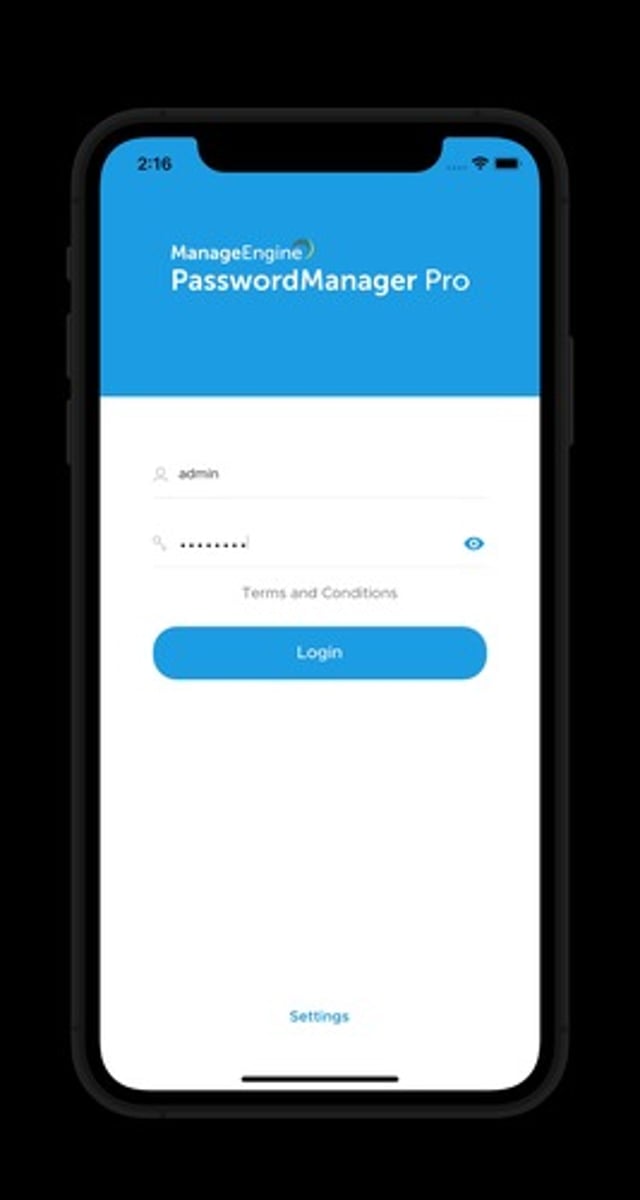
log on (v)
access a computer system by typing a password.
Example: Turn on the computer and _______________ to your account.
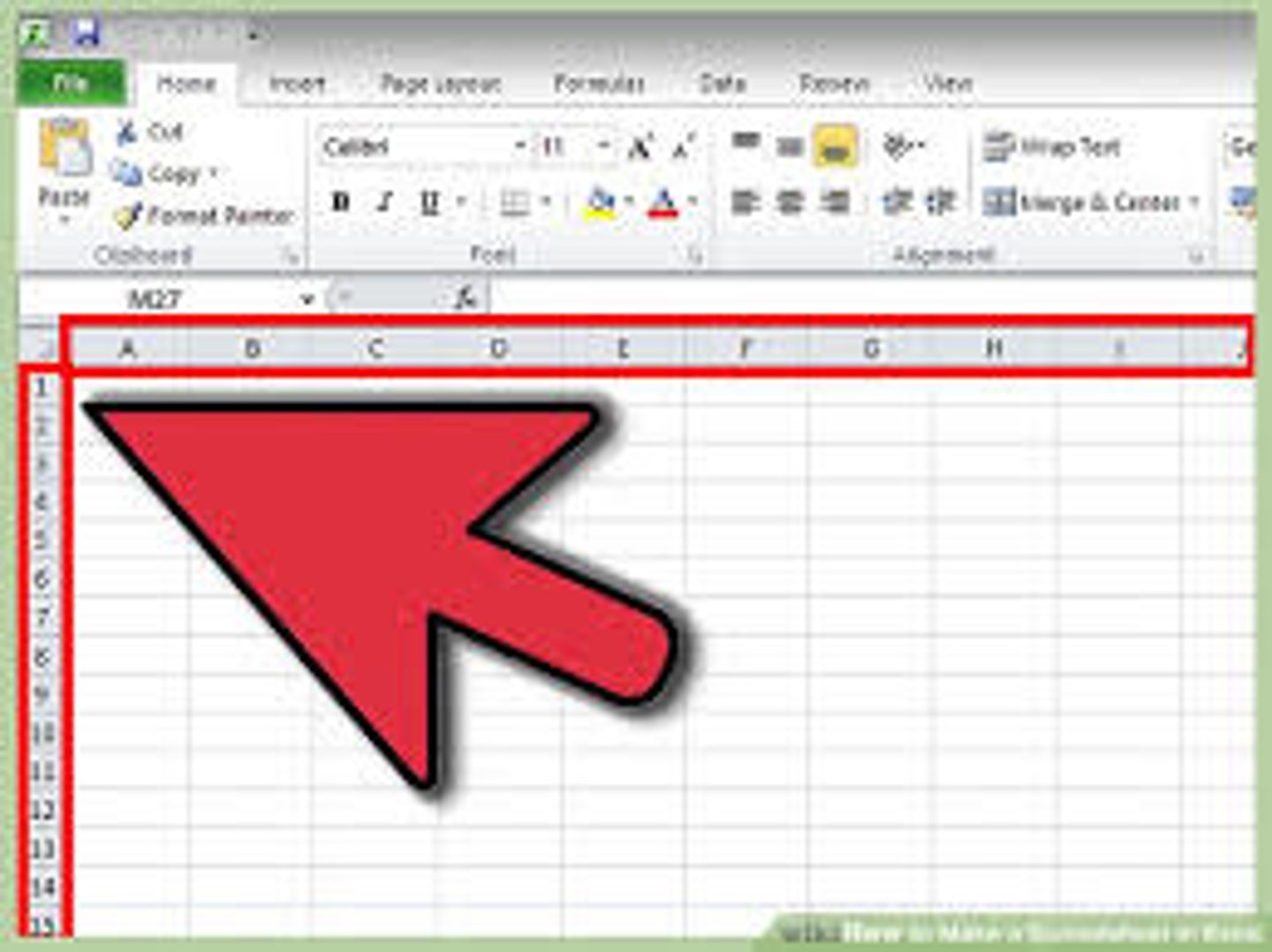
spreadsheet (n)
a type of program that stores data in tables or charts.
Example: You can create a _______________ using Microsoft Excel.
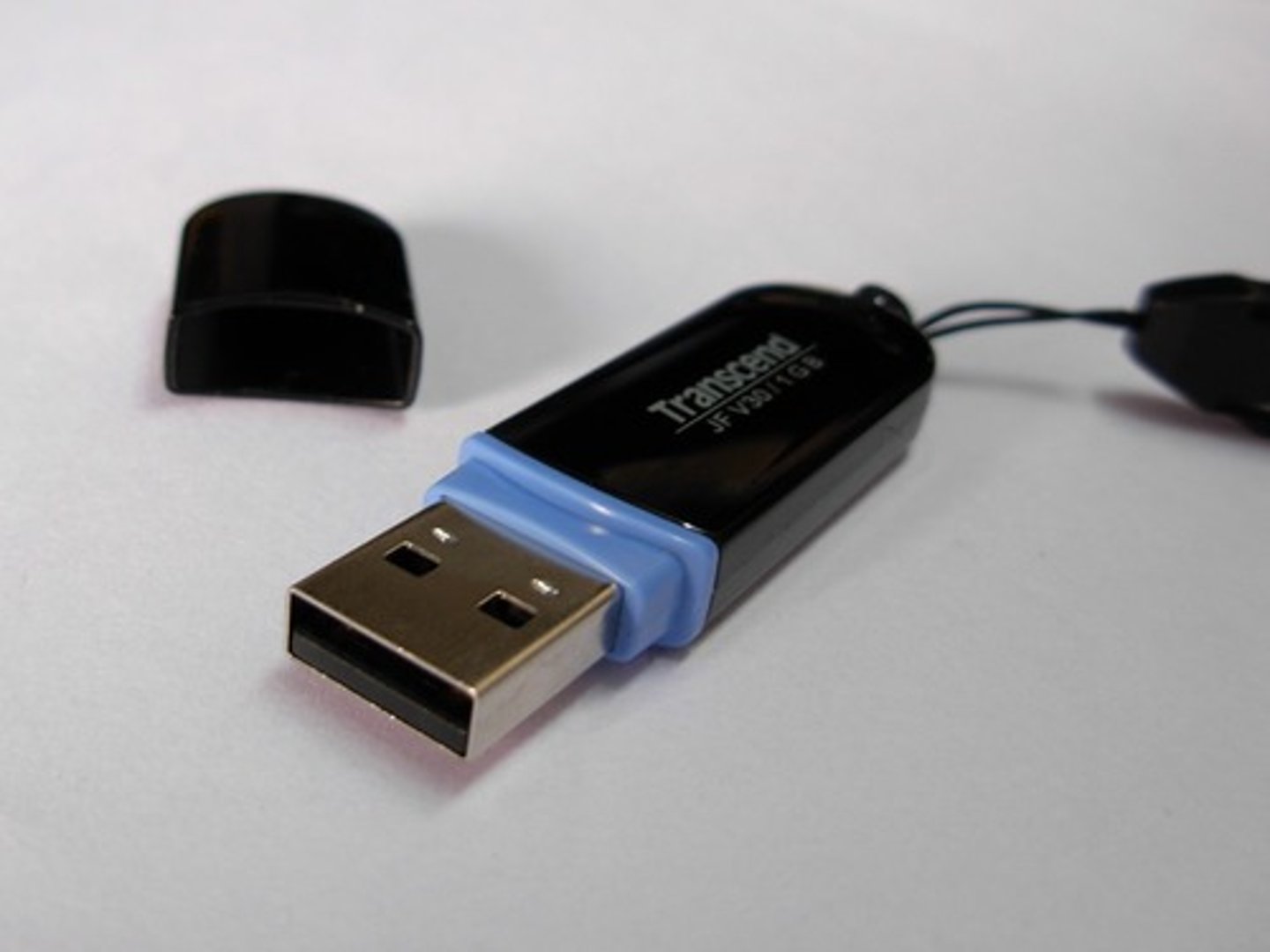
removable media (n)
storage devices that can be removed.
Example: a flash drive or USB are examples of ___________________
shortcut (n)
an icon that links to a program or file on your computer
Example: You can install ___________(s) to your college websites on the desktop.

browser (n)
software that allows you to search for information on the Internet.
Example: There are a number of Internet _______________(s) available for you to search online.

icon (n)
a small image on a computer or phone screen that reporesents a program, file or function.
Example: Click the printer ___________ to print your document.

chatroom (n)
an online space where people can type and send messages to each other in real time.
Example: Many students use an English ____________ to practice speaking with people from other countries.