Mastering the Setup: Installing Drivers, Applications, and Utilities
 Call Kai
 Learn
Learn Practice Test
 Spaced Repetition
 Match
Match Flashcards
 Knowt Play
1/13

Earn XP
Description and Tags
Vocabulary flashcards covering driver, application, and utility installation concepts, common errors, and post-installation procedures.
Name | Mastery | Learn | Test | Matching | Spaced | Call with Kai | Chat |
|---|
No analytics yet
Send a link to your students to track their progress
14 Terms
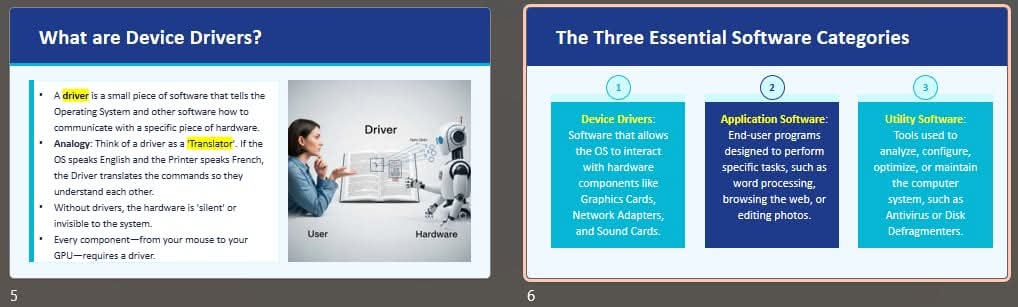
Drivers
Software components that serve as translators between the operating system (OS) and computer hardware.
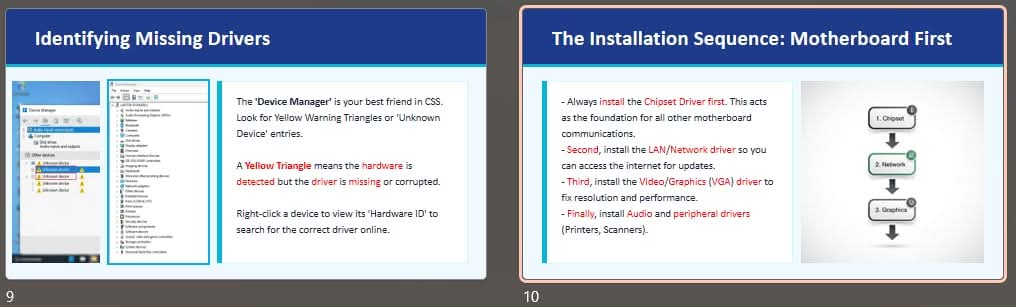
Installation Logic Sequence
The recommended driver installation order: Chipset > LAN > Video > Others.
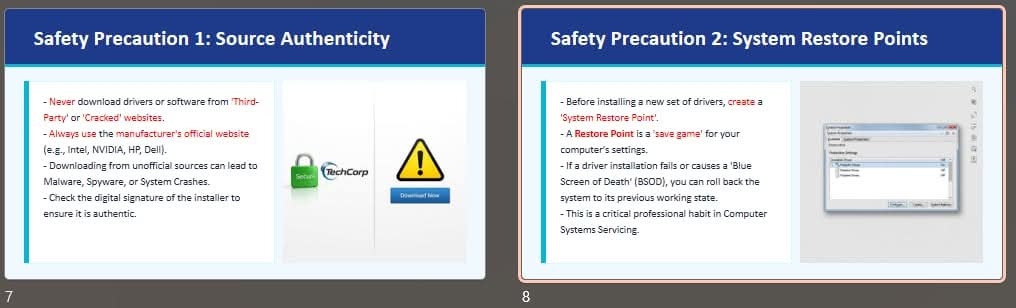
Utilities
Software tools used to maintain the computer system.
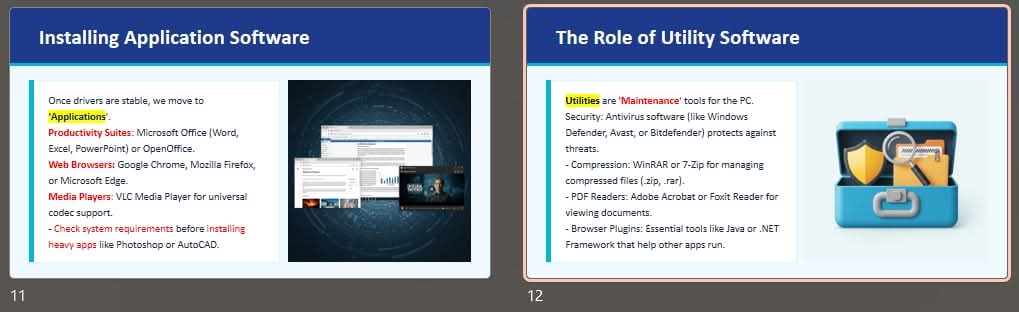
Applications
Software programs designed to provide direct user functionality.
Architecture Mismatch
A common installation error caused by attempting to install a 64-bit driver on a 32-bit OS.
Incomplete Download
An error where an installer file becomes corrupted and won't open.
Dependency Missing
An error where an app cannot be installed because it requires prerequisite software, such as '.NET Framework' or 'C++ Redistributable', to be installed first.
Administrative Privileges
A requirement to 'Run as Administrator' when attempting most system-level software installations.
Device Manager Verification
A post-installation checklist step to ensure all yellow triangles are gone and hardware devices are functioning properly.
Windows Update Patching
A post-installation step that involves running 'Windows Update' to get the latest security patches for newly installed software.
Installer Cleanup
The post-installation process of deleting installer files (.exe or .msi) from the Downloads folder to save storage space.
Windows Kernel Integration
The process that requires a full system reboot after installing drivers and system utilities to properly integrate their code into the Windows Kernel.