Device Management (2)
 Call Kai
 Learn
Learn Practice Test
 Spaced Repetition
 Match
Match Flashcards
 Knowt Play
1/8

There's no tags or description
Looks like no tags are added yet.
Name | Mastery | Learn | Test | Matching | Spaced | Call with Kai | Chat |
|---|
No analytics yet
Send a link to your students to track their progress
9 Terms
What is Drivers?
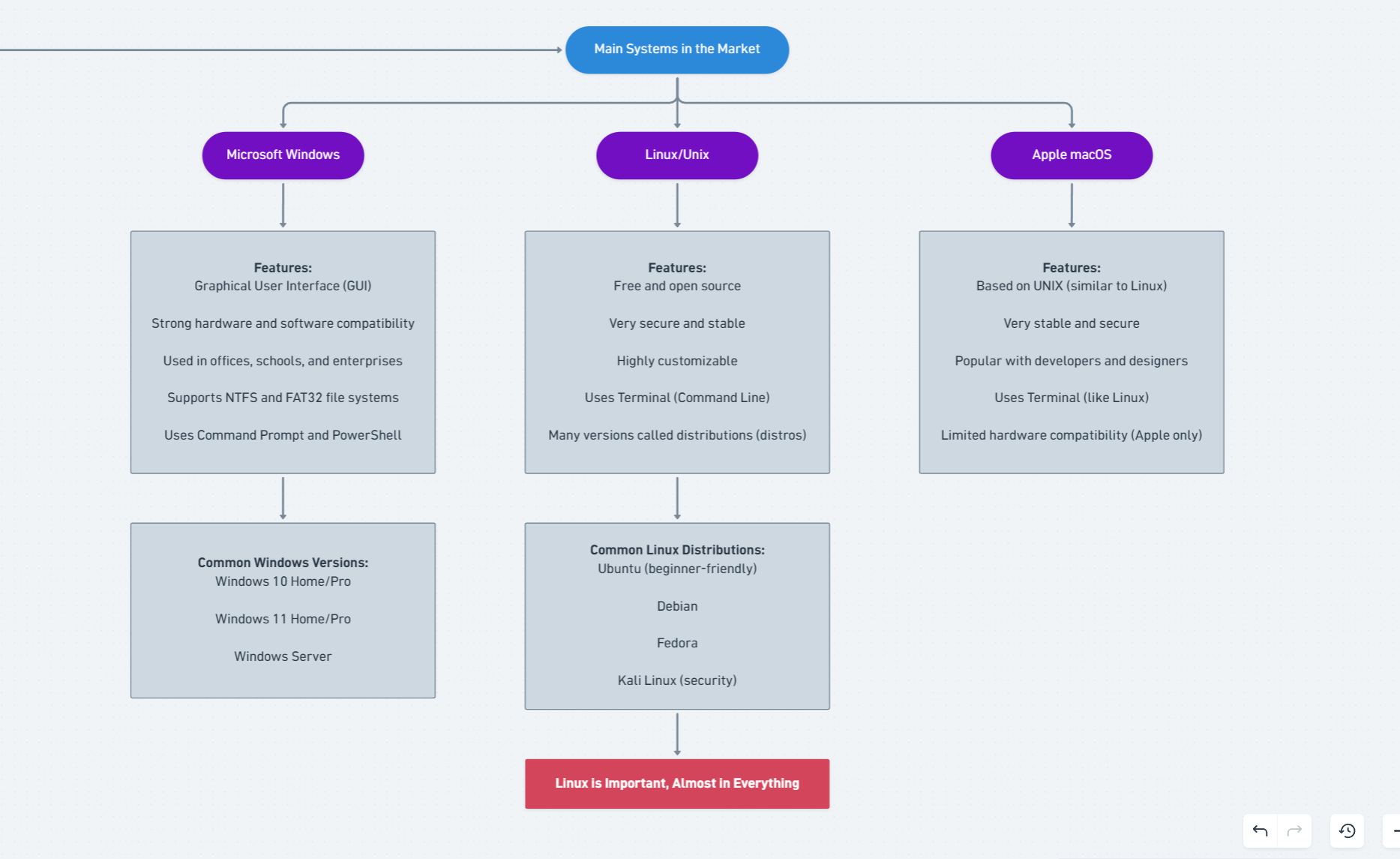
Computer components cannot communicate directly with the operating system (OS); there must be an intermediary between the components and the system—namely, drivers.
Drivers act as translators between:
OS → Printer
OS → Keyboard
OS → GPU
Without drivers, hardware does not work properly.
what is User Interface? and types of it? (2)
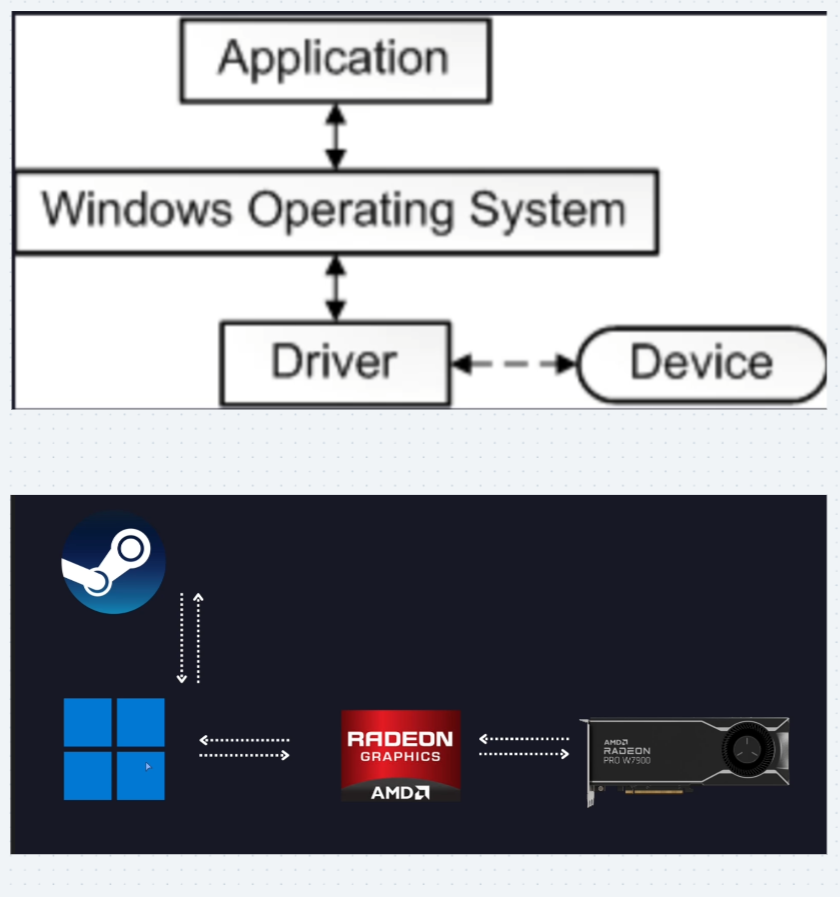
The OS provides a way for users to interact:
GUI:
Graphical User Interface
(Windows, macOS, Linux)
CLI:
Command Line Interface
(Linux terminal, Windows CMD)
Both are important for IT professionals.
System Architecture: 32bit and 64bit (fundamental difference?)
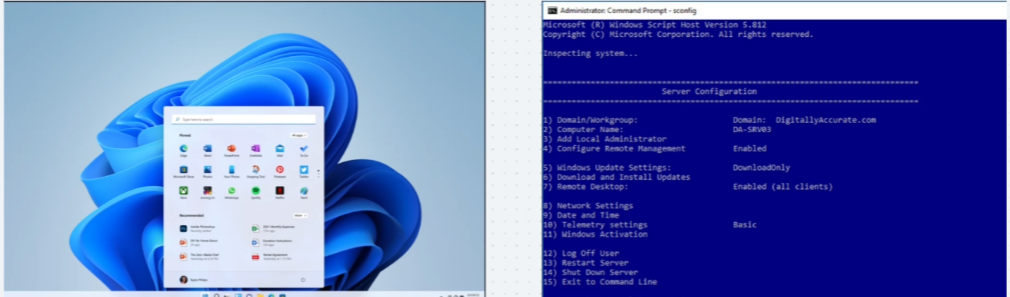
This is a fundamental difference you must understand:
32–bit:
An older architecture.
The major limitation is that it cannot utilize more than 4 GB of RAM, regardless of how much physical RAM you install.
64–bit:
The standard, modern architecture. It can use massive amounts of RAM (up to 128 GB and more). Technical Tip: Always install a 64–bit system, as it's faster, supports all available memory, and can run 32–bit applications, but the reverse is not possible.
What is the meaning of words: BIOS/UEFI?
BIOS (Basic Input/Output System)
UEFI (Unified Extensible Firmware Interface)
BIOS
BIOS (Basic Input/Output System):
The legacy system. A simple text interface. Its primary function is to load basic system files and verify the hardware before the OS begins.
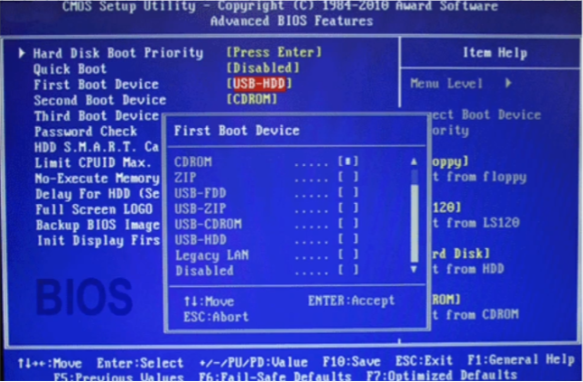
UEFI
UEFI (Unified Extensible Firmware Interface): The modern system. It features a graphical interface, supports large drives over 2 TB, and most importantly: supports Secure Boot, which prevents unauthorized boot files from loading (a security enhancement). You must know how to enter the UEFI settings to change the Boot Order.
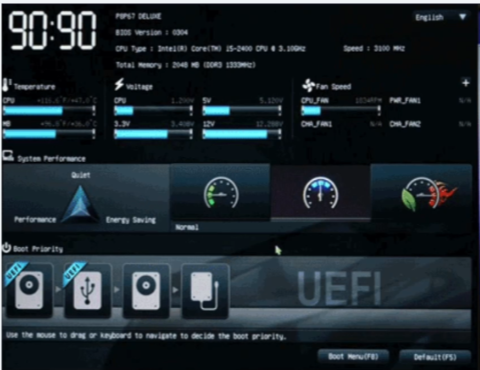
Essential Boot Steps: Power–On? (3)
You turn on the device:
1 - POST (Power–On Self–Test):
The BIOS/UEFI performs a self–test of the memory, CPU, and essential devices. If you hear beeping sounds and the machine doesn't start, you must refer to the Beep Codes to identify the failing component.
2 - Boot Order Check:
The UEFI checks where it should start the operation (from the hard drive, a USB flash drive, or the network).
3 - OS Load:
The operating system files load, and the display starts.
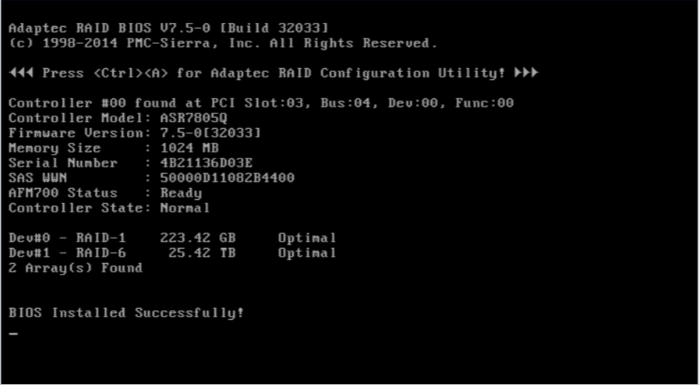
This process is essential when installing a new drive? (2)
Hard Drive Management (Disk Management)
Partitioning:
Dividing the hard drive into sections (C:, D:, etc.).
Formatting:
Choosing the appropriate File System. Key systems:-\87dv
+
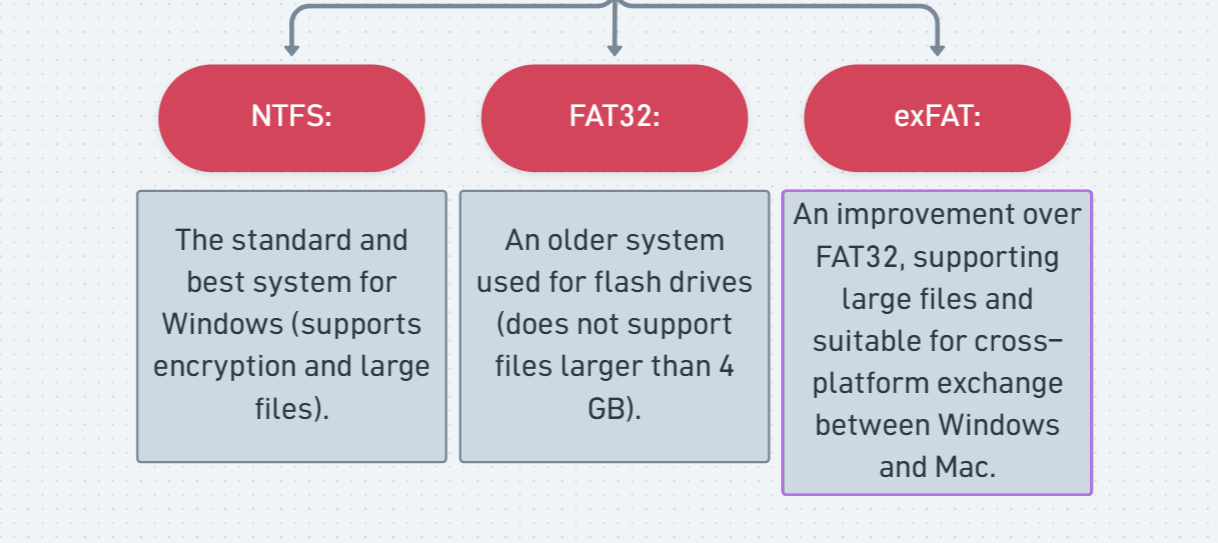
Main Systems in the Market? (3), Features and Common use?