MC110: Lesson 2: Inputting Media
 Call Kai
 Learn
Learn Practice Test
 Spaced Repetition
 Match
Match Flashcards
 Knowt Play
1/22

There's no tags or description
Looks like no tags are added yet.
Name | Mastery | Learn | Test | Matching | Spaced | Call with Kai | Chat |
|---|
No analytics yet
Send a link to your students to track their progress
23 Terms
Which input method in media composer involves using cabled connections to input video & audio from videotape, satellite, or live feed?
Capture
Which input method in media composer involves converting video/audio files to Avid-native media and adding them to an Avid MediaFiles folder?
Importing
Which input method in media composer involves connecting a media file to your project; no media is moved or copied?
Linking
What are camera native files?
the original audio and video files created by the camera. These files exist in many formats such as R3D, ARI, MXF, MOV, MP4, JPG, WAV, MP3.
When would you have to relink linked files in media composer?
If you have moved or renamed the files at the OS level
What does media composer rely on to decode linked media?
Plug ins
When does media composer create avid native media?
Whenever you import, consolidate, or transcode camera-native files
What are the two ways to open the source browser?
-Go to File > Input > Source Browser or Tools > Source Browser
-Right-click inside an open bin and select Input > Source Browser
What button in the source browser displays camera card contents as thumbnails and tells media composer to treat folders as individual media volumes rather than a collection of individual files when selected
The Media Folder View Button
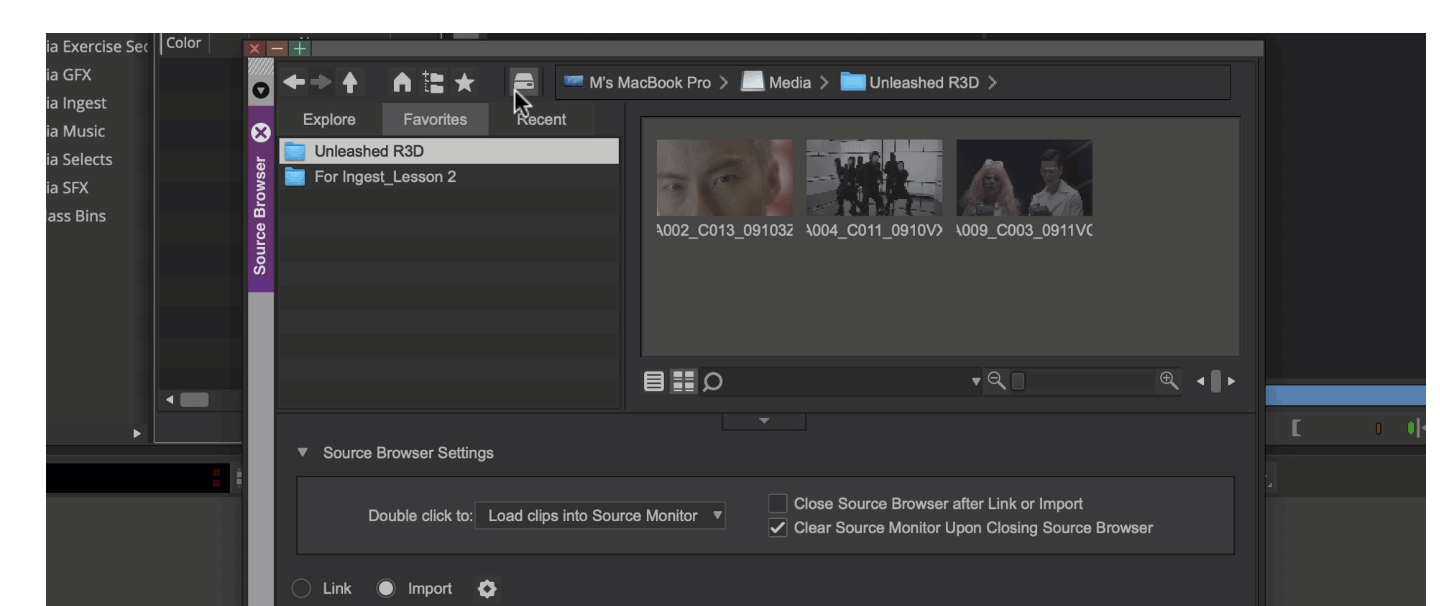
What are the three ways that the navigation pane in the source browser will display your computer’s folders?
-Explore: Shows all your system folders
-Favorites: Lists folders you tag as favorites
-Recent: Lists folders you used in previous sessions
How is media displayed when you leave the media folder button inactive in the source browser?
It displays a camera card's subfolders — each represents a shot and contains a handful of files.
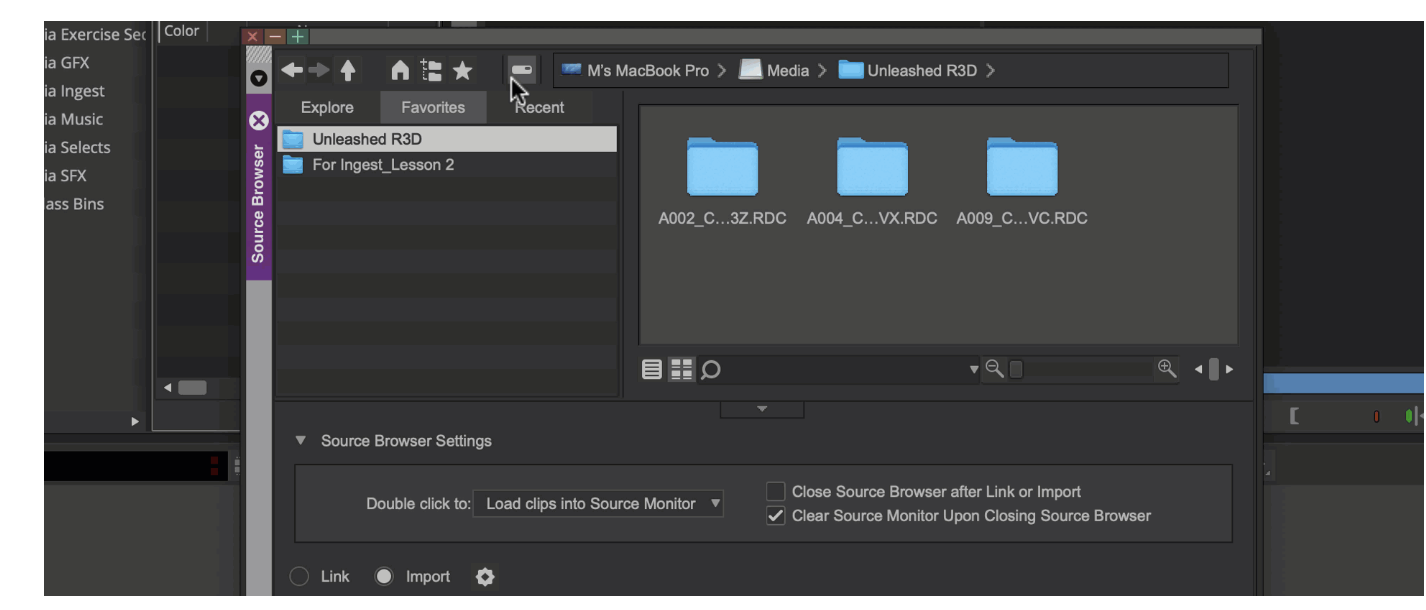
What are the two ways to preview media files in the source browser in frame view?
Move the cursor over the selected thumbnail to skim the video frames
Press the Spacebar to play the clip
What are the two methods for creating Avid native media files from already linked media?
Consolidate and Transcode
What does the consolidate function do in media composer?
Consolidate copies the media files without re-encoding the media
What does the transcode function do in media composer?
Transcode converts the media
What are the the pros and cons of the consolidate function in media composer?
The Consolidate function is faster than transcoding but only works with Avid-supported codecs. Meanwhile, transcode can convert any linked file.
What file extension does all avid native media have?
.mxf
What three setting are you encouraged to check before importing in media composer?
Project Format, Import settings, media creation settings
In what two places can you find the import settings?
In the source browser and the settings window
How do you perform a drag and drop linking of media in media composer?
hold Alt (Windows) or Option (Mac) while dragging a file from the OS level to a bin
How do you perform a drag and drop importing of media in media composer?
drag the file from the OS level to a bin
In the Source Browser, how do you add a source folder to the Favorites tab?
Click the star icon at the top of the Source Browser