IST Midterm Review
 Studied by 0 people
 Call Kai
 Learn
Learn Practice Test
 Spaced Repetition
 Match
Match Flashcards
 Knowt Play
1/123

There's no tags or description
Looks like no tags are added yet.
Name | Mastery | Learn | Test | Matching | Spaced |
|---|
No study sessions yet.
124 Terms
Computing Device
a machine that can run a program, including computers, tablets, servers, routers, and smart sensors
Computing System
a group of computing devices and programs working together for a common purpose
Computing Network
a group of interconnected computing devices capable of sending or receiving data.
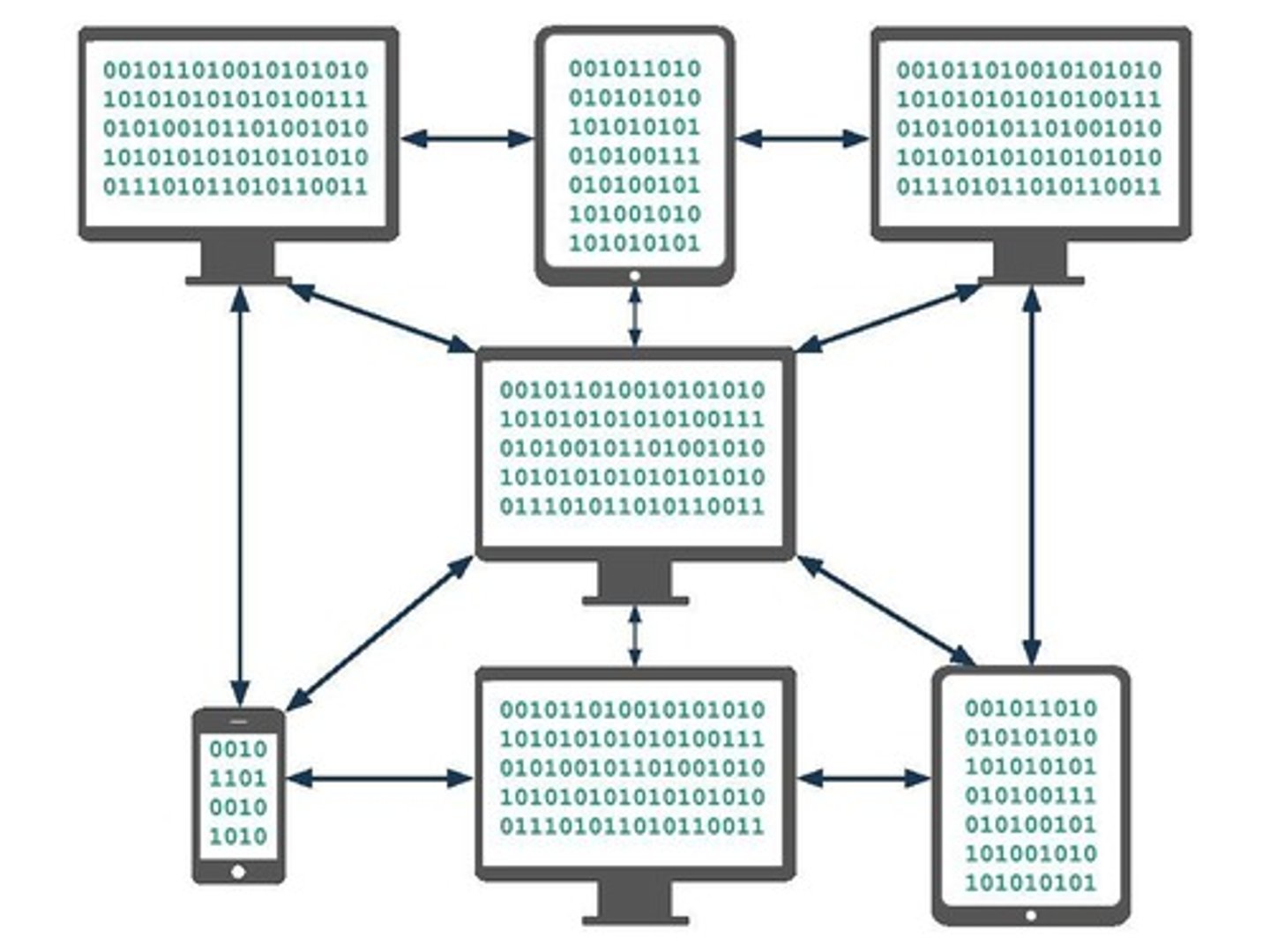
Internet Protocol (IP)
a protocol for sending data across the Internet that assigns unique numbers (IP addresses) to each connected device
Fault Tolerant
Can continue to function even in the event of individual component failures. This is important because elements of complex systems like a computer network fail at unexpected times, often in groups.
Packets
A single message can be made up of many 'packets' which you can add with the 'Add Packet' button.
Packet Length
Packets can only be 80 bits long.
Packet Metadata
16 bits are already used for packet metadata, data added to help route the messages.
Free Data in Packets
You only have 64 bits, or 8 ASCII characters free for each of your messages.
Traffic Reading Steps
Step 1: Open the Log Browser. Step 2: Filter to your traffic on all routers. Step 3: Read the traffic and answer the questions in your activity guide.
Packet Delivery
Packets can take different paths or be dropped, just like messages in the previous lesson.
Message Order
As a result, messages may arrive out of order or incomplete.
User Datagram Protocol (UDP)
Send all the packets but don't check if they all get through or arrive in the right order.
Transmission Control Protocol (TCP)
Number packets so they can be re-ordered, confirm all were received, resend any missing packets. Multiple back and forth confirmations between sender and receiver.
UDP Use Case
Useful when split seconds matter more than correcting errors, like video-conferencing, live streaming, online gaming.
TCP Use Case
Useful when accuracy matters more than saving a split second, like sending emails, photos, or just browsing websites.
Speed
Situations where doing something quickly was most important.
Accuracy
Experiences where being correct and precise was most important.
Speed AND Accuracy
Situations when both speed and accuracy are needed.
Datastream
Information passed through the internet in packets.
Packet
A chunk of data sent over a network. Larger messages are divided into packets that may arrive at the destination in order, out-of-order, or not at all.
GET request
A request sent to the DNS to obtain the IP address of a user.
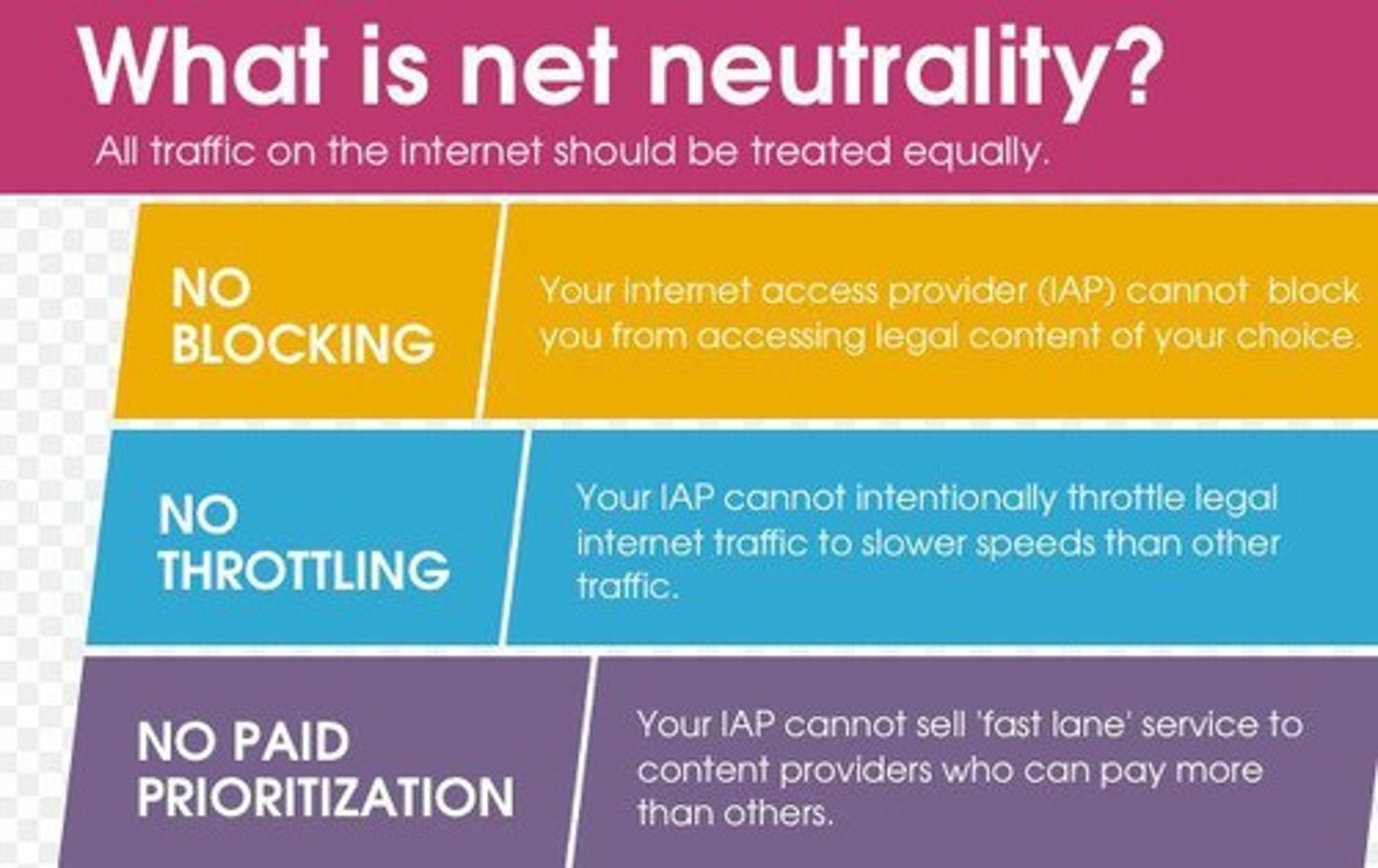
Net Neutrality
The principle that Internet service providers must treat all data on the Internet the same, and not discriminate or charge differently by user, content, website, platform, application, or method of communication.
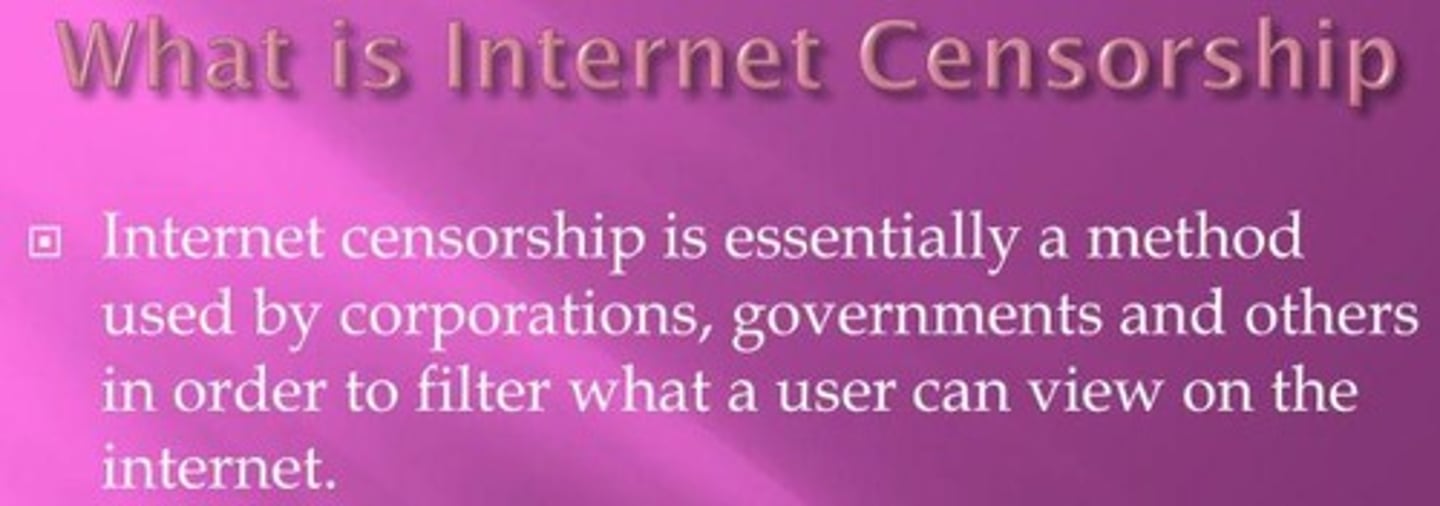
Internet Censorship
The control or suppression of what can be accessed, published, or viewed on the Internet.
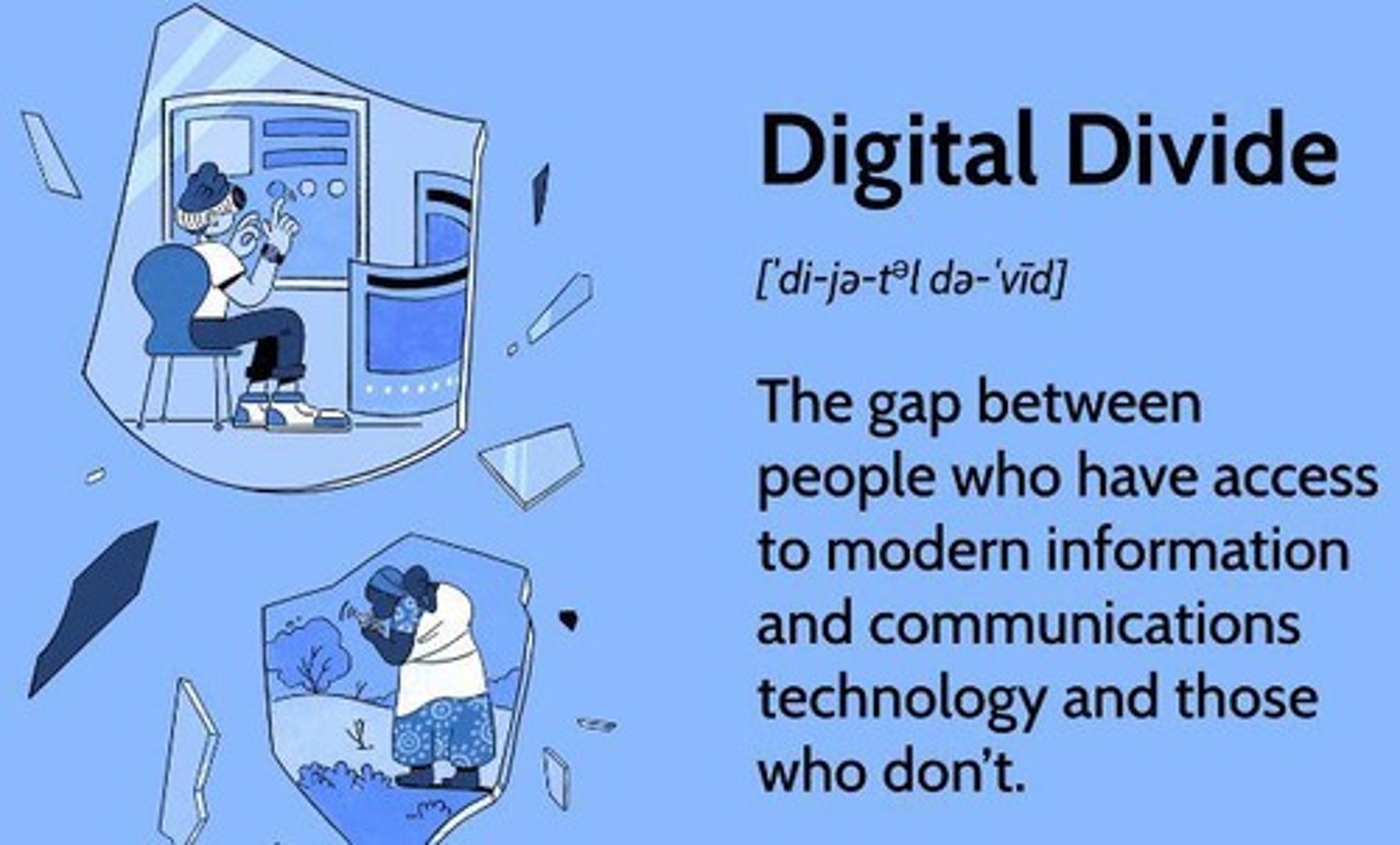
The Digital Divide
The gap between those who have easy access to computers and the Internet, and those who do not.
TLS
Transport Layer Security, a cryptographic protocol designed to provide communications security over a computer network.
HTTPS
Hypertext Transfer Protocol Secure, an extension of HTTP that uses SSL/TLS to provide a secure connection.
Certificate Authorities
Entities that issue digital certificates to verify the ownership of a public key.
Streaming App
An application that allows users to listen to audio or watch video content in real-time over the Internet.
Messaging App
An application that enables users to send and receive messages in real-time.
Email Client
A software application used to access and manage a user's email.
News Website
A website that provides news articles and updates.
Internet Radio
A digital audio service transmitted via the Internet.
Real-time Application
An application that processes data as it comes in, typically without delay.
Lower Latency
A reduced delay in data transmission.
Internet Fundamentals
Structure and function of the Internet.
Routing
Protocols and addressing systems.
Digital Citizenship
Digital footprints and their impact.
Netiquette
Online behavior ethics.
Binary Numbers
Basics of binary numbers and their conversions.
Data Compression
Understanding data compression types and uses.
Internet Tools
Tools for web browsing and their uses.
Internet Standards
Key internet communication standards.
IT Careers
Essential skills for IT roles.
Emerging Technologies
Basics of artificial intelligence (AI) applications.
Chatbots
Teachable Machines.
Domain Name System (DNS)
Functions and organization of the Domain Name System.
Bot/Robot
Automated programs designed to perform specific tasks.
Predictive Text
Technology that predicts and suggests text while typing.
Cybersecurity
Measures and practices to protect systems and networks from cyber threats.
Graphic User Interface (GUI)
Visual way users interact with computers using graphical icons.
Artificial Intelligence (AI)
Machines simulating human intelligence, like decision-making and learning.
Encryption
Process of converting data into a code to prevent unauthorized access.
Decryption
Converting encrypted data back into its original form.
SPAM
Unsolicited bulk emails, typically advertisements.
HTML
Coding language used to structure and display content on the web.
Digital Footprint
Collected information about a person across the internet.
Lossless Compression
Data compression that preserves all original data.
Lossy Compression
Data compression that removes some data to reduce file size.
Machine Learning
Field of AI where computers learn from data inputs to make predictions.
Data Packet
Small units of data transmitted over a network.
Compression
Reducing the size of a file or data for easier transmission or storage.
IPv4 and IPv6
Internet Protocol versions that provide unique addresses for devices.
Digital Divide
Gap between those with access to technology and those without.
Phishing
Fraudulent attempts to obtain sensitive information by pretending to be a trustworthy entity.
Algorithm
A step-by-step procedure for solving a problem or performing a task.
Firewall
A security system that monitors and controls incoming and outgoing network traffic.
Artificial Neural Network
A computing system inspired by the human brain, used in machine learning.
Big Data
Large and complex datasets that require advanced tools to analyze and interpret.
Cloud Computing
Using remote servers hosted on the internet to store, manage, and process data.
Cookies
Small data files stored on a user's computer by websites to remember preferences or track behavior.
Latency
Delay before data transfer begins following a request.
Modem
A device that connects a network to the internet.
Operating System
Software that manages hardware and software resources on a computer (e.g., Windows, macOS).
Peer-to-Peer Network (P2P)
A decentralized network where devices communicate directly without a central server.
Spam Filter
Software designed to detect and block unsolicited emails.
Teachable Machine
A machine learning model that can be trained to recognize patterns, objects, or actions.
Virtual Private Network (VPN)
Technology that creates a secure connection over the internet.
Pixel
The smallest unit of a digital image or display.
Cache
Temporary storage that speeds up access to frequently used data.
Hashing
Converting data into a fixed-length code, often used for data integrity checks.
Code Editor
A tool used to write and edit programming code.
Unicode
A standard encoding for representing text in computers, supporting most written languages.
Cloud Storage
Online space to save and access files from any device with an internet connection.
Two-Factor Authentication (2FA)
An extra layer of security requiring two forms of identification to access an account.
Binary
A number system that uses only two digits: 0 and 1.
Base of Binary
Binary is a base-2 system (two possible values for each digit).
Uses of Binary
Computers use binary to represent and process all types of data (e.g., text, images, sound).
Example of Binary
The binary number 1010 represents the decimal number 10.
Decimal
A number system that uses ten digits: 0 through 9.
Base of Decimal
Decimal is a base-10 system (ten possible values for each digit).
Uses of Decimal
It is the standard system for representing numbers in everyday life.
Example of Decimal
The decimal number 25 is written as 11001 in binary.
Binary to Decimal Conversion Method
Convert binary numbers to decimal by multiplying each binary digit (bit) by 2 raised to the power of its position, counting from right to left (starting at 0).
Steps for Binary to Decimal Conversion
1. Write the binary number. 2. Assign powers of 2 to each bit (starting from 0 on the right). 3. Multiply each bit by its corresponding power of 2. 4. Add up all the results to get the decimal number.
Example of Binary to Decimal Conversion
Binary: 1011
Bit
The smallest unit of data in computing, can be either 0 or 1.
Byte
A group of 8 bits. One byte can represent 256 different values (from 0 to 255).
Example of Byte
The number 10101100 in binary is one byte.
RGB (Red, Green, Blue)
A color model used to represent and display images in electronic systems.