Network devices
 Call Kai
 Learn
Learn Practice Test
 Spaced Repetition
 Match
Match Flashcards
 Knowt Play
1/17

There's no tags or description
Looks like no tags are added yet.
Name | Mastery | Learn | Test | Matching | Spaced | Call with Kai |
|---|
No analytics yet
Send a link to your students to track their progress
18 Terms
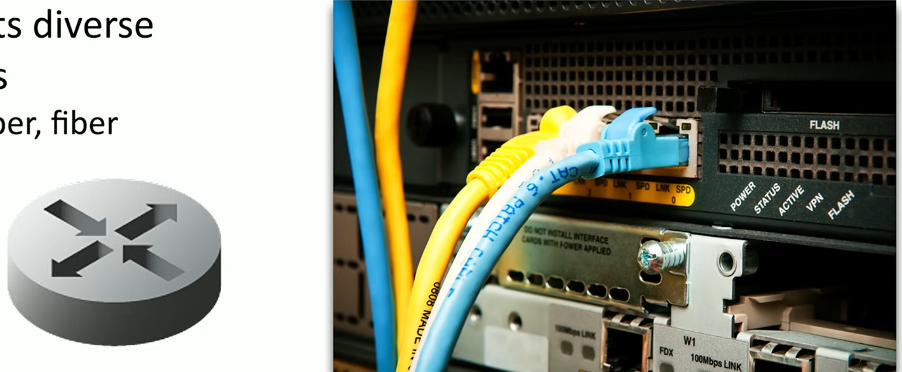
Routers
Connects multiple NETWORKS together
Layer 3 of OSI
Uses IP addresses to forward packets
Connects diverse network types
LAN, WAN, copper, fiber
Switches
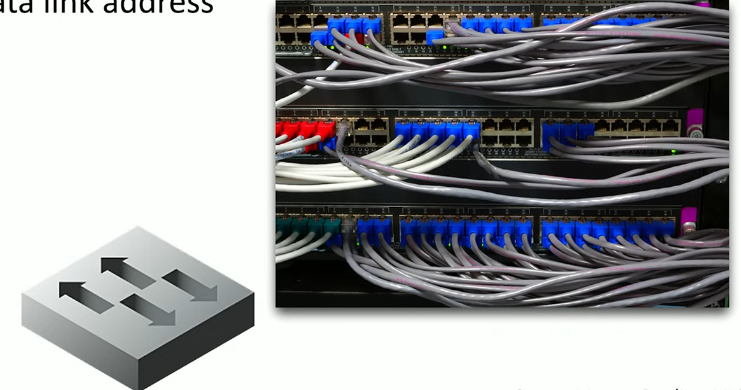
Connects multiple devices in a single network
Layer 2 of OSI model
Uses MAC address to forward data frames
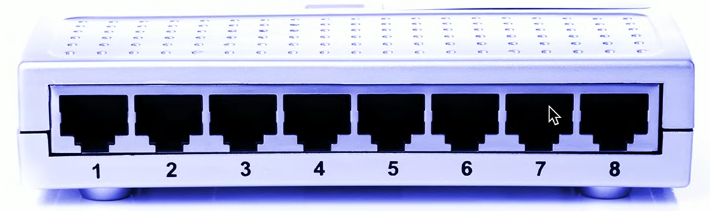
Unmanaged switches
Very few configuration options
Plug and play
Fixed configuration
No VLANs
Very little integration with other devices
No management protocols
Managed switches
VLAN support
Interconnect w other switches via 802.1Q
Traffic prioritization
Voice traffic gets higher priority
Redundancy support
Maintain uptime if a switch fails
Port mirroring
Capture packets
External management
Simple network management protocol (SNMP)
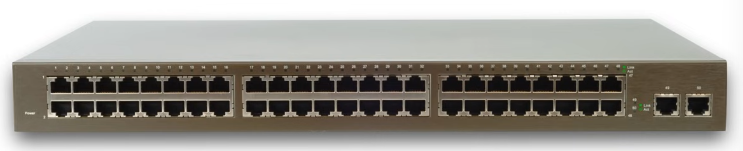
Access point
Bridged communication
Extends the wired network onto wireless network
Makes forwarding decisions based on MAC address
Not a wireless router (wireless router is a router and an access point on a single device)
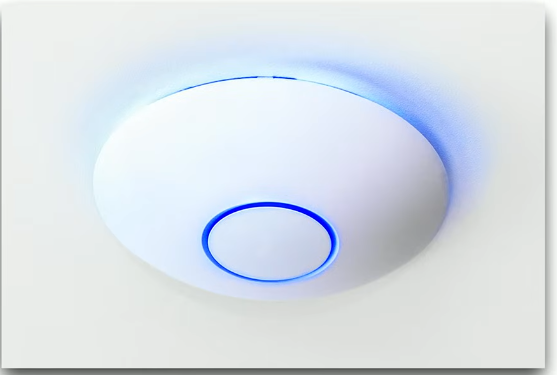
Patch panel
Combination of punch-down blocks ad RJ-45 connectors
Runs from desks are made once
Perma punched down to patch panel
Patch panel to switch can be easily changed
No special tools, use existing cables
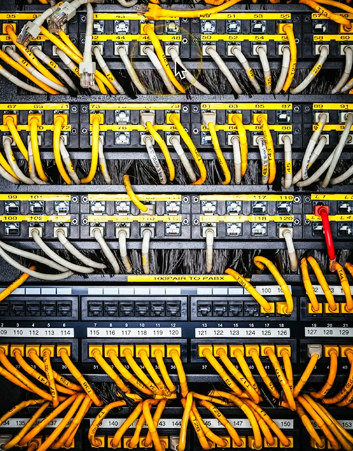
Firewall
Filters traffic by port number
OSI layer 4 (TCP/UDP)
Some can filter based on application
Can encrypt traffic into/out of the network
Can proxy traffic
Most firewalls can be layer 3 devices (routers)
Usually sits on the ingress/egress of the network
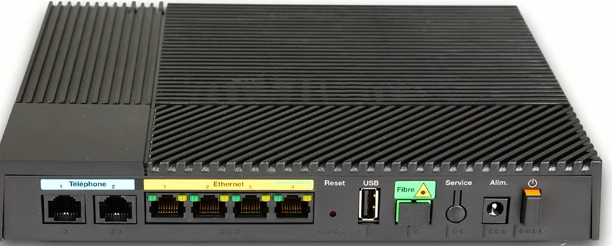
Power over Ethernet (PoE)
Power provided on an Ethernet cable
1 wire for both network & electricity
Phones, cameras, wireless access points
Useful in difficult-to-power areas

Endspans
When PoE power comes from the switch itself
Built in power
Midspans
When using an injector
In-line power injector
PoE switch
Power over Ethernet
Commonly marked on the switch or interfaces
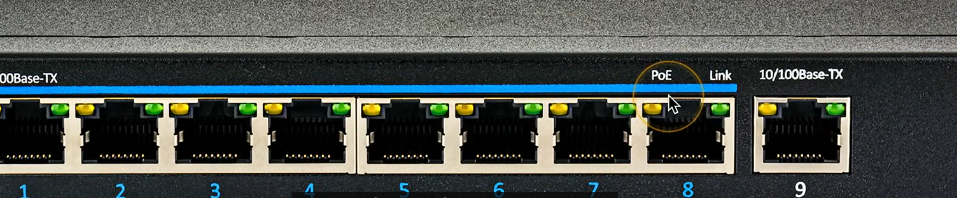
PoE
Original PoE specification
15.4 watts DC power, 350 MA max current
Downwards compatible, but not upwards
Ex. PoE+ doesn’t power PoE++
PoE+
25.5 watts DC power, 600mA max current
PoE++
51 W (Type 3), 600 mA max current
71.3 W (Type 4), 960 mA max current
PoE with 10GBASE-T
Cable modem
Carries TV signals
COAXIAL CABLING
SHARED BANDWIDTH
Broadband
Transmission across multiple frequencies
Diff traffic types
Data on the “cable” network
DOCSIS: Data Over Cable Service Interface Specification
High-speed networking
Speeds up to 1 Gigabit/s are common
Multiple services
Data, voice, video
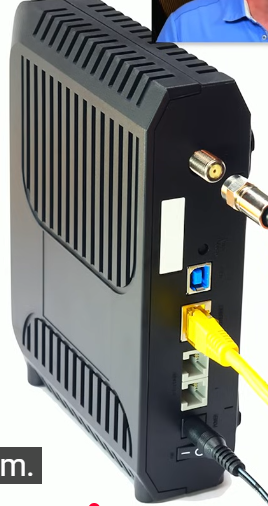
DSL modem
Digital Subscriber line
Uses telephone lines
DEDICATED BANDWIDTH
TWISTED-PAIR COPPER CABLING
TELEPHONE LINES
Download speed is faster than the upload speed (asymmetric)
200Mbit/s downstream | 20 Mbit/s upstream are common
~10,000ft limitation from the central office (CO)
Faster speeds may be possible if closer to CO
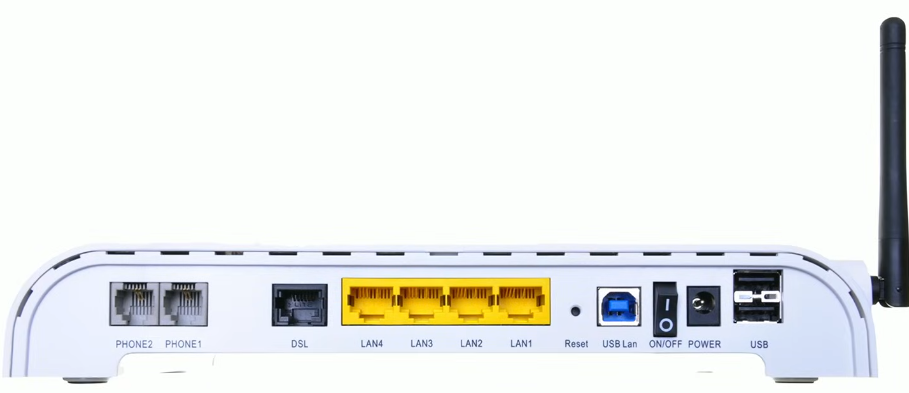
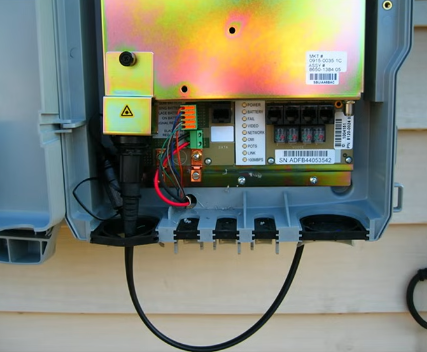
ONT
Optical network terminal
Fiber to the premises
Connect the ISP fiber network to the copper network
Demarcation point (demarc)
Terminal box on the side of the building
Line of responsibility
One side of the box is the ISP
Other side of the box is your network
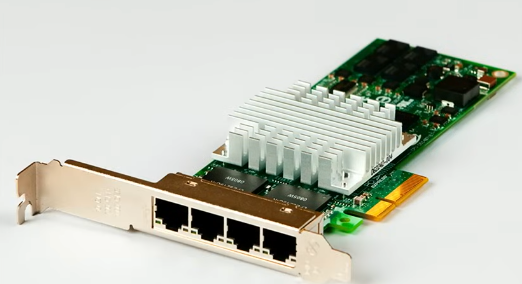
Network Interface Card (NIC)
The fundamental network device
Specific to the network type
Ethernet, WAN, wireless, etc.
Often built-in to the motherboard
Or added as an expansion card
Contains the hardware address
Media Access Control (MAC address)
A unique hardware designation