Troubleshooting Hardware - CompTIA A+ 220-1201 - 5.1
 Call Kai
 Learn
Learn Practice Test
 Spaced Repetition
 Match
Match Flashcards
 Knowt Play
1/13

There's no tags or description
Looks like no tags are added yet.
Name | Mastery | Learn | Test | Matching | Spaced | Call with Kai |
|---|
No analytics yet
Send a link to your students to track their progress
14 Terms
Beeps or Codes
Failures are usually noted with what when POSTing:
- Bad video, bad RAM, bad CPU
- A BIOS configuration issue
Blank screen on boot is usually a sign of what?
- Set boot order in BIOS configuration
- Confirm that the startup device has a valid operating system
- Check for media in a startup device
What should you do if your computer attempts to boot to an incorrect device?
- Use Last Known Good, System Restore, or Rollback Driver
- Reseat or remove hardware
- Run hardware diagnostics
What are some possible things to do if this happens?
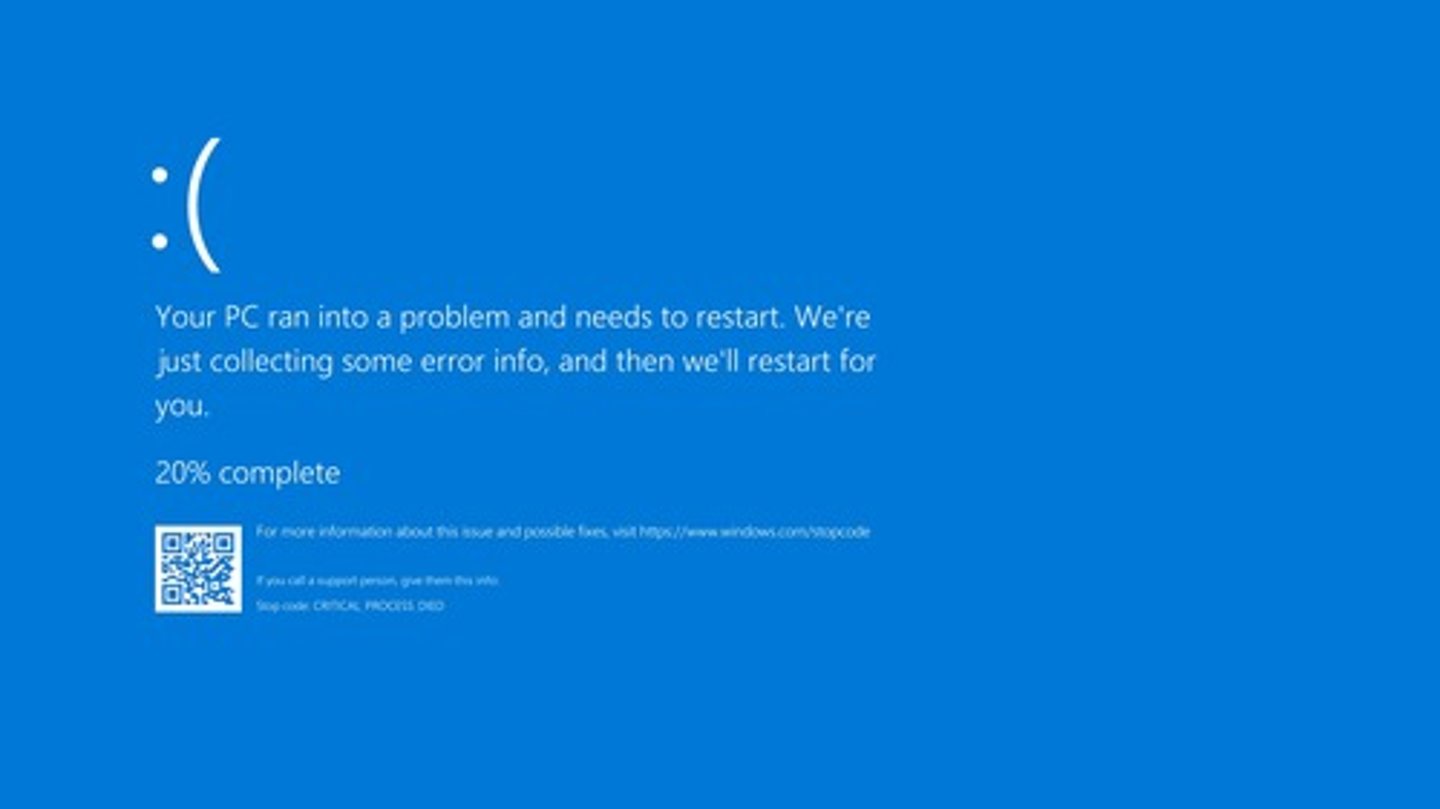
Proprietary Crash Screen
What is this?
- Check if the monitor is connected
- Choose the correct input on the monitor
- Check the brightness
- Swap the monitor if all else fails
What should you do if your monitor has a blank screen
- No power at the source
- No power at the power supply
- Check outlets with multimeter
- Check your fan connections
- Check if you're motherboard is bad
- Check the power supply output
What issues could there be if there's no power to the computer or fans and what should you do?
- Check task manager for high CPU utilization and I/O
- Check for Windows Updates
- Check disk space
- Check if power-saving mode is on if you're using a laptop
- Use anti-virus and anti-malware
What should you do if you're getting sluggish performance?
- Make sure they're clean and clear
- Verify the temperature with monitoring software
What are some ways to stop components from overheating
- Always disconnect the power
- Locate any bad components and replace them
What should you do if you smell smoke and burning in a computer
- Heat-related issues
- Failing hardware
- Check event viewer
- Check device manager and run diagnostics
- Eliminate what's working
What might cause computers to randomly shutdown and what could you do to resolve it?
- Check the Event Viewer or logs
- Check the Reliability Monitor
- Reinstall the application
What should you do if an application crashes?
- Rattling could be loose components
- Scraping could be a hard drive issue
- Clicking could be a fan problem
- A pop could be a blown capacitor
What are the unusual noises you can hear inside a computer and what problems could they be
It keeps asking for a date/time on every boot
How to know if your motherboard battery is bad