Adobe InDesign Glossary of Terms
 Call Kai
 Learn
Learn Practice Test
 Spaced Repetition
 Match
Match Flashcards
 Knowt Play
1/149

There's no tags or description
Looks like no tags are added yet.
Name | Mastery | Learn | Test | Matching | Spaced | Call with Kai |
|---|
No analytics yet
Send a link to your students to track their progress
150 Terms
Alignment
Controls how the text is positioned horizontally within the text frame, for example, left, centered, or right

Animation panel
A panel used to control the animation settings applied to individual objects
Bleed
The outer margin around the edges of a document which allow for color to run off the page in preparation for printing, cropping, and cutting
Button
A symbol which has actions applied to it in order to become interactive
Buttons and Forms Panel
A panel used to apply actions to buttons and forms used in interactive files
Column Guides
Guides which can be placed in an InDesign page or Master Page to define space within the page
Content Collector Tool
An InDesign tool which allows designers to take multiple objects and content to be used in different ways throughout a document

Fill
The inside part of a shape
Find/Change
A tool in InDesign which can be utilized to find and make changes to text, objects, or other elements
Folio Overlays Panel
A panel which controls slideshow settings for a multiscreen project or a file intended for digital publishing
Free Transform Tool
A tool in InDesign which is used to make changes or alterations to objects

Gradient
A design technique used to gradually transition from one color to another

Gradient Panel
The panel in InDesign CC that is used for gradient management
Graphic
A broad term used to explain objects placed in InDesign such as images
Hyperlink
An element on a page that links to another page, webpage, or area on the same page

Import
The act of opening and editing data created in other applications
Alternate Layout
A feature used to create layouts in various orientations and screen sizes within the same document to prepare for multiscreen use.
Anchor Point
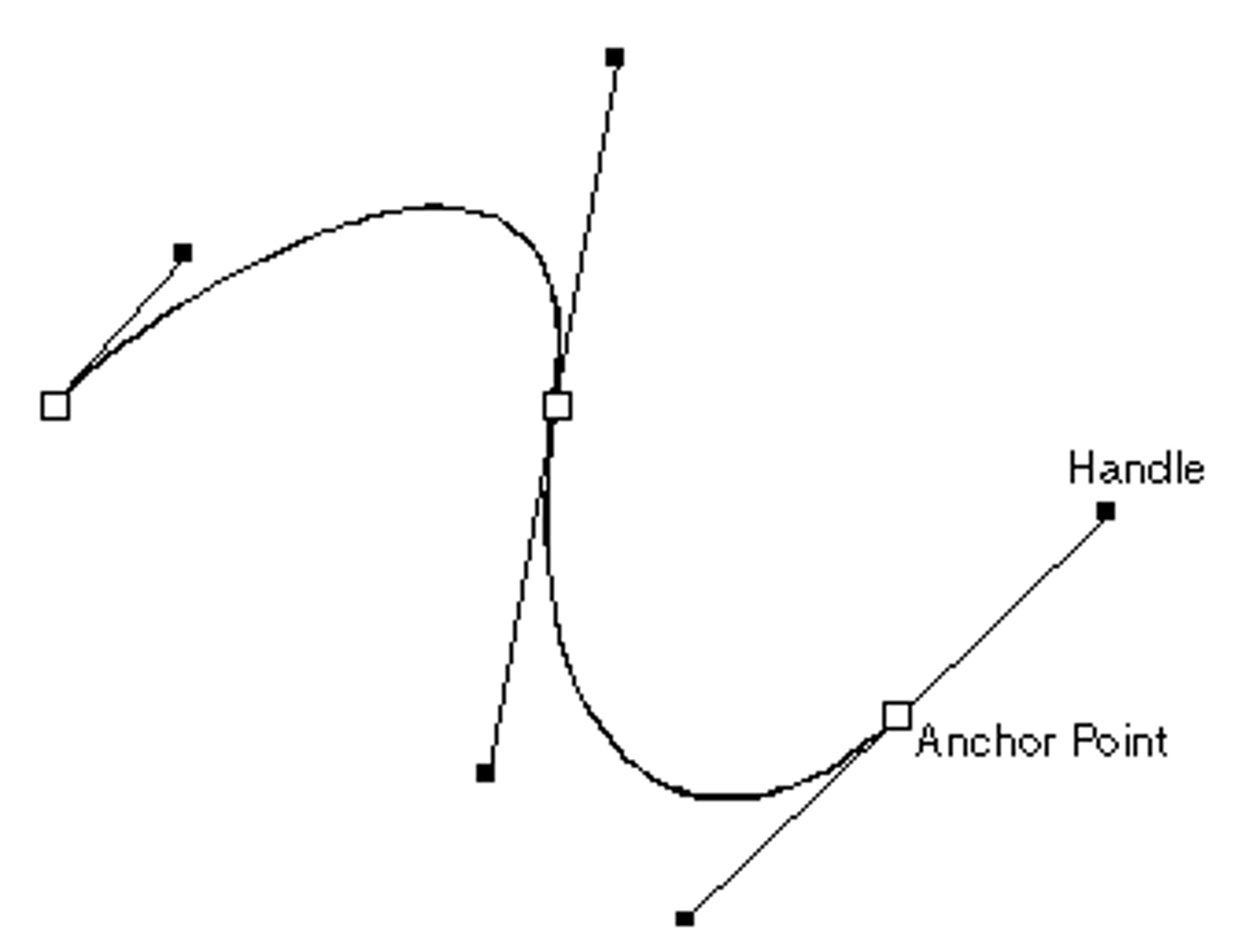
A point on a specific path that indicates a change of direction.

Animation
Movement or transform of a design element on the page
Artboard
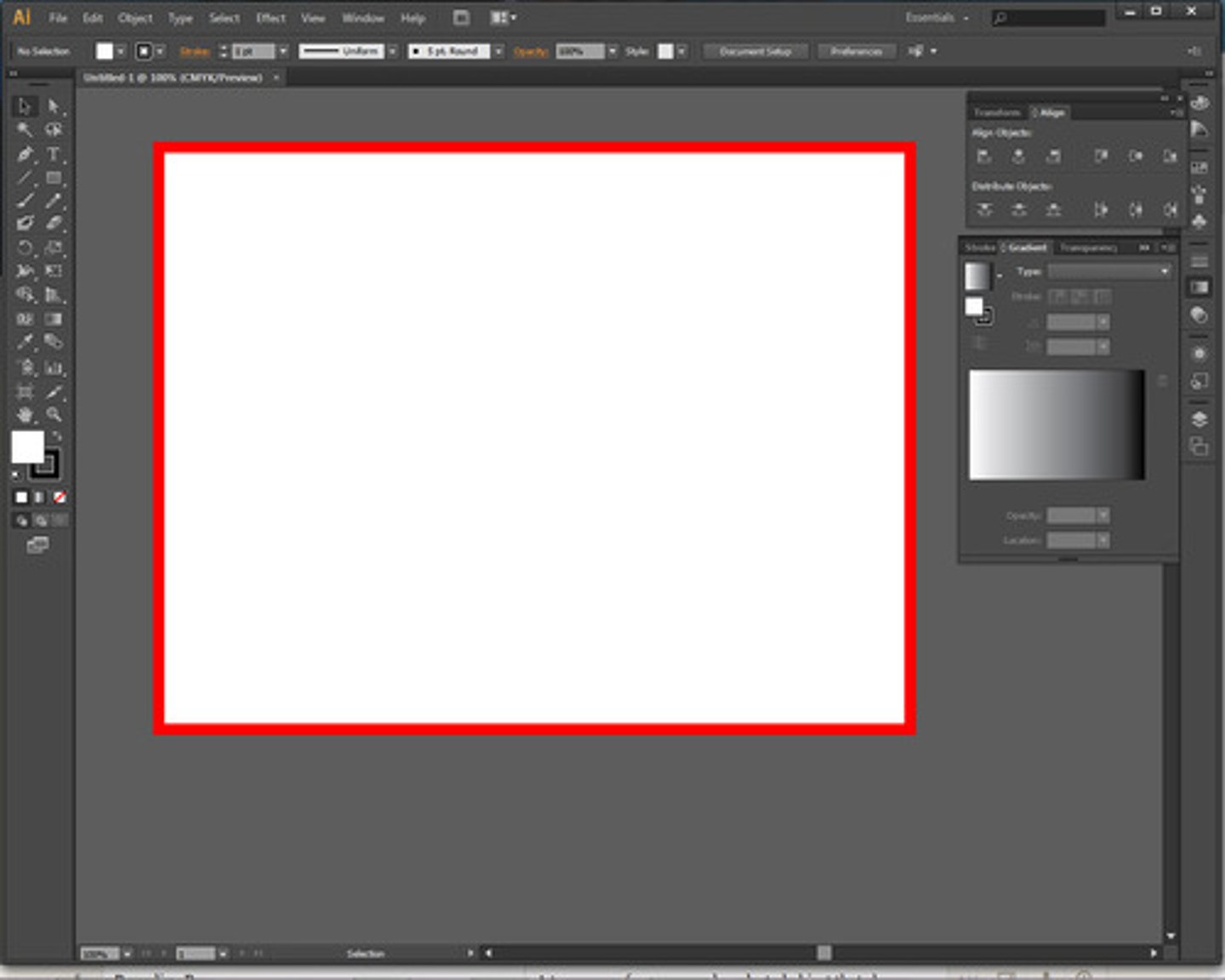
An area for artwork to be worked on that can be printed or exported in InDesign CC 2015.
Assymetrical
Achieves balance with different elements with different weights on each side (or the top and bottom) of a page
Balance
A design principle that often refers to the visual weight that is being shown
Bezier Curves
Mathematical descriptions of curves that are often used for drawing and modifying vectors
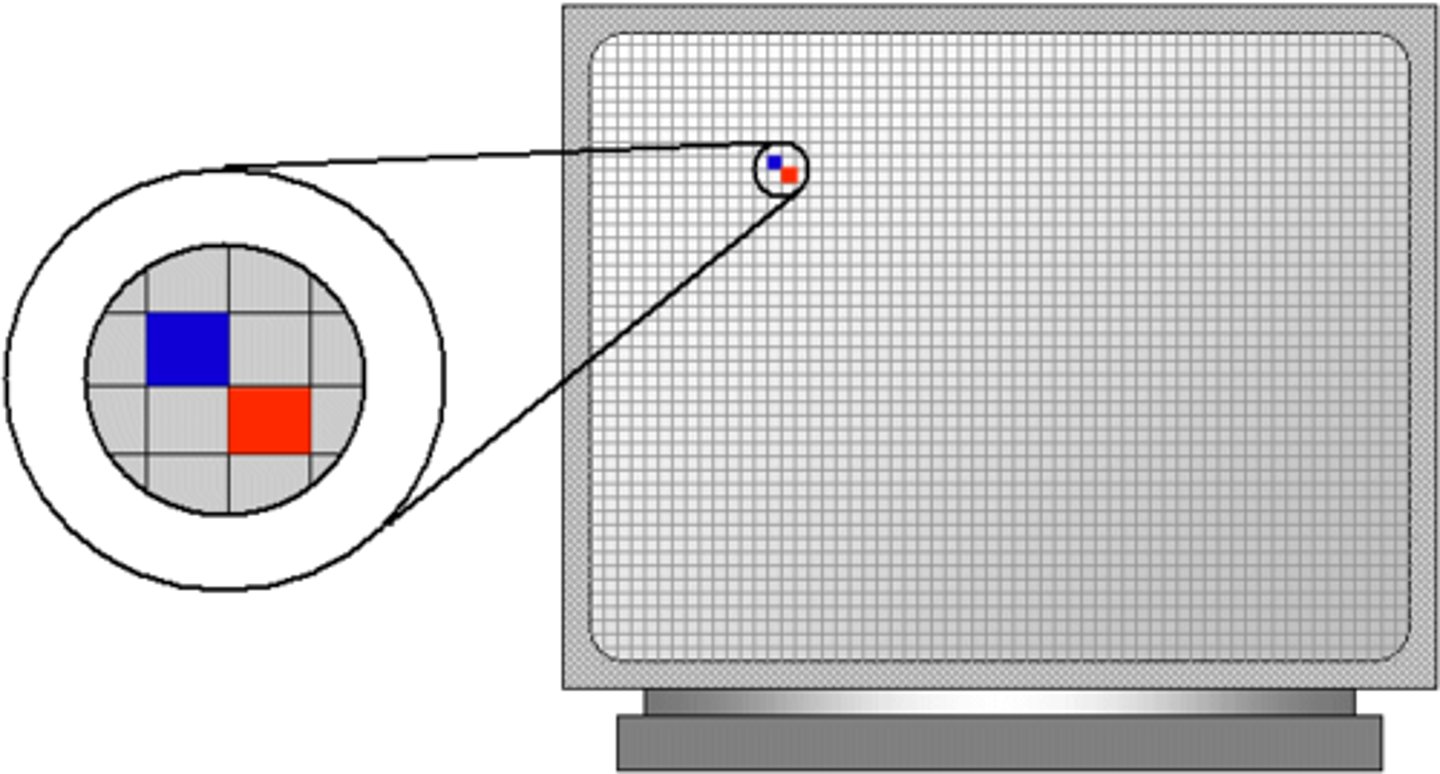
Bitmap
The way a computer builds up an image on a screen using building blocks of dots
Blend Tool
A reshaping tool which creates a series of objects blended between the color and shape of multiple objects
Blob Brush Tool
A painting tool which draws paths that expand and merge brush paths that share the same color

Character formatting
Text formatting for selected text, for example, font choice, font style (bold, italic), and size
Character Styles
Styles used to format words or phrases within a paragraph differently from the rest of the paragraph
CMYK
A color system or model used for printing, that creates colors by blending different levels of cyan, magenta, yellow, and black
Contrast
A term used to define contrast in art using color, design, or other subject matter that contrast or are opposite of each other
Copyright
The U.S. law that protects the works of authors, artists, composers, and authors from being used without permission
Character Styles Panel
An InDesign panel which saves character style effects changes for consistency throughout a document
Crop Marks
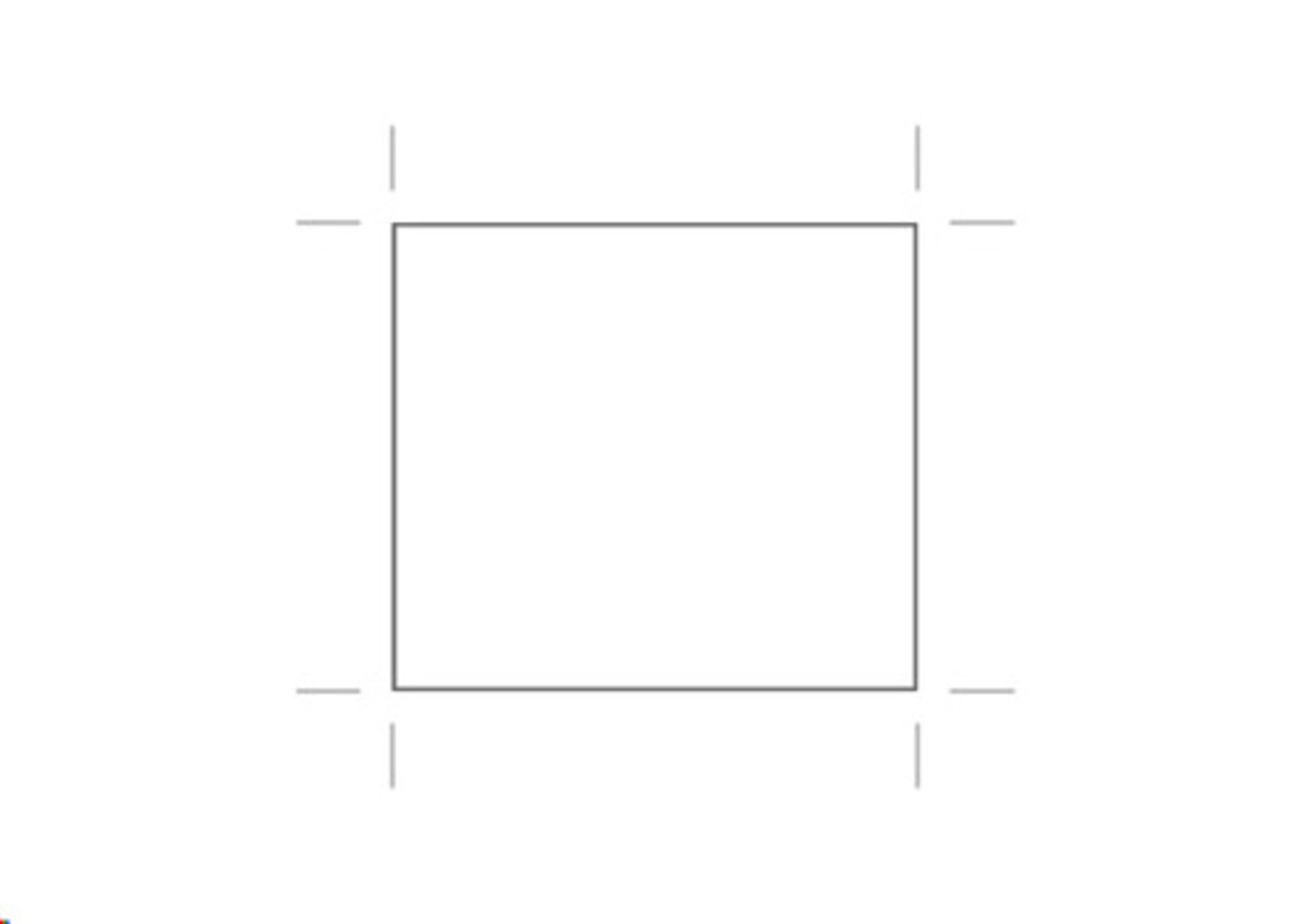
Marks that are part of an object as an effect
Deliverables
A predetermined list of items that will be delivered to the customer
Derivative Work
A work based on one or more works that already exist
Design Elements
The factors (e.g., line, color, light, shadow, space, texture) that define a product and take into account the aesthetics and function of the product
Design principles
The rules that describe how designers might put together various design elements to create an aesthetic finished product
Document Size
The height and width of an artboard in InDesign CC
Draw Modes
Tools in which a user can create a clipping mask or draw and select paths
Drop Shadow
An InDesign customization option which adds depth to an object by creating a shadow behind the object
Emphasis
Describes the focal point to which the eye is naturally and initially drawn in a design
ePub
The file format native to iPads; the initial format used by InDesign to create a file intended for any mobile device and can be converted later to a more appropriate format, such as MOBI
ePub Naming Conventions
The rule that all objects included in an ePub and the ePub file itself must have web-friendly names
Export
The act of sending or transferring a saved database to another application
Fair Use
A part of the U.S. Copyright Law which is a doctrine that indicates that excerpts of copyrighted materials may be used under certain circumstances such as news reports, teaching, and research
Folio Builder
A feature which collects the various InDesign documents needed, known as articles, when building an app. Folio Builder is available in the Digital Publishing subscription of InDesign CC
Font
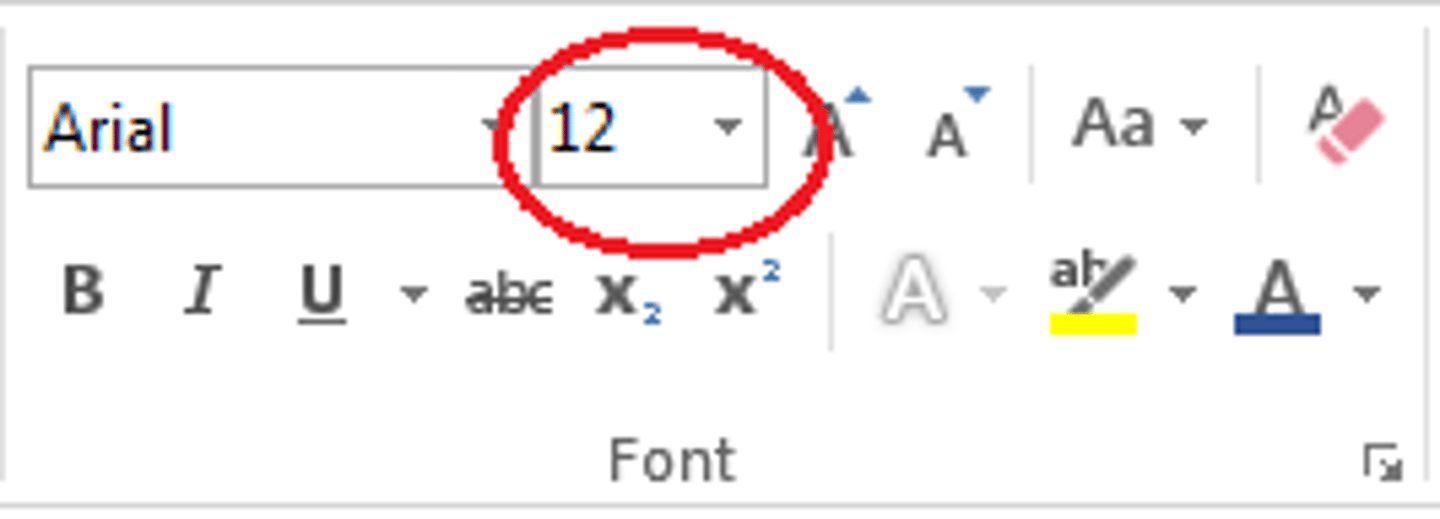
The whole collection of the typeface in each of its sizes and styles.
Frame
Objects of varying shapes (rectangles, ellipses, etc.) that contain content (such as text or images) or simply reflect a stroke and/or fill color
GIF
Graphic interchange format (GIF) is a common image file format that has the ability to have frames used in animation
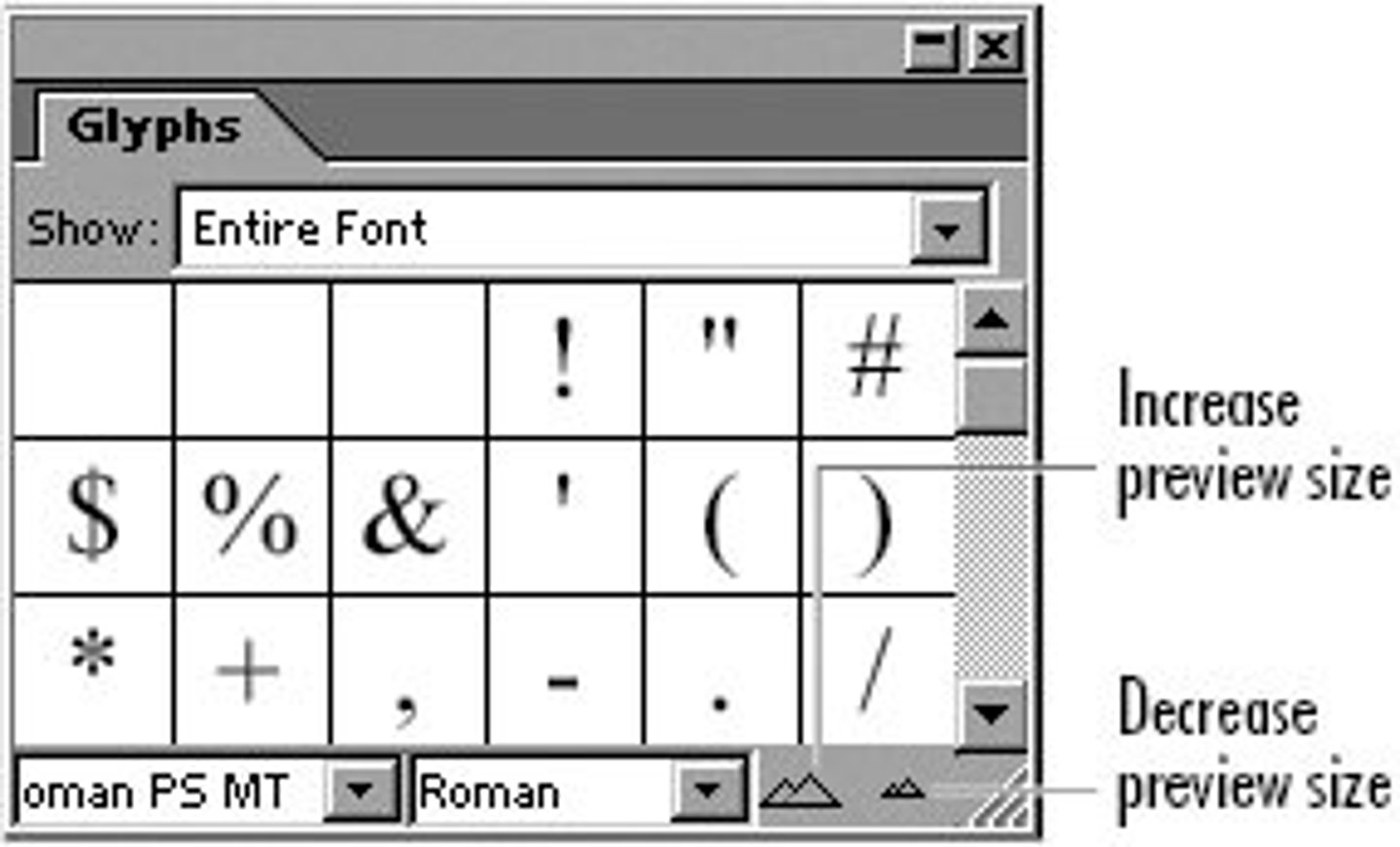
Glyph
Each character of a font, whether it is a letter, number, symbol, or swash
Graphic Styles
Sets of reusable appearance attributes
Guides
Nonprinting lines which are used to create guidelines in a drawing
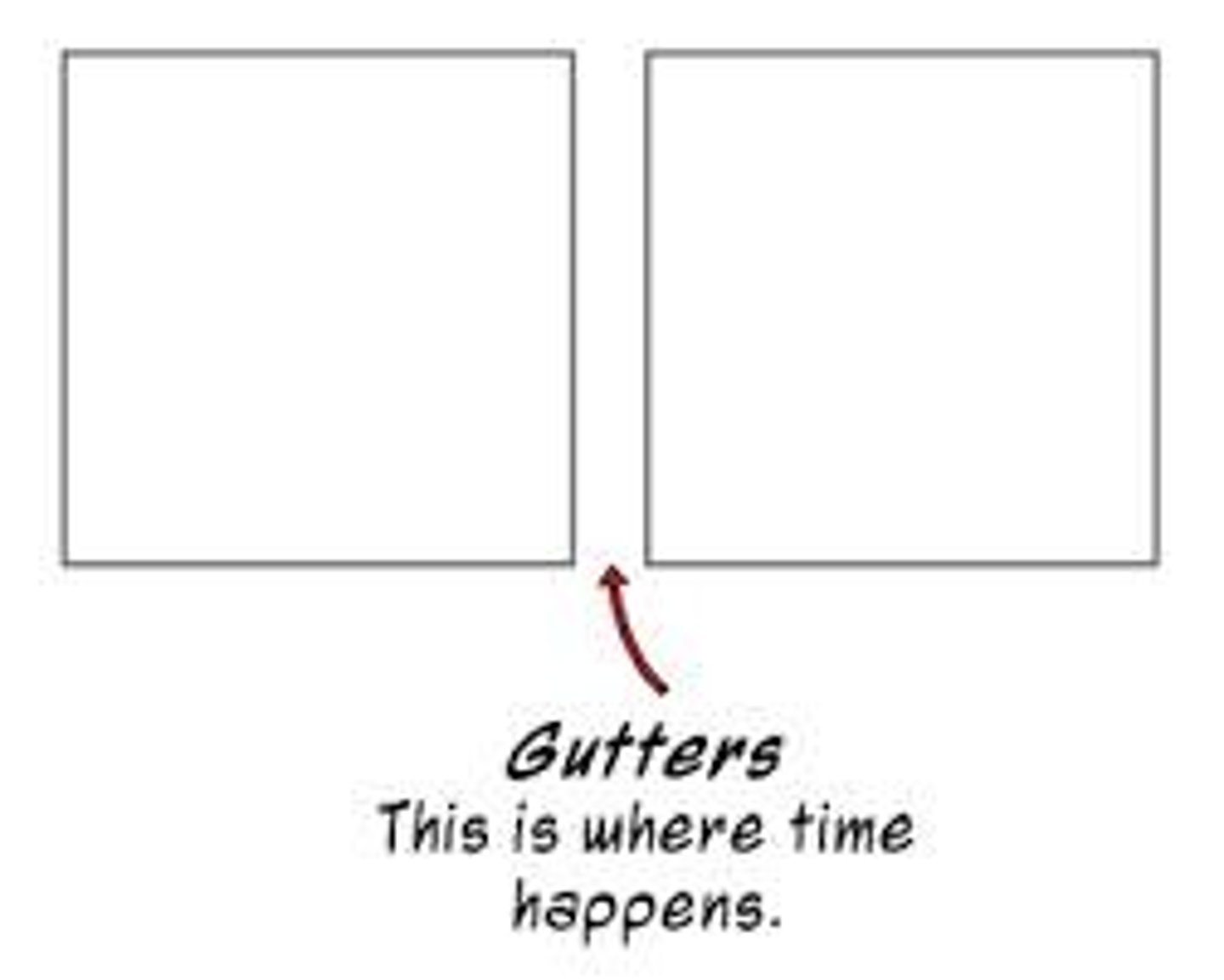
Gutter
The spacing between columns
Harmony
Creating appealing color combinations.
Histogram
A display of information
Hue
A color principle that refers to pure color.
Image File Format
A standardized method of organizing and storing digital images
Image Map
A list of coordinates related to a specific image
Image Size
The product of the height and width of a digital image using pixels
Image Trace
A tool that lets users convert raster images to editable vectors
Inline Graphic
A graphic permanently placed at the position of the cursor
Inset Spacing
When text touches the edges of a stroked or colored frame, you need to move the text away from the edges of the frame.
Intellectual Property
A work or invention which is the result of creativity. The creator has rights to the work or the invention applying patent, copyright, or trademark
Isolation Mode
The ability to confine objects so that a user can easily edit parts of those objects
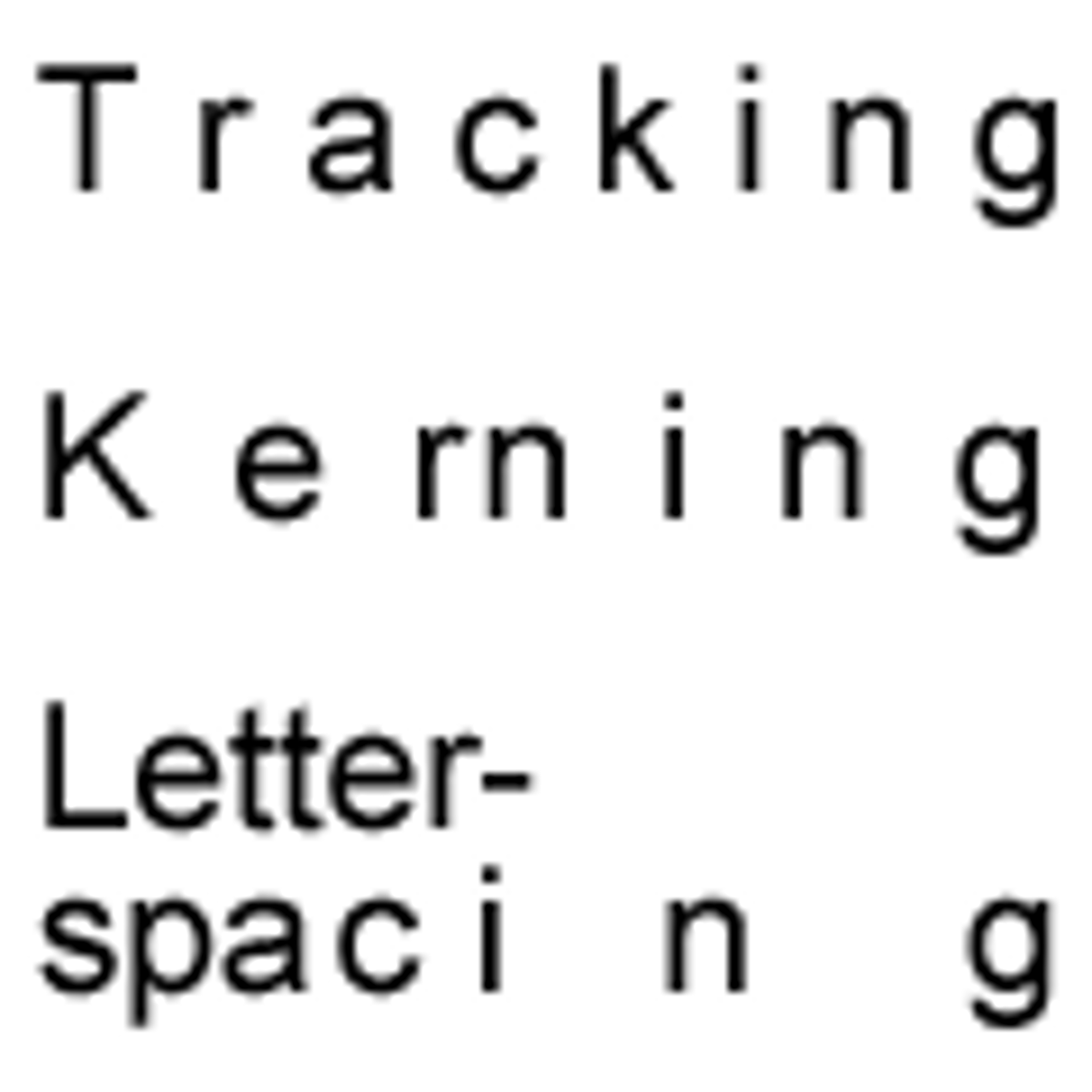
Kerning
Altering the distance between two characters. Kerning can make text more readable by increasing or decreasing the spacing.
Leading
The distance between baselines in a paragraph
Library
A productivity feature designed to store objects for use in other InDesign documents, maintaining scalable attributes and placement on the page
Line
A basic component in art and geometry that is used to define shape
Liquid Layout Panel
A panel which controls rules for page layout conversion
Liquid Page Rule
A rule set in the Liquid Layout panel to control the way certain elements convert from one layout to another, such as vertical to horizontal
Live Preflight
A productivity feature that alerts the user of potential production errors in real time, automatically identifying text and image errors as previously defined in the document profile
Mask
A tool used to isolate and protect areas of an image as color changes
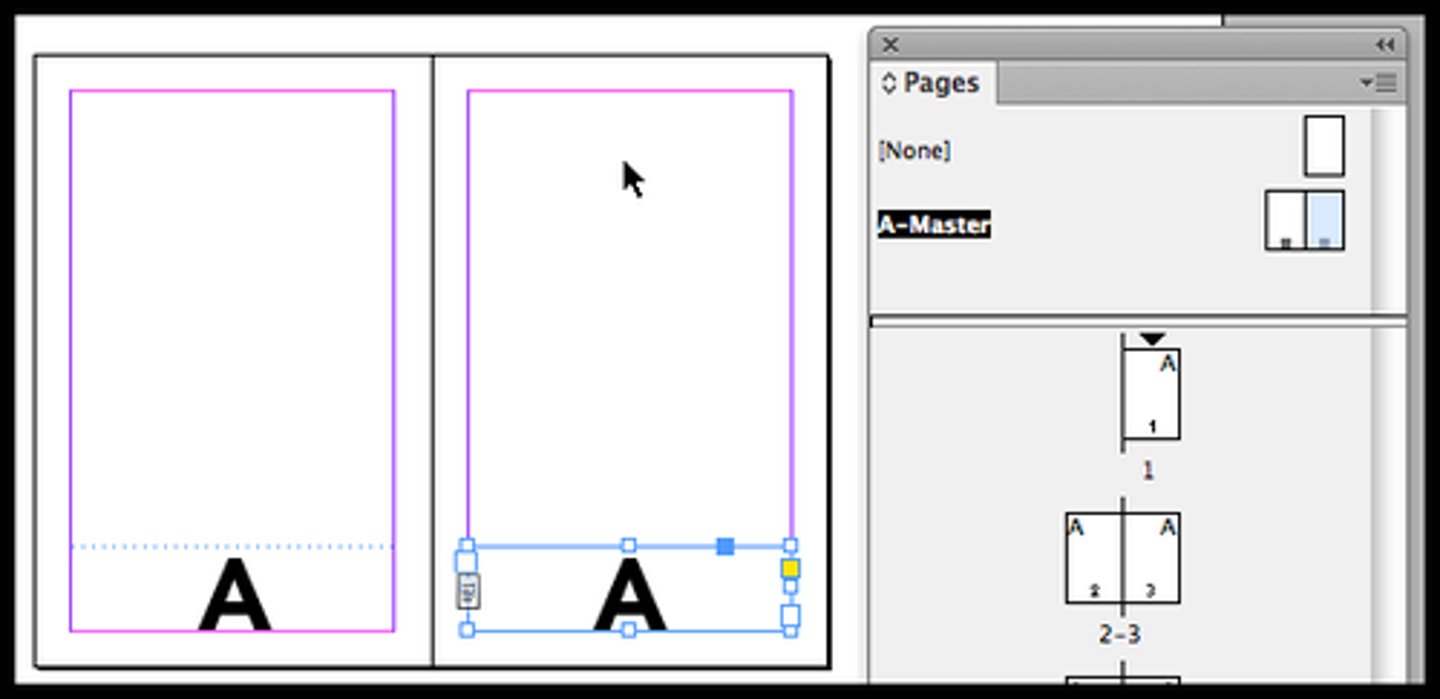
Master Page
A design tool that contains elements that are repeated through multiple pages or projects
MOBI
The file format used by Kindles
Multiscreen Project
A file intended for various screen sizes, such as a mobile device or an app for an iPad
Multistate Object
Multiple versions of an objects are created but only one is viewed on the screen at a time. Multistate objects are viewable in SWF format and are often used to create slideshows
Object
A element within InDesign which can be manipulated to create aesthetics or add purpose to a page
Object States Panel
A panel used to create multistate objects
Opacity
A color setting that affects the level of transparency an object has
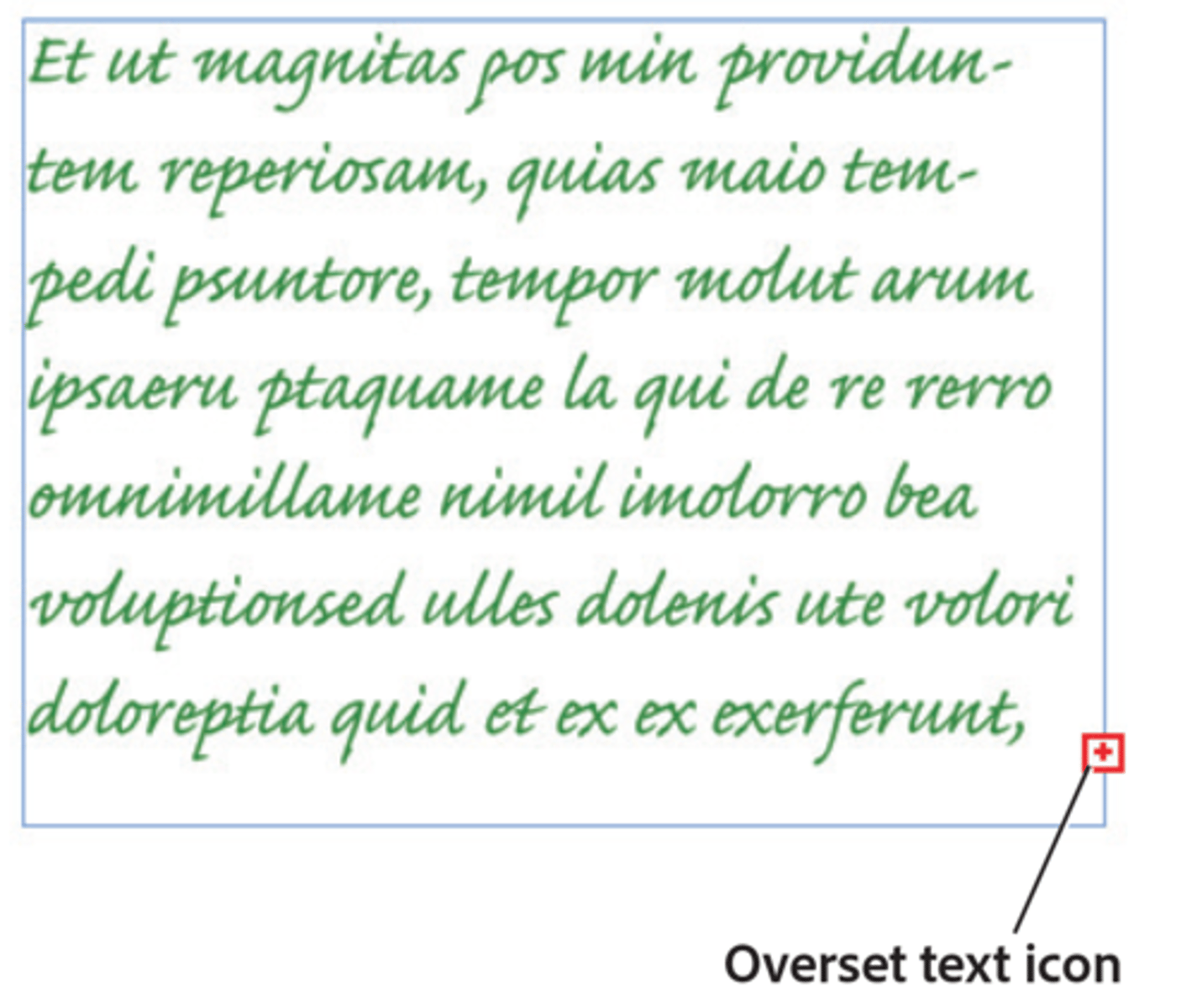
Overset text
Text that does not fit inside a text frame
Package
An InDesign feature that places all of the fonts and linked graphics into a single folder. This feature allows for easy transfer of files to printers.
Page Setup
An InDesign feature which allows designers a quick and easy way to format pages
Paintbrush tool
A painting tool which draws freehand lines
Paragraph Styles
An InDesign panel which saves paragraph style effects changes for consistency throughout a document
Portable Document File (PDF) is a file format designed by Adobe to enable the printing and viewing of documents. Any formatting used in the document will appear the same regardless of which operating system is used.

Pen Tool
A tool in InDesign CC that is used to define anchor points that can be altered to create paths

Pencil Tool
A drawing tool that draws and edits freehand lines

Pica
Old typographical unit of measurement. One pica is made up of 12 points.
Pixel
A single dot in a digital image that is assigned a specific location and color value
PNG
Portable Network Graphics (PNG) is an image file format that is absolutely lossless, which means it will not compress or change an image from how it appears
Posterize
To print or display using only a handful of different tones.
Preview Spread
A feature on the Animation panel which allows the user to preview the animation.
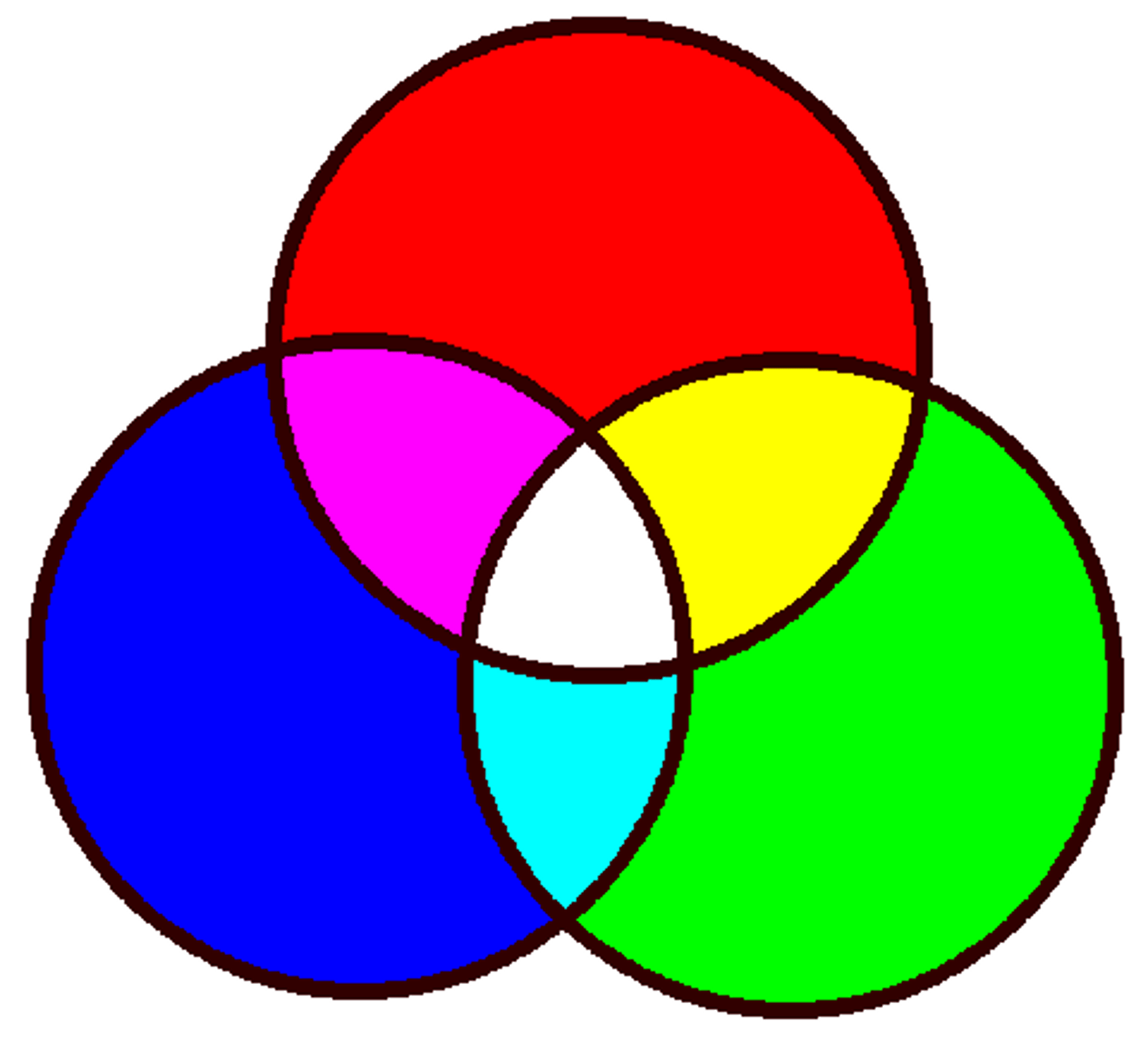
Primary Color
Red, blue, and green. These can be combined to create every other color in the visible spectrum.
Process color
Color made up of multiple color components; generally refers to mixing Cyan, Magenta, Yellow, and Black for offset printing
Project creep
Unplanned changes that increase the amount of work (scope) that a project requires. When the project loses focus and spins out of control, it eats up more and more time and effort.
Project scope
Outlines the amount and type of work to be completed
Proximity
A design principle that defines the spatial relationship between objects.
Public Domain
When copyright is expired or released and no longer applies to the content, or when an artist releases his or her work. It can be used without worrying about infringement.
Reflect Tool
A reshaping tool which flips an object over a fixed axis.
Repetition
A design principle that defines the use of an object over and over in a repetitive fashion.