(CompTIA A+ 1011-1) Jason Dion Udemy Section 2: Cable Types
 Call Kai
 Learn
Learn Practice Test
 Spaced Repetition
 Match
Match Flashcards
 Knowt Play
1/62

There's no tags or description
Looks like no tags are added yet.
Name | Mastery | Learn | Test | Matching | Spaced | Call with Kai |
|---|
No analytics yet
Send a link to your students to track their progress
63 Terms
"Nibble"
4 bits
"Byte"
8 bits
1000 bits
1 Kilobit (1Kb)
b
bits
B
Bytes
1,000,000 bits
1 Megabit (Mb)
1,000,000 bytes
1 Megabyte (MB)
1,000,000,000 bits
1 Gigabit (Gb)
1,000,000,000 bytes
1 Gigabyte (GB)
1,000,000,000,000 bits
1 Terabit (Tb)
1,000,000,000,000 bytes
1 Terabyte (TB)
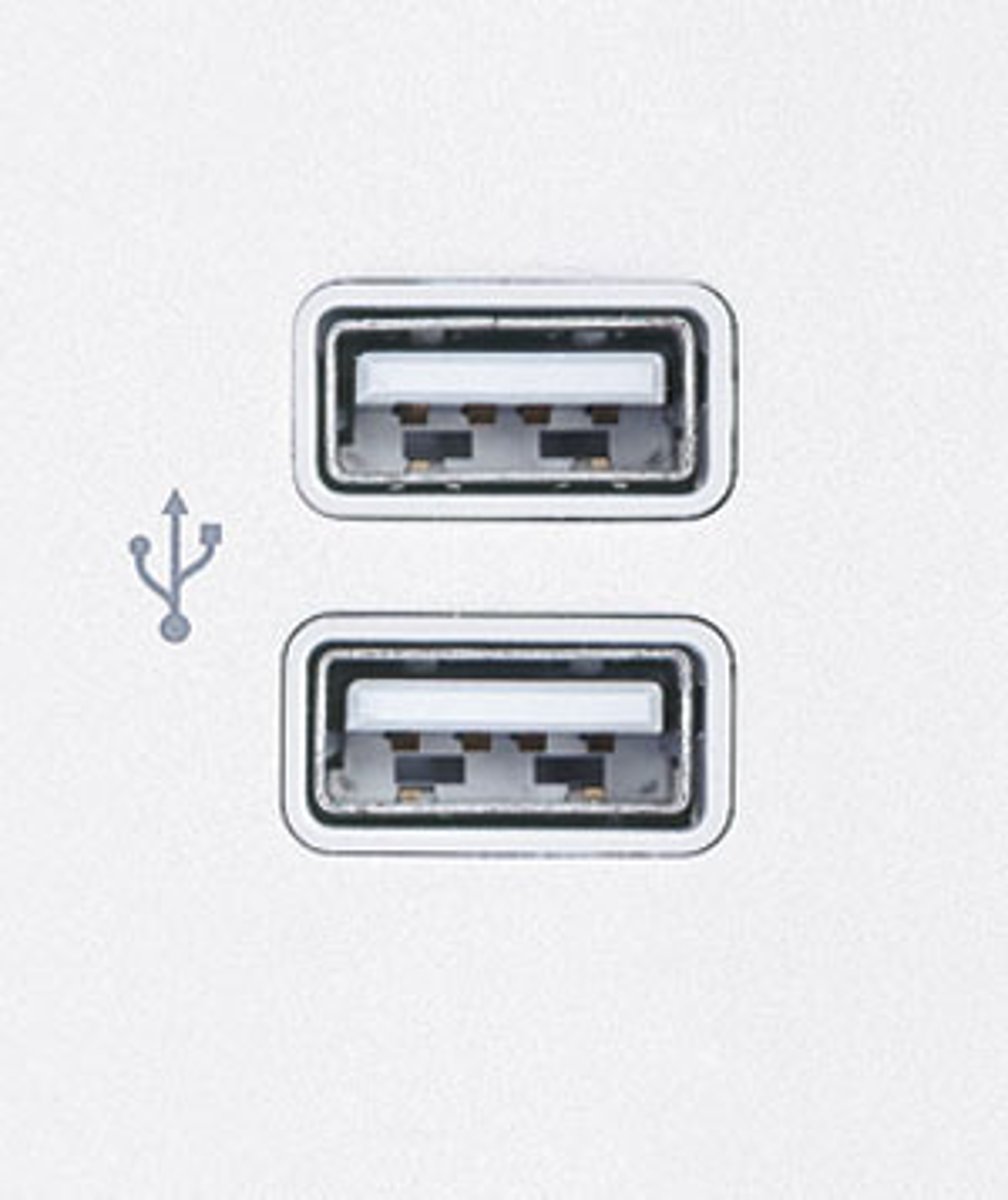
USB Type A
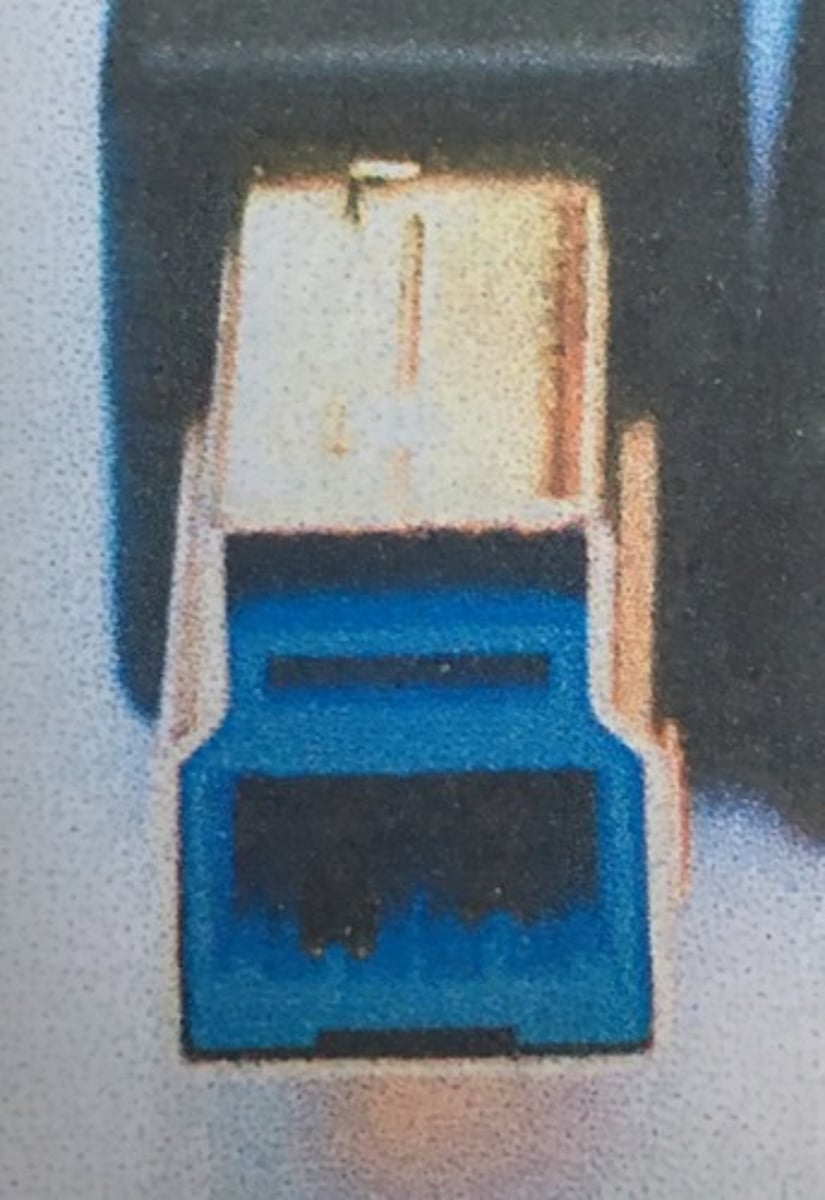
USB Type B
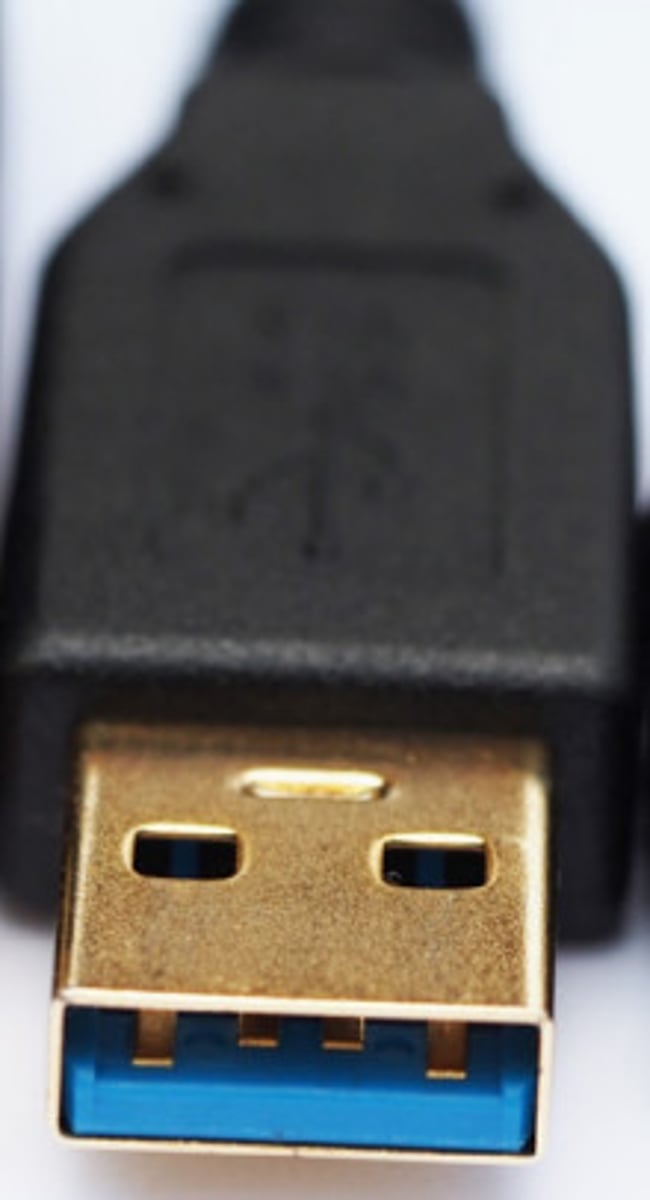
USB 3.0
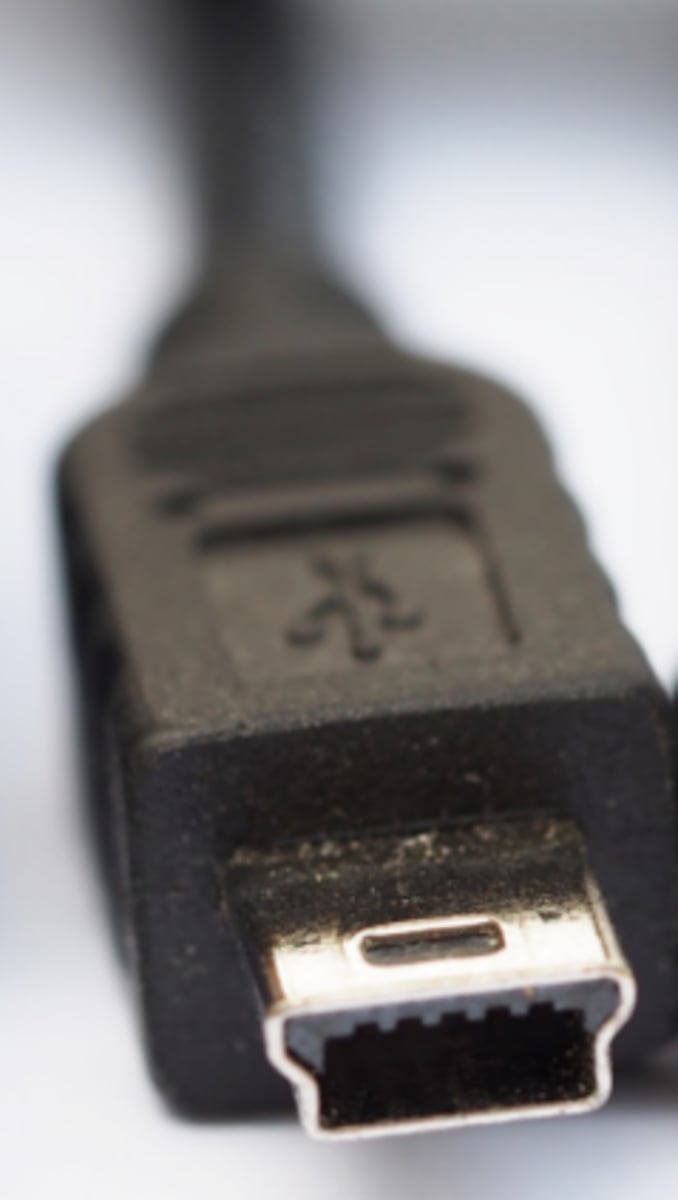
USB Mini
USB Micro
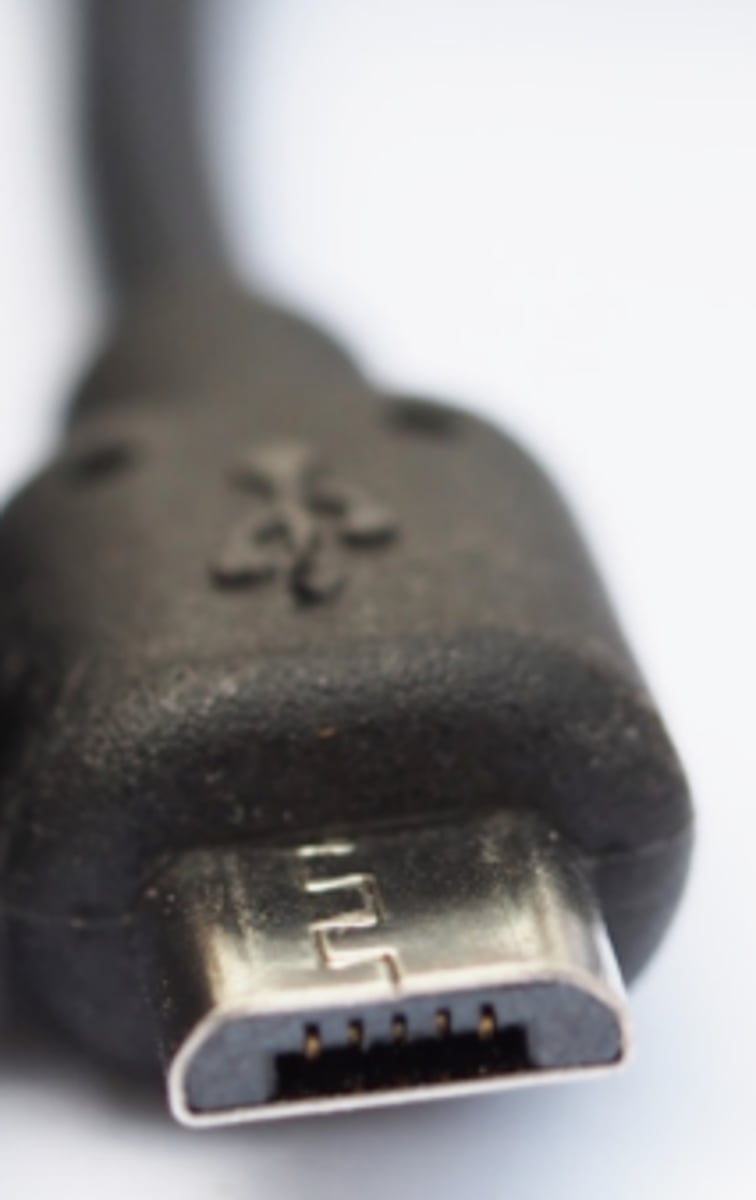
USB Type C
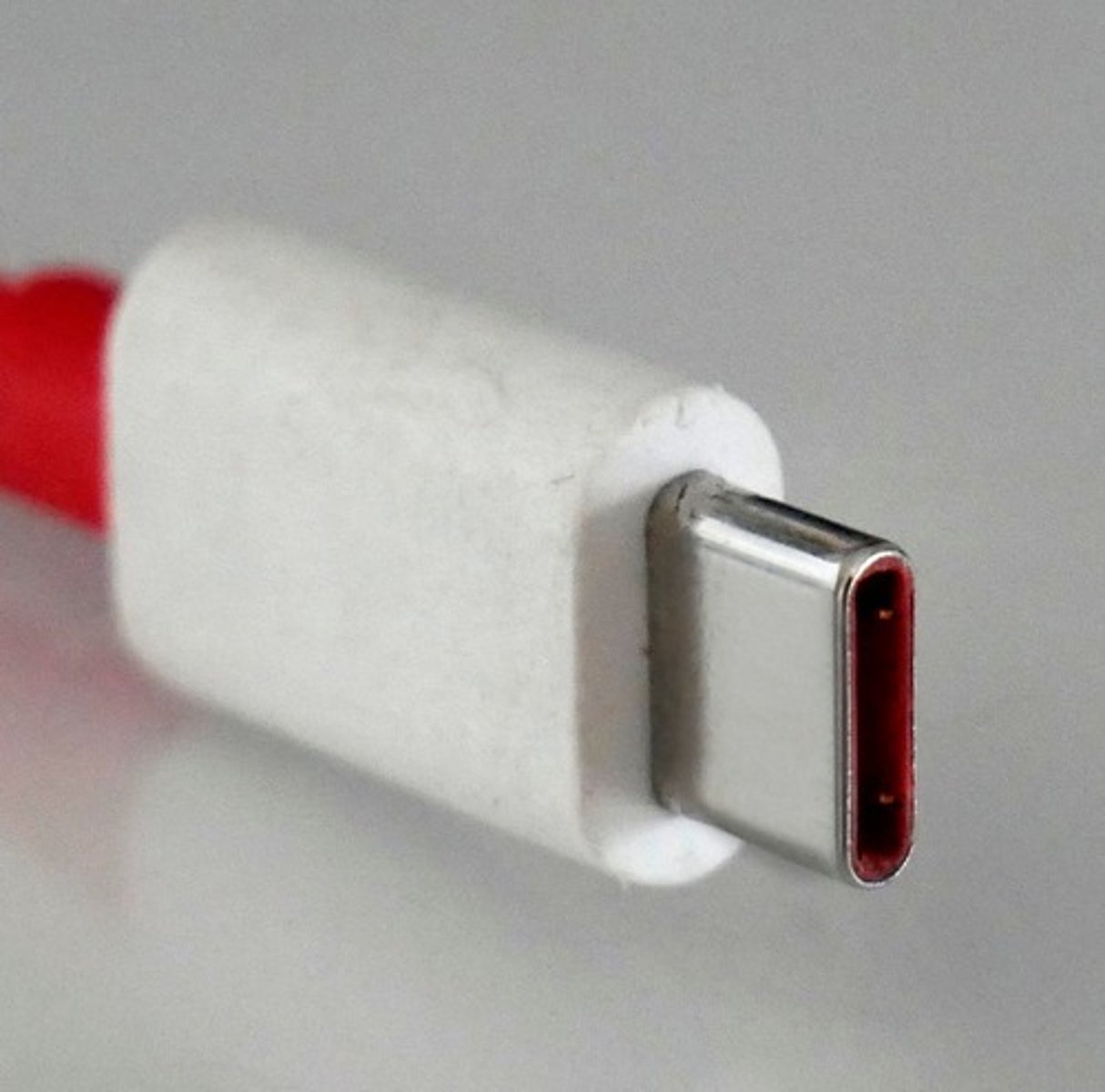
USB Micro B
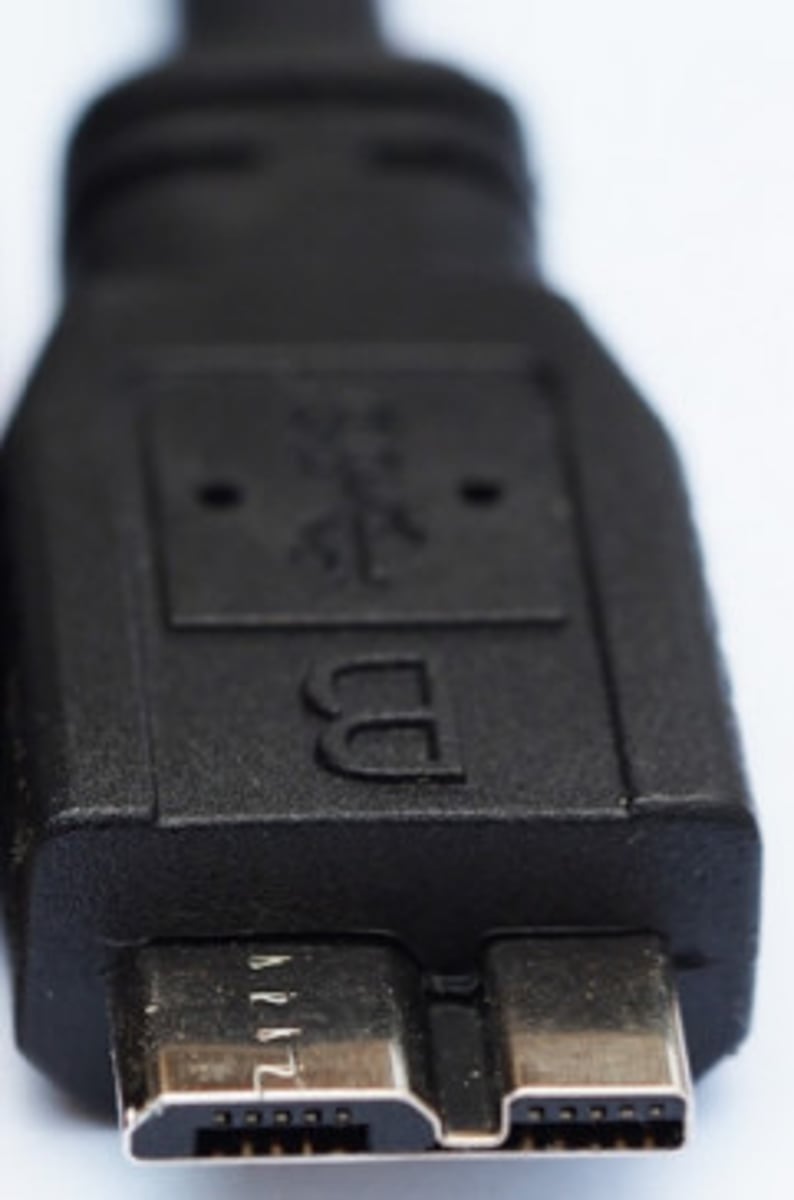
VGA Port
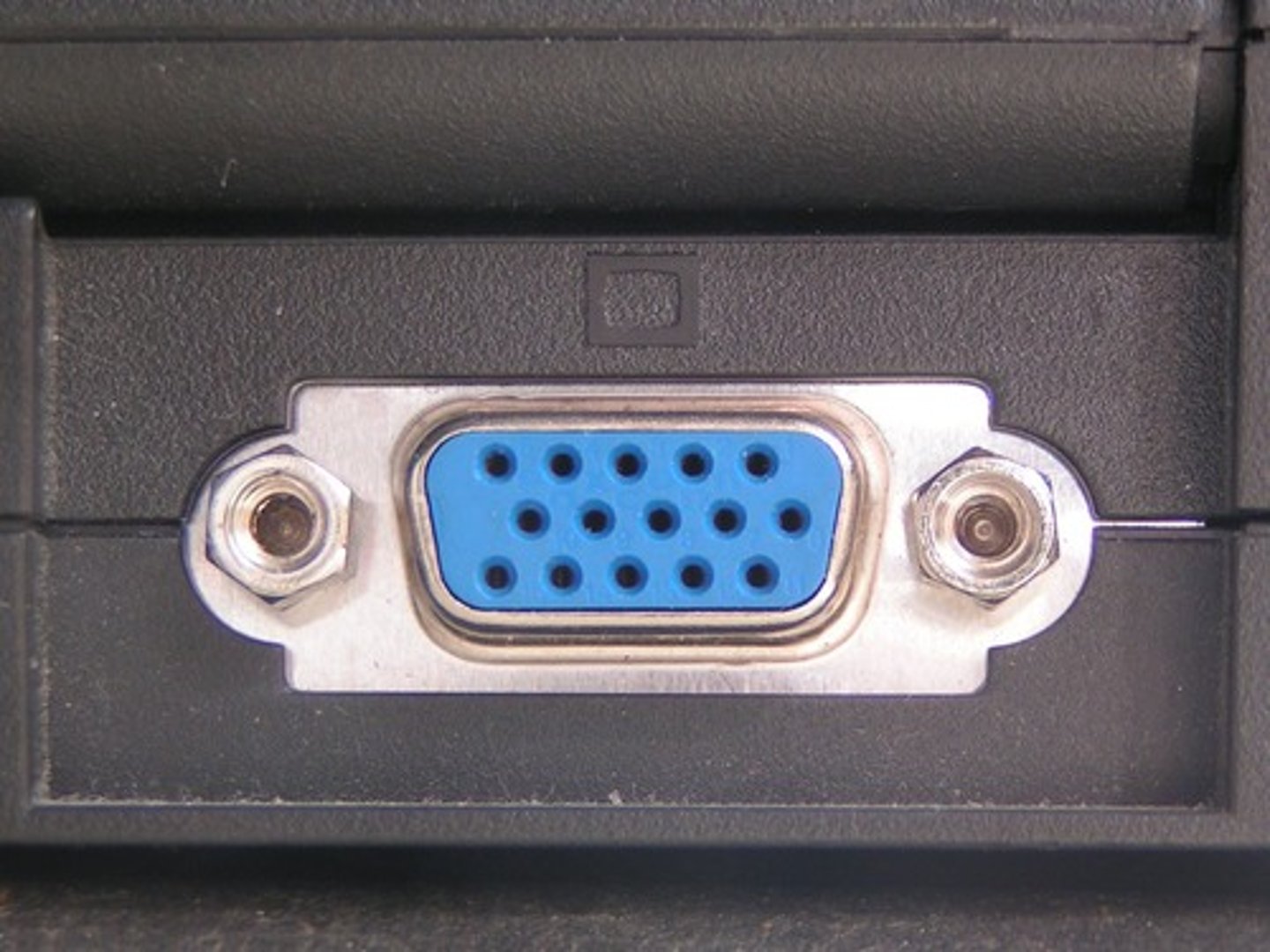
Mini VGA Port
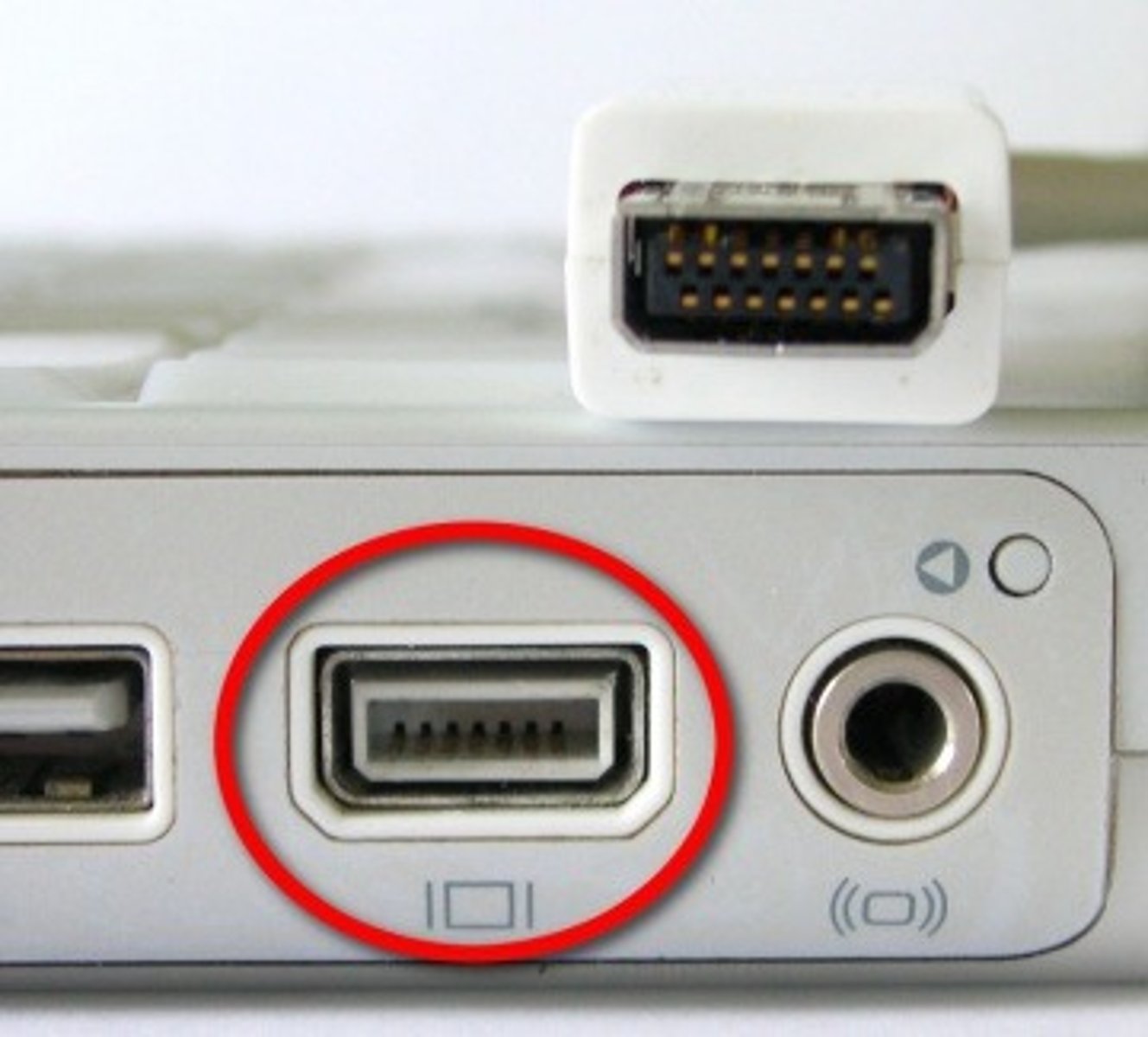
S-Video Port
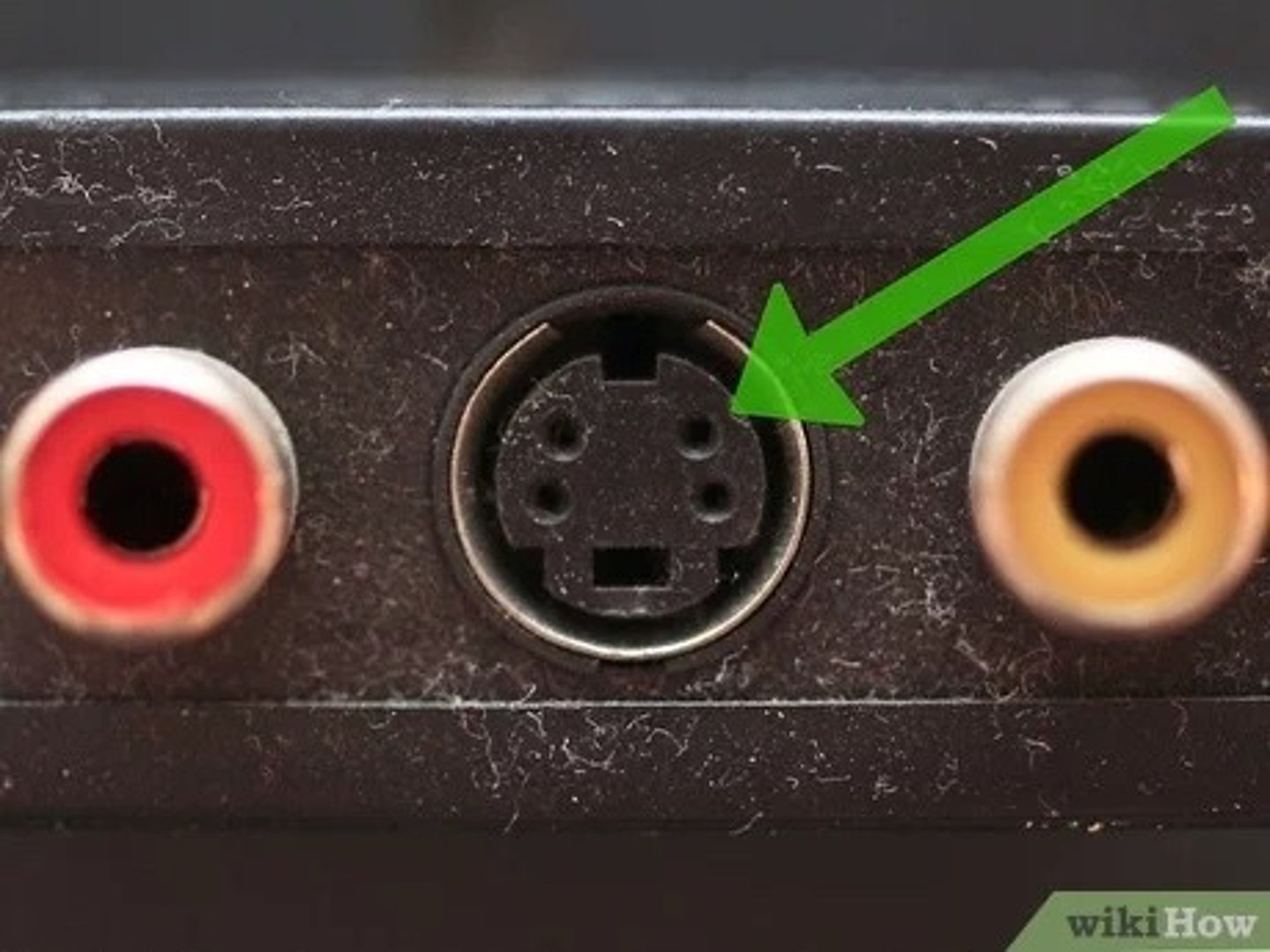
Micro DVI Port
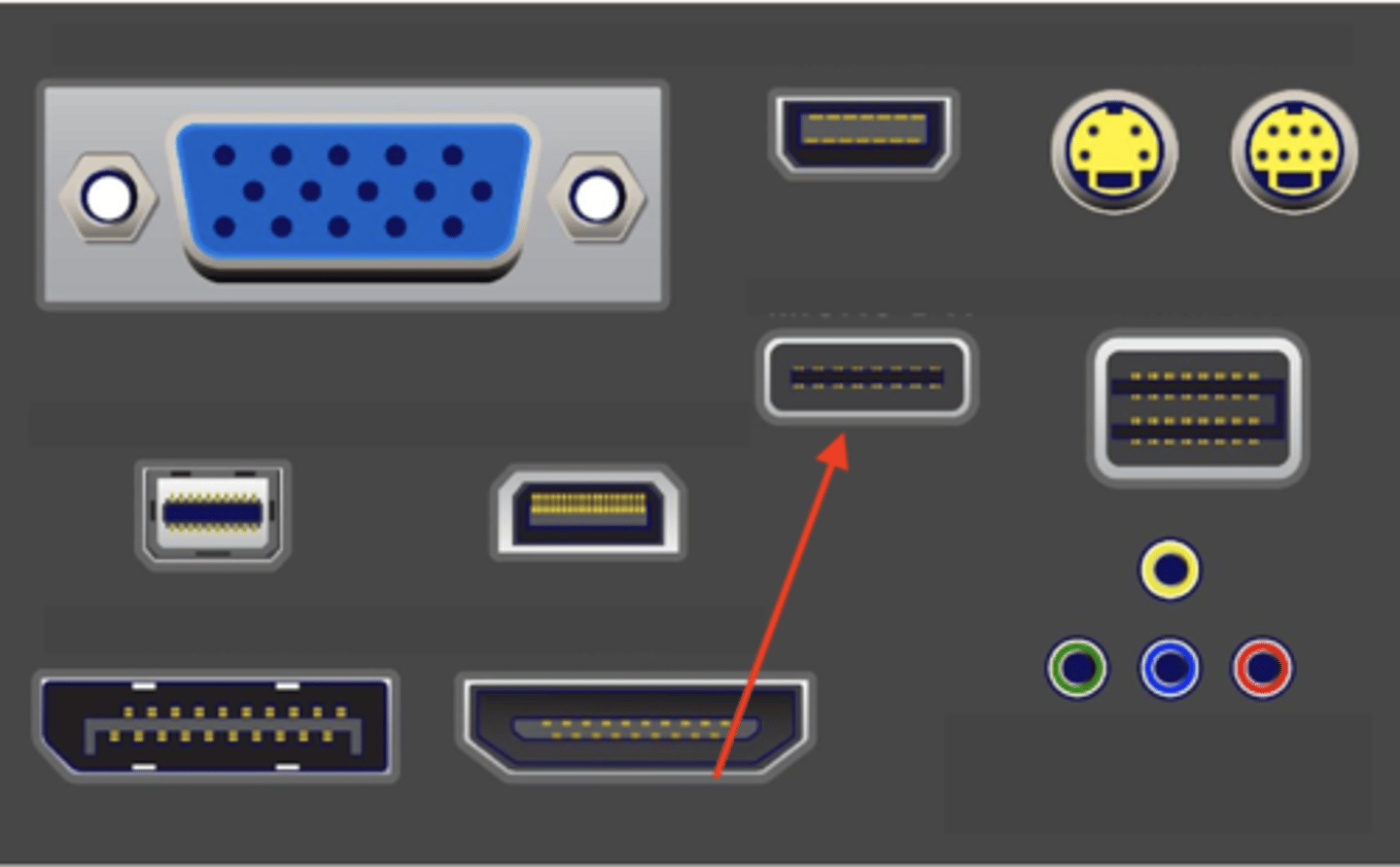
MINI DVI Port
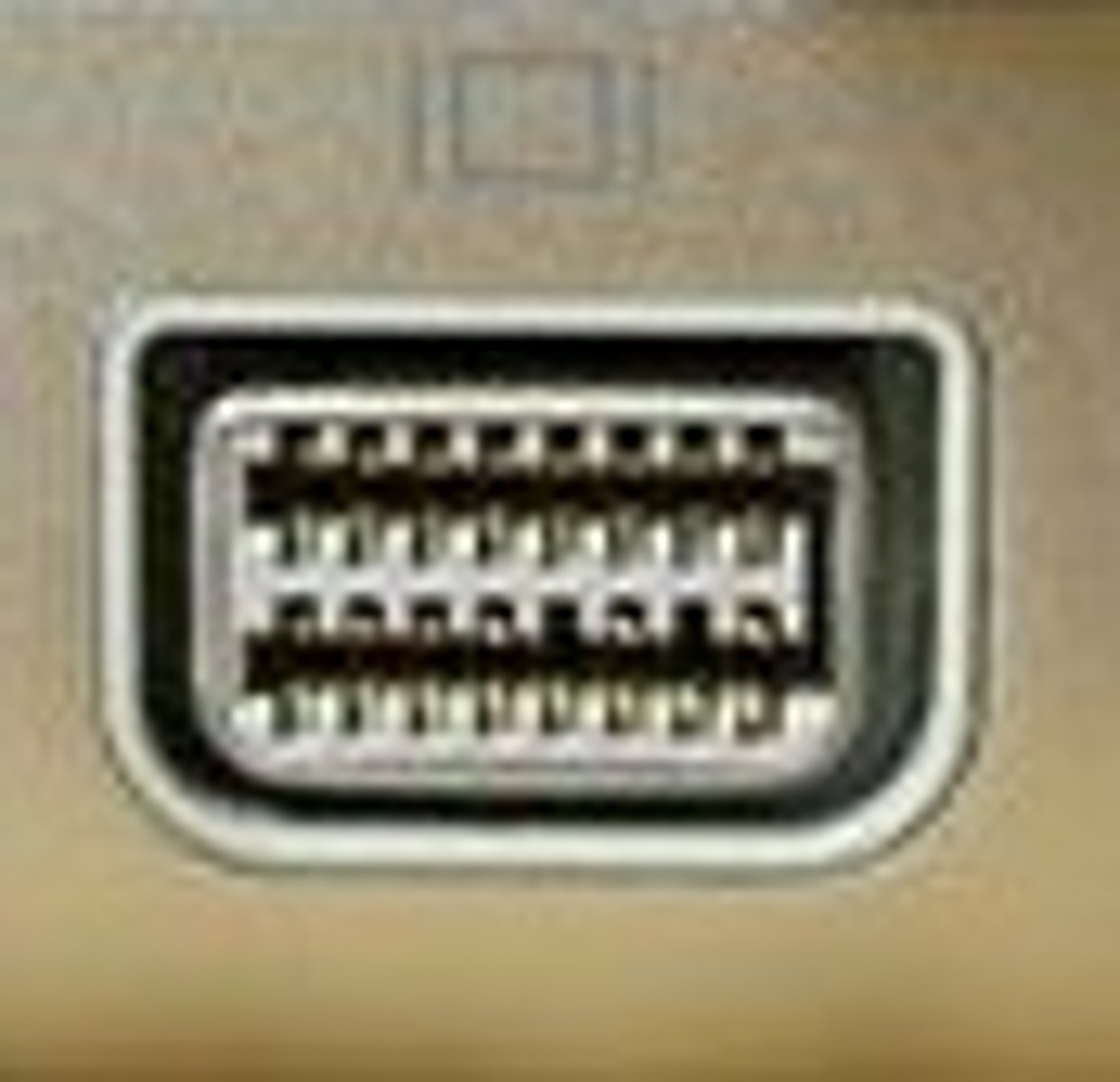
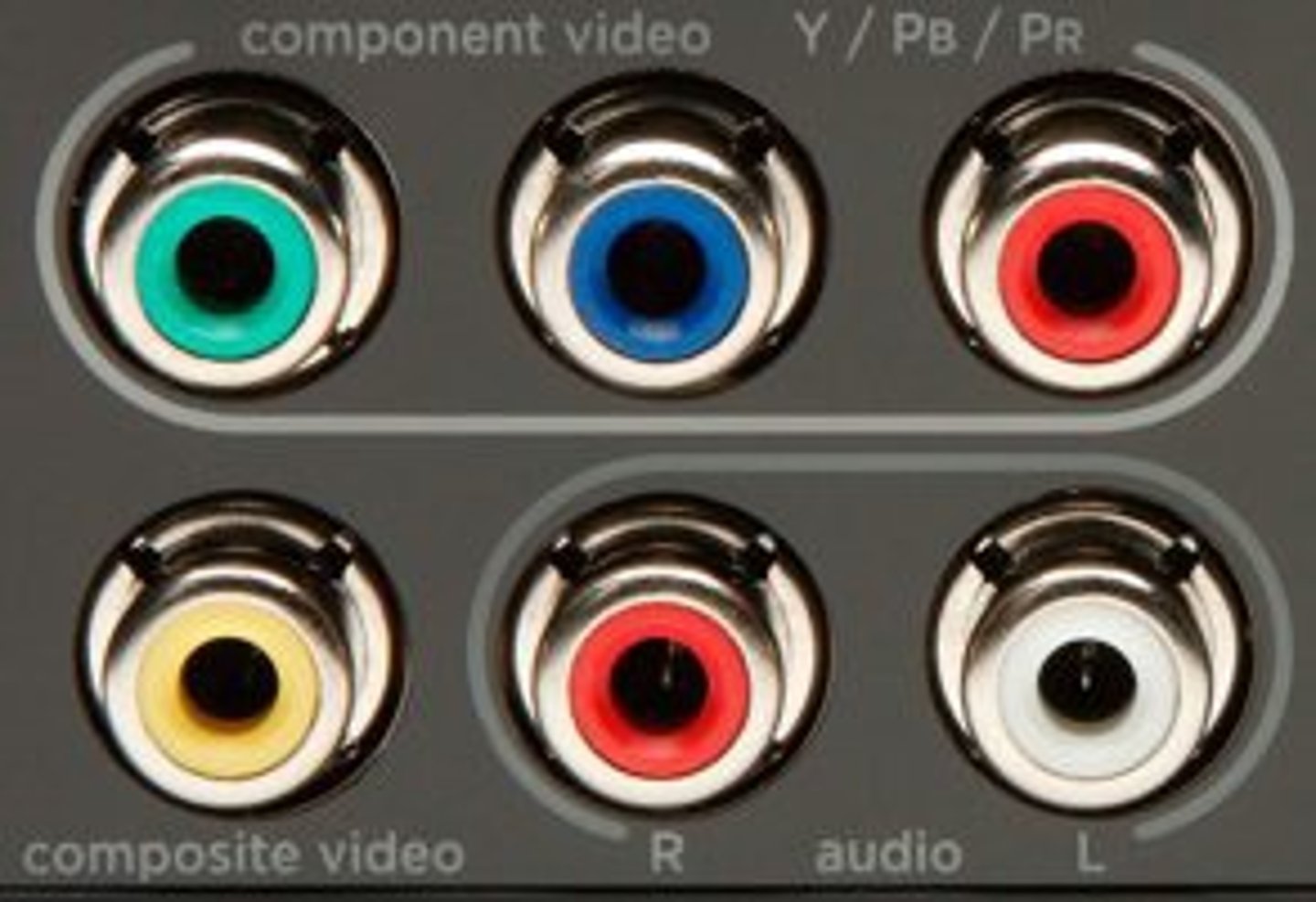
Composite components
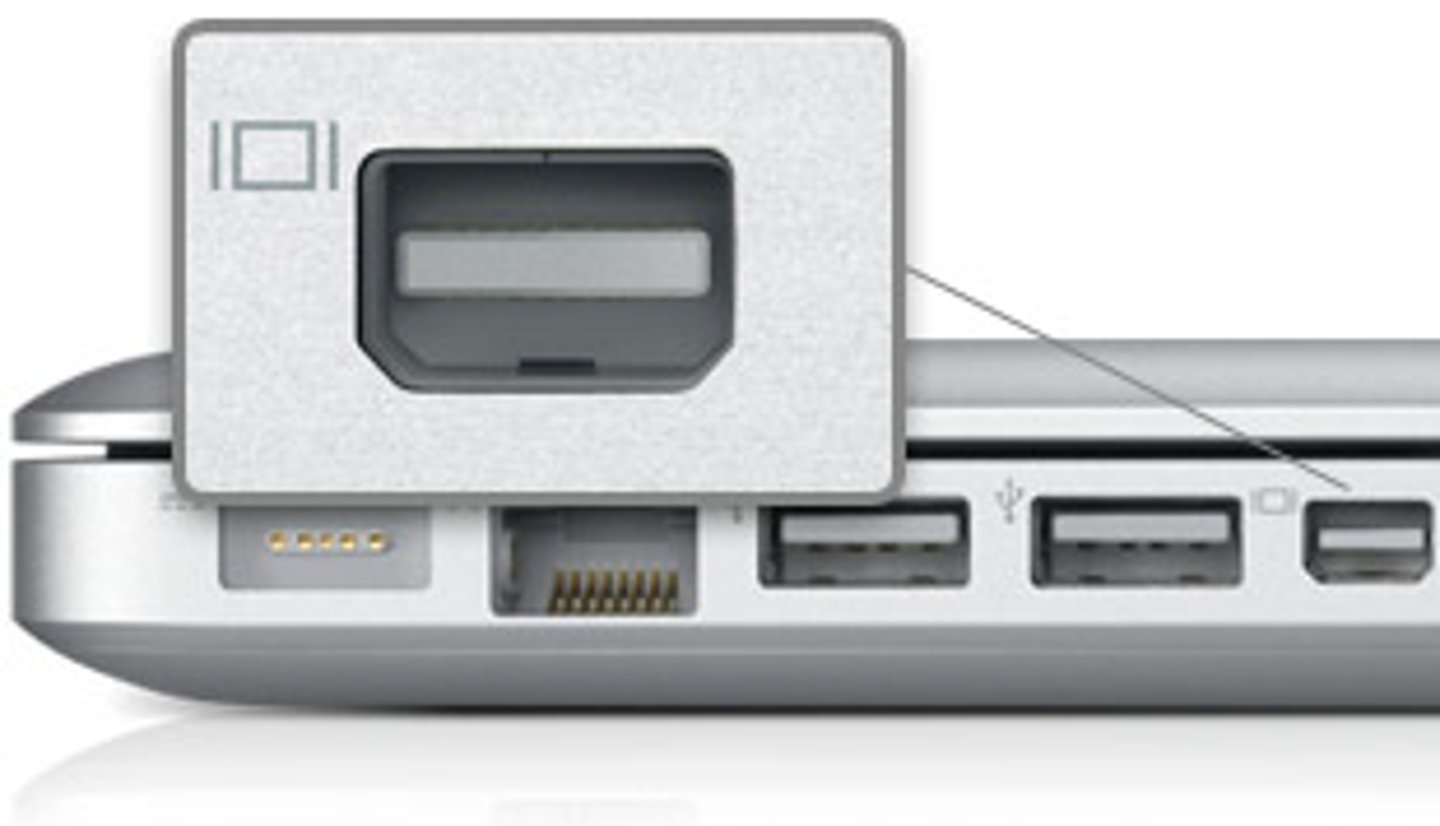
Mini Displayport
Mini HDMI Port
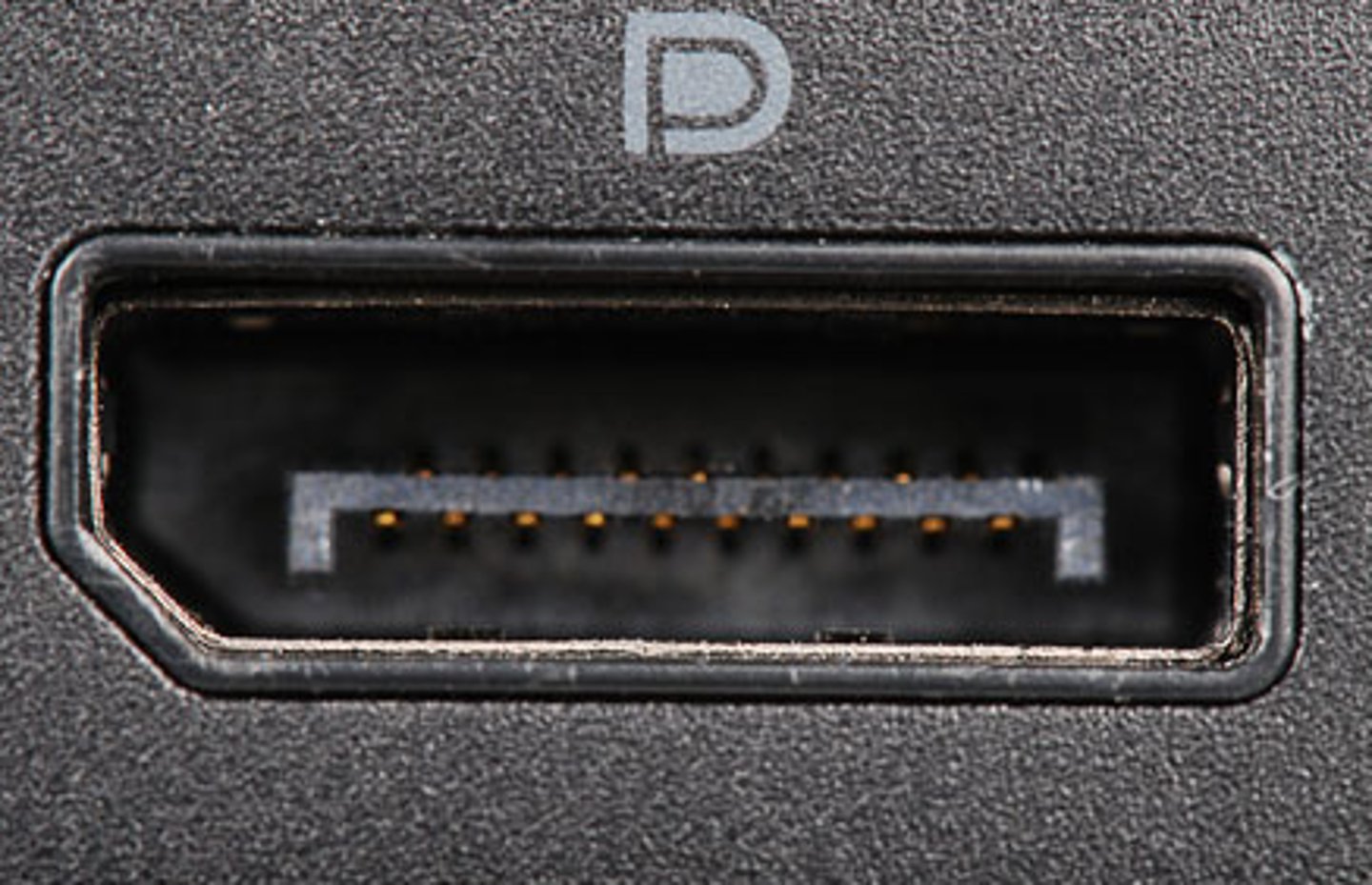
DisplayPort
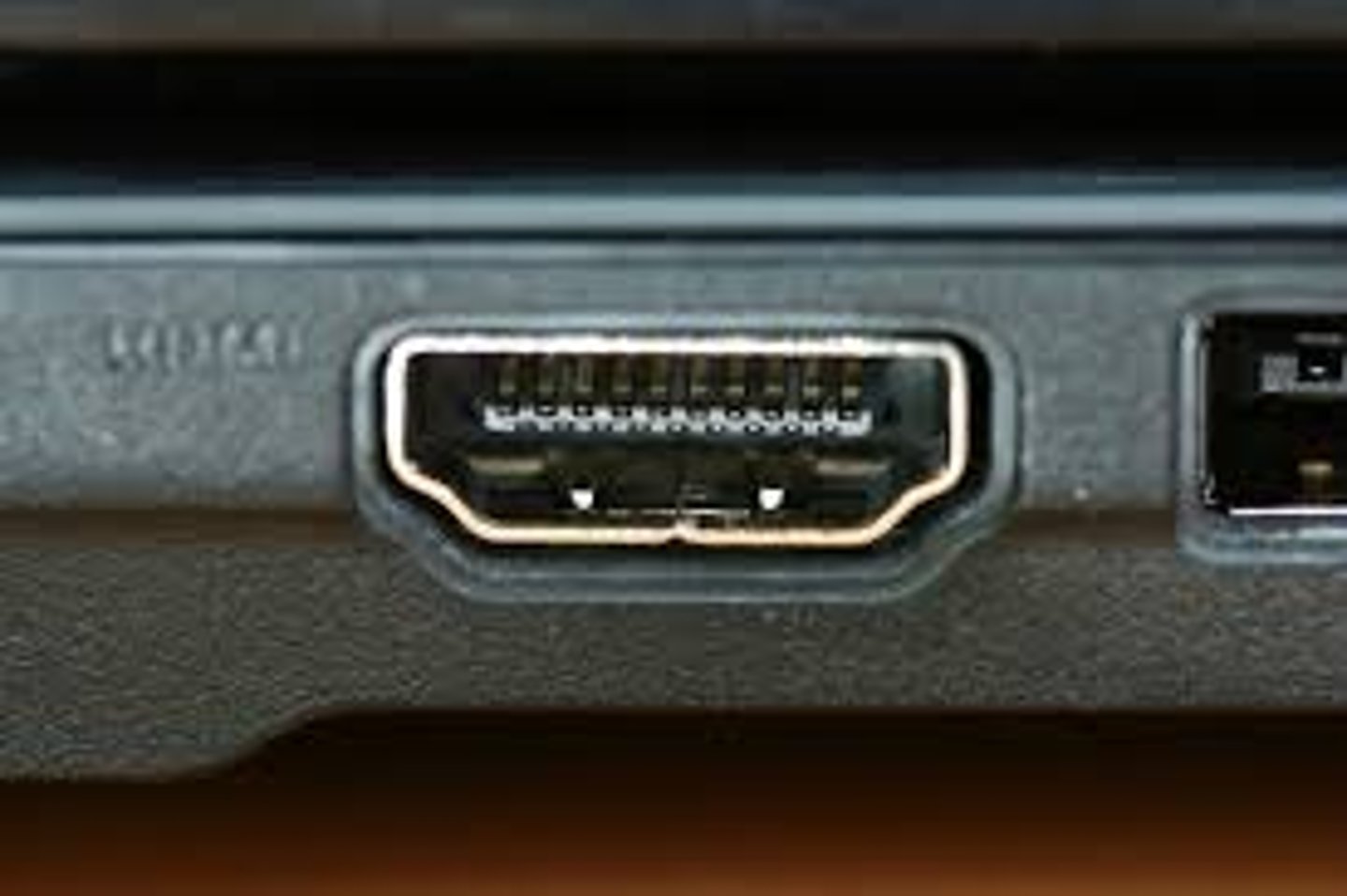
HDMI
CD Drive
The ability to read and write information to the system using an optical drive
Power button
A physical button, that when pushed, sends an electrical signal from a cable directly to the motherboard that tells the computer to turn on
Audio jack
Used to connect headphones and microphones to the computer using a 1/8th inch Mini-Jack
SuperSpeed USB Connectors
Used to connect other peripherals, like a mouse, a keyboard, a webcam, a printer, or other devices to a computer
Cooling Fan
Blows hot air out of the CPU, the motherboard, and the case which expels the extra heat out of the system to keep the components inside cool
HDMI Connector
Used to connect a monitor, TV, or another device for a video output display
RJ 45 Connector
Provides net access to local area networks over a wired connection
SPDIF Connector
(Sony/Phillips Digital Interface) An optical connector that allows high quality audio to surround sound system
Kensington lock
Allows the ability to place a metal cable from the desk to the computer tower to ensure the computer tower is not stolen
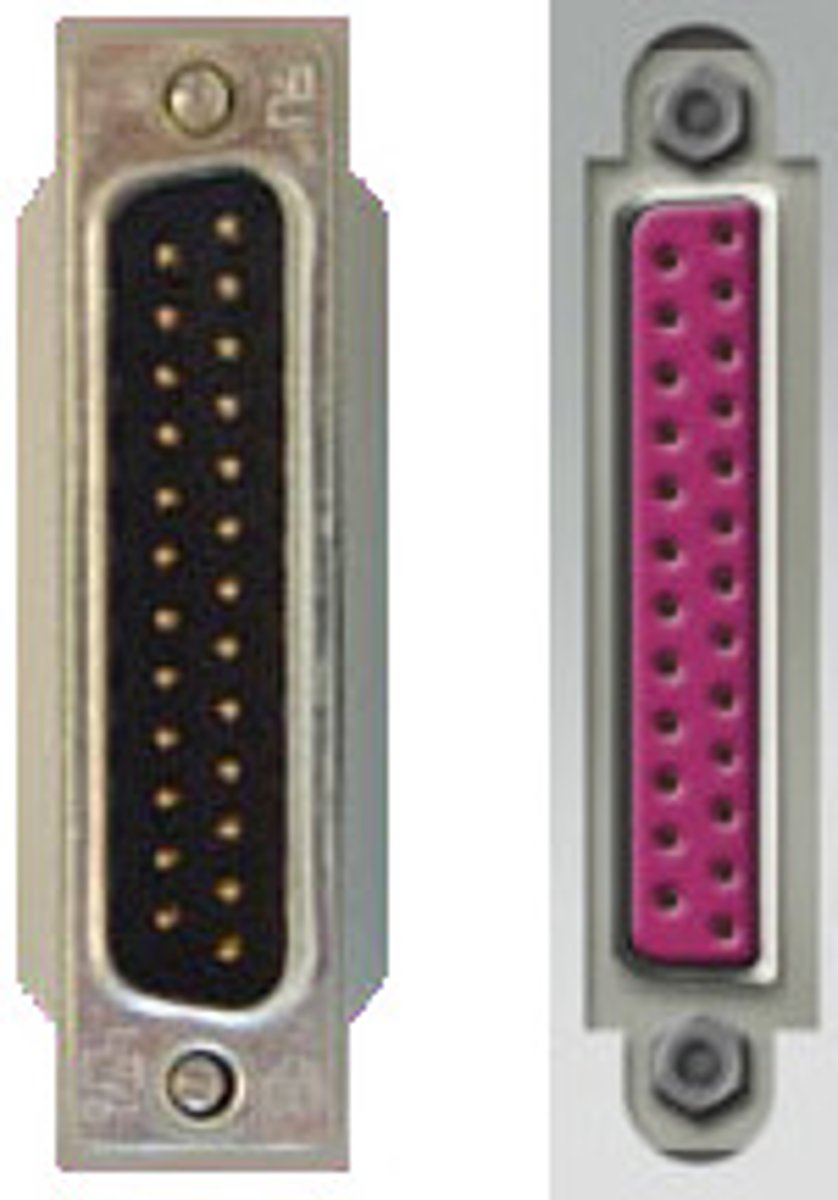
DB 25
A D-shaped sub miniature pin that goes into the back of a computer and has two thumb screws on the side
Serial Cable
A cable that sends data in ones and zeros in a straight line, but it can only send one bit at a time, which is measured at the speed of cables in bits per second
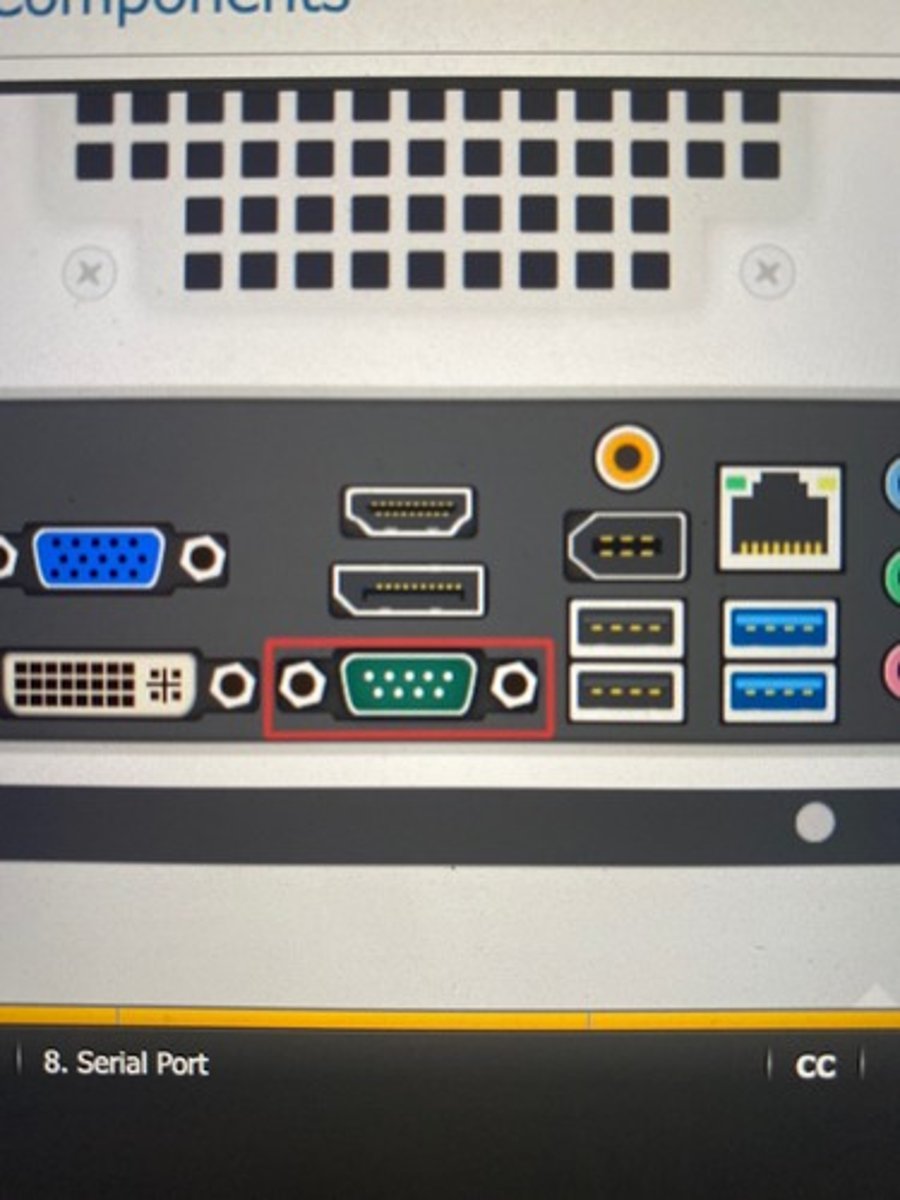
DB9 Connector
A slow speed connection for much older mice keyboards and other external modems
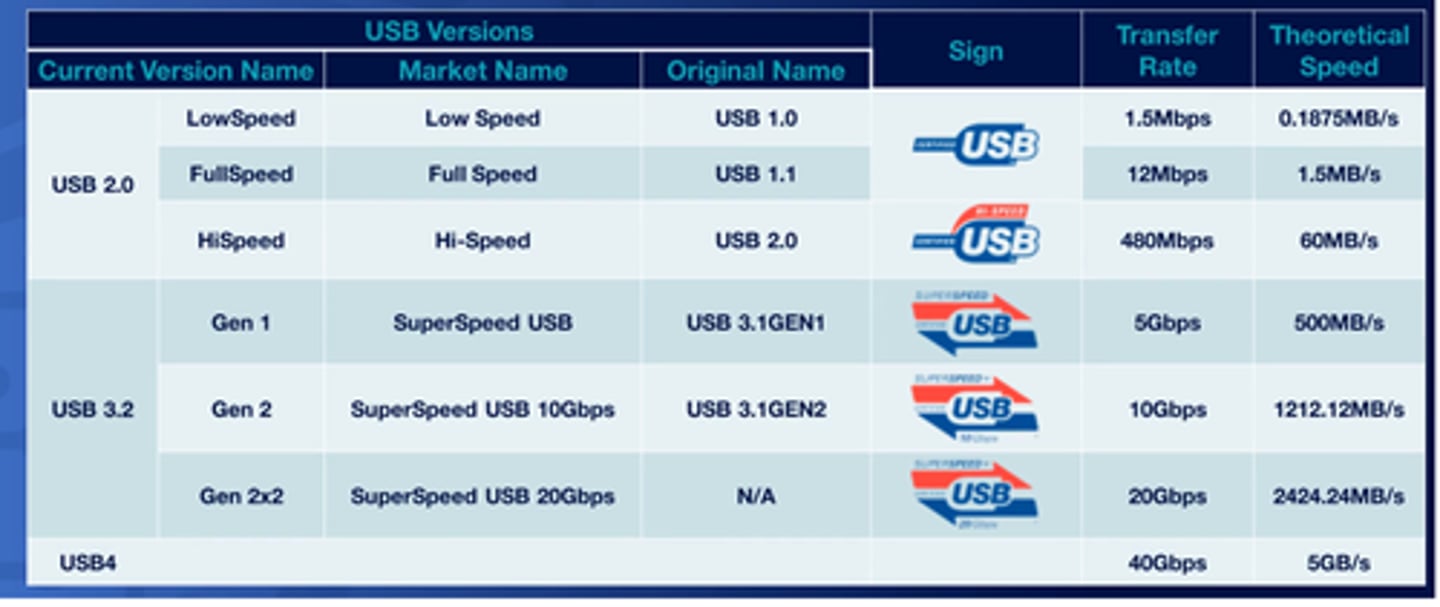
USB 1.1
Known as fulls peed and runs at 12 megabits per second
USB 2.0
Known as high speed and runs at 480 megabits per second
USB 3.0
Known as super speed and is at least 5 gigabits per second
USB 3.1 Gen One
Runs at 5 gigabits per second
USB 3.1 Gen Two
Runs at 10 gigabits per second
USB 3.2 Gen 2x2
Runs at 20 gigabits per second
USB 4
The most modern version of USB and can run at 40 gigabits per second
USB Speeds
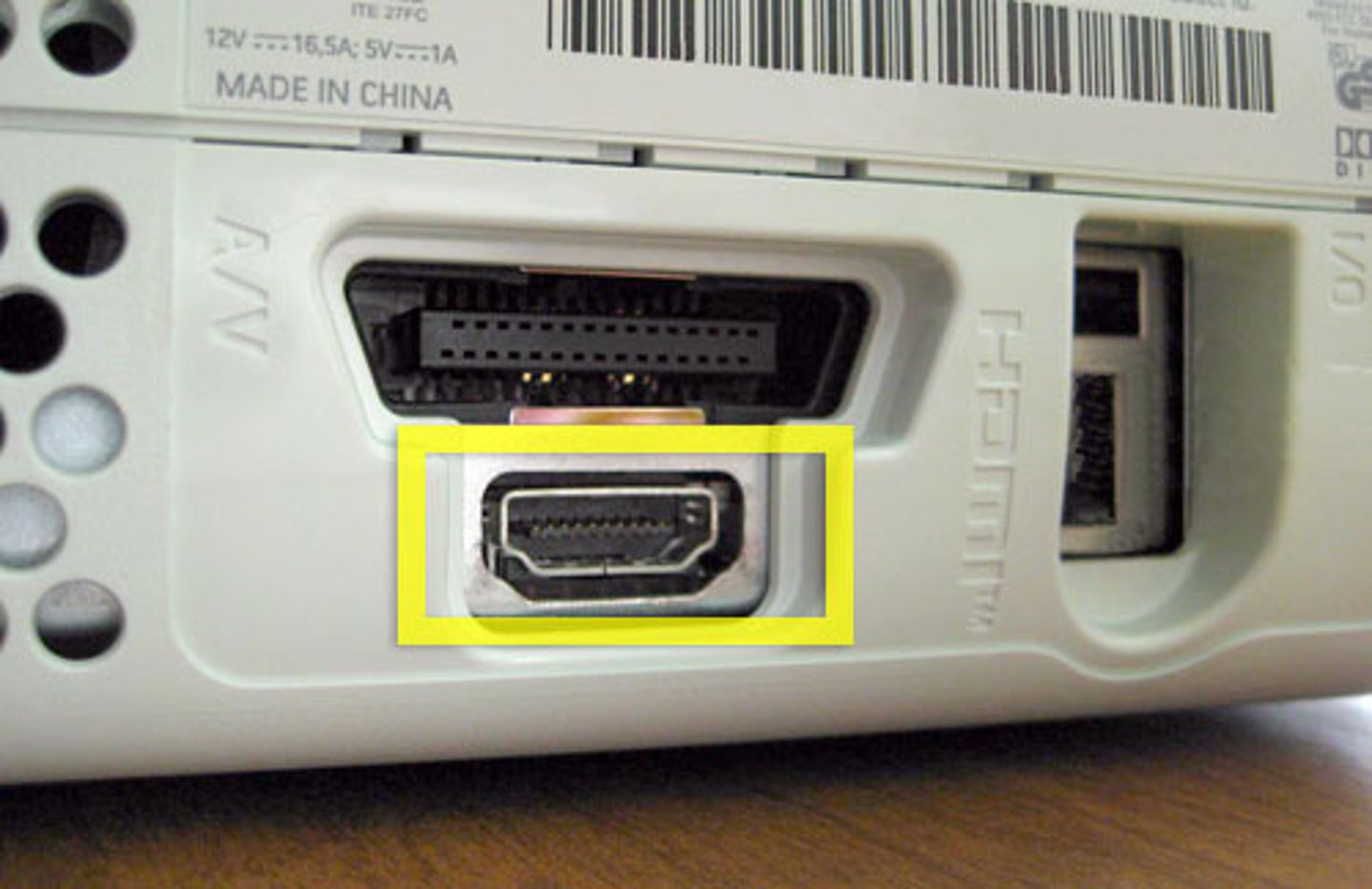
HDMI
Known as high-definition multimedia interface and it is the most widely used video interface in the world
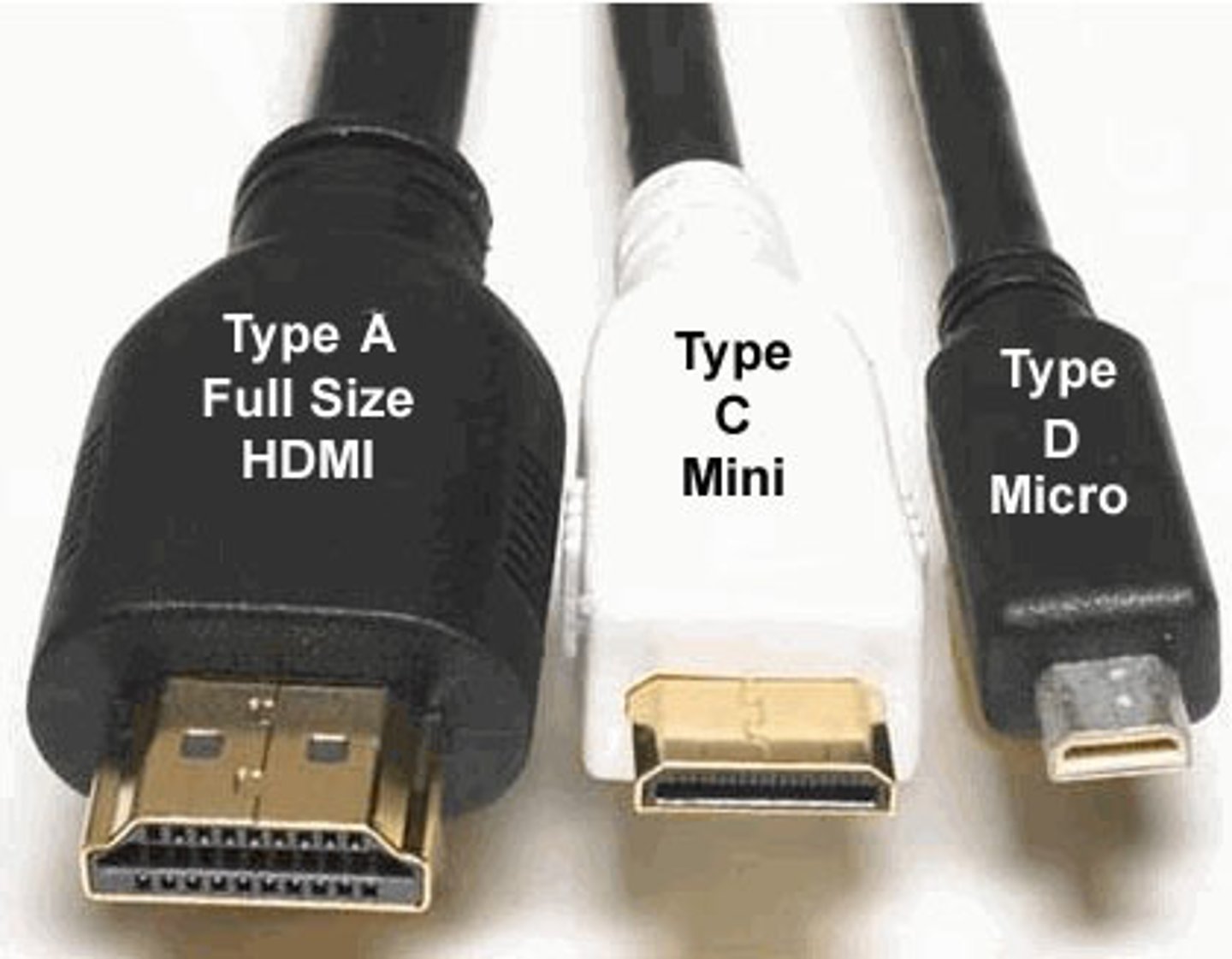
HDMI Types
HDMI Category 1
The standard HDMI that is used for video content (1080p, 60 Hertz)
HDMI Category 2
The high-speed HDMI that uses higher resolutions (greater length)
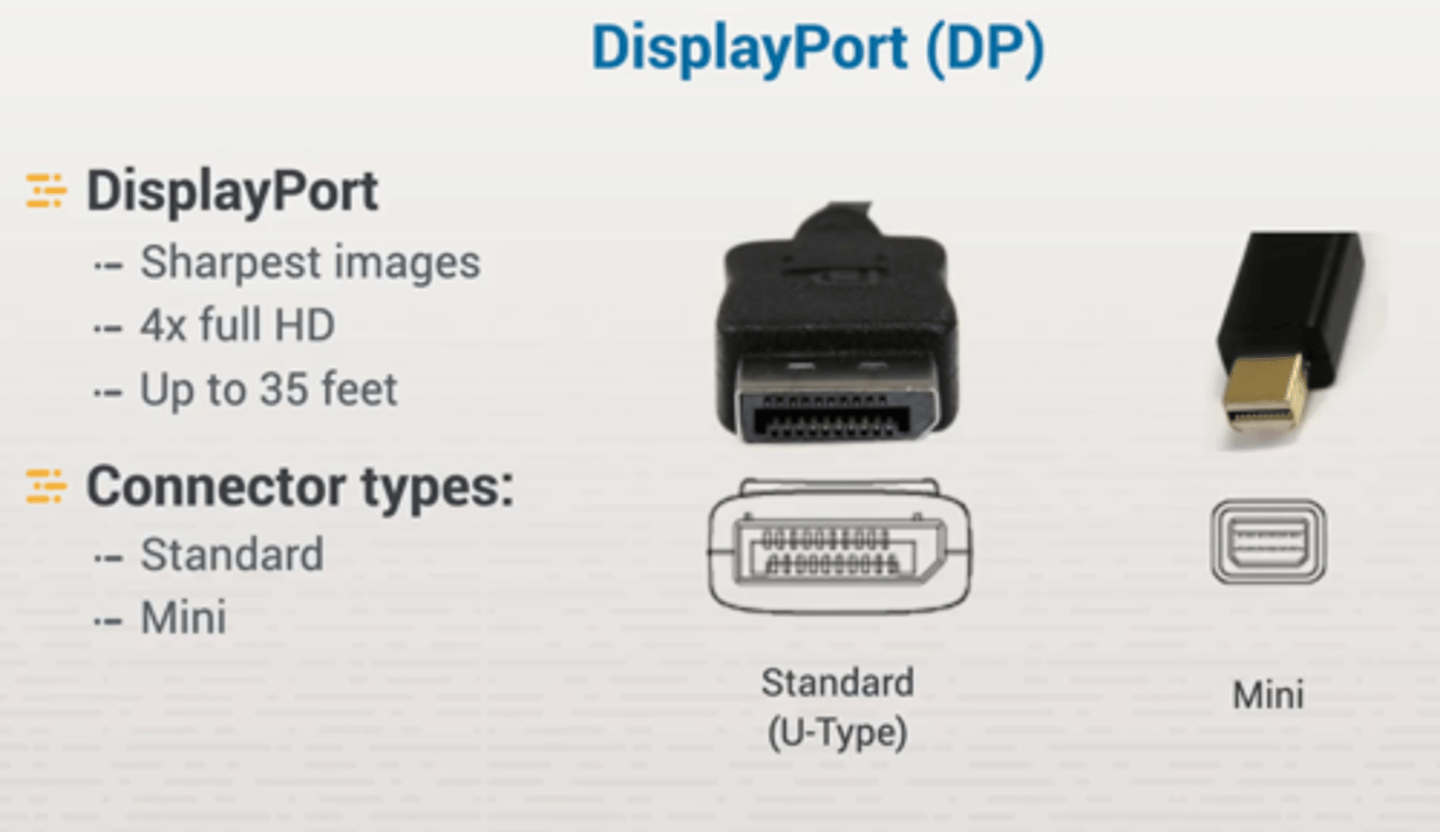
Display Port Interface
Used for digital displays with a high-performance replacement
Display Port Types
DVI
Used to support both analog and digital outputs
-DVI A (Analog)
-DVI D (Digital)
-DVI I (Both)
VGA
The graphic standard that used a 15-pin standard analog video interface port that would connect to the computer
Thunderbolt
A display interface that is used for data transfer
Supports speeds up to 40 gigabits per second for data transfer over cables (1.6 ft)
Lightning cable
A specific proprietary connector that was created by apple for their mobile devices
SATA Cable
The standard cables that are the main method of connecting a storage device to a motherboard inside of a desktop computer
Has two cables, one is a seven-pin data cable, and the other is a 15-pin power connector
External SATA
A SATA cable on the outside of the case
PATA
(Parallel ATA) The old IDE connectors with the exact same cables and connectors and standards but renamed for branding.
Parallel devices have each cable support up to two devices and they both can communicate at the same time.
Molex Power Connector
A 4-pin connector that would attach from the power supply directly to a device
SCIS
(Small Computer System Interface)
A legacy parallel bus connector that allows multiple devices to be Daisy chained together
▪ A narrow SCIS can support up to 7 devices, but a wide SCIS can support up to 15 devices