Intro to Engineering
 Call Kai
 Learn
Learn Practice Test
 Spaced Repetition
 Match
Match Flashcards
 Knowt Play
1/101

There's no tags or description
Looks like no tags are added yet.
Name | Mastery | Learn | Test | Matching | Spaced | Call with Kai |
|---|
No analytics yet
Send a link to your students to track their progress
102 Terms
What does tangent do?
Causes a curve to touch another curve or a straight line at a point without crossing that point.
What does Parallel constraint do in constraint?
Causes selected line segments to lie in the same plane without intersecting or touching.
What does the following constraint do in Inventor?
Perpendicular
Causes selected linear geometry to lie at right angles to each other.
What does the following constraint do in Inventor? Horizontal
Causes lines, axes, or pairs of points to lie parallel to the X axis of the sketch coordinate system.
What does the following constraint do in Inventor? Vertical
Causes lines, axes, or pairs of points to lie parallel to the Y axis of the sketch coordinate system.
What does the following constraint do in Inventor?
Collinear
Causes 2 or more line segments to lie on the same line.
What does the following constraint do in Inventor?
Coincident
Causes 2 points to occupy the same space on the sketch.
What does the following constraint do in Inventor?
Concentric
Causes 2 arcs, circles or ellipses to have the same center point.
What does the following constraint do in Inventor?
Fix
Locks points and curves in a set position relative to the sketch coordinate system.
What does the following constraint do in Inventor? Equal
Makes selected elements the same size
Define Mass
The amount of matter in an object.
Define Weight
The force of gravity on an object
Define Surface Area
The sum of all the areas of the faces of a three dimensional solid.
Define Volume
The amount of three dimensional space enclosed by an object.
Define Density
Measure of the amount of matter per unit volume.
Friction
results when 2 objects interact to resist a sliding movement.
A tipping force
is the amount of applied force that will cause an object to rotate around its center of gravity.
What is the definition of a "constraint" in inventor?
Restrictions and associations that are applied to 2D geometry (shapes, points, lines) to make them line up or connect in a certain way
What is the symbol for coincident?
What is the symbol for coincident? in onshape
what is the symbol for co-linear?
what constraint forced points to line up horizontally (side by side) and/or make lines parallel to the x-axis (horizontal axis)?
horizontal
what constraint forced points to line up horizontally (side by side) and/or make lines parallel to the x-axis (horizontal axis)? onshape
horizontal
Which constraint will make lines parallel? In math terms, it makes them have the same slope.
parallel
Which constraint will make lines parallel? In math terms, it makes them have the same slope. onshape
parallel
Which constraint will make lines perpendicular, so they form a right angle with 90 degrees?
perpendicular
Which constraint will make lines perpendicular, so they form a right angle with 90 degrees? onshape
perpendicular
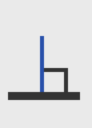
TRUE OR FALSE
The Concentric constraint forces two circles, arcs, or ellipses to share a common center point.
True
What is the file extension for Autodesk Inventor Assembly Files?
.iam
TRUE or FALSE
Once you have specified the dimensions for a sketch, you cannot change them except by starting the
sketch again from scratch.
False
When the cursor moves over an endpoint or midpoint of an object, Inventor® informs you by displaying
a _________.
green dot
To subtract the volume of one solid from the volume of another solid in an Extrude operation, use the
_________.
cut option
TRUE or FALSE
It is considered good practice to rename the features in a solid model so that they will be easier to
identify later.
True
An extrusion that extends equally in both directions from the profile is known as a(n) _________
extrusion.
symmetric
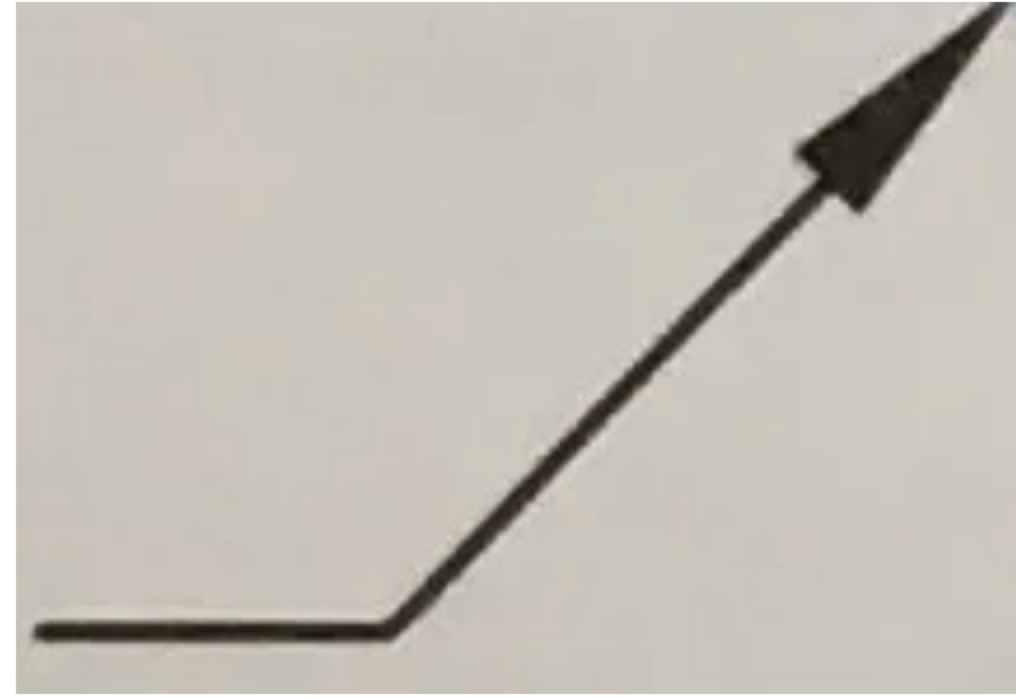
Identify the linetype.
Leader Line
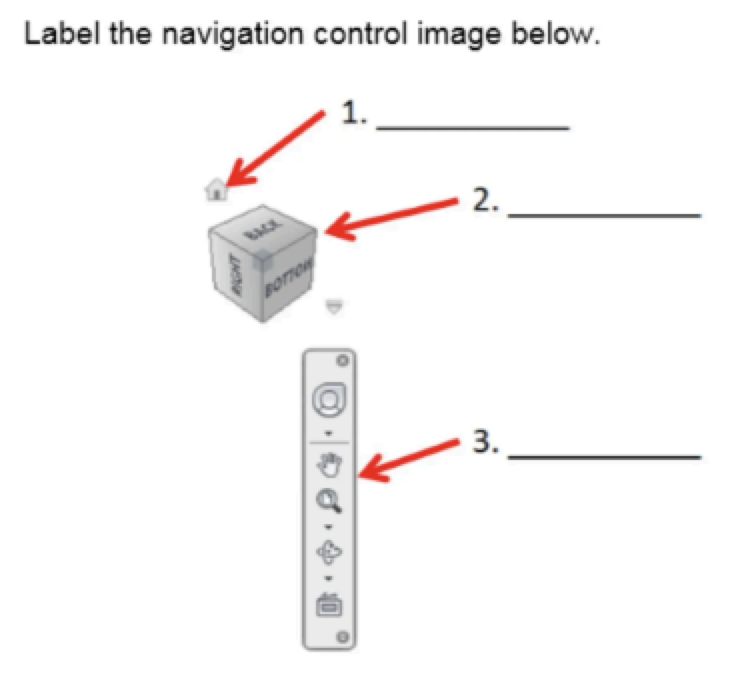
What does label #2 represent?
ViewCube
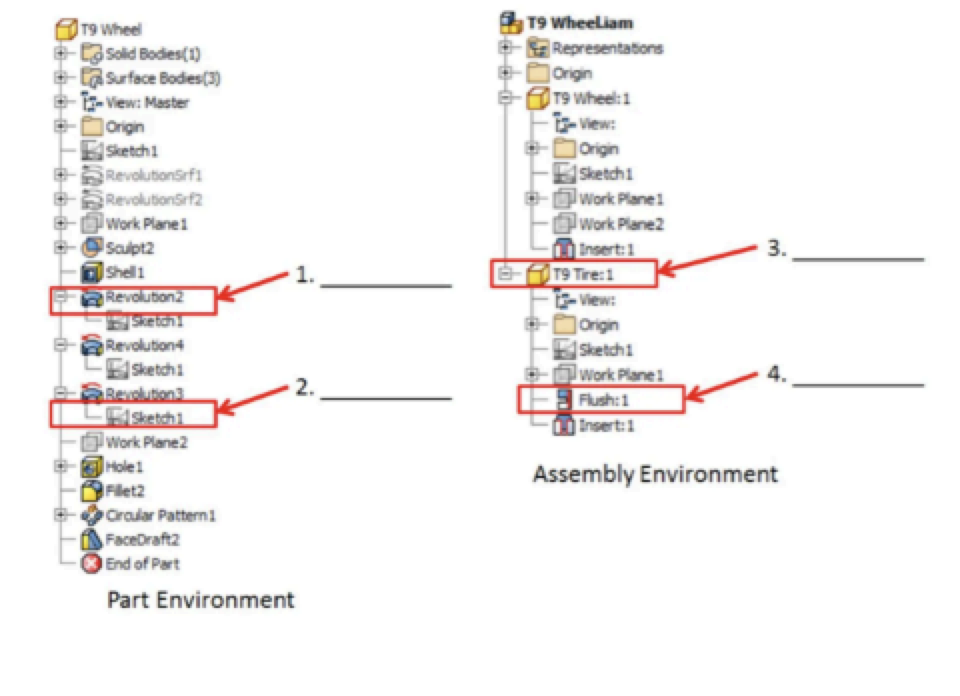
What does the label #1 represent
Feature
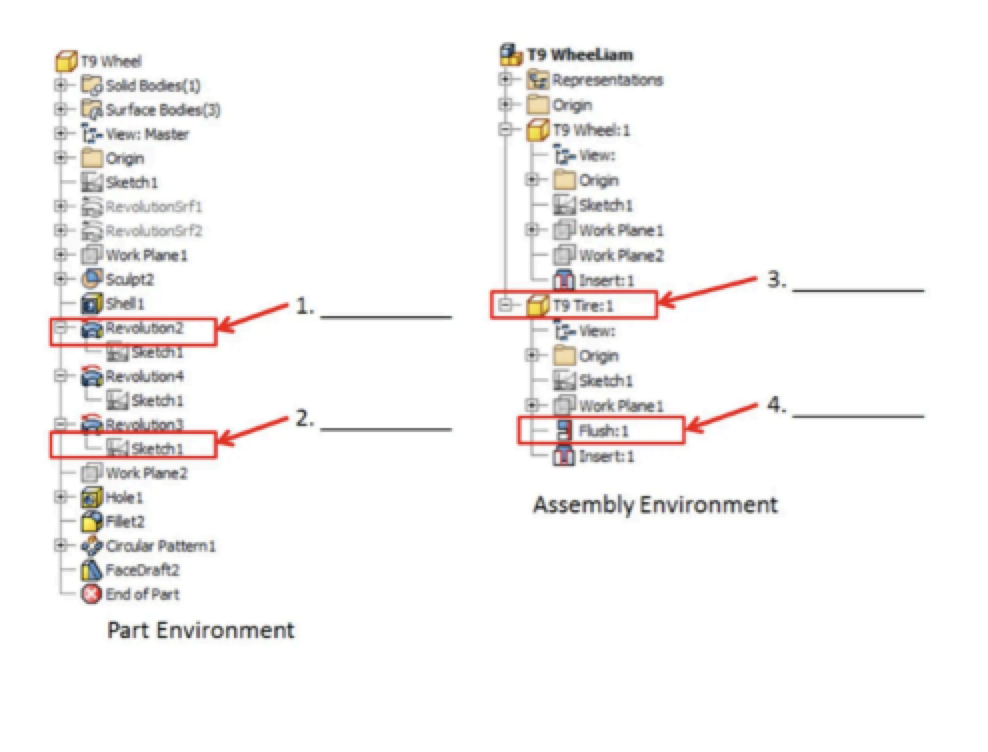
What does the label #3 represent?
Part
Which of the four Inventor Base environments and file extension names is .idw?
Drawing
What must you do first before you can create a 3D object?
create 2D sketch
Where do we find the history of all the steps we have taken while modelling?
To the LEFT of the screen in the Model tool bar
Which of the four Inventor Base environments and file extension names is .ipt?
Part
The purpose of the middle mouse button or wheel is to ___________.
change the drawing magnification and move around the drawing.
Limits or restrictions that are placed on geometry to define a model’s shape and size are
constraints
The constraint that forces two selected lines or curves to lie at right angles to one another is
___________.
perpendicular
The constraint that indicates a set of curves or lines are touching without overlapping.
tangent
The __________ constraint ensures that two points on a line are at an equal distance from the Y axis.
vertical
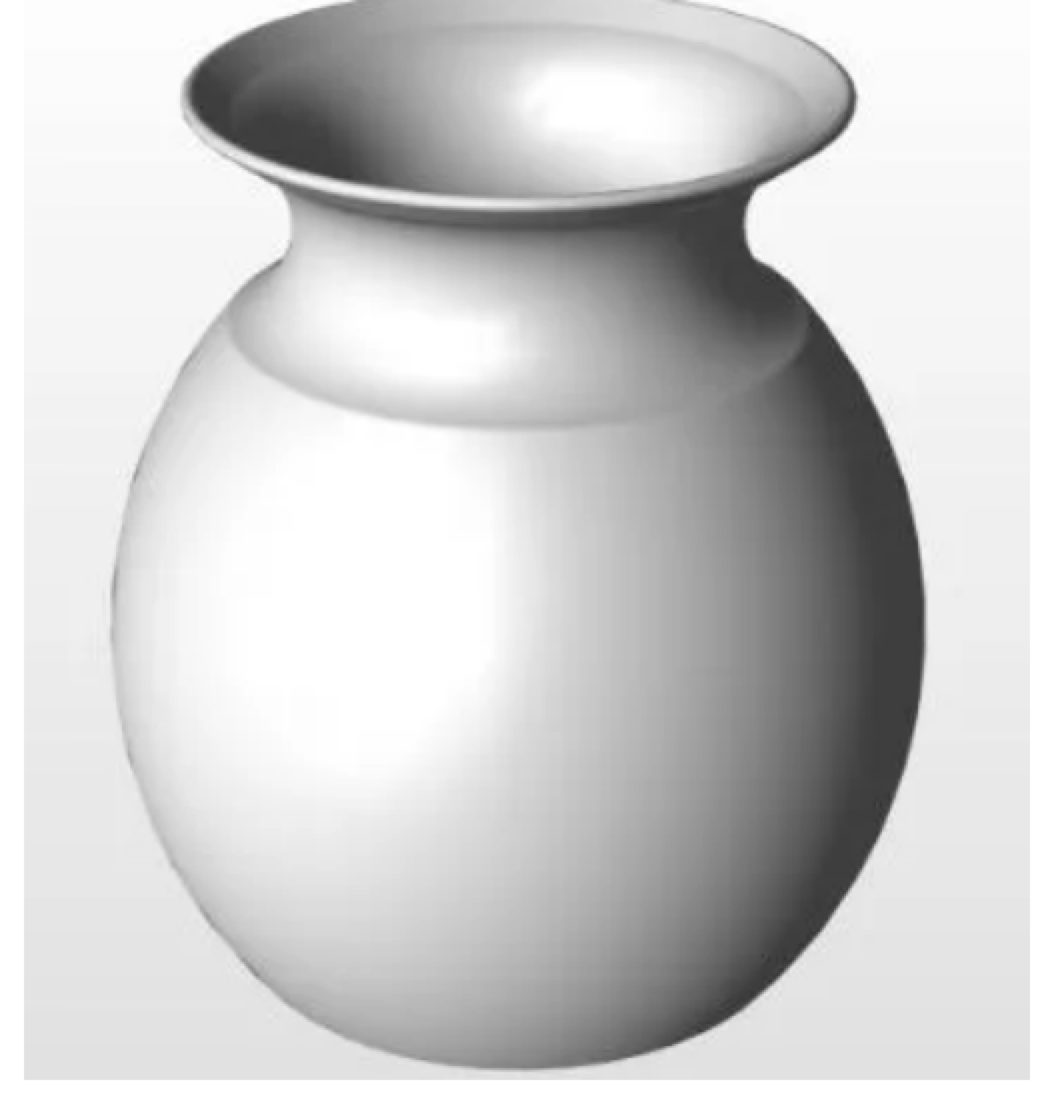
Which Autodesk Inventor command will create this vase?
Revolve
To create a solid model by giving depth to a 2D profile, use the __________ command.
extrude
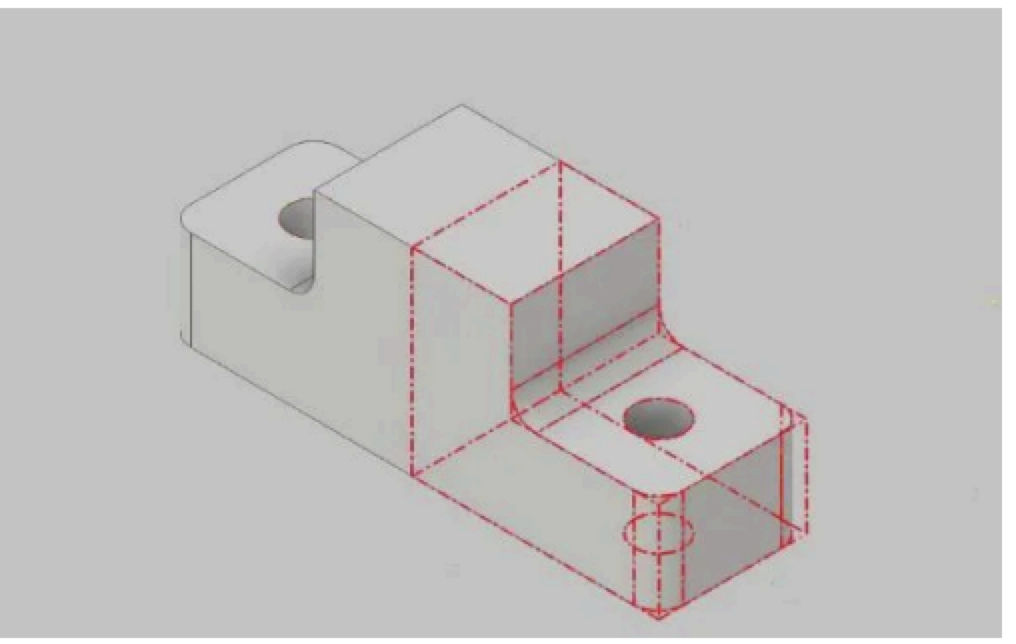
Which Autodesk Inventor command will create the 3D image in red?
Mirror
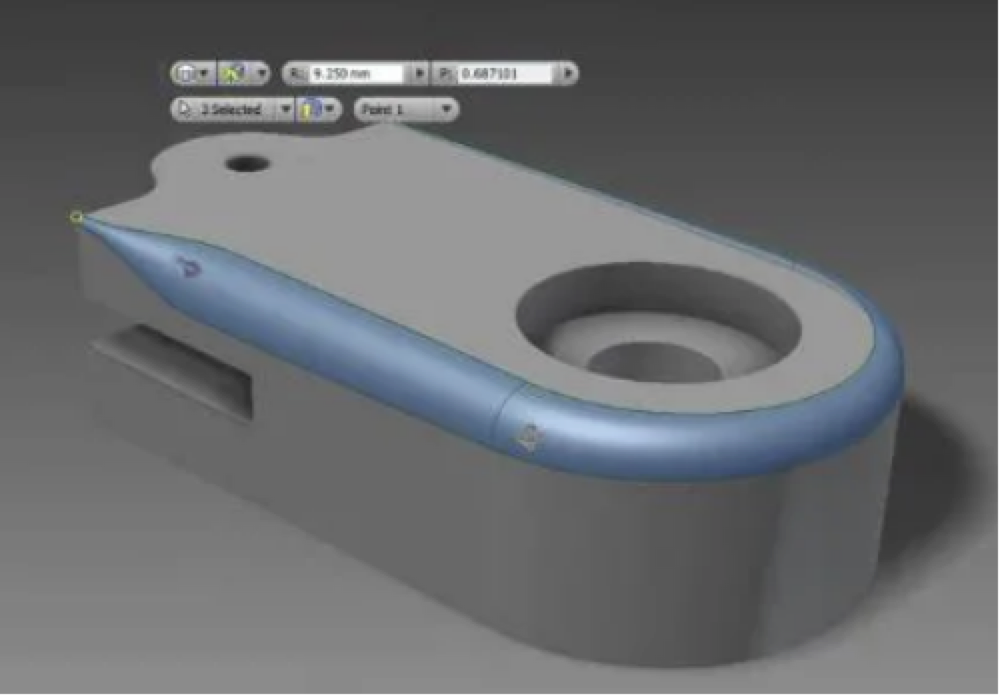
Which Autodesk Inventor command will create the blue feature on the 3D part?
fillet
Drawings that contain more than one view of a model are known as _________ drawings.
multiview
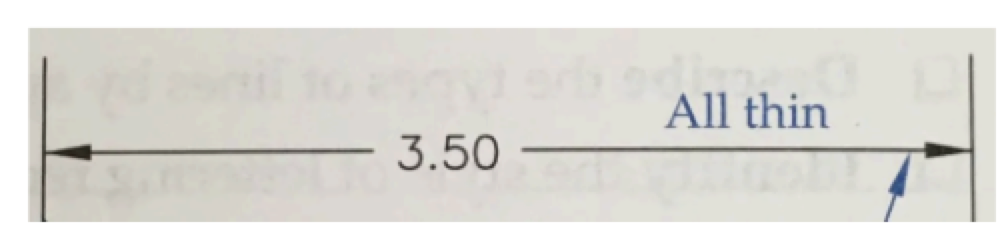
Identify the linetype.
Dimension Line
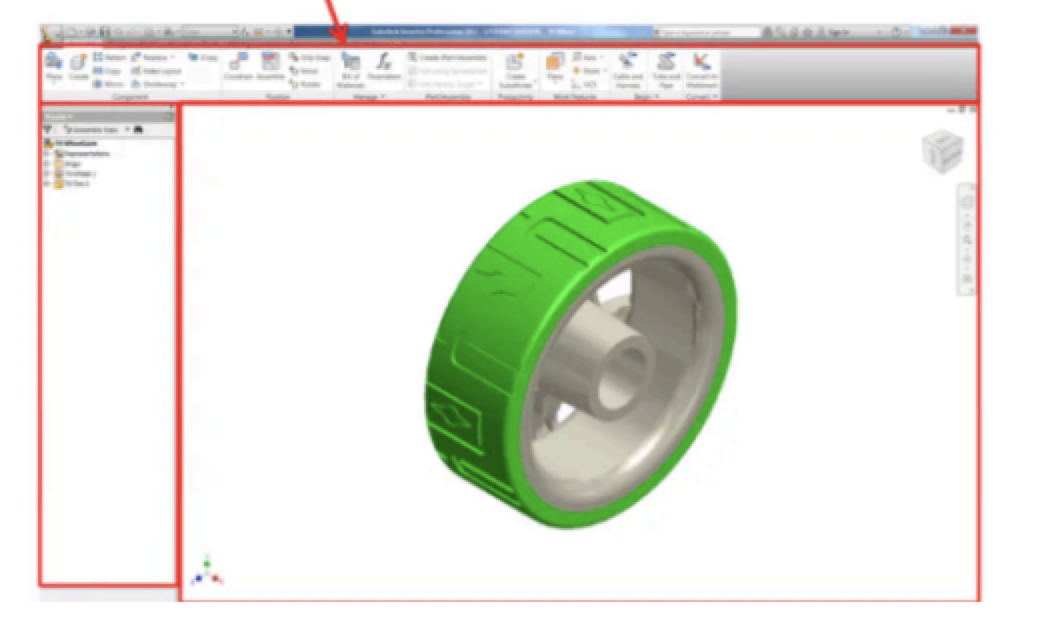
What is the feature of the user interaction does this image portray?
Ribbon
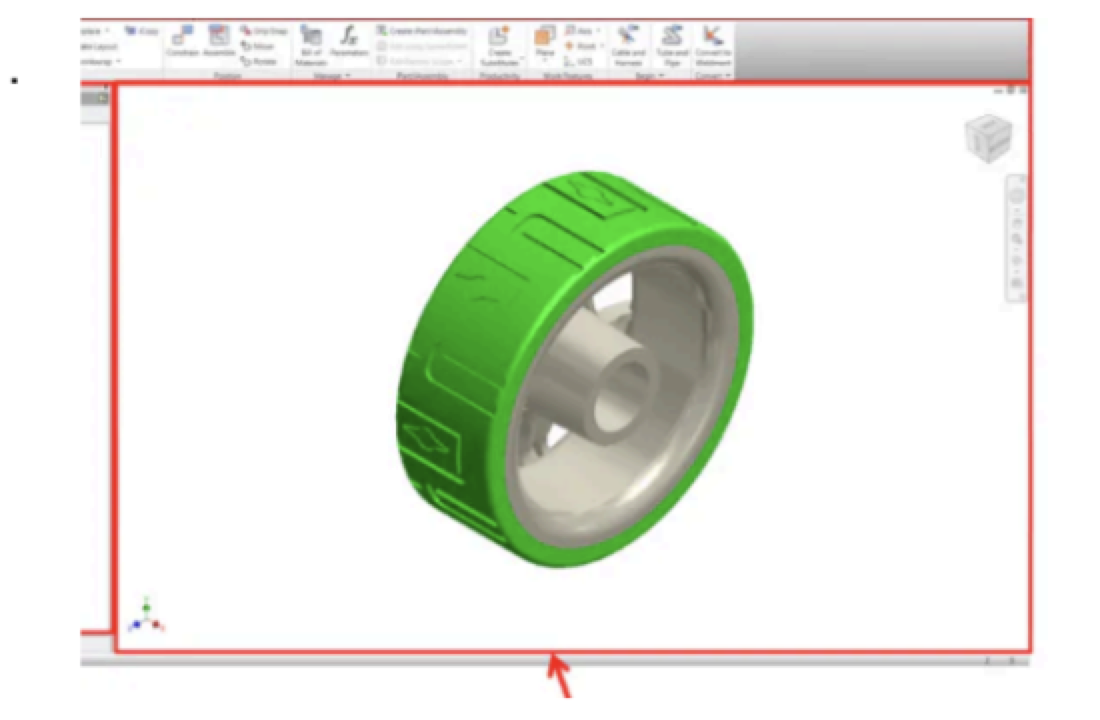
What is the feature of the user interaction does this image portray?
Graphics Window
Which file type is used to create a new part?
Standard.ipt
What type of file lets you create exploded views?
Presentation
What is the "feature" when creating a pattern?
The part of the object to be patterned
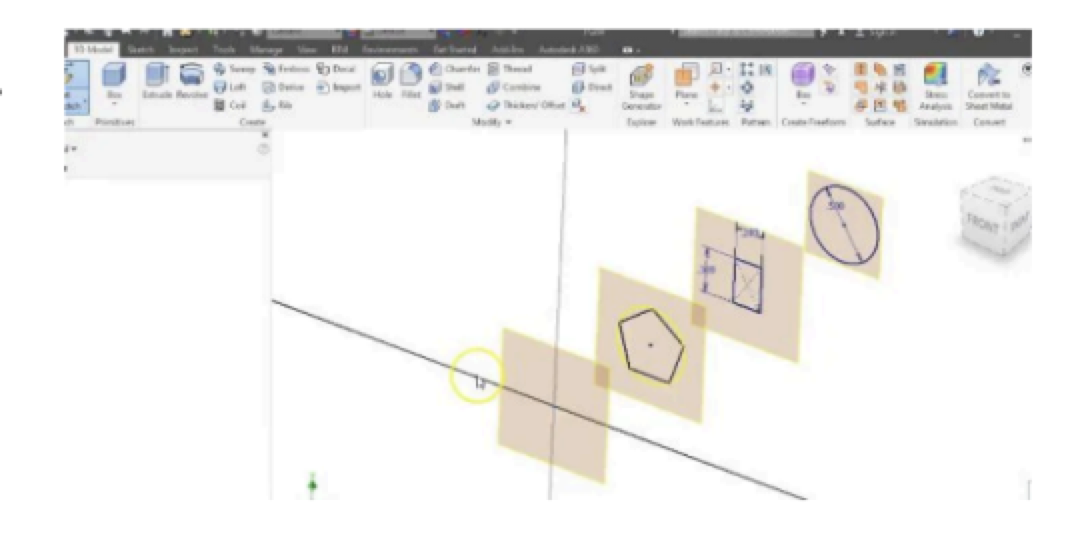
Which Autodesk Inventor command will create the work planes with a set distance?
Work Plane Offset
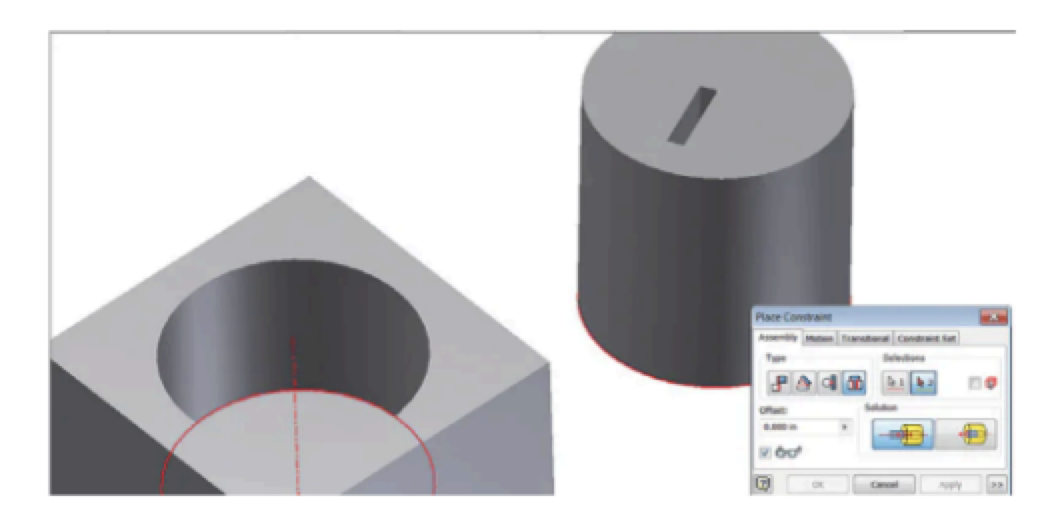
To align the center of the cylinder with the center of the hole AND its edge, what type of constraint
should be used?
Insert
The first part brought into an assembly is known as the base component. The base component is?
Grounded to the origin
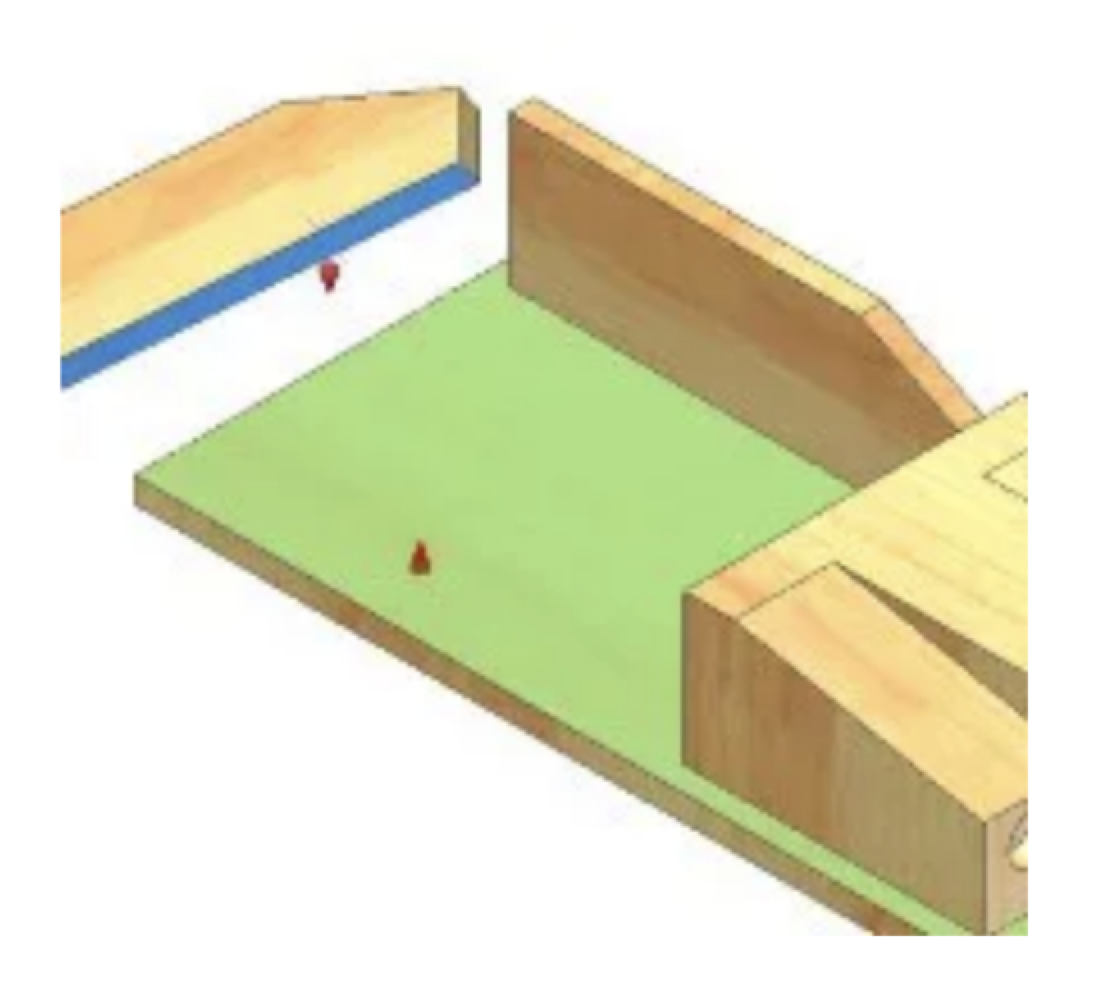
What assembly constraint is applied to the two faces selected?
Mate
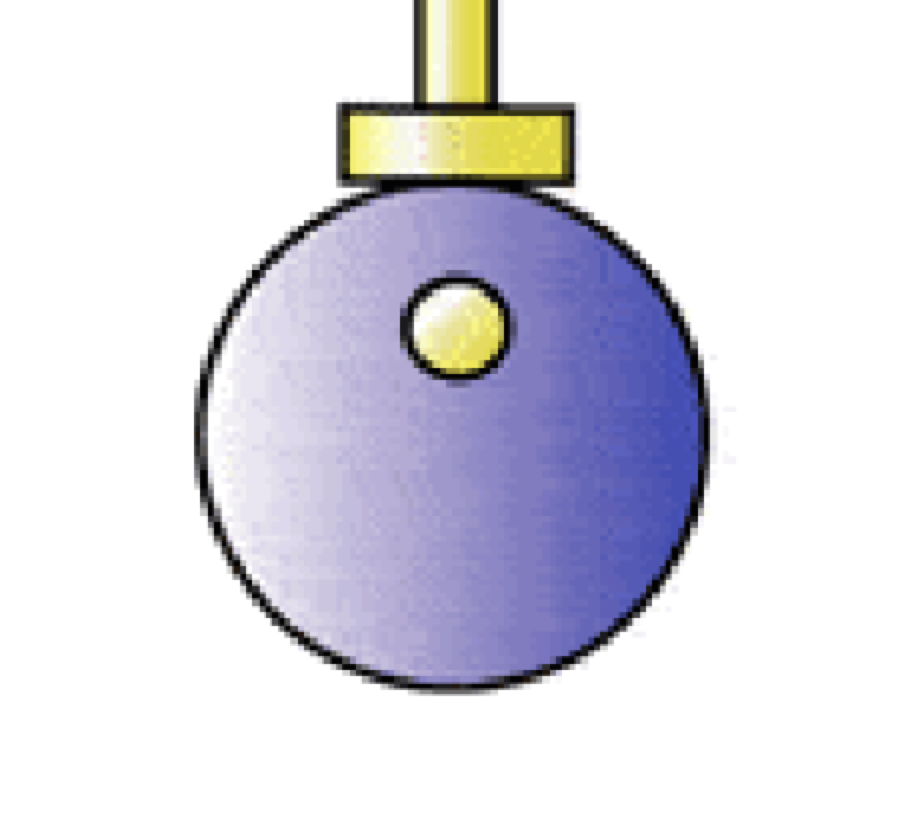
What type of cam is this?
Eccentric
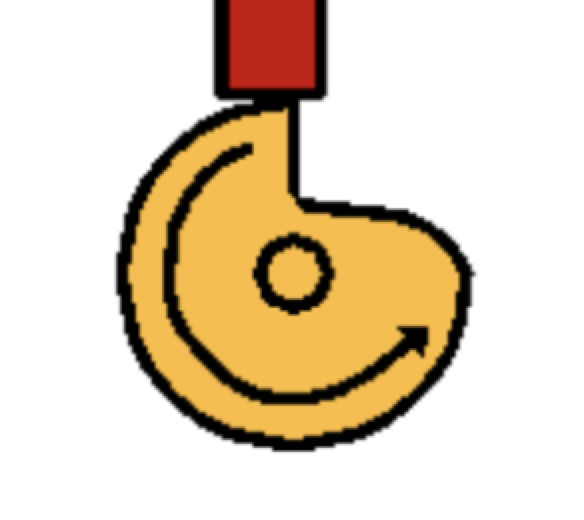
Name this type of cam
Snail
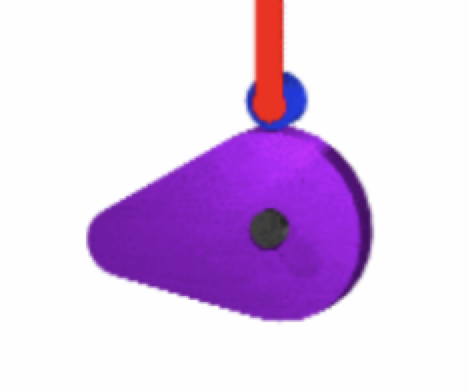
type of cam
pear
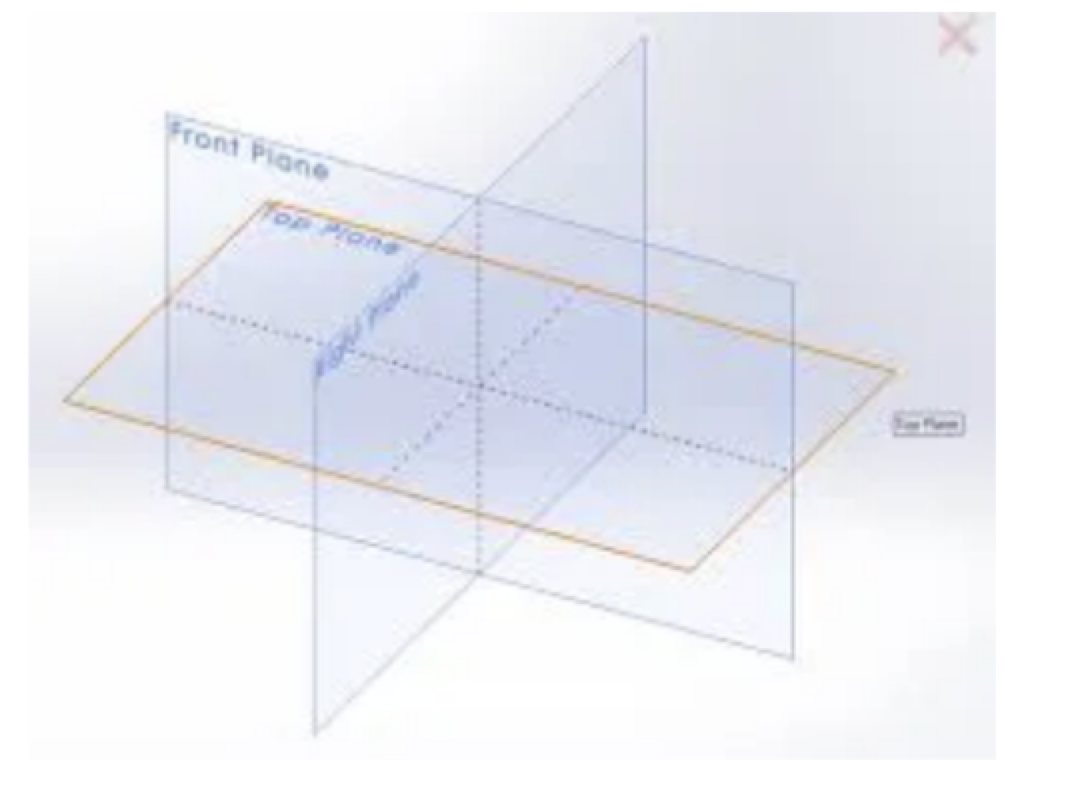
What are these called?
work planes
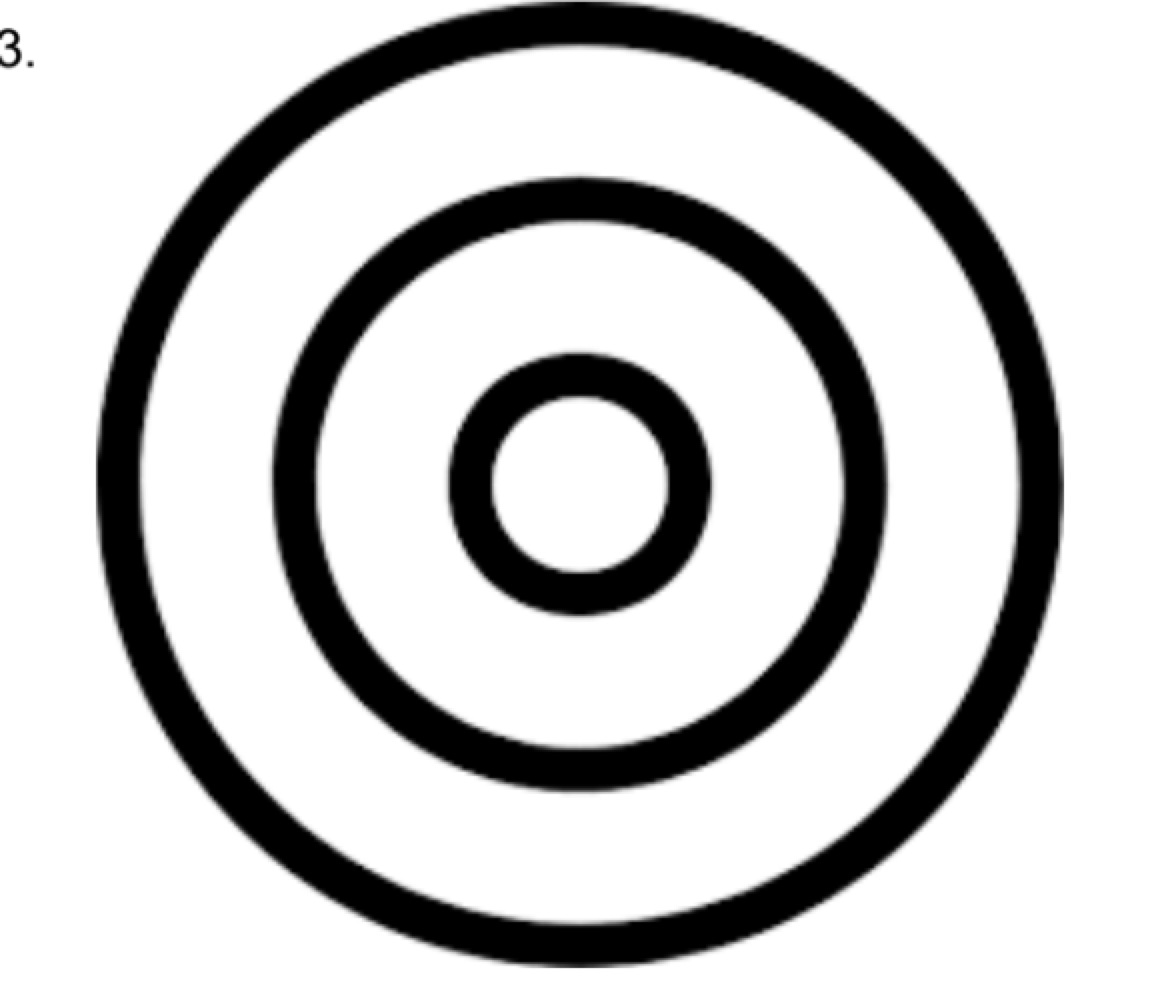
These circles are?
concentric
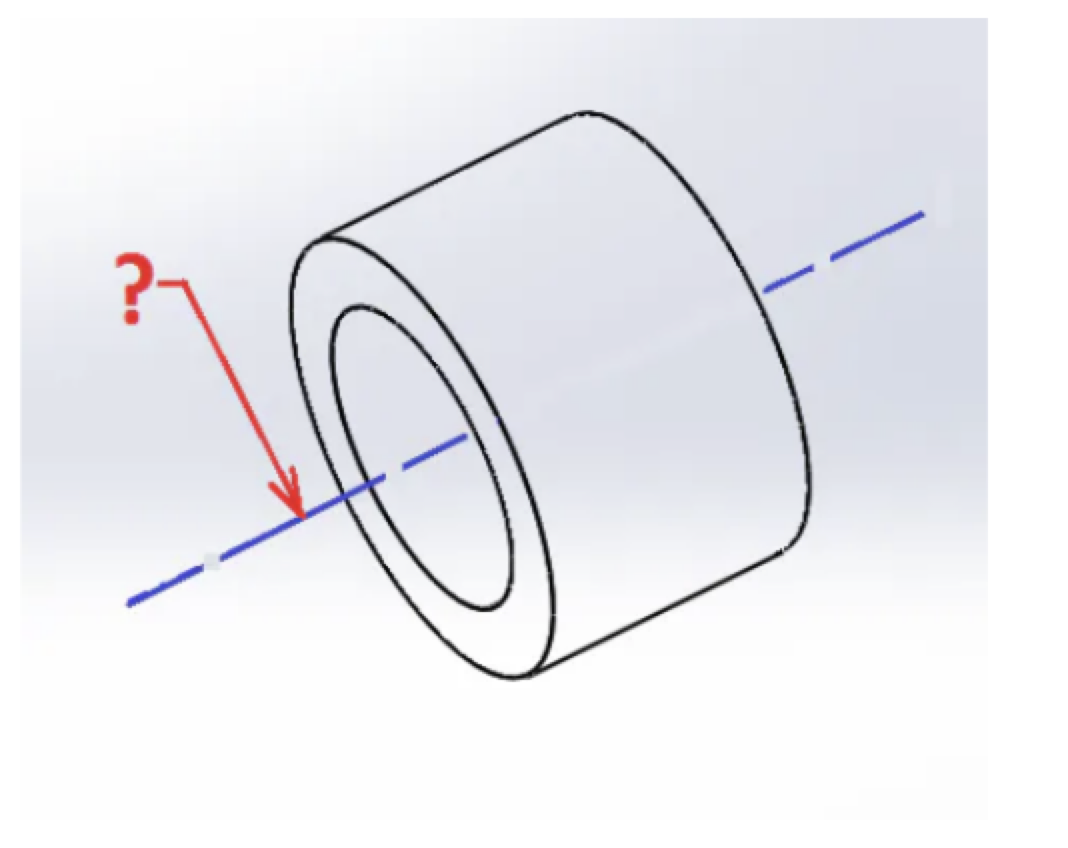
what is this?
axis
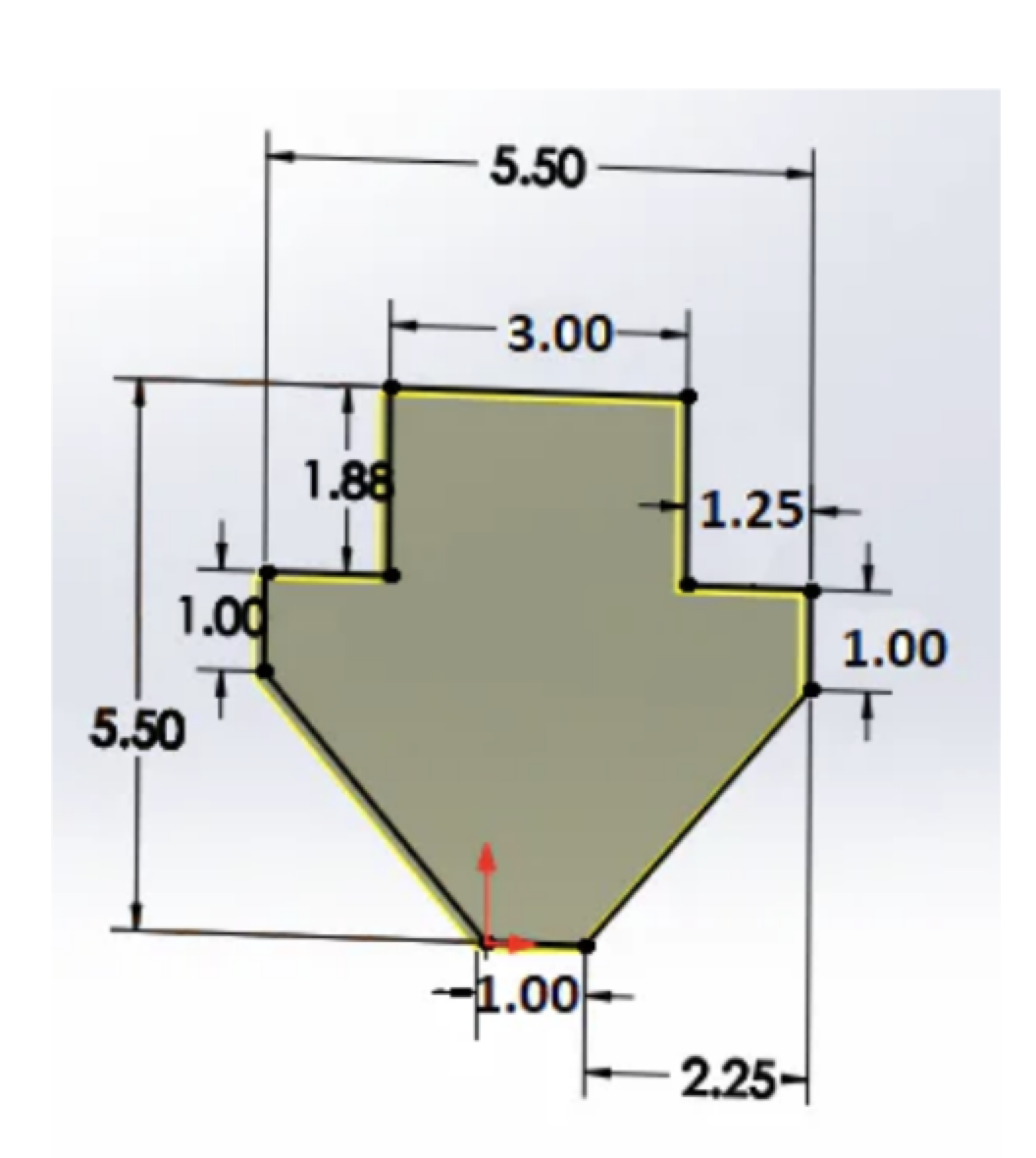
what are these?
dimensional constraints
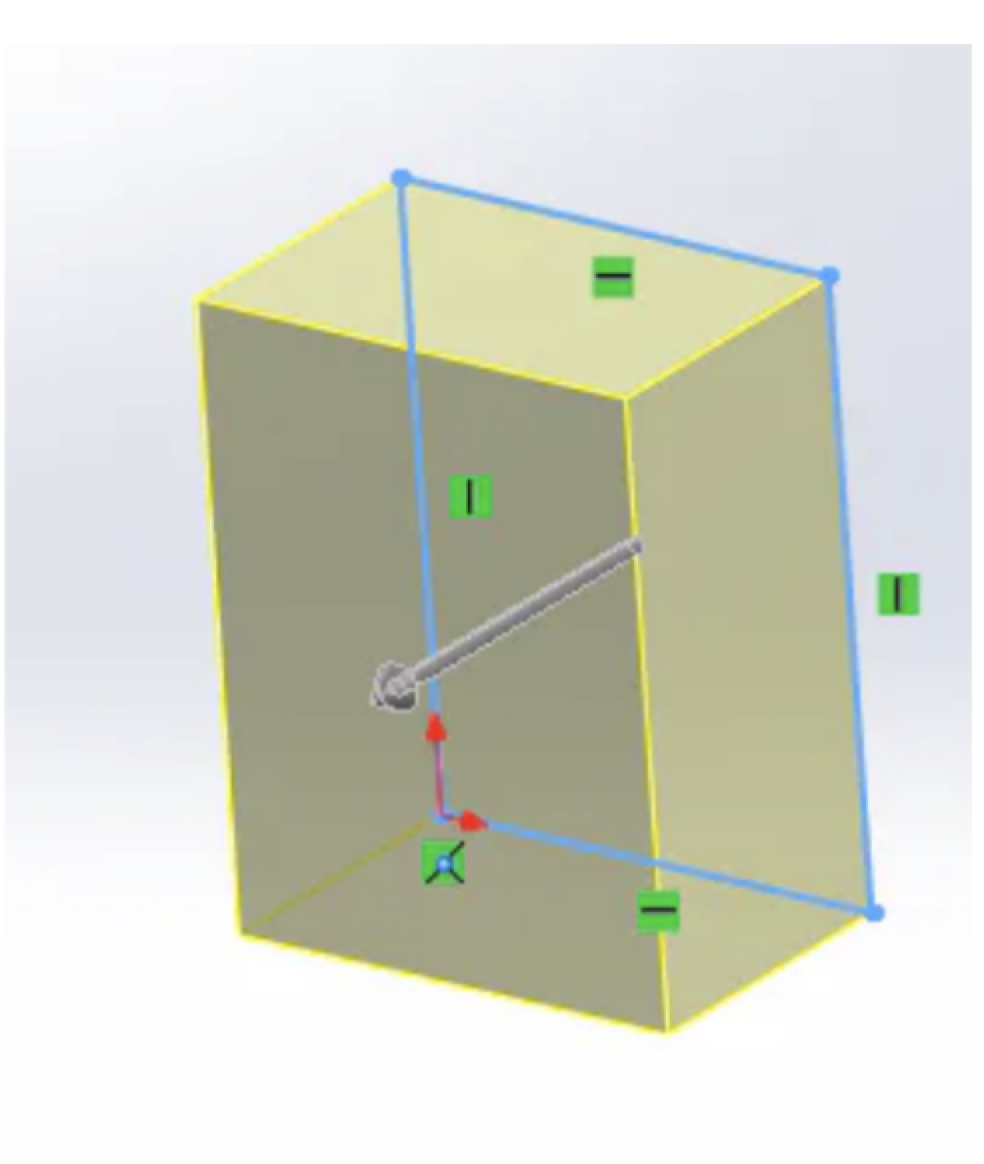
What is happening here?
extrusion
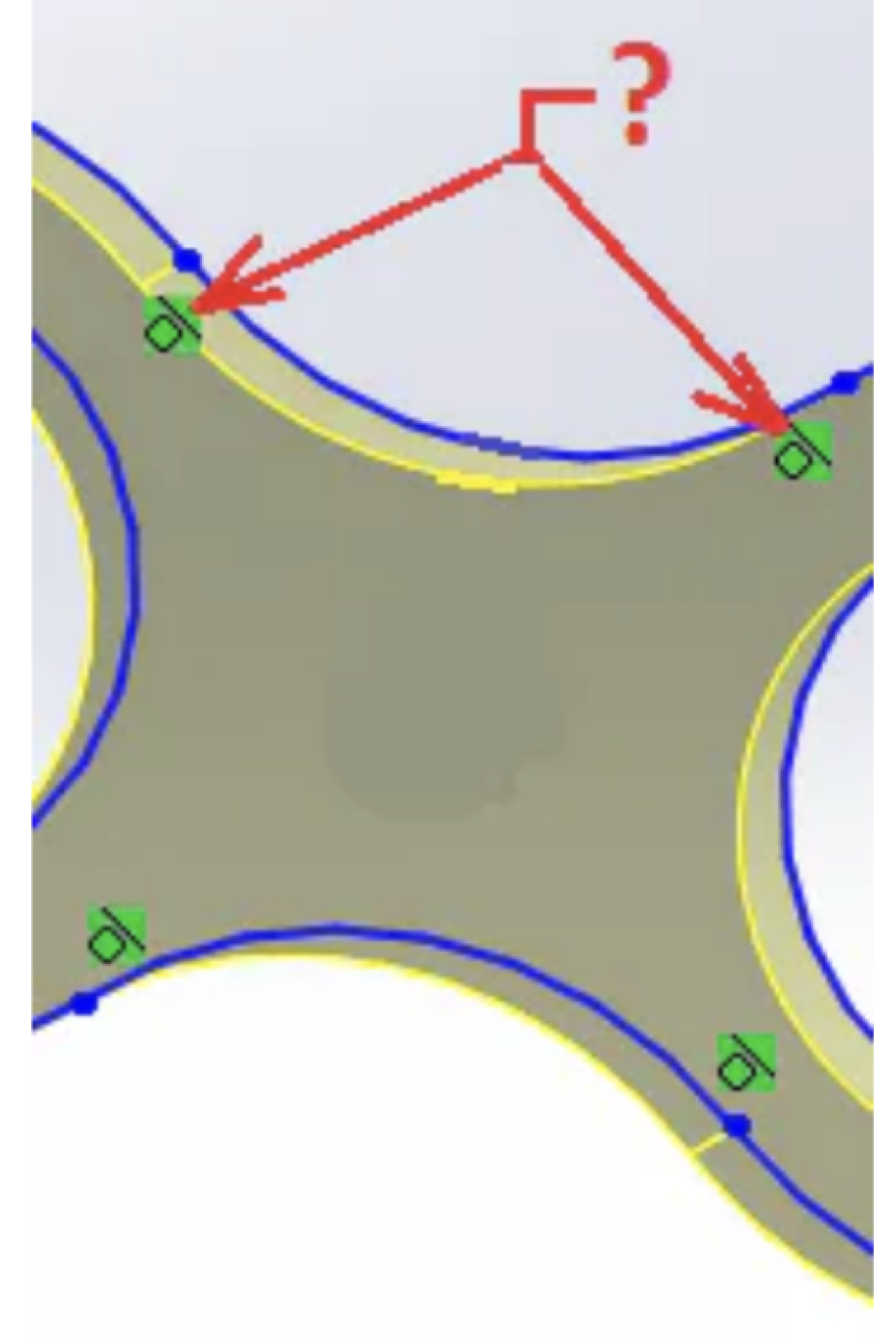
What's the name for these symbols?
Tangent
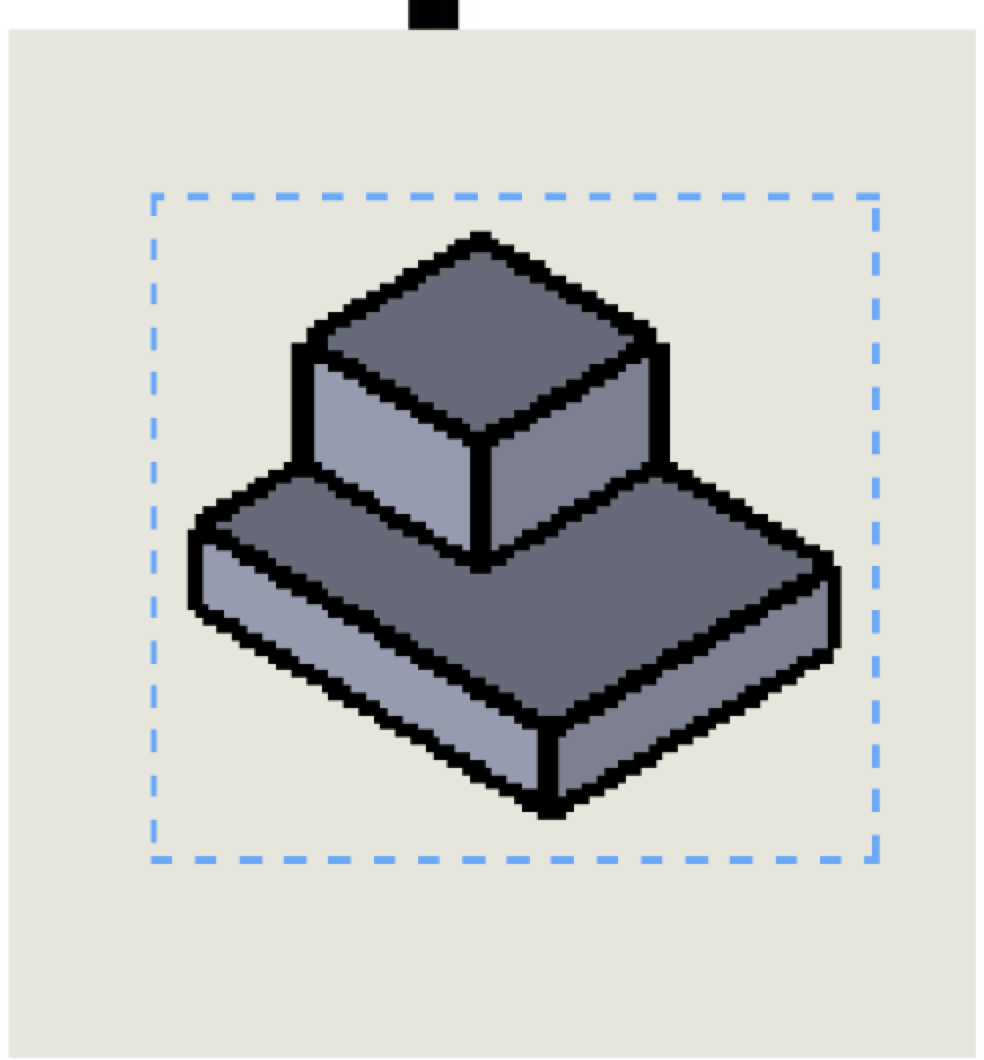
This view is:
isometric
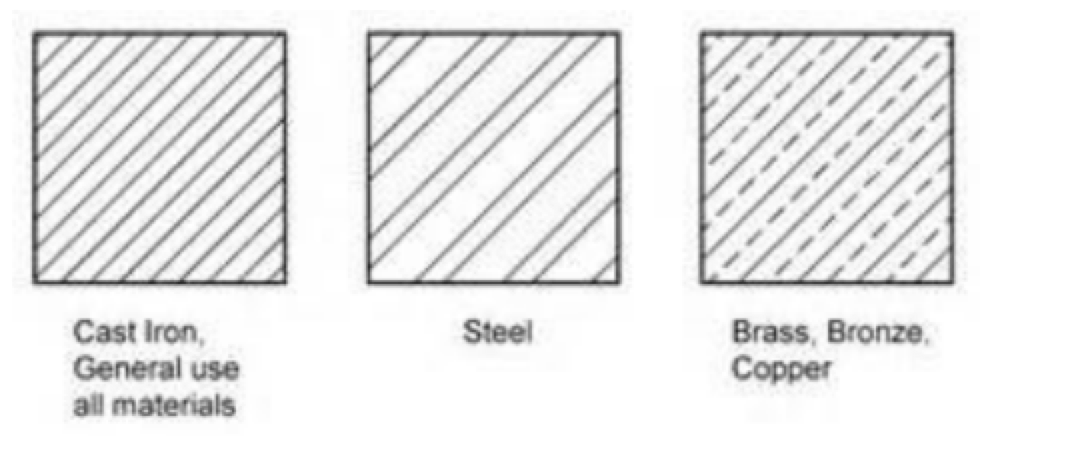
Identify the linetype.
Section Lines
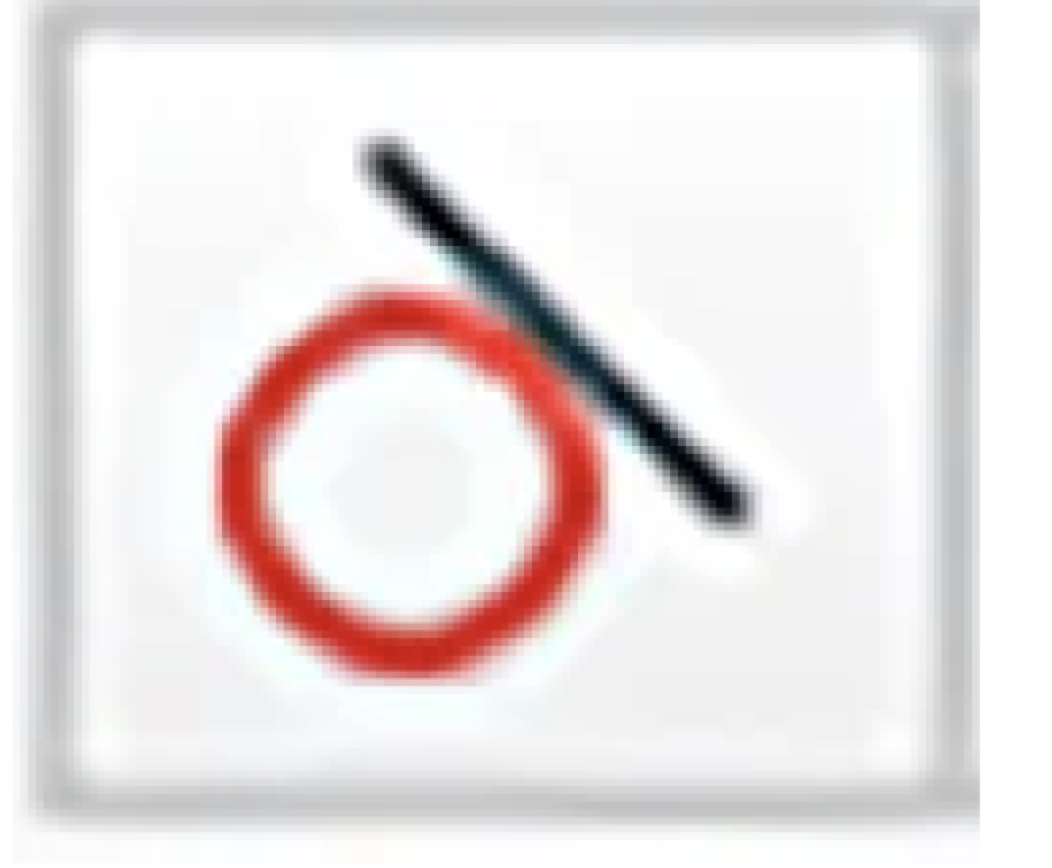
Tangent
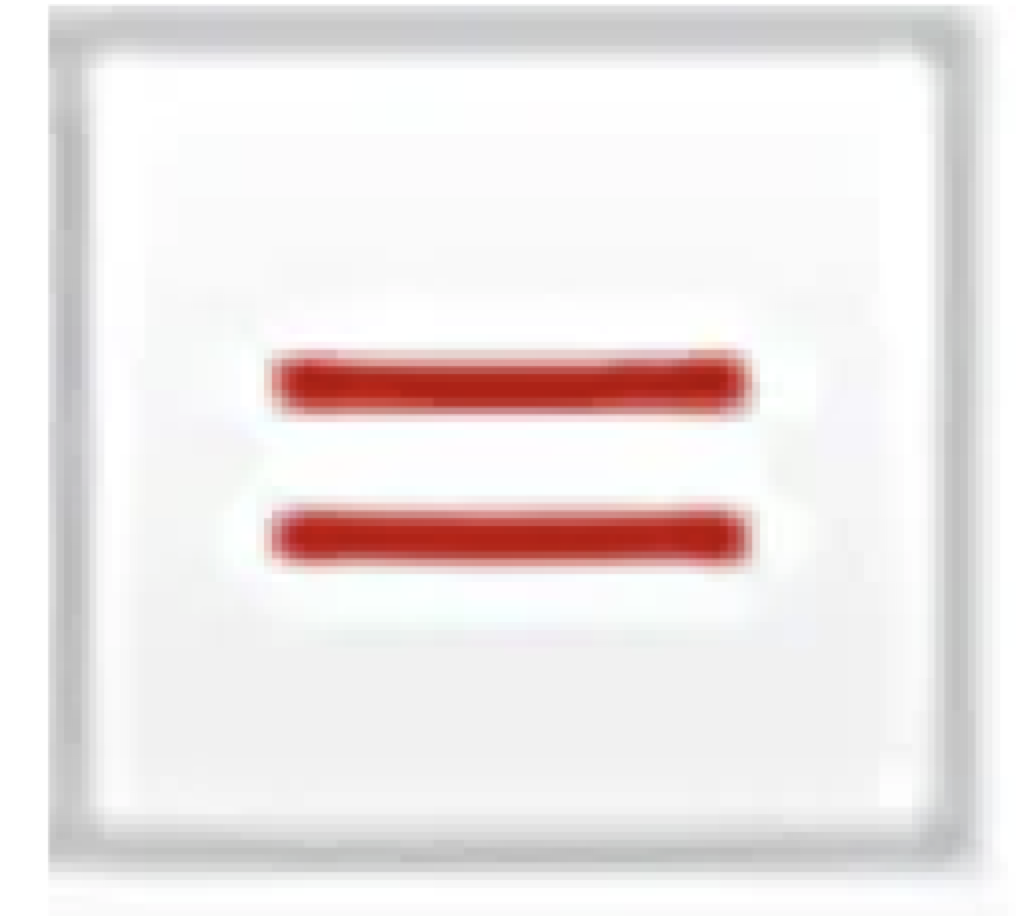
Equal
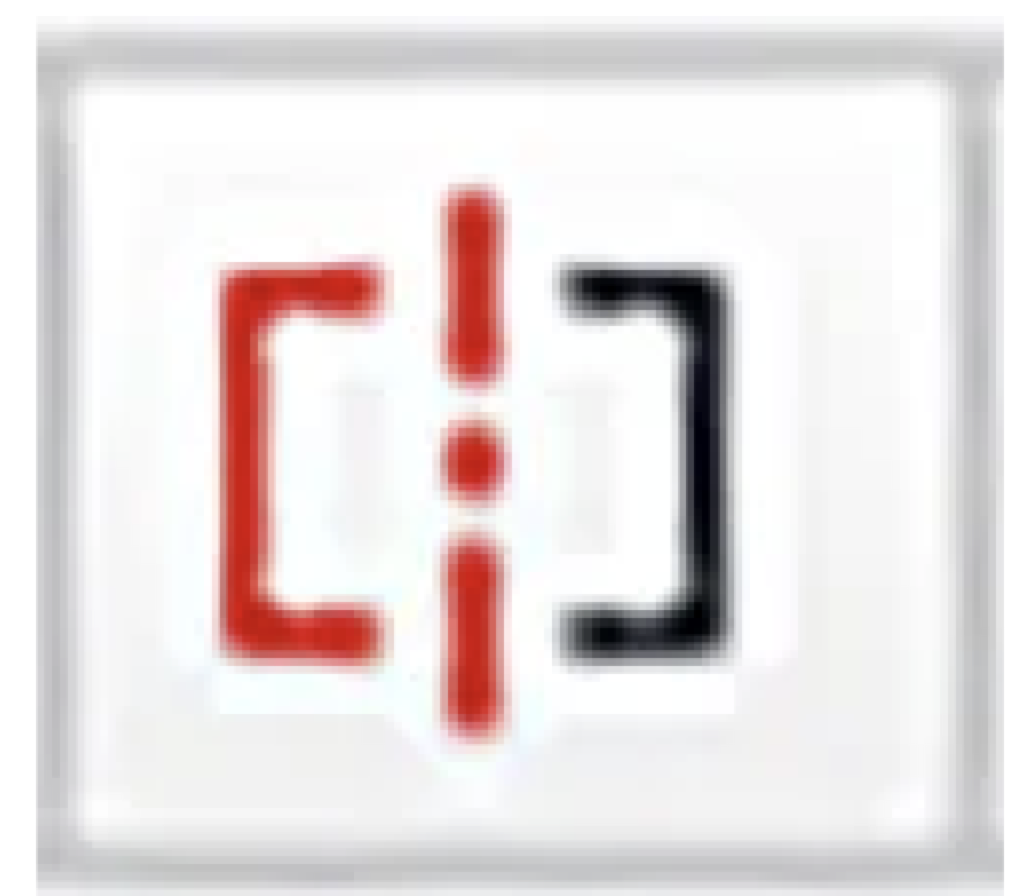
symmetry
Concentric
Collinear

Fix
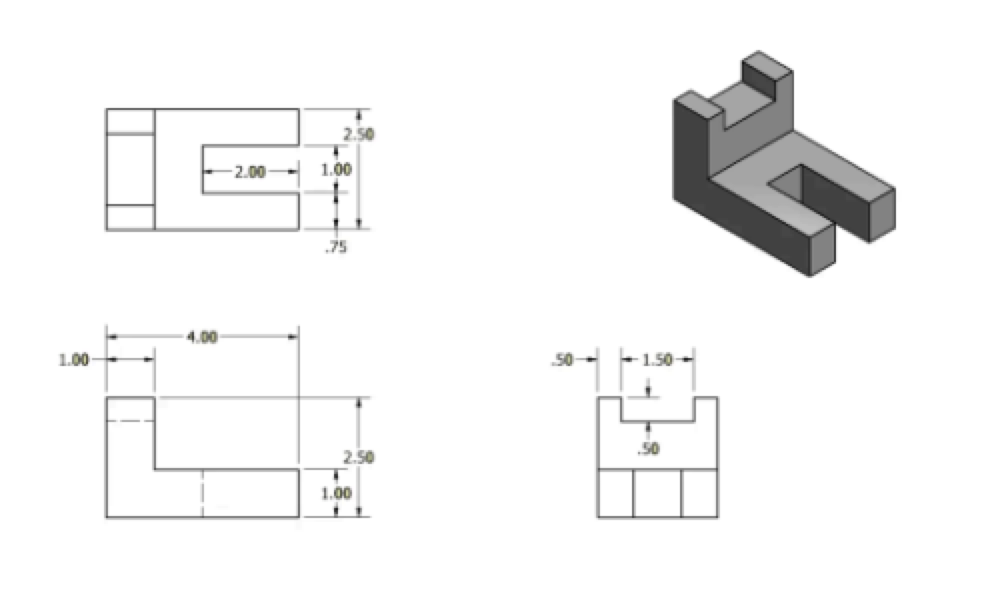
Type of view
Multi-View

What is the name of the item pictured that is commonly found on a drawing sheet?
Title Block
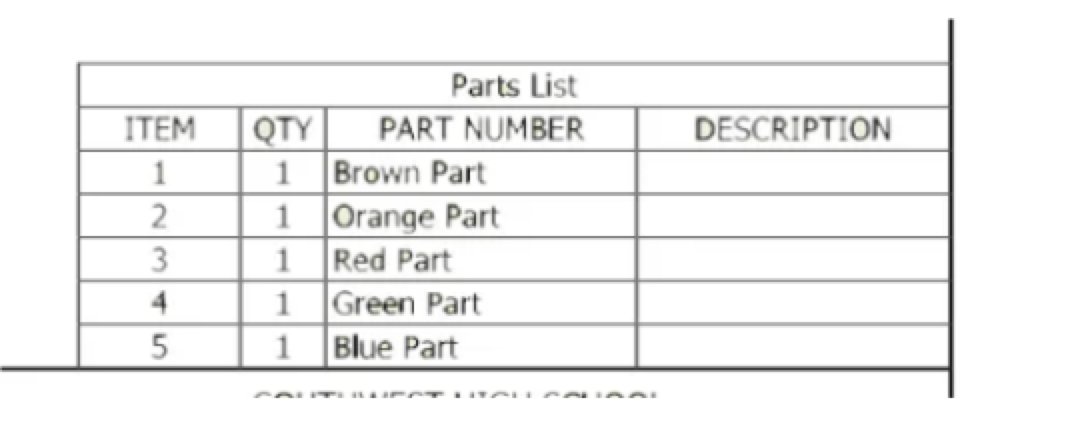
What is the name of the item pictured to the right that is commonly found on a drawing sheet?
Parts List
During this step of the Design Process, team members take time to document whether they think this
solution will work?
Step 5: Evaluate Solution
During this step of the Design Process, each team member creates several different options of how
this problem can be solved.
Step 2: Generate Concepts
During this step of the Design Process, engineers draw a detailed and labeled sketch of an idea for
what might be created to solve the problem.
Step 3: Develop/Design a Solution
A full-scale working model used to test a design concept by making actual observations and necessary
adjustments.
Prototype
A systematic problem-solving strategy, with criteria and constraints, used to develop many possible
solutions to a problem or to satisfy human needs and wants and winnow (narrow) down the possible
solutions to one final choice.
Design Process
During this step of the Design Process, engineers build a working prototype and test how it works.
Step 4: Build and Test Solution
During this step of the Design Process, engineers gather all project documentation and share it with
the customer.
Step 6: Present Solution
A tool for systematically ranking alternatives according to a set of criteria.
Decision Matrix
A method of shared problem solving in which all members of a group spontaneously, and in an
unrestrained discussion, generate ideas.
Brainstorming
Desired specifications (elements or features) of a product or system.
Criteria
During this step of the Design Process, engineers identify what is the question or problem that you and
your classmates are trying to solve?
Step 1: Define a Problem
The front view consists of:
height and width
The name of a line lightly drawn to guide drawing other lines and shapes is _______
Construction

concentric
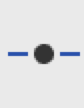
midpoint
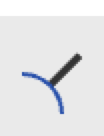
normal
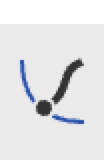
pierce

symmetric