A+ Core 2
 Call Kai
 Learn
Learn Practice Test
 Spaced Repetition
 Match
Match Flashcards
 Knowt Play
1/120

There's no tags or description
Looks like no tags are added yet.
Name | Mastery | Learn | Test | Matching | Spaced | Call with Kai |
|---|
No analytics yet
Send a link to your students to track their progress
121 Terms
NTFS
New technology file system
Modern Windows standard; includes compression, encryption, quotas.
FAT32
High compatibility, limited to 4gb file size max ; across Windows, Mac, and Linux
Older
exFAT
for flash drives, high compatibility with large file support ; across Windows, Mac, and Linux
APFS
Apple file system, optimized for SSDs
ext4 and XFS
found in Linux environments
Clean install
Wipes. Everything starts. Fresh back up is mandatory.
In place upgrade
Keeps all user files, apps, and settings
Repair installation
Refreshes OS files to fix corruption. Keeps user data
Image deployment
Uses a standardized blueprint to install on many PCs
Partitioning
Dividing a driving to logical sections
MBR Master boot record
Legacy, 2 TB size limit, max 4 primary partitions
GPT, GUID, partition table
Modern standard for UEFI, 128 partitions, massive size support
BitLocker
only in Pro and Enterprise editions
Windows 11
only 64 but and requires TPM and UEFI ; TPM 2.0 (Trusted Platform Module version 2.0) is a hardware-based security chip on a computer's motherboard or CPU that secures cryptographic keys, user credentials, and data
EFS
Encrypting file system
file level encryption
all windows have this encryption
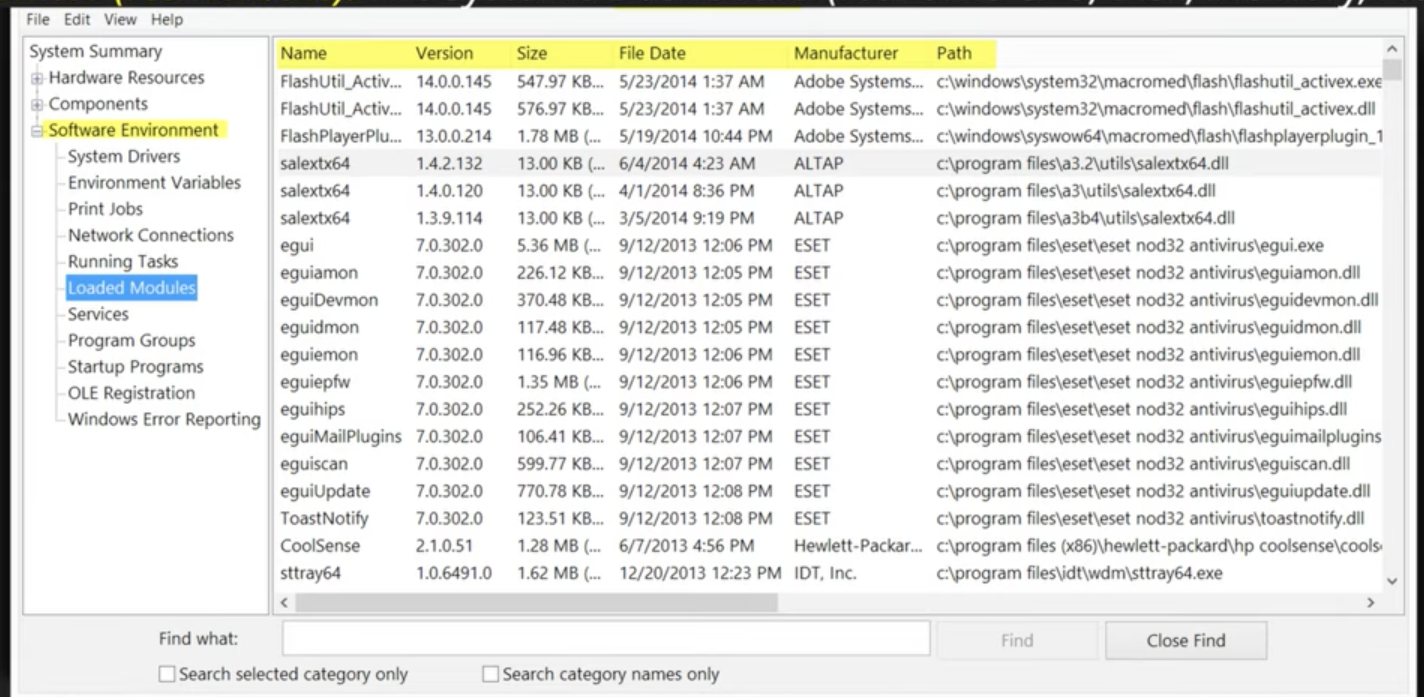
System information (msinfo32.exe)
Overview of hardware, system components, and software environments
The systems resume (read only system overview) QUICK OVERVIEW
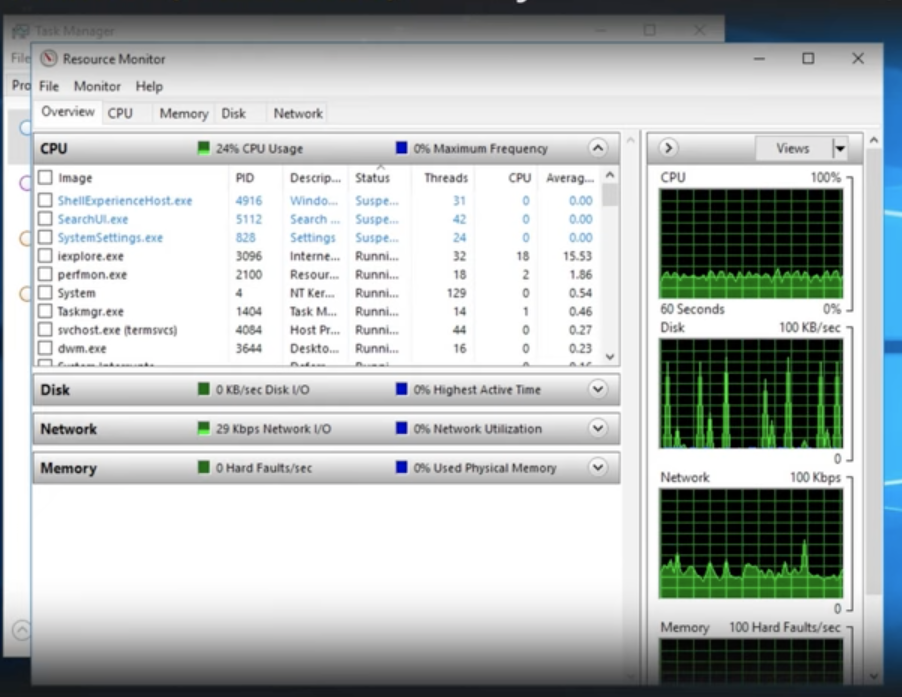
Resource Monitor (resmon.exe)
real time system diagnostic tool with CPU, memory, disk, and network usage
More detailed than task manager
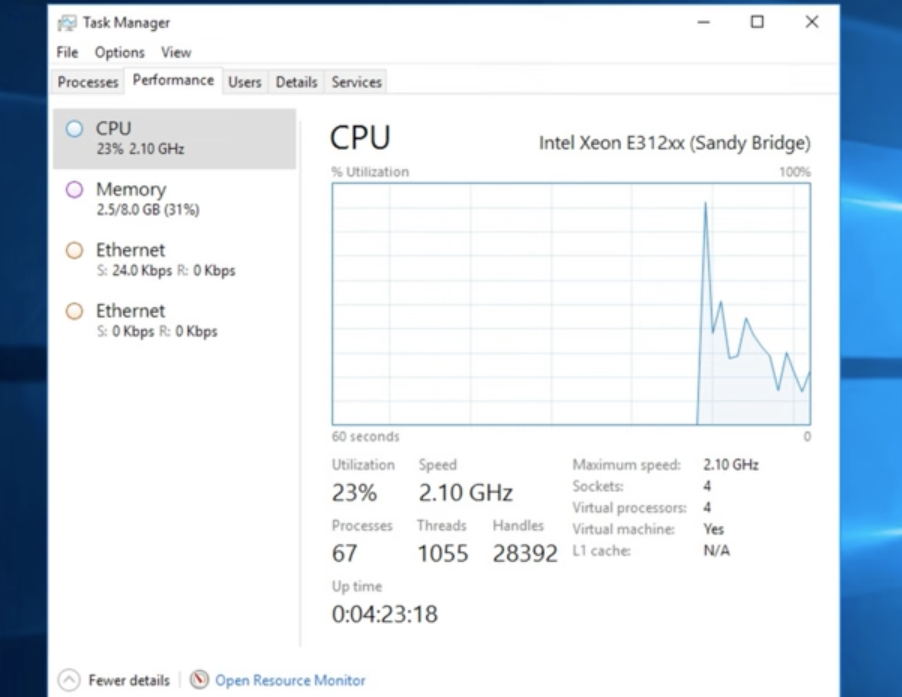
Task Manager
(CTRL+Shift+Escape)
System configuration (msconfig.exe)
Windows tool used to troubleshoot startup issues by managing services, startup applications, and boot settings. It allows users to perform a "clean boot" (disabling non-essential services/apps) to identify software conflicts.
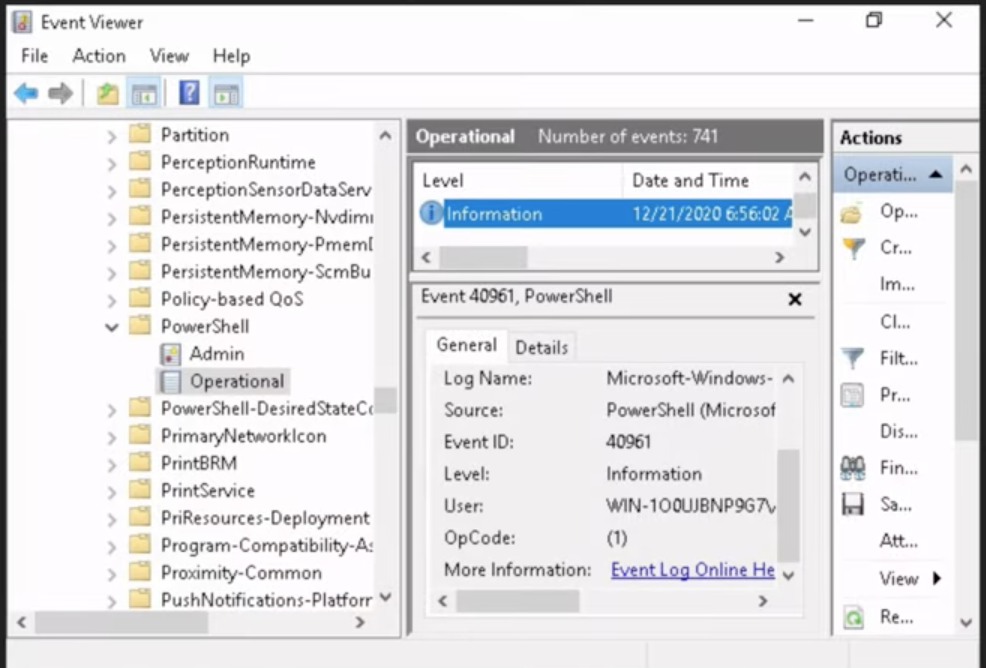
Event Viewer (eventvwr.msc)
The systems flight recorder (logs errors, warnings)
Records system, application, and security events including errors, warnings, and informational messages.
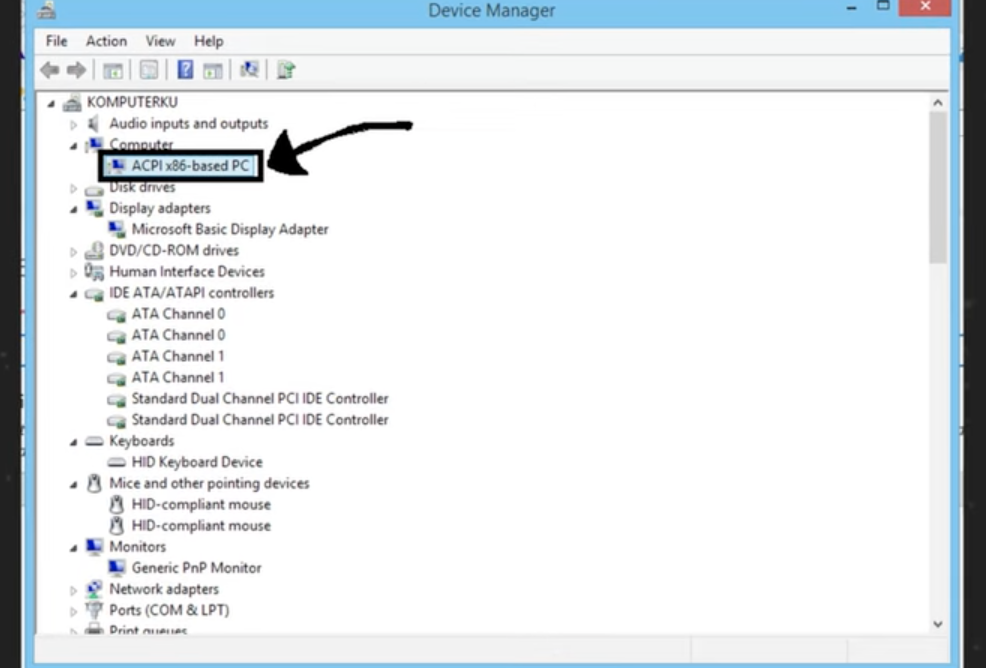
Device manager (devmgmt.msc)
The hardware roster (manages drivers)
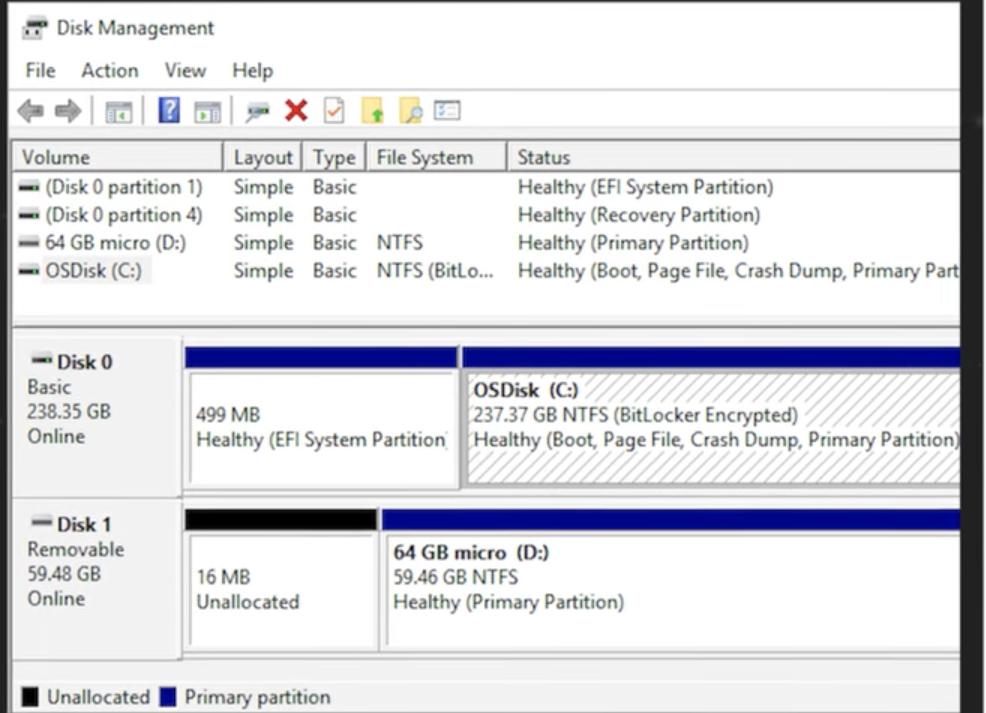
Disk management (diskmgmt.msc)
a built-in Windows utility for advanced storage tasks, such as creating, formatting, resizing, and deleting partitions, as well as changing drive letters or initializing new disks
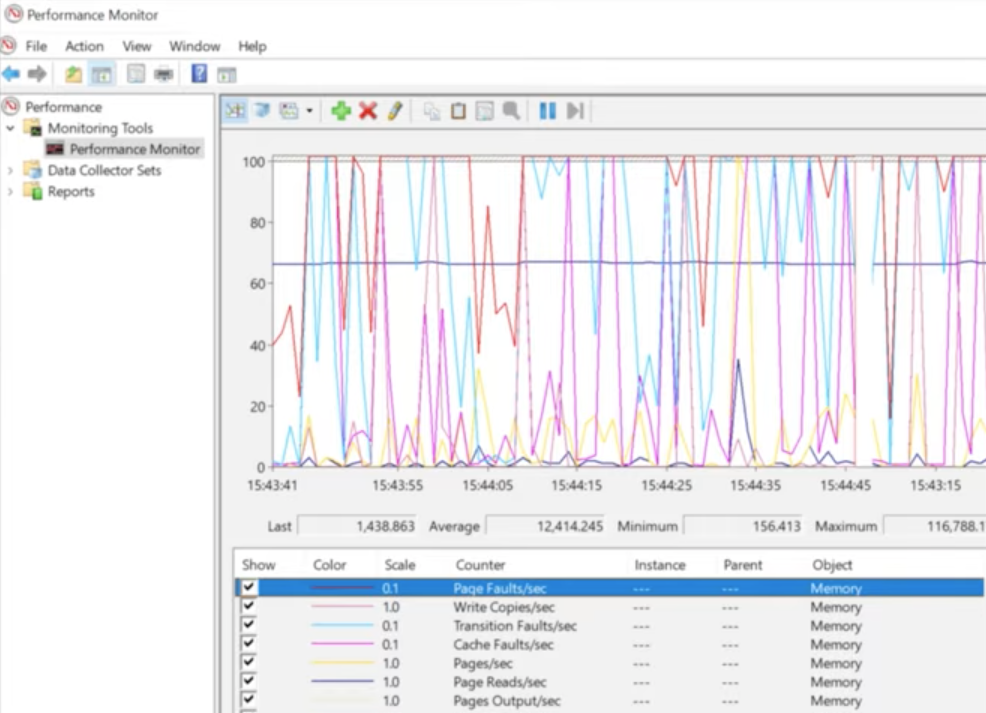
Performance monitor (perfmon.msc)
The long-term data logger (historical analysis)
Local users and groups (lusrmgr.msc)
The security group for permissions
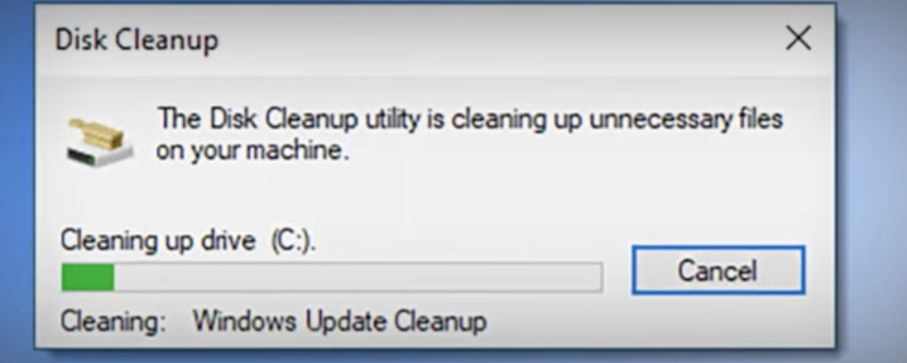
Disk Cleanup (cleanmgr.exe)
The systems junk remover
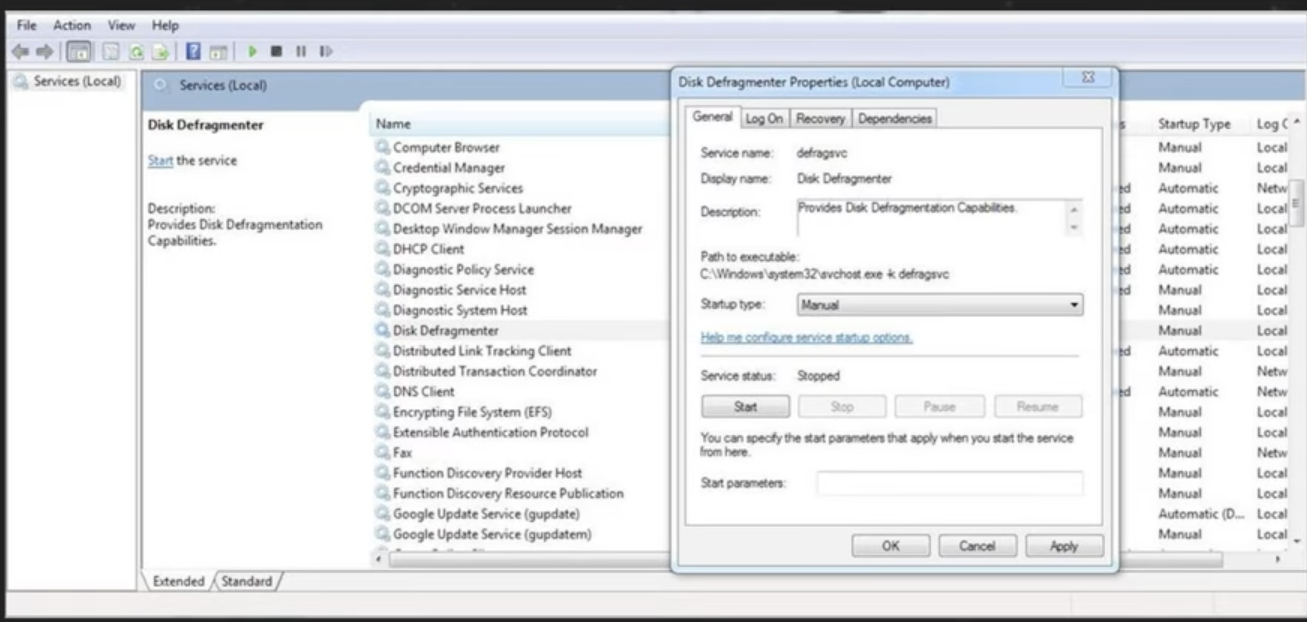
Disk defragmenter (dfrgui.exe)
For HDDs only, CRITICAL: DO NOT defrag an SSD
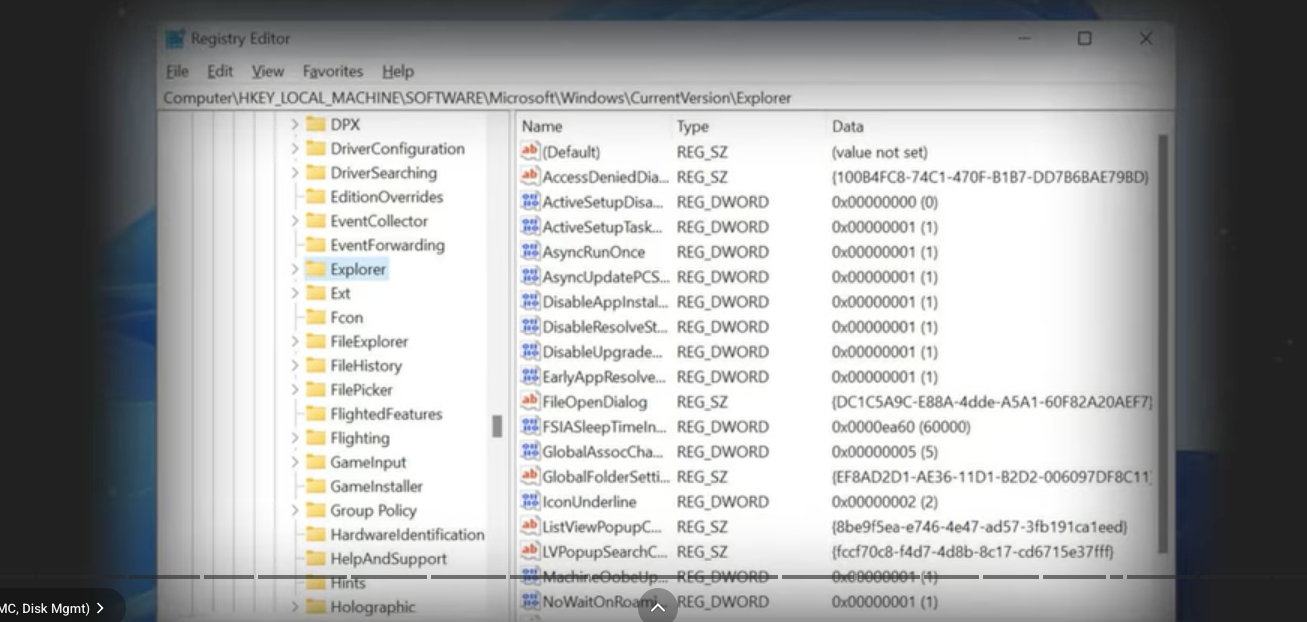
Registry editor (regedit.exe)
The Registry Editor is a powerful tool used to view and modify the system registry. The registry is a database that stores low-level settings for Windows and for applications that opt to use it.
dir
List files and folders
cd
Change directories, folder
md
Make a new directory
rmdir
Remove a directory
robocopy
robust tool for copying files
chkdsk /f
Checks disks and fixes file system errors
chkdsk /r
Find bad sectors and recovers data (Slower)
format
prepares a partition for data (erases everything)
diskpart
advanced partition management tool
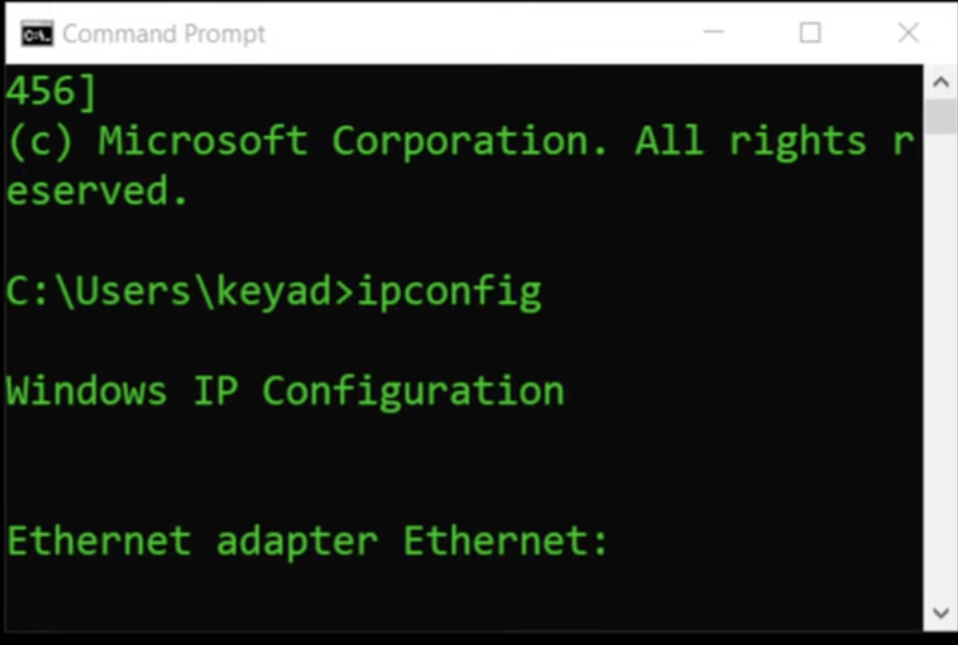
ipconfig
view your local IP config (/all for more detail)
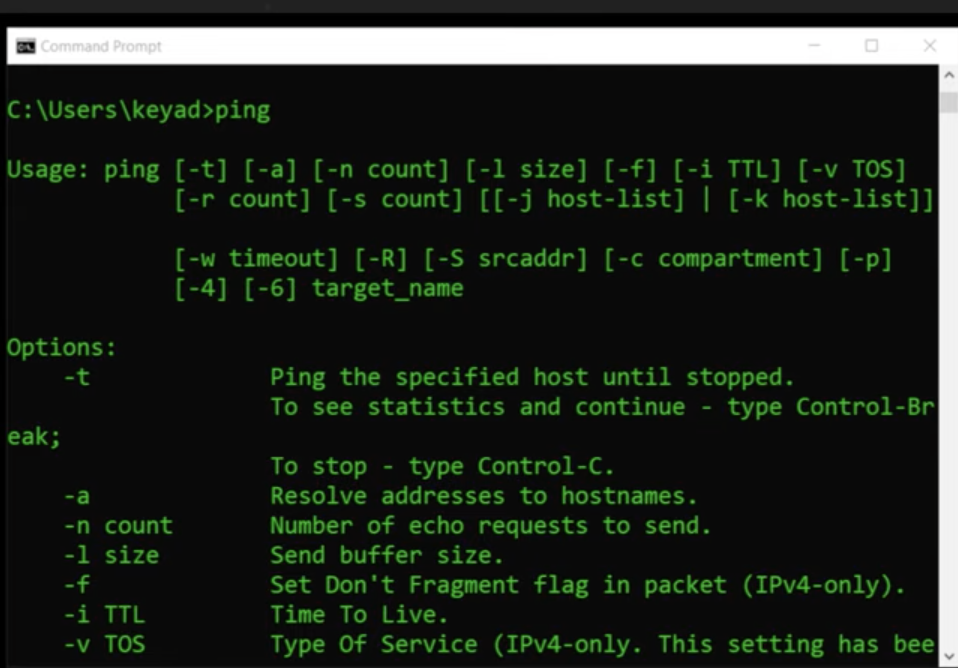
ping
tests basic connectivity to destination
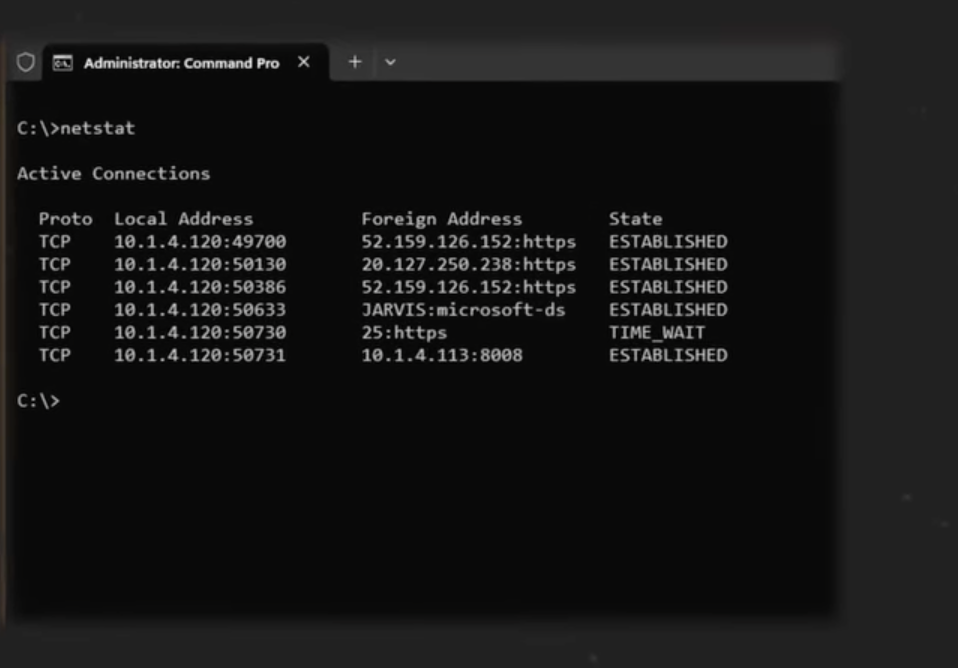
netstat -b
shows which programs (binaries) are making network connections
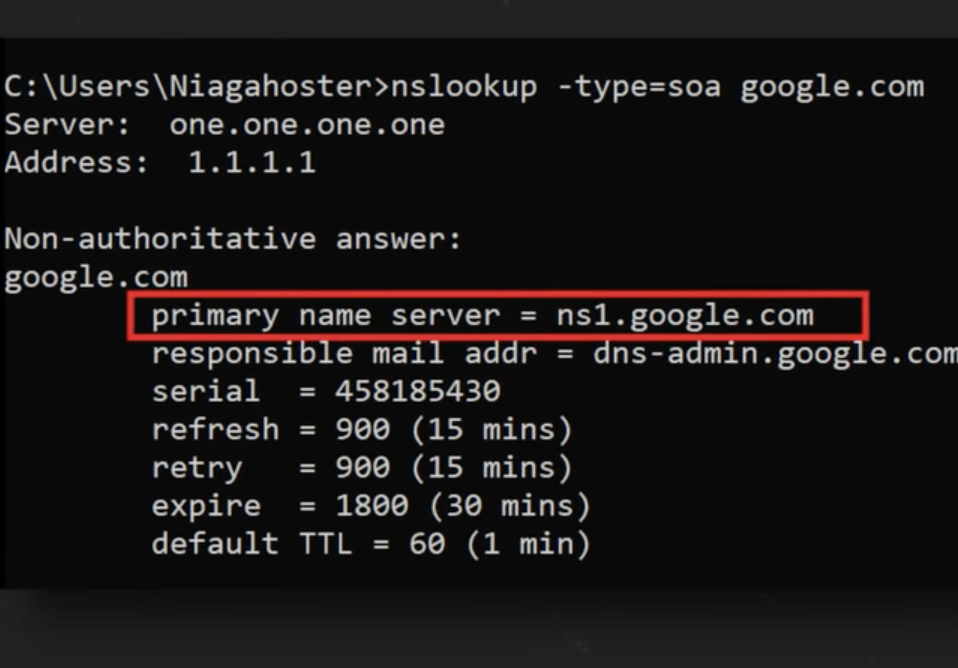
nslookup
queries DNS to find an IP for a name
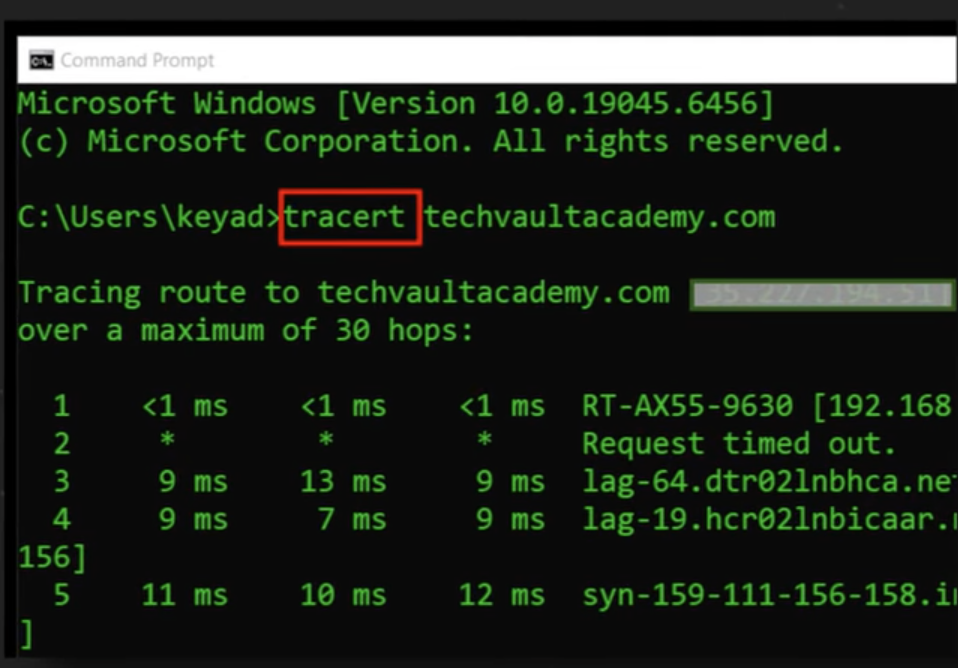
tracert
traces the step by step route (hops) to a destination
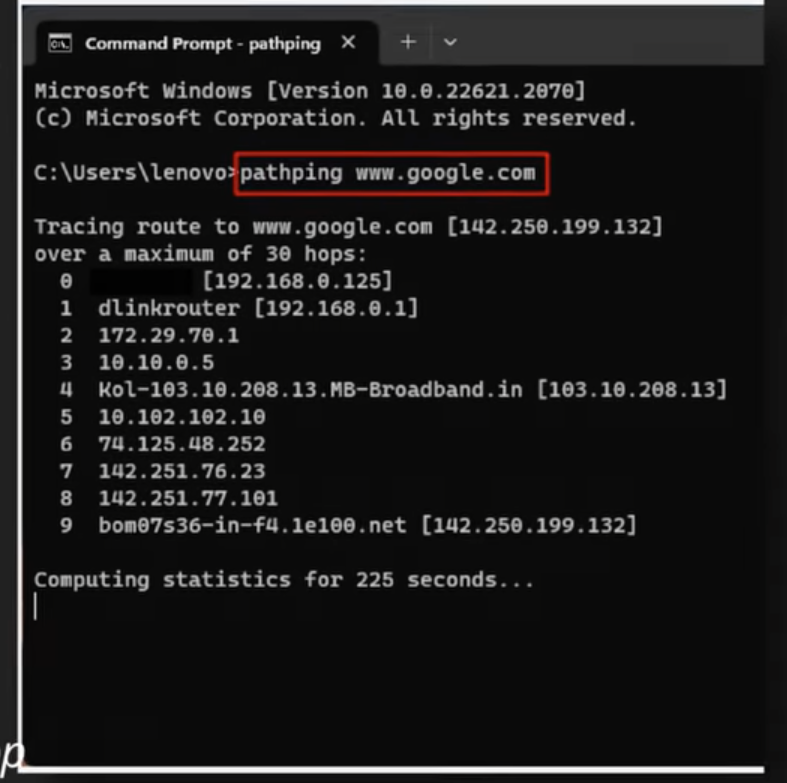
pathping
combines ping and tracert to test each hop
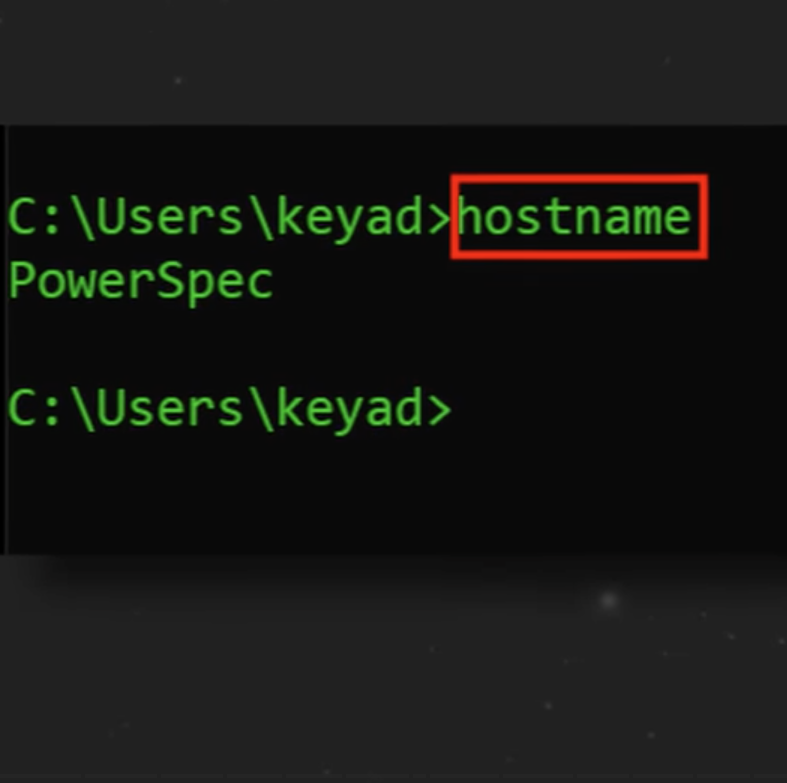
hostname
displays the computers name
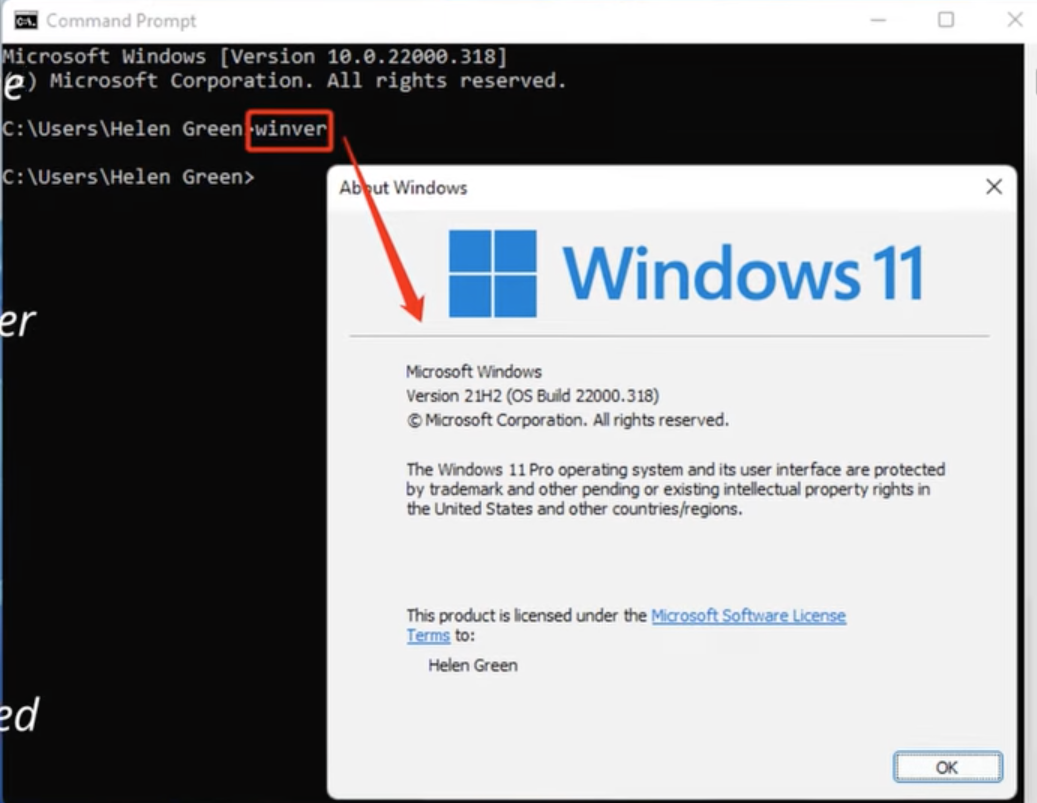
winver
Shows the current Windows version
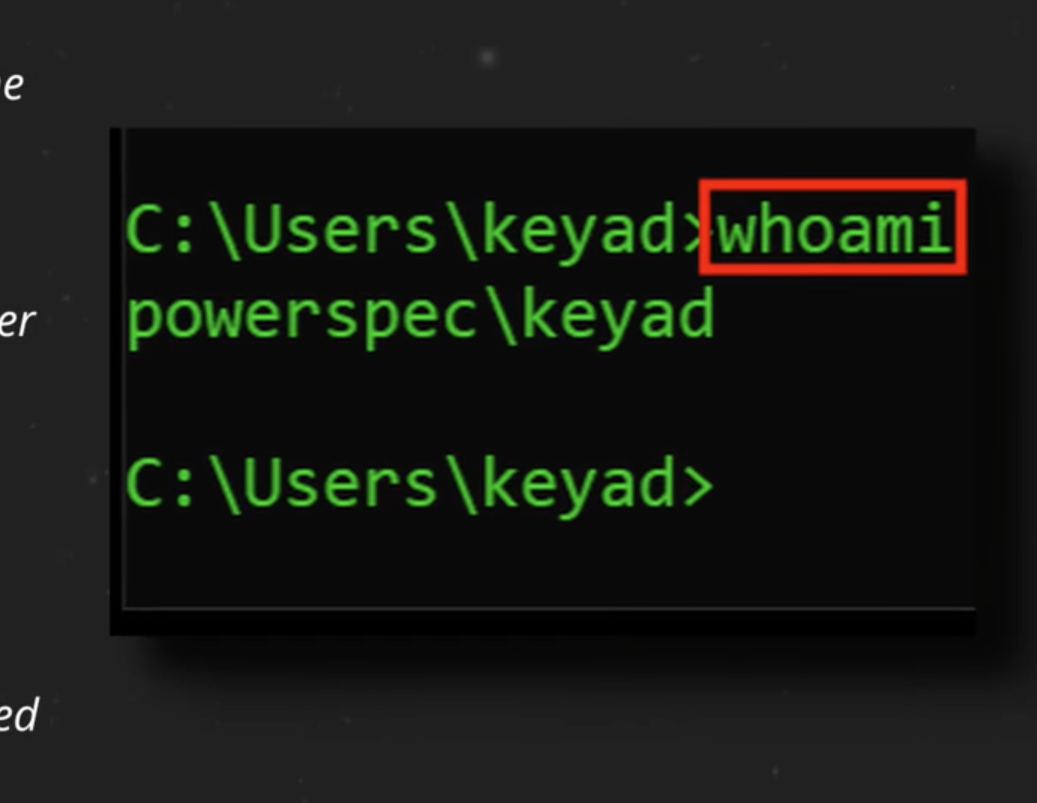
whoami
Shows the current logged in user
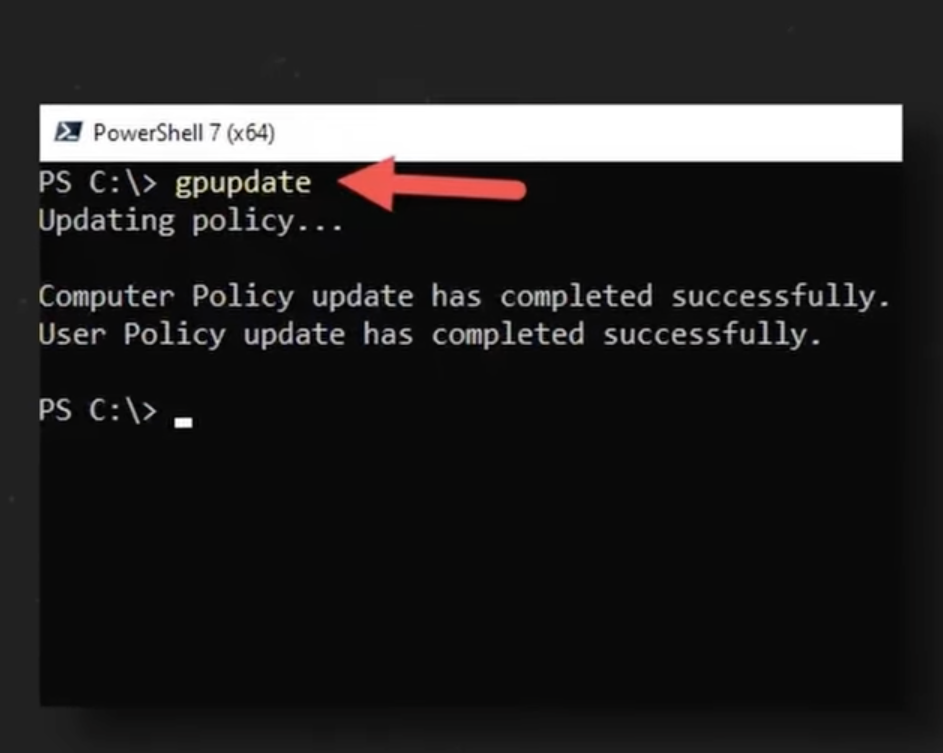
gpupdate
Forces an immediate policy update
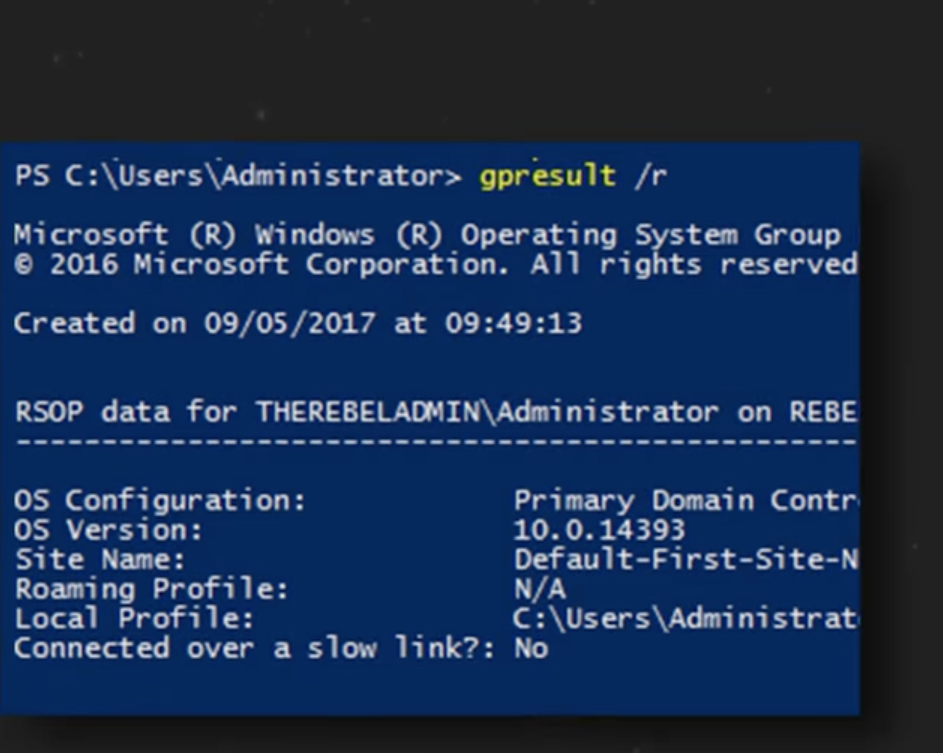
gpresult
Shows the resultant set of policies, RSOP
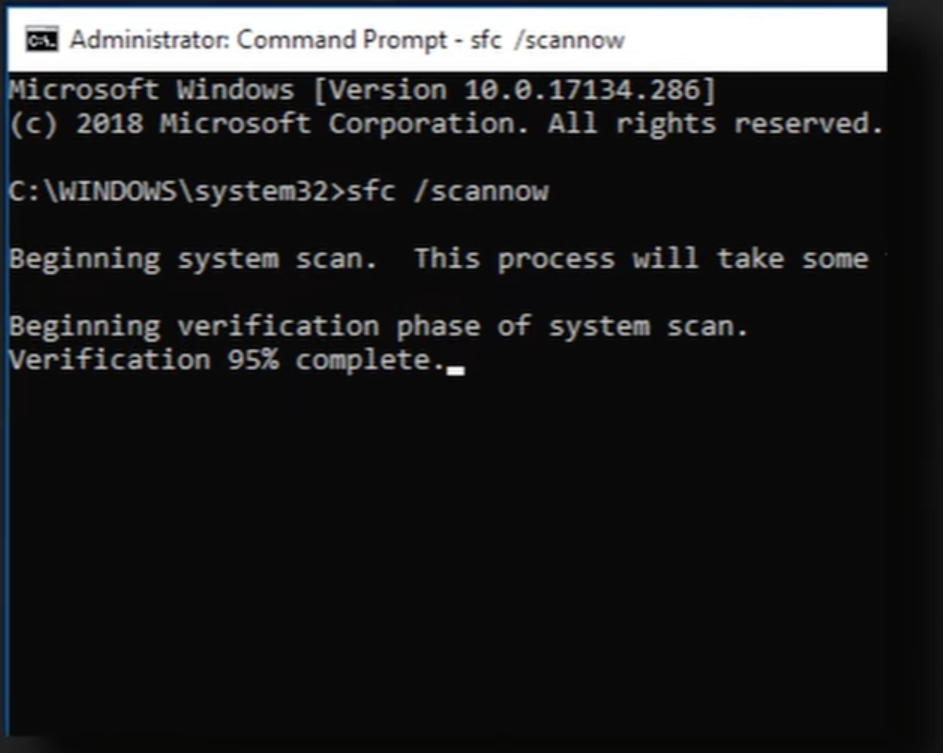
sfc /scannow
Scans and repairs protective system files
sleep
saves to RAM
hibernate
powers off completely and saves to Disk
APIPA
if DHCP fails, get a 169.254.x.x address (no internet)
Proxy Servers
An intermediary that vets web traffic for you
Workgroup
Decentralized, local management, each computer is it on Boss
Domain
Centralize management via active directories domain services, AD DS. Single Login for all resources
Metered Connection
Reduces data usage on pay per use networks
Mac OS File Types
.dmg disk image
.pkg installer
.app application bundle
Linux Boot Process
BIOS/UEFI → Bootloader →Kernel→systemd (manages daemons)
root account
The administrative user with full system control
/etc/passwd
user account info (passwords are NOT here)
/etc/shadow
Hashed user passwords (protected file)
/etc/hosts
overrides DNS for specific domains
/etc/resolv.conf
lists DNS servers the system uses
man command
get help, shows the manual for any command
ls -la
list files with the detailed permissions and hidden files
pwd
print the full path of the current directory
cp / mv / rm
copy
move (or rename)
remove
grep / find
search text within files (grep)
find files by name (find)
chown
change the owner and group of a file or directory
chmod
change permissions
Read=4 Write=2 Execute=1
Example: chmod 764 file ’ ‘ (User 7, Group 6, Others 4)
su
switches the entire session to the root user
apt / dnf
apt = package manager for Debian/Ubuntu
dnf = package manager for Red Hat/RPM based systems
linux
ip address
view network config (ip, subnet, etc)
linux
dig
performs DNS liikups to query domain name info
traceroute
Maps the network paths (hops) to a destination.
ps -e
view a snapshot of all running processes
top
real time system performance dashboard
(cpu, ram)
df -h
du -h
shows disk free
vs
disk usage (human readable)
cat / nano
view file contents (cat)
edit text files (nano)
RADIUS
most common AAA protocol for WIFI, VPN, and switches
TACACS+
AAA protocol used most commonly with Cisco devices
Kerberos
Core of windows domain authentication enables SSO with service ticket system
Virus
needs human interaction to run and spread
Rootkit
hides itself deep in core of the OS
Spyware/keylogger
steals infor by watching or recording key strokes
Fileless
Runs only in memory RAM avoiding disk scanners
Malware Containment Phase
Investigate
Quarantine
Disable System Restore
Remediate
Update AV
Scan Techniques
Reimage
Schedule Scans
Enable System Restore
Educate User
UPnP (Universal Plug and PLay)
Disable this
It allows apps to open inbound ports automatically
Hashing
Use SHA256 to verify integrity of the installer file before running
3-2-1 Rule
Keep 3 copies in total
2 media types
1 off site (cloud)
GFS Rotation
Grandfather (monthly)
Father (Weekly)
Son (Daily)
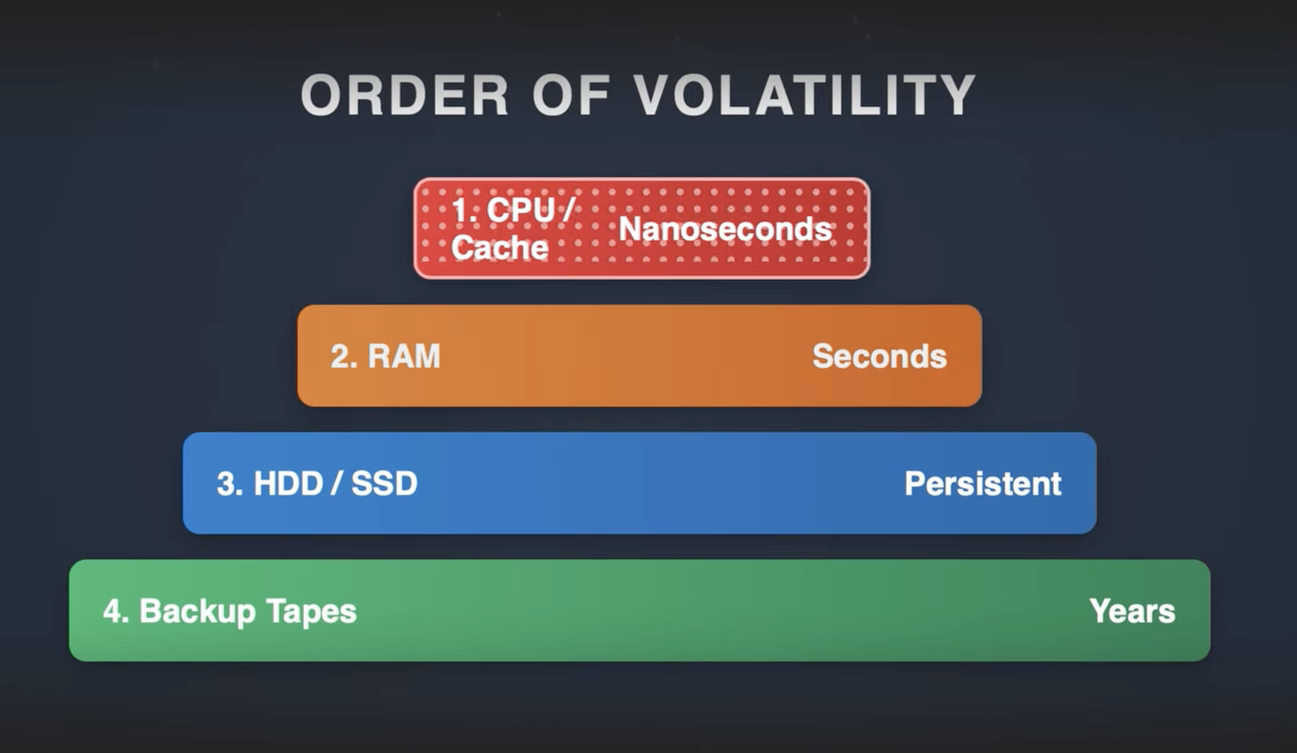
Order Of Volatility
Windows scripts
.bat .ps1 .vbs
Powershell is Windows Admin Command Lets
Linux Scripts
.sh Shell
start with #
Cloud - Cross Platform Script
.py Python
Web Browser Script
.js Javascript
RDP
TCP 3389
VNC
Open Source Cross Platform remote access
SPICE
Virtual Machines
Fast graphics
SSH Secure Shell
TCP Port 22
Encrypted Command Line
It is the industry standard for system administrators and developers to manage servers and network infrastructure remotely.
RMM / WINRM
Remote Monitoring and Management
Central Control to Many clients