Core1 Module1 - Laptops and Other Mobile Devices
 Call Kai
 Learn
Learn Practice Test
 Spaced Repetition
 Match
Match Flashcards
 Knowt Play
1/5

Earn XP
Description and Tags
This module introduces the foundations of troubleshooting laptops and mobile devices. You will learn how to identify, install, and configure laptop components, such as storage drives, displays, docking stations, shortcut keys, and wireless accessories. The module also covers mobile device security, battery management, and power optimization. You will apply structured troubleshooting techniques to resolve common issues such as battery failures, display problems, and wireless connectivity issues using simulated lab environments.
Name | Mastery | Learn | Test | Matching | Spaced | Call with Kai |
|---|
No analytics yet
Send a link to your students to track their progress
6 Terms
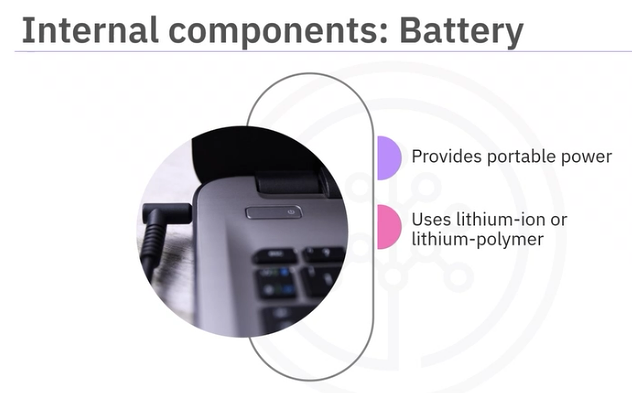
0000 Laptop Components: Battery
(1) Provides portable power (2) Uses lithium-ion or lithium-polymer (3) Can have a removable or built-in sealed design.
00002 Laptop Components: Replacing a Battery
Always check for signs such as swelling, overheating, or rapid power loss. Ensure the new battery matches the correct specifications.
00003 Internal Components: RAM (Random Access Memory)
Acts as a short-term memory to run multiple applications smoothly. RAM can either be soldered permanently or removable for upgrading the memory. When upgrading, check both the capacity such as 8GB or 16GB, memory type such as DDR4 or DDR5
00004 Internal Components: Storage
Holds your laptop’s files, applications, and operating system. Stores files and system data. Older laptop uses hard disk drives or HDDs, modern ones rely on Solid-State drives or SSDs for faster performance.
00005 Internal Components: Storage Formats
M.2 internal connector for compact SSDs, SATA, or Serial Advanced Technology Attachment, which connects drives through cables, and embedded chips such as eMMC or Embedded Multimedia Card, and UFS or Universal Flash Storage.
00006 Internal Components: Replacing Storage
Always check for the form factor and interface to ensure compatibility