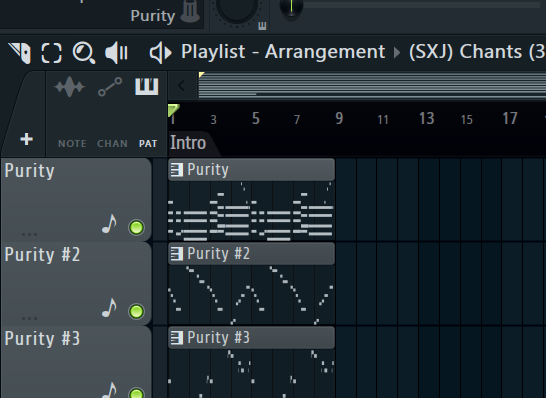
Automation,Sidechaining,EQ
 Call Kai
 Learn
Learn Practice Test
 Spaced Repetition
 Match
Match Flashcards
 Knowt Play
1/26

Earn XP
Description and Tags
Automation,Composition,Bus Routing,ect
Name | Mastery | Learn | Test | Matching | Spaced | Call with Kai | Chat |
|---|
No analytics yet
Send a link to your students to track their progress
27 Terms
? Is the process of automatically changing a control's value to create movement or transitions in a track.
Automation
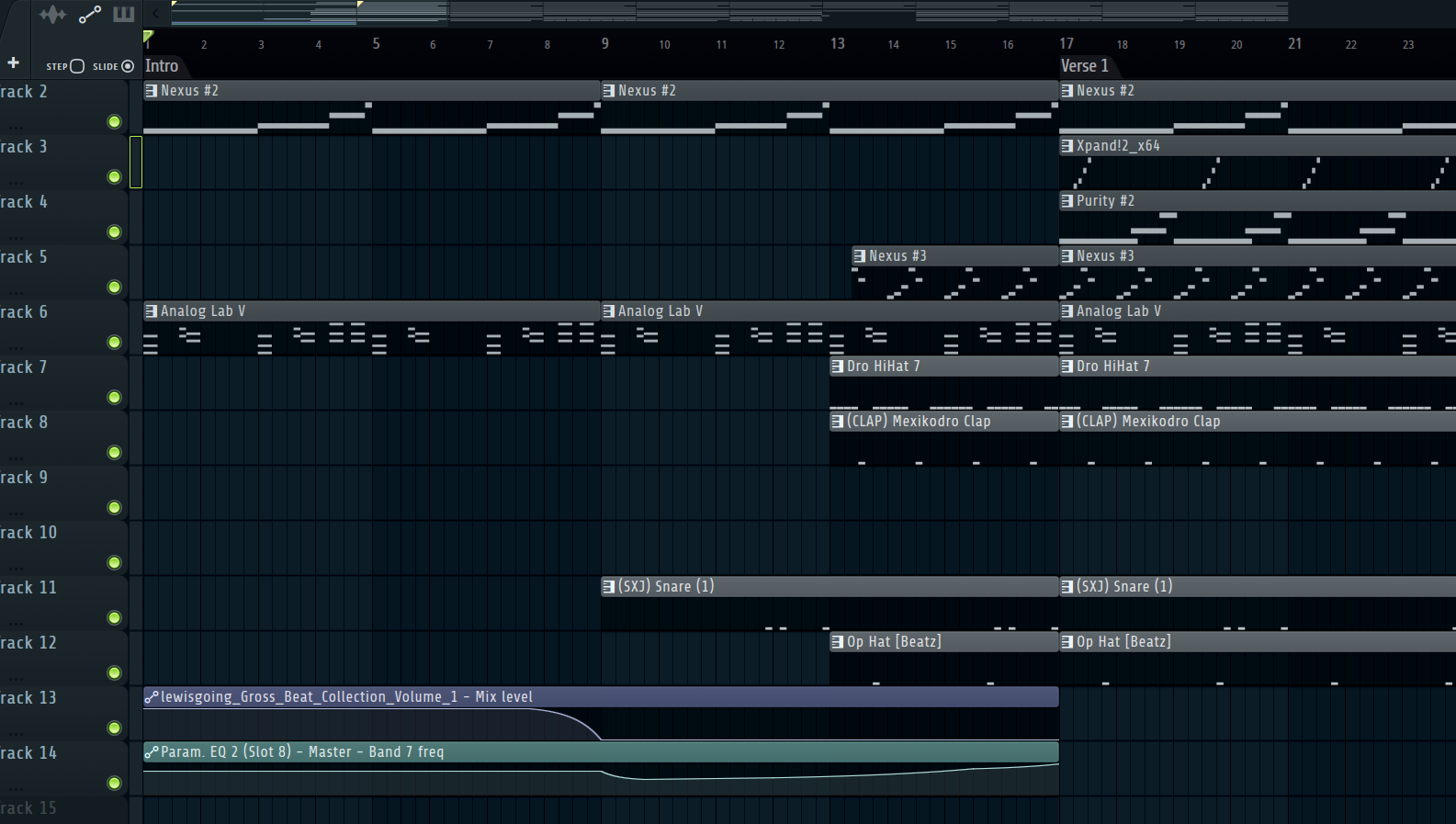
The Automations Seen here last for approximately ?
16 Bars
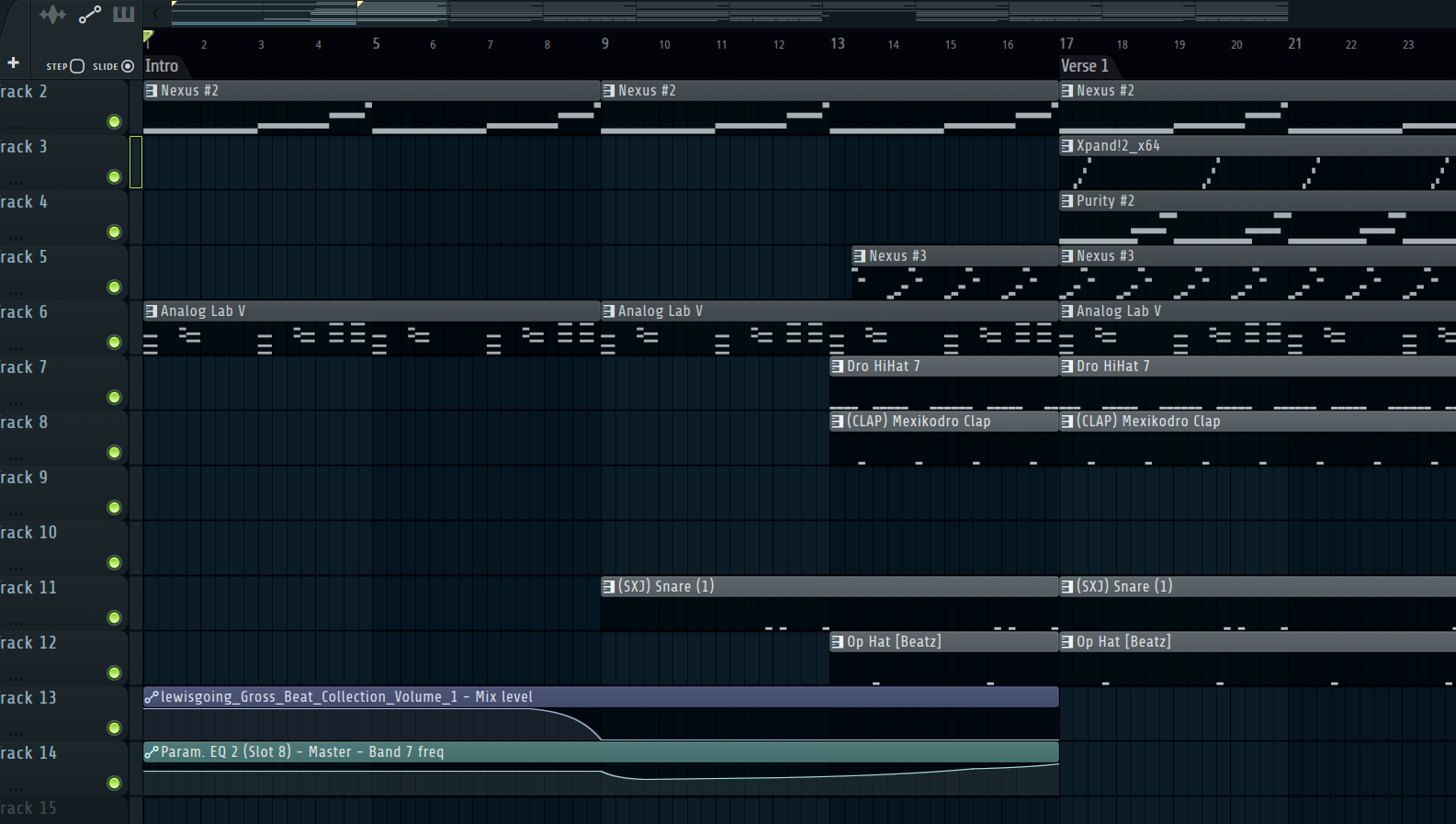
On which Bar number does the filter start to sweep?
Bar 9
If you move an automation clip to a different track in the playlist, does it change which knob it controls? Yes or No?
No (An automation clip is "hard-linked" to its specific parameter, regardless of where it sits in the playlist.)
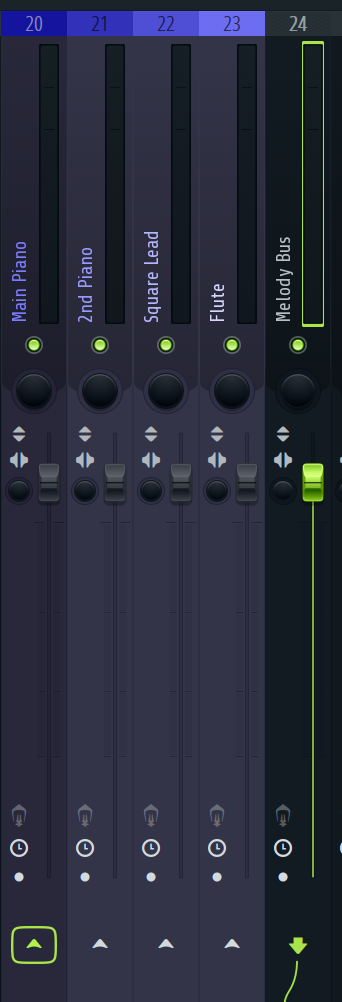
To route this melody group to the “Melody bus” you ? click the arrow
Right click
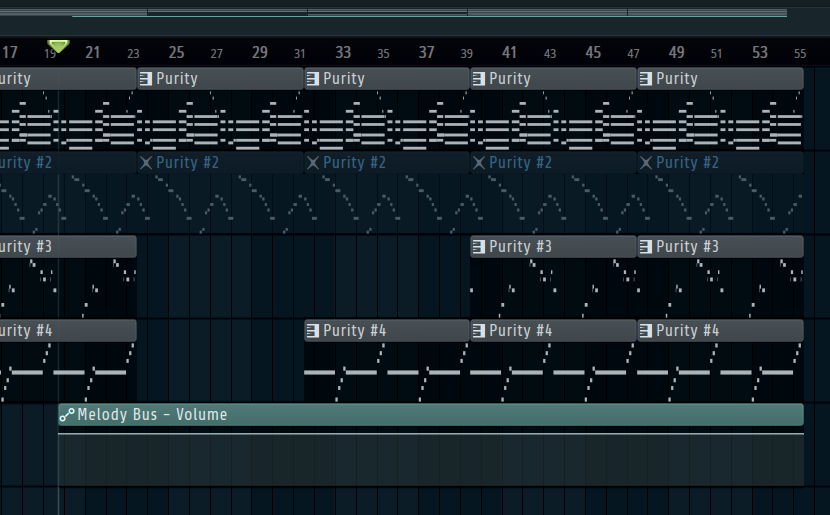
Does the playhead position determine the start of a newly created automation clip? Yes or No
No
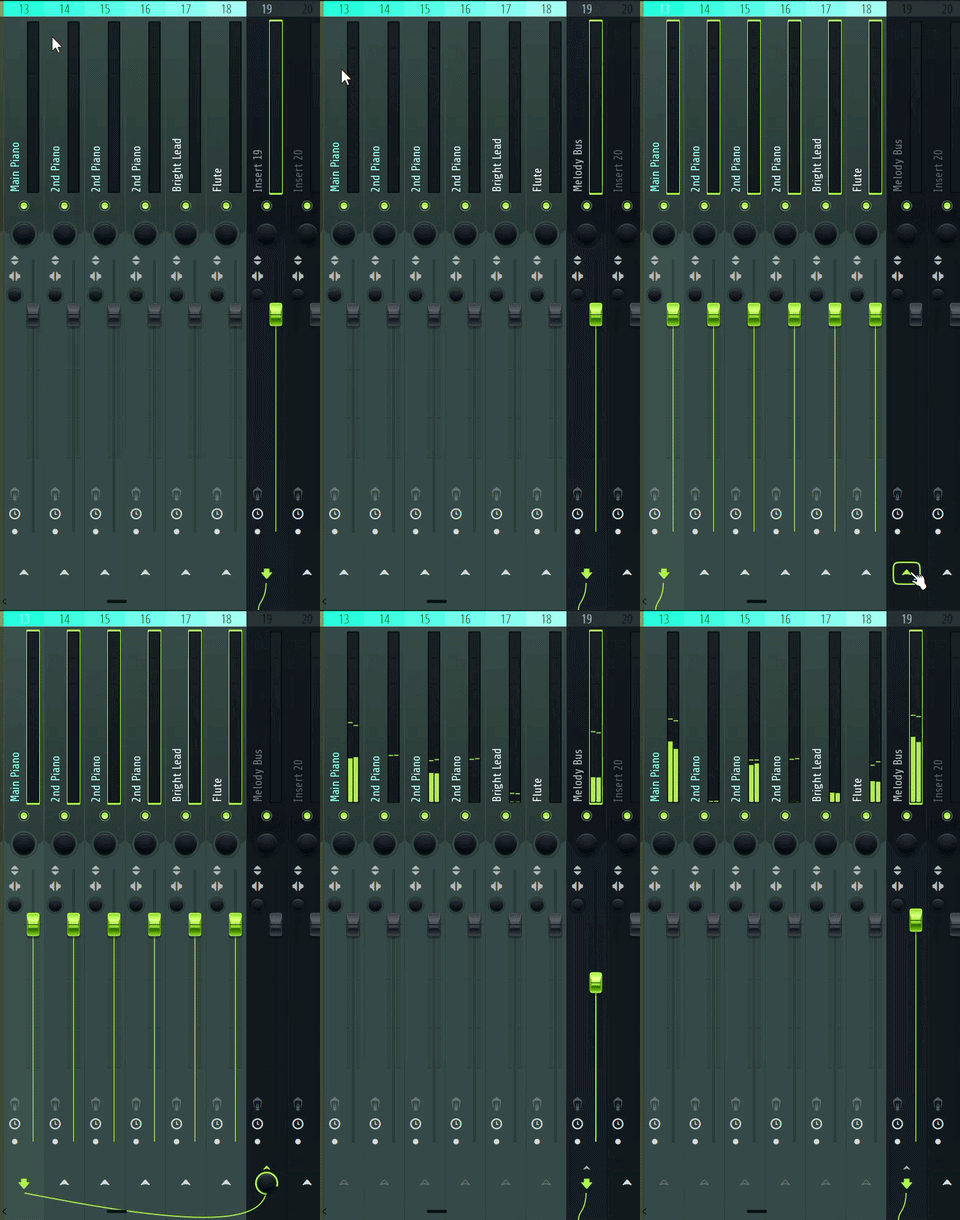
After selecting items from your “Group” You ??? Click to route those tracks only to your bus”
Right click
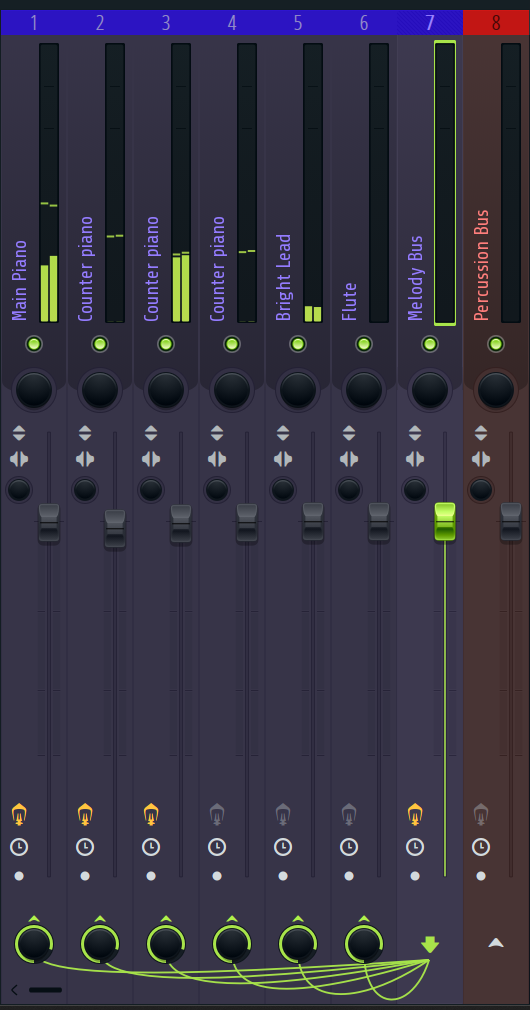
There are ? Items routed to the “Melody Bus”
6
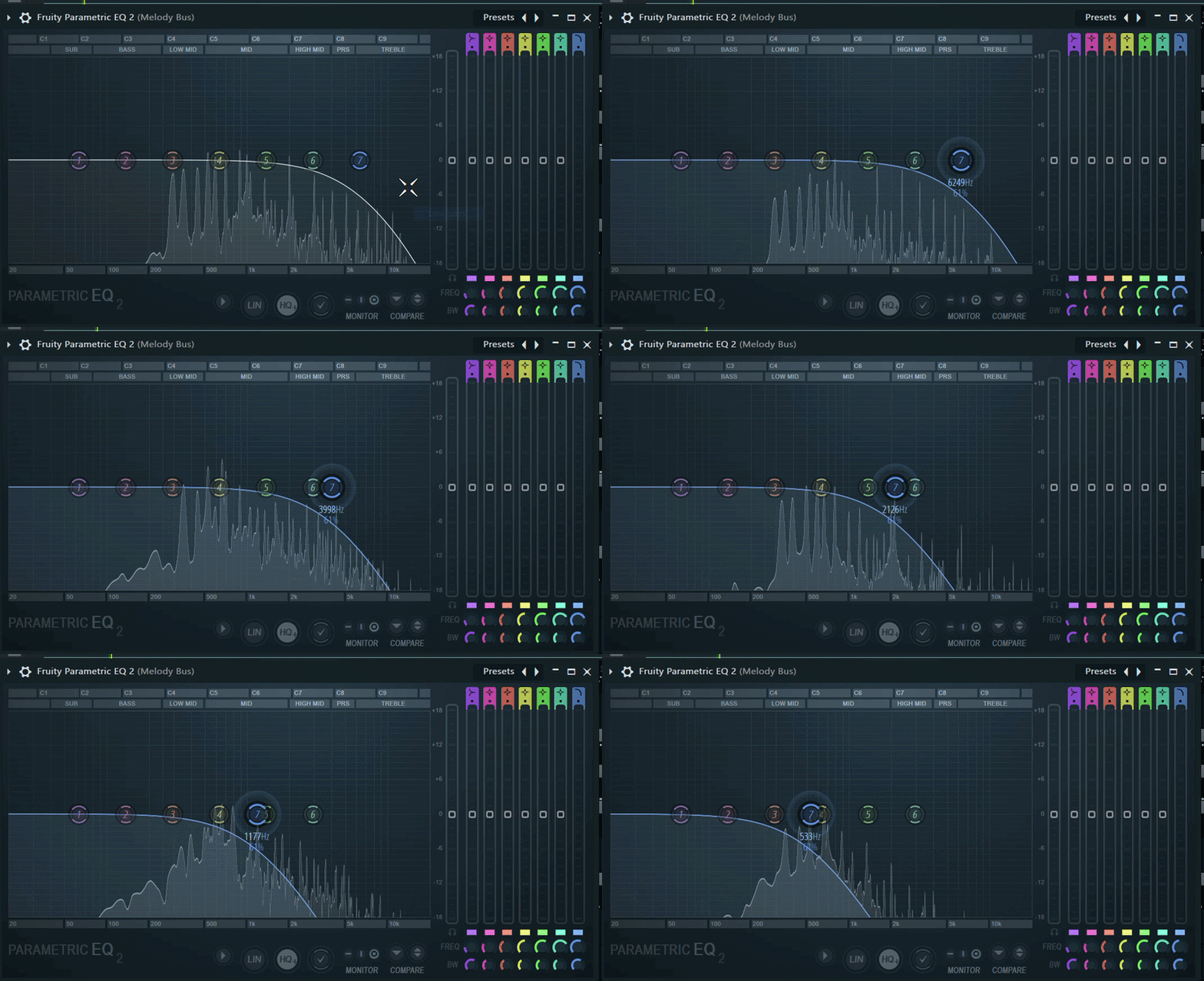
A ?-Pass Filter is being applied to this melody
Low pass filter
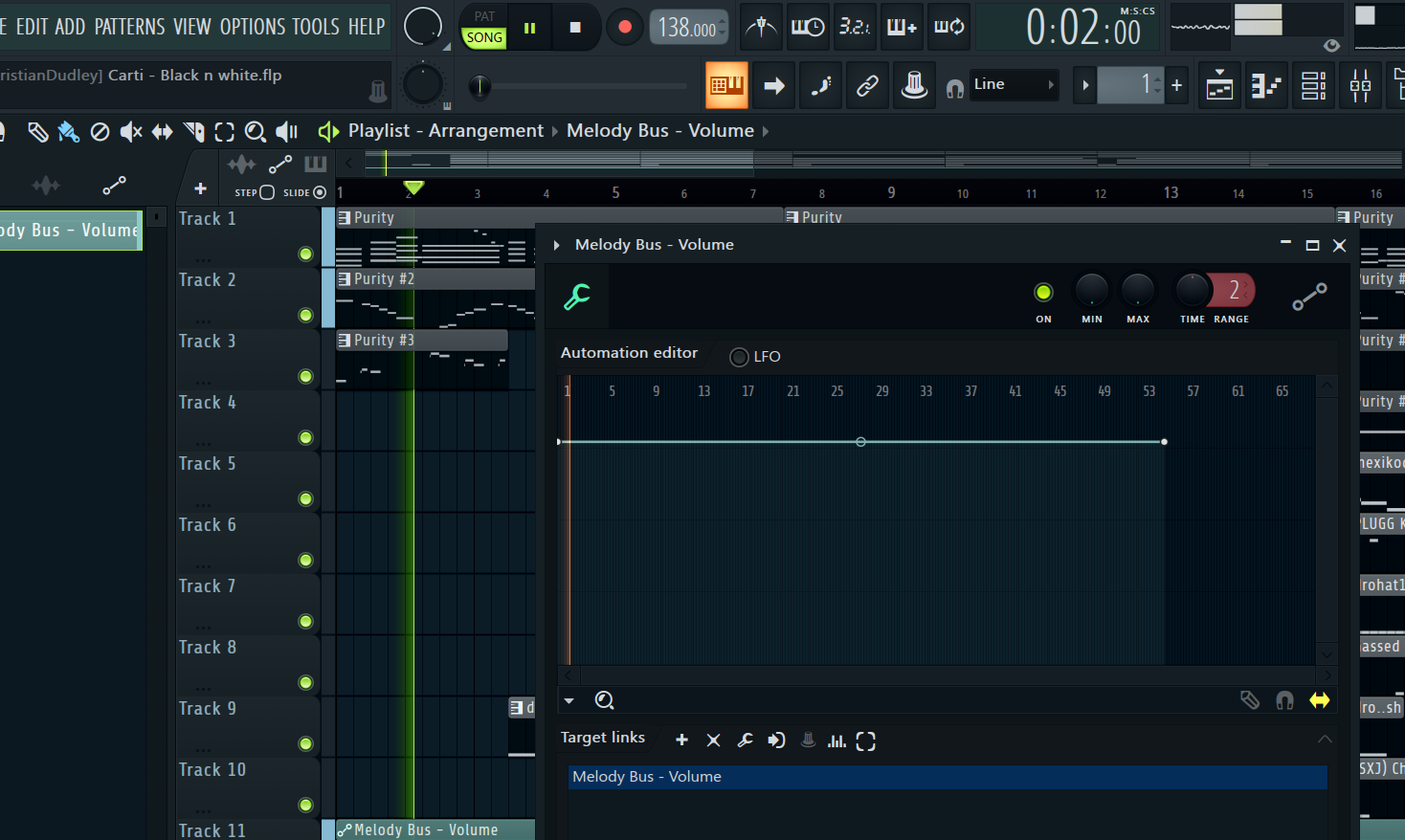
If you place a point at Bar 9 in the Automation Editor, that volume change will happen exactly when the playhead hits Bar ? in your Playlist.
9
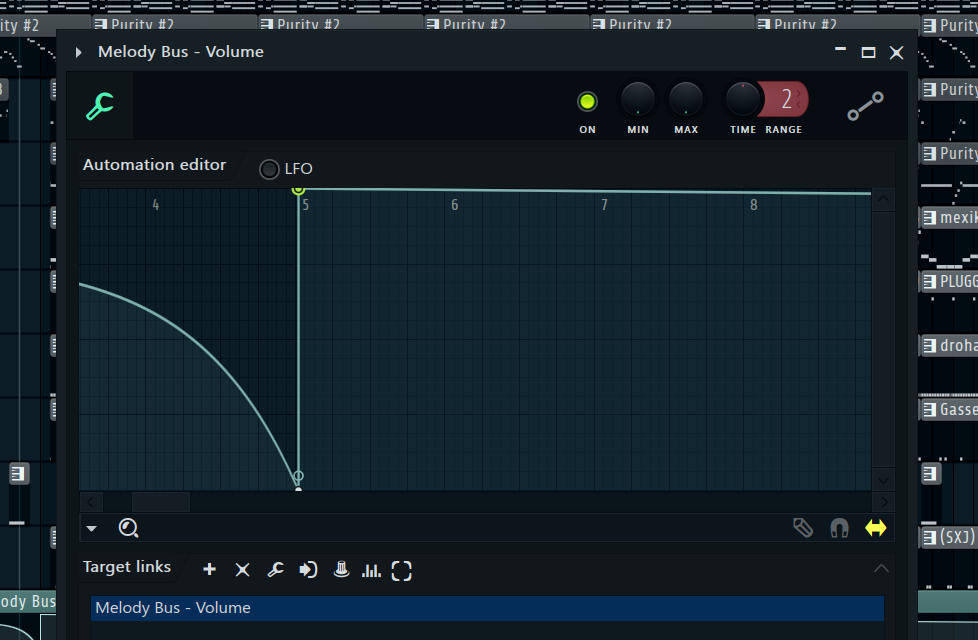
You can ?&? Automation values. (Never draw the same “curve” twice.)
Copy & Paste
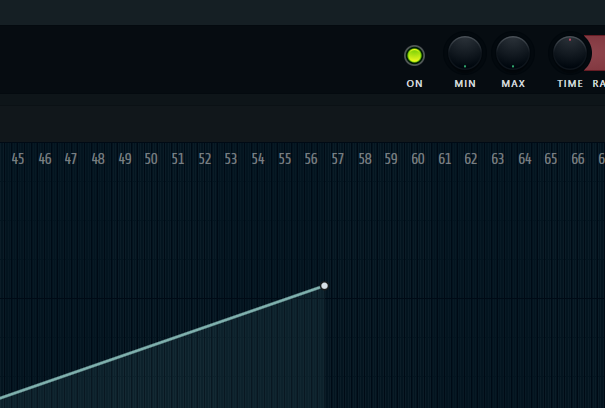
The “Min&Max” Knobs serve as the “Output ? Level” & “Output ? Level”
Output Minimum & Maximum
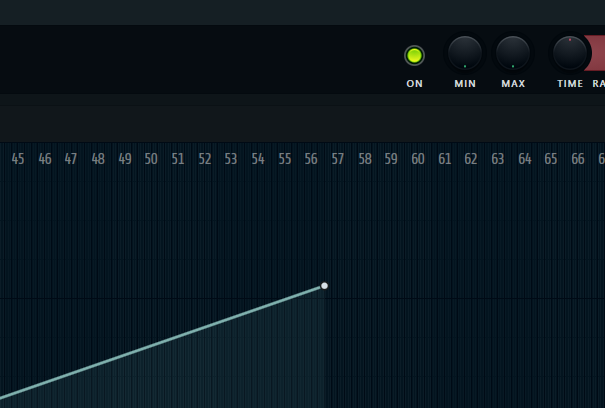
When automating ? Clicking is to ADD points and ? is to MOVE points around
Right click ADDS point Left click MOVEpoints
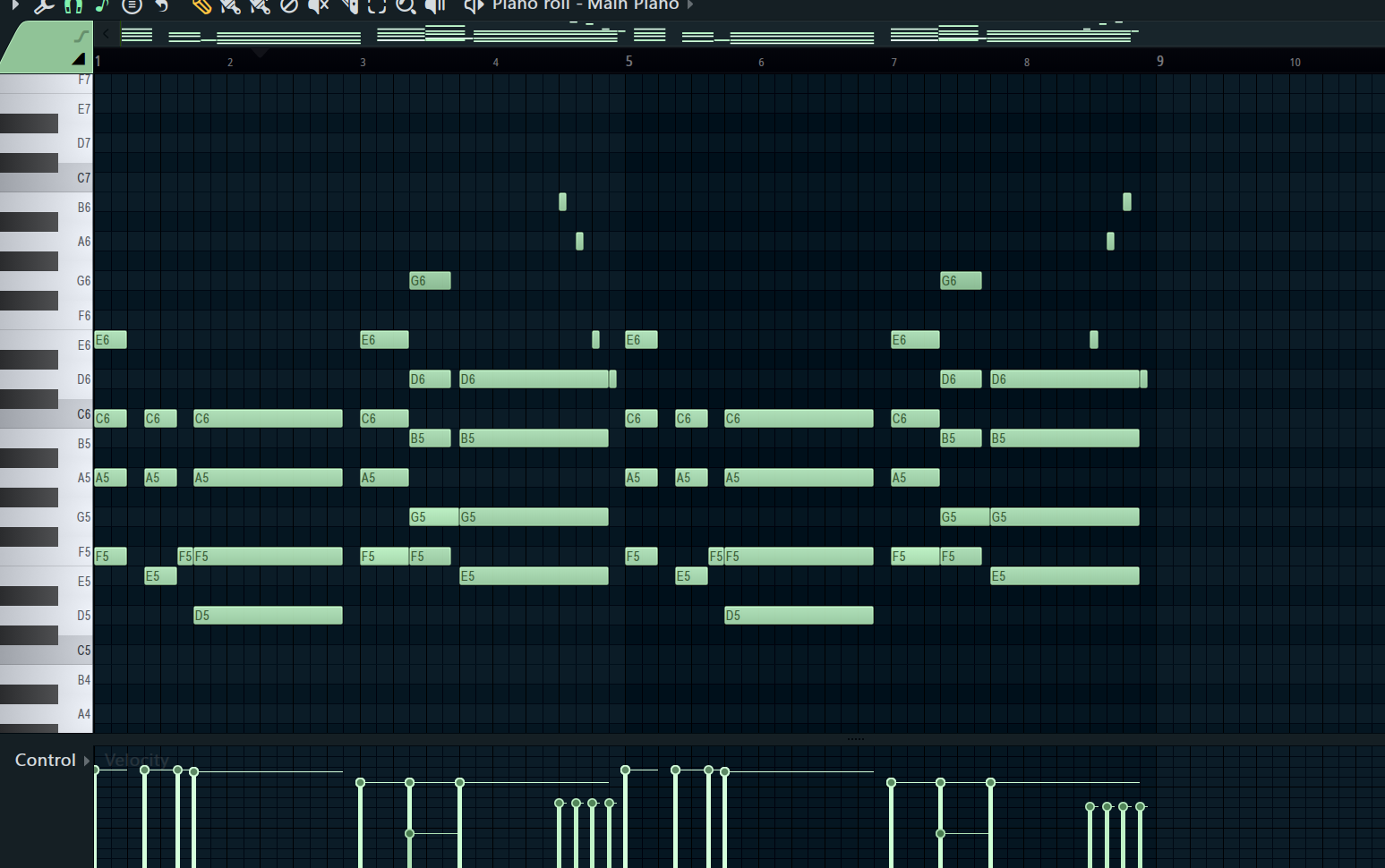
This is a ? Bar Loop
8
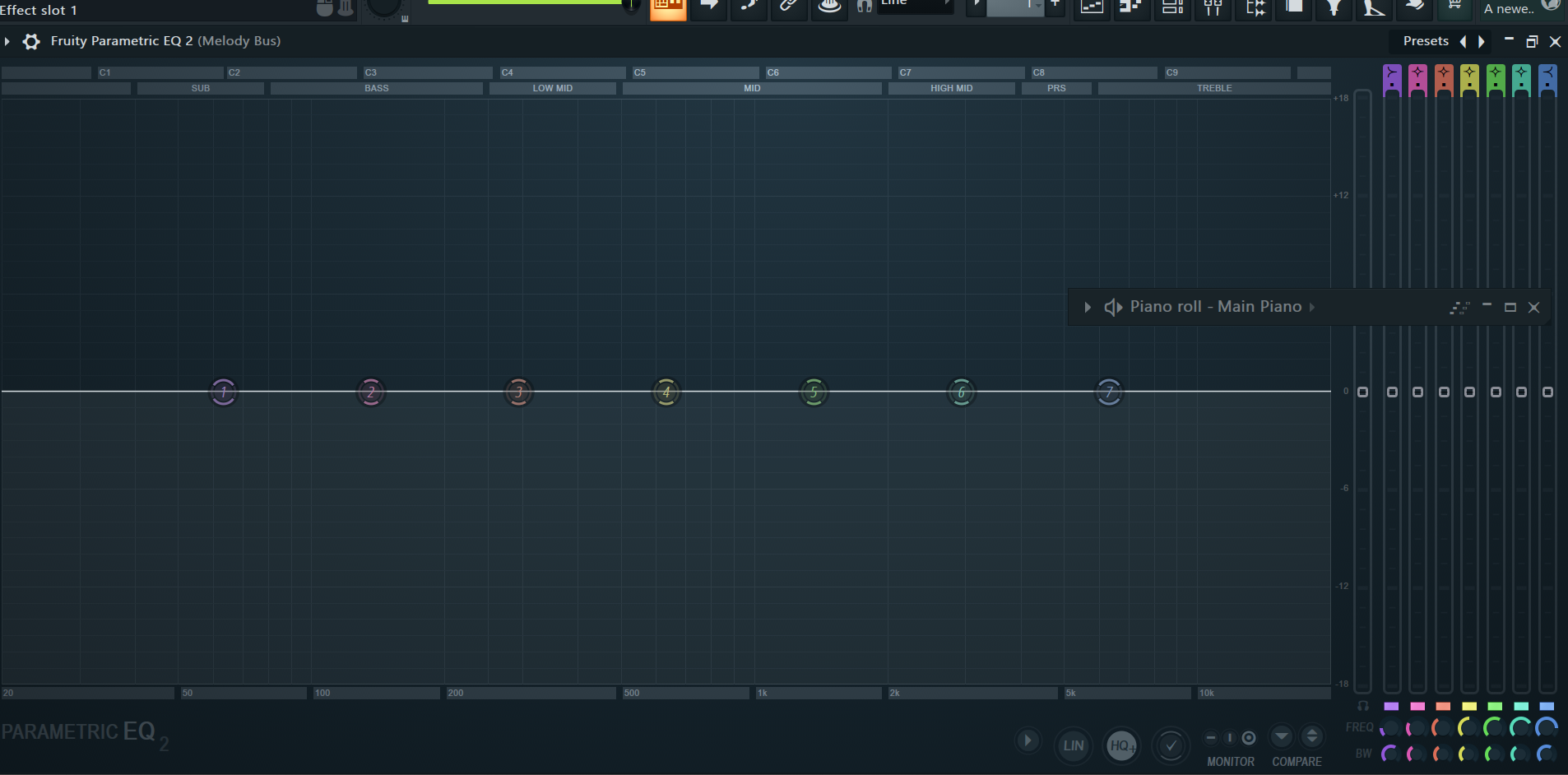
When applying a High Pass Filter its best to use band ?
1
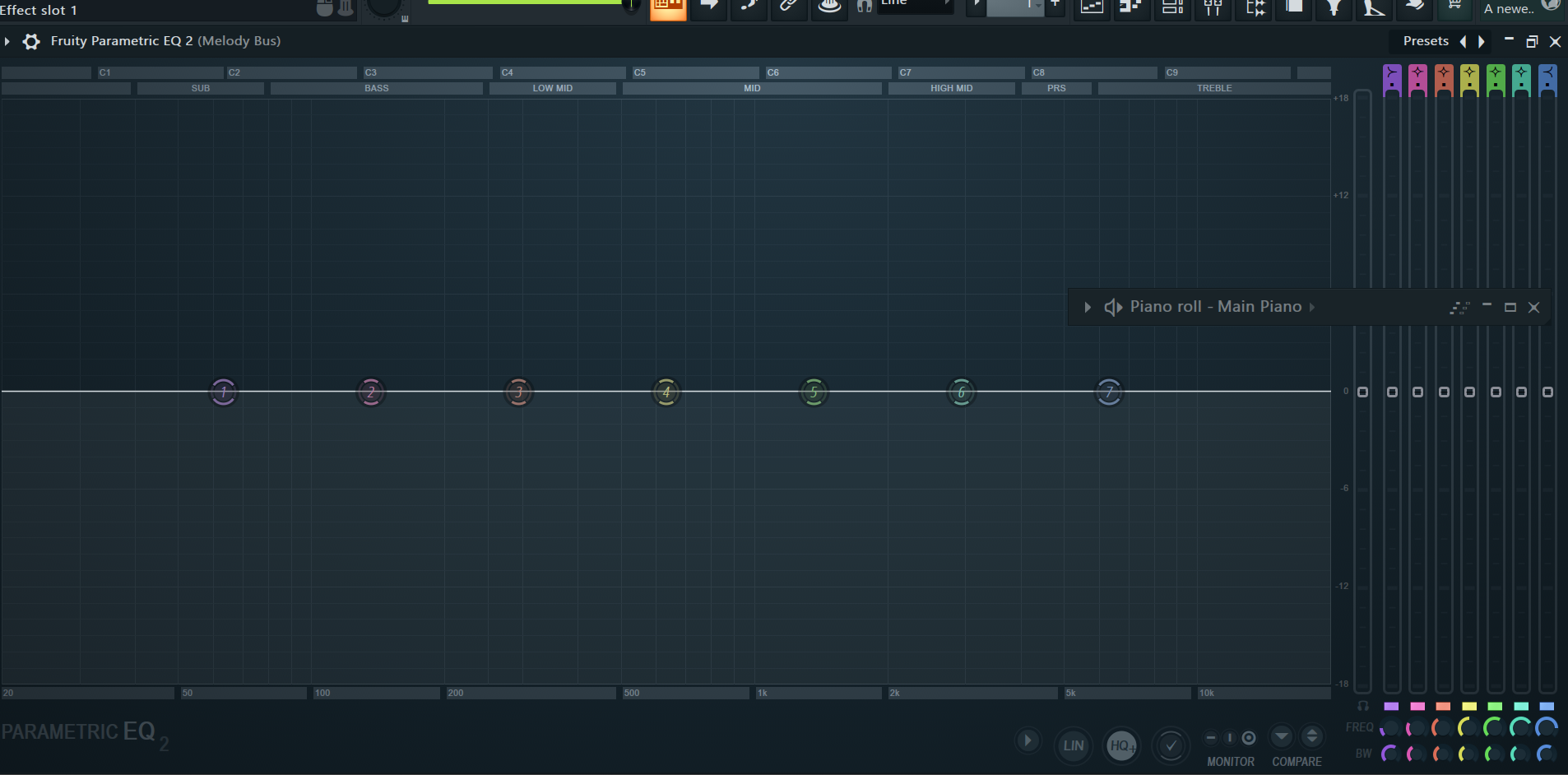
When applying a Low pass filter its best to use band ?
7
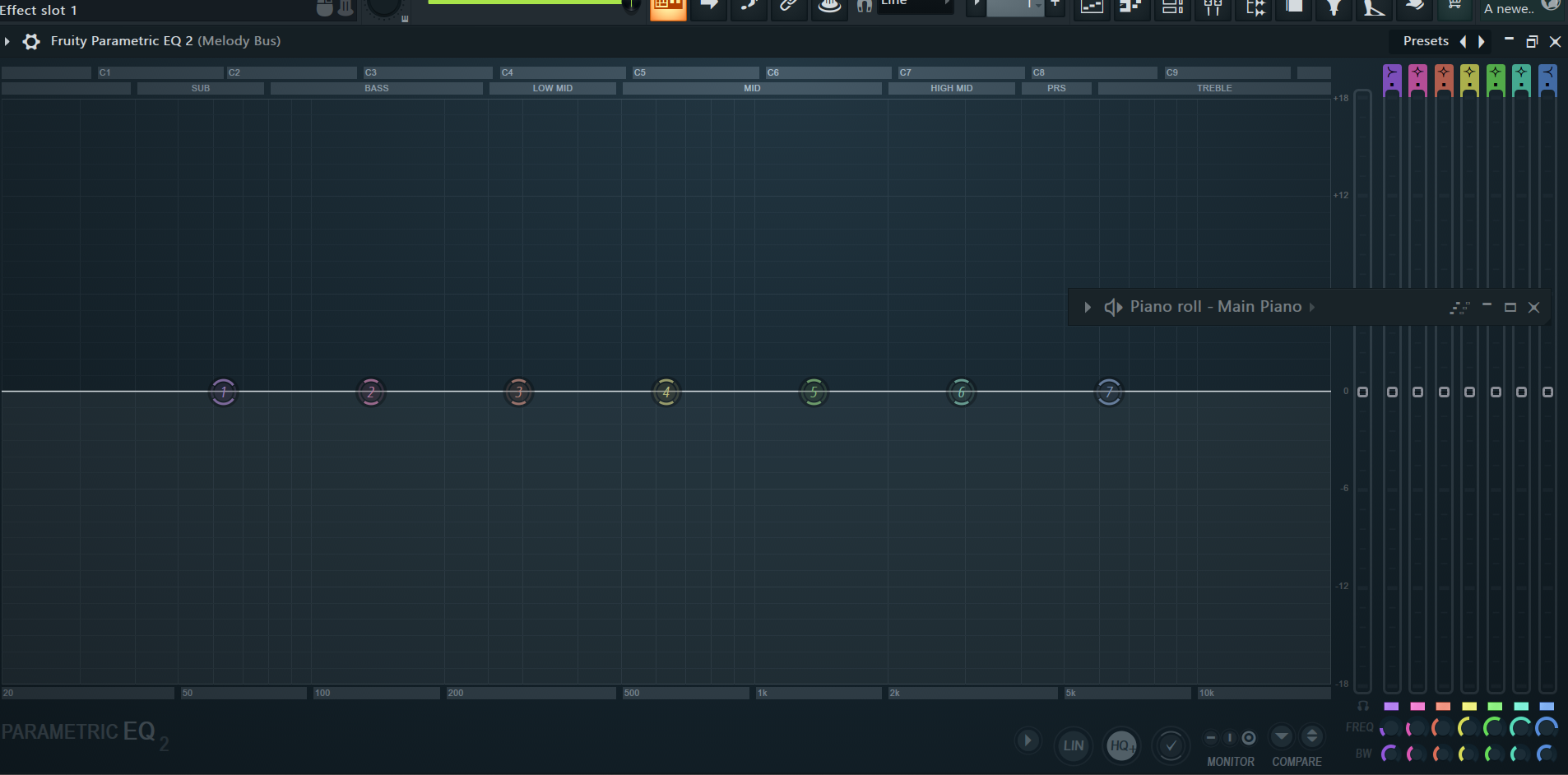
Low-pass filters are designer to cut ? Frequencies
High frequencies
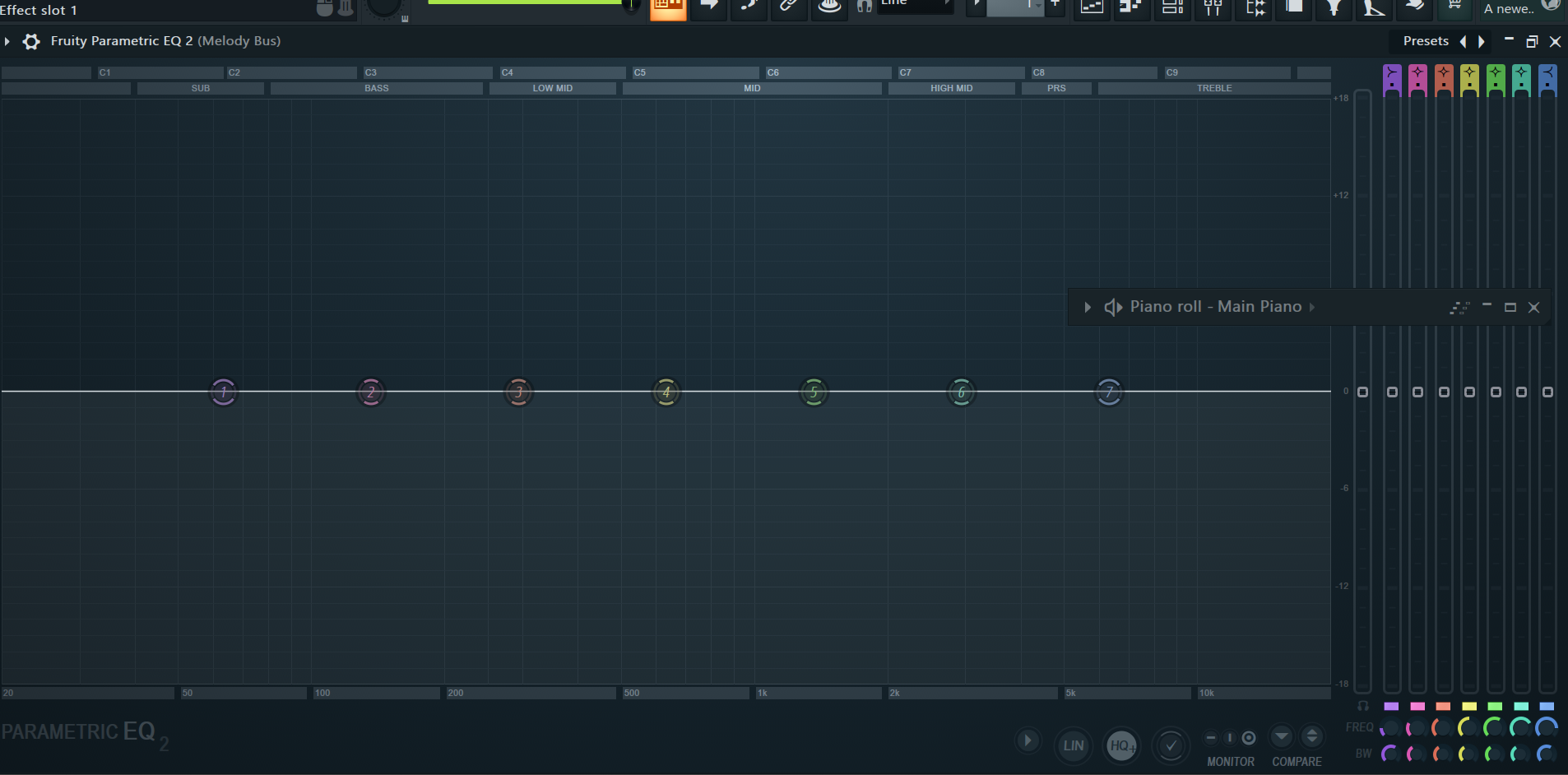
High-pass filters are designed to cut ? Frequencies
Low Frequencies
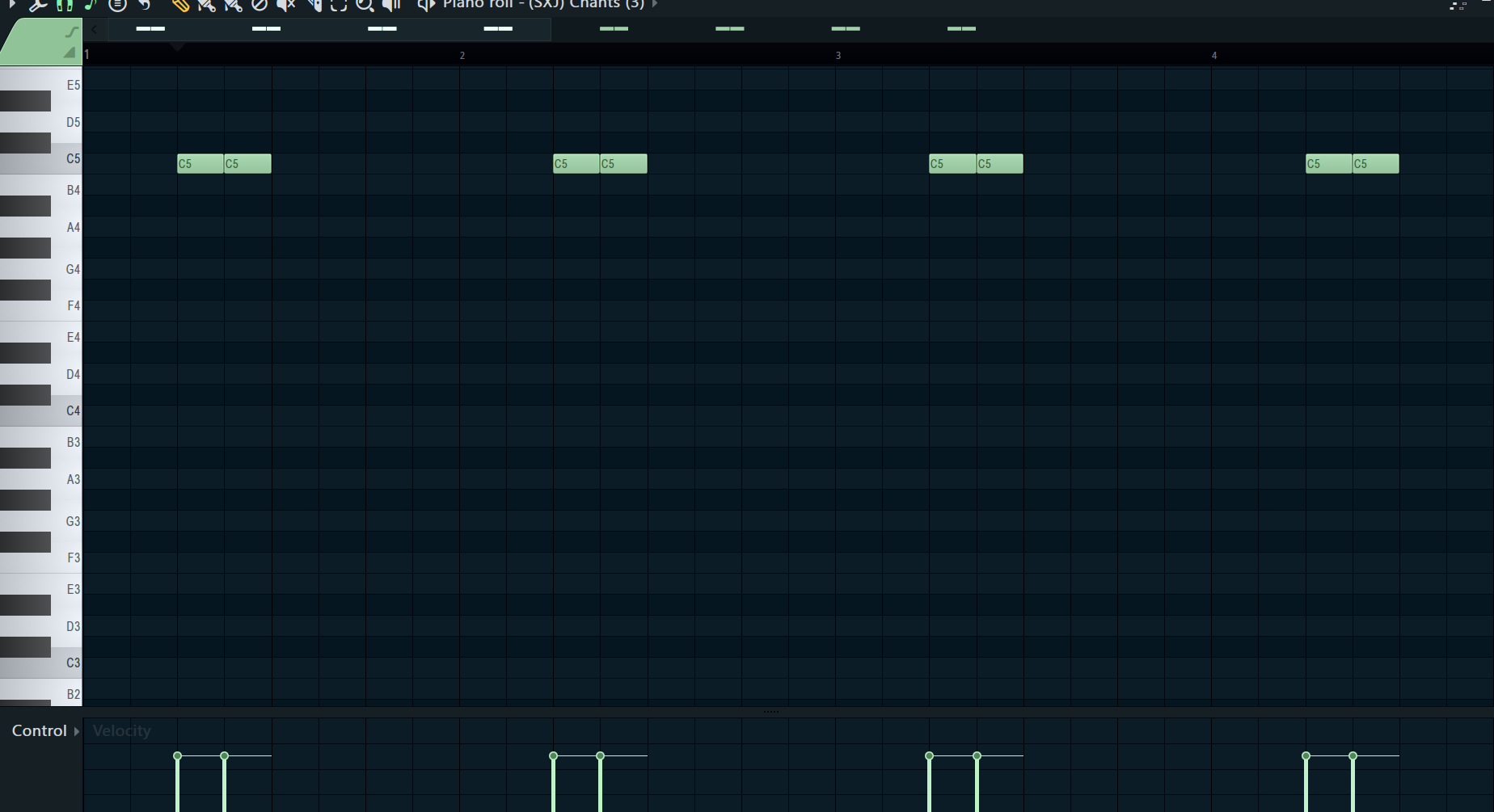
This is a ? bar loop
4
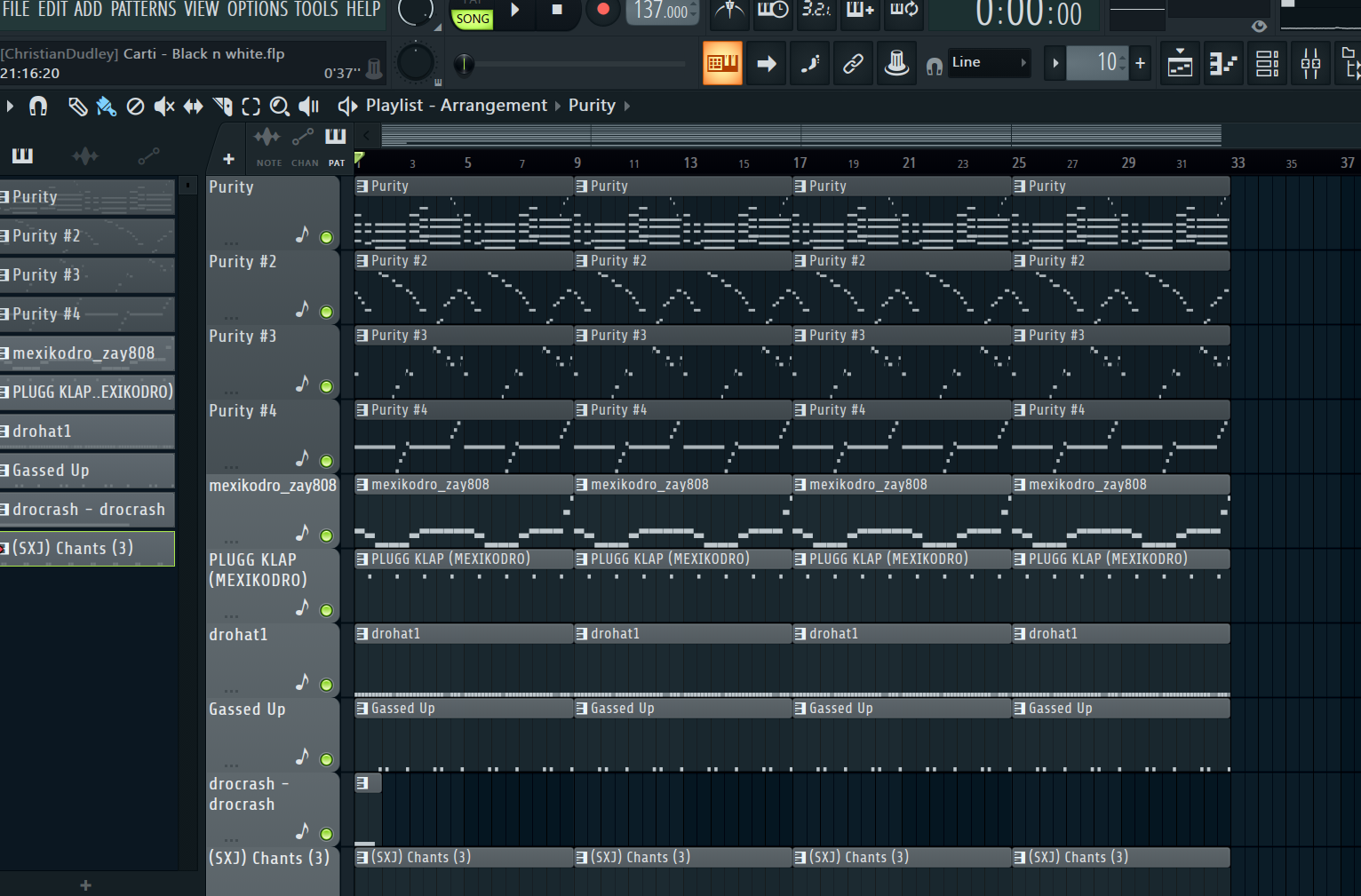
This is a ? Bar loop
32
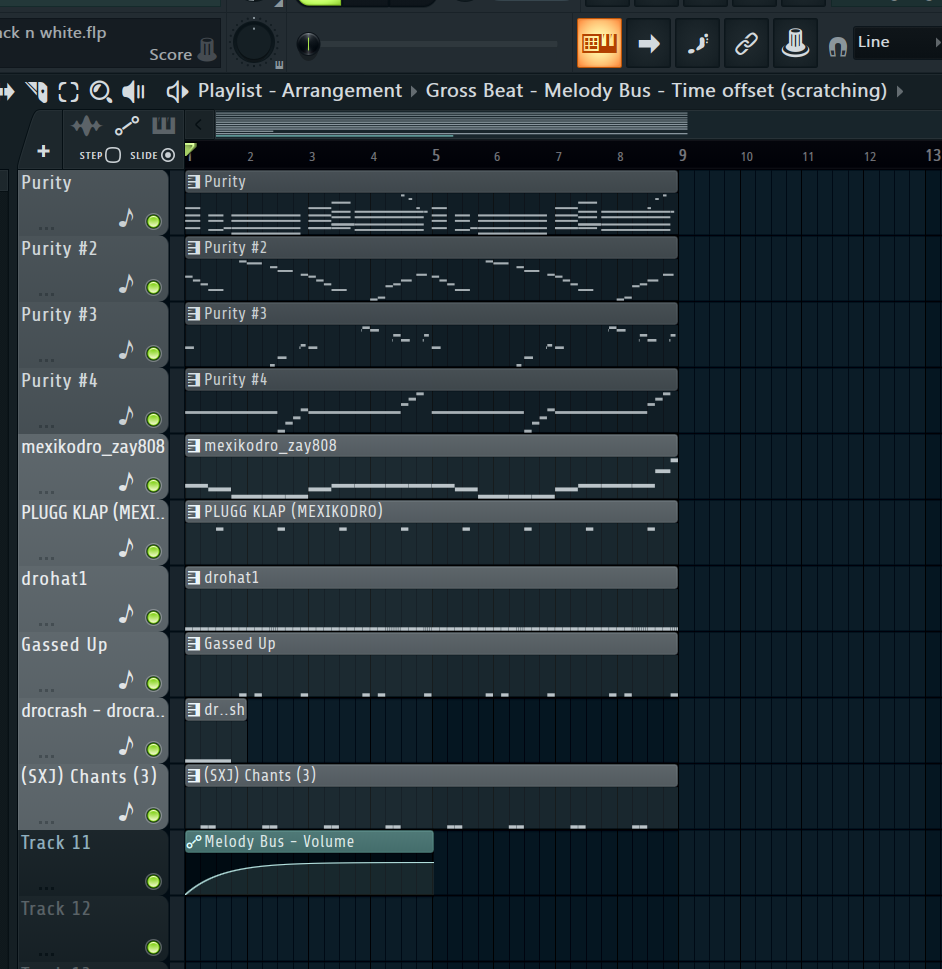
The volume automation seen here is effecting these tracks for how long
4 bars
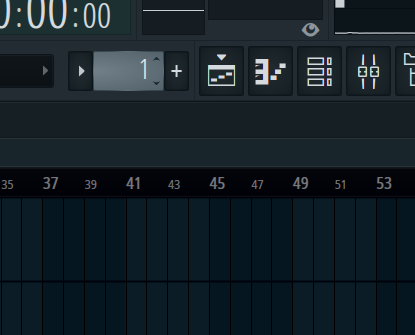
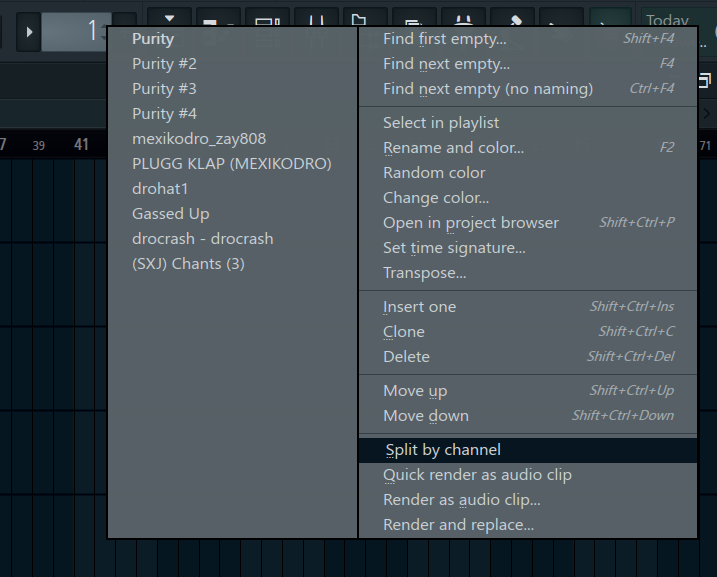
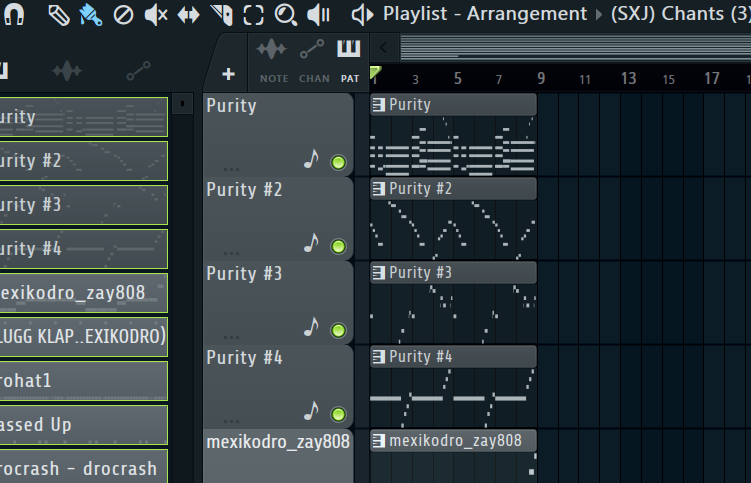
After composing patterns in the Channel rack and Piano roll, you ? Click this and select “?”
Right click , and split by channel
To add time markers in the playlist is CTRL+?
CTRL+T