Fruity EQ 2
 Call Kai
 Learn
 Practice Test
 Spaced Repetition
 Match
 Flashcards
 Knowt Play
1/17

Earn XP
Description and Tags
Get a few transcripts on tutorials about best rpactices about this plugin, generate new cards make few scenrio based questions
18 Terms
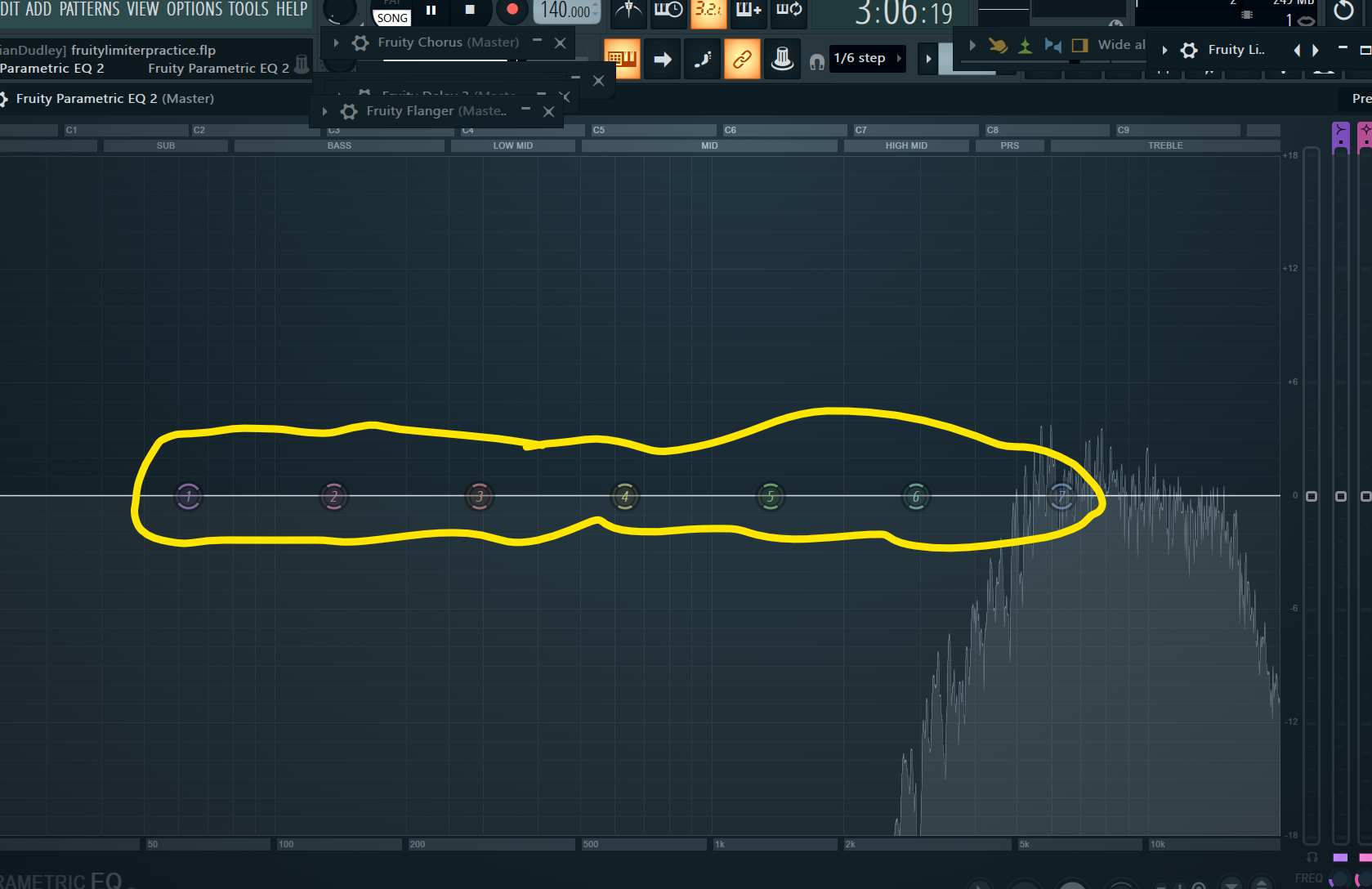
Fruity Parametric EQ 2 has ? Bands
7

? turns a band completely off
Disabled

This is a ?
Low pass

This is a ?
(A filter type that isolates a specific frequency band by cutting both highs and lows.)
Band pass

This is a ?
(Filter type that removes low-end frequencies and retains the high-end.)
High pass

This is a ?
Filter type that cuts a targeted band of frequencies while retaining the rest of the signal
Band stop

This is a ?
(Filter type that shapes the low-end frequency spectrum by shelving up or down below a set frequency)
Low shelf

This is a ?
(A bell-shaped filter used to increase or decrease gain at a specific center frequency)
Peaking
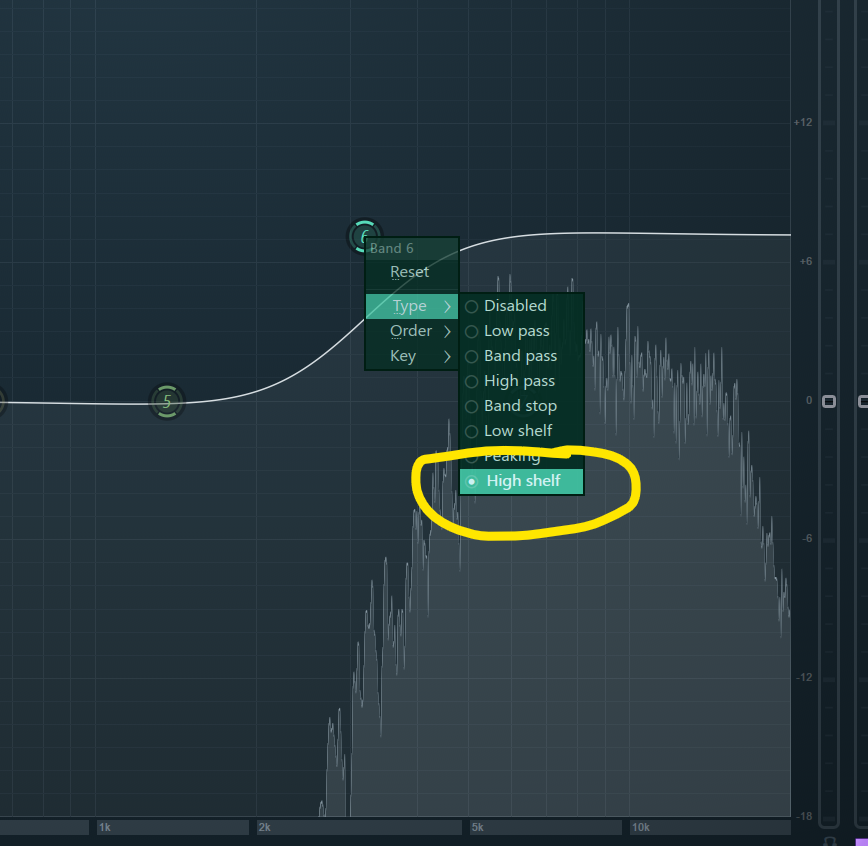
This is a ?
(Shapes the high-end frequency spectrum by shelving up or down above a set frequency)
High shelf

Steepest slope option available for filter orders
Steep 8
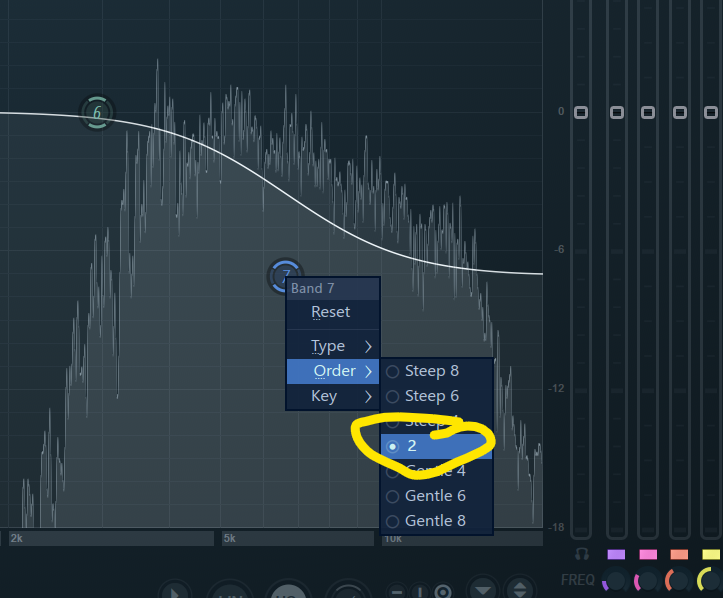
Default filter slope option
2
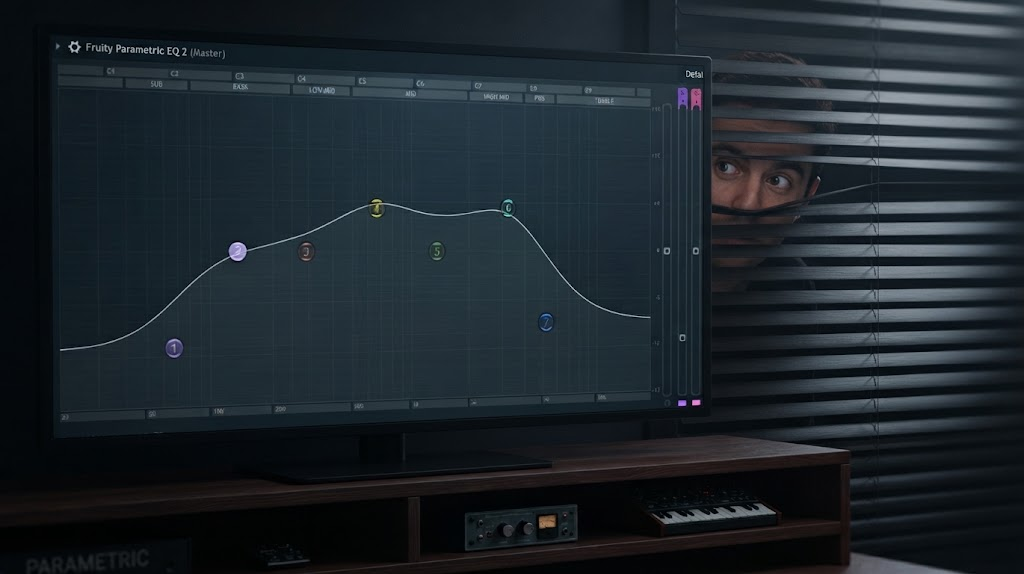
By default Bands 1 and 7 are Low/High ?;
Bands 2 through 6 are ? filters set flat at 0 dB.
Shelves,Peaking

The audible frequency range that’s editable is ?Hz up to 22,000 Hz (22 kHz)
10Hz

Musical note and frequency range mapped from C? to C?
10 Hz up to 22,000 Hz (22 kHz)
C1-C10

The bets place for surgical cleanup and heavy resonance cutting is on ? inserts
Individual /single

Best placement for global balancing and subtle sweetening is the ?
Master Insert

Cutting unwanted muddy frequencies before boosting desired ones is a good way to preserve headroom.
Headroom

The master output volume control knob adjusts the overall output gain of the plugin to compensate for EQ boost loudness changes.
Output