Chapter 1, 2, 3: Intro to re-renders, Elements, children as props and Configuration concerns with elements as props
 Call Kai
 Learn
 Practice Test
 Spaced Repetition
 Match
 Flashcards
 Knowt Play
1/13

Earn XP
Description and Tags
What a re-render is, and why we need it. What the initial source of all re-renders is. How React propagates re-renders through the app. The big re-renders myth and why props changing by themselves doesn't matter. The "moving state down" technique to improve performance. Why hooks can be dangerous when it comes to re-renders. How passing components as props can improve the performance of our apps. How exactly React triggers re-renders. Why components as props are not affected by re-renders. What an Element is, how it's different from a Component, and why it's important to know that distinction. The basics of React reconciliation and diffing. What the "children as props" pattern is, and how it can prevent re renders.
14 Terms
A component doesn’t render when its props change
Normal React behavior is that if a state update is triggered, React will re render all the nested components regardless of their props. And if a state update is not triggered, then changing props will be just "swallowed": React doesn't monitor them.
In the context of re-renders, whether props have changed or not on a component matters only in one case: if the said component is wrapped in the React.memo higher-order component. Then, and only then, will React stop its natural chain of re-renders and first check the props. If none of the props change, then re-renders will stop there. If even one single prop changes, they will continue as usual.
Triggering nested components
If a component's re-render is triggered, all nested components inside that component will be re-rendered.
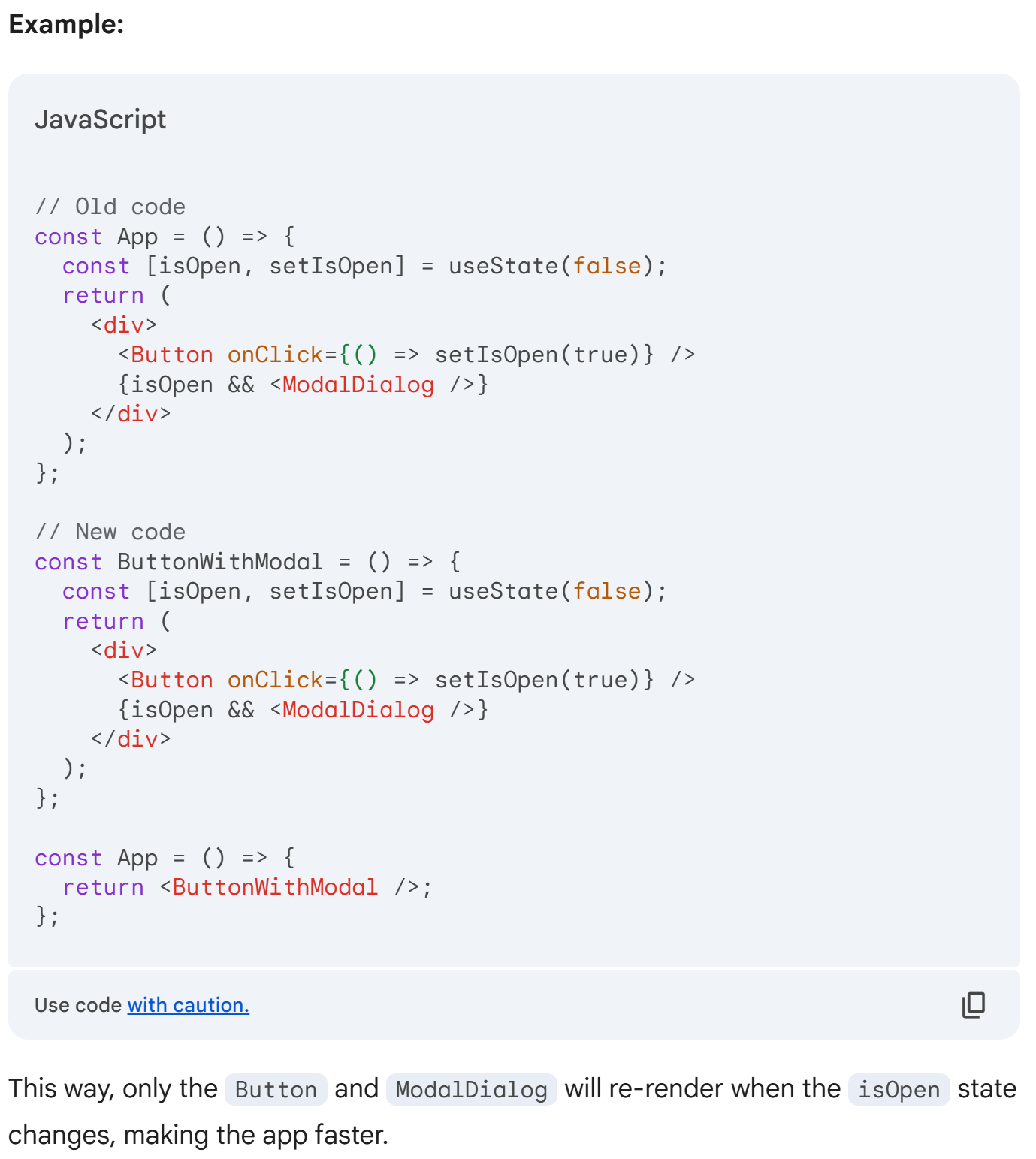
Improving Performance with State Isolation
Problem: Unnecessary re-renders in large React apps.
Solution:
Identify isolated state: Find state used by a limited set of components.
Create a new component: Encapsulate the state and its dependent components.
Move state to the new component: Place the
useStatehook inside the new component.Render the new component: Use the new component in the main app.
Benefits:
Reduced re-renders: Only components within the new component re-render when the state changes.
Improved performance: Large, slow components unaffected by unnecessary updates.
Cleaner code: Centralized state management and better component organization.
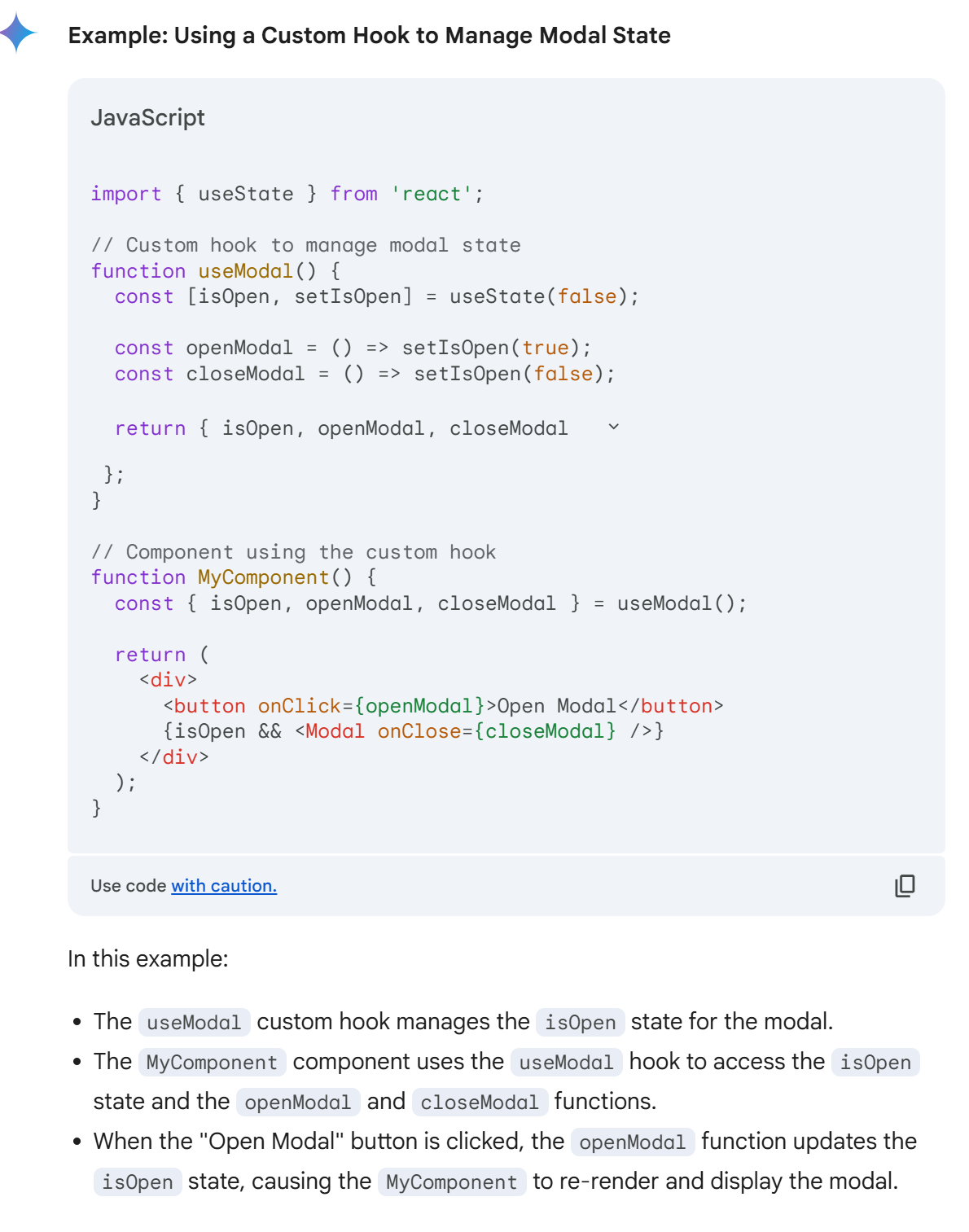
The danger of custom hooks
If a custom hook uses state, and that hook is used within a component, updating the state within the hook will trigger a re-render of that component. This is because the component is essentially "subscribed" to the state changes within the hook.
So, where you put state is very important. Ideally, to avoid future performance problems, you'd want to isolate it as much as possible to as tiny and light components as possible.
Passing components as props
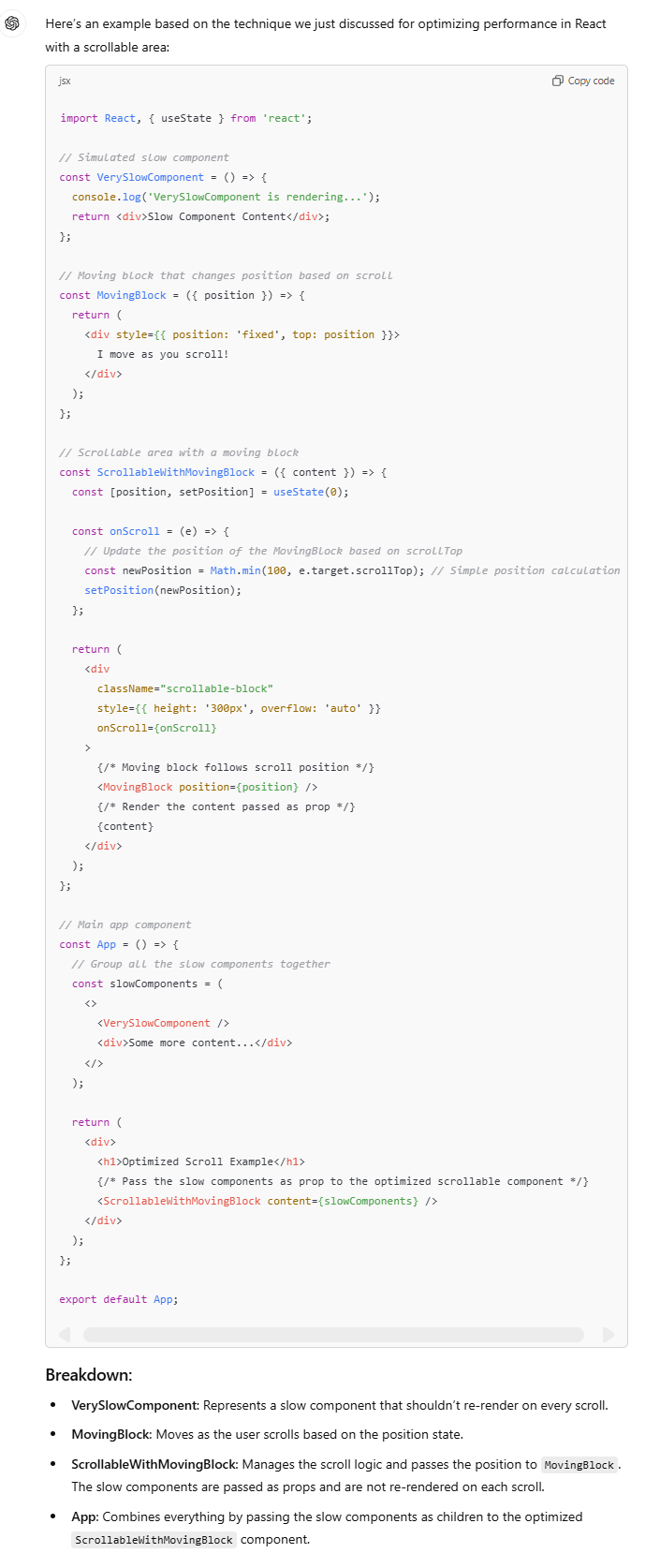
Problem: React re-renders the entire component tree when the state changes, leading to slow performance, especially in complex apps with expensive components.
Scenario: Imagine a scrollable content area with heavy components inside (e.g.,
VerySlowComponent), and a feature that requires a block to move based on the user's scroll. Attaching anonScrollhandler to update the state leads to lag due to frequent re-renders.Solution:
Extract the scroll state and moving block logic into a separate component (
ScrollableWithMovingBlock).
Pass the "slow" components as props to this new component.
React only re-renders the scrollable div and moving block, not the slow components, improving performance and keeping the scroll smooth.
This avoids unnecessary re-renders for components that don’t need to change, leading to a much better user experience.
What is a component
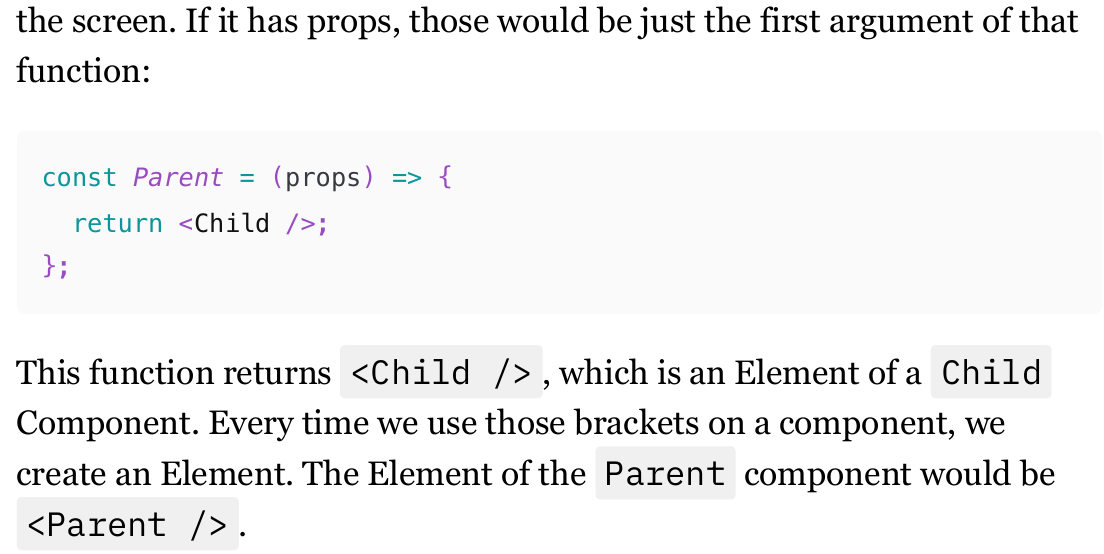
What makes a component different from any other function is that it returns Elements, which React then converts into DOM elements and sends to the browser to be drawn on the screen. If it has props, those would be just the first argument of that function.
Components Chain
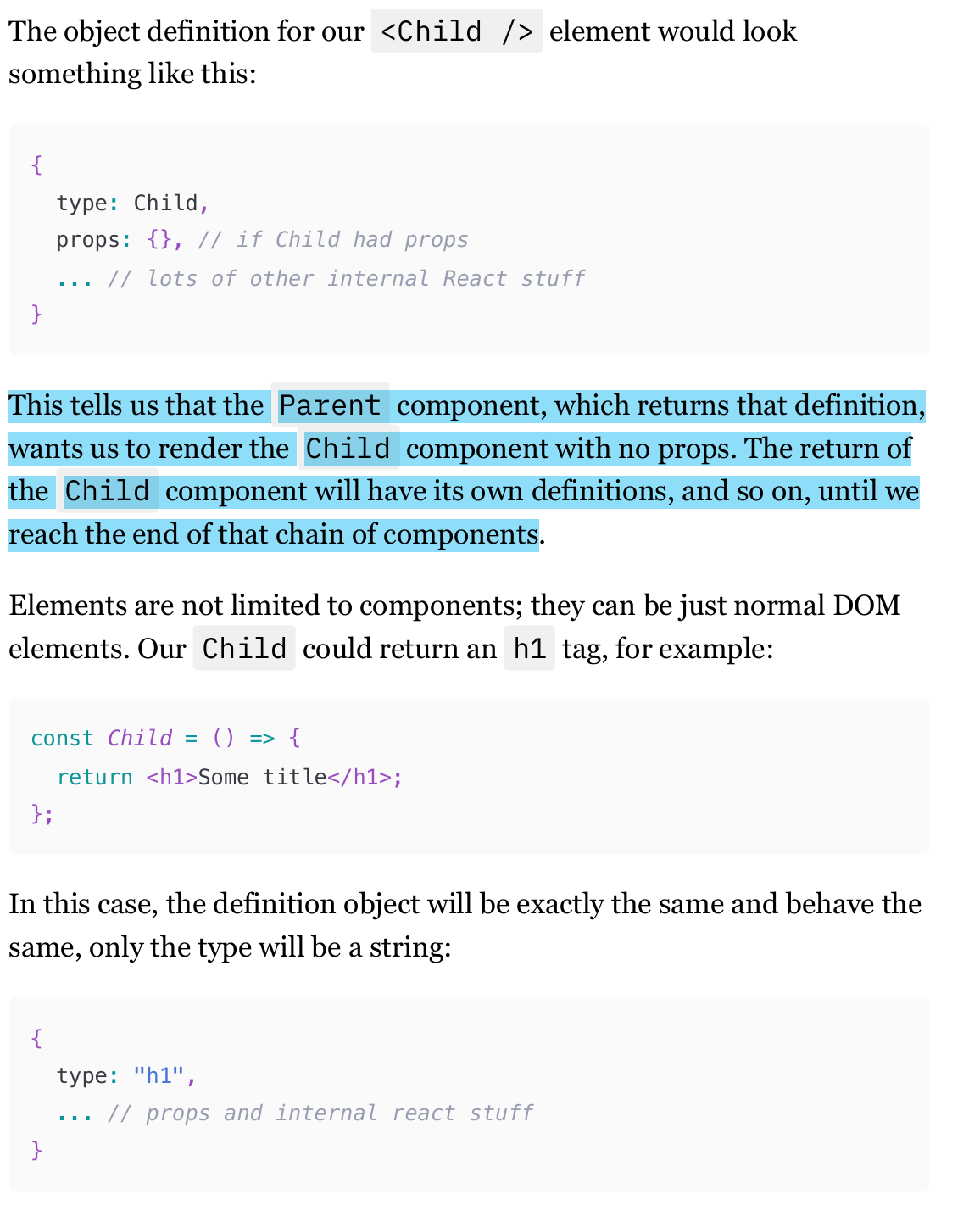
An Element is simply an object that defines a component that needs to be rendered on the screen. In fact, the nice HTML-like syntax is nothing more than syntax sugar for the React.createElement function. (React.createElement(Child, null, null)).
Parent component, which returns that definition, wants us to render the Child component with no props. The return of the Child component will have its own definitions, and so on, until we reach the end of that chain of components.
What does React do in “re-render“
referring to "re-render", is React calling those functions and executing everything that needs to be executed in the process (like hooks).
From the return of those functions, React builds a tree of those objects. We know it as the Fiber Tree now, or Virtual DOM sometimes. In fact, it's even two trees: before and after re-render.
By comparing ("diffing") those, React will then extract information that goes to the browser: which DOM elements need to be updated, removed, or added. This is known as the "reconciliation" algorithm.
Equal Objects (Elements) in re-rendering
if the object (Element) before and after re-render is exactly the same, then React will skip the re-render of the Component this Element represents and its nested components.
And by "exactly the same," I mean whether Object.is(ElementBeforeRerender, ElementAfterRerender) returns true.
React doesn't perform the deep comparison of objects. If the result of this comparison is true, then React will leave that component in peace and move on to the next one.
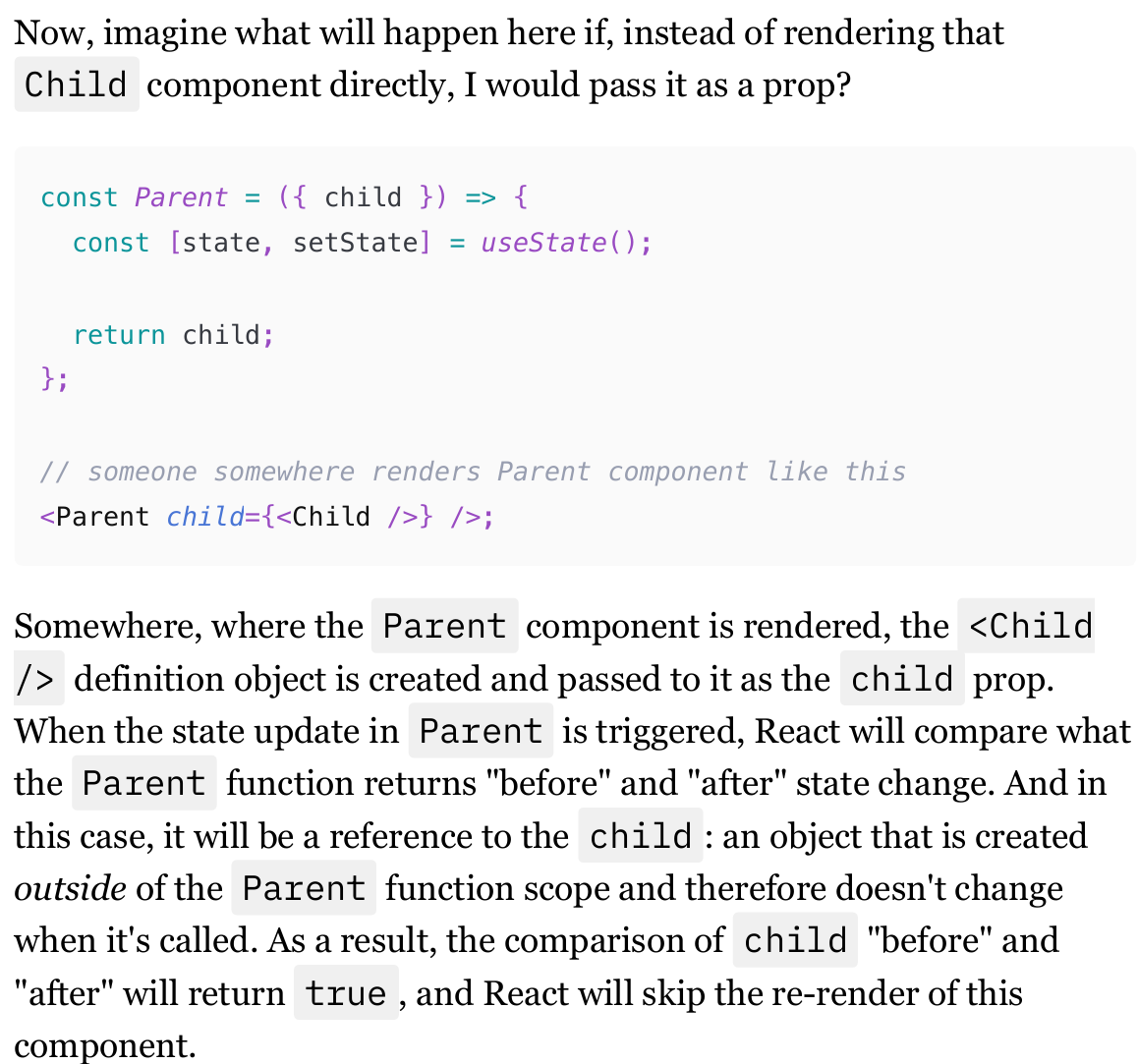
When elements are passed as props to a component, and this component triggers a re-render through a state update, elements that are passed as props won't re-render.
Passing Components as props differences
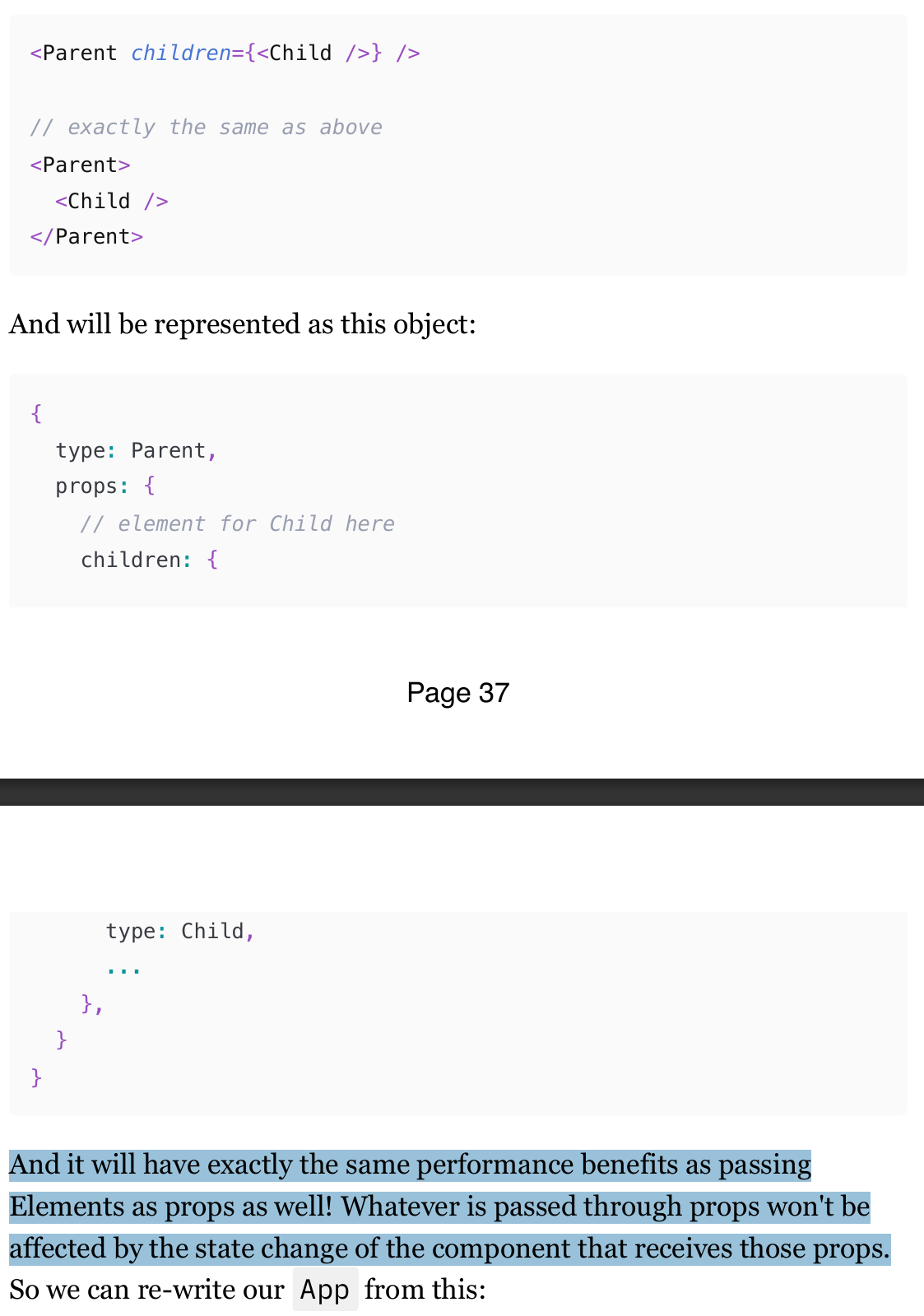
"children" are just props and behave like any other prop when they are passed via JSX nesting syntax.
And it will have exactly the same performance benefits as passing Elements as props as well! Whatever is passed through props won't be affected by the state change of the component that receives those props.
Conditional rendering and performance
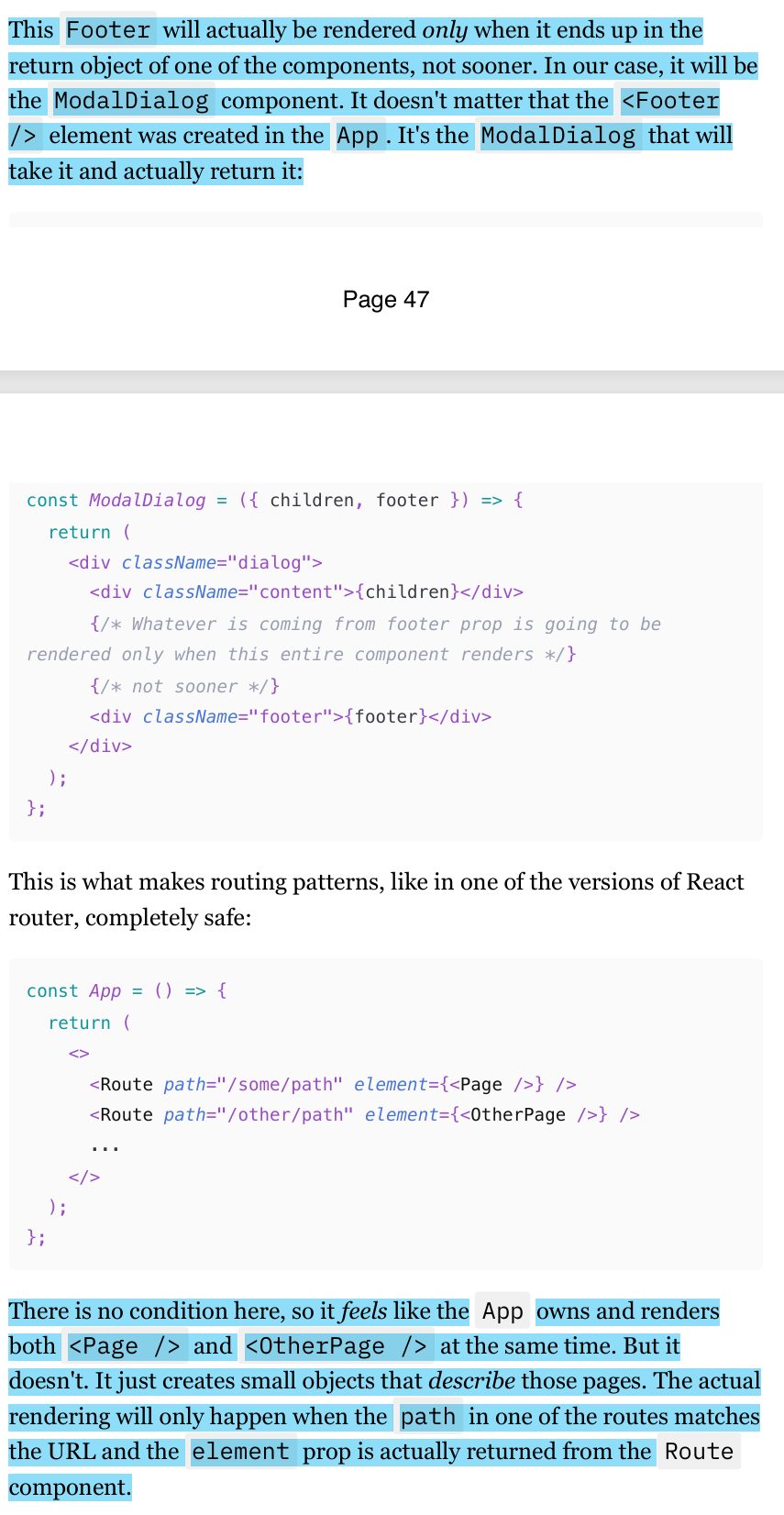
When you declare an element, such as <Footer />, it creates an object in memory, not an actual rendered component.
This object is only rendered when it is included in the return statement of a component, like ModalDialog. Therefore, even if the dialog is not open, the Footer element is not rendered, and there are no performance implications.
This principle also applies to routing patterns in React, where elements are only rendered when their corresponding route matches the URL.
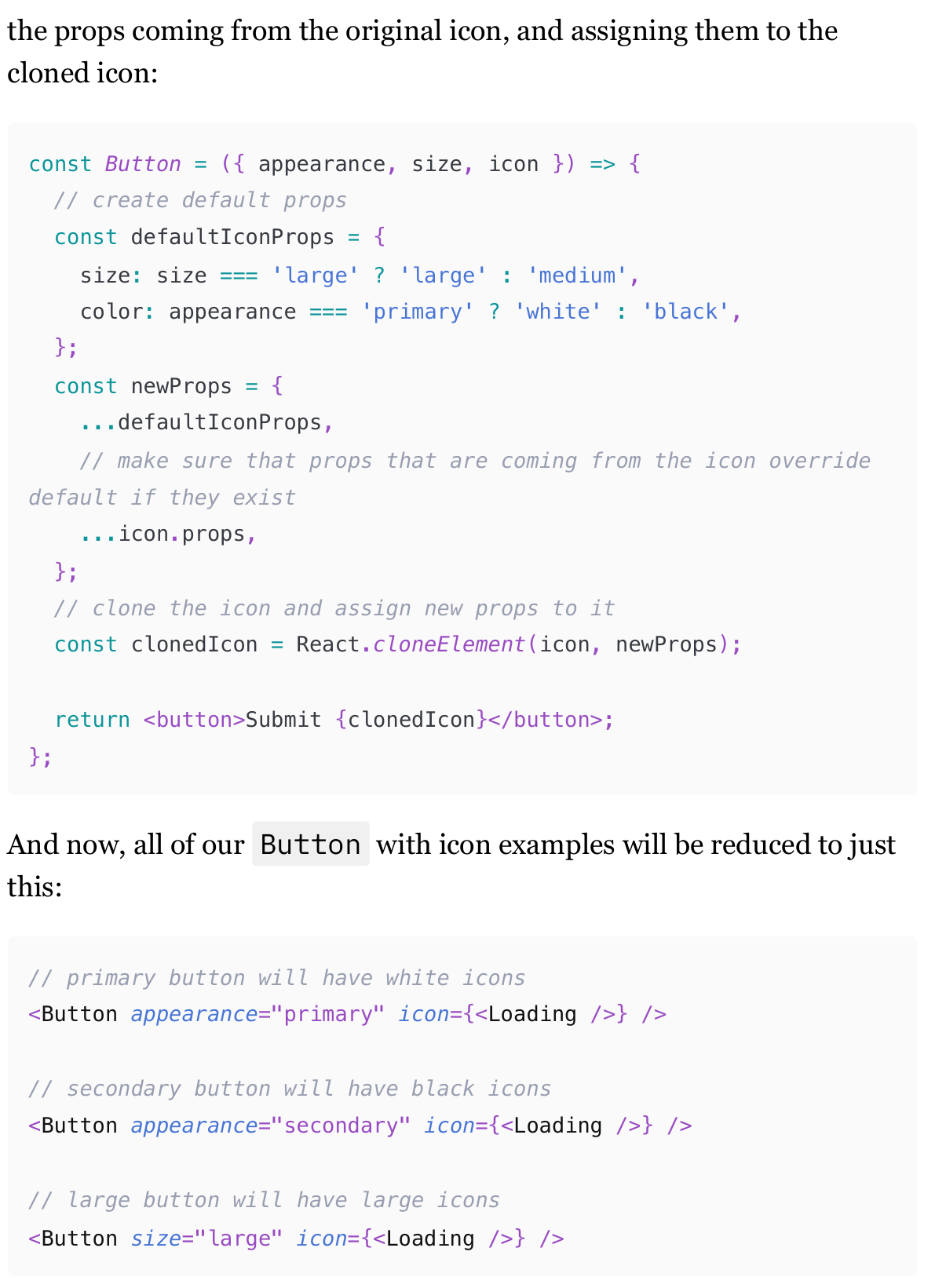
Default values for the elements as from props
In some cases, we don’t want to pass everything in a component as props. Therefore, we need to have some limitations as default values.
The solution involves using React.cloneElement to clone the (For example) Icon and merge default props with the original icon's props.
This ensures that the Button can control the icon's appearance while still allowing consumers to override defaults if needed.
This approach simplifies usage and ensures consistency across different button states.
This pattern, however, is very fragile. It's too easy to make a mistake there, so use it only for very simple cases.