Piano Roll SHORTCUTZ`
 Call Kai
 Learn
 Practice Test
 Spaced Repetition
 Match
 Flashcards
 Knowt Play
1/21

There's no tags or description
Looks like no tags are added yet.
22 Terms

? Shortcut stretches notes so they connect seamlessly to the next note. (Ctrl+?)
Quick legato (Ctrl + L)


? Shortcut Slices notes into equal subdivisions based on the grid spacing. (CTRL+?)
(Ctrl + U)


? Shortcut merges overlapping notes into single continuous note(s).
Glue (Ctrl + G)

? Shortcut Converts chords into arpeggio
Arpeggiate… (Alt + A)

Staggers note start times to simulate strums.
(Alt + S)

Inverts or reverses notes horizontally or vertically. (ALT+?)
(This tool bypasses snap to scale)
(Alt + Y)

? Shortcut, Randomizes note properties such as pitch, velocity, panning, or timing. (ALT+R)
(Alt + R)
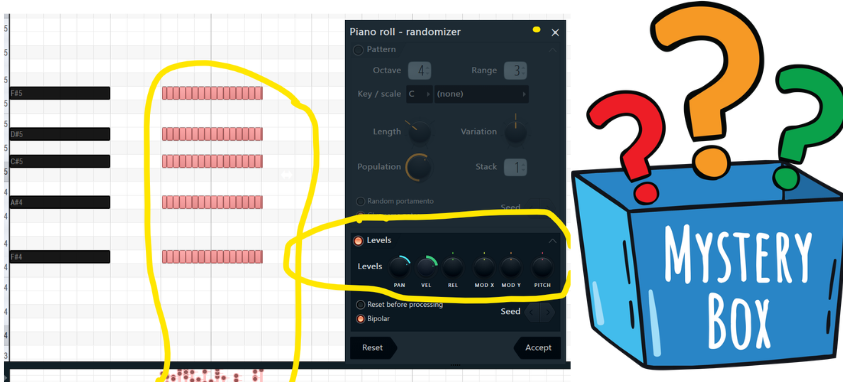

“ Snap to ? ” only affects manual movement of MIDI notes.
The Arpeggiator or The Flip Tool will bypass ?
Snap to scale


If you have a chord that’s in scale and you transpose it. It will stay in scale.
True or false
True


The ? End Button retains the original chord’s end times
Preserve end

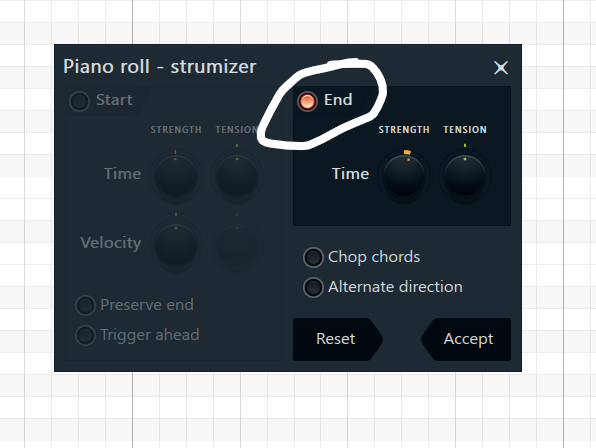
The ?? Button Modifies ONLY the notes end times
End (Section) Button


The ? Direction Button Can flip chord’s strum direction
Alternate Direction Button

The ? Knob controls how the chord tail rings out.
End Time Knob

END TIME KNOB
Twisted ?Ward: extends higher pitches
Twisted ?Ward: shortens higher pitches
Twisted rightward: extends higher pitches
Twisted leftward: shortens higher pitches
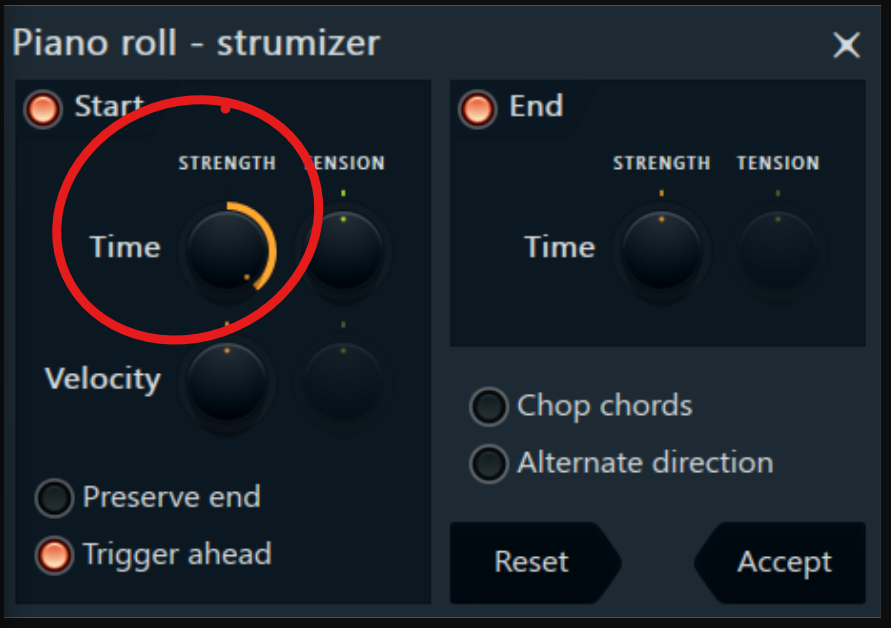
START TIME KNOB
Twisted rightward: delays ? pitches
Twisted leftward: delays ? pitches
Rightward delays higher pitches
Leftward delays lower pitches

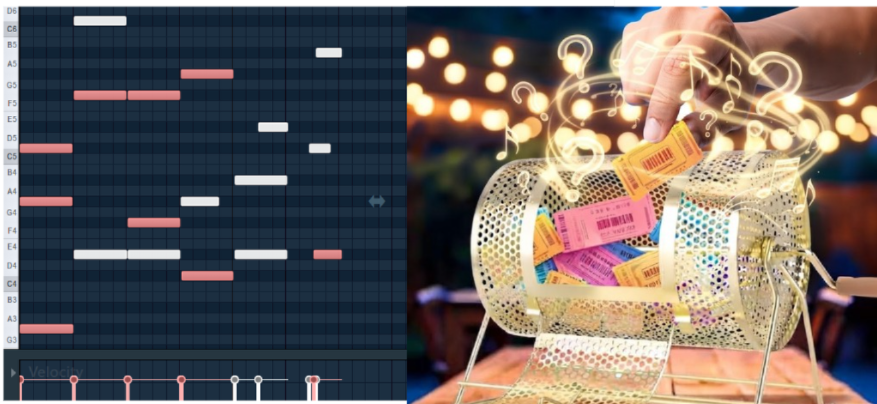
Shift+M Selects random notes
True or False
True

?-Click = Manual drawing
?-Click= Precise drawing
Left Click for free hand
Right click for precice diagonal slope

A slide note that’s smaller than a step sounds like an abrupt pitch shift
True or false
True
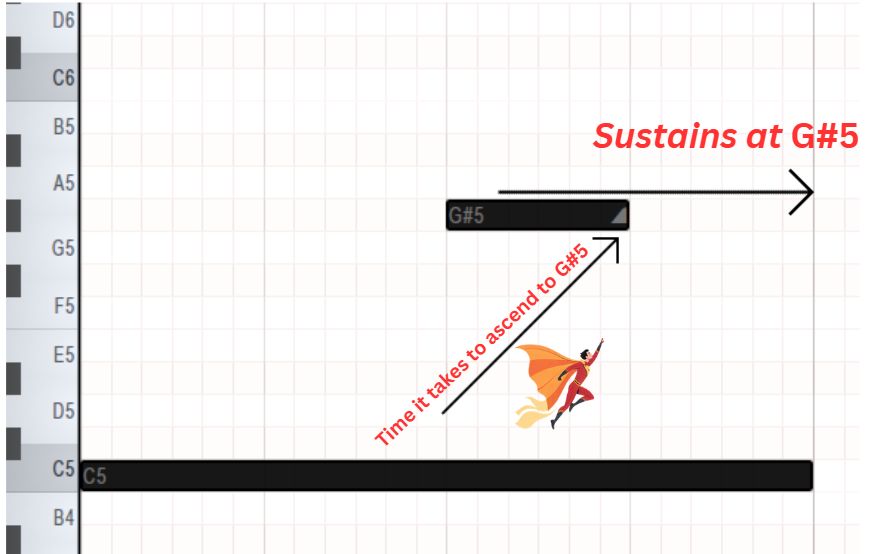
Ascends from C5 to target pitch (G#5) then sustains at that pitch.
True or false
True

The Preserve ? Button retains the END of your chords.
(For both Start & End strum)
Preserve end


The Trigger ? Button
Spans strummed notes across the grid line (Only applies to start)
Trigger Ahead


While having a chord selected, Pressing ALT+Right Click lets you hear how it sounds
True or False
TRUE
