Web Design - Week 2
 Note
Note Call Kai
 Learn
Learn Practice Test
 Spaced Repetition
 Match
Match Flashcards
 Knowt Play
1/9

Earn XP
Description and Tags
Name | Mastery | Learn | Test | Matching | Spaced | Call with Kai | Chat |
|---|
No analytics yet
Send a link to your students to track their progress
10 Terms
What does line-height control?
line-height controls the vertical distance between lines.

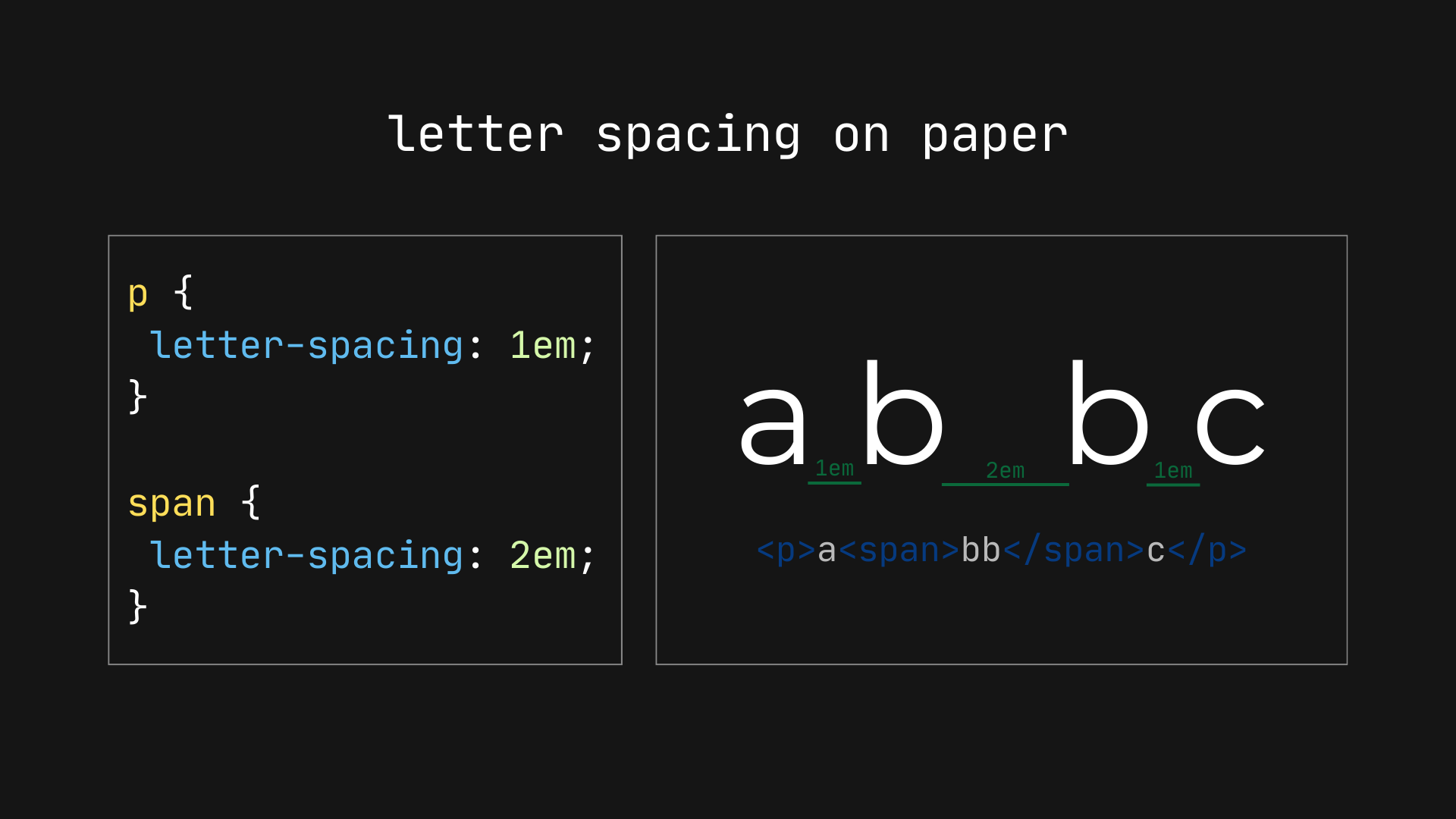
What does letter-spacing control?
letter-spacing controls the horizontal space between individual letters.
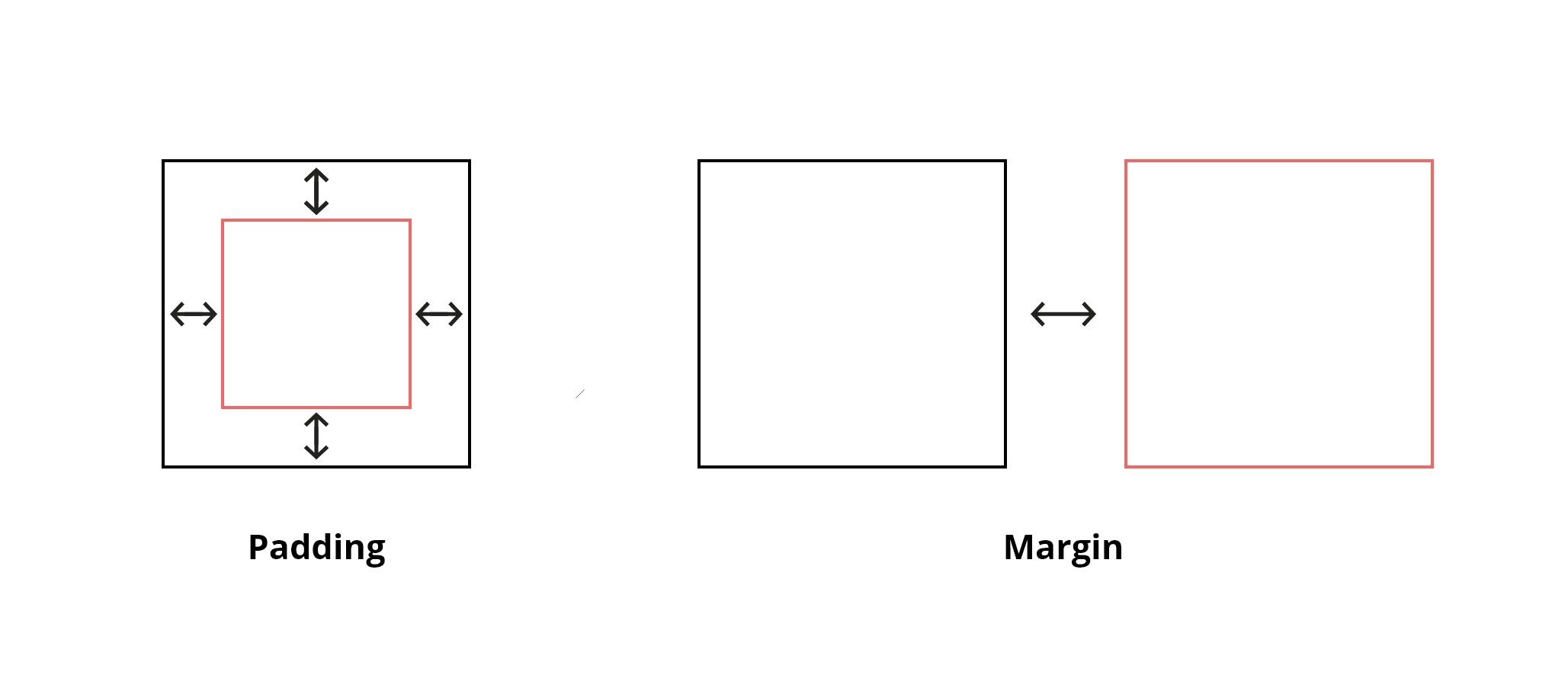
What is the difference between margin and padding?
Margin is the space outside an element’s border, while padding is the space between the content and its border.
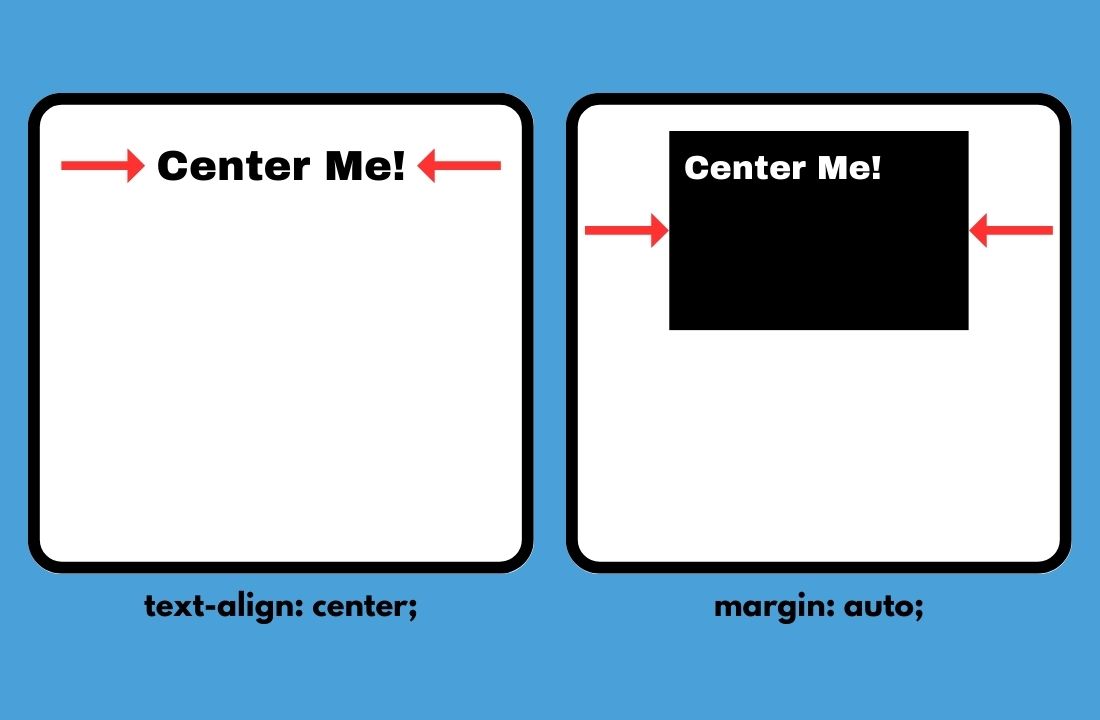
How do you align text inside a container?
Use the text-align property with values such as left, center, or right.
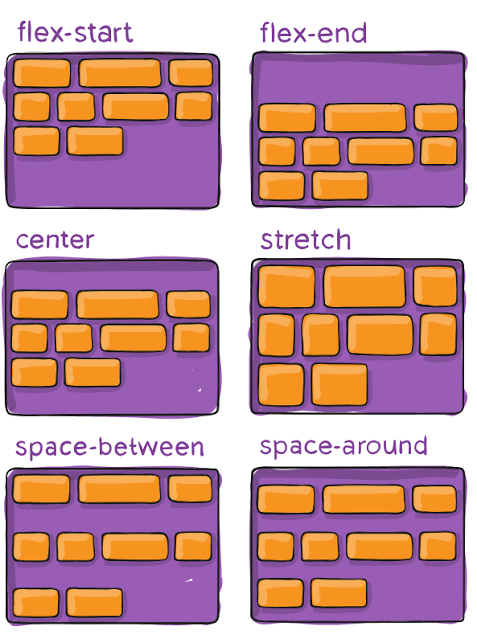
What does display: flex do?
It activates Flexbox, allowing for easier alignment of content within a container.
How can you size an image while preserving its proportions?
You can use width: 150px; and height: auto; to maintain the image's aspect ratio.

What does background-size: cover do?
It ensures that the background image covers the entire container, potentially cropping part of the image while maintaining its proportions.

What is the purpose of position: static?
It is the default positioning method where the element stays in the normal flow of the document.
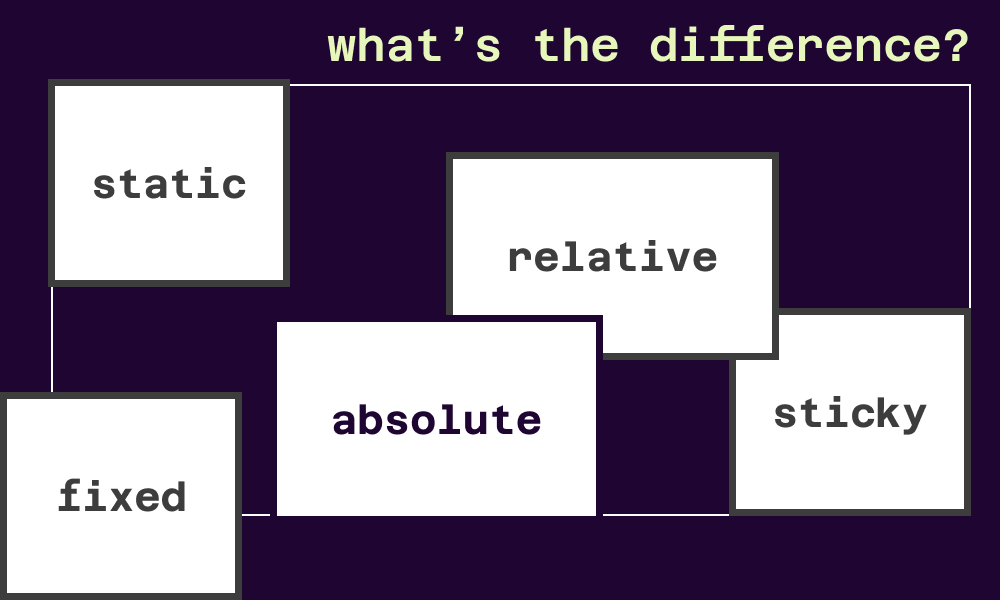
How does position: absolute work?
It removes the element from the normal flow and positions it relative to the nearest positioned ancestor.

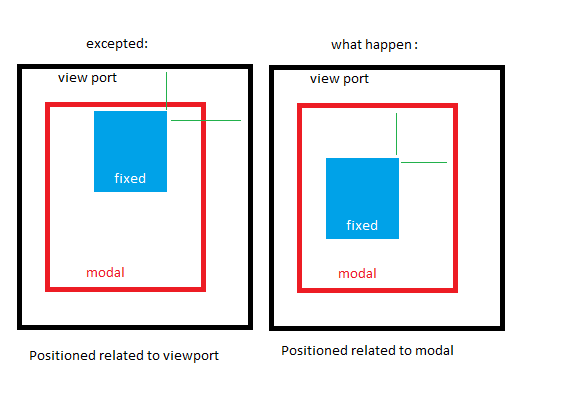
What is a fixed element?
A fixed element stays in the same position on the screen even when the page scrolls, often used for navigation bars or buttons.