3.4 Hardware
 Call Kai
 Learn
 Practice Test
 Spaced Repetition
 Match
 Flashcards
 Knowt Play
1/56

There's no tags or description
Looks like no tags are added yet.
57 Terms
What is an HDD?
A Hard Disk Drive that uses spinning magnetic platters to store data.

What is a spindle?
The central shaft that rotates the platters inside an HDD.

What are spindle speeds measured in?
RPM (Revolutions Per Minute).
What does 5,400 RPM mean?
The platters rotate 5,400 times per minute.
What does 7,200 RPM mean?
The platters rotate 7,200 times per minute.
What happens when HDD spindle speed increases?
Generally faster data access and transfer performance.
What is a 2.5-inch HDD?
A smaller drive commonly used in laptops.
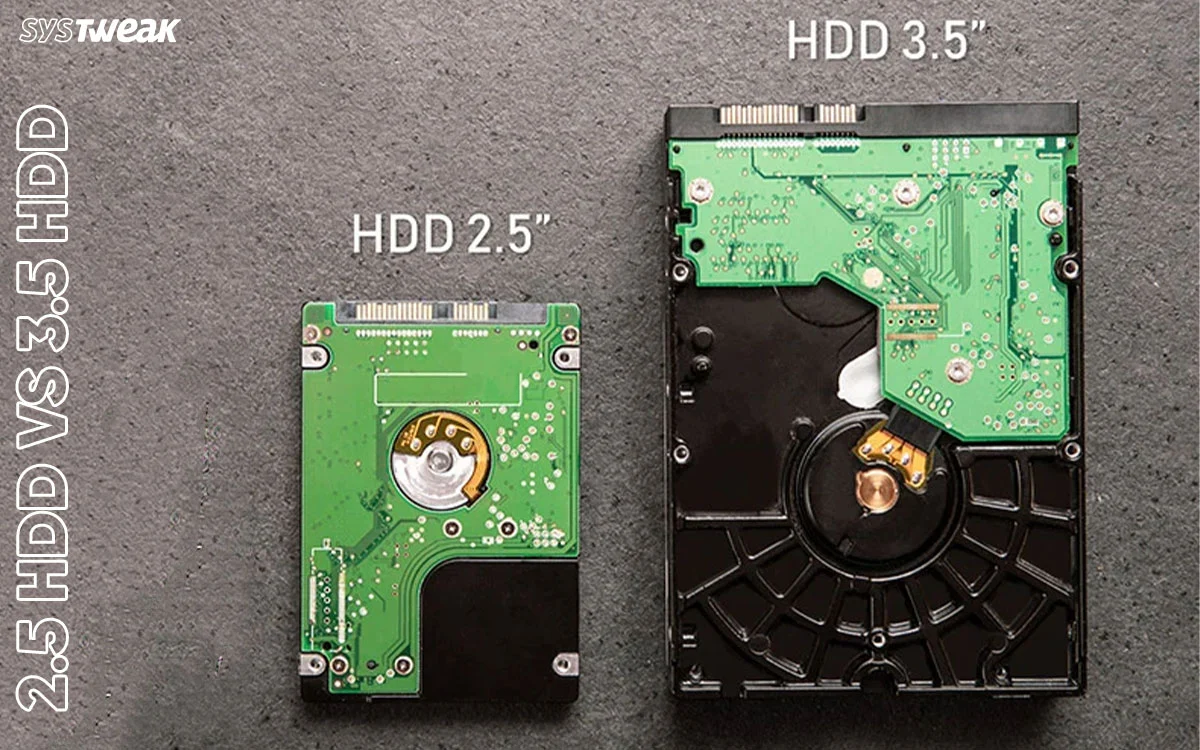
What is a 3.5-inch HDD?
A larger drive commonly used in desktop computers.
What is an SSD?
A Solid-State Drive that stores data using flash memory and has no moving parts.

What is the main advantage of an SSD over an HDD?
Faster performance, lower power consumption, and better resistance to physical shock.
What is NAND flash memory?
Nonvolatile memory used in SSDs to store data without power.
What does nonvolatile mean?
Data remains stored even when power is turned off.
What is SATA?
Serial ATA, an interface used to connect storage devices.
What is the typical maximum SATA III speed?
6 Gbps (gigabits per second).
What is NVMe?
Non-Volatile Memory Express, a storage protocol designed for fast SSD communication.
What interface does NVMe commonly use?
PCIe.
What is PCIe?
Peripheral Component Interconnect Express, a high-speed expansion bus used by devices such as NVMe SSDs.
What is SAS?
Serial Attached SCSI, an interface commonly used in enterprise servers and storage systems.
What is one advantage of SAS over SATA?
SAS supports enterprise features such as dual-porting.
What is an SSD form factor?
The physical size and shape of a storage drive.
What is M.2?
A small card-shaped storage form factor that connects directly to a motherboard.
What is an M.2 NVMe SSD?
An M.2 drive that uses the NVMe protocol over PCIe.
What is an M.2 SATA SSD?
An M.2 drive that communicates using the SATA interface.
Are all M.2 drives NVMe?
No. M.2 drives can use SATA or PCIe/NVMe.
What is mSATA?
Mini-SATA, a smaller SATA-based SSD form factor.

Is mSATA the same as M.2?
No. They have different physical connectors and specifications.
What does RAID stand for?
Redundant Array of Independent Disks.
What is RAID 0?
Striping: splits data across multiple drives for performance. No redundancy.

How many drives are required for RAID 0?
At least 2.
What happens if one drive fails in RAID 0?
The entire array's data is lost.
What is RAID 1?
Mirroring: duplicates data across two drives.

How many drives are required for RAID 1?
At least 2.
What happens if one drive fails in RAID 1?
The other drive can continue providing the mirrored data.
What is RAID 5?
Striping with distributed parity.

How many drives are required for RAID 5?
At least 3.
How many drive failures can RAID 5 tolerate?
1 drive.
What is RAID 6?
Striping with double distributed parity.

How many drives are required for RAID 6?
At least 4.
How many drive failures can RAID 6 tolerate?
2 drives.
What is RAID 10?
A combination of RAID 1 mirroring and RAID 0 striping.

How many drives are required for RAID 10?
At least 4 drives.
What is the main benefit of RAID 10?
Combines performance and redundancy.
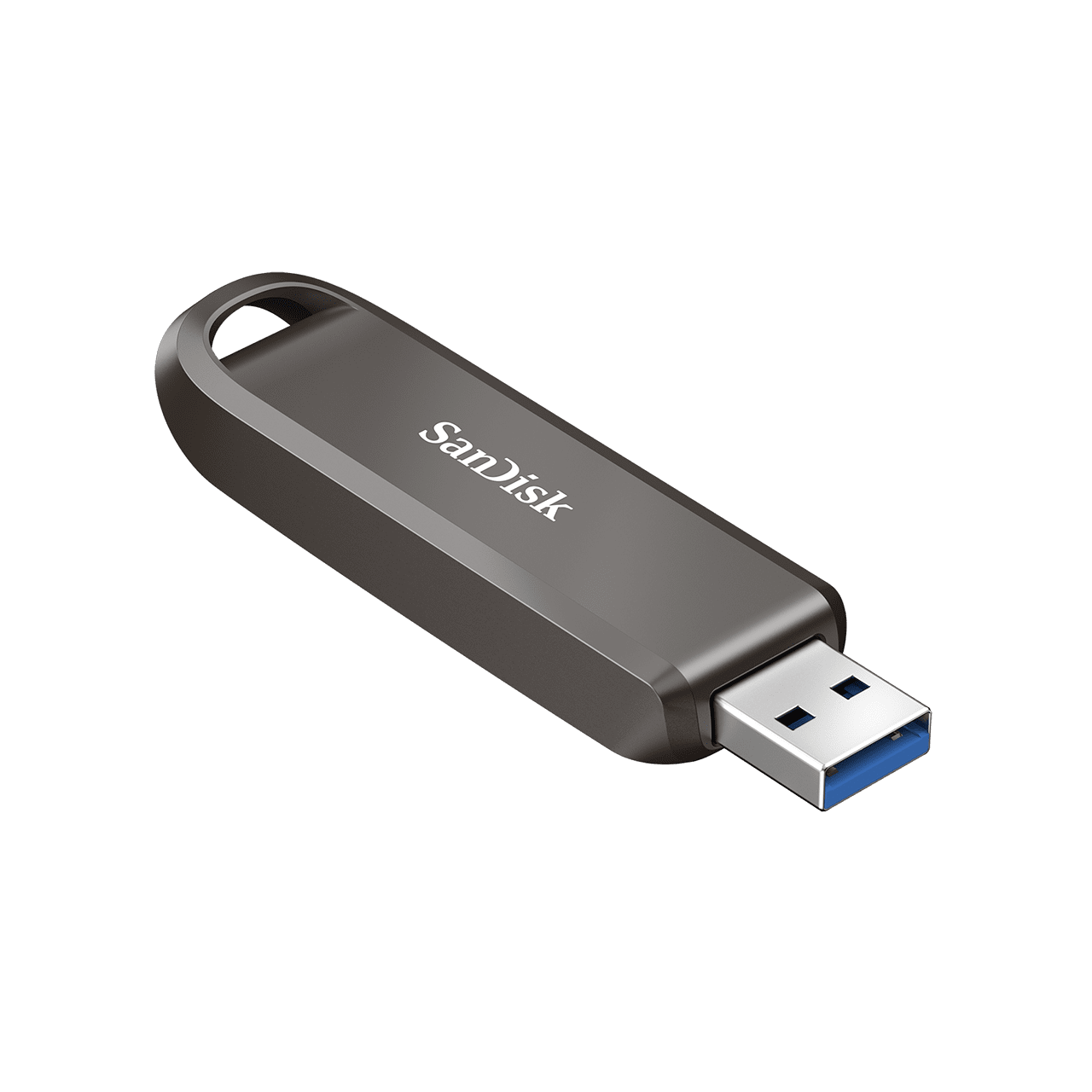
What is a flash drive?
A portable USB storage device that uses flash memory.
Does a USB flash drive need power to retain data?
No. It uses nonvolatile memory.
What is a memory card?
A small removable flash storage device used in cameras, phones, and other electronics.

What does SD stand for?
Secure Digital.

What is a microSD card?
A smaller version of an SD memory card.
What is a common use for SD cards?
Digital cameras and other portable electronics.
What is USB used for?
Connecting external storage devices and peripherals to a computer.
What is an optical drive?
A drive that reads or writes data using laser technology.

What is a CD?
Compact Disc.
What is a DVD?
Digital Versatile Disc.
What is a Blu-ray disc?
An optical disc that uses a blue-violet laser and stores more data than a DVD.
Which optical disc generally holds the most data: CD, DVD, or Blu-ray?
Blu-ray.
What does ROM mean in CD-ROM?
Read-Only Memory.
What is the difference between CD-R and CD-RW?
CD-R can be written once; CD-RW can be erased and rewritten.
What is the difference between DVD-R and DVD-RW?
DVD-R is write-once; DVD-RW is rewritable.