Automation & Sidechaining
 Call Kai
 Learn
Learn Practice Test
 Spaced Repetition
 Match
Match Flashcards
 Knowt Play
1/17

There's no tags or description
Looks like no tags are added yet.
18 Terms
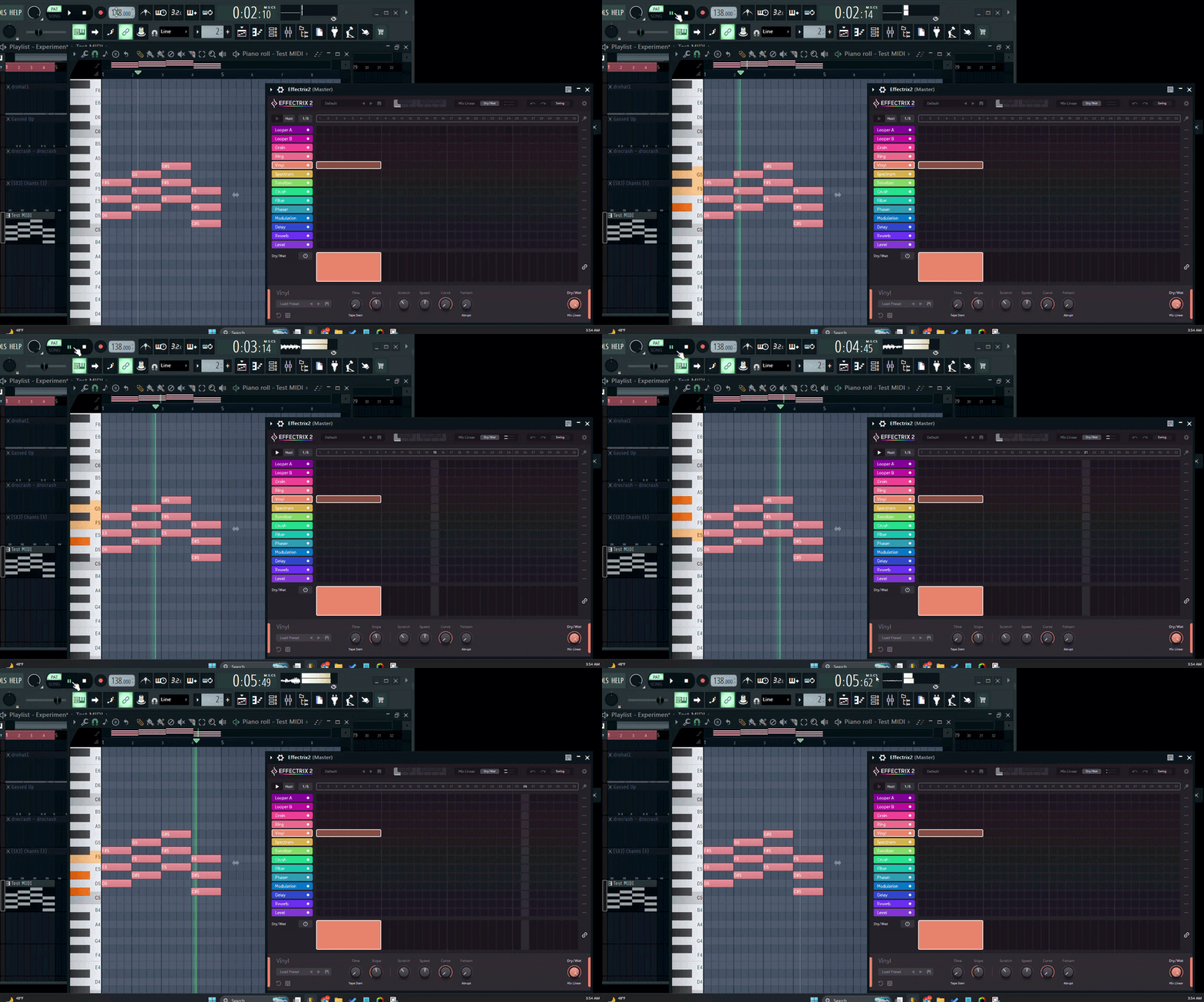
(Effectrix)
After routing Effectrix to the desired Pattern(s)
You must highlight the desired area in FL’ Piano roll for ? Bars. To synchronize properly
4 Bars
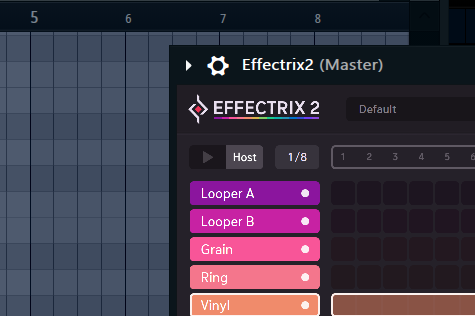
(Effectrix)
When “?” Is Highlighted in Effectrix.
Effectrix’s play-head is hard linked to FL Studios play-head (start & stop)
Host
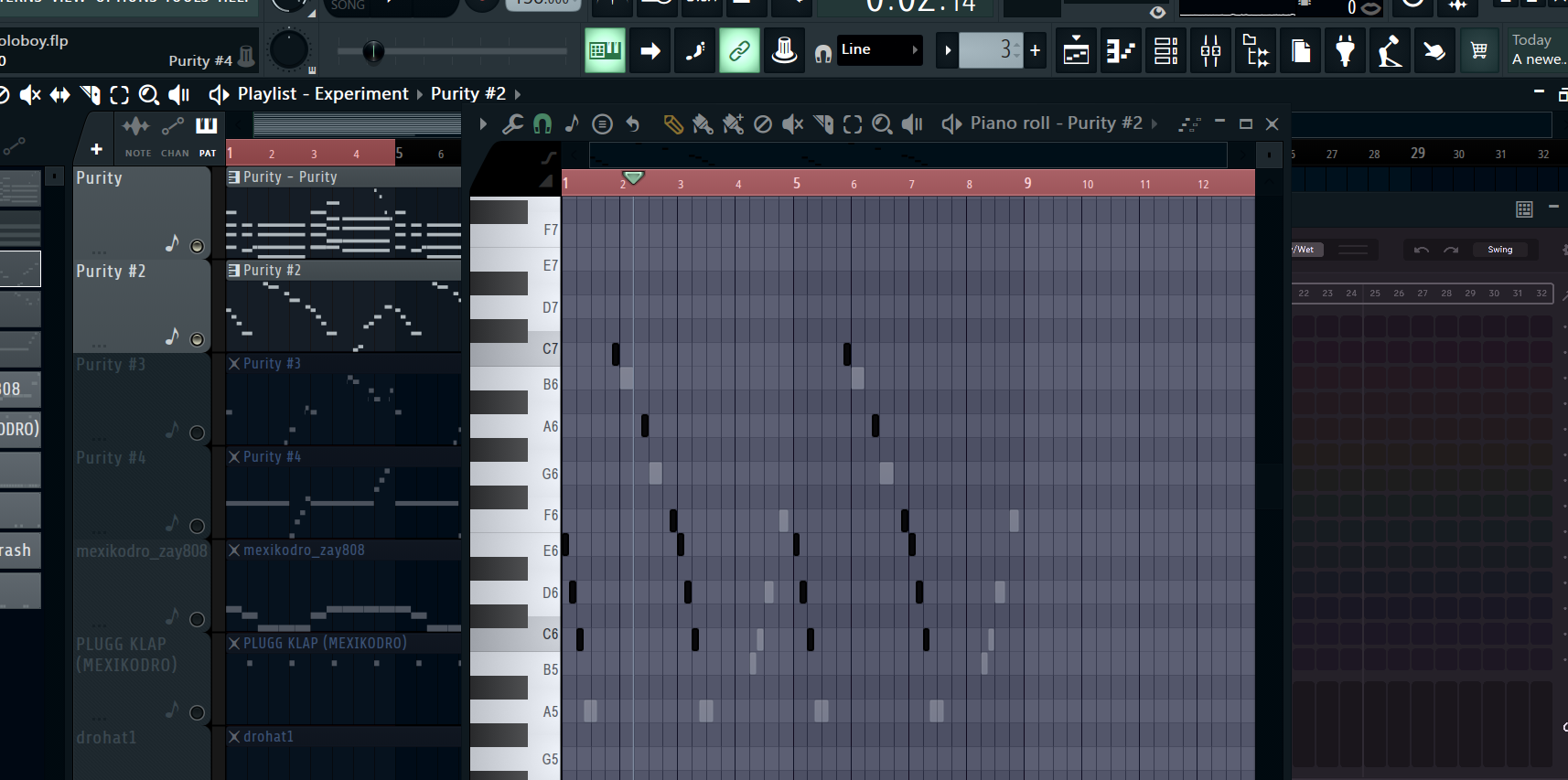
(Effectrix)
The max amount of bars you can edit
while staying in sync with Effectrix is ? Bars
4
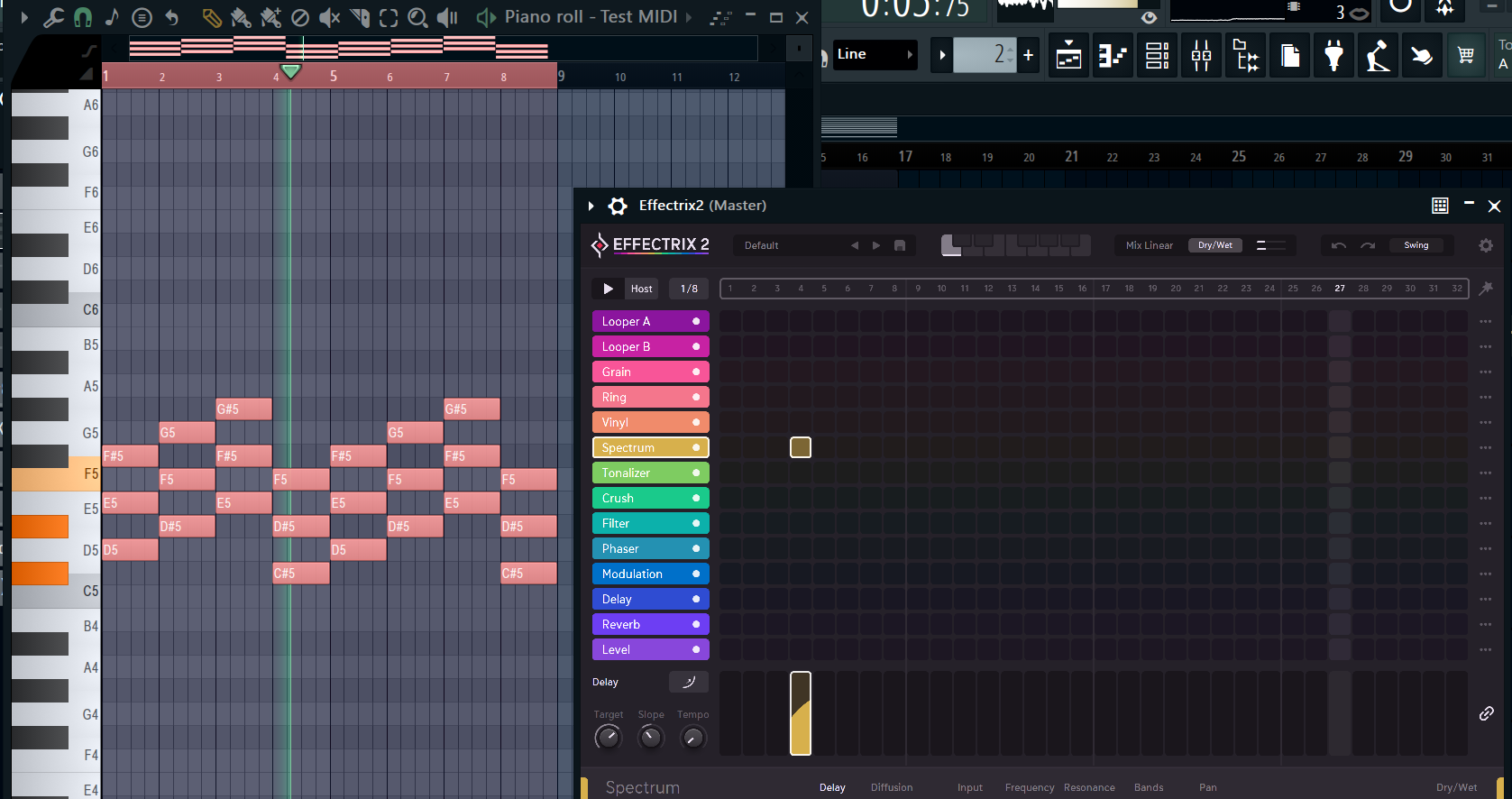
Why does the sync technique fail for an 8-bar pattern?
(Because Effectrix grid steps would be too “?”)
Wide/Big
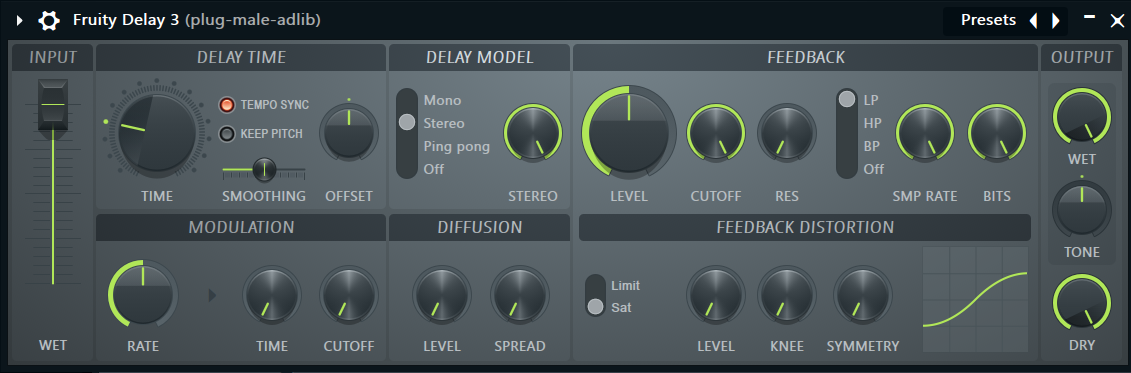
In the output section (to the far right)
the wet knob controls the ? of the echoes
Volume
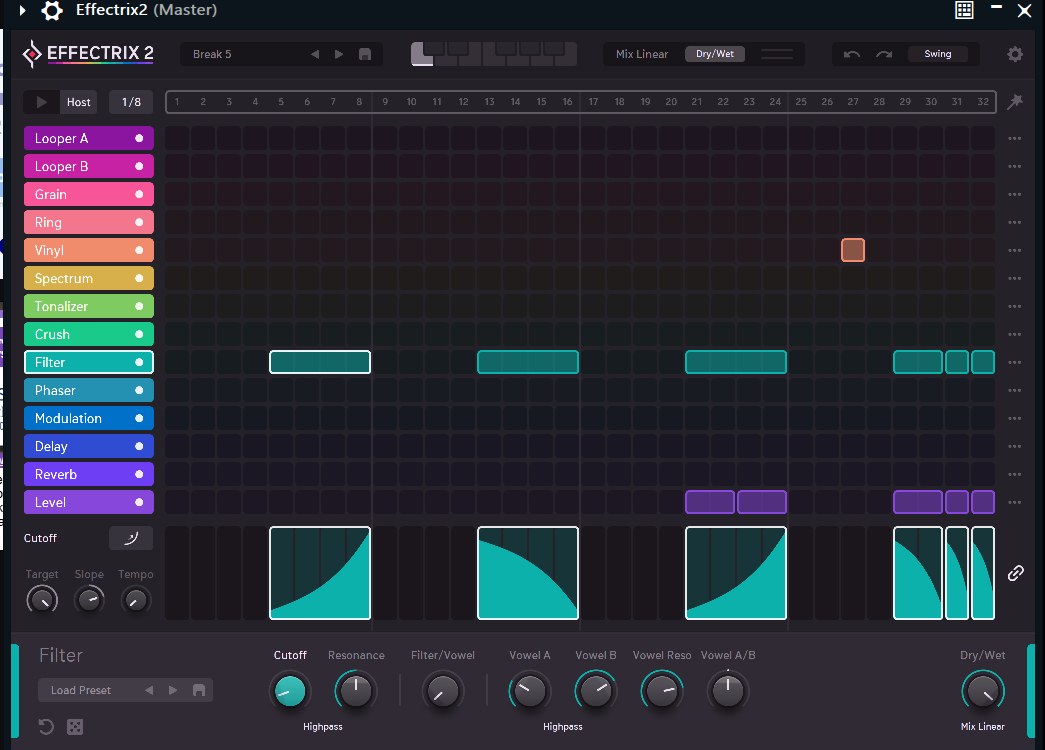
(Effectrix)
When syncing your project with Effectrix
Effectrix is limited to a ?-bar loop maximum regardless of your projects/patterns BPM
4 Bar Loop Maximum

(Effectrix)
Syncing technique requires
The Effectrix Matrix needs to be set to ? steps/bars and ?/? Speed and the Host icon needs to be highlighted
32 Steps and 1/8 Speed
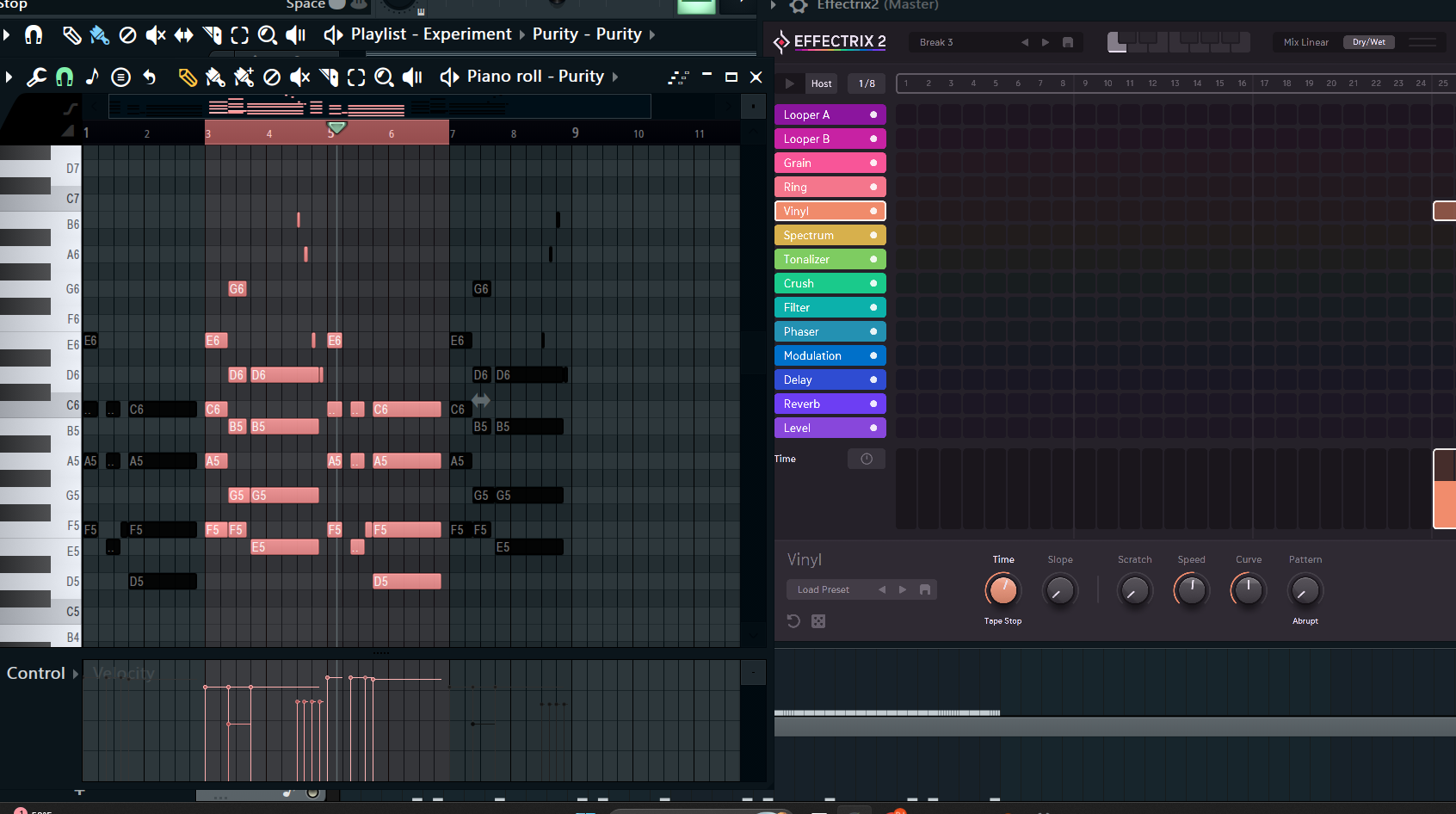
(Effectrix)
Highlighting outside of FL Studio's color-coded grid divisions when trying to sync with effectrix causes a timing ?
mismatch
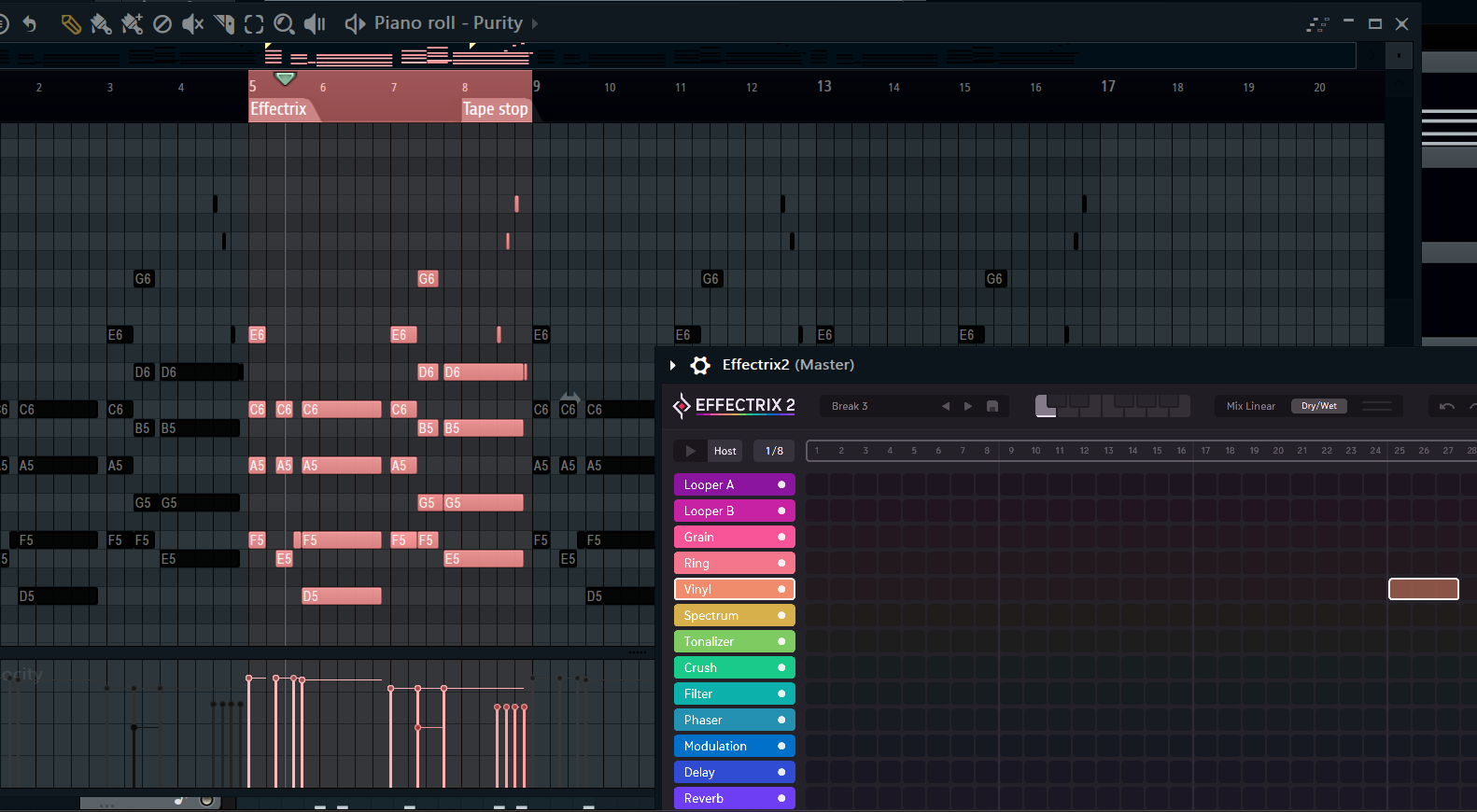
(Effectrix)
After identifying the area you want to apply effects to.
make sure your 4 Bar highlight is within FL Studios color coded ? divisions
Grid Divisions
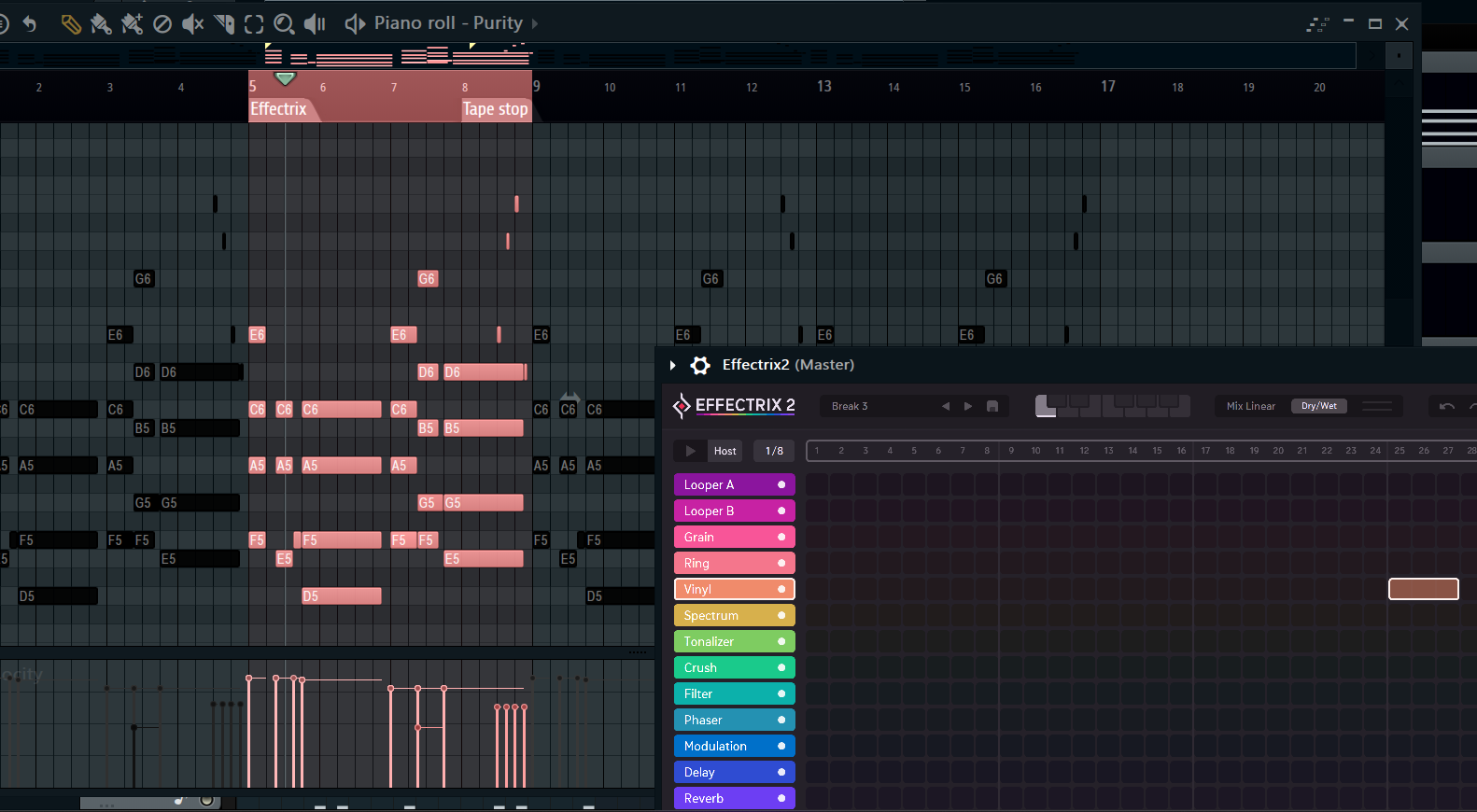
(Effectrix)
After applying effects to your 4 bar pattern.(IN ? MODE)
You’ll then need to create an ? clip to prevent the effected pattern from looping indefinitely in (? Mode)
(Pattern mode) > Automation > (Song mode)
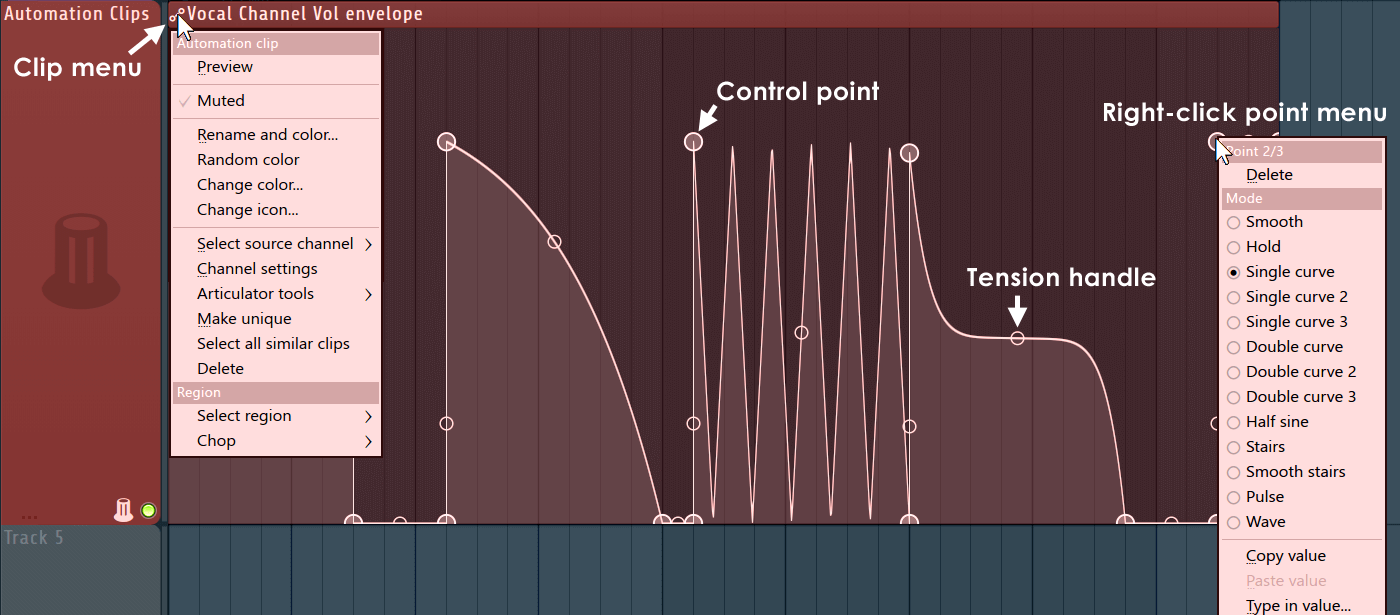
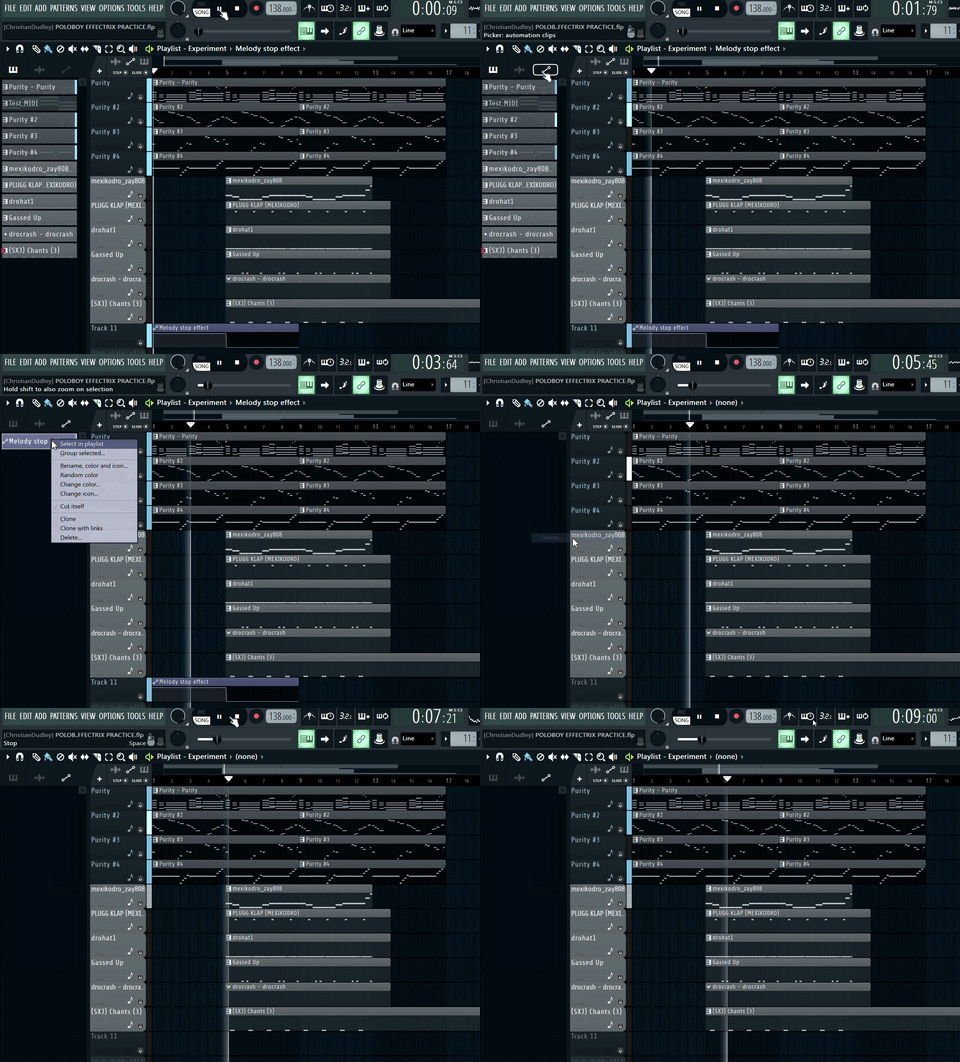
(Automation)
This is the best way to delete an ? Clip/Event
Automation
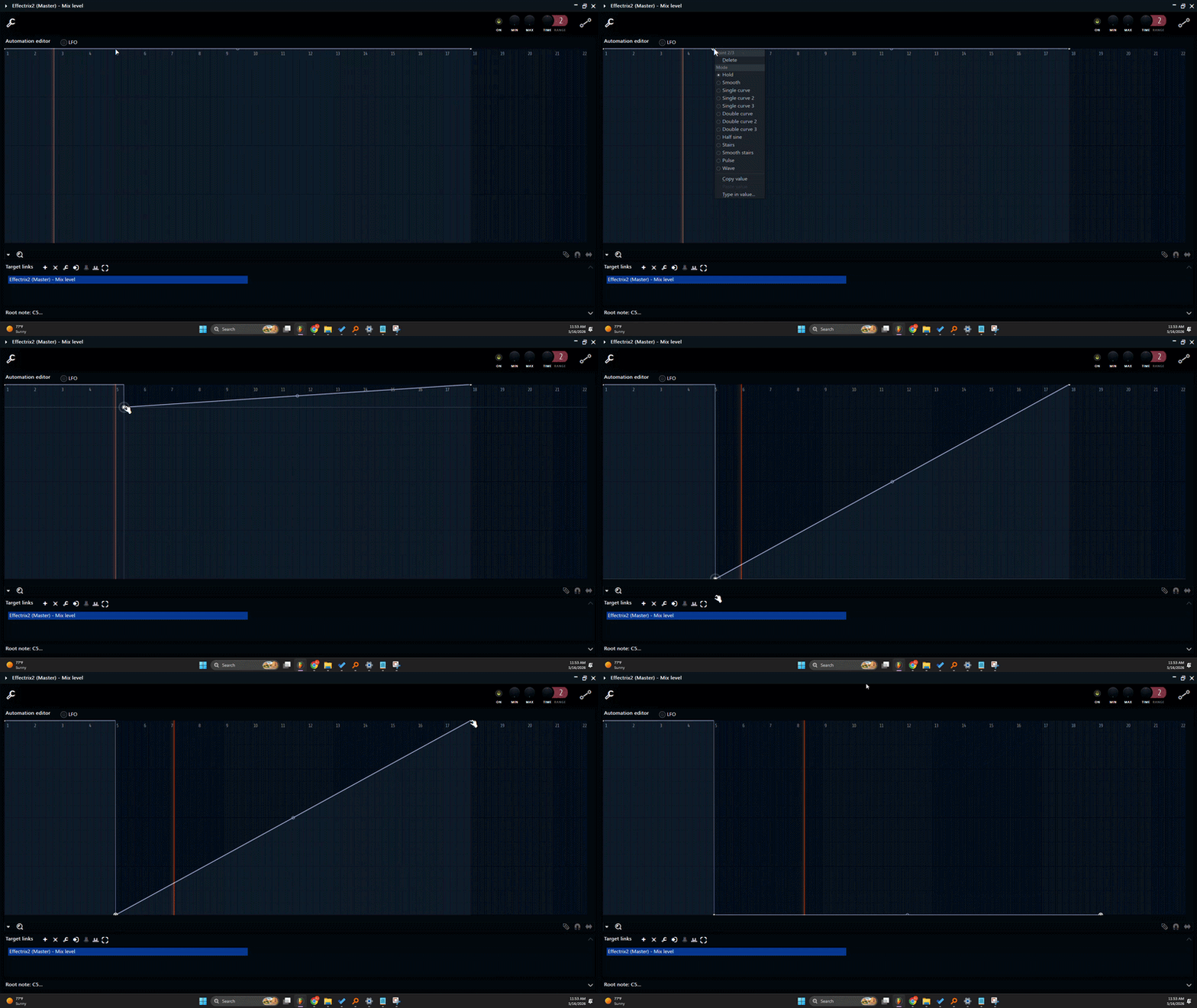
(Automation)
? Click to add a point > select Hold > Drag to desired values
Right Click

After composing Kick & 808 Pattern, Route them to the ?
Mixer

Have Pro Q3 Loaded on 808 Insert > Select Kick Insert
Right click the 808 Insert’s Arrow & Press ? To this Track
Sidechain

Open Pro Q3 > Open Pro Q3’s Settings, go to “Processing”
?-Click this box > Select “Kick”
Right click

Go to Main Interface > Identify the collision area (RED)
?-Click to add a node where the kick peaks
Left click
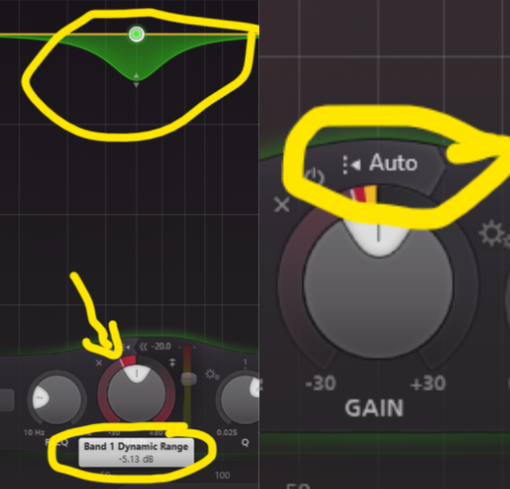
Drag the dynamic range knob (the outer red ring) ?-ward/down
To around -5dB
Then Press “Auto”
Leftward

? 808s get less gain reduction cause their inherent transients and mid-frequency energy help them cut through alongside the kick without needing aggressive ducking.
(-3 dB to -6 dB)