CompTIA ALL UNITS Core 1
 Call Kai
 Learn
Learn Practice Test
 Spaced Repetition
 Match
Match Flashcards
 Knowt Play
1/439

There's no tags or description
Looks like no tags are added yet.
Name | Mastery | Learn | Test | Matching | Spaced | Call with Kai | Chat |
|---|
No analytics yet
Send a link to your students to track their progress
440 Terms
Lithium-Ion (Li-ion) and Lithium-Ion Polymer (LiPo)
- The different types of batteries in laptops
- No "memory effect"
- Charging the battery does not diminish capacity
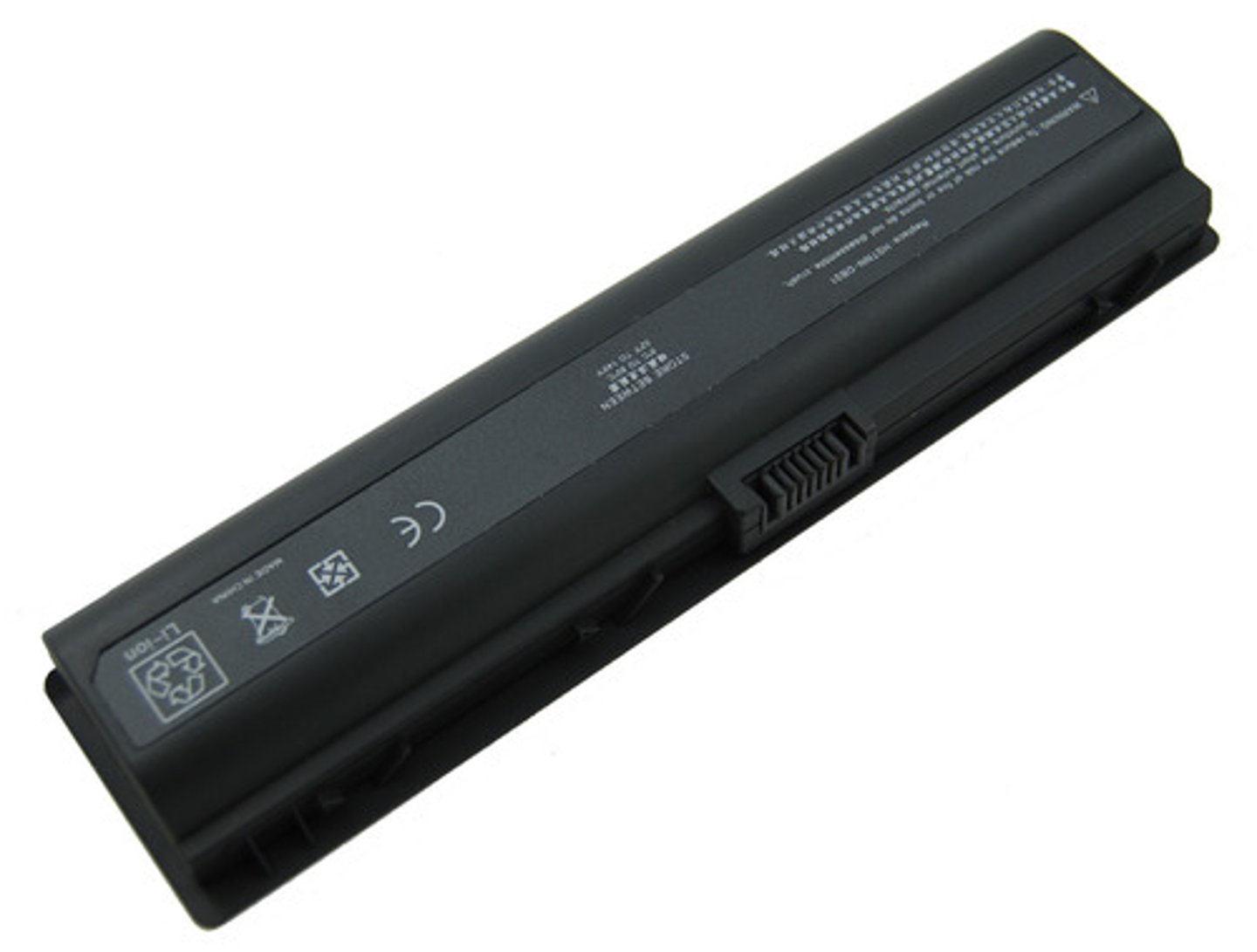
True
True or False: Laptop battery types and styles can vary
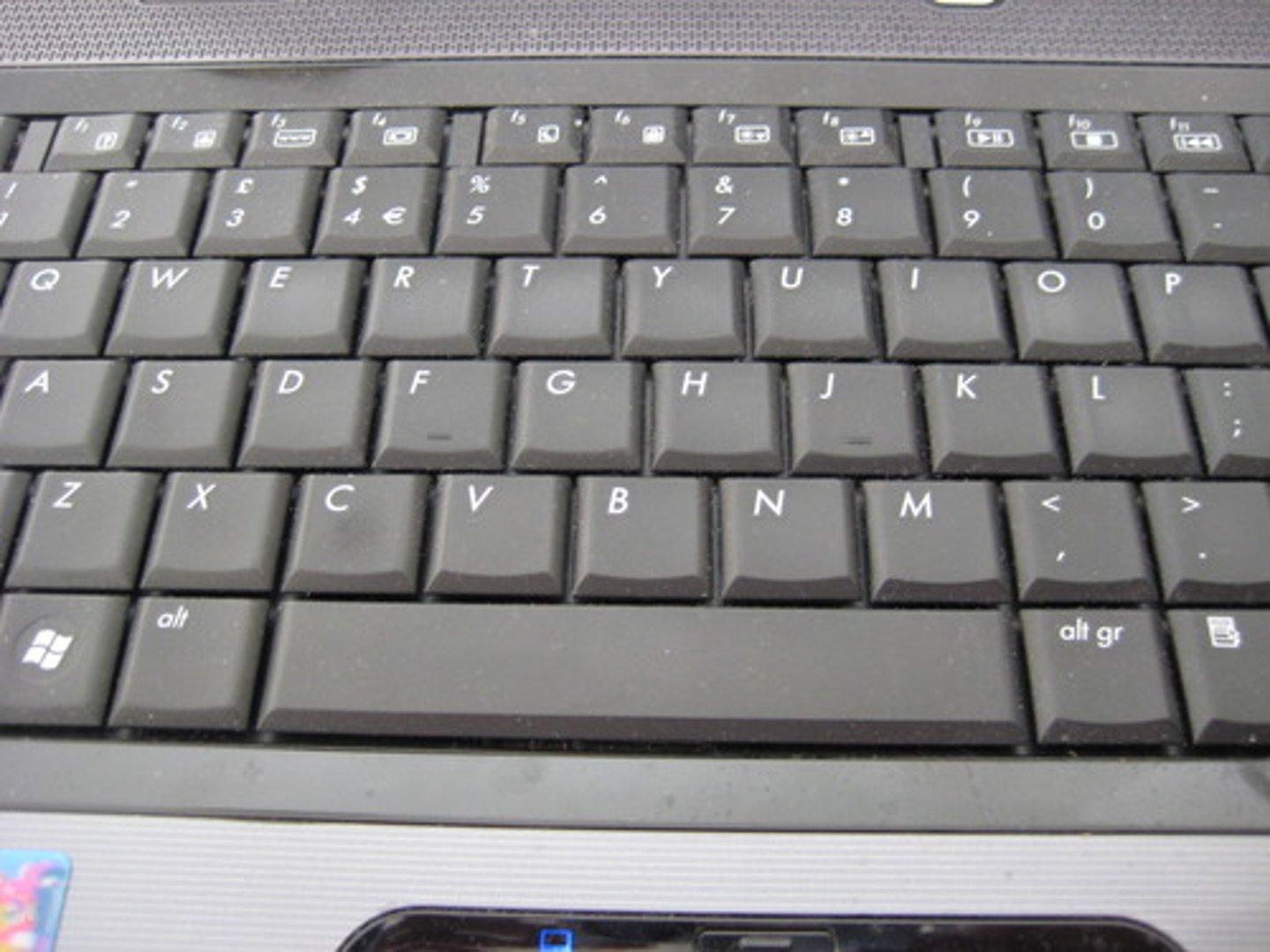
Laptop Keyboard
- Most-used component of the laptop
- Has a few screws and a single ribbon cable
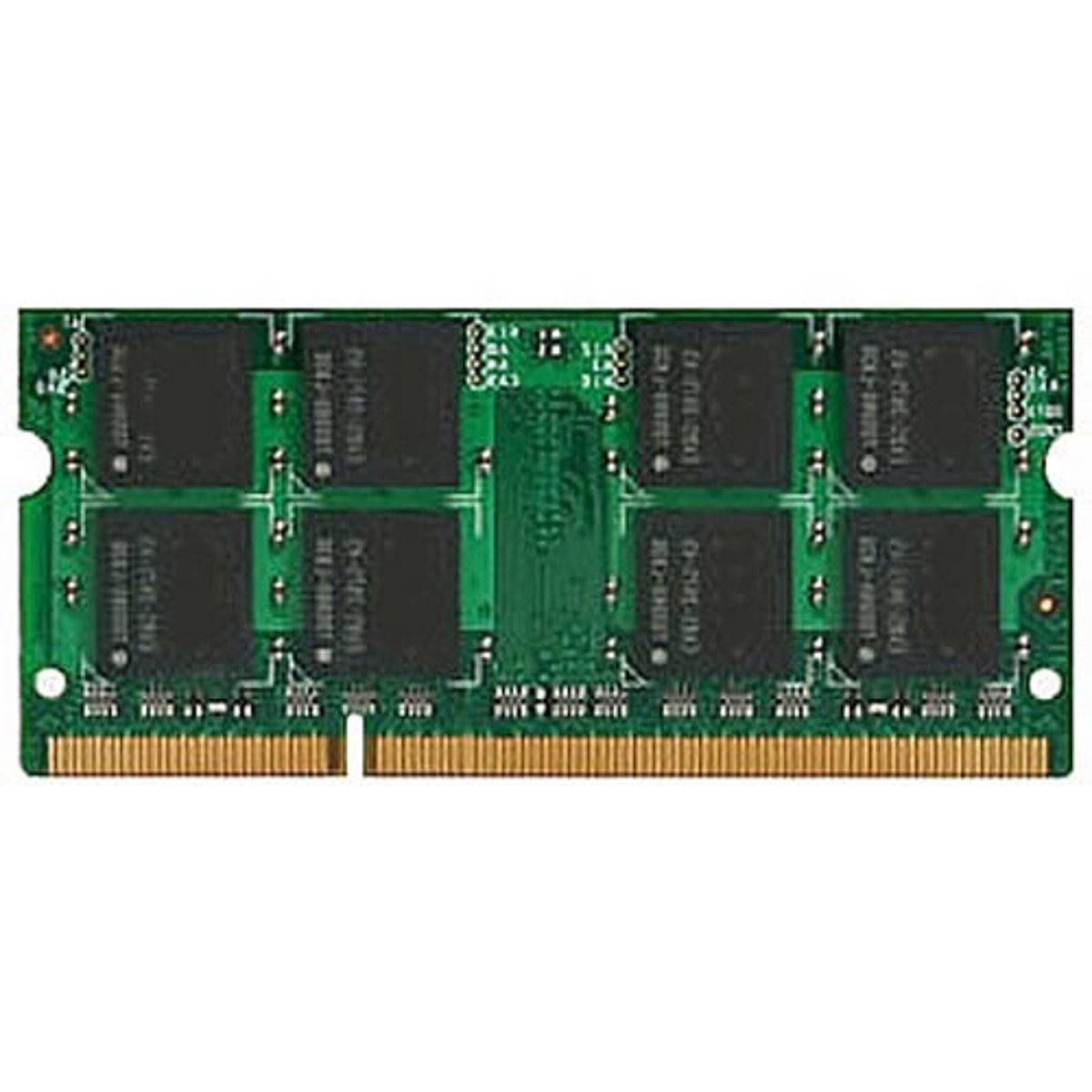
Small Outline Dual In-line Memory Module (SO-DIMM)
- Memory used in laptops and mobile devices
- Sometimes soldered to the system board of the laptop
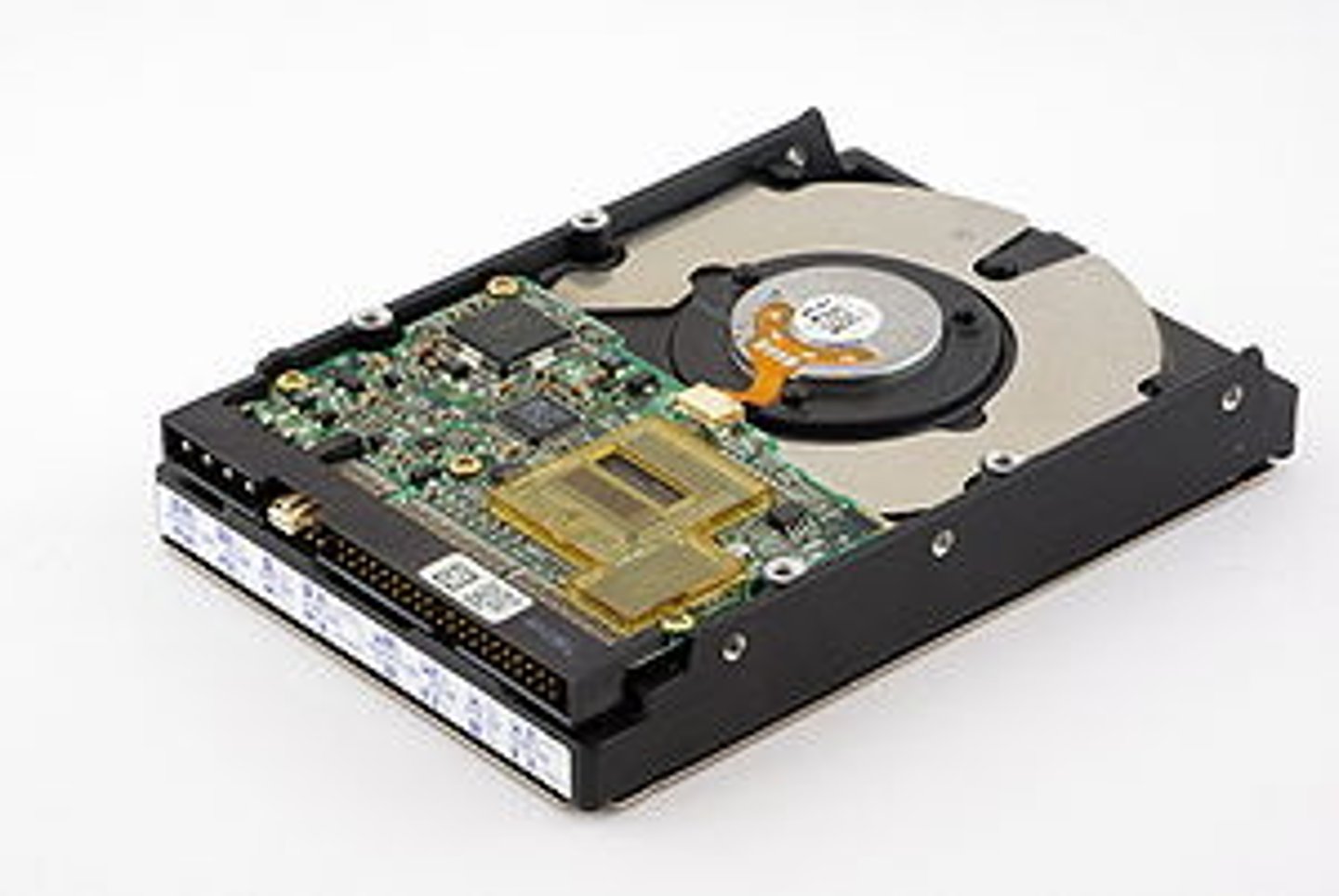
Magnetic Disk
- The traditional spinning drive platter
- 2.5 inch form factors (3.5 inch for desktops).
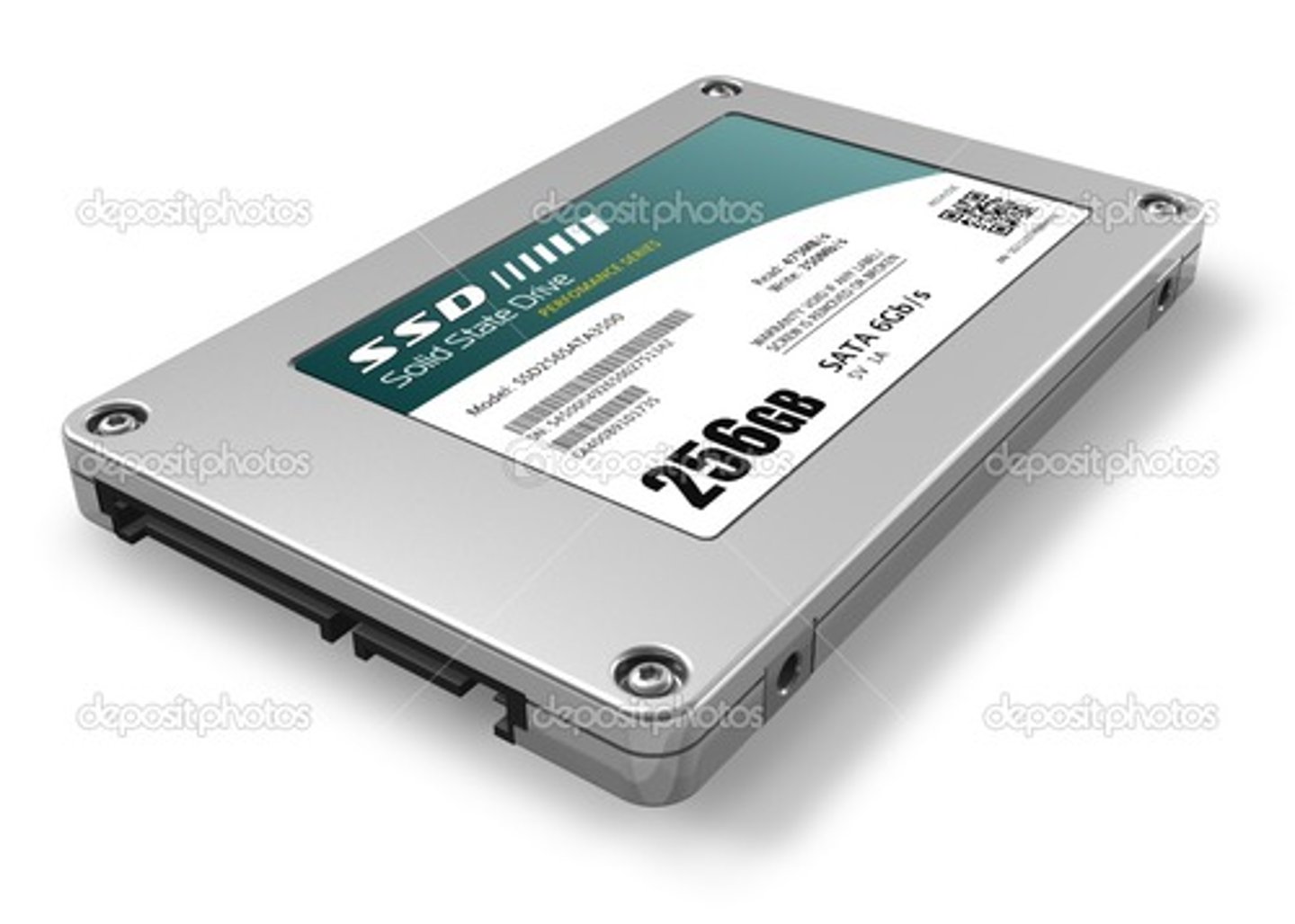
SSD (Solid-state drive)
- All memory, no moving parts
- Silent, fast access time, less latency
- 2.5 inch form factors
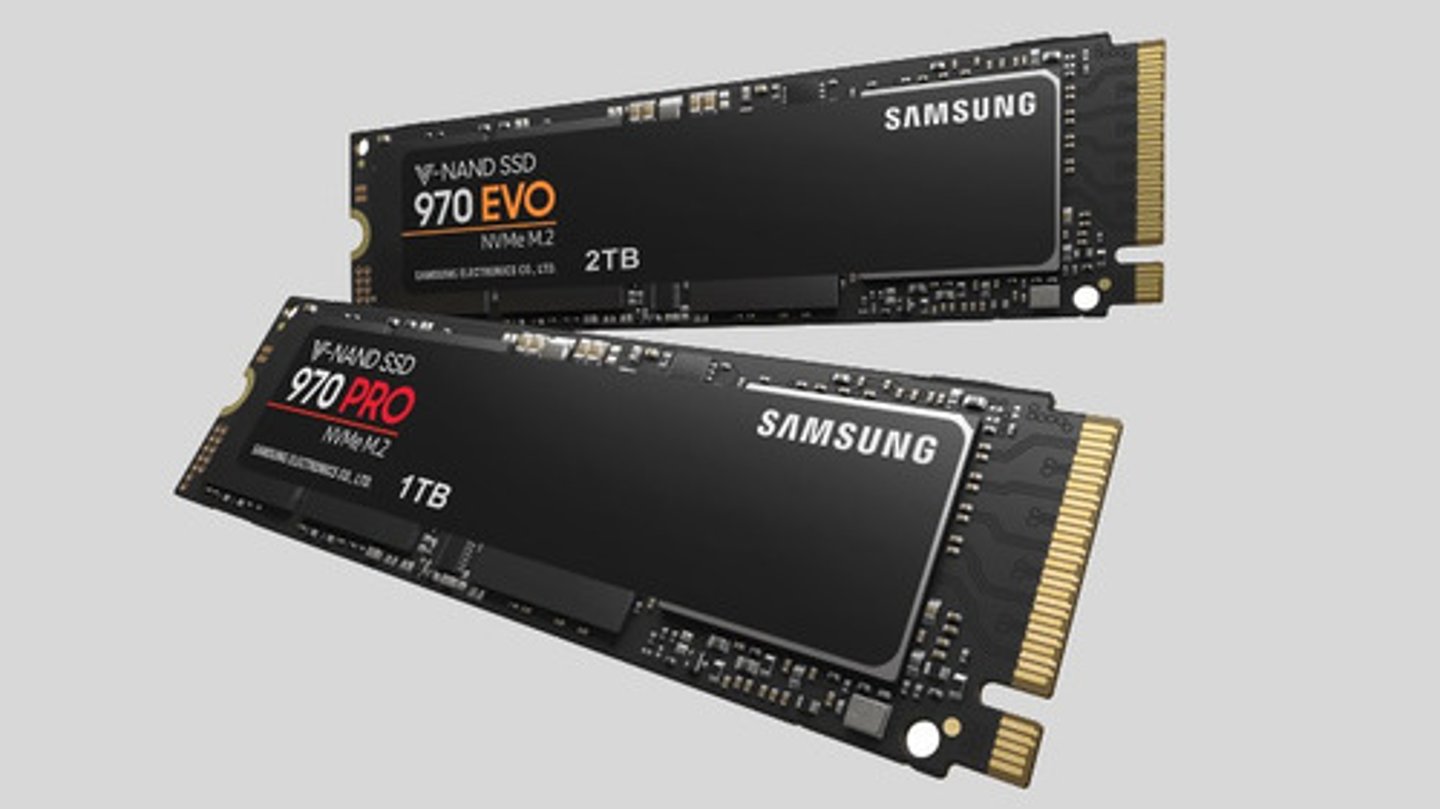
M.2 Drive
- Smaller form factor
- No SATA data or power cables
- Easy to install and replace
False
True or False: Replacing laptop storages are not very modular
Imaging Software
Best way to migrate from one drive to another
802.11 Wireless
- Uses local area network (LAN)
- High speed
- Internet access
Bluetooth
- Uses personal area network (PAN)
- Short range
- Connects peripherals and other nearby devices
Mini PCI and Mini PCI Express
- Adds functionality to laptops and other compact devices.
- Enables features like wireless networking, cellular connectivity, and storage upgrades
True
True or False: The laptop Wi-Fi antennas are labeled "Main" and "Aux" and wrap around the laptop screen
Biometrics
- Fingerprint reader or face recognition on a laptop for example.
- Requires additional configuration in the OS
- Relatively secure
Near-field communication (NFC)
- Short-distance networking
- Common on mobile phones and smart watches
- Used for authentication without typing a password
Universal Serial Bus (USB)
- High-speed wired communication
- Used for charging and data transfers
Micro-B Plug
What USB is this?

Mini-B Plug
What USB is this?

Type A Plug
What USB is this?

USB-C
- A 24-pin double-sided USB connector
- USB port used on latest devices.
- Can transmit other signals
Lightning Connector
Apple's proprietary connector for devices.

Hotspot
- Your own personal wireless router
- Extends cellular data network to all of your devices
Stylus
An advanced writing tool that connects directly to a device like a tablet
Tip-ring-ring-sleeve (TRRS)
A barrel connector commonly for headphones

Docking Station
A device that receives a laptop computer and provides additional secondary storage and easy connection to peripheral devices.

Port Replicator
An external device that provides connections to peripheral devices through ports built into the device

Trackpad
An area on the laptop allowing you to move your finger around to move the mouse
Drawing Pad
Can be used with a stylus for very precise input such as drawing

Cellular Networks
Provides voice and data communication through mobile devices
Long Term Evolution (LTE)
- A "4G" technology
- Based on GSM (Global System for Mobile Communications) and EDGE (Enhanced Data Rates for GSM Evolution).
- Standard supports download rates for 150 Mbits/s
LTE Advanced (LTE-A)
- Standard supports download rates of 300 Mbit/s
Wi-Fi
- Connects to a local 802.11 network
- Requires a local access point
- May also support voice communication
Subscriber Identity Module (SIM)
- A unique identifier for cellular devices
- Contains information
- Often a tiny physical card for the carrier and user

Global Positioning System (GPS)
- Created by the U.S. Department of Defense for precise navigation
- Determines location based on timing differences
- Maps and directions
3G, 4G, LTE, LTE Advanced, and 5G
The 5 main cellular network types
Mobile Device Management (MDM)
- Manage company-owned and user-owned mobile devices
- Set policies on apps, data, camera, etc
- Manage access control
Bring Your Own Device (BYOD)
- When the employee owns the phone
- Difficult to secure
Corporate Owned, Personally Enabled (COPE)
- When the company buys the device
- Used as both a corporate and personal device
- Organization keeps full control of the device
- Information is protected using corporate policies
Choose Your Own Device (CYOD)
- The user's choice of device
Frequencies, Channels, and Bandwidths
The 3 factors make up 802.11 technologies?
2.4 GHz range and uses Unlicensed (Industrial, Scientific, and Medical) band
The frequency and band Bluetooth uses
802.11ac
What is Wi-Fi 5?
802.11ax
What is Wi-Fi 6 and Wi-Fi 6E?
802.11be
What is Wi-Fi 7?
Frequencies
2.4 GHz, 5GHz, and 6GHz are examples of?
Channels
Groups of frequencies numbered by the IEEE
Bandwidth
Amount of frequency in use
RFID (Radio-frequency identification)
- Access badges
- Pet/Animal identification
- Anything that needs to be tracked
- Uses radar technology
NFC (Near field communication)
- Two-way wireless communication
- Payment systems
- Bootstrap for other wireless
- Access token, identity "card"
DNS (Domain Name System)
- Translates human-readable names into computer-readable IP addresses
- Hierarchical
- Referred to as a distributed database
RR (Resource Records)
- The database records of domain name services
- Very important and critical configurations
Address Records (A) (AAAA)
- Defines the IP address of a host
- Records for IPv4 and IPv6 addresses
CNAME (Canonical Name Records)
- A name is an alias of another canonical name
- One physical server with multiple services
Mail Exchanger Record (MX)
- Determines the host name for the mail server
- This isn't an IP address; it's a name
Text Records (TXT)
- Human-readable text information
- Can be used for verification purposes
- Commonly used for email security
Domain Keys Identified Mail (DKIM)
- Digitally signs a domain's outgoing mail
- Validated by mail servers, not usually seen by the end user
SPF (Sender Policy Framework)
- A list of all servers authorized to send emails for this domain
- Prevents mail spoofing
Domain-based Message Authentication, Reporting, and Conformance (DMARC)
- Prevents unauthorized email use (spoofing)
- An extension of SPF and DKIM
- You decide what external email servers should do with emails that validate through SPF or DKIM
DHCP Pool
A grouping of IP addresses with each subnet having its own scope
Dynamic Host Configuration Protocol (DHCP)
Provides automatic address / IP configuration
DHCP Scopes
- Configured on the DHCP server
- The IP address range
Discover, Offer, Request, Acknowledge
What is DORA
Address Reservation
- Table of MAC addresses
- Other names like Static DHCP Assignment or IP Reservation

LANs (Local Area Networks)
A group of devices in the same broadcast domain
Virtual LANs (Virtual Local Area Networks)
A group of devices in the same broadcast domain that are separated logically instead of physically
VPNs (Virtual Private Networks)
Encrypted (private) data traversing a public network
Concentrator
- Encryption/decryption access device
- Often integrated into a firewall
Client-to-site VPN
- On-demand access from a remote device
- Some software can be configured as always-on
Site-to-site VPN
- Always-on
- Firewalls often act as VPN concentrators
Routers
- Routes traffic between IP Subnets
- Often connects diverse network types
Switches
- Bridging done in hardware
- Forwards traffic based on data link address
- Has many ports and features
Unmanaged Switches
- Very few configuration options
- A fixed configuration
- Very little integration with other devices
- Has a low price point
Managed Switches
- Often has VLAN support
- Has traffic prioritization
- Has redundancy support
- Has port mirroring
Access Point
- Not a wireless router
- It's a bridge that extends the wired network onto the wireless network
- Makes forwarding decisions based on MAC address
Patch Panels
- Combination of punch-down blocks and RJ-45 connectors
- Permanently punched down to patch panel
Firewalls
- Filters traffic by port number
- Can encrypt traffic into/out of the network
- Can proxy traffic
- Can be layer 3 devices
Power Over Ethernet (PoE)
- Power provided on an Ethernet cable like phones and cameras
Cable Modem
- Uses a broadband connection
- Referred to as a DOCSIS device (Data Over Cable Service Interface Specification)
- Has high speed networking
DSL (Digital Subscriber Line) Modem
- Uses Telephone Lines
- Has a faster download speed than the upload speed (Asymmetric)
ONT (Optical Network Terminal)
- Connects the ISP fiber network to the copper network
- The demarcation point (demarc) in the data center
NIC (Network Interface Card)
- The fundamental network device
- Often built-in to the motherboard or added as an expansion card
- Contains the hardware address
IPv4
- A 32 bit address
- The primary protocol for everything we do
- Included in almost all configurations
- OSI Layer 3 address
- Example 192.168.1.131
IPv6
- A 128-bit address
- The backbone of our Internet infrastructure
- A part of all major operating systems
- Example fe80::5d18:652:cffd:8f52
False
True or False: Private IP addresses are Internet-routable
True
True or False: The first 64 bits of an IPv6 address is generally the network prefix (/64)
True
True or False: The last 64 bits of an IPv6 address is the host network address
IP Address
192.168.1.165 is an example of what kind of network
Subnet Mask
255.255.255.0 is an example of what kind of network
Default Gateway
Example: 192.168.1.1 is an example of what kind of network
Static IP Address
- An IP address that doesn't change
- Can manually configure this IP address
- Can be difficult to manage
APIPA (Automatic Private IP Addressing)
- An IPv4 link-local address
- Uses 169.254.0.0 through 169.254.255.255
- Uses ARP to confirm the address isn't currently in use
Satellite Networking
- Non-terrestrial communication
- High cost relative to terrestrial networking
- Relatively high latency
Fiber
- High speed data communication
- Higher installation cost than copper
- Large installation in the WAN core
DOCSIS (Data Over Cable Service Interface Specification)
Data on the "cable" network
DSL (Digital Subscriber Line)
- Used for telephone lines
- Download speed is faster than the upload speed
- ~10,000 foot limitation from the central office (CO)
Cellular Networks
- Commonly on mobile devices
- Separate land into "cells"
WISP (Wireless Internet Service Provider)
- Terrestrial internet access using wireless
- Connects rural or remote locations
- Many different deployment technologies
- Speeds can range from ~10 to 1,000 megabits per second
LAN (Local Area Network)
- Ethernet and 802.11 wireless
- A building or group of buildings
- High-speed connectivity
WAN (Wide Area Network)
- Generally connects LANs across a distance
- Point-to-point serial, Multiprotocol Label Switching (MPLS), etc
- Terrestrial and non-terrestrial
PAN (Personal Area Network)
- Bluetooth, IR, NFC
- Your own private network