Utilities for Managing Operating Systems
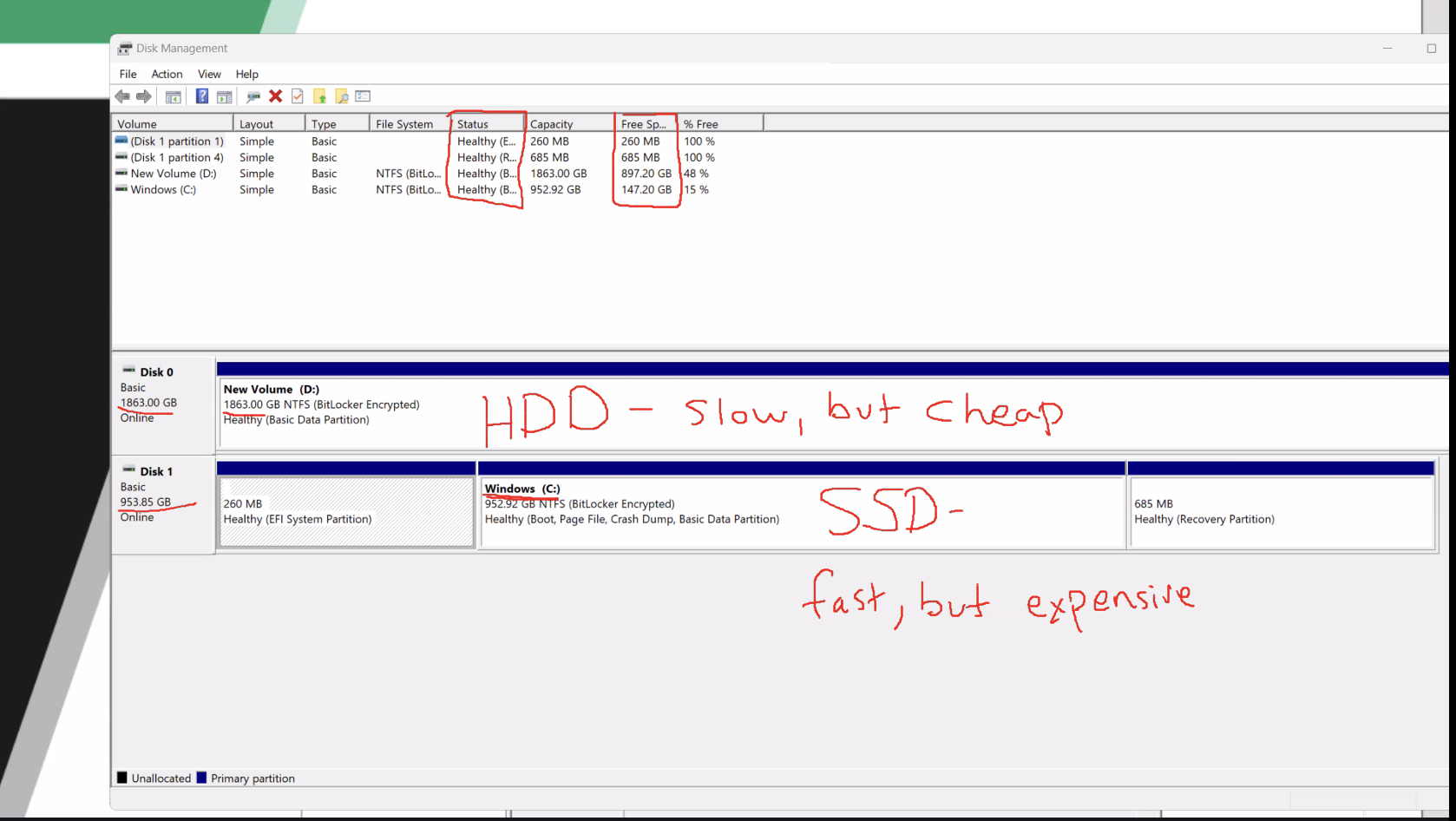
Disk management: managing long-term and short-term forms of storage
Manage hard drives, optical drives, and other storage media
Creating and deleting partitions
Formatting partitions
Partitions: Clear portion of the hard drive you want to use OR attach a file system to a portion of the hard drive
Primarily purely organizational
New Technology File System (NTFS): Windows current file system
Device management: can find hardware components within the computer
Identify the hardware specs of a device
Update a driver
Rolling back (or undoing an update) a driver
Uninstalling a driver
Process management: utility allowing users to start, stop, and restart system processes
Task manager: offers users the ability to…
Start, Stop, and Restart system processes
Enable or Disable services
View a graphical chart of system resources
Process: applications in use
Task Scheduling: utility that allows you to create automated tasks
Allows operating system functions and tasks to be completed faster than they would using manual access
Displaying messages
Sending emails
Executing applications
Access Control Protection: define who has access to files in the operating system and what they can do
Who can create new users and groups
Who can install and uninstall applications
Who can set additional permissions on other items
Permissions: who can read, edit, or run programs in personal files
User Account Control (UAC): How Microsoft manages access control