3.2c - Video Cables: Professor Messer
Video cables
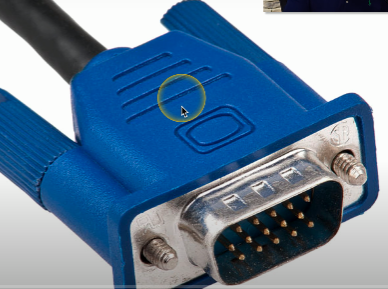
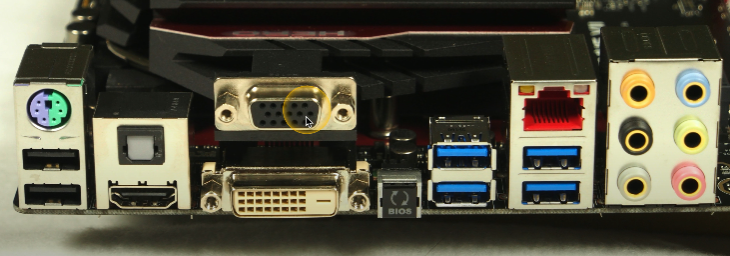
Video Graphics Array (VGA)
Uses a DB-15/DE-15 connector
15-pin connector
Blue color
Video only - if you want audio connection, you need to connect a separate cable
Analog signal
mjhImage degrades after 5-10 meters; extended distance causes a degradation in quality.
High-definition Multimedia Interface (HDMI)
Supports video and audio
Digital only connection
Range about 20 meters before losing too much signal
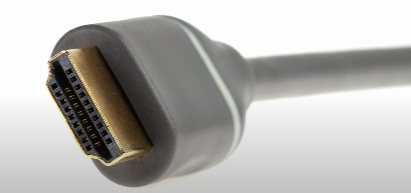
Typically uses a 19-pin (Type A) proprietary connector
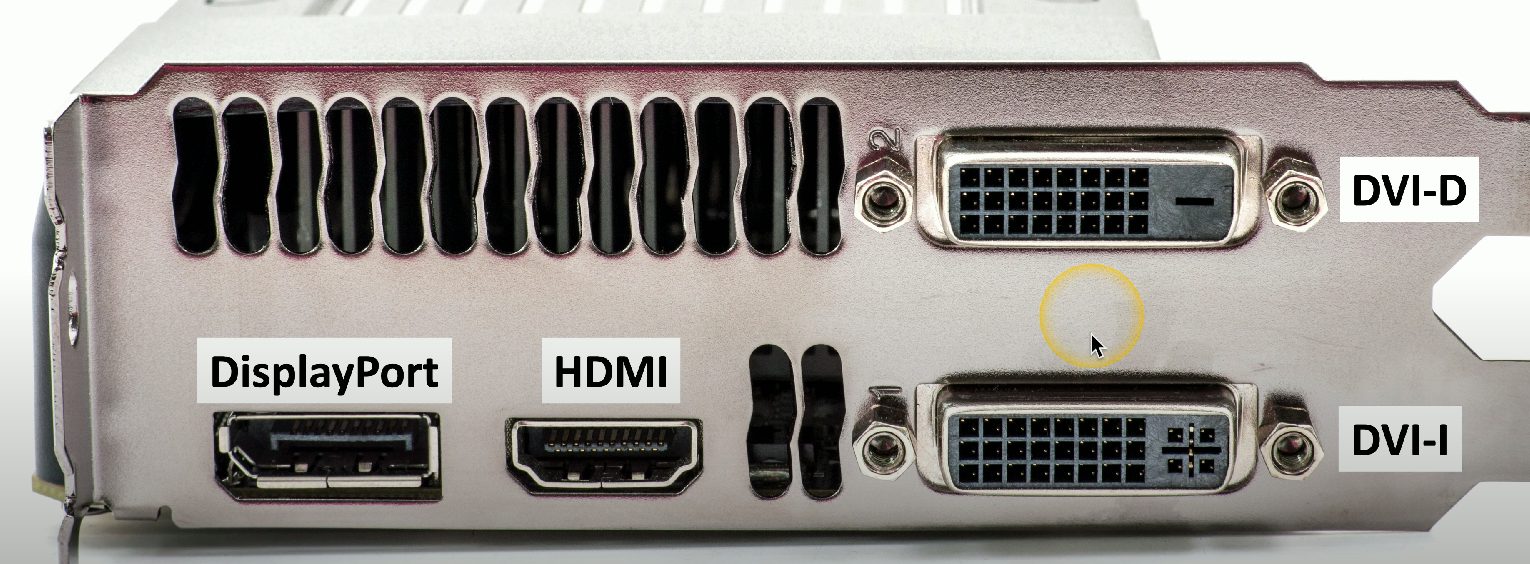
DisplayPort
Digital-only connection that sends infomration in packetized form
Audio and video connection
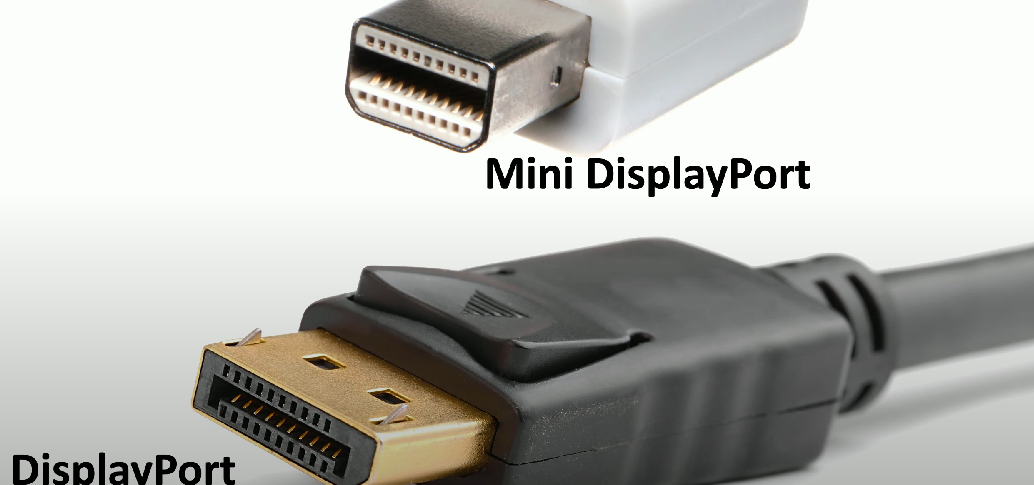
Comes in DisplayPort and Mini DisplayPort formats
DisplayPort has hooks on the connector - need to push down on the release button to remove
Passively compatible with HDMI and DVI
Allows you to connect a computer with a DisplayPort interface (on one end), and a monitor with a HDMI/DVI interface (other end).
Digital Visual Interface (DVI)
Primarily digital connection
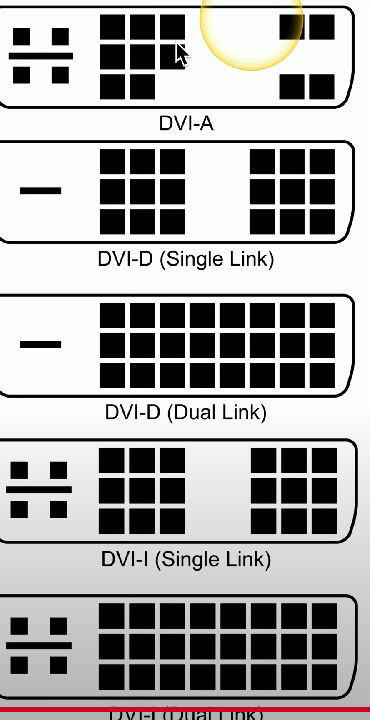
Provides single and dual link video:
Single link: 3.7 Gbit/s throughput (can view High Definition TV @ 60fps)
Dual link: 7.4 Gbit/s throughput (can view High Definition TV @ 85 fps)
Different connector types:
DVI-A (only analog signals)
DVI-D (only digital signals)
DVI-I (integrated; both digital and analog)
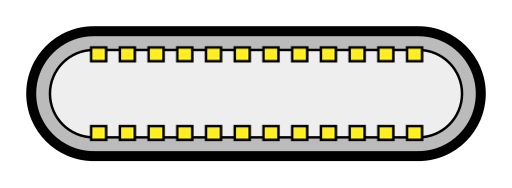
USB-C
Enables power (charging) and data transmissions
Supports audio and video
Digital connection
Reversible (supports audio and video)