1.1 - CompTIA A+ Core 2
1.1a - Operating Systems Overview
Workstations
Operating system (OS): A layer between the system hardware and applications used on a device; controls underlying device hardware.
Used to run applications specifically made for that operating system.
Provides a way for users to interact with the machine/a user interface.
Features of operating systems:
File management: Add, delete, and rename available files
Application support: Memory/swap file management
Input/output support: Available via keyboards/mice, printers, and storage drives.
Operating system/management utilities
Windows
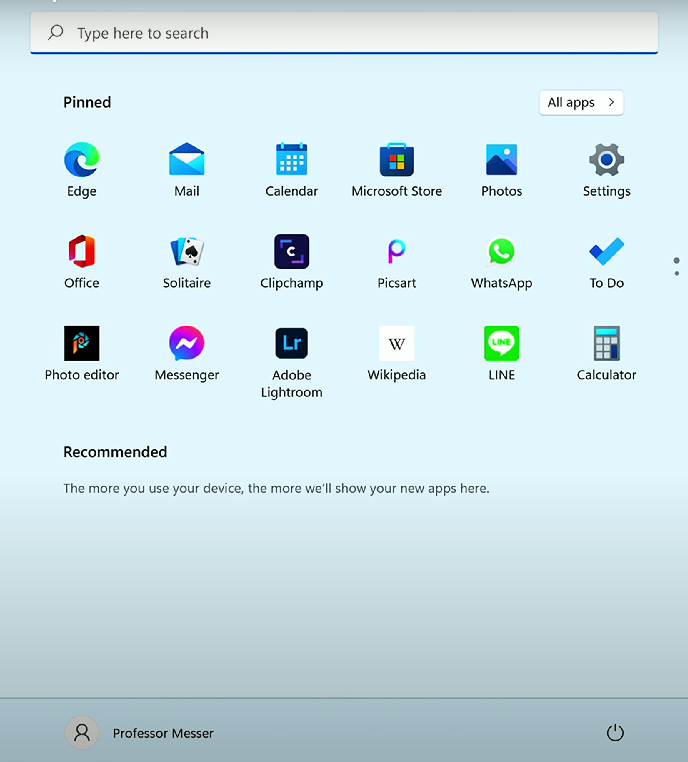
Most widely used operating system - used with practically every organization.
Many different versions: Windows 10, 11, and Server
Advantages:
Large industry support
Wide variety of OS versions
Widely available software support - many applications written for the Windows OS
Disadvantages:
Large install base provides a wide attack vector for hackers
Varying driver quality from hardware vendors can provide integration issues
Linux
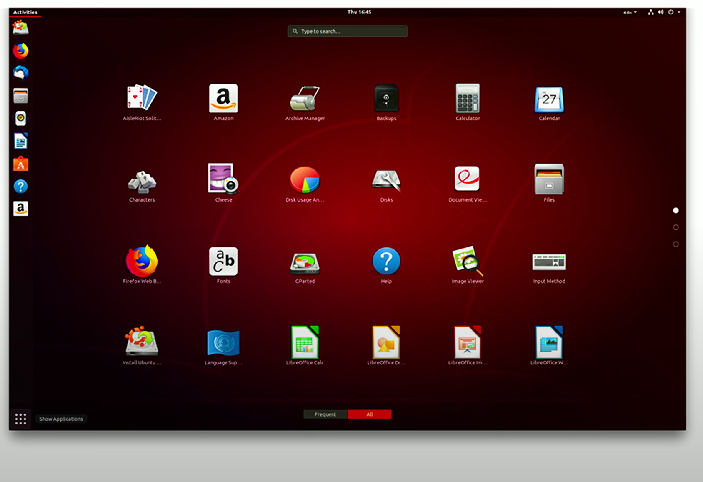
Free/open-source, Unix-compatible operating system
Many different distributions available for installation - e.g., Ubuntu, Kali, Debian, Red Hat
Advantages:
Free to install and use
Wide hardware compatibility
A passionate and active user community for support
Disadvantages:
Limited driver support for laptops
No centralized support for dealing with technical issues
macOS
Desktop OS running on Apple hardware
Advantages:
Easy to use
Extremely compatible - Apple manufactures the hardware and develops the corresponding macOS operating system
Relatively fewer security concerns compared to Windows
Disadvantages:
Requires Apple hardware
Less industry support for software
Expensive - higher initial hardware cost
Chrome OS
Google’s operating system, based on the Linux kernel
Centers around the Chrome web browser - most apps are web-based.
Advantage - low hardware overhead/lightweight browser; can be used with many hardware vendors.
Disadvantage - relies on the Cloud/internet connectivity to use most applications
Mobile OSs
iPadOS
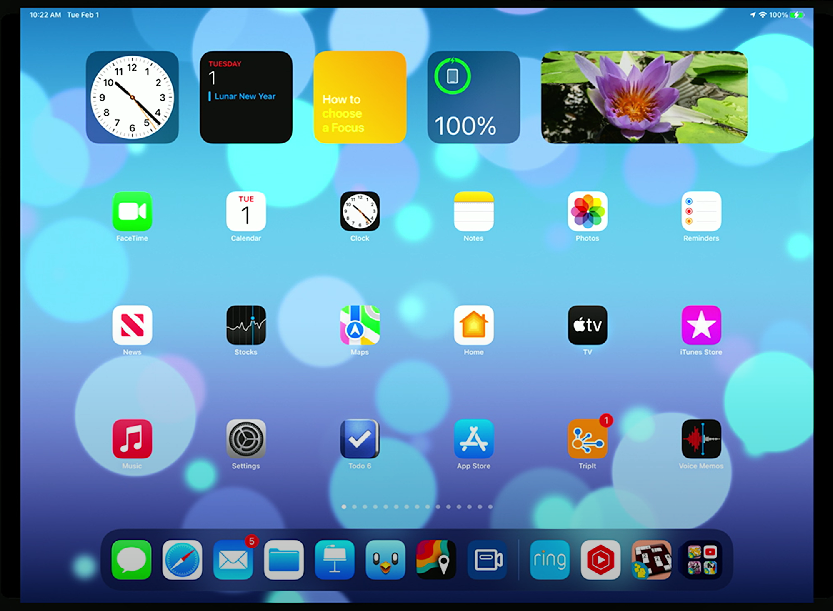
Operating systems for Apple iPad tablets
A variant of Apple’s phone iOS
Features:
Desktop browser (Safari)
Second monitor capabilities (Sidecar)
Keyboard support
Multitasking/multiple app displays
iOS
OS for Apple’s iPhone
Unix-based
Closed-source
Exclusive to Apple products
Applications are developed via Apple’s Software Development Kit (SDK) for macOS
Apps must be tested & approved by Apple before release, and approved apps are available to users in the App Store.
Google Android
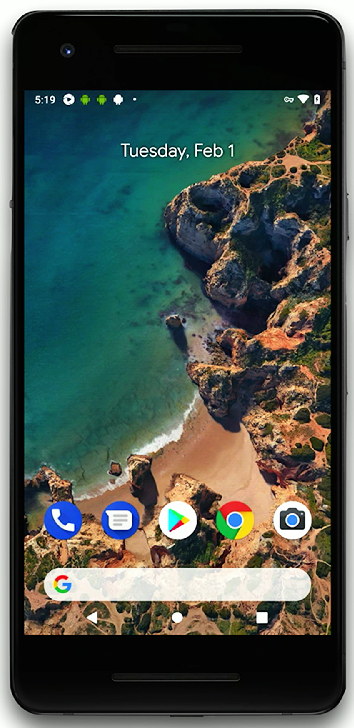
Open-source OS based on Linux
Wide hardware manufacturer support
Maintained by a large number of companies known as the Open Handset Alliance
Applications are developed on Windows, macOS and Linux with the Android SDK
Apps are available via the Google Play Store or third-party sites (e.g., Amazon Appstore).
Vendor life-cycle limitations
End-of-life (EOL)
End-of-life (EOL): Date in the product/software development lifecycle that prevents users from receiving updates to a specific product/software - that software is “no longer supported”
Update limitations
iOS, Android, and Windows check and prompt for updates
Chrome OS will update automatically
Compatibility concerns between operating systems
Some content (e.g., downloadable music and movies) can be shared between operating systems
Some data files (e.g., .docx, .pdf, .xlsx, .mp3, .mp4, .txt) can be moved between different operating systems with no compatibility issues
Web-based apps can be used across multiple operating systems.
1.1b - File Systems
Before installing an operating system, a partition must be created and formatted to store data.
Operating systems expect data to be written in a particular filesystem format.
E.g., FAT32 and NTFS
Some operating systems can have read-write compatibility
FAT, FAT32, NTFS, exFAT, etc.
Various filesystem types
New Technology File Systems (NTFS)
New Technology File System: File system commonly used for Windows & provides extensive improvements compared to FAT32
Offers quotas, file compression, encryption, symbolic links, large file support, security, and recoverability
It is not very compatible across operating systems - many OSs will read from NTFS but cannot write to it. Some can write to NTFS with limited file functionality.
Resilient File System (ReFS)
Resilient File System (ReFS): Update to NTFS used for Windows Server 2012 and operating systems after Windows 8.1.
Very large storage requirements - needed for large drives and storage arrays (i.e., RAID)
Offers self-repairing, ongoing integrity checks
The file system provides RAID-like redundancy
File Allocation Table (FAT)
One of the first PC-based file systems (circa 1980)
File Allocation Table 32 (FAT32)
File Allocation Table 32 (FAT32): Larger (2TB) volume size version of FAT, with a maximum file size of 4 GB.
Extensible File Allocation Table (exFAT)
Extensible File Allocation Table (exFAT): Microsoft's flash-driven file system for use in flash memory storage devices. Files can be larger than 4GB, and compatible across Windows, Linux, and macOS
Fourth extended filesystem (ext4)
Fourth extended file system (ext4): Fourth update to the extended file system - common file system used for Linux and Android OS
Extended filesystem (XFS)
Extended file system (XFS): Linux file system used in high-density applications (i.e., servers). Designed for large-scale computing and high-speed processing, and supports built-in journalism with minimum fragmentation.
Journaling: A technique used in file systems to keep a log of changes that have not yet been committed to the main file system, enhancing data integrity and recovery in the event of a system failure/file corruption.
Apple File System (APFS)
Apple File System (APFS): File system used for macOS 10.12.4+, iOS, and iPadOS. Developed to optimize data for flash drives/SSD, and offers improved performance, encryption, and reliability for macOS and iOS devices.