Pumpfun Referral Code “get10”: Step-by-Step Mobile Signup & 10% Trading Discount
Updated: October 28, 2026
Quick Answer
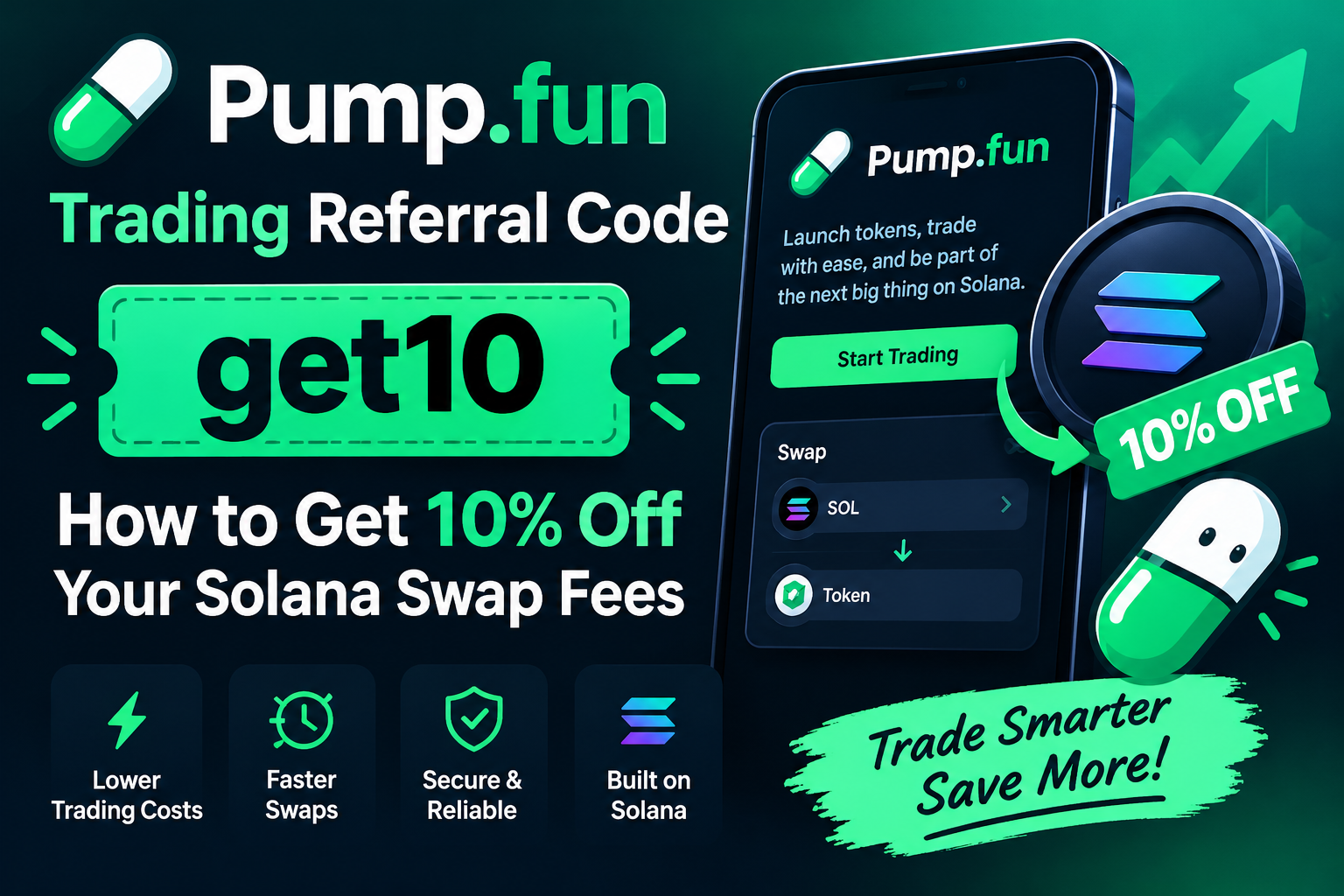
The referral code featured in this guide is get10. Users who enter it during mobile signup may be eligible for a 10% discount on trading fees, depending on the platform’s current terms. Referral offers can change at any time, so confirm the discount inside the official Pumpfun app or website before you trade.
Key Details
Feature | Details |
|---|---|
Platform | Pumpfun |
Referral Code | get10 |
Advertised Benefit | 10% trading discount |
Registration Method | Mobile browser or supported wallet app |
Eligibility | New users completing setup (subject to platform terms) |
Security Focus | Official domain check and wallet protection |
Glossary Terms
Referral Code: A short code entered during signup that links your new account to an existing promotion.
Trading Discount: A reduction applied to the fees you pay when buying or selling tokens. It is not a discount on the token price itself.
Wallet: A crypto app (such as a Solana-compatible wallet) that holds your funds and connects to Pumpfun.
Seed Phrase: The secret recovery words for your wallet. Never share them with anyone.
Slippage: The difference between the price you expect and the price you actually get when a trade executes.
Bonding Curve: A pricing formula where a token’s price rises as more people buy it.
Gas/Network Fee: A small blockchain charge paid on every transaction, separate from any platform fee.
Step-by-Step Mobile Signup Guide
Step 1: Open the official website. Type the official Pumpfun address into your mobile browser manually. Do not tap links from comments, DMs, or unknown posts.
Step 2: Check the domain. Confirm the spelling of the address character by character. Fake clones with near-identical names are common in the crypto space.
Step 3: Install a supported wallet. Download a compatible mobile wallet only from the Apple App Store or Google Play. Create a new wallet and write down your seed phrase offline.
Step 4: Connect your wallet. On the Pumpfun page, choose “Connect Wallet” and approve the connection inside your wallet app. Read the permission screen before approving.
Step 5: Look for the referral field. If the platform shows a promo or referral option in settings or during onboarding, enter get10 exactly as written. Codes are often case-sensitive.
Step 6: Confirm the discount. Check your account or fee screen to see whether the 10% reduction is displayed. If it does not appear, contact official support rather than trying random third-party tools.
Step 7: Start small. Make a minimal first transaction to see how fees are calculated before committing larger amounts.
Amounts and Fee Example
The discount, if active, applies to the fee, not to your whole trade. Here is a simple illustration using hypothetical numbers:
Trade size: $100
Example platform fee: 1% = $1.00
With a 10% fee discount: $1.00 − $0.10 = $0.90
Your saving on this trade: $0.10
As you can see, the savings are modest on small trades. The discount matters more for frequent or high-volume traders. Network fees and slippage are separate costs and are not reduced by the code. Actual fee rates are set by the platform and can change.
Smart Habits vs Common Mistakes
Smart Habits | Common Mistakes |
|---|---|
Typing the official address manually before connecting a wallet | Clicking links from social media replies or unknown messages |
Using a fresh wallet with only a small amount for trading | Connecting a main wallet holding all your savings |
Entering the code exactly as written, then checking the fee screen | Assuming the discount applied without confirming |
Keeping your seed phrase offline and private | Storing the seed phrase in screenshots or cloud notes |
Setting slippage limits before each trade | Approving trades blindly during fast price moves |
Reading each wallet permission request | Signing every prompt that appears |
Risk Notice
Trading newly launched tokens is extremely high risk. Prices can swing sharply within minutes, liquidity can vanish, and many tokens lose most or all of their value. A fee discount does not reduce market risk in any way. Only trade with money you can afford to lose completely, and never treat any guide, including this one, as financial advice. Scams impersonating crypto platforms are widespread, so no one from the platform will ever ask for your seed phrase or private keys.
Disclosure
This is an independent informational guide and is not affiliated with, endorsed by, or operated by Pumpfun. The code “get10” and its advertised 10% benefit may change, expire, or be unavailable in some regions. Always verify current terms directly through the official platform. This content may be updated as promotions change.
Frequently Asked Questions
Does get10 give a discount on token prices?
No. Any benefit applies to platform trading fees only, subject to current terms.
Do I need to be a new user?
Referral offers are usually designed for new accounts, but the platform’s own rules decide eligibility.
What if the code does not work?
Check for typos, confirm you are on the official site, and review the current terms. If the problem continues, contact official support.
Is my wallet safe when connecting?
Connecting is generally safe on the official site, but always review permissions and never share your seed phrase.
Summary
The referral code get10 is presented here as a way to potentially receive a 10% trading fee discount on Pumpfun. Verify the official domain, use a secure wallet, enter the code during setup, and confirm the discount on screen. Remember that the saving applies to fees only and does not lower trading risk.
Final Thoughts
A referral code can trim your costs, but it should never be the reason you trade. Focus first on security: use the official site, protect your wallet, and start with small amounts. Check the platform’s current terms regularly, since promotions change often. Trade carefully, and treat every discount as a small bonus, not a strategy.