Typical Process Flow
Physician Order:
Patient Registration | Patient demographic and insurance information is collected and input into the HIS/RIS |
New Order | The physician orders a particular procedure for the patient |
Verify Order | Radiology verifies the patient's demographics |
New Requested Procedure | The physician's order is further defined specifically to the patient's needs |
Performance of Exam:
Modality Worklist | Automates the transfer of information from any HIS/RIS/EMR to unlimited modalities |
Department Scheduler | Queried by the modality worklist to compile its list |
Patient Verification | The technologist verifies the patients identity is correct and begins the procedure |
Modality Performed Procedure Step | Procedure is started and images are captured |
Performing Quality Control/Assurance | QA/QC is performed and the exam is 'completed' |
Storage Commitment | The images are safeguarded at the archive in a manner that is sage so that they can eventually be deleted from the local acquisition modality |
Adding Procedure Steps | Example: CT is schedule w/o contrast and based on clinical observations, a decision is made to add a contrast step |
Multiple Procedures Scheduled vs Single Performed | A technologist may segment a study into multiple orders so that the patient is not exposed to more radiation then necessary |
Results Reporting (Dictation & Speech Recognition):
Speech Recognition | Software that is about 95% accurate, requiring edits to be made |
Dictation | The process of the radiologist creating the report of what they are seeing |
Immediate Reporting | The radiologist reviews the report immediately after the dictation, makes corrections and signs off so that it can be available for the physician immediately |
Batch Reporting | A radiologist might dictate a whole batch of exams and then correct them as a batch |
Transcriptionist Reporting | The reports are forwarded to a transcriptionist who really works more as a 'correctionalist' to perform the corrections |
Remote System Access for Image Viewing:
Prelim Report | Preformed based on preliminary diagnosis and is later used for generating the final report |
Trauma Report | Carried out under special conditions, which require performing the radiology procedure immediately |
After-Hour Support | Cases that deal with situations when the patient arrives late in the evening when there are no staff radiologists available at the institution |
Using Secure Connection | The radiologist has access using a secure connection to the PACS and can retrieve the images at his home viewing station as if it was a workstation in the radiology department |
Router Connection | The images are sent to the radiologist, potentially using a router, which determines the radiologist to send to |
Remote Reporting | Reporting away from the main radiology department |
Film & Digitization:
Film Scanner | Typically placed in a file room to take care of scanning priors of patients who have their files take in the past in the same hospital |
Patient's Demographics | Identifying patient information on the study |
Accession Number | Identifying number given to the exam so that it can be retrieved from the PACS database |
Misidentification | Incorrectly identifying the patient which could impact patient data safety or medical record |
Importing CDs:
Importing CDs | Somewhat simpler than scanning a film because the images on the CD have the patient information already present |
DICOM Compliance | The images need to be formatted correctly to be able to import them properly |
Data Integrity Problem | Adding a new set of images into PACS can create integrity problems because the accession number or MRN could clash with an existing procedure in the database 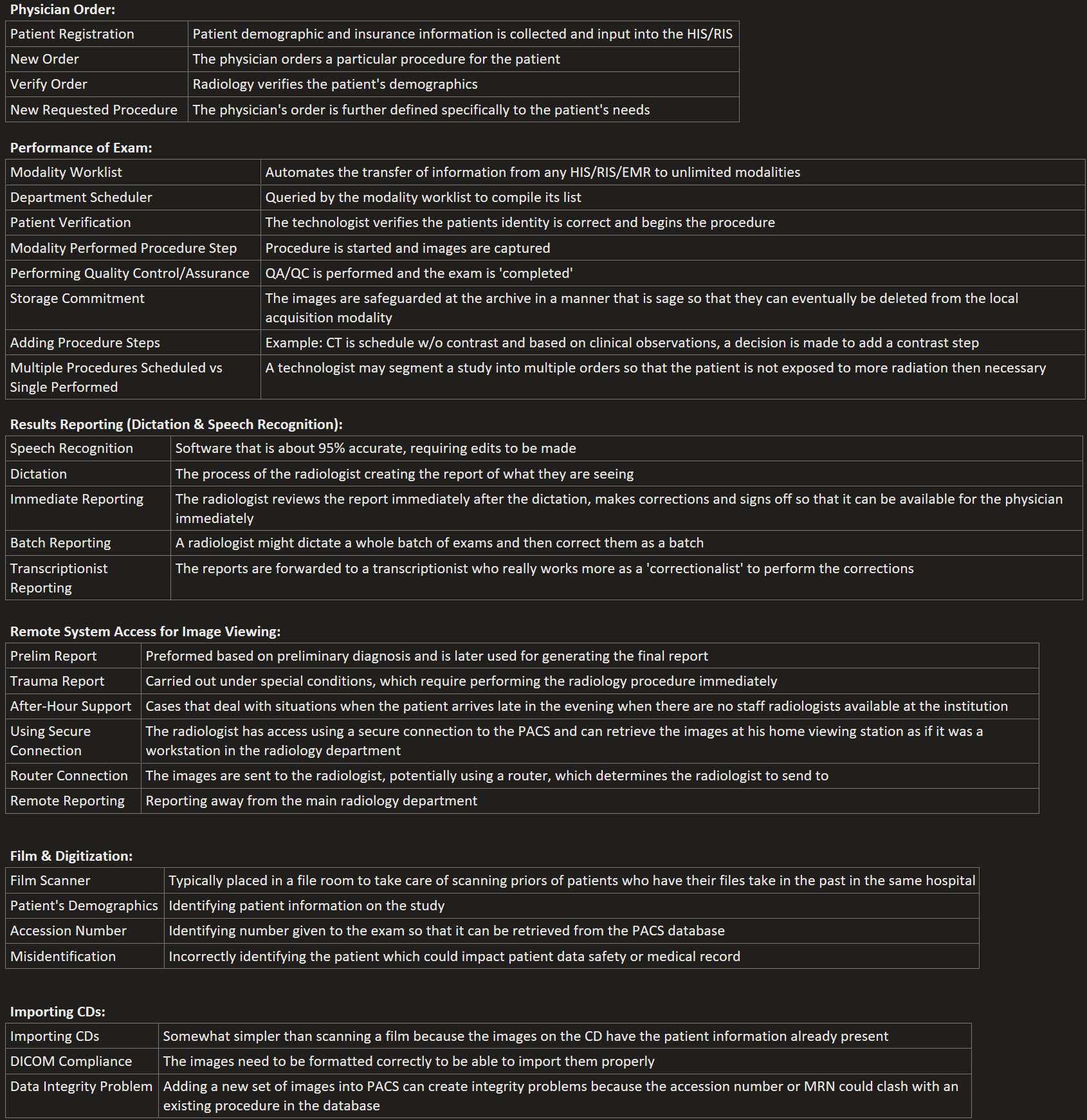 |