2 - The Network Administrator Arsenal
Network Administrators: Who Are They?
Network administrators are IT professionals responsible for managing and maintaining computer networks within an organization. They ensure that networks run smoothly, are secure from threats, and keep network infrastructures updated and efficient.
Network administrators can hold various titles depending on their roles and responsibilities within an organization. Some common titles include IT Professional, System Administrator, IT Support Specialist, Network Operations Specialist, and Technical Support Specialist. At the end of the Bootcamp, we will guide you on which positions you can apply for based on your training and skills.
Their responsibilities can vary and change between organizations, including:
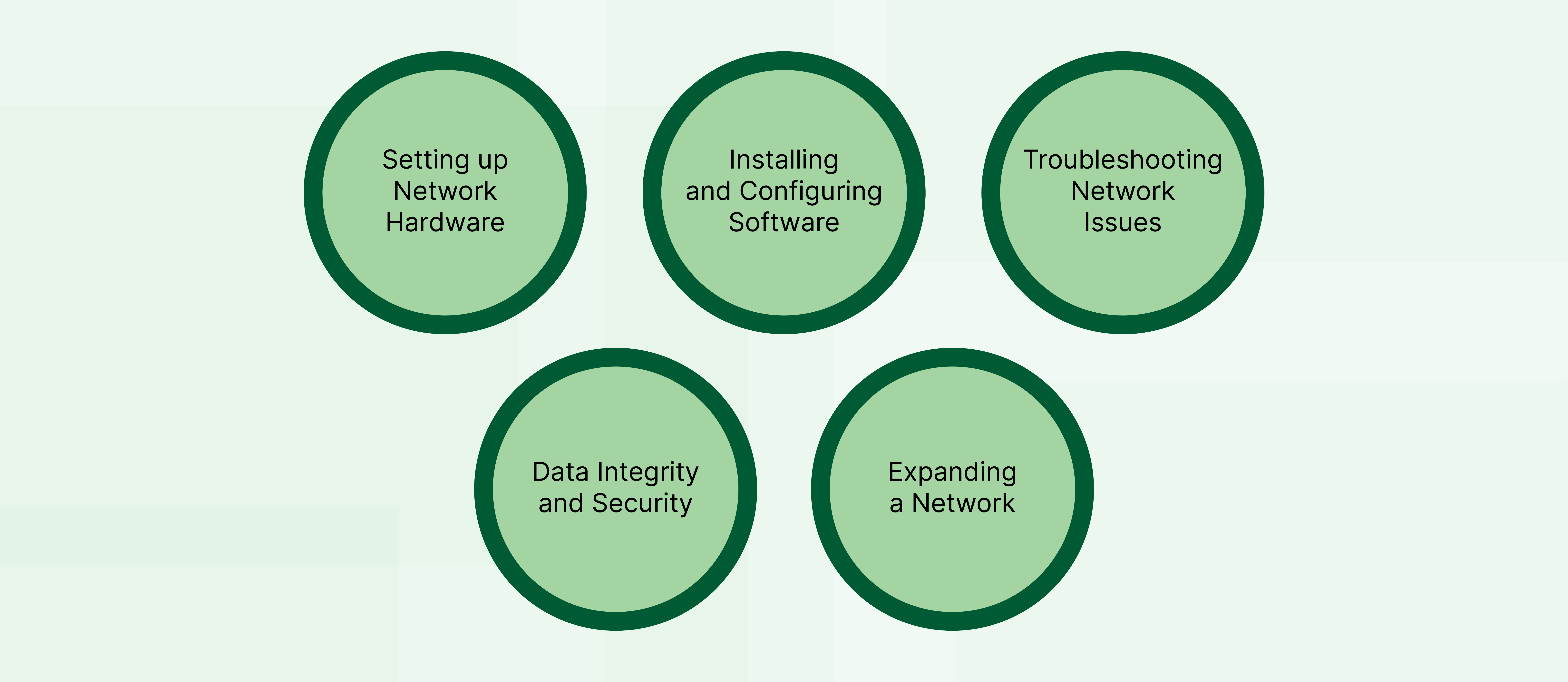
Setting up Network Hardware
Network administrators are responsible for setting up the physical components of a network. This includes routers, switches, and wireless access points. Their job is to correctly connect these devices to form the network infrastructure, ensuring that computers and other devices communicate effectively.
Installing and Configuring Software
Once the hardware is in place, network administrators install and set up the software that enables the network to operate. This includes operating systems, network monitoring tools, and security software. They configure settings to match the organization's needs, ensuring all devices can interact and access resources such as the Internet or company servers.
Troubleshooting Network Issues
Network administrators are also problem solvers. When there are connectivity problems or network slowdowns, they diagnose the issue. This may involve checking hardware connections, reviewing software settings, or analyzing traffic through the network. They identify the root cause and fix it to restore normal network operations.
Data Integrity and Security
Protecting data is a crucial part of a network administrator's job. They implement security measures like firewalls, encryption, and access controls to safeguard data as it moves across the network and when it is stored. They also regularly update systems to defend against cyberthreats and ensure that sensitive information remains confidential and intact.
Expanding a Network
Suppose all the components in a network work properly and the organization wants to expand the network's features and capabilities. In that case, network administrators can increase the number of new hosts and network services in the organization and provide new shared software.
Network Administration Tools
Network administrators ensure that networks operate smoothly, securely, and efficiently. To accomplish this, they rely on a suite of specialized tools designed to manage, troubleshoot, and protect the network infrastructure. These tools not only help monitor network performance and security but also assist in configuring network devices, diagnosing problems, and even simulating network environments for planning and educational purposes.
Let’s review some of the main network administration tools.
Network monitoring tools
These tools are essential for maintaining the performance of a network. They provide real-time insights into network traffic, performance issues, and security alerts, allowing administrators to keep the network running optimally.
IDS (Intrusion Detection Systems): Detects unauthorized access and attacks on the network.
Splunk: Monitors and analyzes machine-generated data to gain insights into network performance and security threats.

Configuration management tools
These tools streamline the task of managing network devices and systems. They ensure that all configurations are standardized and comply with company policies, helping to reduce errors and improve network stability.
Ansible: Automates the configuration of network devices, ensuring they are set up consistently and correctly across the network.
Puppet: Automates network and system configurations, making it easier to manage multiple devices and ensure they all adhere to the desired state, simplifying network administration tasks.


Network troubleshooting tools
When network issues arise, troubleshooting tools come into play.
They help administrators diagnose and resolve network problems, ensuring minimal downtime and optimal network performance.
Ping and traceroute: Basic tools that check connectivity and the path data takes through the network.
ICMP (Internet Control Message Protocol): Used to diagnose network connectivity issues by sending error messages indicating whether data is reaching its intended destination.
Network analysis tools
These tools are used for inspecting, analyzing, and debugging network traffic to identify bottlenecks, analyze data packets, and ensure efficient data transfer across the network.
IPS (Intrusion Prevention System): In network analysis, an IPS monitors and prevents unauthorized access, enhancing security while identifying malicious patterns that may affect network efficiency.
Wireshark: A tool for dissecting network traffic, Wireshark helps identify inefficiencies and troubleshoot issues by providing detailed insights into data packets and network operations.

These tools are essential for network administrators to ensure efficient, secure, and reliable network operations. During the Bootcamp, you'll gain hands-on experience with tools like Splunk, Wireshark, and others, building a foundational skillset for real-world network management.
In the next unit, you will get to know Packet Tracer and practice designing a new network.